cFormula
Customize Your Math Formulas
Được thiết kế cho iPhone, iPad, iPod touch
Miễn phí · Mua hàng trong ứng dụng
- Độ tuổi4+
- Danh mụcHiệu Suất
- Nhà phát triển疆 边
- Ngôn ngữTiếng Anh+ 6 ngôn ngữ khác
- Kích thước12,9 MB
Liên kết đến trang App Store chính thức
Download.org không lưu trữ tệp nào của cFormula. Nút này mở trang ứng dụng trên App Store, nơi 疆 边 phát hành ứng dụng. Trang được kiểm tra lần cuối: 19/11/2026.
Ảnh chụp màn hình
Giới thiệu
Nhà phát triển chưa cung cấp nội dung này bằng ngôn ngữ của bạn.
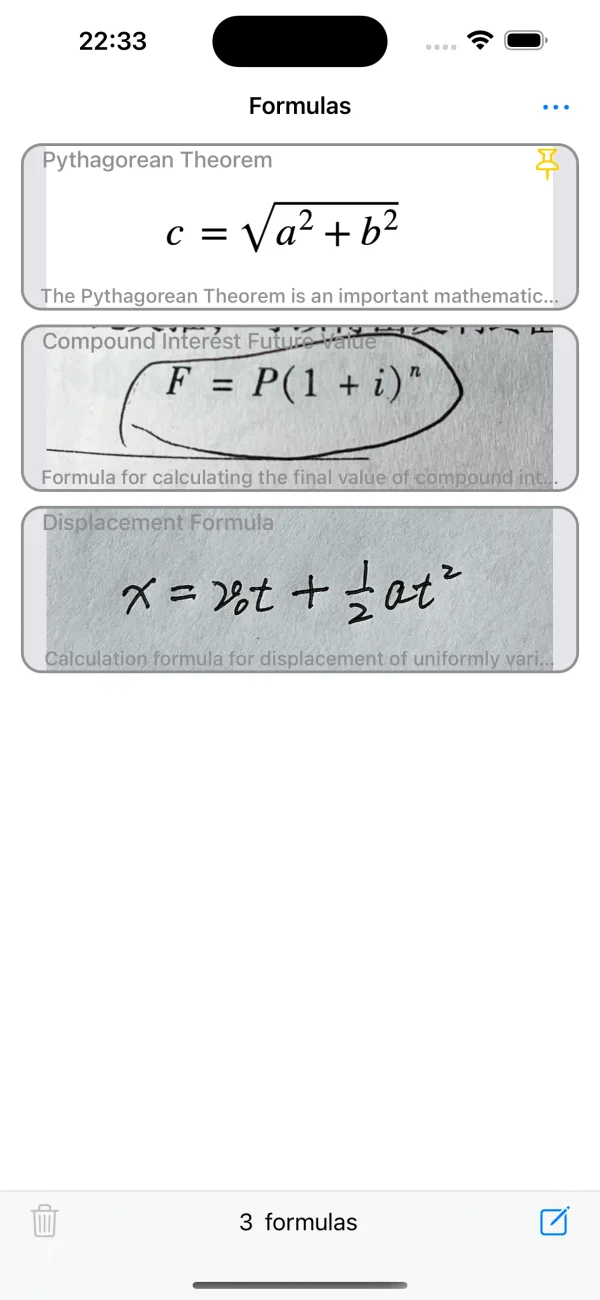
Customize formulas and calculate at any time.
I want to calculate using formulas, but most apps have built-in formulas. There are countless formulas in the world, and it is not easy to find the formula you need to use.
Now you can create your own formula within 1 minute.
Just 3 steps:
1. Take a photo or select a formula image in the album.
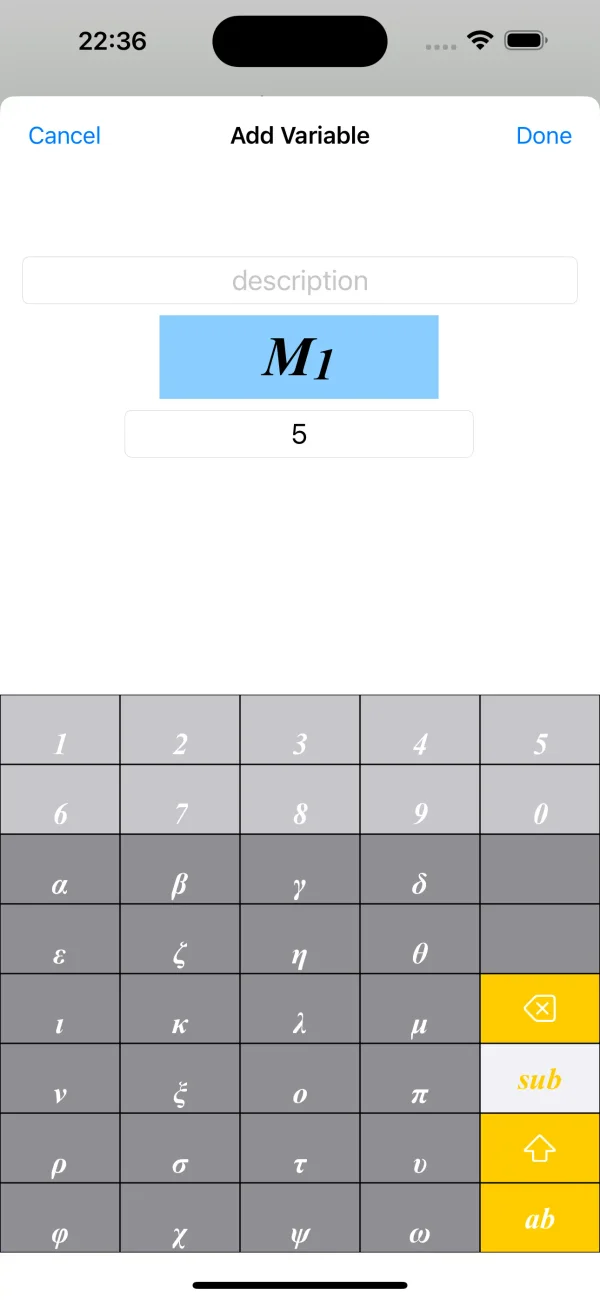
2. Add variables.
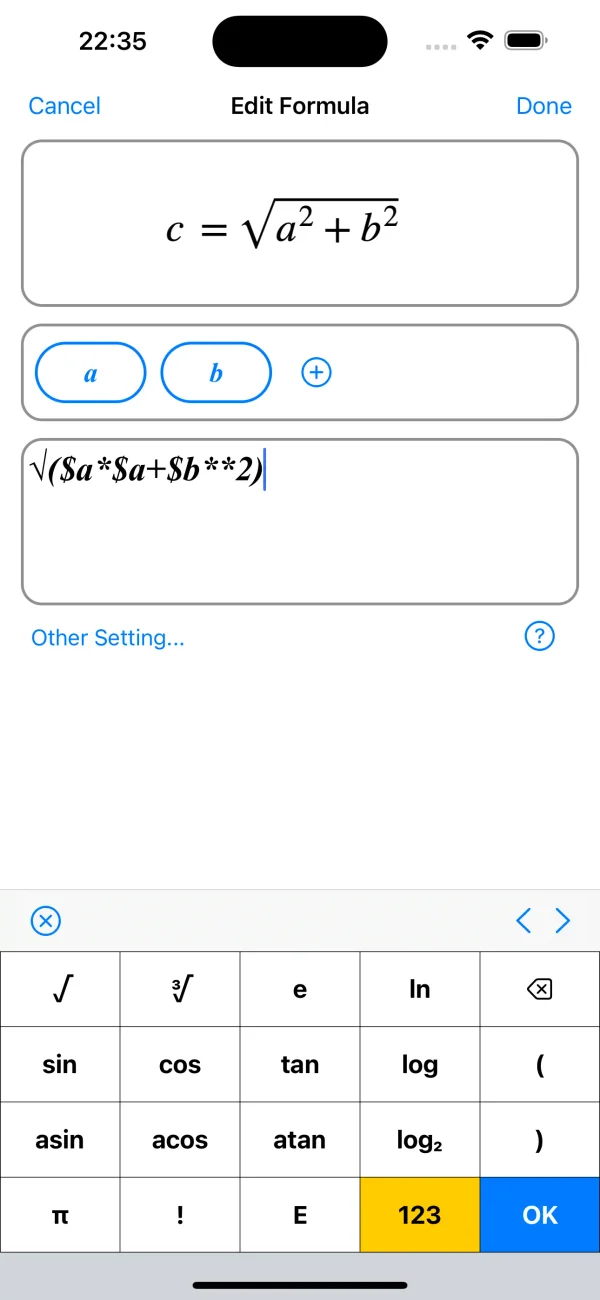
3. Enter an expression containing variables.
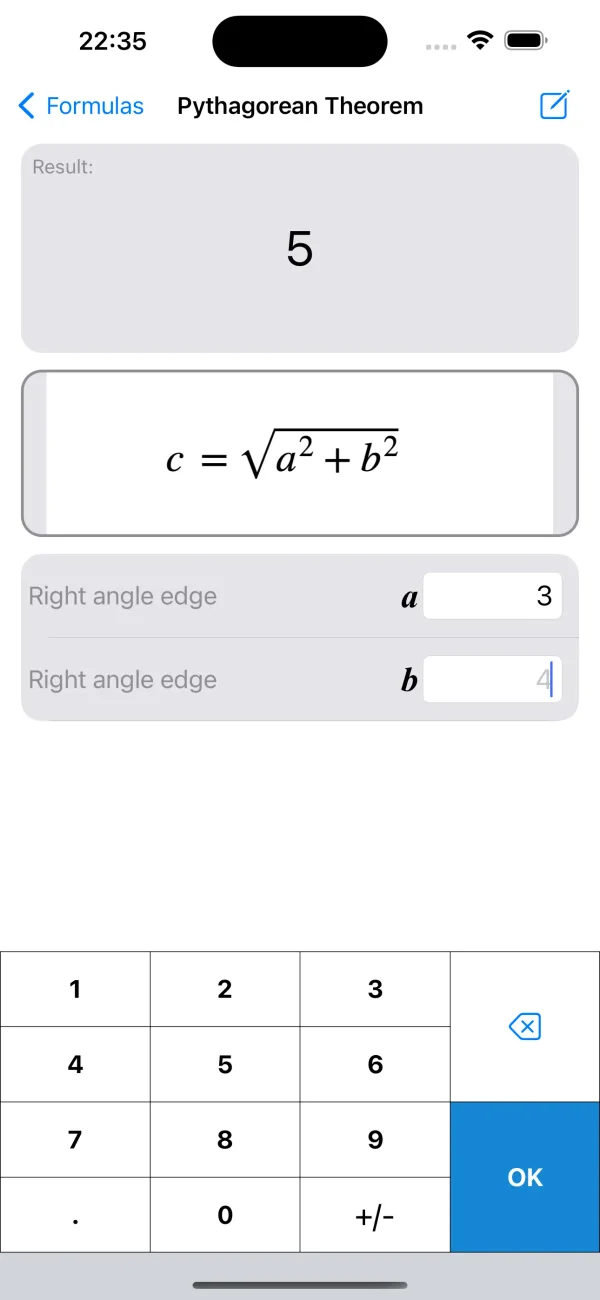
The formula creation is completed, and the calculation is completed instantly by inputting the numerical value of the variable.
【 Main functions 】
——Take pictures and crop them.
——Select an image and crop it.
——Set formula variables, support uppercase and lowercase letters in English and Latin, and support subscripts.
——A dedicated keyboard for expression input, simple and easy to use.
——Check the expression and prompt for incorrect positions.
——Number specific keyboard, clear and easy to use.
——Supports angle or radian calculation settings.
——Supports calculations such as arithmetic, exponent (power), root, trigonometric function, logarithm, etc.
——Support Scientific notation and factorial calculation.
——Supports constant inputs such as e and π.
——ICloud cloud synchronization creates formulas that are shared across multiple devices and can be used anytime.
——Support restoring after deletion. The deleted formula will be permanently deleted after 30 days.
Tip:
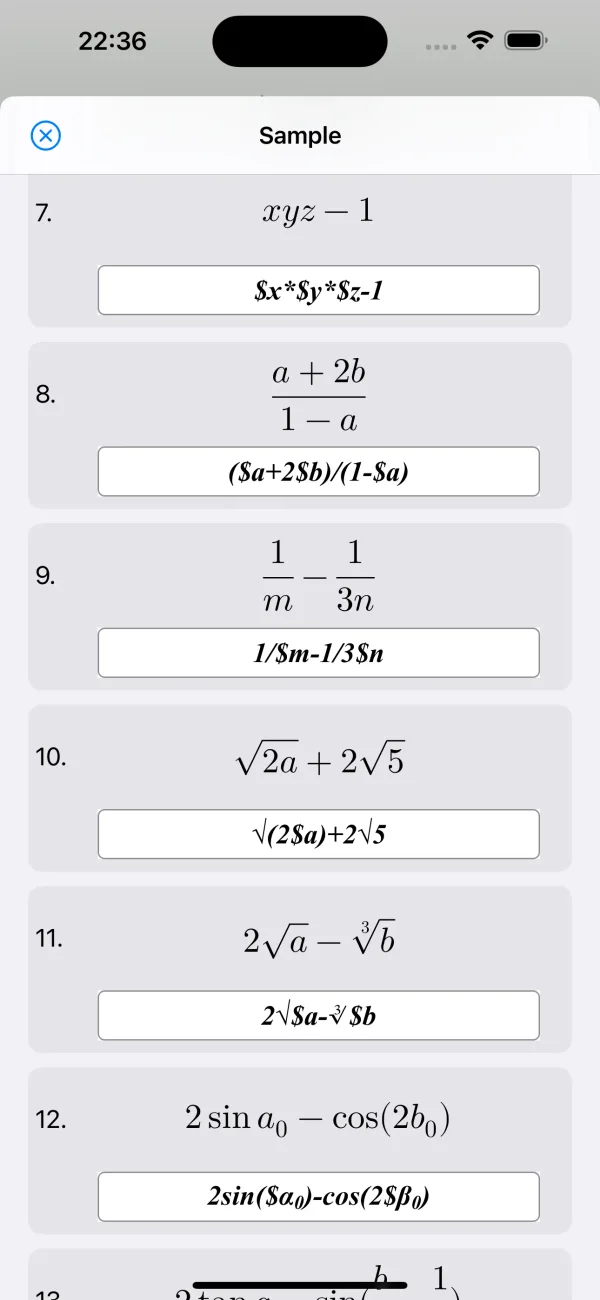
1. The simplest formula is to have no images, no variables, and only expressions. You can use it to calculate mathematical formulas with fractions and multiple parentheses. Can be used all at once, next time clear the expression and input a new one.
2. The image of the formula is used to compare the input variable values during use. You can take photos of formulas on books, computer screens, or handwrite them. You can also use other software to edit screenshots of formulas.
3. The dedicated keyboard for expression input is for convenience and ease of use. You can also paste functions that the keyboard does not support in the expression input box, which may bring surprises.
Có gì mới
Phiên bản 1.1 · 29/10/2024
Fix bugs
Quyền riêng tư của ứng dụng
Những gì 疆 边 khai báo trên App Store về cách ứng dụng này xử lý dữ liệu.
-
Dữ liệu được sử dụng để theo dõi bạn
Có thể được sử dụng để theo dõi bạn trên các ứng dụng và trang web do công ty khác sở hữu.
- Vị trí
- Mã định danh
- Dữ liệu sử dụng
-
Dữ liệu không liên kết với bạn
Có thể được thu thập nhưng không liên kết với danh tính của bạn.
- Vị trí
- Mã định danh
- Dữ liệu sử dụng
- Chẩn đoán
Phương thức đảm bảo quyền riêng tư có thể khác nhau, chẳng hạn như tuỳ theo các tính năng bạn sử dụng hoặc độ tuổi của bạn.
Thông tin
- Người bán
- 疆 边
- Danh mục
- Hiệu Suất
- Phiên bản
- 1.1
- Cập nhật
- 29/10/2024
- Phát hành
- 21/01/2024
- Kích thước
- 12,9 MB
- Yêu cầu
- iOS 13.0 trở lên
- Độ tuổi
- 4+
- Giá
- Miễn phí
- Mua hàng trong ứng dụng
- Có
- Ngôn ngữ
- Tiếng Anh, Tiếng Pháp, Tiếng Đức, Tiếng Nhật, Tiếng Trung Giản thể, Tiếng Tây Ban Nha, Tiếng Trung Phồn thể
- Bản quyền
- © 2024 BianJiang