cFormula
Customize Your Math Formulas
iPhone, iPad, iPod touch için tasarlandı
Ücretsiz · Uygulama içi satın alma
- Yaş sınırı4+
- KategoriÜretkenlik
- Geliştirici疆 边
- Dillerİngilizce+ 6 dil daha
- Boyut12,9 MB
Resmi App Store sayfasına bağlanır
Download.org, cFormula için hiçbir dosya barındırmaz. Düğme, uygulamanın App Store üzerindeki sayfasını açar; uygulamayı orada 疆 边 yayınlar. Sayfanın son kontrolü: 19.11.2026.
Ekran görüntüleri
Hakkında
Geliştirici bu metni dilinizde sunmamış.
Customize formulas and calculate at any time.
I want to calculate using formulas, but most apps have built-in formulas. There are countless formulas in the world, and it is not easy to find the formula you need to use.
Now you can create your own formula within 1 minute.
Just 3 steps:
1. Take a photo or select a formula image in the album.
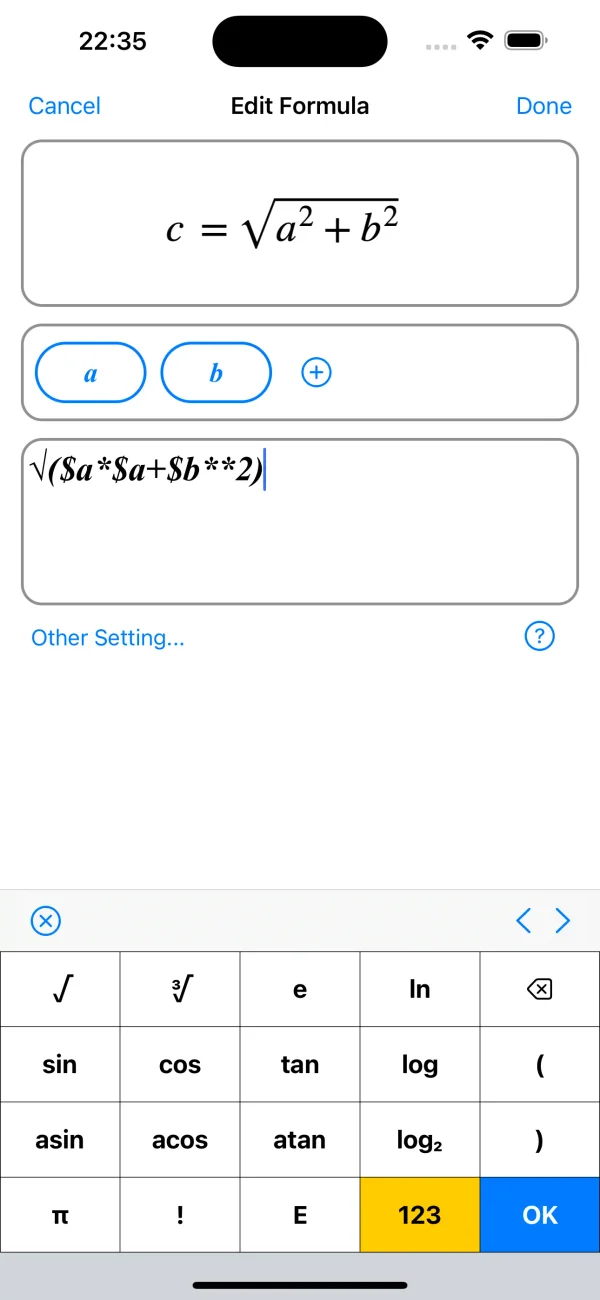
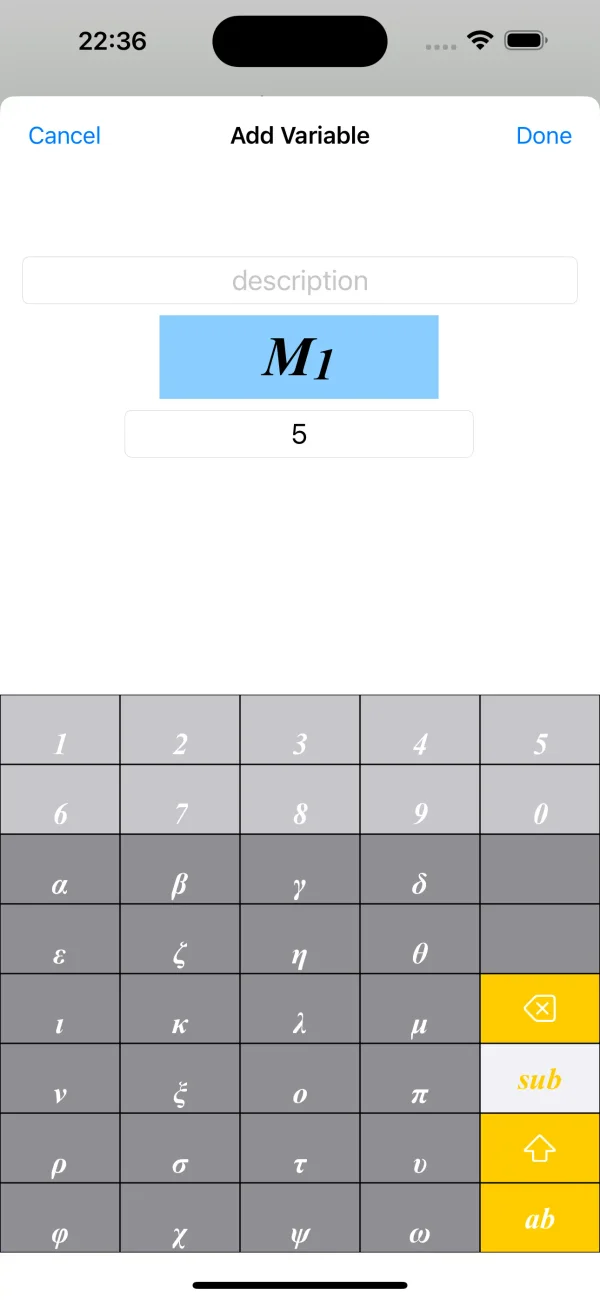
2. Add variables.
3. Enter an expression containing variables.
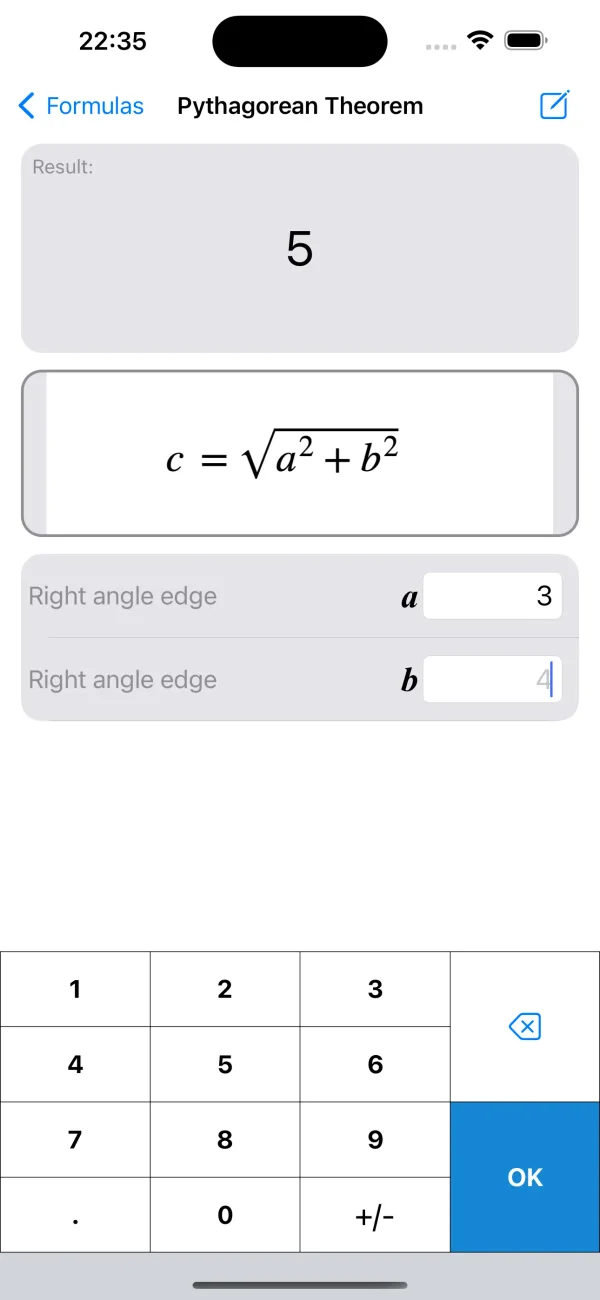
The formula creation is completed, and the calculation is completed instantly by inputting the numerical value of the variable.
【 Main functions 】
——Take pictures and crop them.
——Select an image and crop it.
——Set formula variables, support uppercase and lowercase letters in English and Latin, and support subscripts.
——A dedicated keyboard for expression input, simple and easy to use.
——Check the expression and prompt for incorrect positions.
——Number specific keyboard, clear and easy to use.
——Supports angle or radian calculation settings.
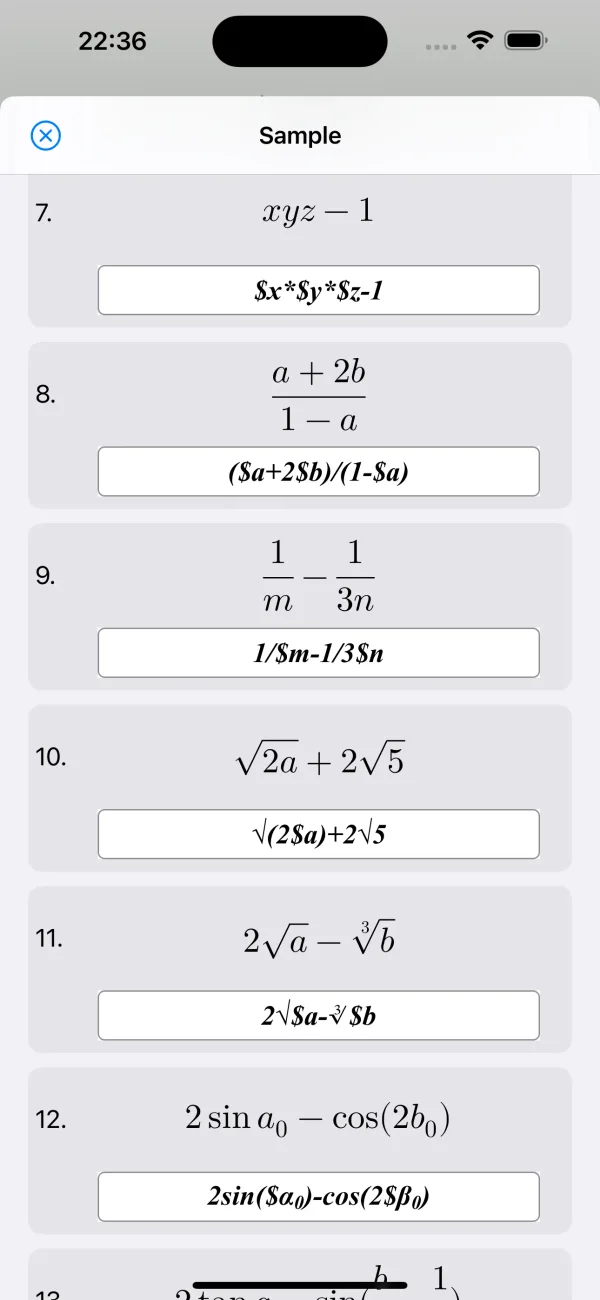
——Supports calculations such as arithmetic, exponent (power), root, trigonometric function, logarithm, etc.
——Support Scientific notation and factorial calculation.
——Supports constant inputs such as e and π.
——ICloud cloud synchronization creates formulas that are shared across multiple devices and can be used anytime.
——Support restoring after deletion. The deleted formula will be permanently deleted after 30 days.
Tip:
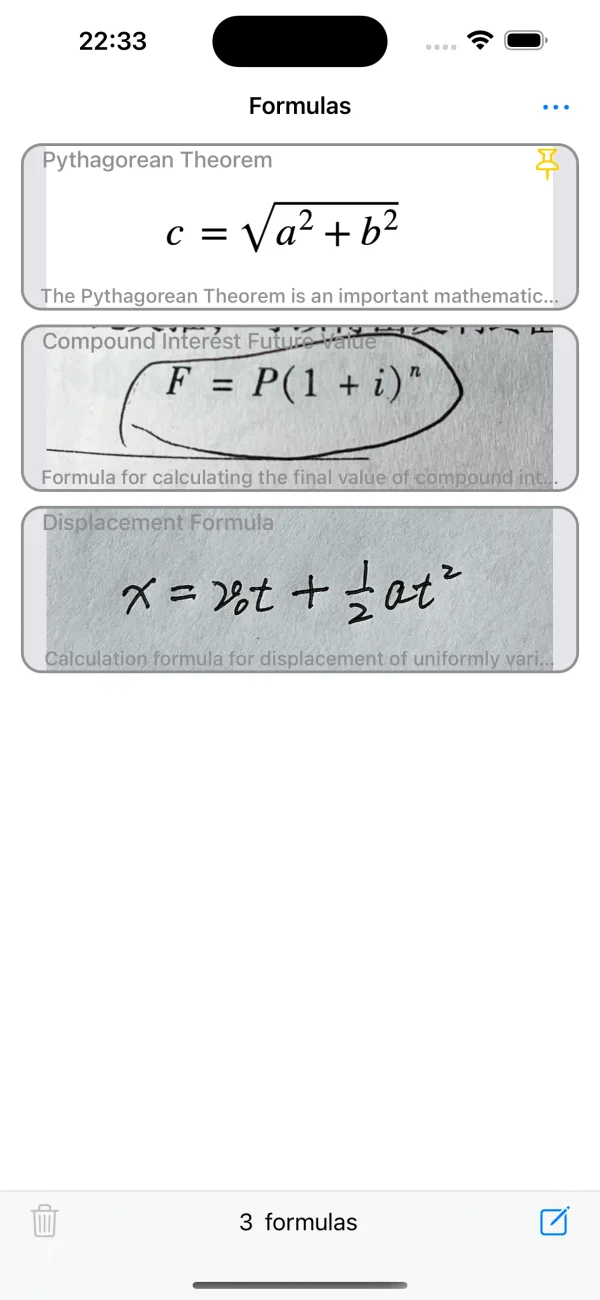
1. The simplest formula is to have no images, no variables, and only expressions. You can use it to calculate mathematical formulas with fractions and multiple parentheses. Can be used all at once, next time clear the expression and input a new one.
2. The image of the formula is used to compare the input variable values during use. You can take photos of formulas on books, computer screens, or handwrite them. You can also use other software to edit screenshots of formulas.
3. The dedicated keyboard for expression input is for convenience and ease of use. You can also paste functions that the keyboard does not support in the expression input box, which may bring surprises.
Yenilikler
Sürüm 1.1 · 29.10.2024
Fix bugs
Uygulama gizliliği
Bu uygulamanın verileri nasıl işlediği hakkında 疆 边 tarafından App Store üzerinde yapılan beyan.
-
Sizi izlemek için kullanılan veriler
Başka şirketlere ait uygulamalarda ve web sitelerinde sizi izlemek için kullanılabilir.
- Konum
- Tanımlayıcılar
- Kullanım verileri
-
Sizinle ilişkilendirilmeyen veriler
Toplanabilir ancak kimliğinizle ilişkilendirilmez.
- Konum
- Tanımlayıcılar
- Kullanım verileri
- Tanılama
Gizlilik uygulamaları, örneğin kullandığınız özelliklere veya yaşınıza göre değişiklik gösterebilir.
Bilgiler
- Satıcı
- 疆 边
- Kategori
- Üretkenlik
- Sürüm
- 1.1
- Güncellendi
- 29.10.2024
- Yayın tarihi
- 21.01.2024
- Boyut
- 12,9 MB
- Gereksinim
- iOS 13.0 veya sonrası
- Yaş sınırı
- 4+
- Fiyat
- Ücretsiz
- Uygulama içi satın alma
- Evet
- Diller
- İngilizce, Fransızca, Almanca, Japonca, Basitleştirilmiş Çince, İspanyolca, Geleneksel Çince
- Telif hakkı
- © 2024 BianJiang