
Chronographer
Track your mechanical watches
Dirancang untuk iPhone, iPad
Gratis
- Batasan usia4+
- KategoriKegunaan
- PengembangRobert France
- BahasaInggris
- Ukuran2,7 MB
Tertaut ke halaman resmi App Store
Download.org tidak menyimpan file Chronographer apa pun. Tombol ini membuka halaman aplikasi di App Store, tempat Robert France menerbitkannya. Halaman terakhir diperiksa pada 14/11/2026.
Tangkapan layar
Tentang
Pengembang belum menyediakan teks ini dalam bahasa Anda.
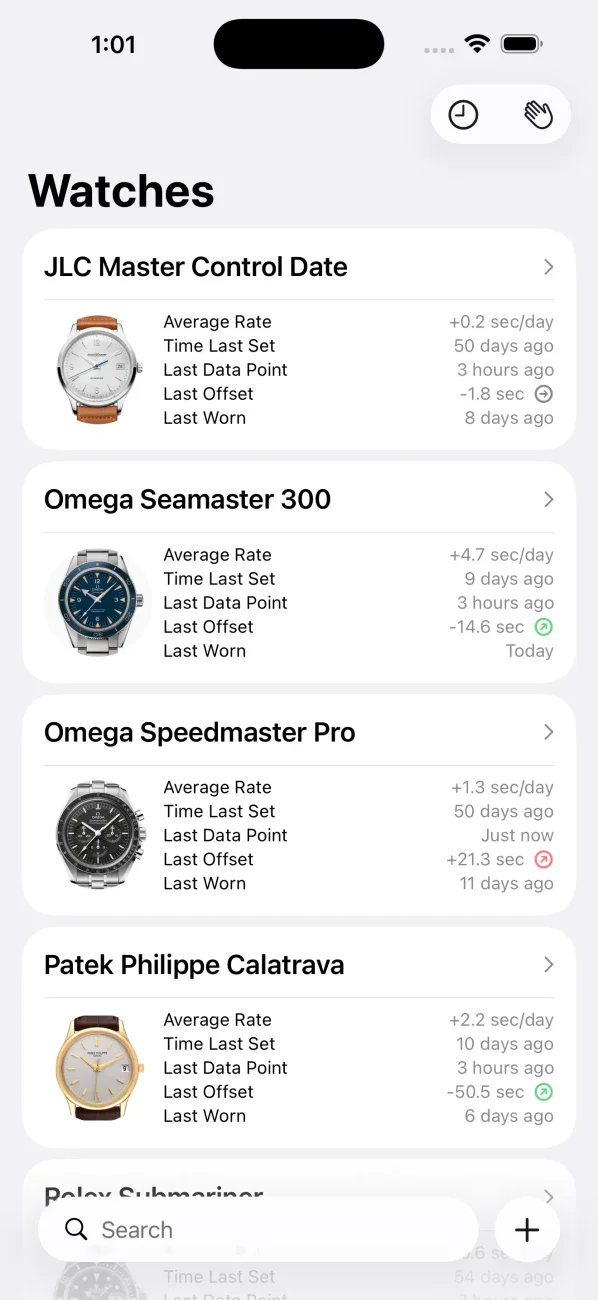
Chronographer is for people who enjoy mechanical watches. It does two things:
1. Tracks your watches’ long-term accuracy
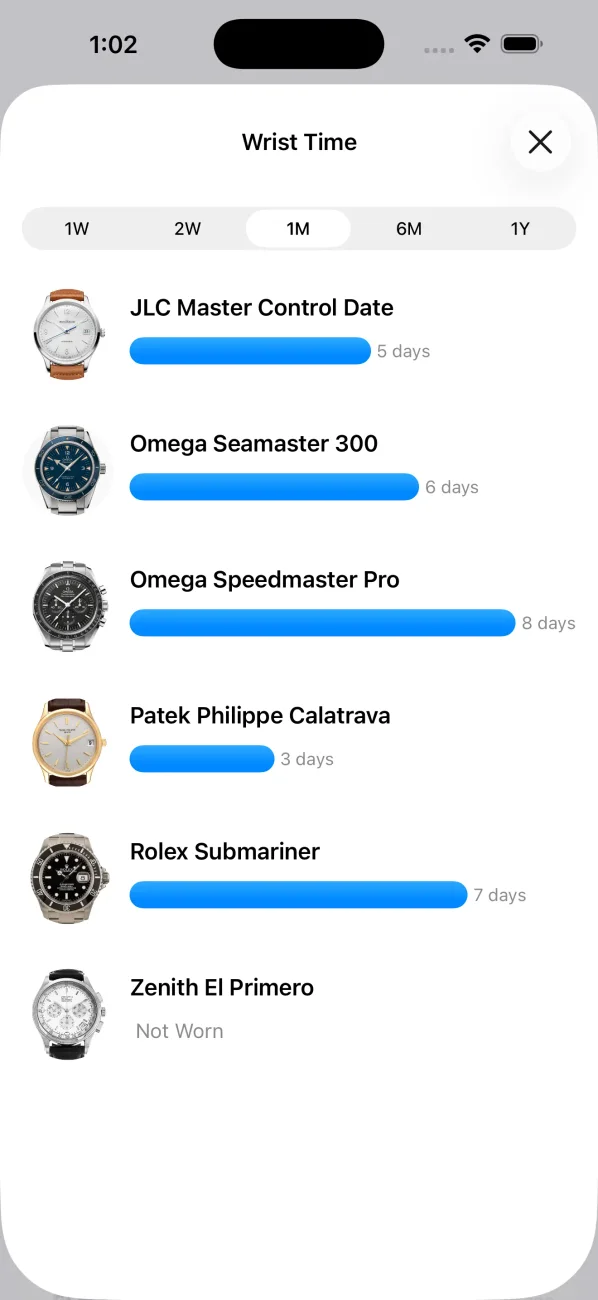
2. Records wrist time
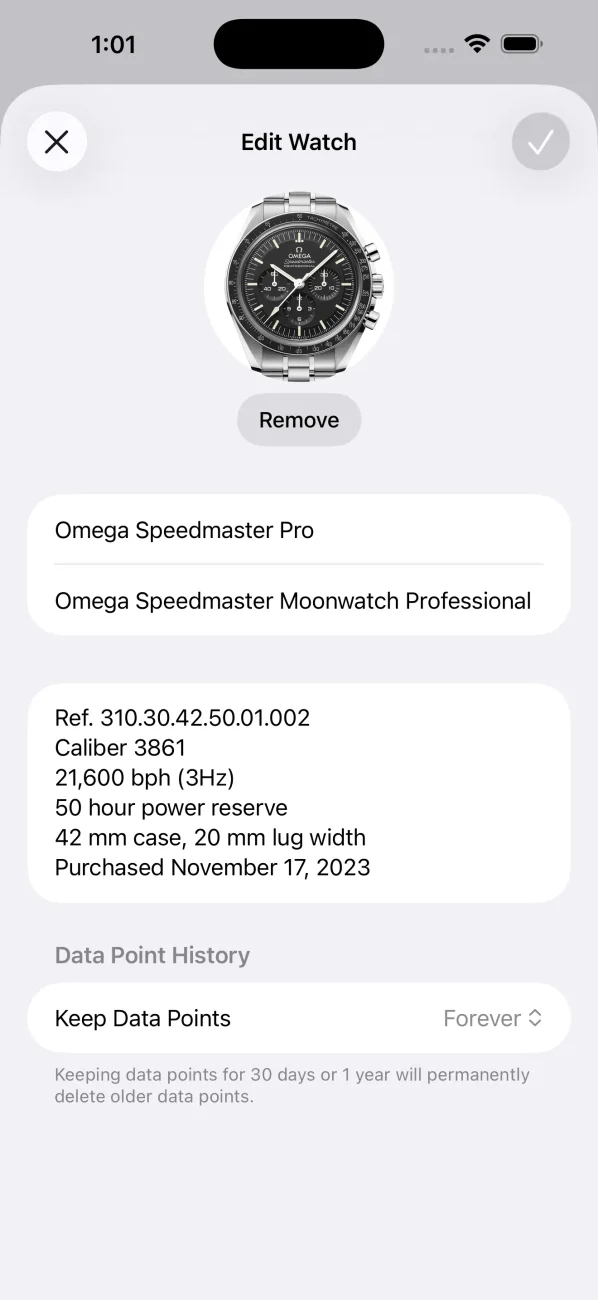
Chronographer can work with your whole watch collection. Create a “card” for each watch, giving it a name and, optionally, a longer description. Select a picture from your Photos library and add additional notes, such as the watch’s specifications, purchase details, and service history. All information is stored in iCloud and automatically synchronized between your devices.
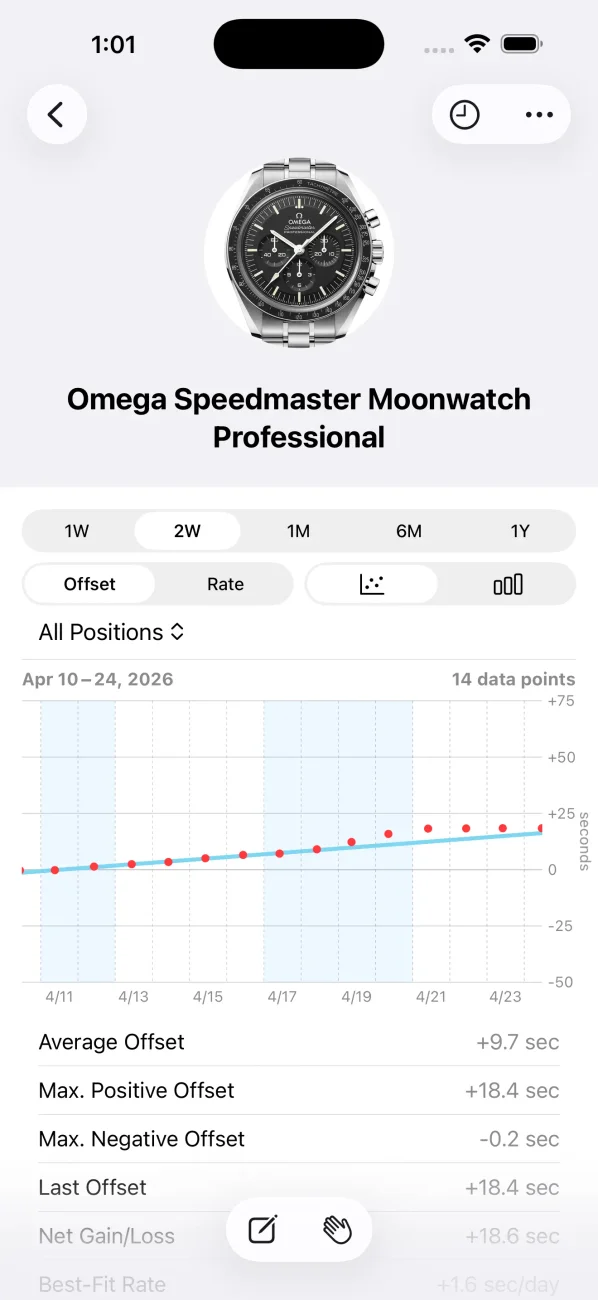
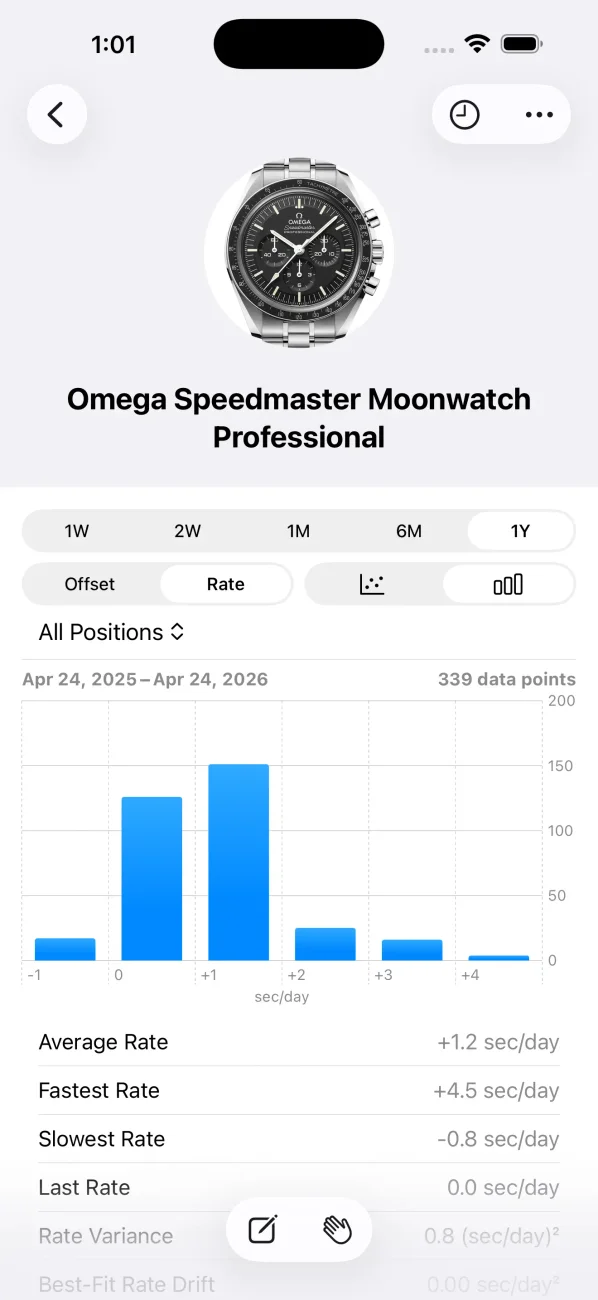
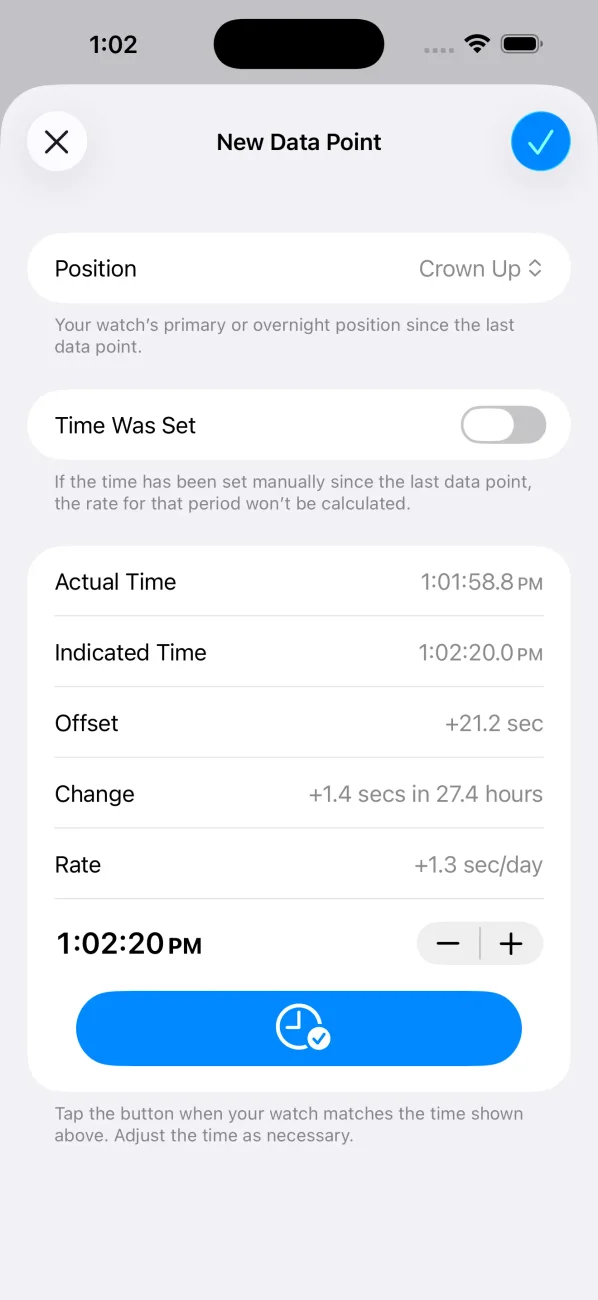
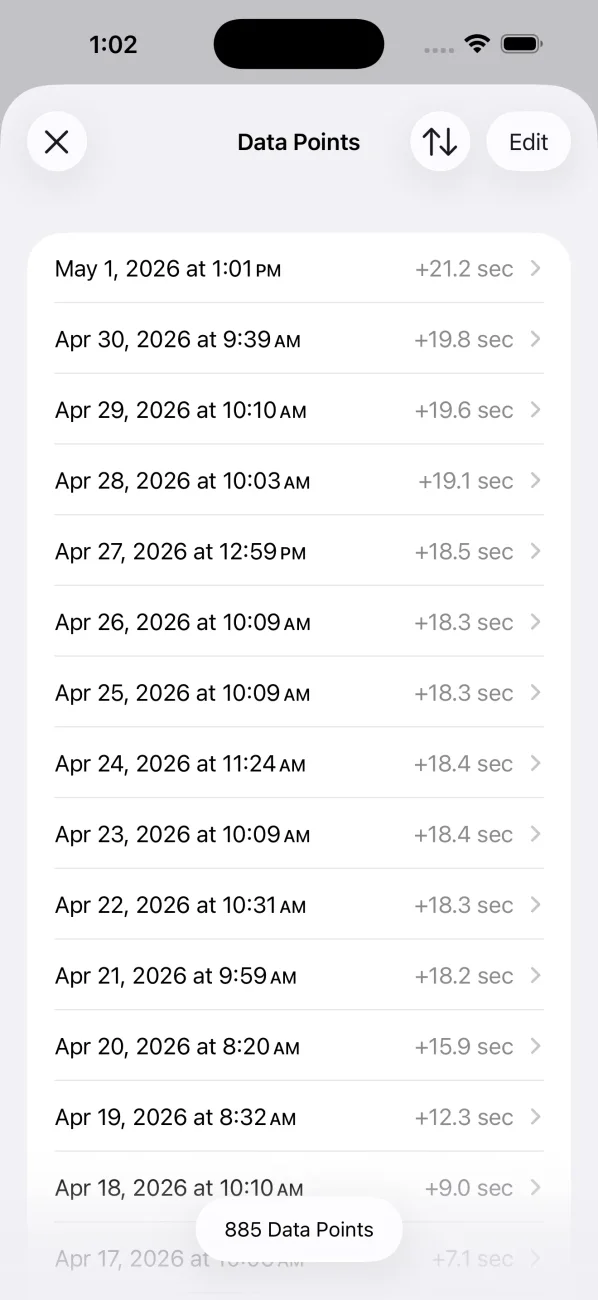
To track a watch’s accuracy, periodically collect data points comparing its indicated time to the current correct time. Chronographer tracks offsets (the difference from the correct time) and daily rate (how many seconds it gains or loses per day). It uses this information to create graphs and histograms that help you visualize your watch’s performance over time.
Chronographer also calculates the following metrics:
* Average offset
* Max. positive offset
* Max. negative offset
* Last offset
* Net gain/loss
* Best-fit rate
* Average rate
* Fastest rate
* Slowest rate
* Last rate
* Rate variance
* Best-fit rate drift
You can log the watch (or watches) that you wear each day. Chronographer’s wrist time tracking feature lets you see which watches you wear the most and how long it’s been since you’ve worn each one.
You can use Chronographer to identify positional variation. When you record a data point, include the position (dial up, crown up, etc.) that the watch was stored in. Then, you can restrict the charts and metrics to specific positions and compare the results.
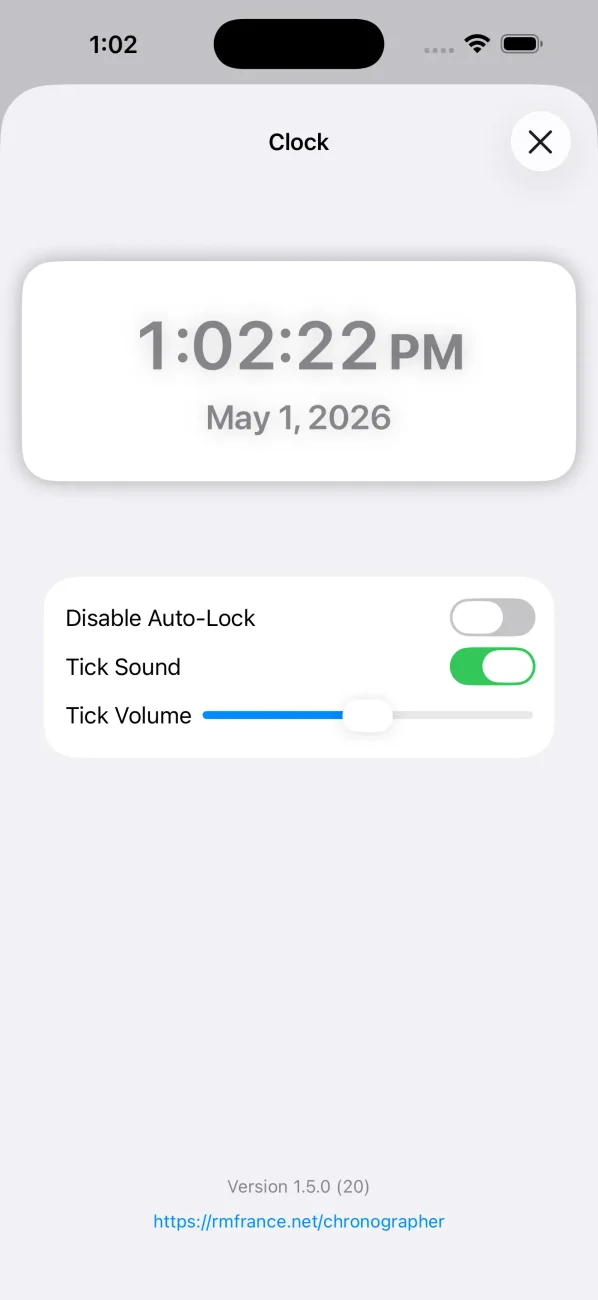
Chronographer includes a large digital clock to help when you set your watches.
For more information, including a detailed user’s guide, see https://www.rmfrance.net/chronographer
Yang baru
Versi 1.5.4 · 10/11/2026
• Support for iPhone Duo
• When estimating the Add Data Point target time, don’t consider previous data points older than 30 days.
• Moved the iPad search field to the sidebar for better consistency with other device types.
Privasi aplikasi
Yang dinyatakan Robert France di App Store tentang cara aplikasi ini menangani data.
-
Data tidak dikumpulkan
Pengembang tidak mengumpulkan data apa pun dari aplikasi ini.
Praktik privasi dapat bervariasi, misalnya berdasarkan fitur yang Anda gunakan atau usia Anda.
Informasi
- Penjual
- Robert France
- Kategori
- Kegunaan
- Versi
- 1.5.4
- Diperbarui
- 10/11/2026
- Dirilis
- 17/7/2023
- Ukuran
- 2,7 MB
- Memerlukan
- iOS 18.6 atau yang lebih baru
- Batasan usia
- 4+
- Harga
- Gratis
- Bahasa
- Inggris
- Hak cipta
- © 2026 Robert M. France
Mungkin Anda juga suka
-
 Tickscope — Watch AccuracyKegunaan
-
 zakuni CalculatorKegunaan
-
 TickTracer - Watch AccuracyKegunaan
-
 Watch Accuracy CheckerKegunaan
-
 WristLog: Watch Collection LogKegunaan
-
 Oscillo: Watch Accuracy MeterKegunaan
-
 Wrotate: Watch TimegrapherKegunaan
-
 Tempochron: Watch TimegrapherKegunaan
-
 Isochron: Watch AccuracyKegunaan
-
 ChronoLog • Watch AccuracyKegunaan