
Clipboard Manager: Quick Paste
Copy Text & Keyboard History
Dirancang untuk iPhone, iPad, Mac
Gratis · Pembelian dalam aplikasi
- Batasan usia4+
- KategoriProduktivitas
- PengembangIhsan Ullah
- BahasaInggris+ 11 lainnya
- Ukuran36,8 MB
Tertaut ke halaman resmi App Store
Download.org tidak menyimpan file Clipboard Manager: Quick Paste apa pun. Tombol ini membuka halaman aplikasi di App Store, tempat Ihsan Ullah menerbitkannya. Halaman terakhir diperiksa pada 22/11/2026.
Tangkapan layar
Tentang
Pengembang belum menyediakan teks ini dalam bahasa Anda.
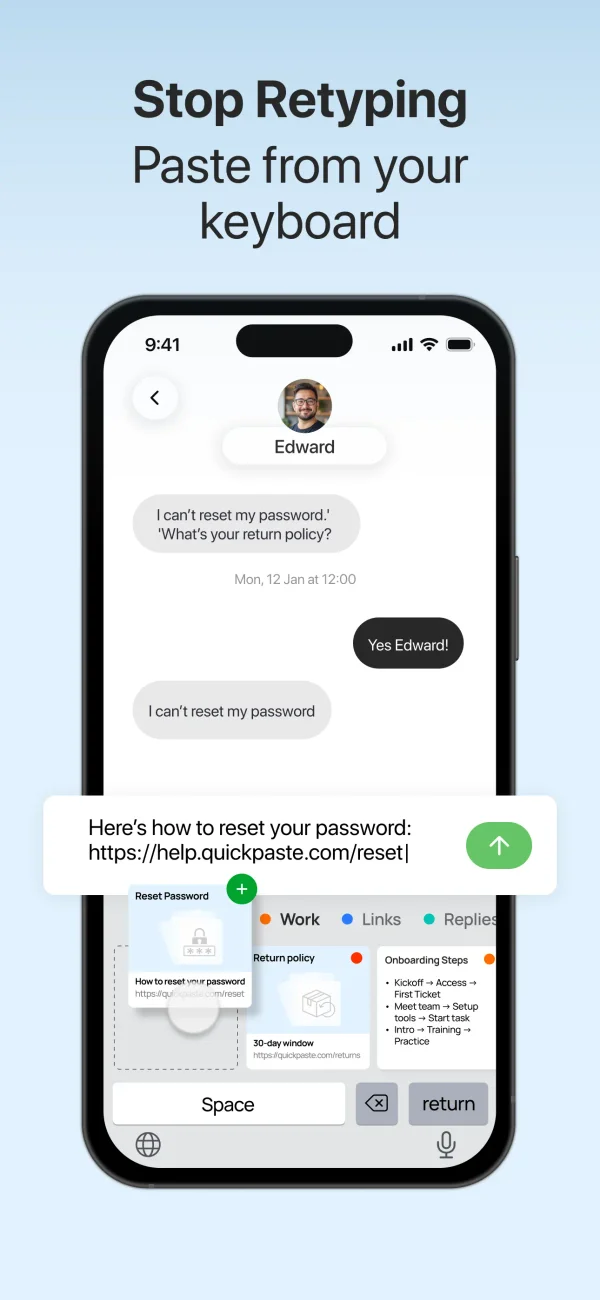
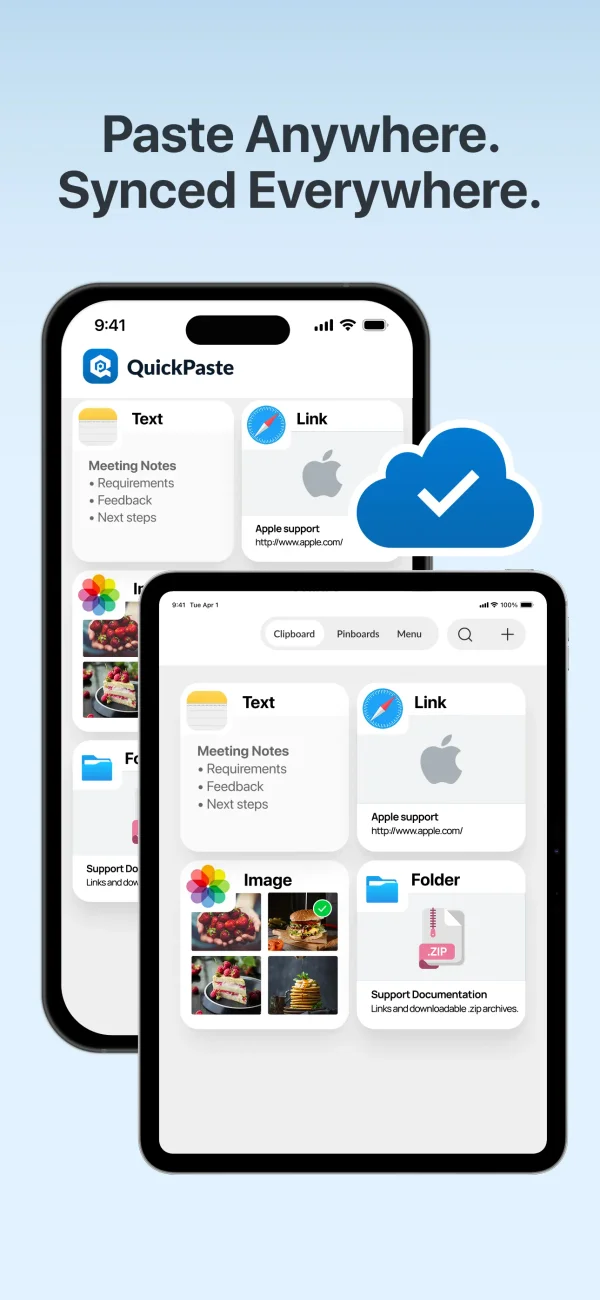
Paste directly from the keyboard on iPhone and Mac! QuickPaste is the copy paste keyboard manager that stores everything in your clipboard history, so you never lose copied text again. Sync your clipboard across iPhone, iPad, and Mac with iCloud.
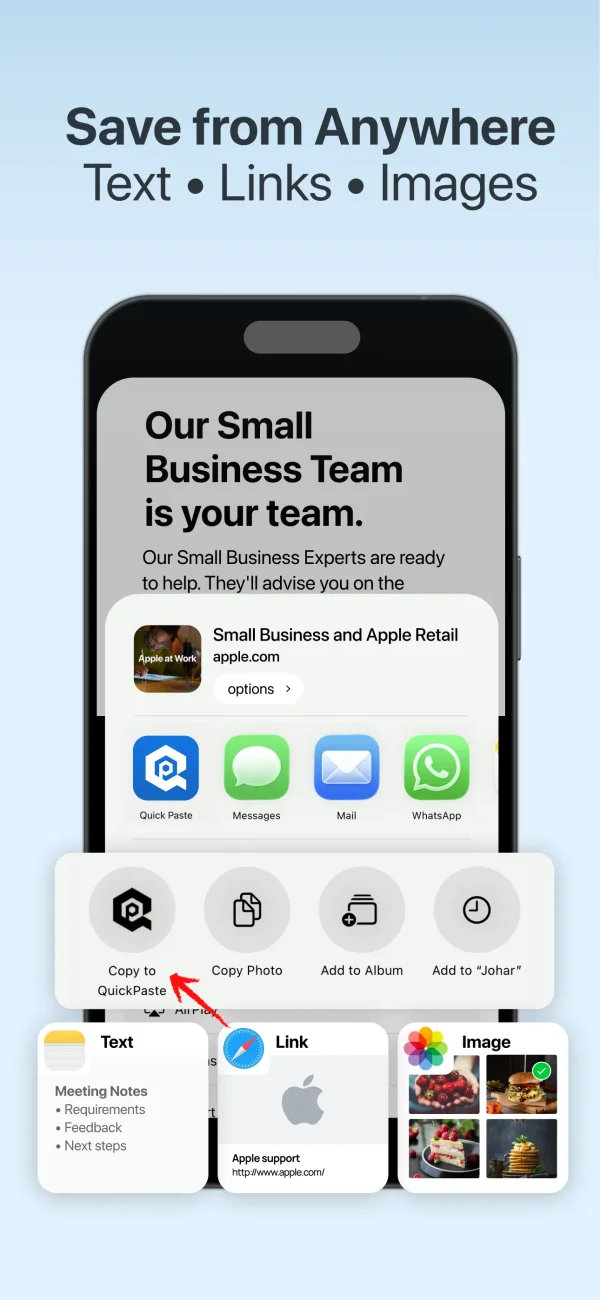
QuickPaste clipboard manager handles text, links, images, passwords, addresses, emails, code snippets, bank details, and quick notes. Every clipboard item is protected with Face ID, so only you can access your saved clips, anytime, anywhere.
QuickPaste - Keyboard Manager
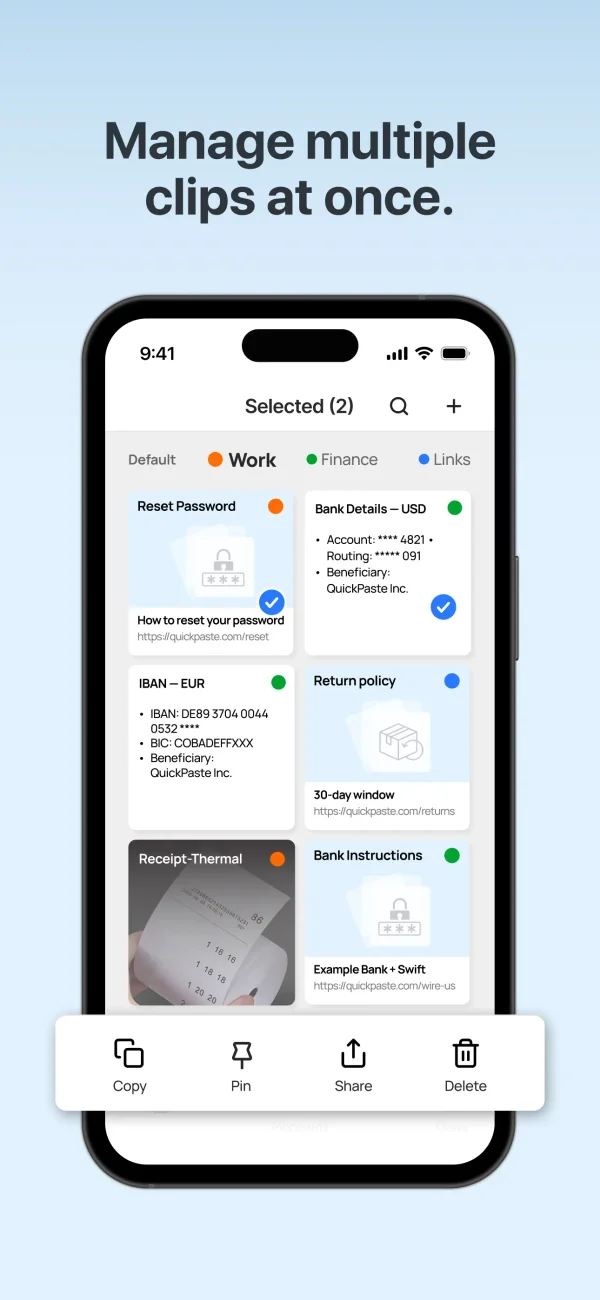
* Store and organize every clipboard item
* Clipboard sync across iPhone, iPad, and Mac with iCloud
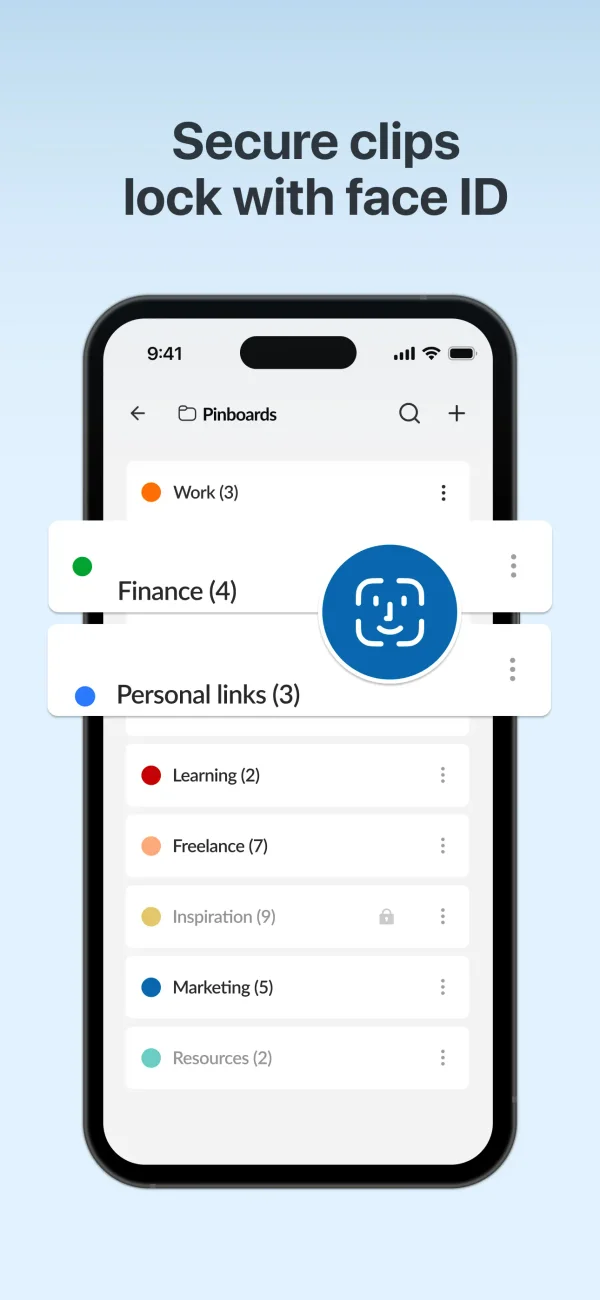
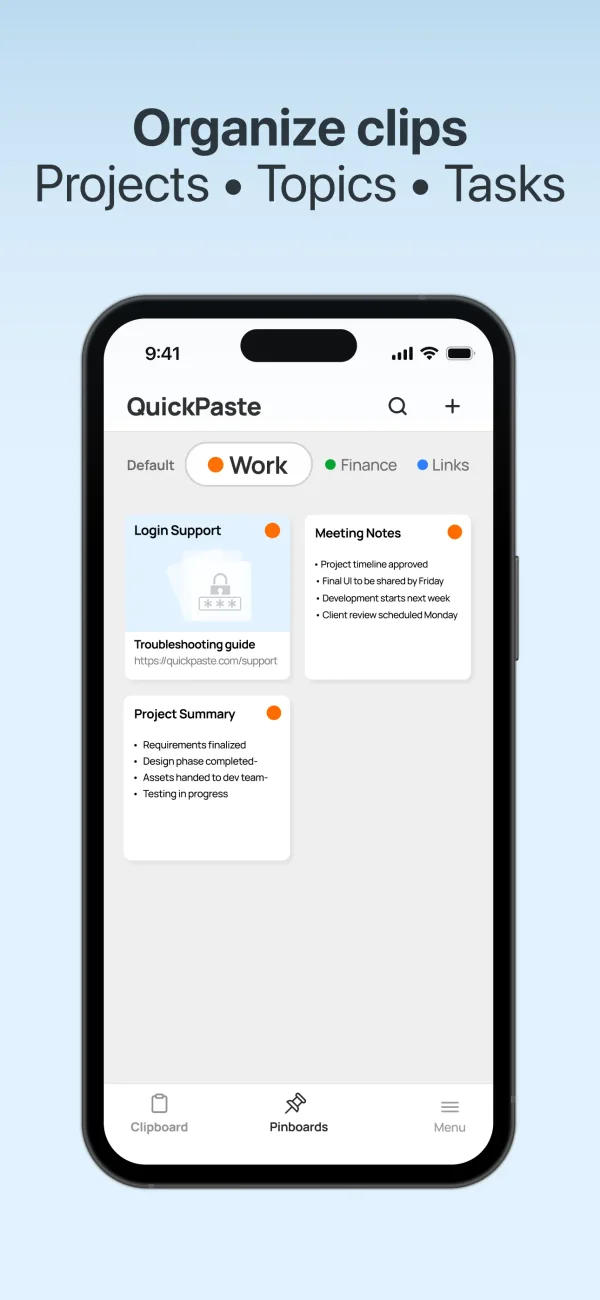
* Create pinboards and shortcuts for used phrases
* Secure clipboards with Face ID lock
* Pin frequently used items for one tap access
* Use the paste keyboard to insert anything directly in any app
* Easy access to your full clipboard history
iCloud Sync: Your Clipboard on Every Device
* Copy on your iPhone, paste on your Mac or iPad
* Pinboards and pinned items sync automatically
Customize Your Pinboards
* Add or remove items from pinboards
* Rename or swap pinboards
* Change colors
Your Data Is Secure: Your clips are protected by Face ID lock. You control what to add, what to delete, and what to pin.
How to Copy and Paste with QuickPaste?
Step 1: Enable the Action Extension for limitless copying
Step 2: Switch to the paste keyboard in any app and tap any clipboard item to paste it
Go Premium
QuickPaste offers a premium plan designed to make your workflows even simpler and more efficient. Your payment will be charged to your iTunes Account at confirmation of purchase. Secondly, your subscription will renew automatically, but you can turn off auto-renewal by accessing your Account Settings 24 hours before the end of the current period.
For suggestions regarding Quick Paste - Clipboard Manager, Contact us at codebuster2021@gmail.com
Terms of Use: https://www.apple.com/legal/internet-services/itunes/dev/stdeula/
Yang baru
Versi 1.1.5 · 26/10/2026
- Dark and light mode.
- Quick preview option.
- Improved visuals and user experience.
- Open links in your browser.
Privasi aplikasi
Yang dinyatakan Ihsan Ullah di App Store tentang cara aplikasi ini menangani data.
-
Data yang digunakan untuk melacak Anda
Dapat digunakan untuk melacak Anda di aplikasi dan situs web milik perusahaan lain.
- Pengenal
Praktik privasi dapat bervariasi, misalnya berdasarkan fitur yang Anda gunakan atau usia Anda.
Informasi
- Penjual
- Ihsan Ullah
- Kategori
- Produktivitas
- Versi
- 1.1.5
- Diperbarui
- 26/10/2026
- Dirilis
- 24/10/2025
- Ukuran
- 36,8 MB
- Memerlukan
- iOS 16.0 atau yang lebih baru
- Batasan usia
- 4+
- Harga
- Gratis
- Pembelian dalam aplikasi
- Ya
- Bahasa
- Inggris, Arab, Prancis, Jerman, Italia, Korea, Portugis, Tionghoa Sederhana, Spanyol, Tionghoa Tradisional, Turki, Vietnamese
- Hak cipta
- © Code Buster - 2024
Mungkin Anda juga suka
-
 CopyMate: Clipboard ManagerProduktivitas
-
 Contacts Master:Clean & ExportProduktivitas
-
 WriteVoice: Dictation & NotesProduktivitas
-
 KernelAI - Offline AI ChatProduktivitas
-
 ChatNow AI:All-Round AssistantProduktivitas
-
 Glazr XLSX & CSV File EditorProduktivitas
-
 Textify: Keyboard AI PintarBalas Chat & Cek Tata Bahasa
-
 Magic Launcher Widgets ProProduktivitas
-
 PNG to PDFProduktivitas
-
 TextTuner: Swiftkey KeyboardProduktivitas