
Clipboard Manager: Quick Paste
Copy Text & Keyboard History
iPhone, iPad, Mac için tasarlandı
Ücretsiz · Uygulama içi satın alma
- Yaş sınırı4+
- KategoriÜretkenlik
- GeliştiriciIhsan Ullah
- Dillerİngilizce+ 11 dil daha
- Boyut36,8 MB
Resmi App Store sayfasına bağlanır
Download.org, Clipboard Manager: Quick Paste için hiçbir dosya barındırmaz. Düğme, uygulamanın App Store üzerindeki sayfasını açar; uygulamayı orada Ihsan Ullah yayınlar. Sayfanın son kontrolü: 22.11.2026.
Ekran görüntüleri
Hakkında
Geliştirici bu metni dilinizde sunmamış.
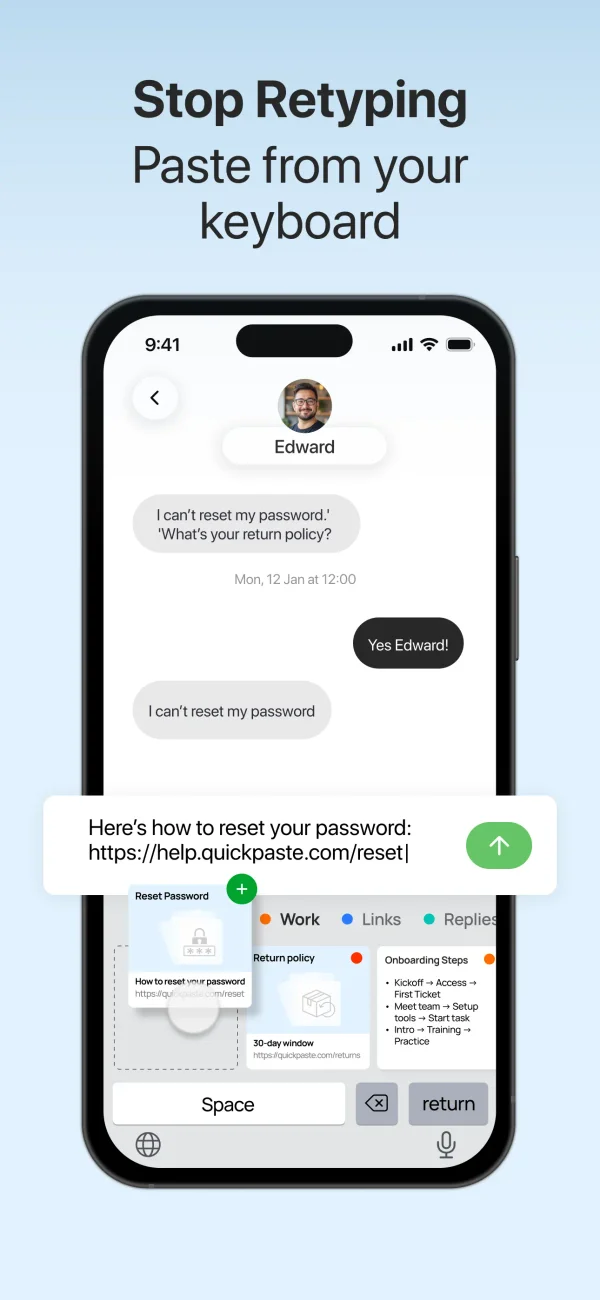
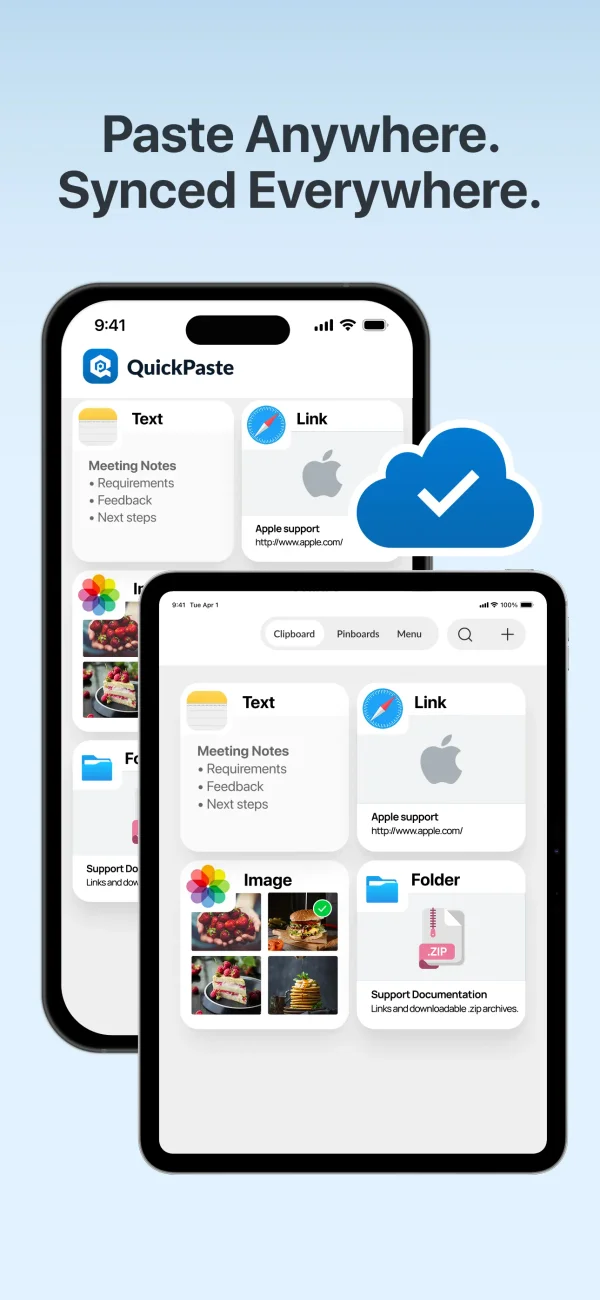
Paste directly from the keyboard on iPhone and Mac! QuickPaste is the copy paste keyboard manager that stores everything in your clipboard history, so you never lose copied text again. Sync your clipboard across iPhone, iPad, and Mac with iCloud.
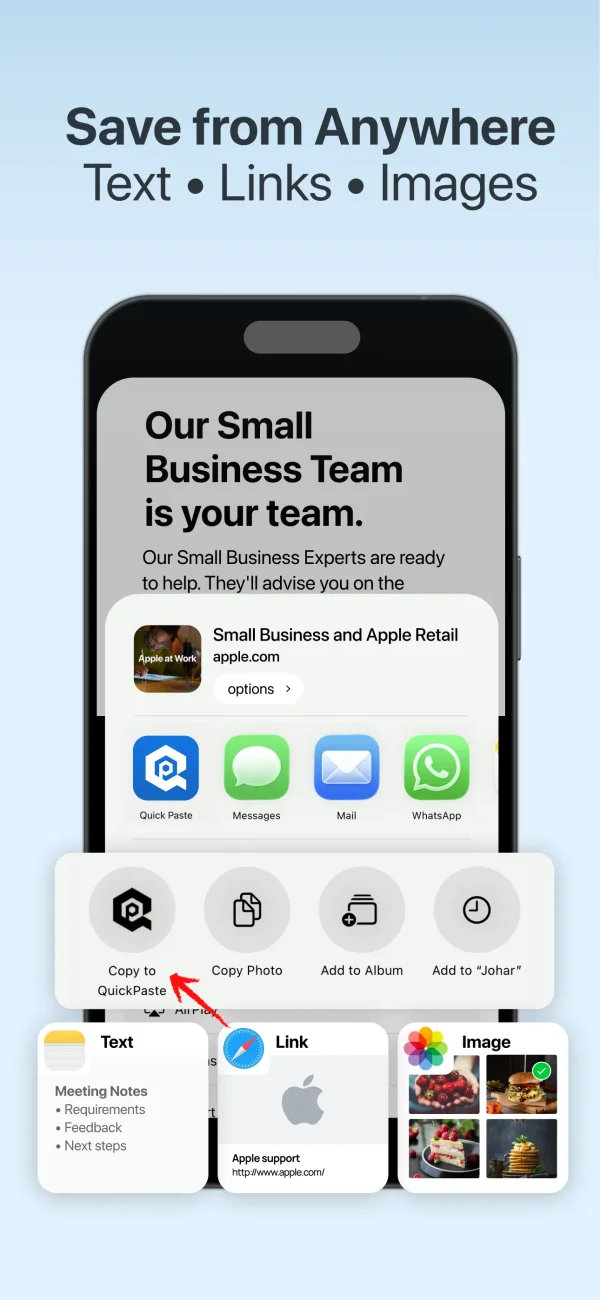
QuickPaste clipboard manager handles text, links, images, passwords, addresses, emails, code snippets, bank details, and quick notes. Every clipboard item is protected with Face ID, so only you can access your saved clips, anytime, anywhere.
QuickPaste - Keyboard Manager
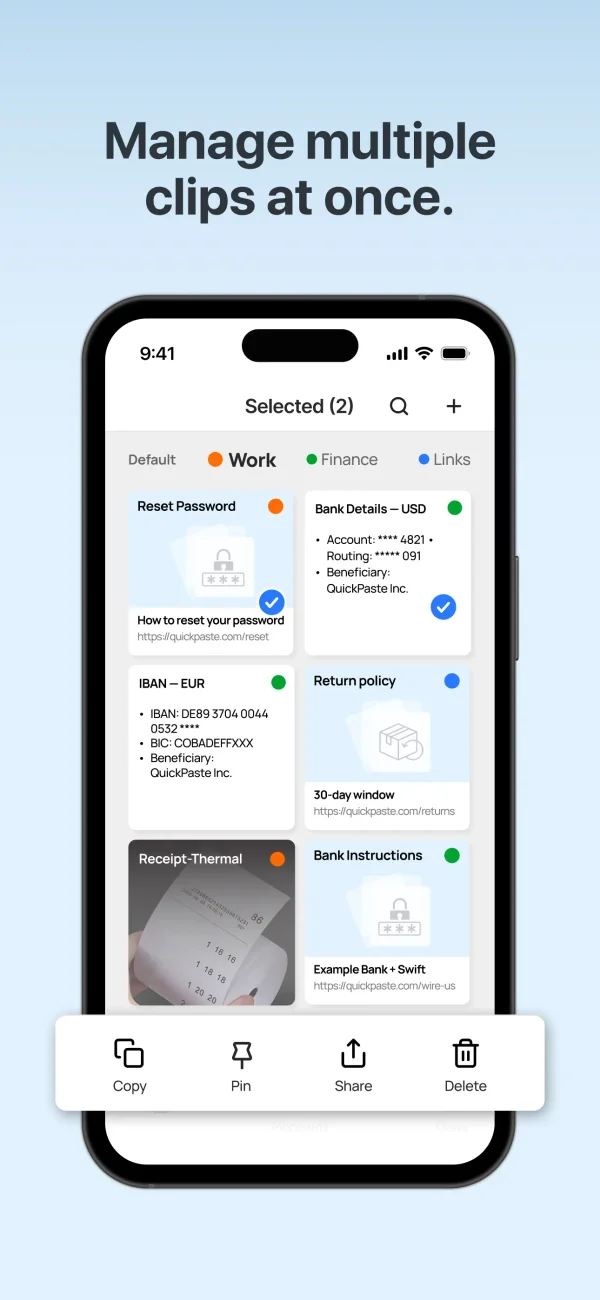
* Store and organize every clipboard item
* Clipboard sync across iPhone, iPad, and Mac with iCloud
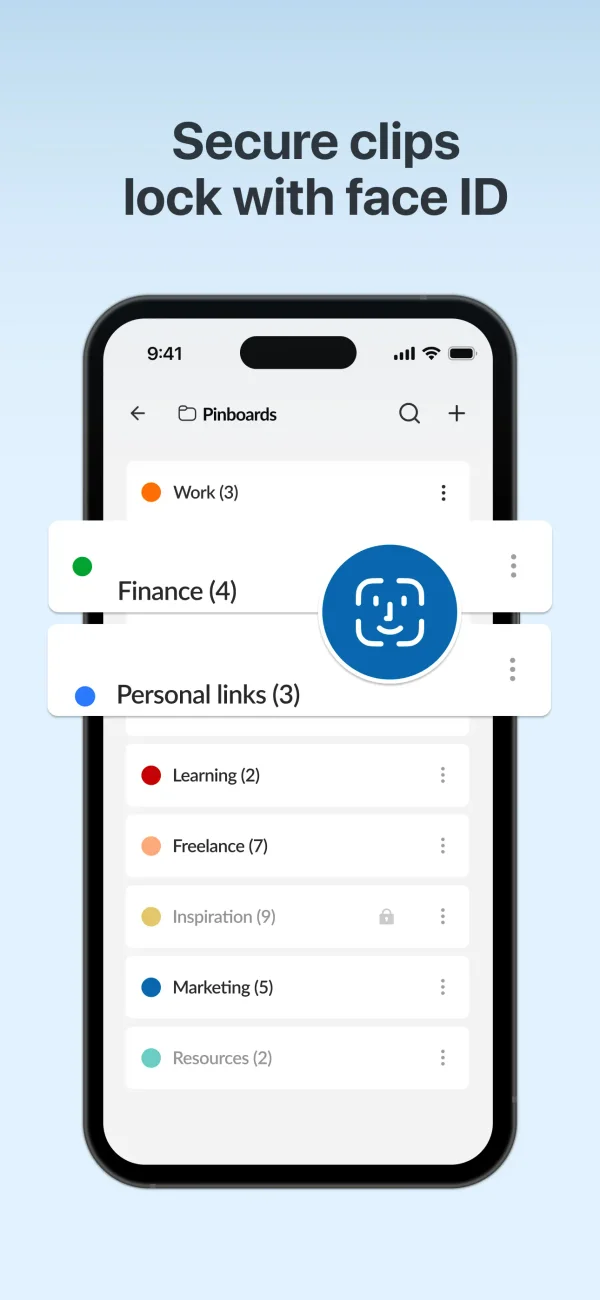
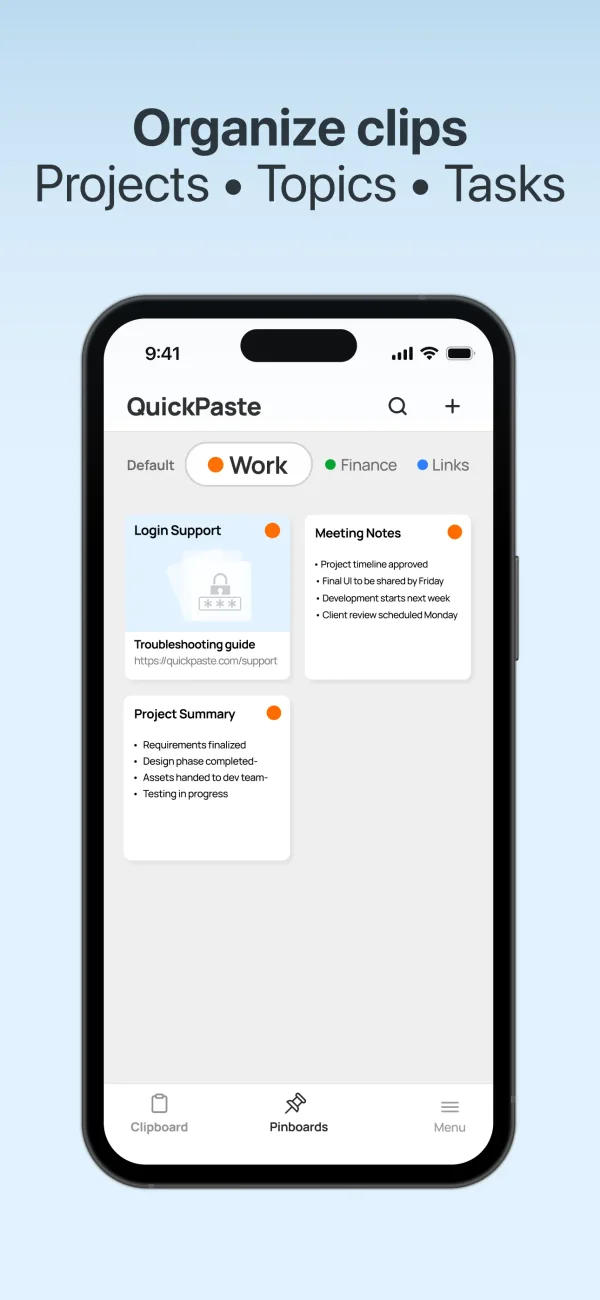
* Create pinboards and shortcuts for used phrases
* Secure clipboards with Face ID lock
* Pin frequently used items for one tap access
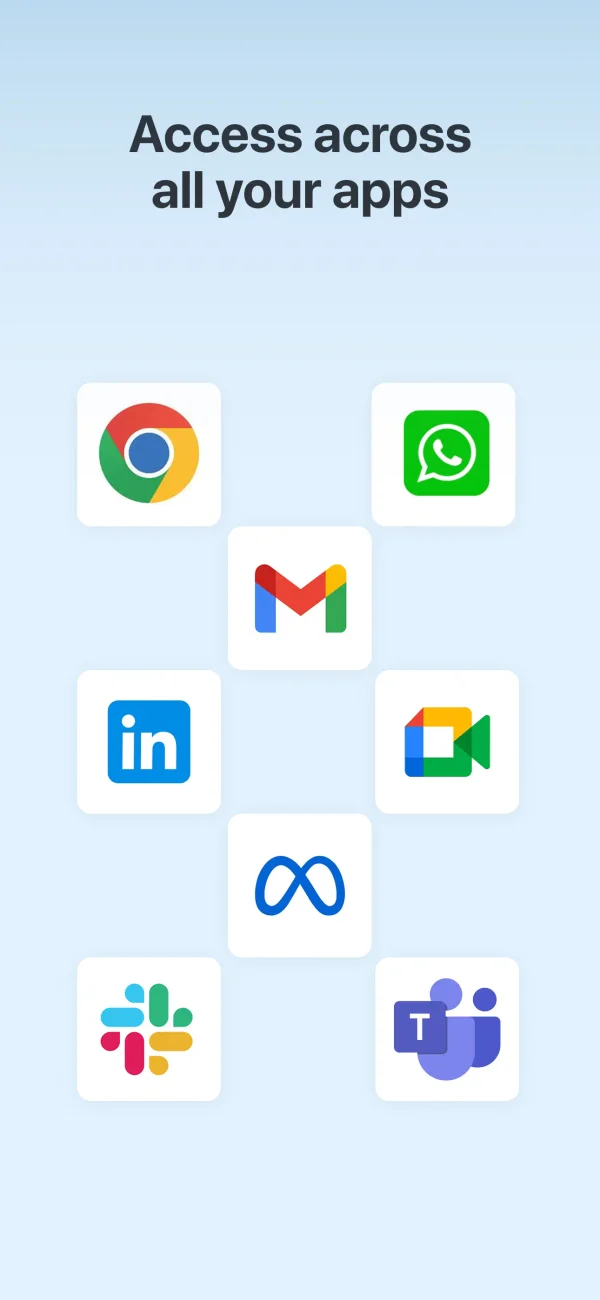
* Use the paste keyboard to insert anything directly in any app
* Easy access to your full clipboard history
iCloud Sync: Your Clipboard on Every Device
* Copy on your iPhone, paste on your Mac or iPad
* Pinboards and pinned items sync automatically
Customize Your Pinboards
* Add or remove items from pinboards
* Rename or swap pinboards
* Change colors
Your Data Is Secure: Your clips are protected by Face ID lock. You control what to add, what to delete, and what to pin.
How to Copy and Paste with QuickPaste?
Step 1: Enable the Action Extension for limitless copying
Step 2: Switch to the paste keyboard in any app and tap any clipboard item to paste it
Go Premium
QuickPaste offers a premium plan designed to make your workflows even simpler and more efficient. Your payment will be charged to your iTunes Account at confirmation of purchase. Secondly, your subscription will renew automatically, but you can turn off auto-renewal by accessing your Account Settings 24 hours before the end of the current period.
For suggestions regarding Quick Paste - Clipboard Manager, Contact us at codebuster2021@gmail.com
Terms of Use: https://www.apple.com/legal/internet-services/itunes/dev/stdeula/
Yenilikler
Sürüm 1.1.5 · 26.10.2026
- Dark and light mode.
- Quick preview option.
- Improved visuals and user experience.
- Open links in your browser.
Uygulama gizliliği
Bu uygulamanın verileri nasıl işlediği hakkında Ihsan Ullah tarafından App Store üzerinde yapılan beyan.
-
Sizi izlemek için kullanılan veriler
Başka şirketlere ait uygulamalarda ve web sitelerinde sizi izlemek için kullanılabilir.
- Tanımlayıcılar
Gizlilik uygulamaları, örneğin kullandığınız özelliklere veya yaşınıza göre değişiklik gösterebilir.
Bilgiler
- Satıcı
- Ihsan Ullah
- Kategori
- Üretkenlik
- Sürüm
- 1.1.5
- Güncellendi
- 26.10.2026
- Yayın tarihi
- 24.10.2025
- Boyut
- 36,8 MB
- Gereksinim
- iOS 16.0 veya sonrası
- Yaş sınırı
- 4+
- Fiyat
- Ücretsiz
- Uygulama içi satın alma
- Evet
- Diller
- İngilizce, Arapça, Fransızca, Almanca, İtalyanca, Korece, Portekizce, Basitleştirilmiş Çince, İspanyolca, Geleneksel Çince, Türkçe, Vietnamese
- Telif hakkı
- © Code Buster - 2024
Bunları da beğenebilirsiniz
-
 CopyMate: Clipboard ManagerÜretkenlik
-
 Contacts Master:Clean & ExportÜretkenlik
-
 WriteVoice: Dictation & NotesÜretkenlik
-
 KernelAI - Offline AI ChatÜretkenlik
-
 ChatNow AI:All-Round AssistantÜretkenlik
-
 Glazr XLSX & CSV File EditorÜretkenlik
-
 Textify: Yapay Zeka KlavyeMesaj Yanıtla, Yazım ve Çeviri
-
 Magic Launcher Widgets ProÜretkenlik
-
 PNG to PDFÜretkenlik
-
 TextTuner: Swiftkey KeyboardÜretkenlik