Color Timer - Visual Countdown
Full Screen Study & Focus
Dirancang untuk iPhone, iPad, iPod touch
Gratis
- Batasan usia4+
- KategoriKegunaan
- PengembangSeulki Eom
- BahasaInggris+ 1 lainnya
- Ukuran44,8 MB
Tertaut ke halaman resmi App Store
Download.org tidak menyimpan file Color Timer - Visual Countdown apa pun. Tombol ini membuka halaman aplikasi di App Store, tempat Seulki Eom menerbitkannya. Halaman terakhir diperiksa pada 17/11/2026.
Tangkapan layar
Tentang
Pengembang belum menyediakan teks ini dalam bahasa Anda.
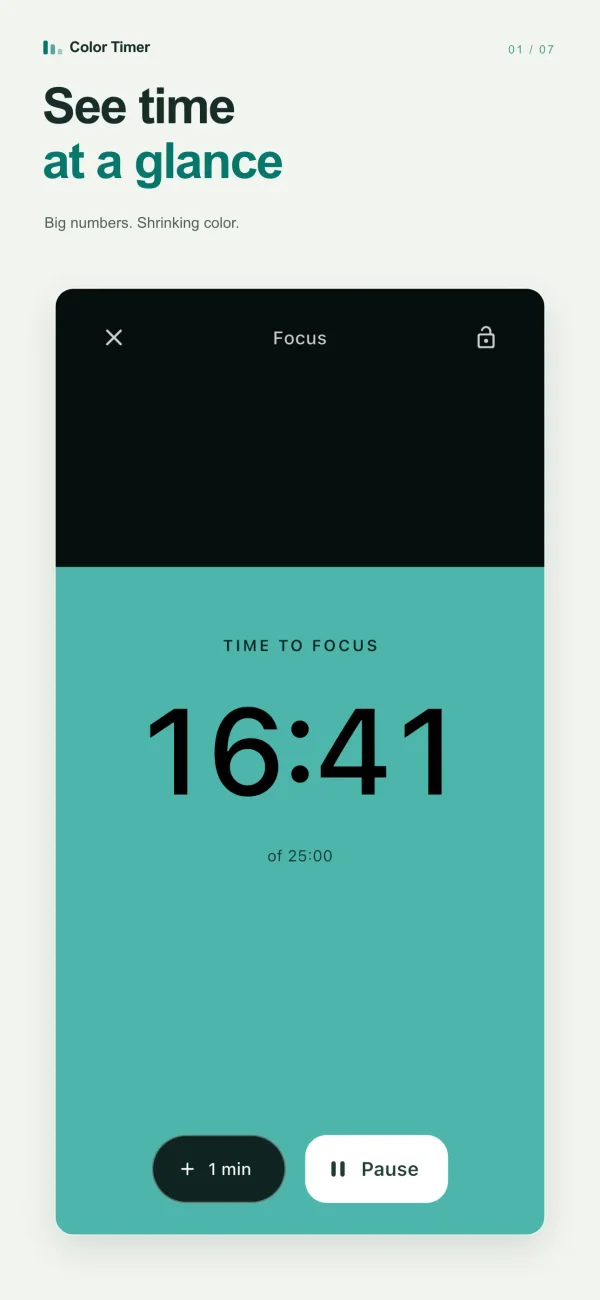
See how much time is left at a glance.
Color Timer is a visual timer with a full screen countdown. As time passes, the colored area shrinks, giving you a clear sense of the time remaining. Set it on your desk for a study session, glance over while cooking, or keep your next presentation on time.
A clear screen for your countdown
Large numbers and vivid color fill the timer screen. There are no ads on the countdown screen and no full screen ads to wait through before starting. Keep the timer open and your screen stays awake while the countdown runs.
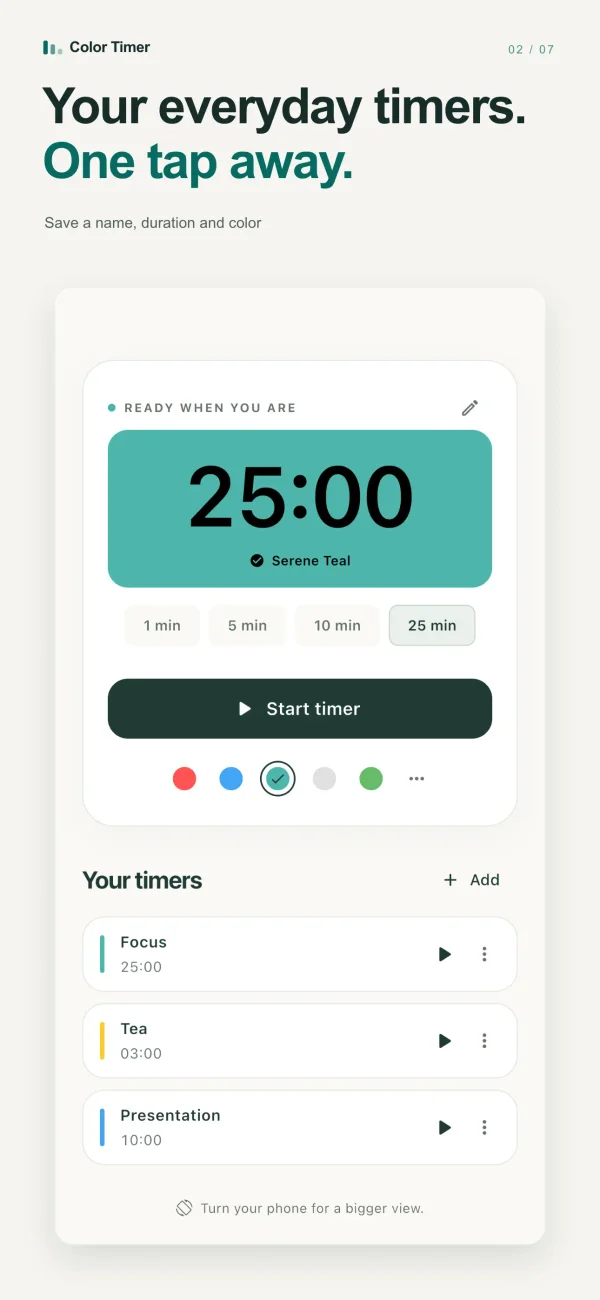
Save it once. Start with one tap.
Save your favorite timers with a name, duration and color, then start them directly from the home screen. Choose 1, 5, 10 or 25 minutes with quick duration buttons, reuse a recent duration, or set your own hours, minutes and seconds.
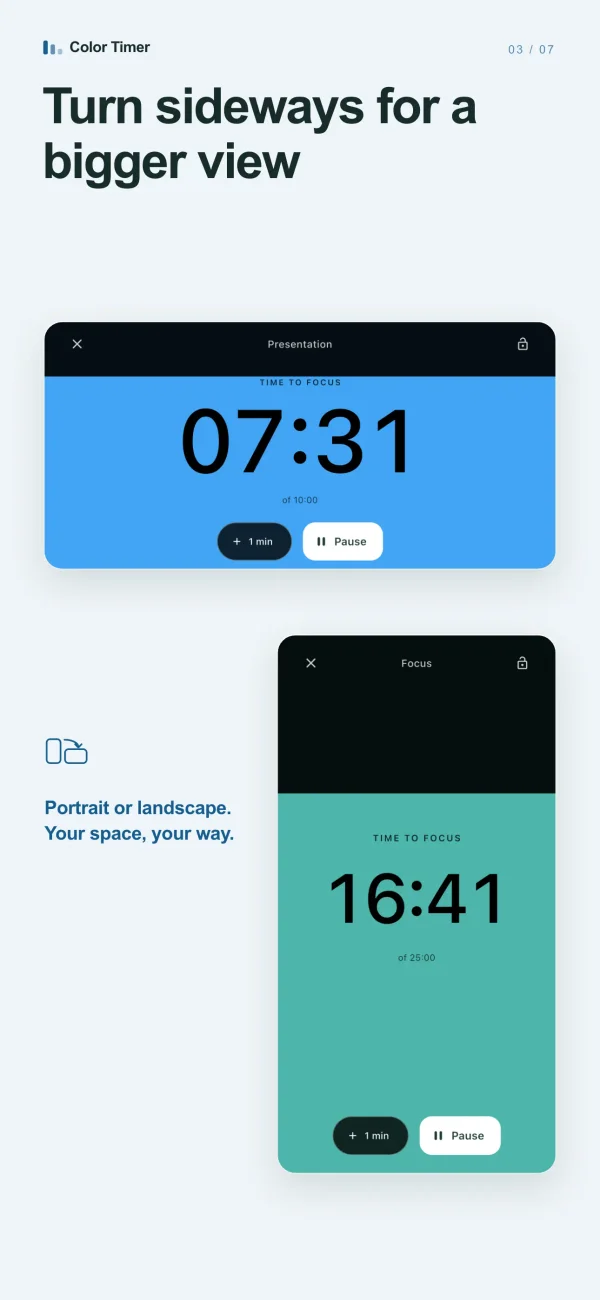
Big numbers, in portrait or landscape
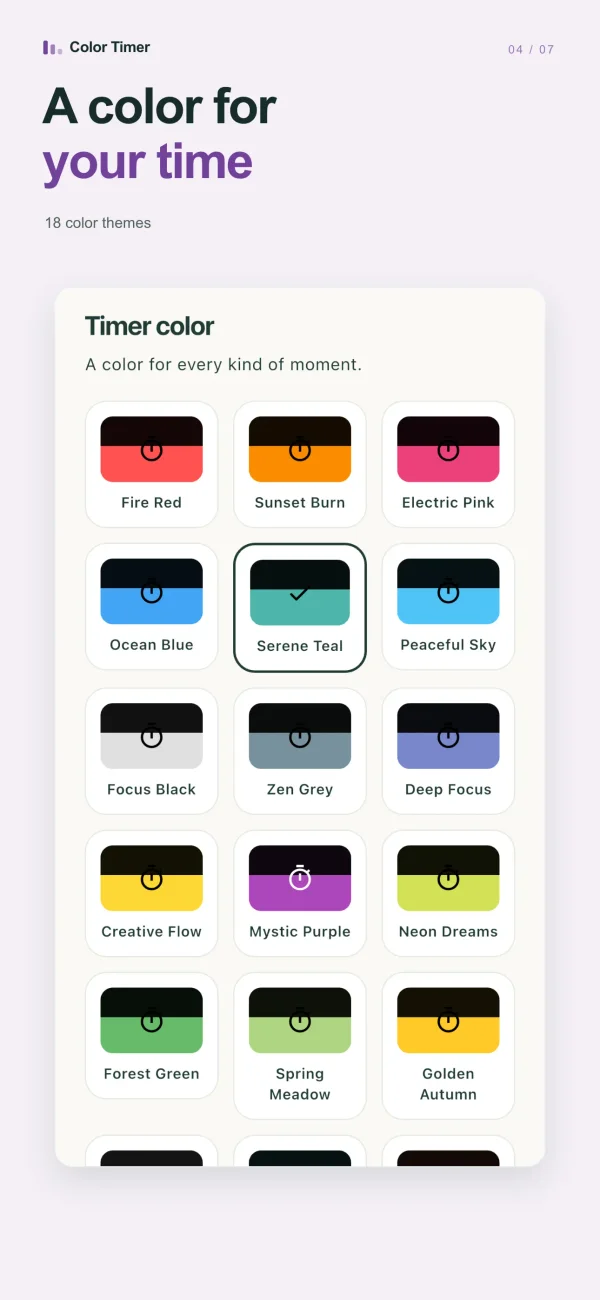
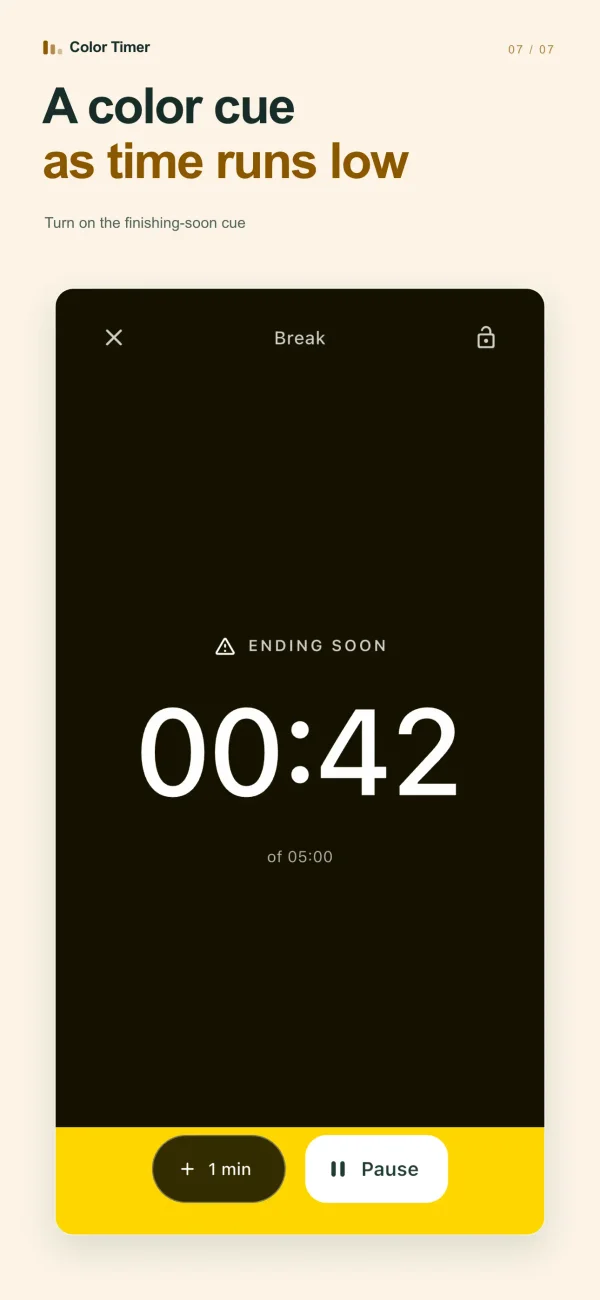
Use your phone or tablet upright on your desk or sideways for a meeting, presentation or class. Choose from 18 color themes. Turn on the finishing-soon cue for a change in color and an on-screen message as time runs low.
Pause, adjust and keep going
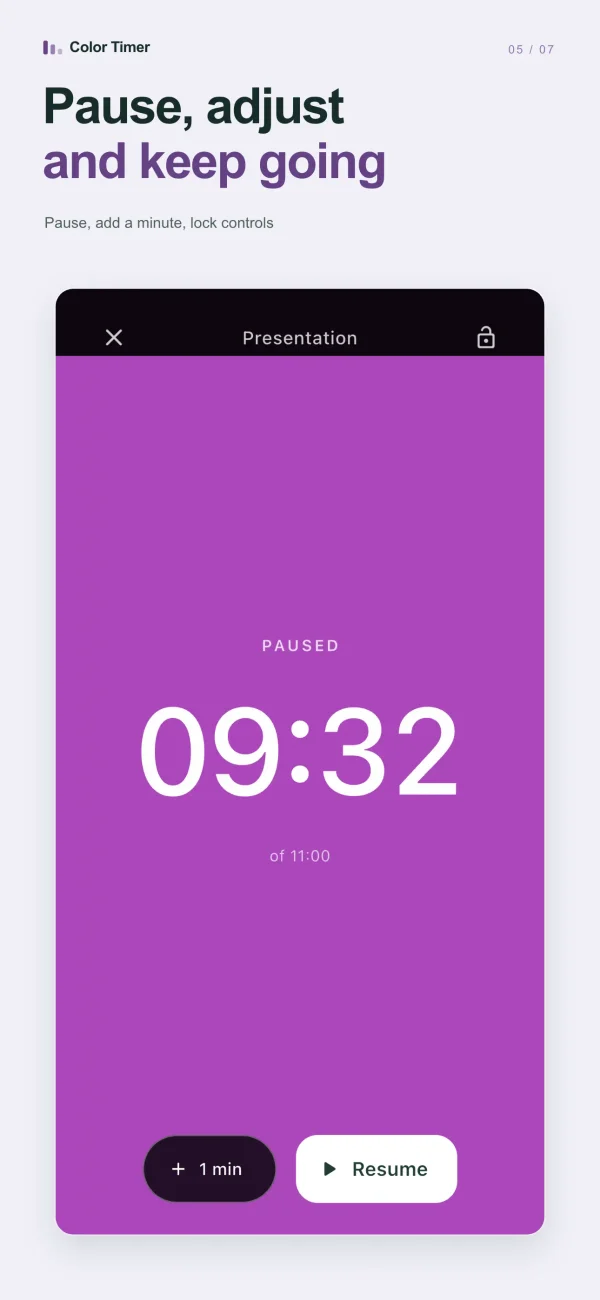
Pause and resume, add a minute, or restart when you need to. Lock the controls to avoid accidental taps. Adding a minute to a running countdown leaves your saved timer's duration unchanged.
Choose how your timer ends
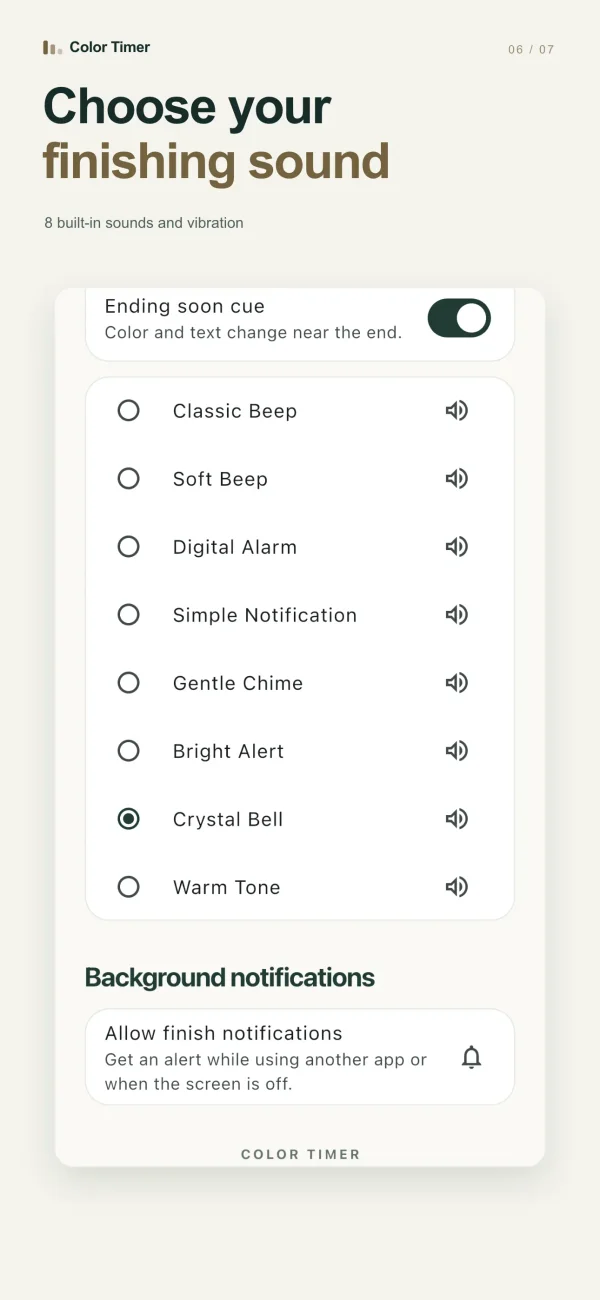
Preview and choose from 8 built-in alarm sounds. Switch sound and vibration on or off separately. In a quiet space, turn both off and use the visual display.
Time for everyday moments
• Study and work: set aside time for one task.
• Cooking and tea: check the time with a quick glance while your hands are busy.
• Presentations, meetings and classes: share an easy-to-see countdown.
• Stretching and breaks: make room for a few minutes away from your desk.
For a simple Pomodoro routine, start a 25-minute focus timer, then start a 5-minute timer for your break.
No account is needed. The timer itself works offline. The app interface follows your device language, with Korean and English supported. Ads appear only on the home screen.
Allow notifications to receive an end-of-timer alert while the app is in the background. Sounds and vibration depend on device capabilities and system settings.
Yang baru
Versi 1.4.0 · 10/10/2026
• A redesigned visual countdown with vivid color and large numbers.
• Save named timers with a duration and color, then start with one tap.
• Pause, add a minute and lock the controls.
• Refined alarm sounds, vibration and finishing-soon settings.
• Removed app-open and full screen ads. Ads appear only on the home screen.
Privasi aplikasi
Yang dinyatakan Seulki Eom di App Store tentang cara aplikasi ini menangani data.
-
Data yang digunakan untuk melacak Anda
Dapat digunakan untuk melacak Anda di aplikasi dan situs web milik perusahaan lain.
- Lokasi
- Pengenal
- Data penggunaan
- Diagnostik
- Data lainnya
-
Data yang ditautkan dengan Anda
Dapat dikumpulkan dan ditautkan dengan identitas Anda.
- Lokasi
- Pengenal
- Data penggunaan
- Diagnostik
- Data lainnya
Praktik privasi dapat bervariasi, misalnya berdasarkan fitur yang Anda gunakan atau usia Anda.
Informasi
- Penjual
- Seulki Eom
- Kategori
- Kegunaan
- Versi
- 1.4.0
- Diperbarui
- 10/10/2026
- Dirilis
- 13/10/2024
- Ukuran
- 44,8 MB
- Memerlukan
- iOS 15.0 atau yang lebih baru
- Batasan usia
- 4+
- Harga
- Gratis
- Bahasa
- Inggris, Korea
- Hak cipta
- © HydroponicGlass
Mungkin Anda juga suka
-
 Colored TimerKegunaan
-
 Minimalistic Visual TimerKegunaan
-
 Timer Layar Penuh: PomodoroHitung Maju, Ulangi, Preset
-
 Multi Timer & StopwatchKegunaan
-
 Chain TimersKegunaan
-
 One Timer - One Tap TimerPomodoro, HIIT, Masak, Belajar
-
 Big Colorful TimerKegunaan
-
 Timer - Dial & StopwatchKegunaan
-
 VisualTimer: Countdown ClockKegunaan
-
 Visual Timer - Fokus SimpelInput mudah. Lihat sisa waktu.