Color Timer - Visual Countdown
Full Screen Study & Focus
Designed for iPhone, iPad, iPod touch
Free
- Age rating4+
- CategoryUtilities
- DeveloperSeulki Eom
- LanguagesEnglish+ 1 more
- Size44.8 MB
Links to the official App Store page
Download.org hosts no file of Color Timer - Visual Countdown. The button opens its official App Store page, published by Seulki Eom. Listing last checked on Nov 17, 2026.
Screenshots

About
See how much time is left at a glance.
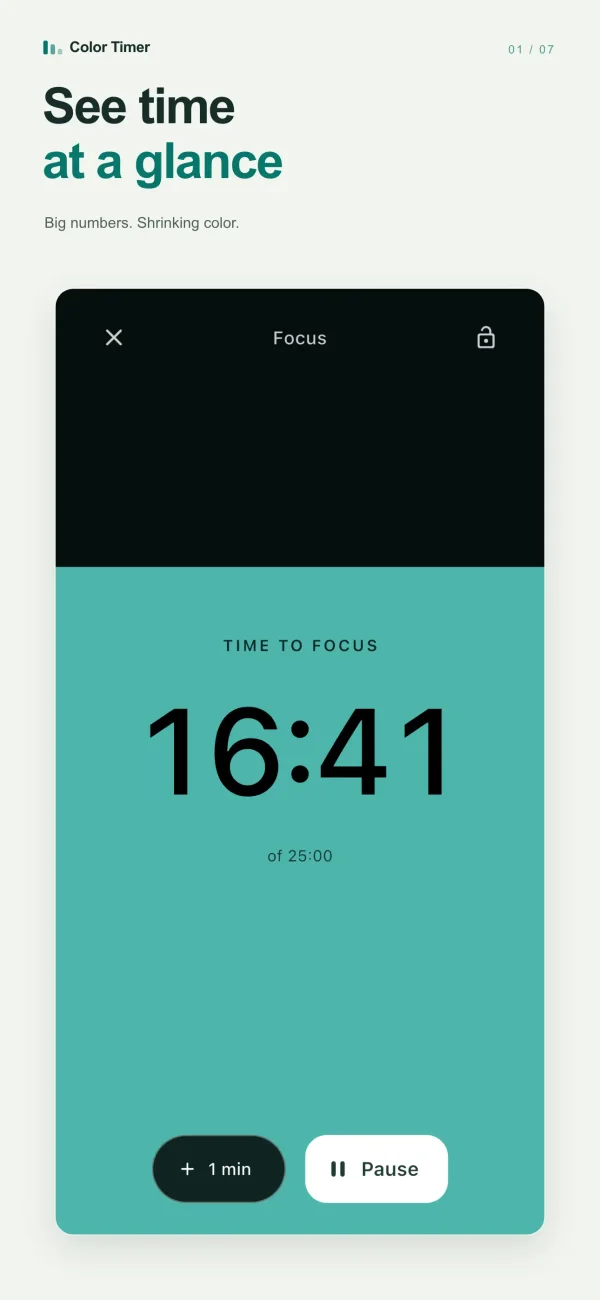
Color Timer is a visual timer with a full screen countdown. As time passes, the colored area shrinks, giving you a clear sense of the time remaining. Set it on your desk for a study session, glance over while cooking, or keep your next presentation on time.
A clear screen for your countdown
Large numbers and vivid color fill the timer screen. There are no ads on the countdown screen and no full screen ads to wait through before starting. Keep the timer open and your screen stays awake while the countdown runs.
Save it once. Start with one tap.
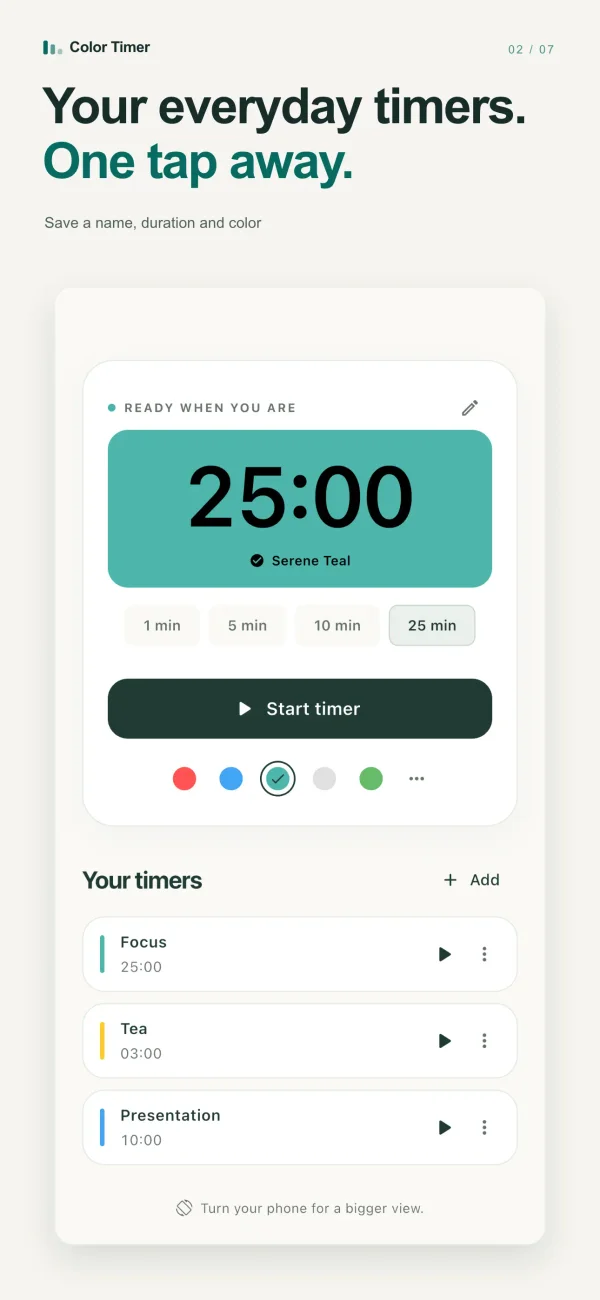
Save your favorite timers with a name, duration and color, then start them directly from the home screen. Choose 1, 5, 10 or 25 minutes with quick duration buttons, reuse a recent duration, or set your own hours, minutes and seconds.
Big numbers, in portrait or landscape
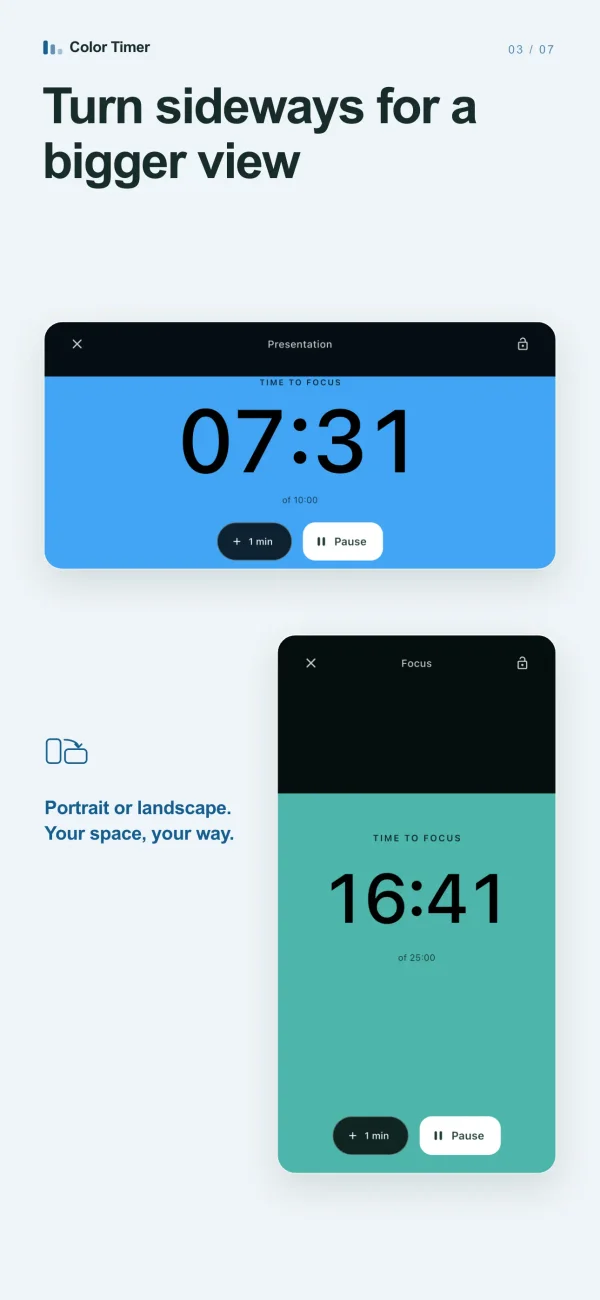
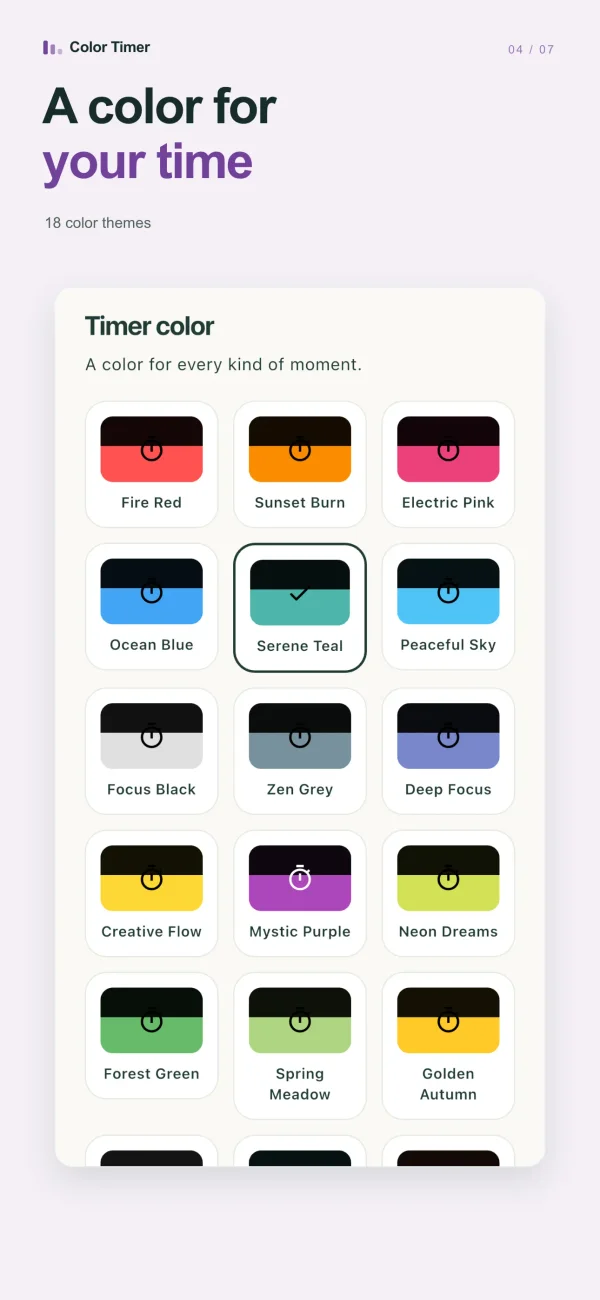
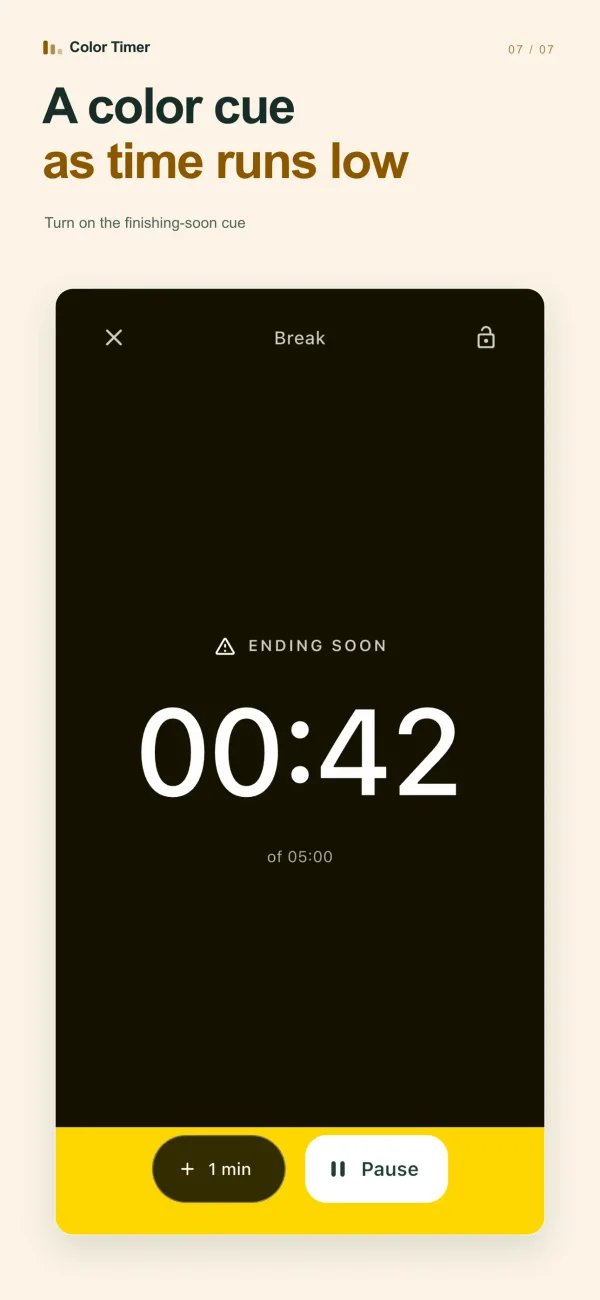
Use your phone or tablet upright on your desk or sideways for a meeting, presentation or class. Choose from 18 color themes. Turn on the finishing-soon cue for a change in color and an on-screen message as time runs low.
Pause, adjust and keep going
Pause and resume, add a minute, or restart when you need to. Lock the controls to avoid accidental taps. Adding a minute to a running countdown leaves your saved timer's duration unchanged.
Choose how your timer ends
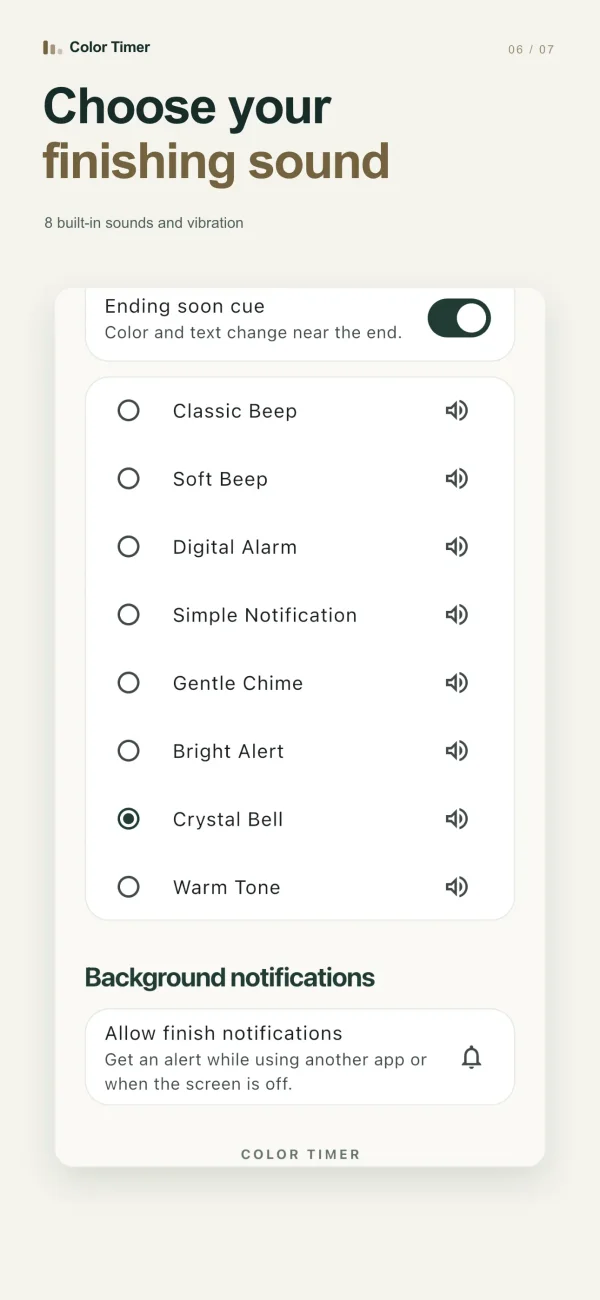
Preview and choose from 8 built-in alarm sounds. Switch sound and vibration on or off separately. In a quiet space, turn both off and use the visual display.
Time for everyday moments
• Study and work: set aside time for one task.
• Cooking and tea: check the time with a quick glance while your hands are busy.
• Presentations, meetings and classes: share an easy-to-see countdown.
• Stretching and breaks: make room for a few minutes away from your desk.
For a simple Pomodoro routine, start a 25-minute focus timer, then start a 5-minute timer for your break.
No account is needed. The timer itself works offline. The app interface follows your device language, with Korean and English supported. Ads appear only on the home screen.
Allow notifications to receive an end-of-timer alert while the app is in the background. Sounds and vibration depend on device capabilities and system settings.
What’s new
Version 1.4.0 · Oct 10, 2026
• A redesigned visual countdown with vivid color and large numbers.
• Save named timers with a duration and color, then start with one tap.
• Pause, add a minute and lock the controls.
• Refined alarm sounds, vibration and finishing-soon settings.
• Removed app-open and full screen ads. Ads appear only on the home screen.
App privacy
What Seulki Eom declares on the App Store about how this app handles data.
-
Data used to track you
May be used to track you across apps and websites owned by other companies.
- Location
- Identifiers
- Usage data
- Diagnostics
- Other data
-
Data linked to you
May be collected and linked to your identity.
- Location
- Identifiers
- Usage data
- Diagnostics
- Other data
Privacy practices may vary, for example with the features you use or your age.
Information
- Seller
- Seulki Eom
- Category
- Utilities
- Version
- 1.4.0
- Updated
- Oct 10, 2026
- Released
- Oct 13, 2024
- Size
- 44.8 MB
- Requires
- iOS 15.0 or later
- Age rating
- 4+
- Price
- Free
- Languages
- English, Korean
- Copyright
- © HydroponicGlass
You might also like
-
 Colored TimerBring color to your time
-
 Minimalistic Visual TimerFor focus and productivity
-
 Full Screen Timer: PomodoroCount-Up, Repeat & Presets
-
 Multi Timer & StopwatchMulti Timer StopWatch
-
 Chain TimersTimers work in sequence
-
 One Timer - One Tap TimerUltra-fast multi-timer launch.
-
 Big Colorful TimerUtilities
-
 Timer - Dial & StopwatchDrag to set. Let go to start.
-
 VisualTimer: Countdown ClockVisual countdown timer
-
 Visual Timer - Focus & SimpleFast setup. See time left.