- Batasan usia4+
- KategoriKegunaan
- PengembangWa Hong Lui
- BahasaInggris+ 2 lainnya
- Ukuran7,4 MB
Tertaut ke halaman resmi App Store
Download.org tidak menyimpan file Copy Talk apa pun. Tombol ini membuka halaman aplikasi di App Store, tempat Wa Hong Lui menerbitkannya. Halaman terakhir diperiksa pada 20/11/2026.
Tangkapan layar

Tentang
Pengembang belum menyediakan teks ini dalam bahasa Anda.
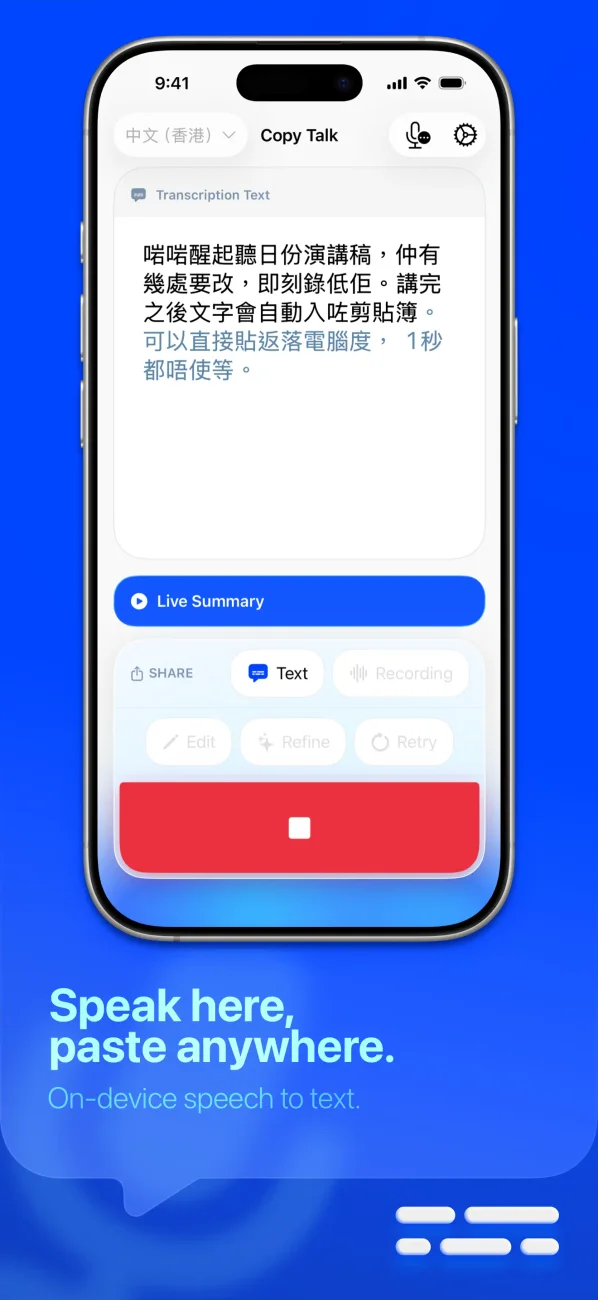
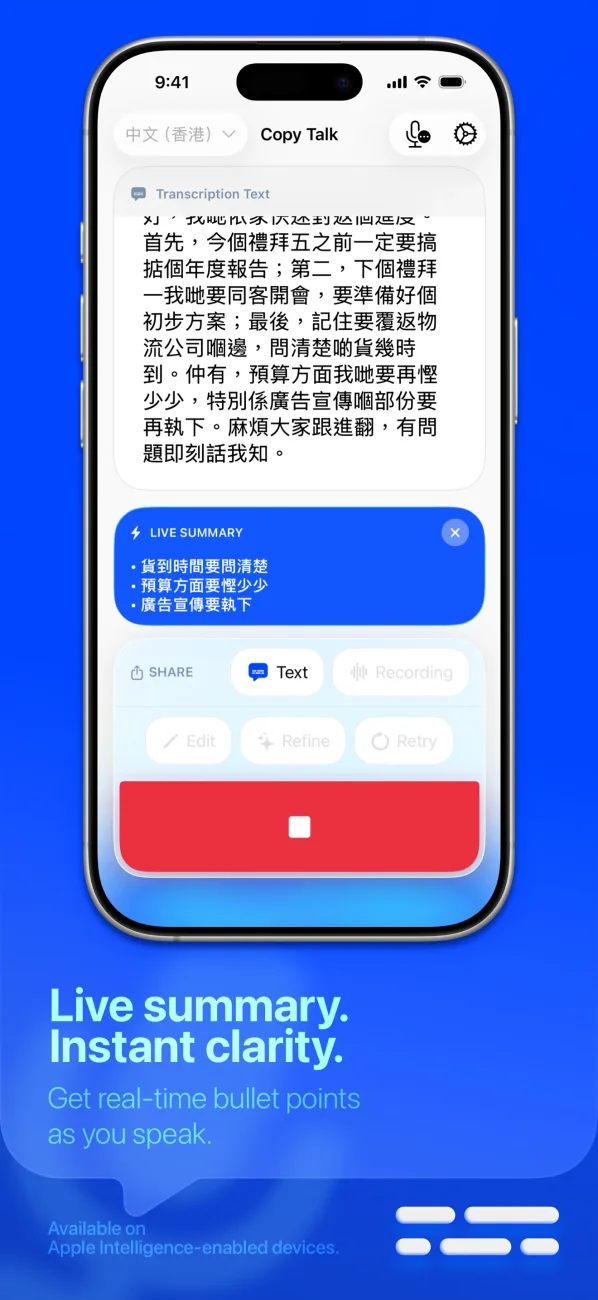
Turn your voice into text instantly, and on-device privately.
Key Features:
Instant Auto-Copy
Your transcript is automatically copied to your clipboard the moment you stop recording.
Direct Sharing
Send your text or the original audio file directly to other apps via the Share Sheet.
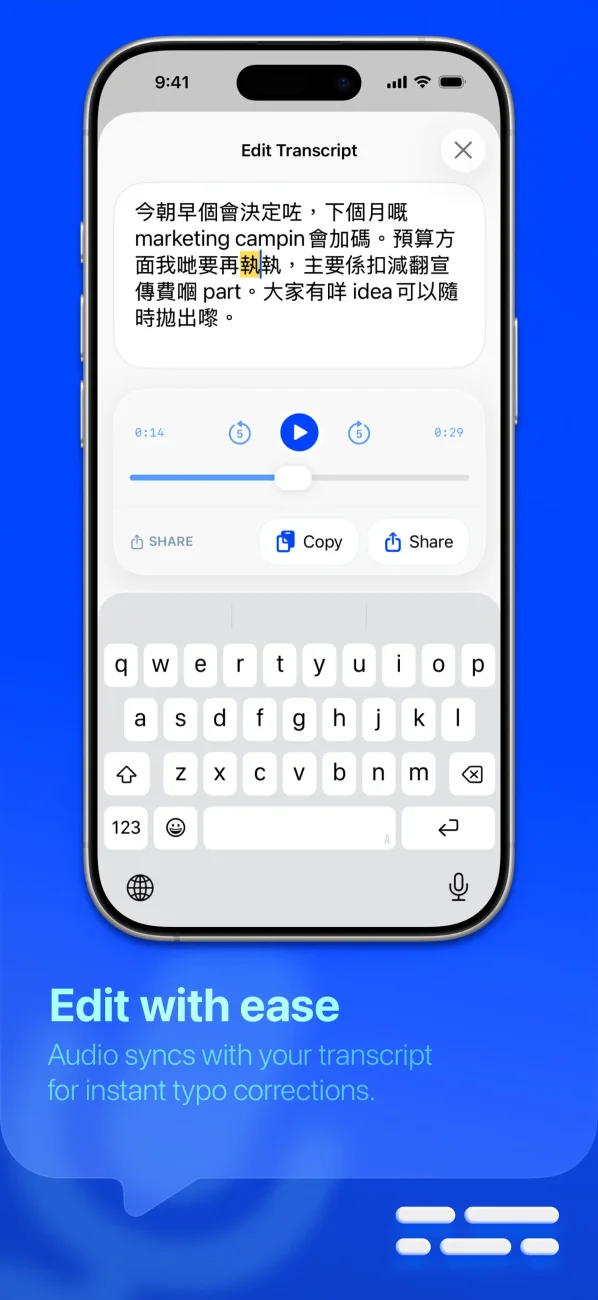
Edit Transcript
Play your recording while the matching transcript segment is highlighted to make edits faster and more accurate.
Universal Clipboard Magic
Speak quietly into your iPhone and paste the text instantly on your Mac—perfect for silent offices or libraries.
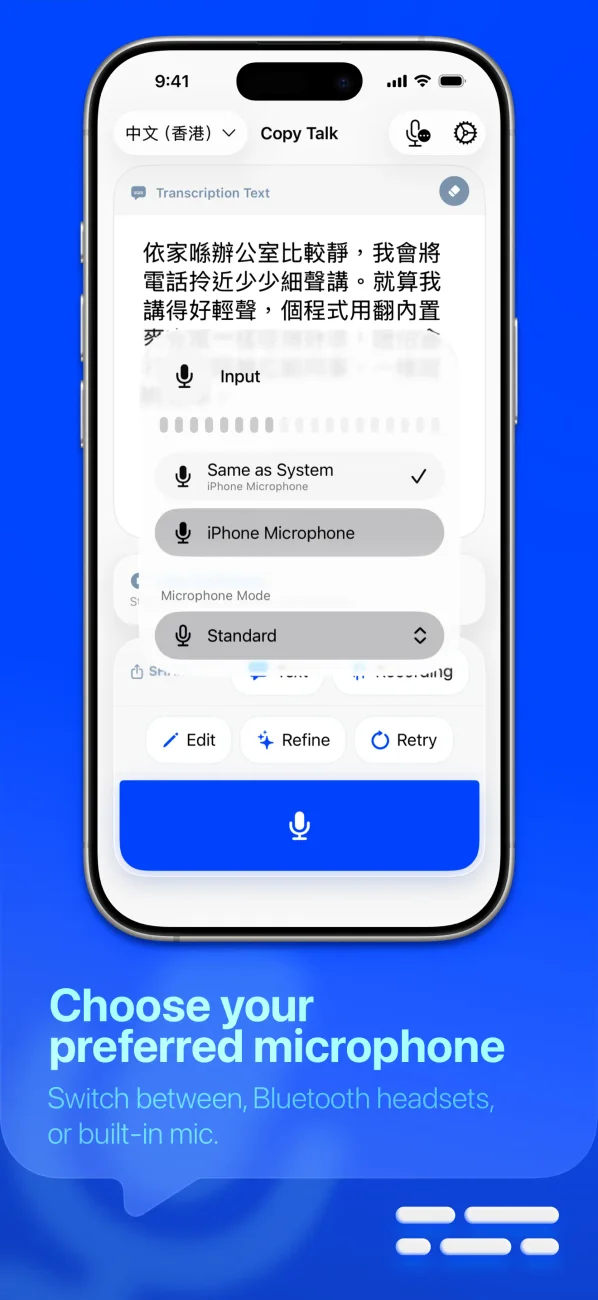
Audio Input Selection
Choose your preferred microphone—built-in, AirPods, Bluetooth headsets, or other connected devices. Optimized for high-quality recording on compatible hardware.
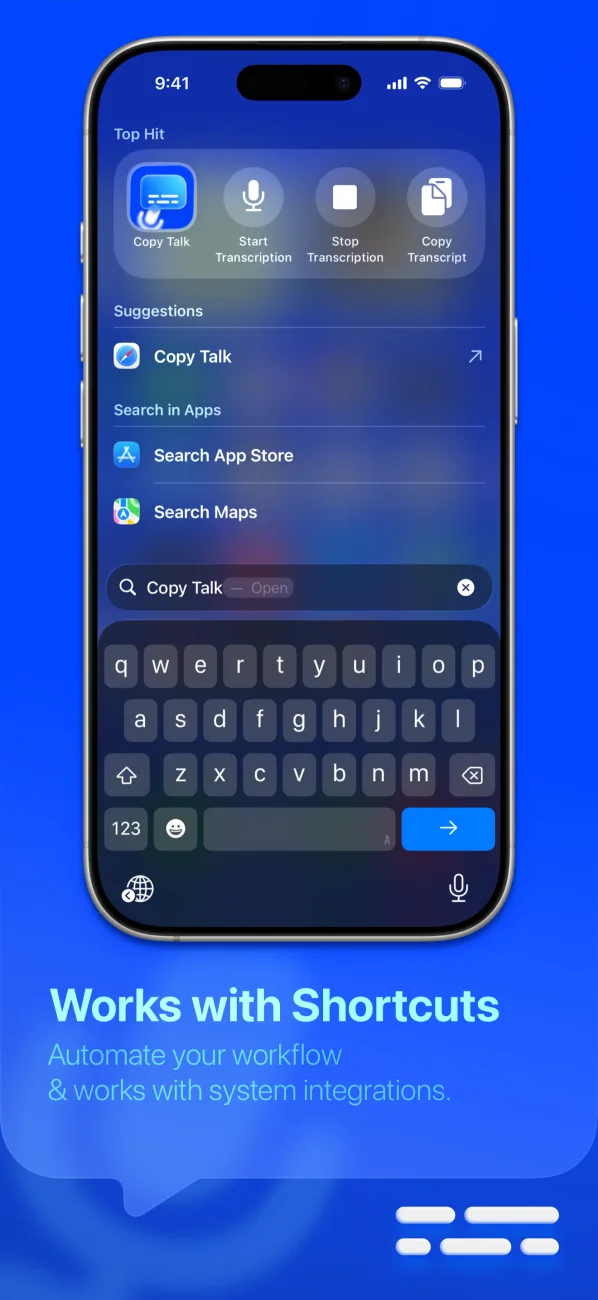
Shortcuts & Automation
Create custom shortcuts to start recording, stop transcription, copy text, or re-transcribe—all hands-free or from the Shortcuts app.
High-Accuracy Re-transcription
Need better results? Use the "Re-transcribe" feature to process your recording again with higher precision models.
On-device & Private
Powered by the native iOS Speech Framework. Your voice never leaves your device.
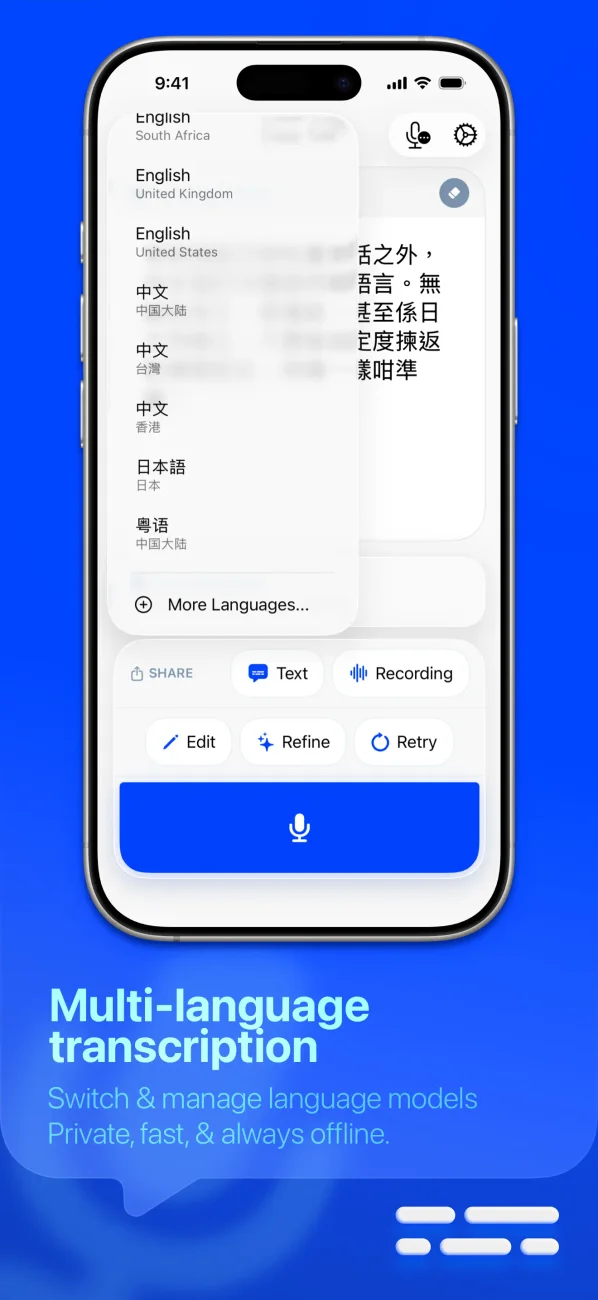
Multi-Language Support
Transcribe in multiple supported high-quality language models. Download up to 5 languages for offline use.
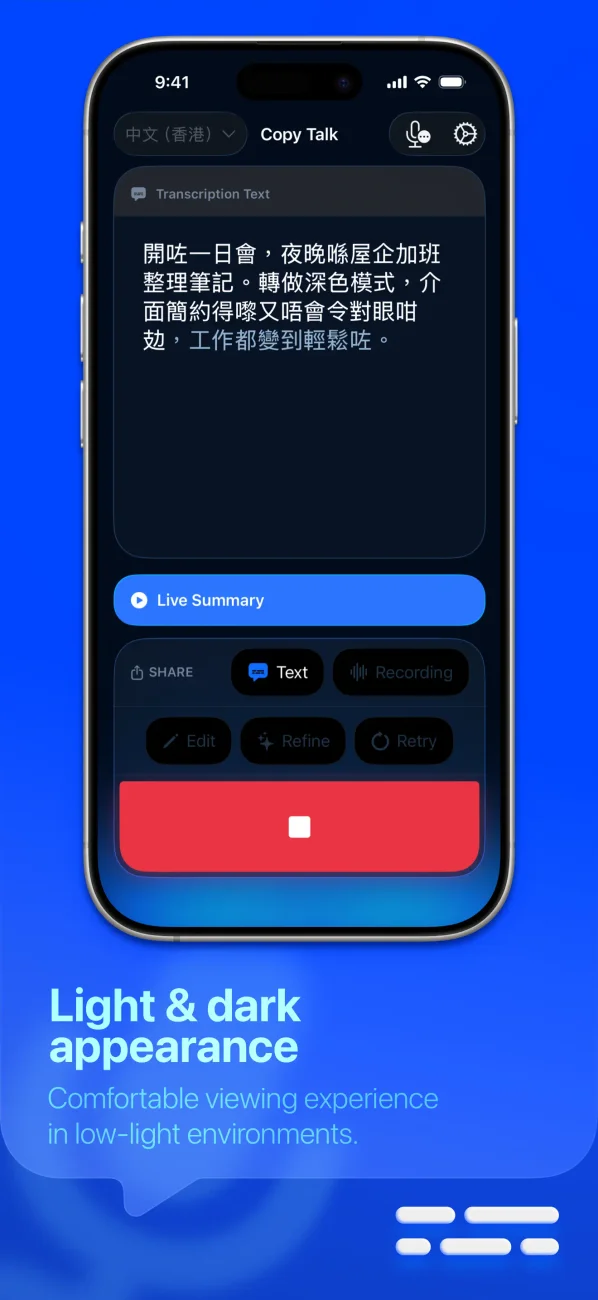
Modern Design
Beautiful Liquid Glass aesthetic with haptic feedback.
Perfect for:
• Quick notes
• Meetings and study
• Hands-free writing
• Accessibility workflows
• Quiet environments using Universal Clipboard
Yang baru
Versi 1.3 · 4/3/2026
Version 1.3
• Added Edit Transcript flow for post-transcription text editing.
• Added audio playback inside the editor with time-synced transcript highlighting for easier correction.
• Added/updated settings for a smoother experience (including editor behavior and workflow controls).
• Minor UI polish and stability improvements.
Privasi aplikasi
Yang dinyatakan Wa Hong Lui di App Store tentang cara aplikasi ini menangani data.
-
Data tidak dikumpulkan
Pengembang tidak mengumpulkan data apa pun dari aplikasi ini.
Praktik privasi dapat bervariasi, misalnya berdasarkan fitur yang Anda gunakan atau usia Anda.
Informasi
- Penjual
- Wa Hong Lui
- Kategori
- Kegunaan
- Versi
- 1.3
- Diperbarui
- 4/3/2026
- Dirilis
- 28/1/2026
- Ukuran
- 7,4 MB
- Memerlukan
- iOS 26.0 atau yang lebih baru
- Batasan usia
- 4+
- Harga
- Gratis
- Bahasa
- Inggris, Tionghoa Sederhana, Tionghoa Tradisional
- Hak cipta
- © 2026 LAB015