
- Age rating4+
- CategoryUtilities
- DeveloperWa Hong Lui
- LanguagesEnglish+ 2 more
- Size7.4 MB
Links to the official App Store page
Download.org hosts no file of Copy Talk. The button opens its official App Store page, published by Wa Hong Lui. Listing last checked on Nov 20, 2026.
Screenshots

About
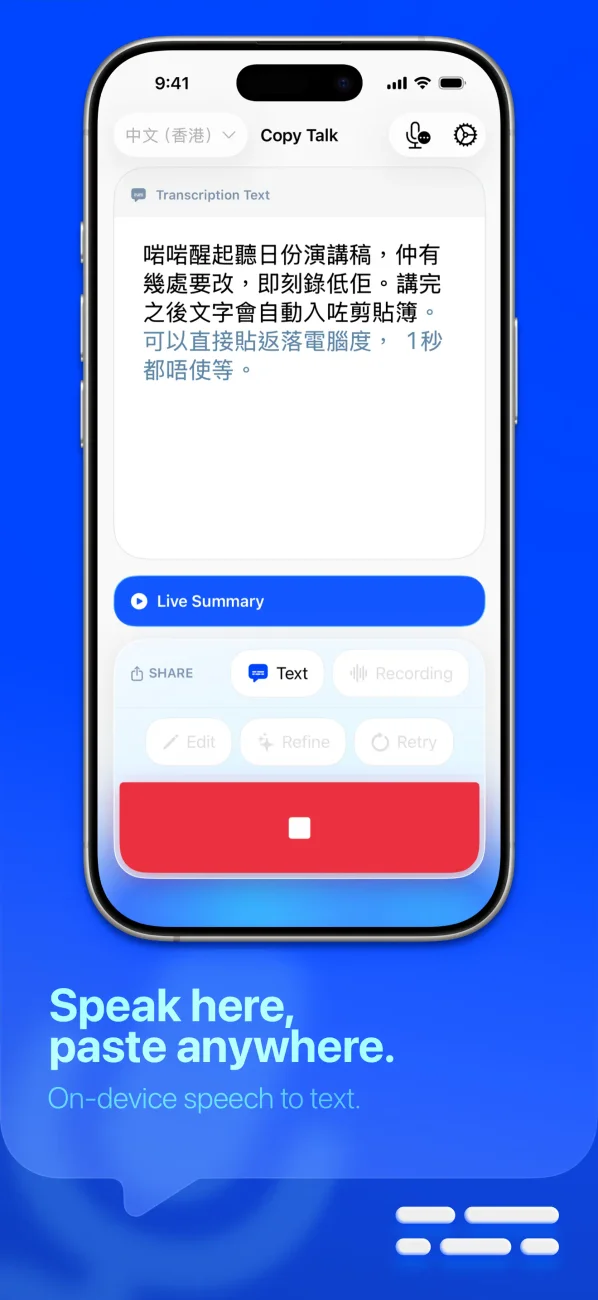
Turn your voice into text instantly, and on-device privately.
Key Features:
Instant Auto-Copy
Your transcript is automatically copied to your clipboard the moment you stop recording.
Direct Sharing
Send your text or the original audio file directly to other apps via the Share Sheet.
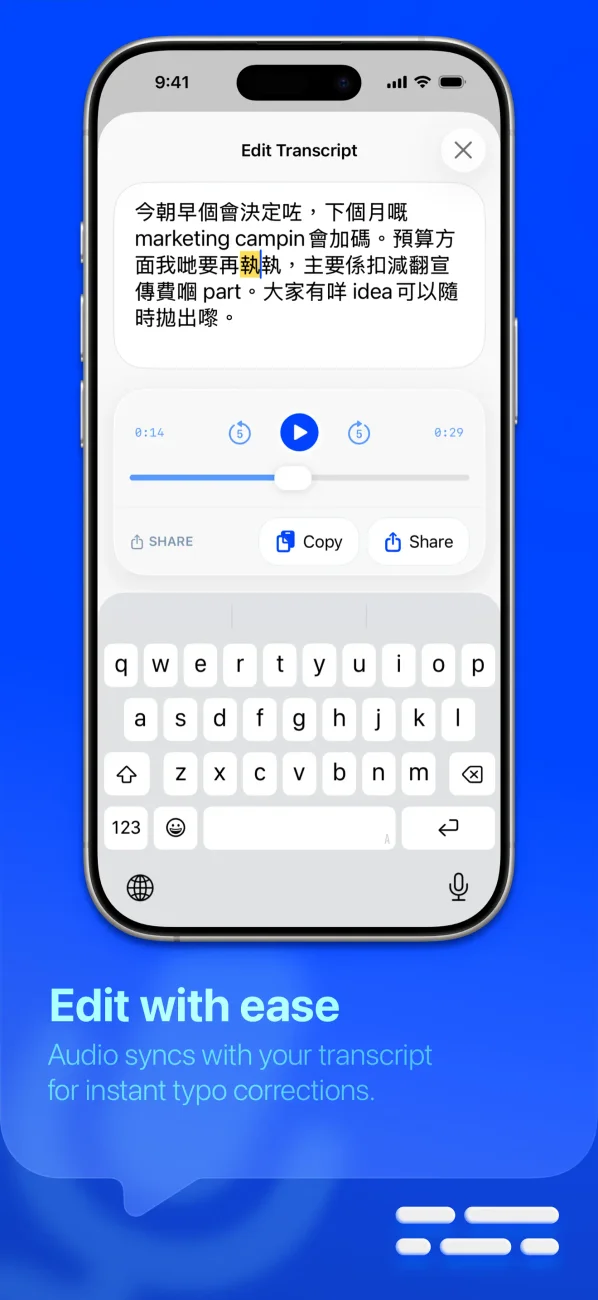
Edit Transcript
Play your recording while the matching transcript segment is highlighted to make edits faster and more accurate.
Universal Clipboard Magic
Speak quietly into your iPhone and paste the text instantly on your Mac—perfect for silent offices or libraries.
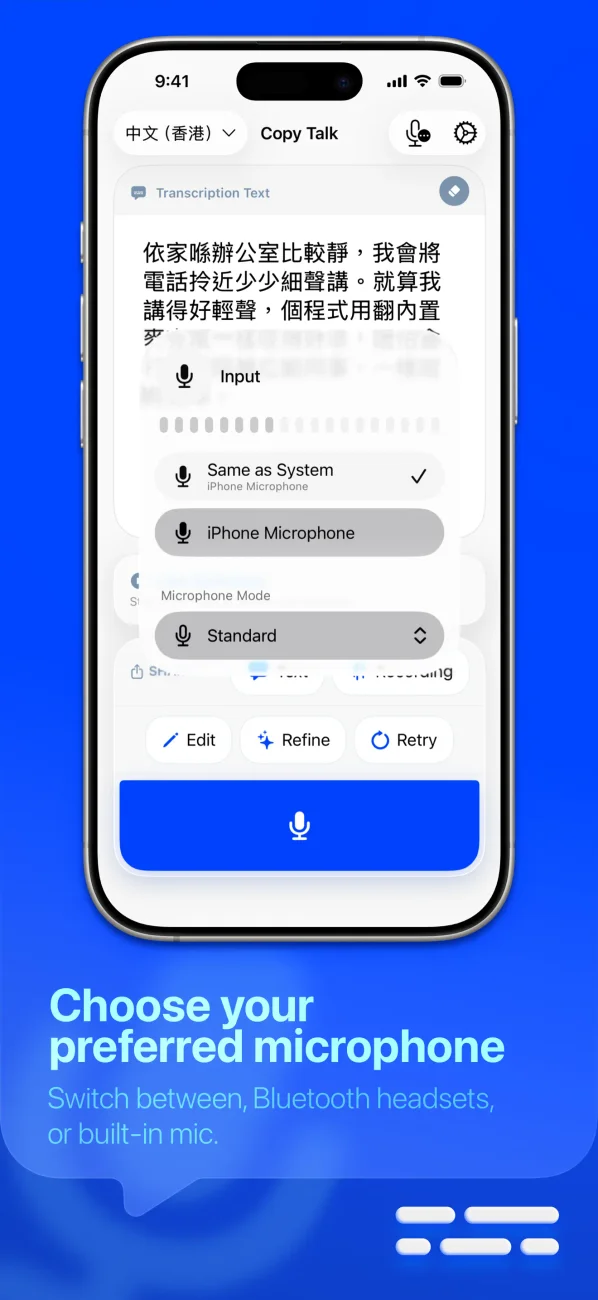
Audio Input Selection
Choose your preferred microphone—built-in, AirPods, Bluetooth headsets, or other connected devices. Optimized for high-quality recording on compatible hardware.
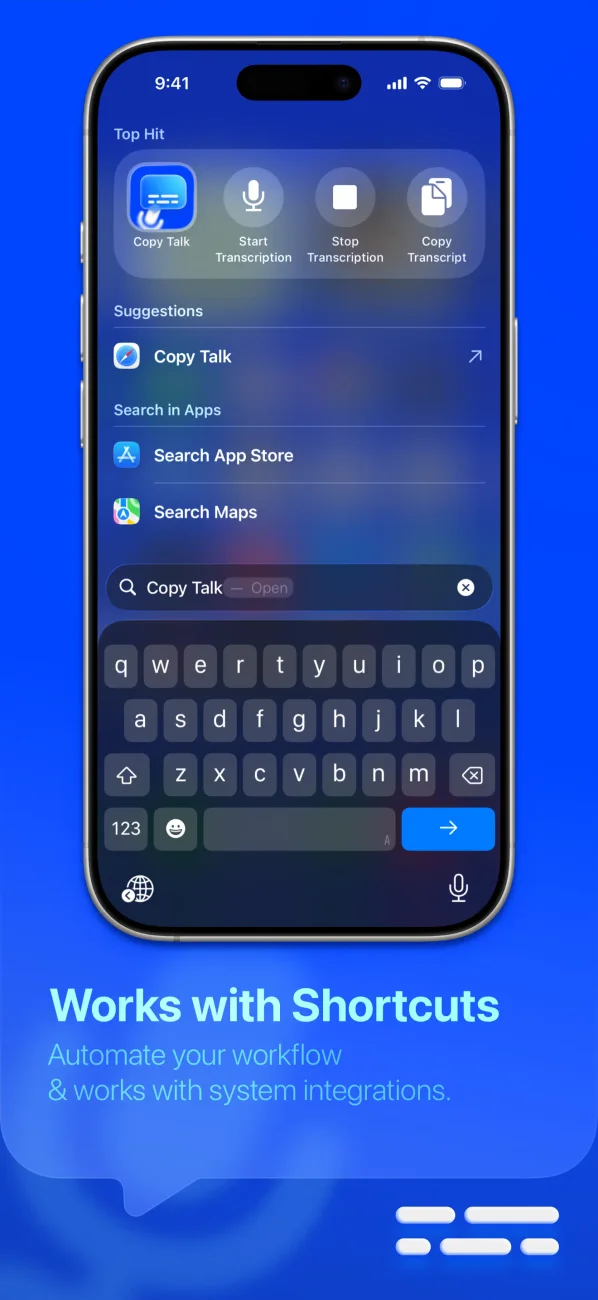
Shortcuts & Automation
Create custom shortcuts to start recording, stop transcription, copy text, or re-transcribe—all hands-free or from the Shortcuts app.
High-Accuracy Re-transcription
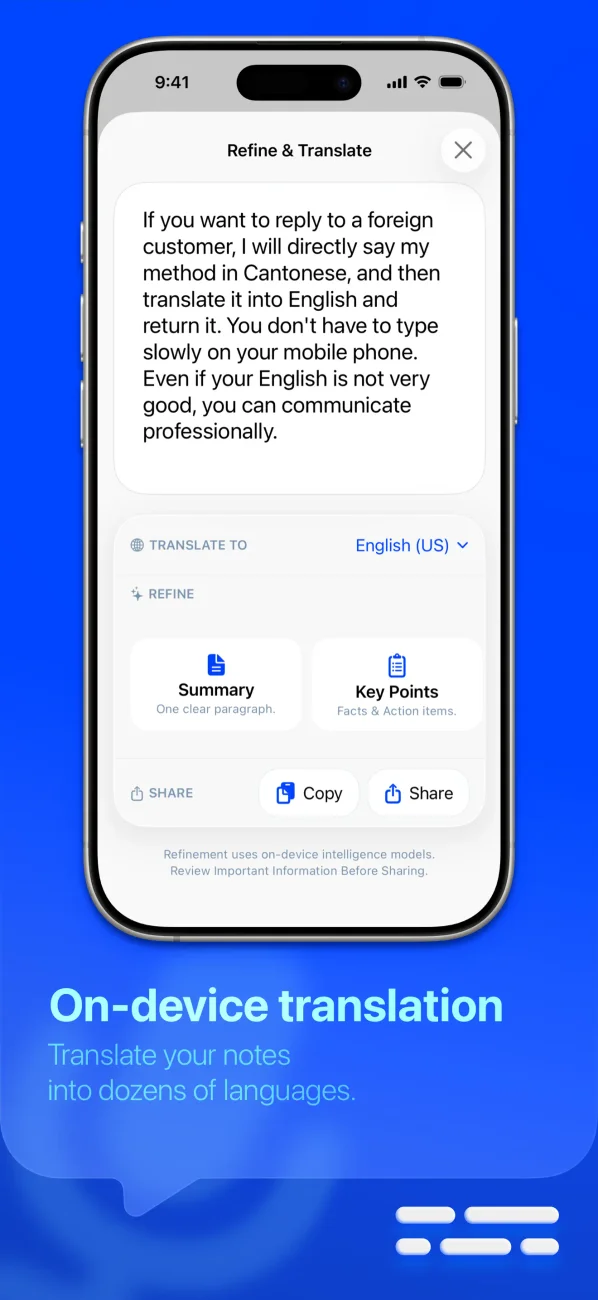
Need better results? Use the "Re-transcribe" feature to process your recording again with higher precision models.
On-device & Private
Powered by the native iOS Speech Framework. Your voice never leaves your device.
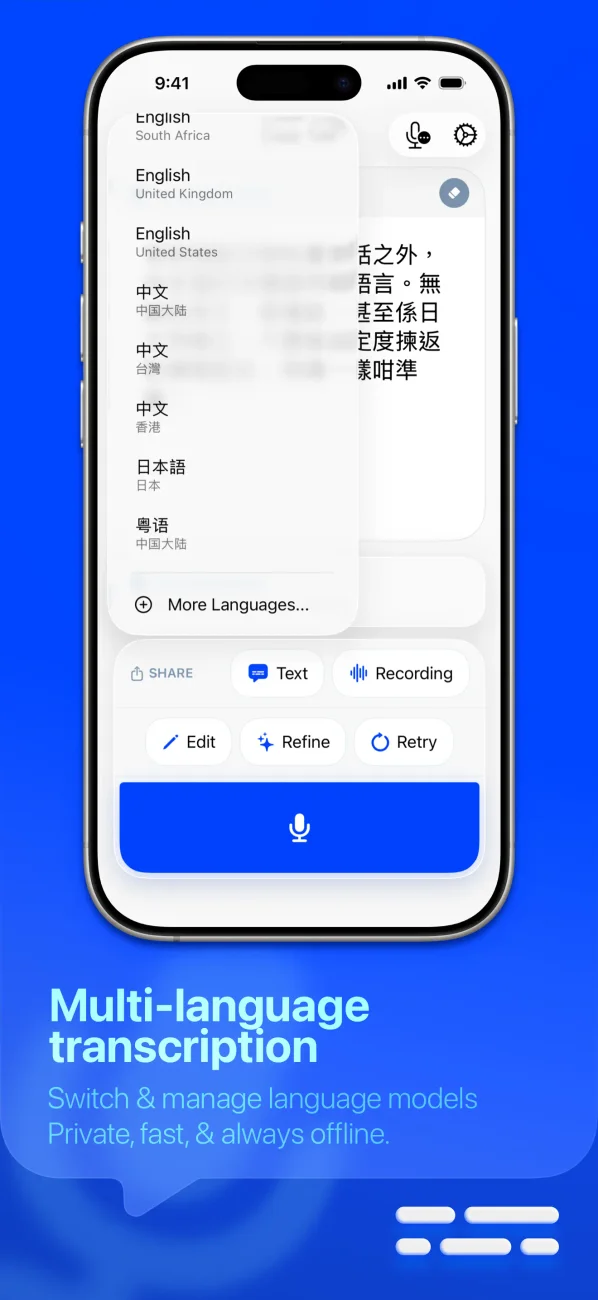
Multi-Language Support
Transcribe in multiple supported high-quality language models. Download up to 5 languages for offline use.
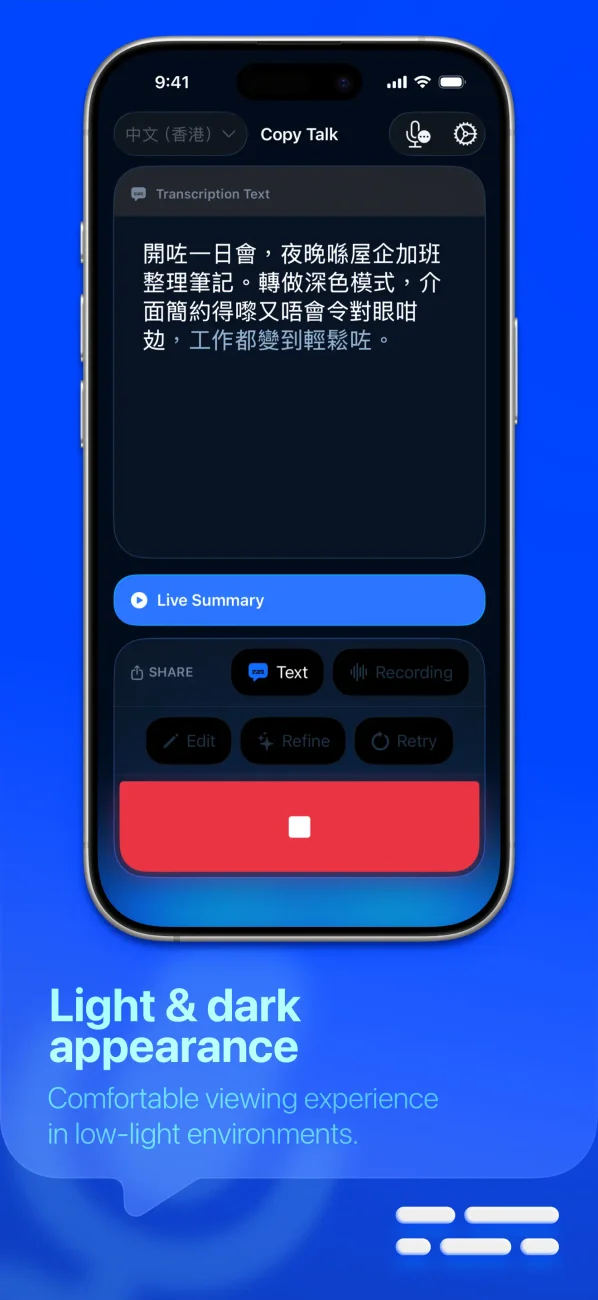
Modern Design
Beautiful Liquid Glass aesthetic with haptic feedback.
Perfect for:
• Quick notes
• Meetings and study
• Hands-free writing
• Accessibility workflows
• Quiet environments using Universal Clipboard
What’s new
Version 1.3 · Mar 4, 2026
Version 1.3
• Added Edit Transcript flow for post-transcription text editing.
• Added audio playback inside the editor with time-synced transcript highlighting for easier correction.
• Added/updated settings for a smoother experience (including editor behavior and workflow controls).
• Minor UI polish and stability improvements.
App privacy
What Wa Hong Lui declares on the App Store about how this app handles data.
-
Data not collected
The developer does not collect any data from this app.
Privacy practices may vary, for example with the features you use or your age.
Information
- Seller
- Wa Hong Lui
- Category
- Utilities
- Version
- 1.3
- Updated
- Mar 4, 2026
- Released
- Jan 28, 2026
- Size
- 7.4 MB
- Requires
- iOS 26.0 or later
- Age rating
- 4+
- Price
- Free
- Languages
- English, Simplified Chinese, Traditional Chinese
- Copyright
- © 2026 LAB015
You might also like
-
 dictpasteVoice to text, on device
-
 AutoSummarize!Smart AI summaries in Safari
-
 Summary For SafariAI-powered summary
-
 PhyModelUtilities
-
 Link Widget - Quick Access WebYour sites, one tap away
-
 Text Reader: StudioVoice ttsCopy and Read Text Aloud
-
 Extension AISummarize, Factcheck, Explain
-
 Kipzy: Smart & Private BrowserAd Blocker & Private Browsing
-
 FlyVox: AI Live TranslatorSimultaneous Interpretation
-
 Foldic - Photos BackupBack up photos to folders