CryptoFiles: Files Encryption
Encrypt photos, videos, audios
Dirancang untuk iPhone, iPad, iPod touch
Gratis · Pembelian dalam aplikasi
- Batasan usia4+
- KategoriKegunaan
- PengembangAvtor LLC
- BahasaInggris
- Ukuran52,9 MB
Tertaut ke halaman resmi App Store
Download.org tidak menyimpan file CryptoFiles: Files Encryption apa pun. Tombol ini membuka halaman aplikasi di App Store, tempat Avtor LLC menerbitkannya. Halaman terakhir diperiksa pada 15/11/2026.
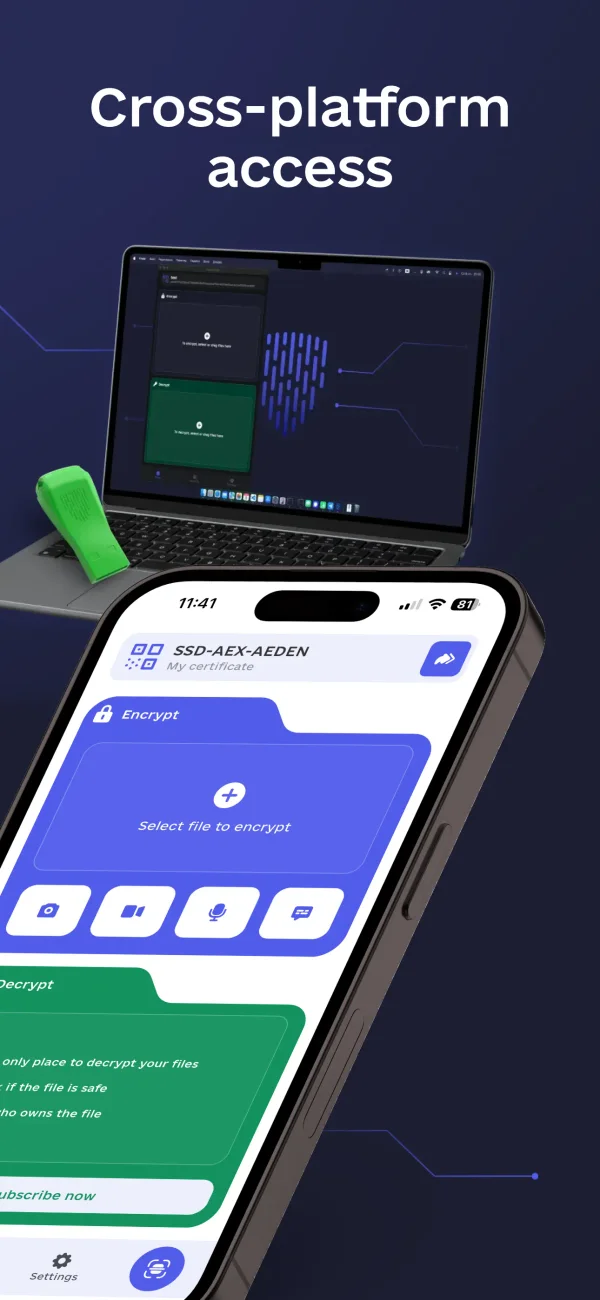
Tangkapan layar
Tentang
Pengembang belum menyediakan teks ini dalam bahasa Anda.
CryptoFiles – Secure Encryption & Decryption for Your Files
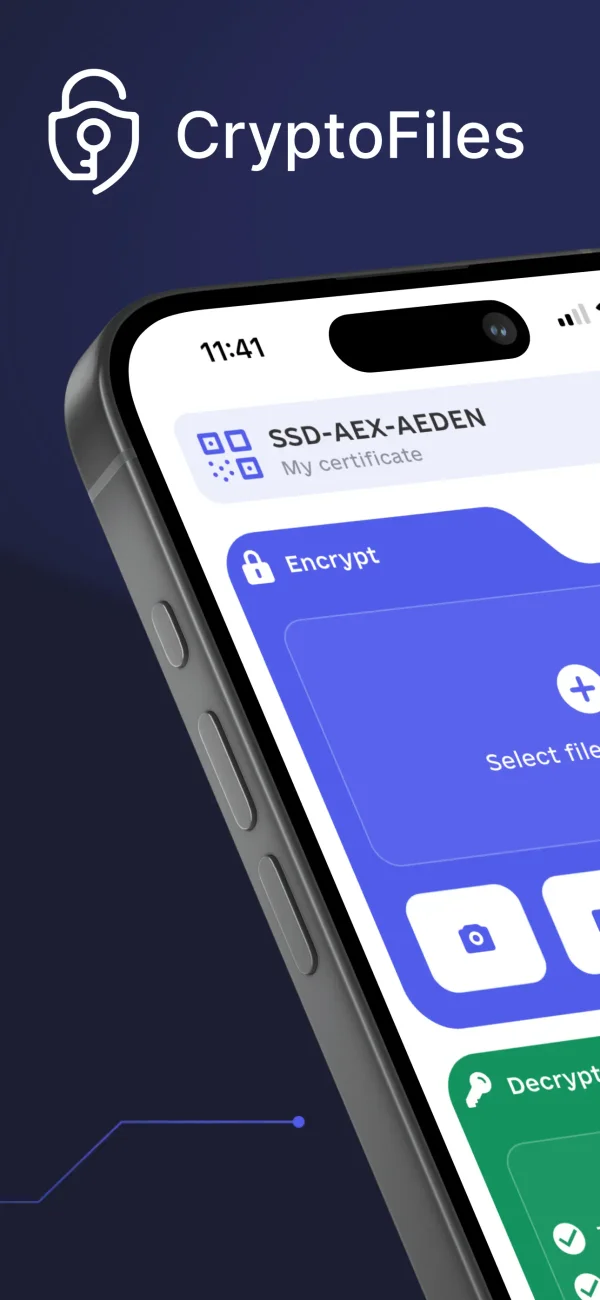
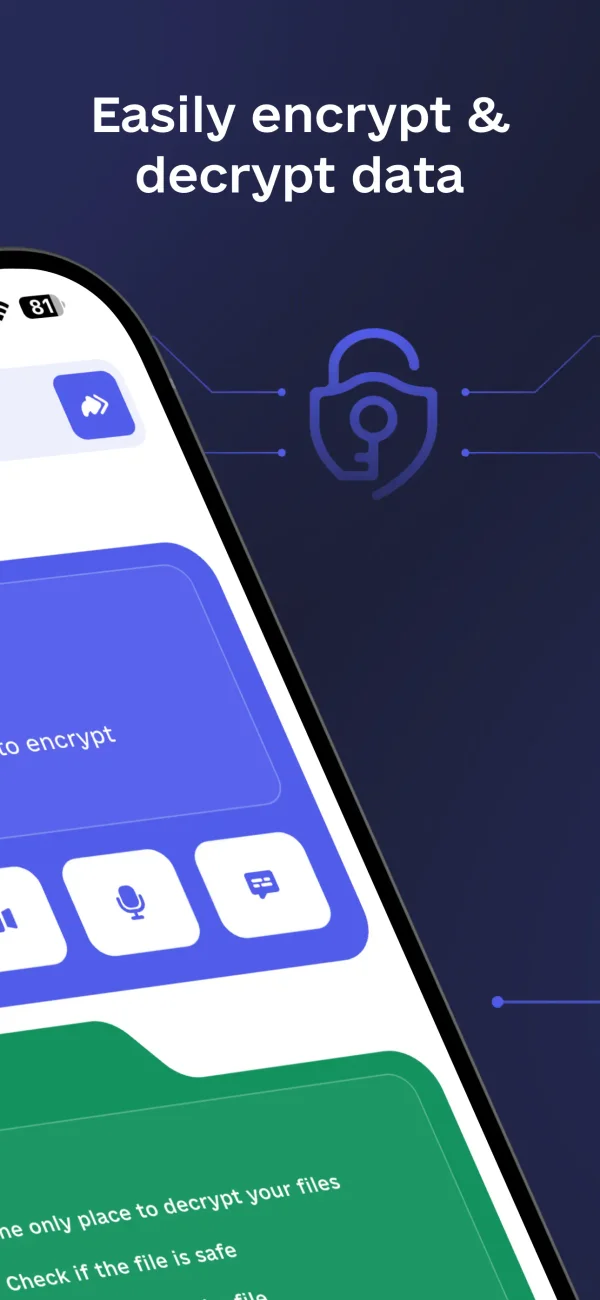
Looking for a secure way to encrypt and decrypt your file, photo, and document? CryptoFiles is the ultimate encryption tool that protects your personal data, ensuring privacy from hackers and unauthorized access. With an intuitive interface, CryptoFiles handles cipher generation, hash protection, and decryption with ease.
Why Choose CryptoFiles app?
• Advanced Security – Uses asymmetric encryption, ensuring passwords, keys, and files stay safe.
• File Manager & Organizer – Supports folders, notes, journal, and note cards for easy taking and making of secure records.
• Cloud & Local Storage – Store documents, photos, and files in a locked folder, drive, or storage.
• Swift Key Management – Built-in key generator, password manager, and authenticator make encryption seamless.
• Unlimited Protection – Works with hard disk, cloud storage, and mobile devices.
How CryptoFiles Works
1. Key Generation – On first launch, CryptoFiles automatically generates a private key and public key, which are securely stored in your mobile device.
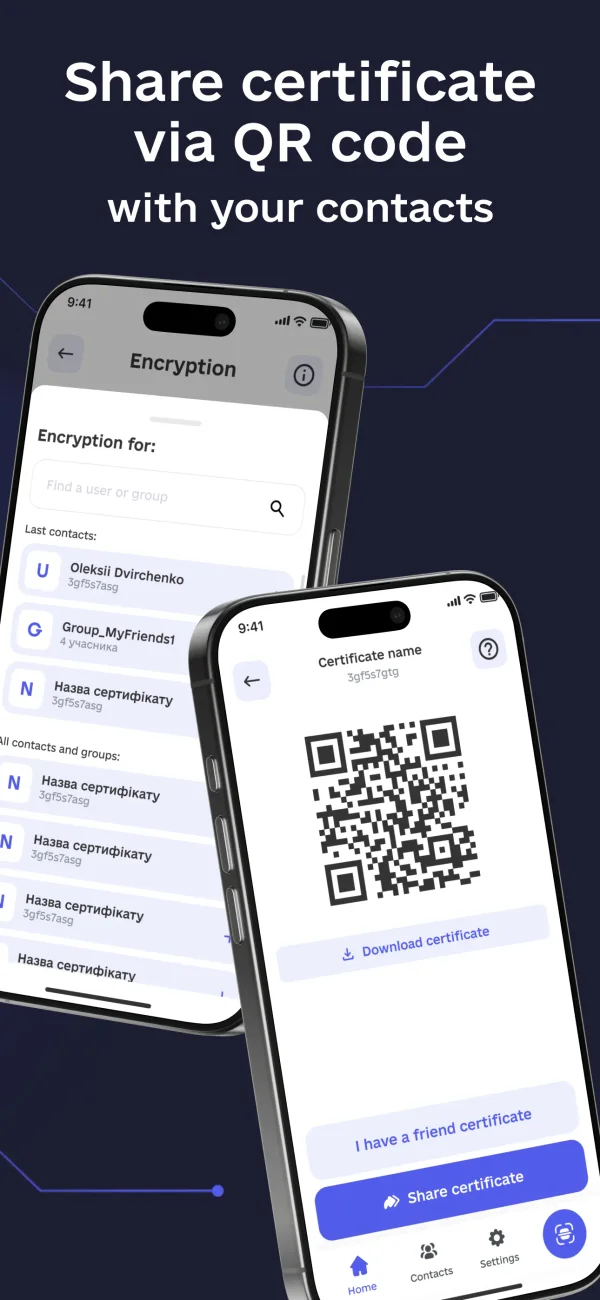
2. Public Key Sharing – Use a QR-code to send your public key to clients and senders who need to encrypt files for you.
3. Receiving Public Keys – Scan and receive public keys from users for whom you want to encrypt data.
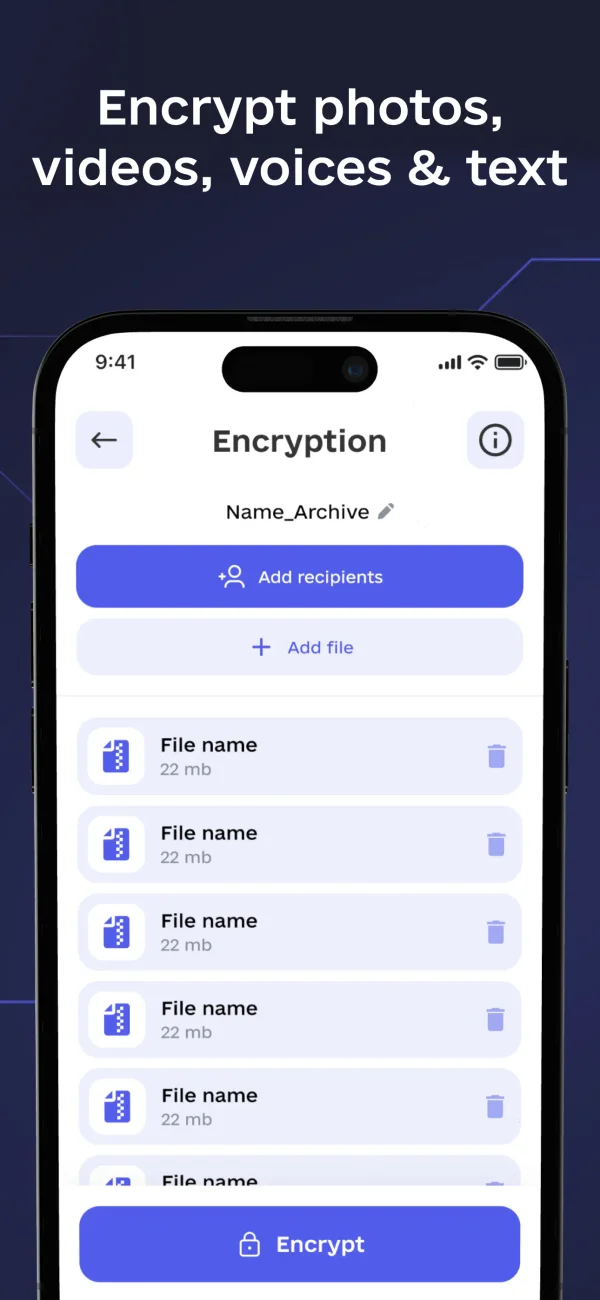
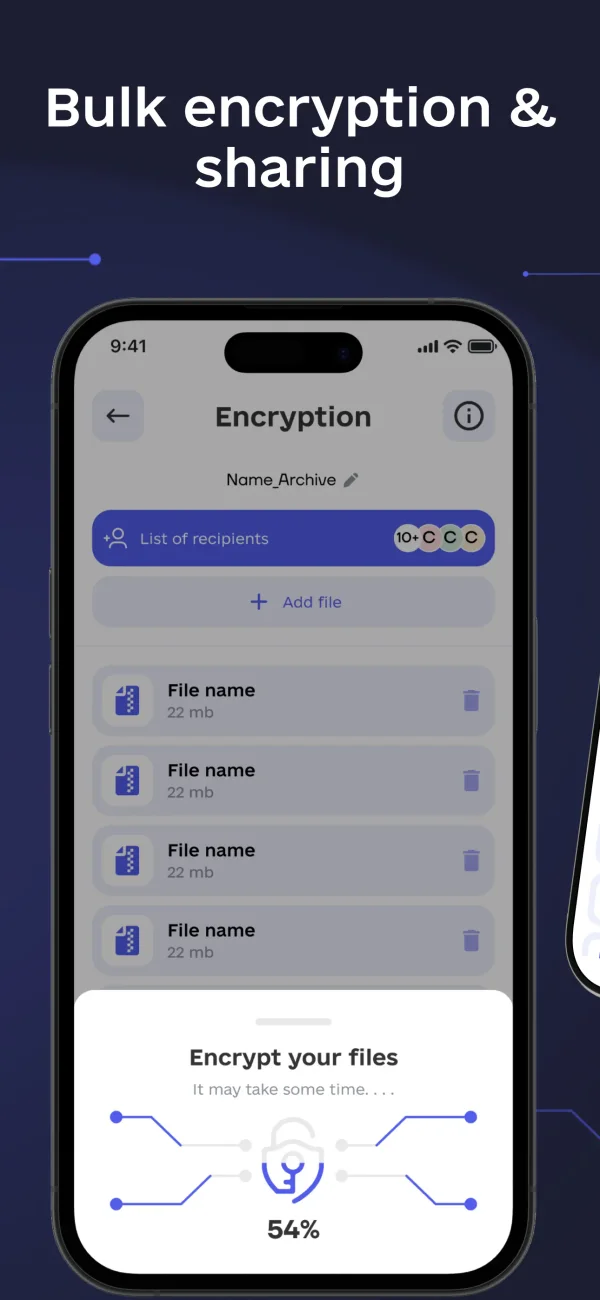
4. Encryption – Select a file from your phone, drive, or folders, click Encrypt, and choose the recipient. Send the encrypted file via email or messenger.
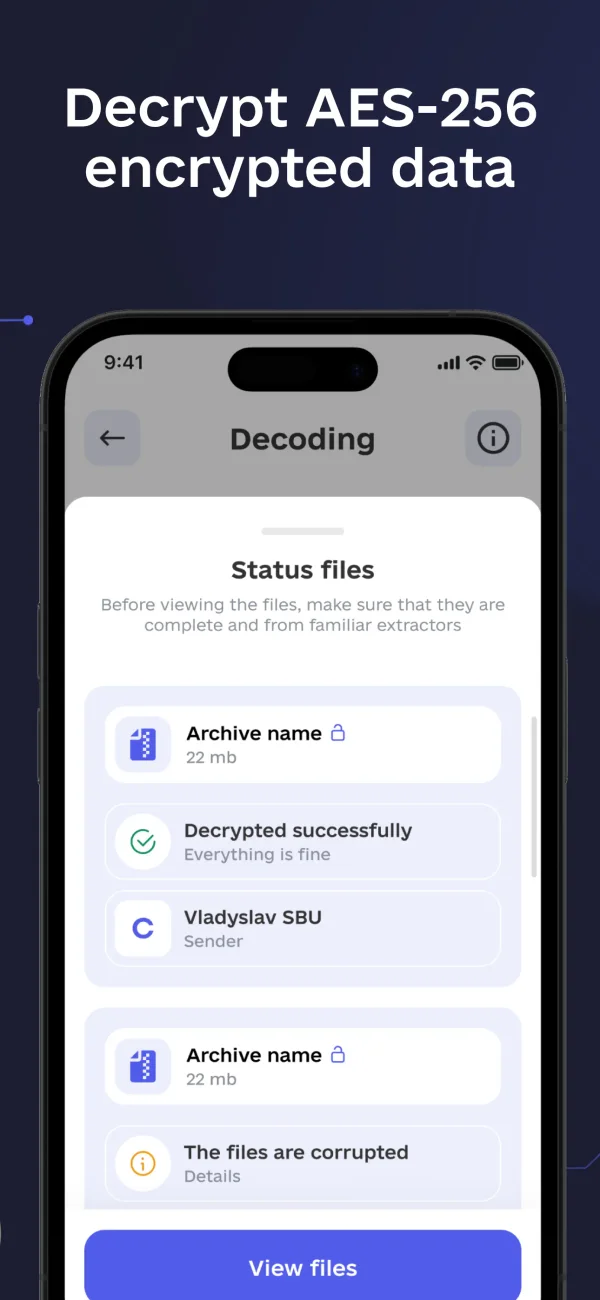
5. Decryption – Open CryptoFiles, select the encrypted file, and tap Decrypt. The decoder will extract and unlock the file—only if it was encrypted for you.
CryptoFiles Free vs. Premium Features
• Basic Version – Encrypt files, photos, and notes for yourself.
• Premium Version – Full encryption & decryption for files, folders, documents, text, audio, and videos with cloud and drive integration.
Whether you need to keep your diary hidden, write and protect private notes, or store sensitive documents in a locked folder, CryptoFiles is the perfect tool.
Protect your data with CryptoFiles – Download now and secure your privacy!
Privacy Policy: https://cryptofiles.org/docs/cf_pp_en.txt
Terms of Use: https://cryptofiles.org/docs/cf_eula_en.txt
Yang baru
Versi 3.3.19 · 10/7/2025
Changes:
Key password minimum length: 4 characters
App code length: 4 digits
7 days trial
Privasi aplikasi
Yang dinyatakan Avtor LLC di App Store tentang cara aplikasi ini menangani data.
-
Data yang digunakan untuk melacak Anda
Dapat digunakan untuk melacak Anda di aplikasi dan situs web milik perusahaan lain.
- Data penggunaan
-
Data yang tidak ditautkan dengan Anda
Dapat dikumpulkan, tetapi tidak ditautkan dengan identitas Anda.
- Data penggunaan
Praktik privasi dapat bervariasi, misalnya berdasarkan fitur yang Anda gunakan atau usia Anda.
Informasi
- Penjual
- AVTOR LLC
- Kategori
- Kegunaan
- Versi
- 3.3.19
- Diperbarui
- 10/7/2025
- Dirilis
- 1/8/2023
- Ukuran
- 52,9 MB
- Memerlukan
- iOS 13.0 atau yang lebih baru
- Batasan usia
- 4+
- Harga
- Gratis
- Pembelian dalam aplikasi
- Ya
- Bahasa
- Inggris
- Hak cipta
- © AVTOR LLC
Mungkin Anda juga suka
-
 TextCrypt - Encrypted StorageKegunaan
-
 OneCrypt - Encrypt FilesKegunaan
-
 GPG DecryptKegunaan
-
 Paranoia File Encryption LiteKegunaan
-
 Arrowat EncryptorKegunaan
-
 Crypto Helper - Hash MD5 SHAKegunaan
-
 Crypto Tools (De)EncryptionKegunaan
-
 Encrypto!Kegunaan
-
 Paranoia File Encryption PROKegunaan
-
 ChatFileNgobrol dengan PDF dan dokumen