CryptoFiles: Files Encryption
Encrypt photos, videos, audios
Designed for iPhone, iPad, iPod touch
Free · In-app purchases
- Age rating4+
- CategoryUtilities
- DeveloperAvtor LLC
- LanguagesEnglish
- Size52.9 MB
Links to the official App Store page
Download.org hosts no file of CryptoFiles: Files Encryption. The button opens its official App Store page, published by Avtor LLC. Listing last checked on Nov 15, 2026.
Screenshots


About
CryptoFiles – Secure Encryption & Decryption for Your Files
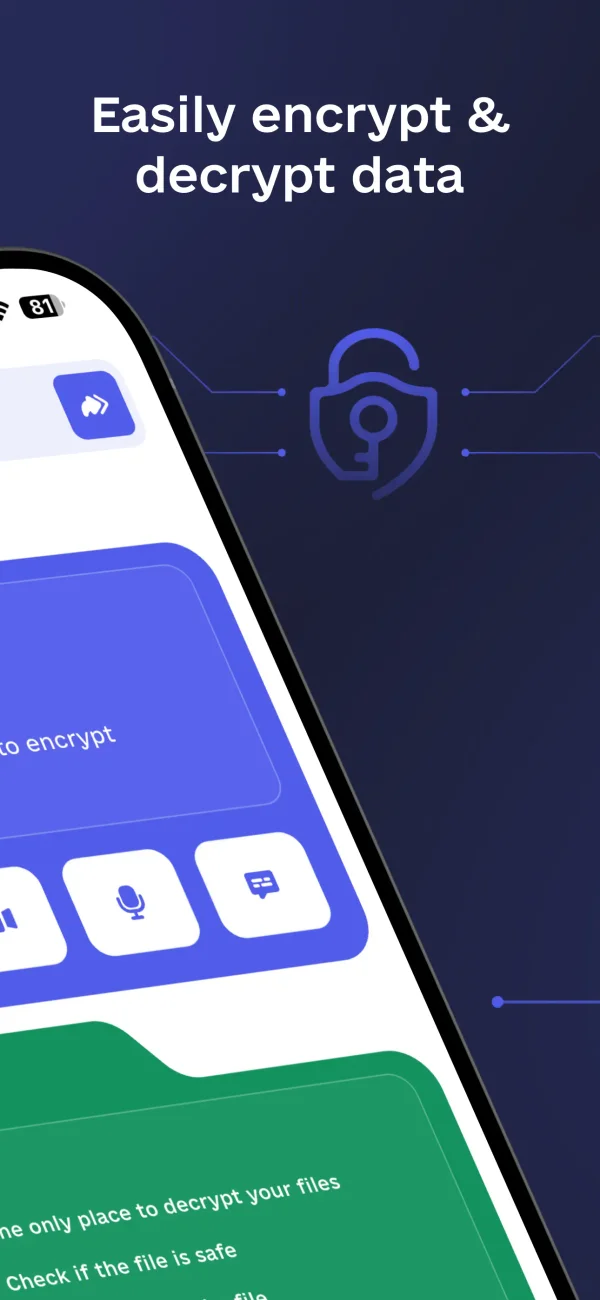
Looking for a secure way to encrypt and decrypt your file, photo, and document? CryptoFiles is the ultimate encryption tool that protects your personal data, ensuring privacy from hackers and unauthorized access. With an intuitive interface, CryptoFiles handles cipher generation, hash protection, and decryption with ease.
Why Choose CryptoFiles app?
• Advanced Security – Uses asymmetric encryption, ensuring passwords, keys, and files stay safe.
• File Manager & Organizer – Supports folders, notes, journal, and note cards for easy taking and making of secure records.
• Cloud & Local Storage – Store documents, photos, and files in a locked folder, drive, or storage.
• Swift Key Management – Built-in key generator, password manager, and authenticator make encryption seamless.
• Unlimited Protection – Works with hard disk, cloud storage, and mobile devices.
How CryptoFiles Works
1. Key Generation – On first launch, CryptoFiles automatically generates a private key and public key, which are securely stored in your mobile device.
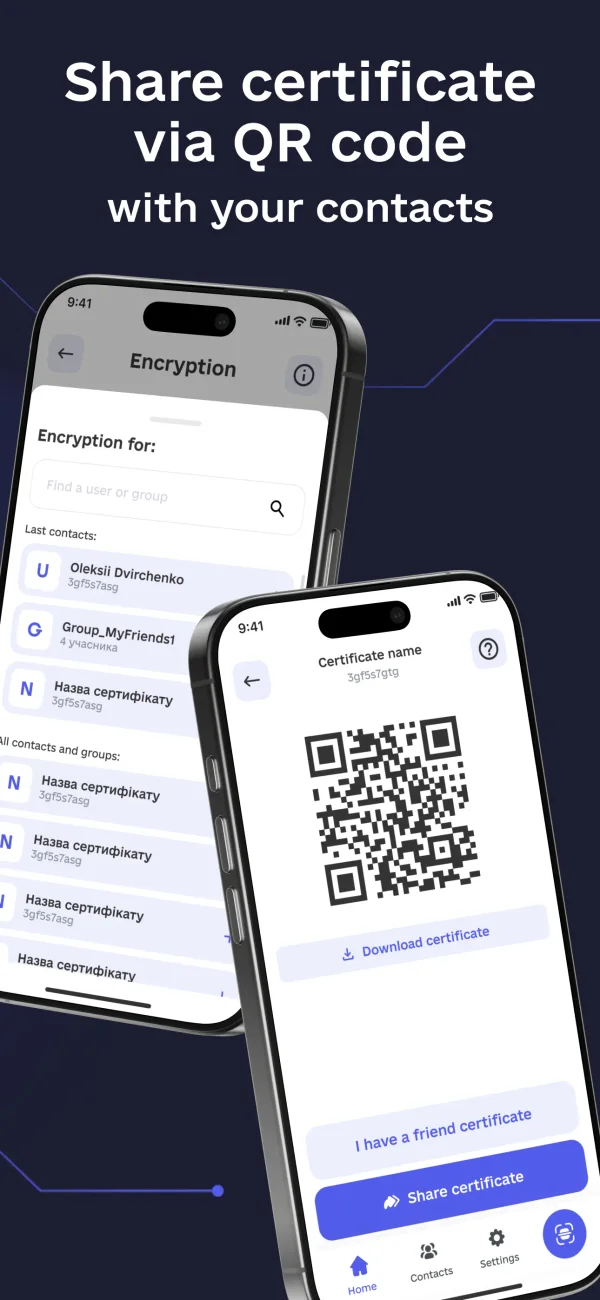
2. Public Key Sharing – Use a QR-code to send your public key to clients and senders who need to encrypt files for you.
3. Receiving Public Keys – Scan and receive public keys from users for whom you want to encrypt data.
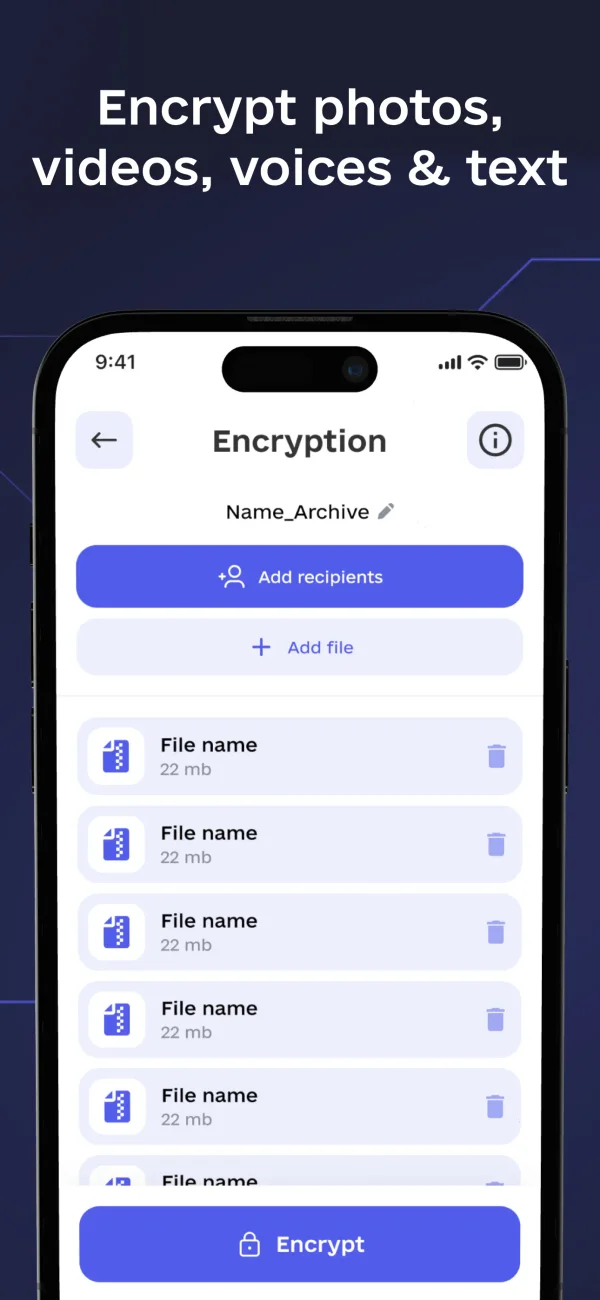
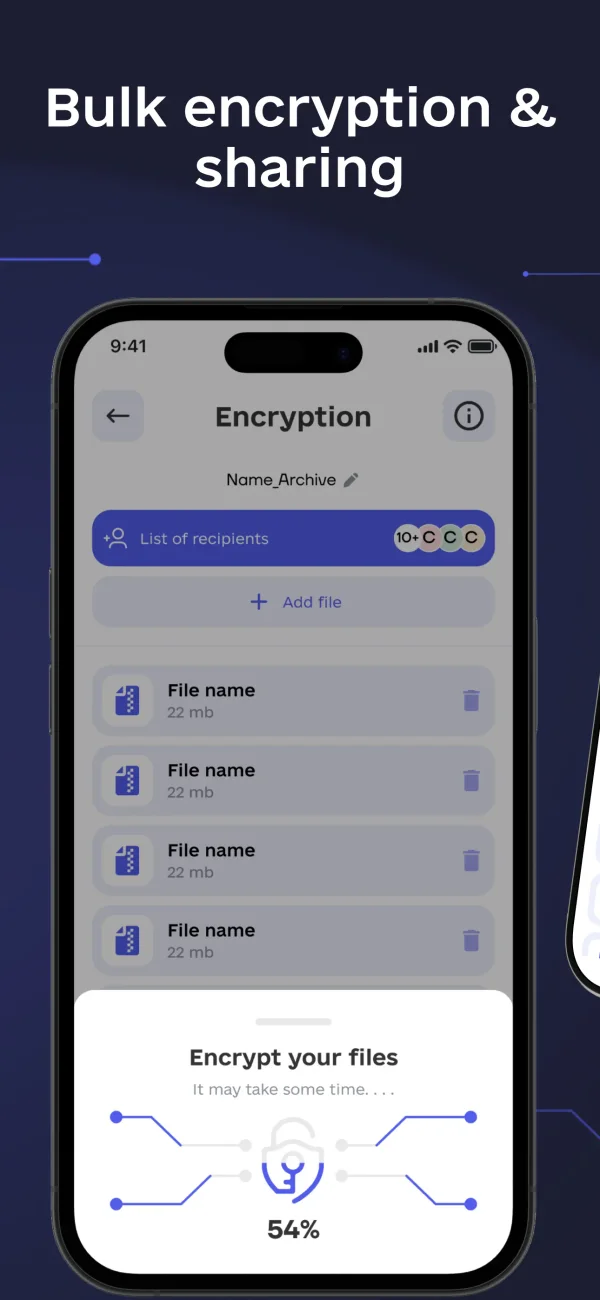
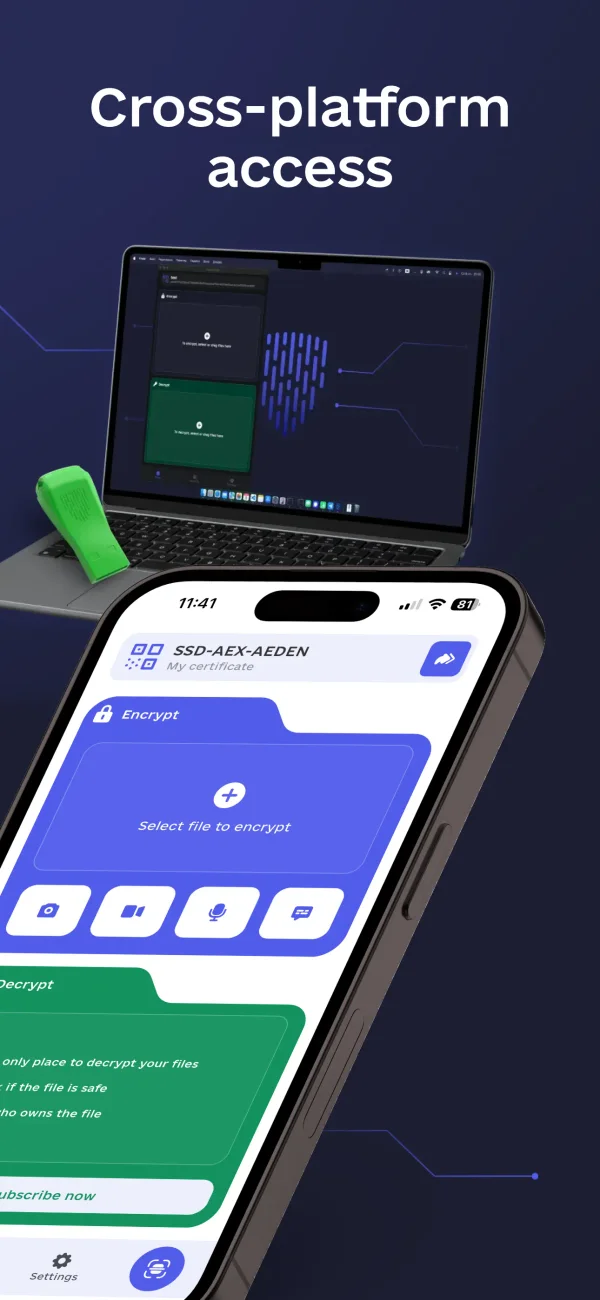
4. Encryption – Select a file from your phone, drive, or folders, click Encrypt, and choose the recipient. Send the encrypted file via email or messenger.
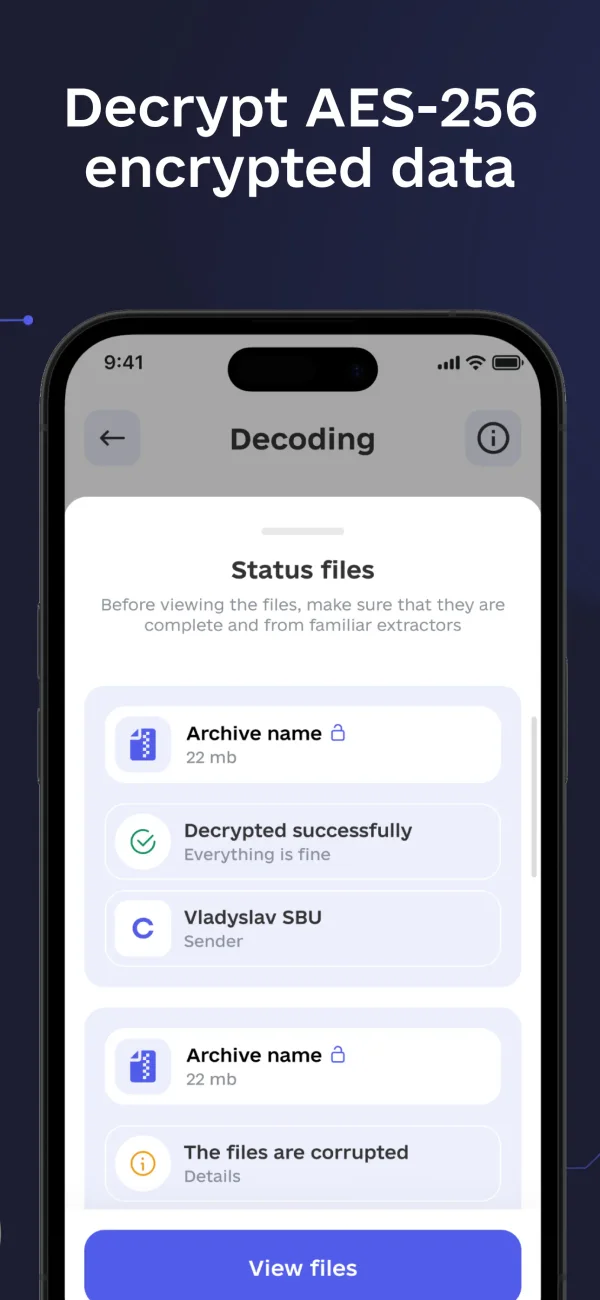
5. Decryption – Open CryptoFiles, select the encrypted file, and tap Decrypt. The decoder will extract and unlock the file—only if it was encrypted for you.
CryptoFiles Free vs. Premium Features
• Basic Version – Encrypt files, photos, and notes for yourself.
• Premium Version – Full encryption & decryption for files, folders, documents, text, audio, and videos with cloud and drive integration.
Whether you need to keep your diary hidden, write and protect private notes, or store sensitive documents in a locked folder, CryptoFiles is the perfect tool.
Protect your data with CryptoFiles – Download now and secure your privacy!
Privacy Policy: https://cryptofiles.org/docs/cf_pp_en.txt
Terms of Use: https://cryptofiles.org/docs/cf_eula_en.txt
What’s new
Version 3.3.19 · Jul 10, 2025
Changes:
Key password minimum length: 4 characters
App code length: 4 digits
7 days trial
App privacy
What Avtor LLC declares on the App Store about how this app handles data.
-
Data used to track you
May be used to track you across apps and websites owned by other companies.
- Usage data
-
Data not linked to you
May be collected but is not linked to your identity.
- Usage data
Privacy practices may vary, for example with the features you use or your age.
Information
- Seller
- AVTOR LLC
- Category
- Utilities
- Version
- 3.3.19
- Updated
- Jul 10, 2025
- Released
- Aug 1, 2023
- Size
- 52.9 MB
- Requires
- iOS 13.0 or later
- Age rating
- 4+
- Price
- Free
- In-app purchases
- Yes
- Languages
- English
- Copyright
- © AVTOR LLC
You might also like
-
 TextCrypt - Encrypted StorageEncrypt Notes Files, Passwords
-
 OneCrypt - Encrypt FilesEncrypt Files with One Click
-
 GPG DecryptUtilities
-
 Paranoia File Encryption LiteAES encrypt files & folders
-
 Arrowat EncryptorUtilities
-
 Crypto Helper - Hash MD5 SHATool support hash your string
-
 Crypto Tools (De)EncryptionPro Encryption & Forensics
-
 Encrypto!Data is in your hands!
-
 Paranoia File Encryption PROFiles & folders, 8 ciphers
-
 ChatFileChat with PDF or any document