CryptoFiles: Files Encryption
Encrypt photos, videos, audios
iPhone, iPad, iPod touch向けに設計
無料 · アプリ内課金
- 対象年齢4+
- カテゴリユーティリティ
- 開発元Avtor LLC
- 言語英語
- サイズ52.9 MB
App Storeの公式ページにリンクしています
Download.orgはCryptoFiles: Files Encryptionのファイルを一切ホストしていません。ボタンを押すと、Avtor LLCが公開しているApp Storeのアプリページが開きます。ページの最終確認:2026/11/15。
スクリーンショット
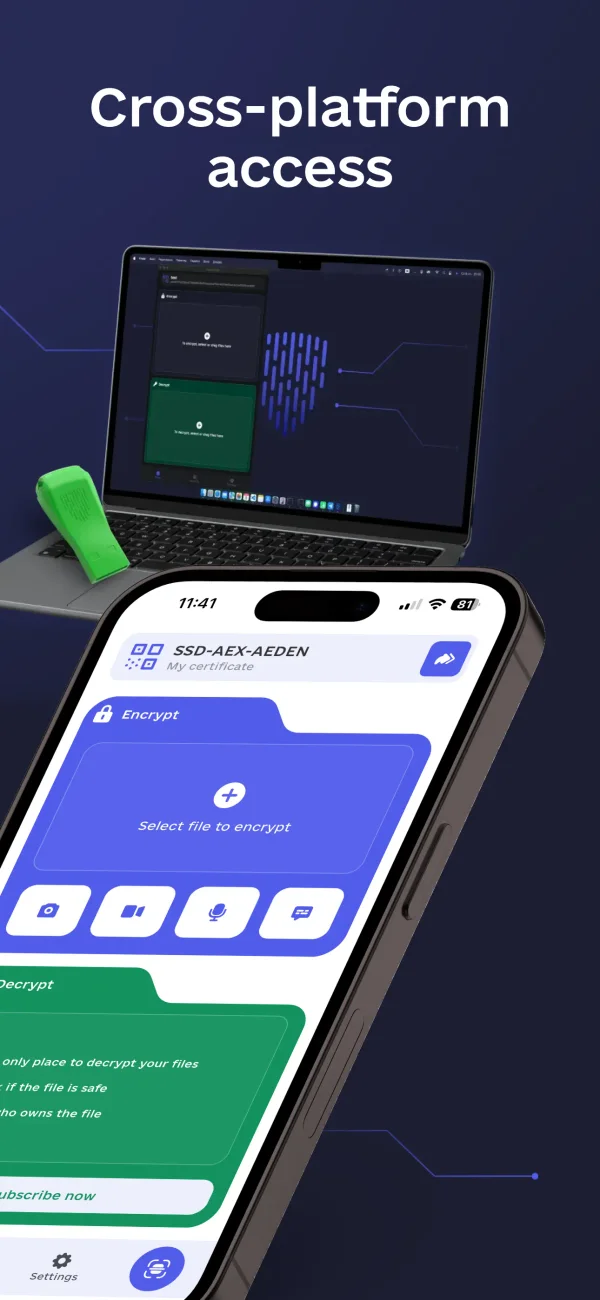
概要
開発元はこのテキストをお使いの言語で提供していません。
CryptoFiles – Secure Encryption & Decryption for Your Files
Looking for a secure way to encrypt and decrypt your file, photo, and document? CryptoFiles is the ultimate encryption tool that protects your personal data, ensuring privacy from hackers and unauthorized access. With an intuitive interface, CryptoFiles handles cipher generation, hash protection, and decryption with ease.
Why Choose CryptoFiles app?
• Advanced Security – Uses asymmetric encryption, ensuring passwords, keys, and files stay safe.
• File Manager & Organizer – Supports folders, notes, journal, and note cards for easy taking and making of secure records.
• Cloud & Local Storage – Store documents, photos, and files in a locked folder, drive, or storage.
• Swift Key Management – Built-in key generator, password manager, and authenticator make encryption seamless.
• Unlimited Protection – Works with hard disk, cloud storage, and mobile devices.
How CryptoFiles Works
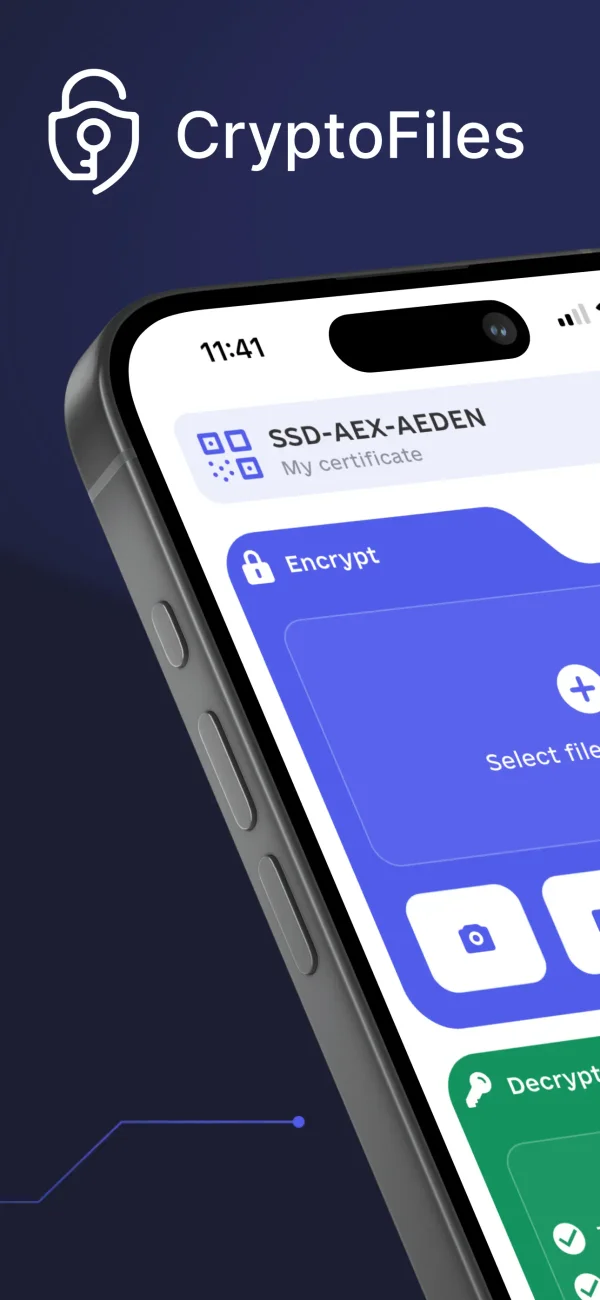
1. Key Generation – On first launch, CryptoFiles automatically generates a private key and public key, which are securely stored in your mobile device.
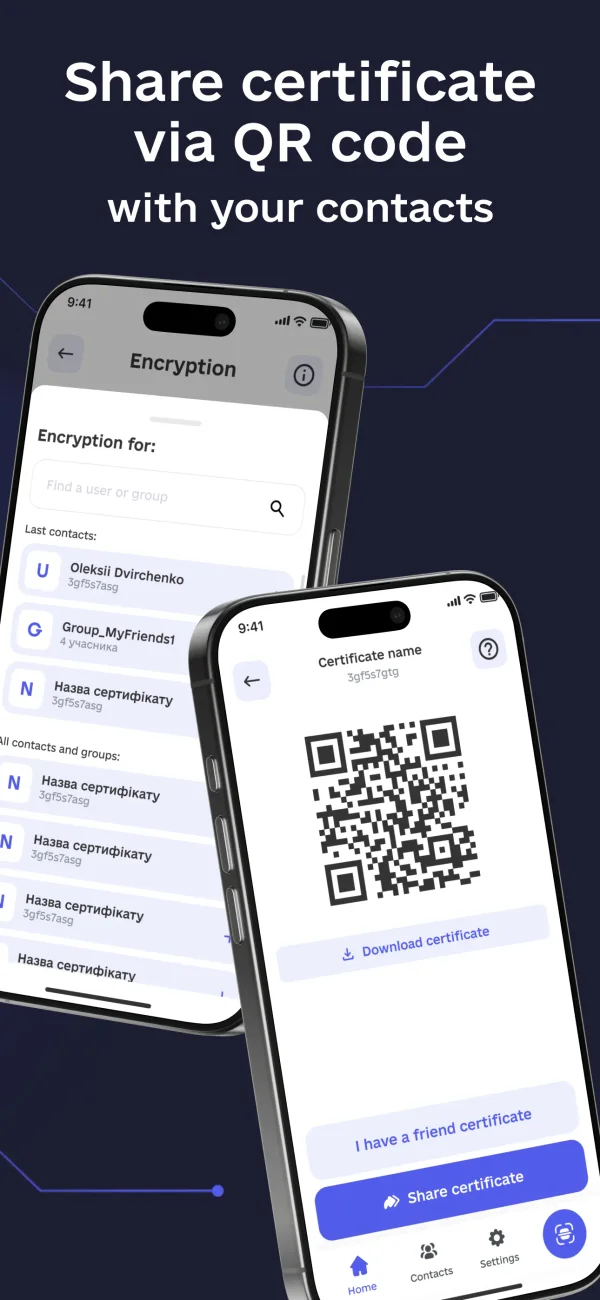
2. Public Key Sharing – Use a QR-code to send your public key to clients and senders who need to encrypt files for you.
3. Receiving Public Keys – Scan and receive public keys from users for whom you want to encrypt data.
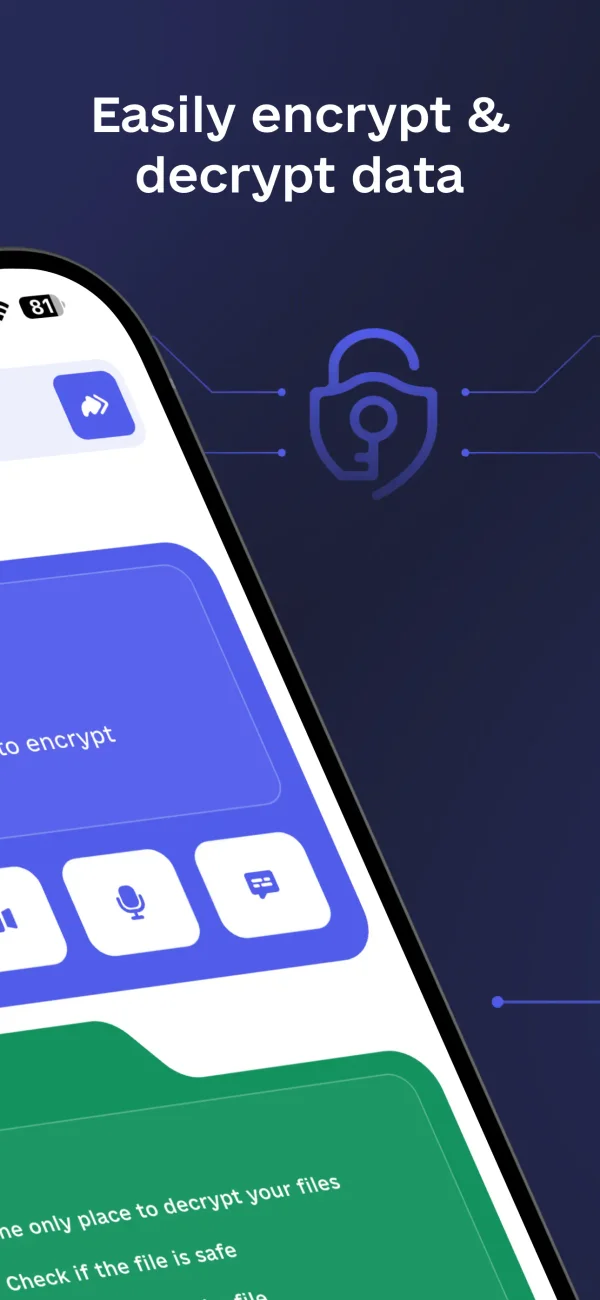
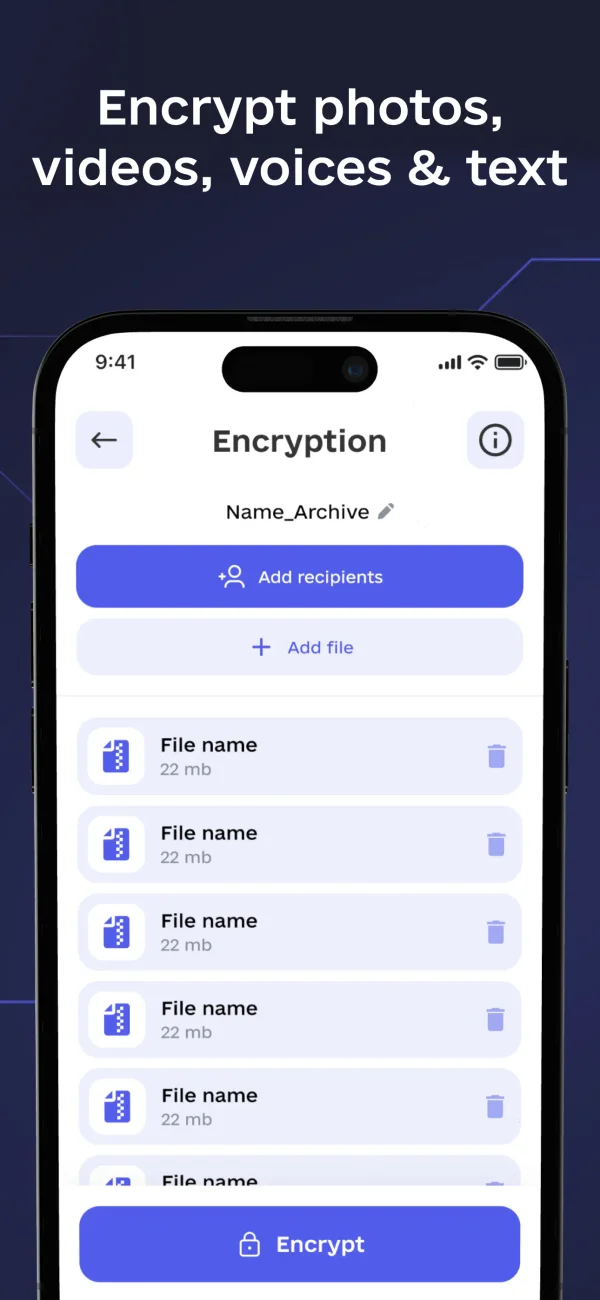
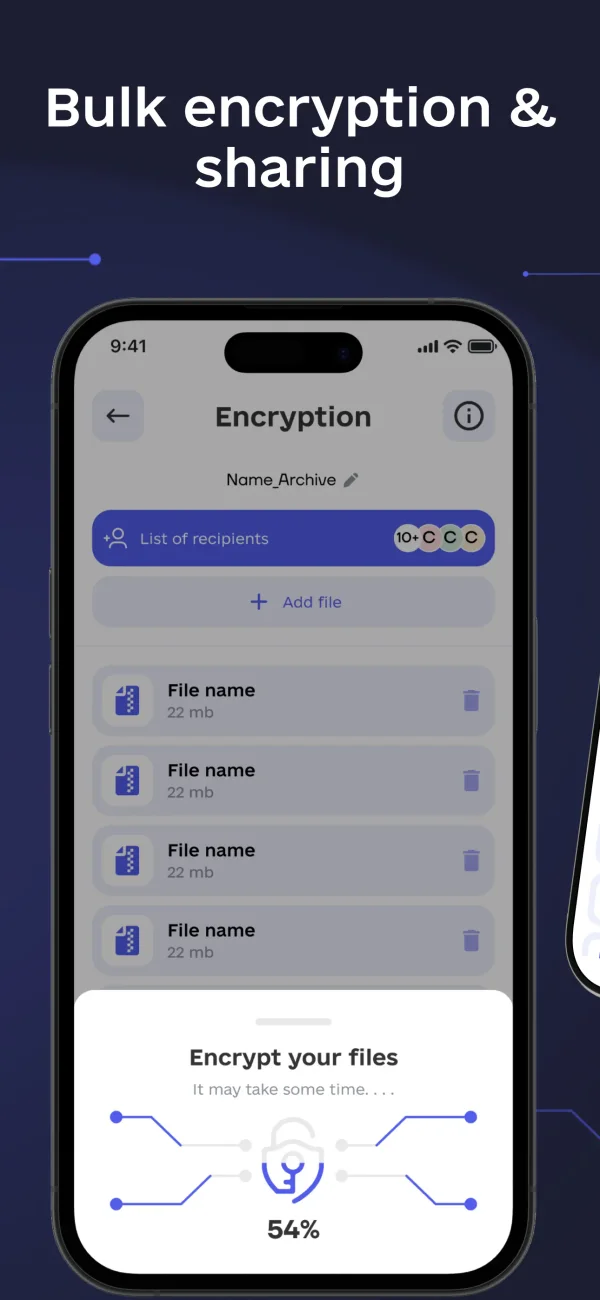
4. Encryption – Select a file from your phone, drive, or folders, click Encrypt, and choose the recipient. Send the encrypted file via email or messenger.
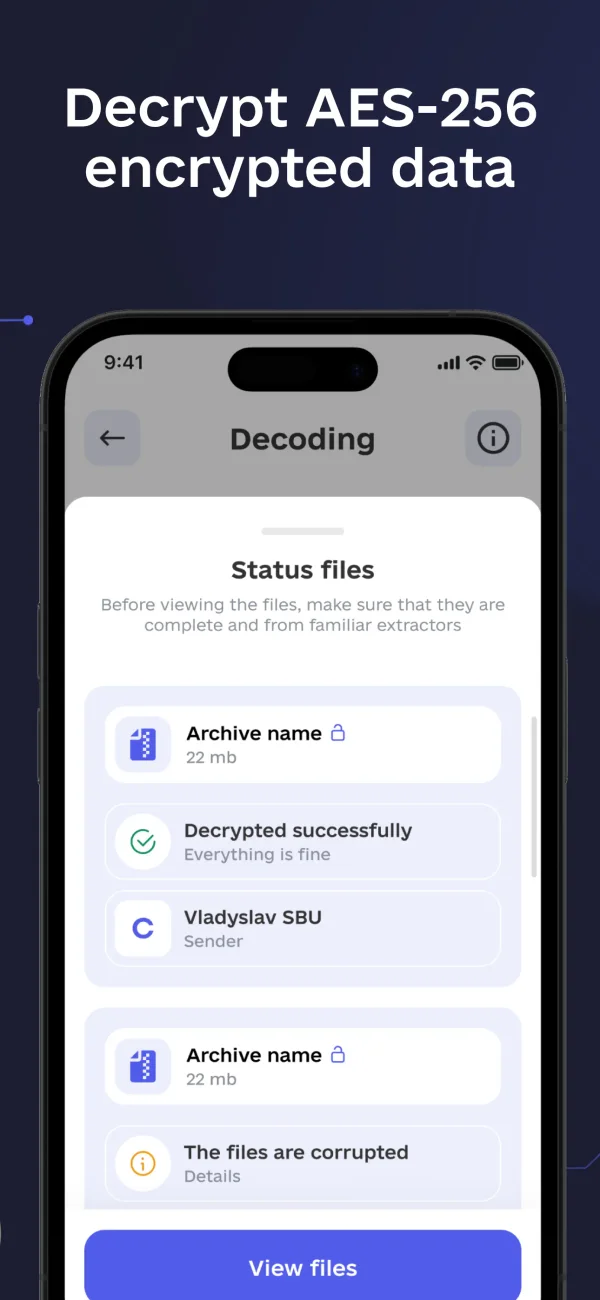
5. Decryption – Open CryptoFiles, select the encrypted file, and tap Decrypt. The decoder will extract and unlock the file—only if it was encrypted for you.
CryptoFiles Free vs. Premium Features
• Basic Version – Encrypt files, photos, and notes for yourself.
• Premium Version – Full encryption & decryption for files, folders, documents, text, audio, and videos with cloud and drive integration.
Whether you need to keep your diary hidden, write and protect private notes, or store sensitive documents in a locked folder, CryptoFiles is the perfect tool.
Protect your data with CryptoFiles – Download now and secure your privacy!
Privacy Policy: https://cryptofiles.org/docs/cf_pp_en.txt
Terms of Use: https://cryptofiles.org/docs/cf_eula_en.txt
新機能
バージョン 3.3.19 · 2025/7/10
Changes:
Key password minimum length: 4 characters
App code length: 4 digits
7 days trial
アプリのプライバシー
このアプリのデータの取り扱いについて、Avtor LLCがApp Storeで申告している内容です。
-
ユーザーのトラッキングに使用されるデータ
他社のアプリやウェブサイトを横断してユーザーをトラッキングする目的で使用される場合があります。
- 使用状況データ
-
ユーザーに関連付けられないデータ
収集される場合がありますが、ユーザーの識別情報には関連付けられません。
- 使用状況データ
プライバシーの取り扱いは、ご利用の機能やお客様の年齢などに応じて異なる場合があります。
情報
- 販売元
- AVTOR LLC
- カテゴリ
- ユーティリティ
- バージョン
- 3.3.19
- 更新日
- 2025/7/10
- リリース
- 2023/8/1
- サイズ
- 52.9 MB
- 必要条件
- iOS 13.0以降
- 対象年齢
- 4+
- 価格
- 無料
- アプリ内課金
- あり
- 言語
- 英語
- 著作権
- © AVTOR LLC
こちらもおすすめ
-
 TextCrypt - Encrypted Storageユーティリティ
-
 OneCrypt - Encrypt Filesユーティリティ
-
 GPG Decryptユーティリティ
-
 Paranoia File Encryption Liteファイル・フォルダ暗号化(AES他)
-
 Arrowat Encryptorユーティリティ
-
 Crypto Helper - Hash MD5 SHAユーティリティ
-
 Crypto Tools (De)Encryptionユーティリティ
-
 Encrypto!ユーティリティ
-
 Paranoia File Encryption PROファイル・フォルダ暗号化/8暗号方式
-
 ChatFilePDFまたは文書とスマートチャット