Custom Clock Widget
Design your own clock widgets
Dirancang untuk iPhone, iPad
Gratis
- Batasan usia4+
- KategoriKegunaan
- PengembangDeneisha Tieng
- BahasaInggris
- Ukuran1,6 MB
Tertaut ke halaman resmi App Store
Download.org tidak menyimpan file Custom Clock Widget apa pun. Tombol ini membuka halaman aplikasi di App Store, tempat Deneisha Tieng menerbitkannya. Halaman terakhir diperiksa pada 17/11/2026.
Tangkapan layar
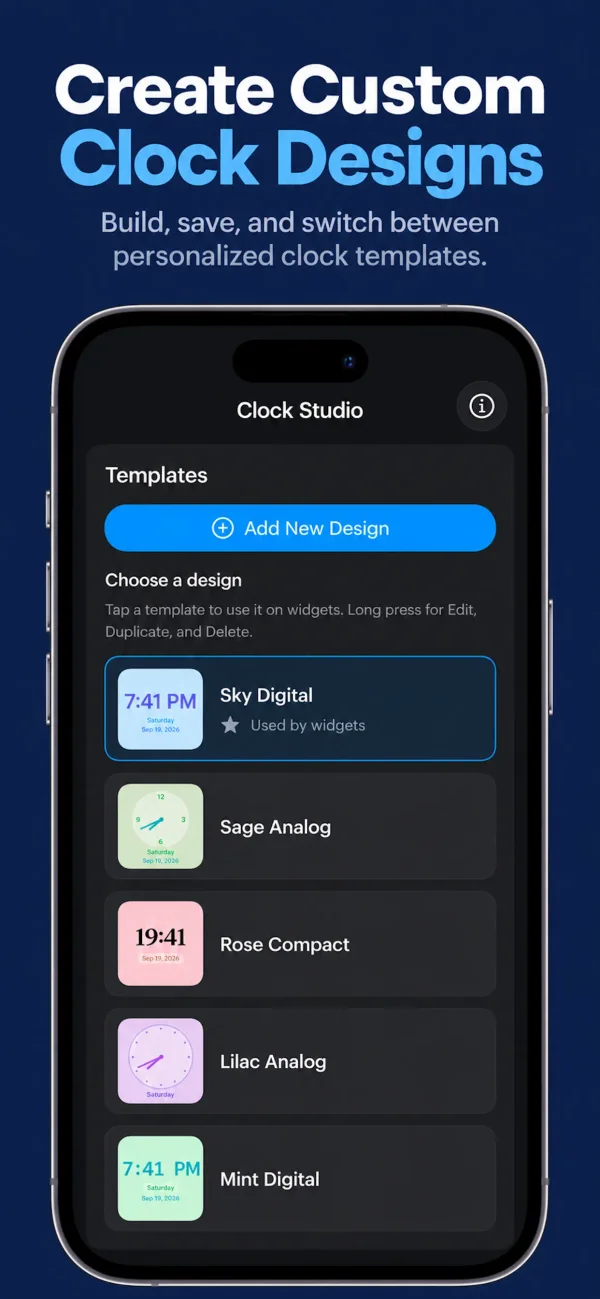
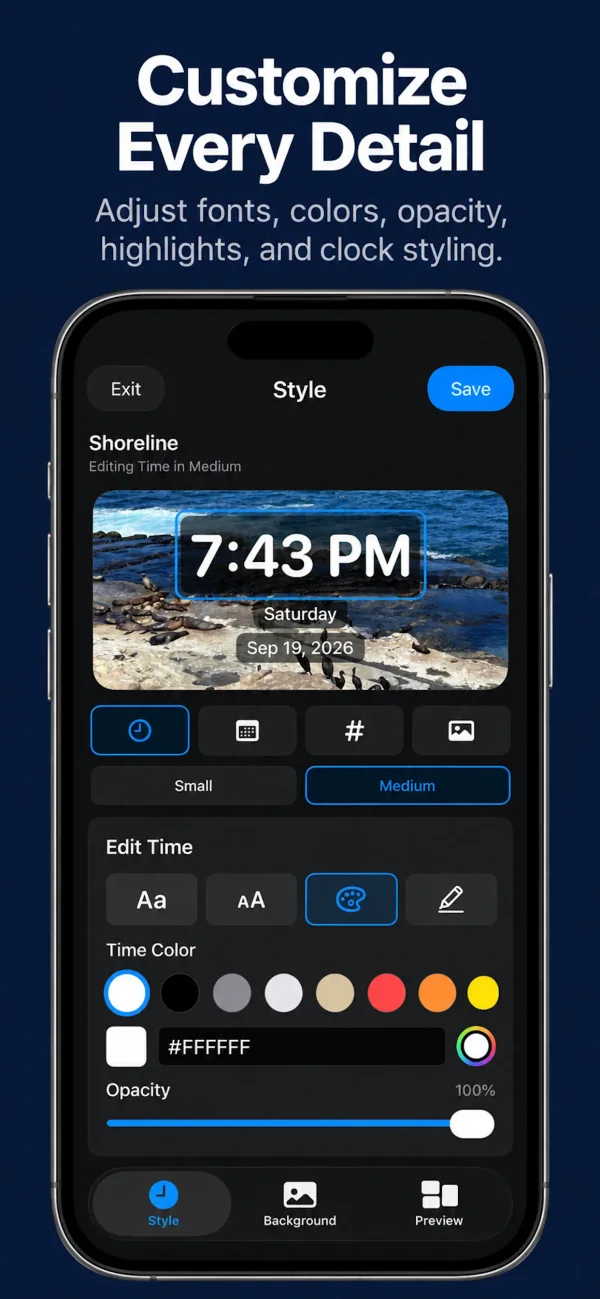
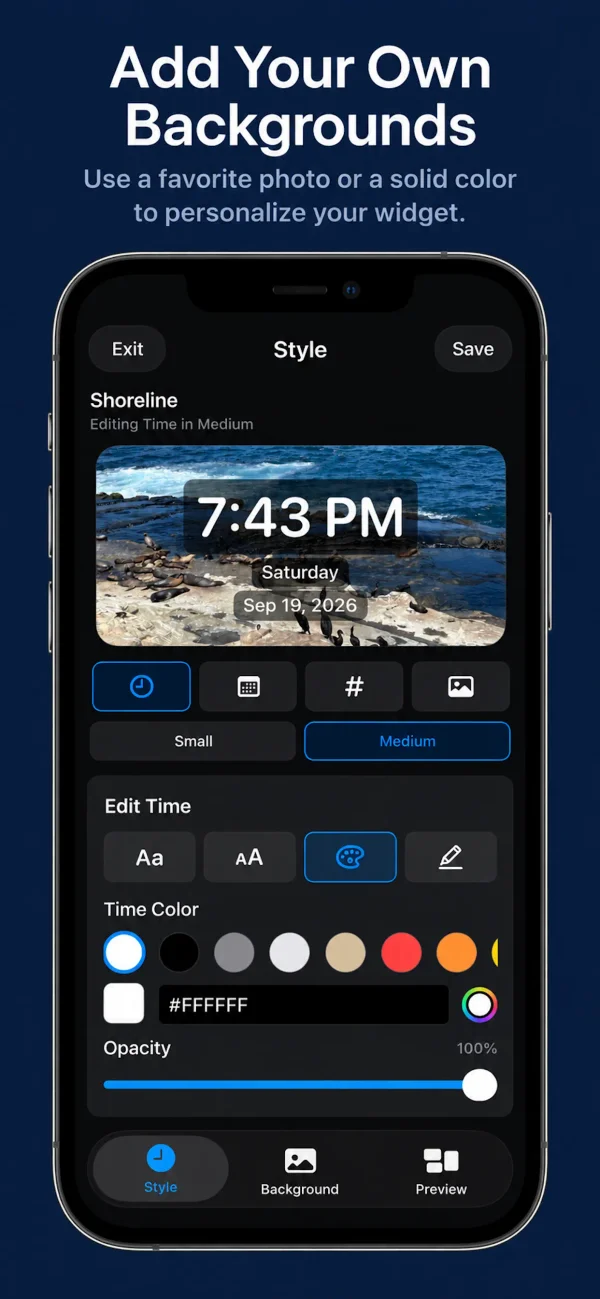
Tentang
Pengembang belum menyediakan teks ini dalam bahasa Anda.
Create a clock widget that feels like it belongs on your Home Screen.
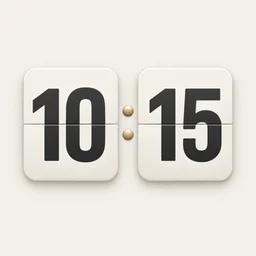
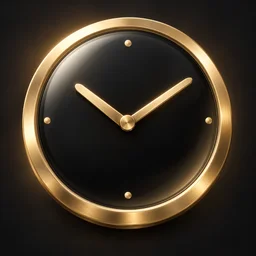
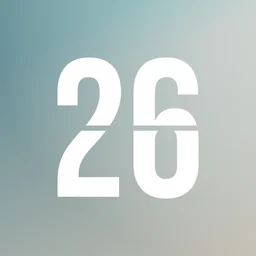
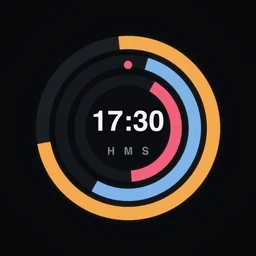
Custom Clock Widget lets you design personalized digital and analog clocks with your own fonts, colors, layouts, backgrounds, and styling. Create multiple designs, preview them in different widget sizes, and choose which design appears on your Home Screen.
CUSTOMIZE YOUR CLOCK
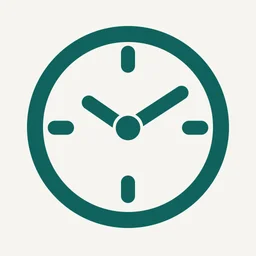
Choose between digital and analog clock styles and personalize the appearance to match your Home Screen.
• Digital and analog clock designs
• 12-hour and 24-hour time formats
• Custom time, day, and date display
• Adjustable fonts and text sizes
• Custom text colors and opacity
• Text highlight styling
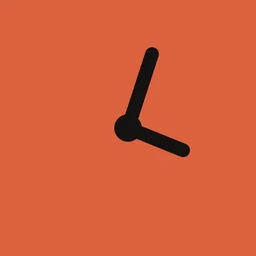
• Custom analog clock faces, numbers, and hands
MAKE IT YOURS
Choose a solid color background or select one of your own photos to create a more personal widget.
Photo backgrounds can be framed separately for small, medium, and large widget sizes so your design looks right wherever you use it.
SAVE MULTIPLE DESIGNS
Create and save multiple clock designs for different Home Screen styles. Duplicate an existing design, make changes, and switch your active clock whenever you want.
PREVIEW BEFORE YOU USE IT
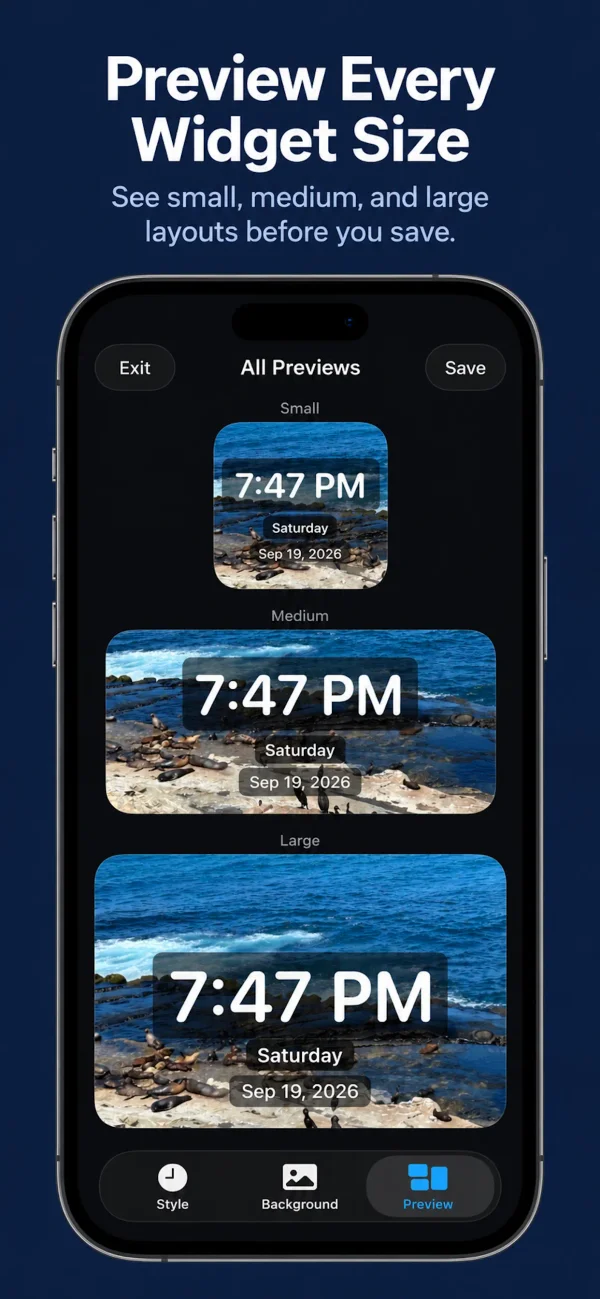
Preview your clock in small, medium, and large widget sizes directly in the app before choosing the design you want to display.
SIMPLE WIDGET SETUP
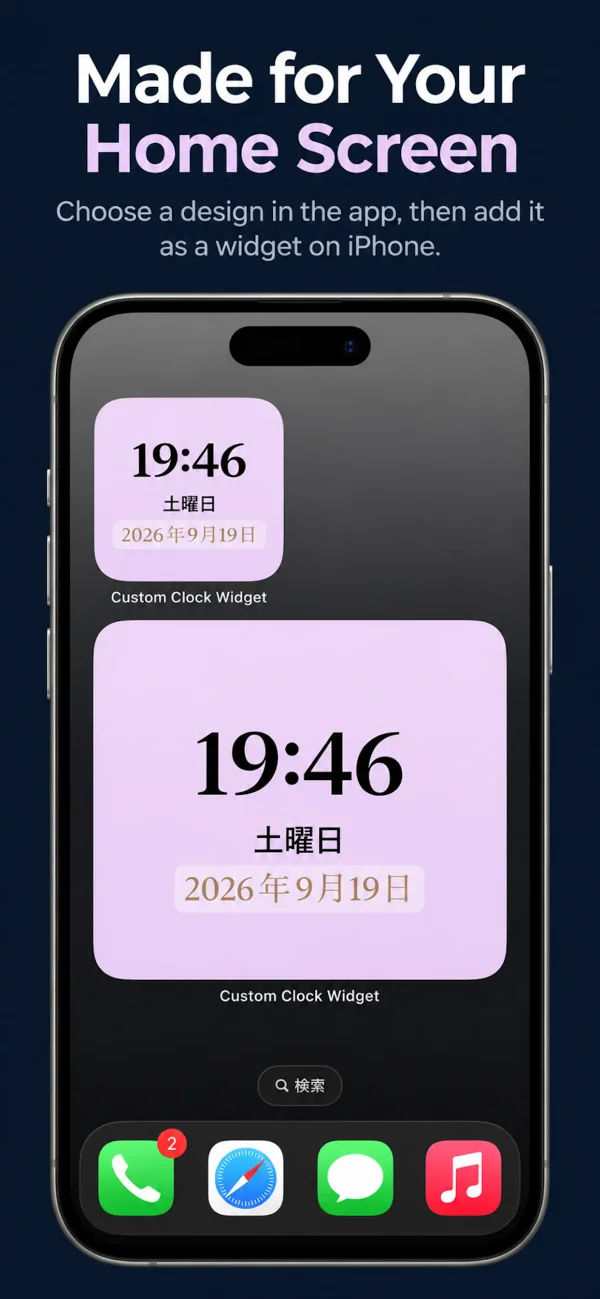
Choose your design in the app, then add the Custom Clock widget to your iPhone Home Screen using the standard iOS widget controls.
No account required. Your clock designs and selected photo backgrounds are used locally on your device.
Privasi aplikasi
Yang dinyatakan Deneisha Tieng di App Store tentang cara aplikasi ini menangani data.
-
Data tidak dikumpulkan
Pengembang tidak mengumpulkan data apa pun dari aplikasi ini.
Praktik privasi dapat bervariasi, misalnya berdasarkan fitur yang Anda gunakan atau usia Anda.
Informasi
- Penjual
- Deneisha Tieng
- Kategori
- Kegunaan
- Versi
- 1.0
- Diperbarui
- 23/9/2026
- Dirilis
- 23/9/2026
- Ukuran
- 1,6 MB
- Memerlukan
- iOS 17.6 atau yang lebih baru
- Batasan usia
- 4+
- Harga
- Gratis
- Bahasa
- Inggris
- Hak cipta
- © 2026 Deneisha Tieng