DateSmith: Date Widgets
Lock & Home Screen Countdowns
Dirancang untuk iPhone, iPad
Pembelian dalam aplikasi
- Batasan usia4+
- KategoriProduktivitas
- PengembangBenjamin Staab
- BahasaInggris
- Ukuran7,7 MB
DateSmith: Date Widgets mungkin sedang tidak tersedia di App Store
Halaman di toko tidak dapat dijangkau saat terakhir kami periksa. Tautan tetap mengarah ke halaman resmi App Store.
Tangkapan layar




Tentang
Pengembang belum menyediakan teks ini dalam bahasa Anda.
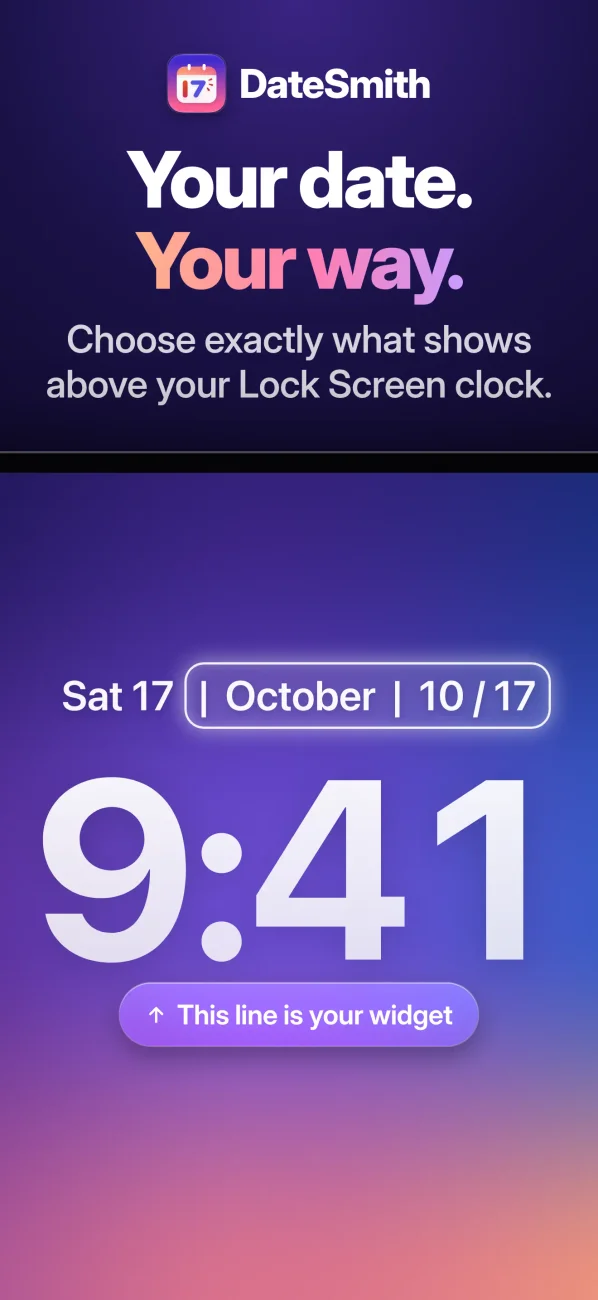
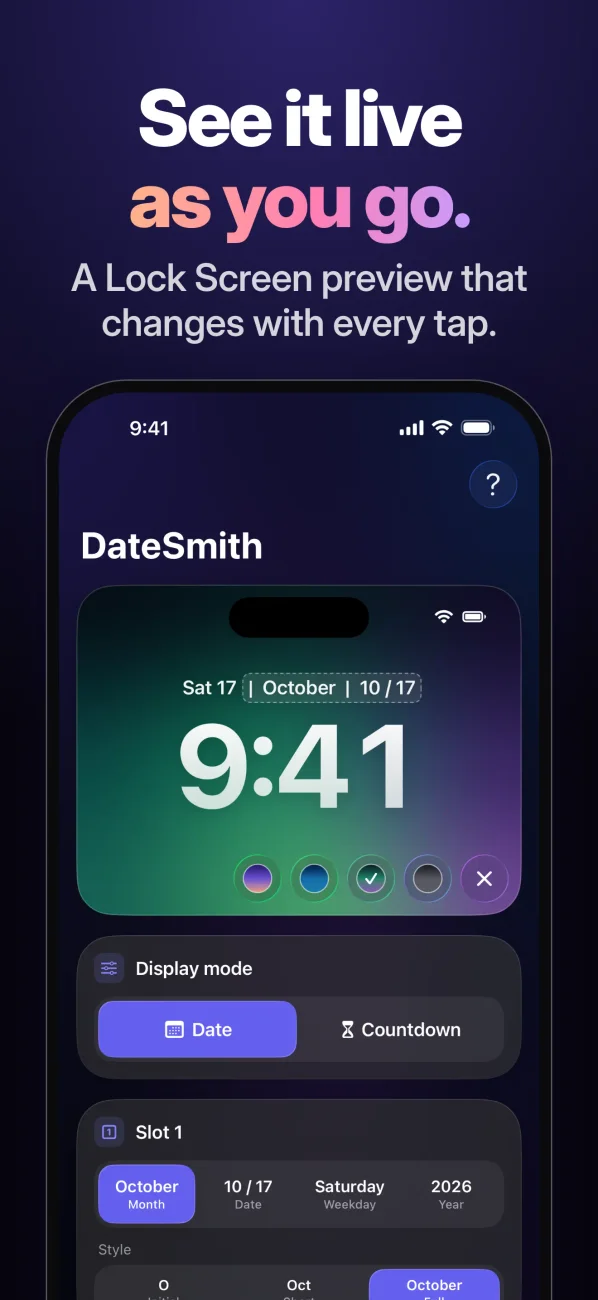
Your date, above the clock. DateSmith puts a clearer, fuller date in the line above your Lock Screen clock, or a countdown to the day you are looking forward to. Now optimized for iPhone Duo, with bold Home Screen widgets you can make your own.
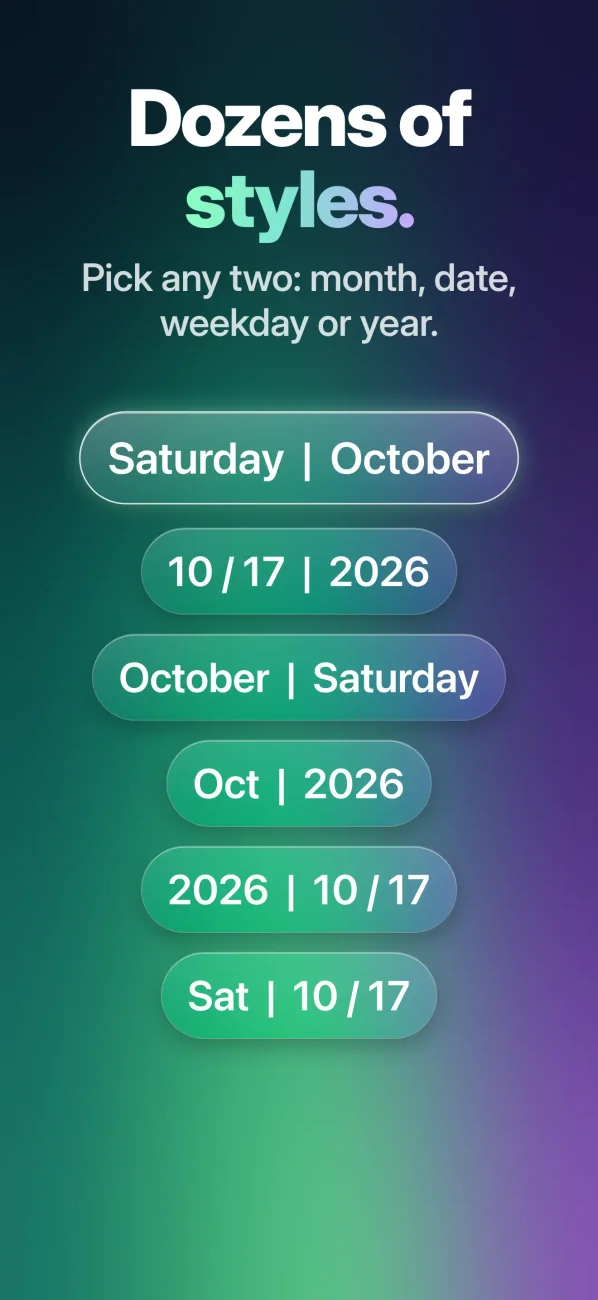
YOUR FORMAT, YOUR WAY
Pick any two of month, date, weekday and year, each in the style you like. See it live in a Lock Screen preview that changes with every tap.
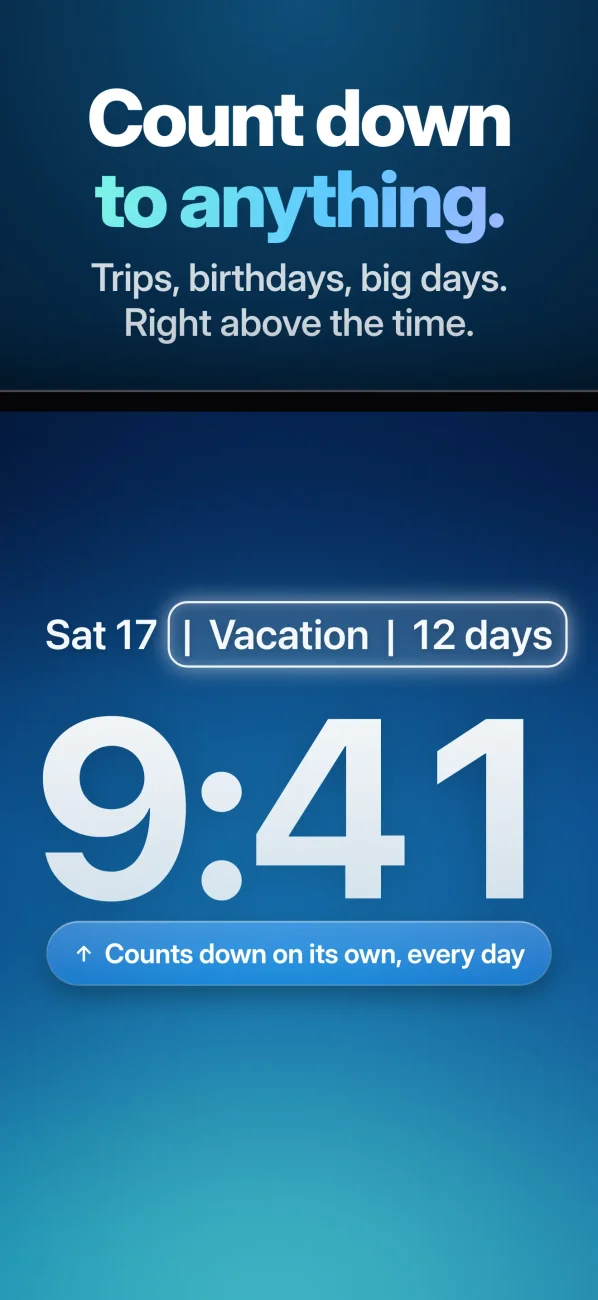
COUNTDOWNS
Name it and pick the day. DateSmith shows the days left until a trip, a birthday or a big day.
HOME SCREEN WIDGETS
Small, medium and large widgets show your date or countdown in big, clear type, with a week strip on the medium size, a month calendar on the large size and a date page on medium countdowns.
- Themes: Dawn, Ocean, Aurora, Graphite and System
- Your own photo, framed for the square and wide widget shapes
- A different photo for Dark Mode if you like
- Liquid Glass style text with a soft highlight and depth, or crisp solid text
OPTIMIZED FOR IPHONE DUO
DateSmith fits both displays, folded or open, in portrait and in landscape. Open it and hold it sideways to see your Lock Screen preview and every setting side by side.
UPDATES ON ITS OWN
DateSmith prepares the week ahead, so your widgets change each day, even when the app is closed.
PRIVATE BY DESIGN
No accounts, no ads and no analytics. Your widgets need no internet connection. DateSmith never uploads your photo.
SIMPLE SETUP
1. Touch and hold your Lock Screen
2. Tap Customize
3. Tap the date above the time
4. Choose DateSmith
5. Tap Done
For the Home Screen, touch and hold an empty area of your Home Screen, tap Edit, tap Add Widget, then choose DateSmith.
PLANS
Try every format, countdown, theme, photo and text style free for 7 days. When the preview ends, your widgets show Preview Ended in place of your date or countdown until you subscribe. DateSmith Monthly or DateSmith Yearly keeps your widgets working. DateSmith Monthly includes a one-week free trial for eligible new subscribers. Payment is charged to your Apple Account. Subscriptions renew automatically unless canceled at least 24 hours before the end of the current period. Manage or cancel anytime in your Apple Account settings.
Terms of Use: https://www.apple.com/legal/internet-services/itunes/dev/stdeula/
Privacy Policy: https://ben637482548.github.io/datesmith/#privacy
Yang baru
Versi 13.0 · 29/10/2026
DateSmith 13.0 is optimized for iPhone Duo, and brings a couple of improvements you will notice on every iPhone.
OPTIMIZED FOR IPHONE DUO
DateSmith now fits both displays, folded or open, in portrait and in landscape. Open it and hold it sideways to see your Lock Screen preview and every setting side by side. The preview also matches the iPhone Duo Lock Screen.
A FIXED MEDIUM WIDGET
The glass bar on the Medium Home Screen widget now fills with the month, just like the Small and Large widgets.
SMOOTHER SUBSCRIBING
Subscribing is more reliable. If something goes wrong, the message now explains what happened and what to try next. Prices also reload on their own when you come back to the app.
Thank you for using DateSmith!
Privasi aplikasi
Yang dinyatakan Benjamin Staab di App Store tentang cara aplikasi ini menangani data.
-
Data tidak dikumpulkan
Pengembang tidak mengumpulkan data apa pun dari aplikasi ini.
Praktik privasi dapat bervariasi, misalnya berdasarkan fitur yang Anda gunakan atau usia Anda.
Informasi
- Penjual
- Benjamin Staab
- Kategori
- Produktivitas
- Versi
- 13.0
- Diperbarui
- 29/10/2026
- Dirilis
- 2/6/2025
- Ukuran
- 7,7 MB
- Memerlukan
- iOS 18.2 atau yang lebih baru
- Batasan usia
- 4+
- Pembelian dalam aplikasi
- Ya
- Bahasa
- Inggris
- Hak cipta
- © 2026 Benjamin Staab
Mungkin Anda juga suka
-
 Date Today: Date WidgetProduktivitas
-
 MyDayWidget - Calendar WidgetsProduktivitas
-
 WidgetCal-Calendar WidgetProduktivitas
-
 Analog Clock - Desk WidgetProduktivitas
-
 ClockZ | Desk Clock & AlarmProduktivitas
-
 Lock + Home Widgets widgetopiaProduktivitas
-
 DraftsProduktivitas
-
 Superlist: To-Do & CatatanTugas, Daftar dan Proyek
-
 Widget Custom HomeScreenProduktivitas
-
 Analog Clock Widget - Clock SDProduktivitas