- Batasan usia4+
- KategoriKegunaan
- PengembangDYAL SINGH
- BahasaInggris
- Ukuran2,2 MB
Tertaut ke halaman resmi App Store
Download.org tidak menyimpan file Docksy: Macro Deck apa pun. Tombol ini membuka halaman aplikasi di App Store, tempat DYAL SINGH menerbitkannya. Halaman terakhir diperiksa pada 15/11/2026.
Tangkapan layar

Tentang
Pengembang belum menyediakan teks ini dalam bahasa Anda.
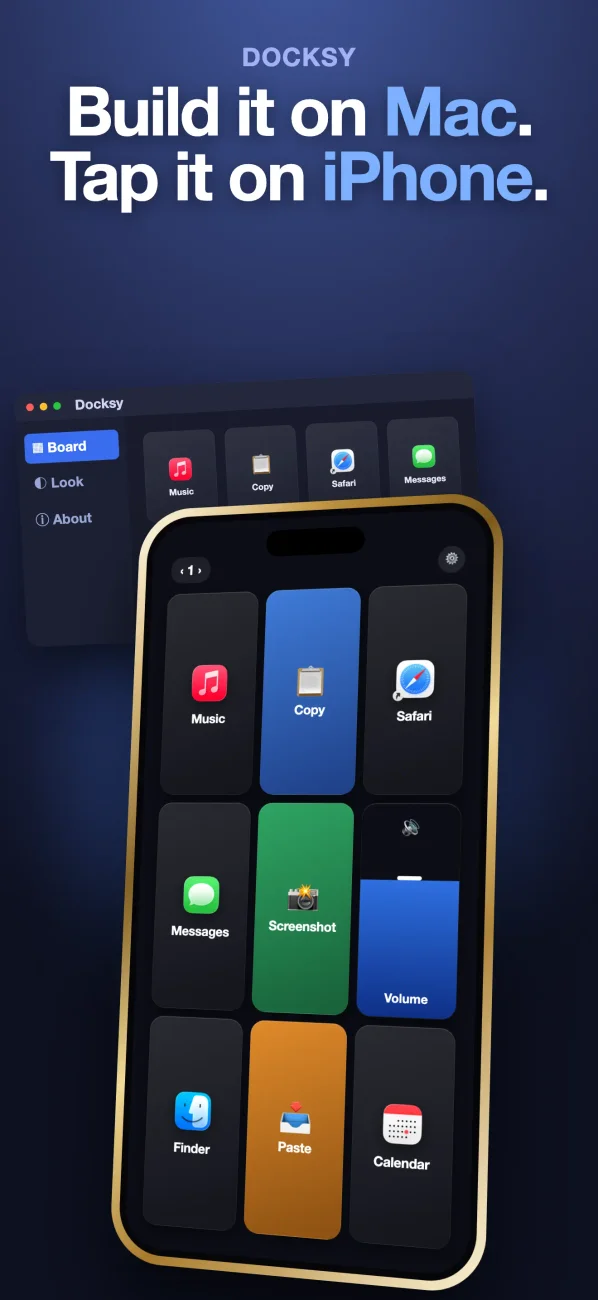
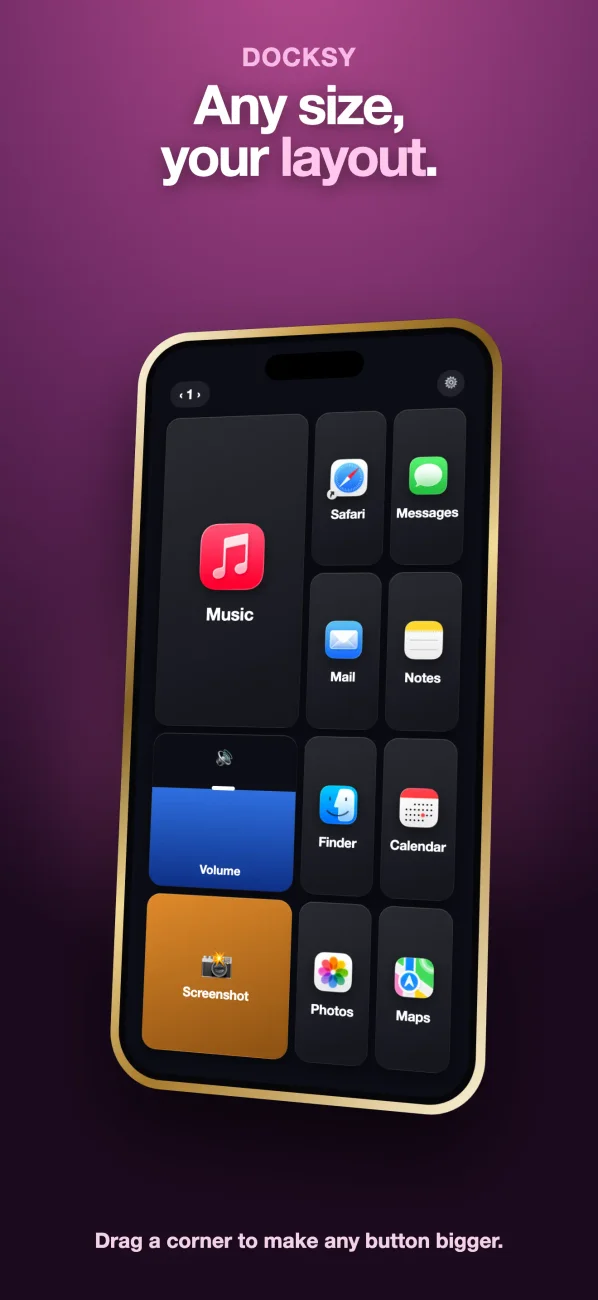
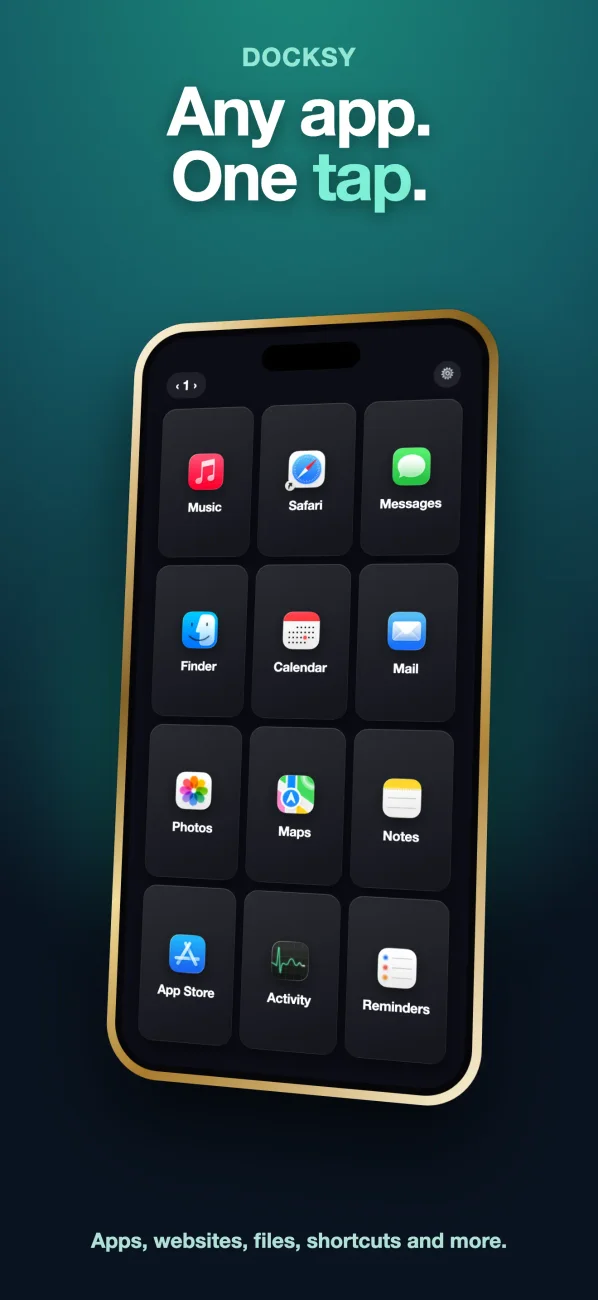
Docksy turns a spare iPhone or iPad into a control deck for your Mac. Think of a grid of glossy glass keys, each one a button you set up to do something useful the moment you tap it.
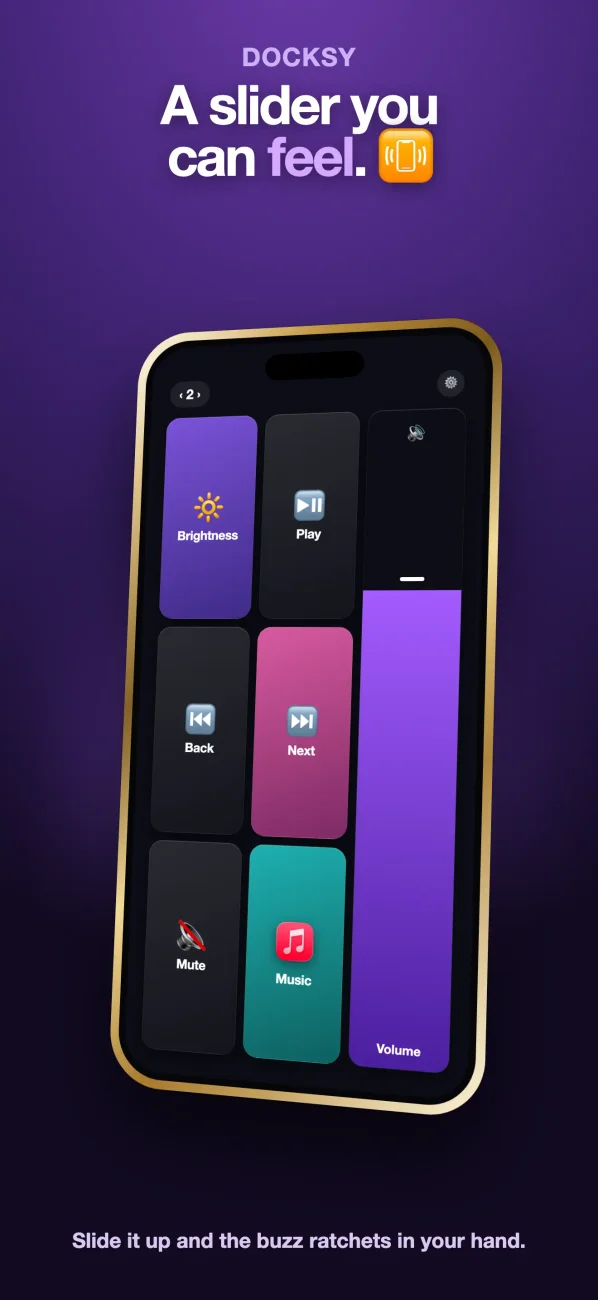
Want to take a screenshot, paste plain text, mute a call, or jump to your next slide? Put it on a key. Tap it. Docksy tells your Mac to do it. Every press answers back with a little haptic tap, and the volume slider ratchets as it rises, so it feels real under your thumb.
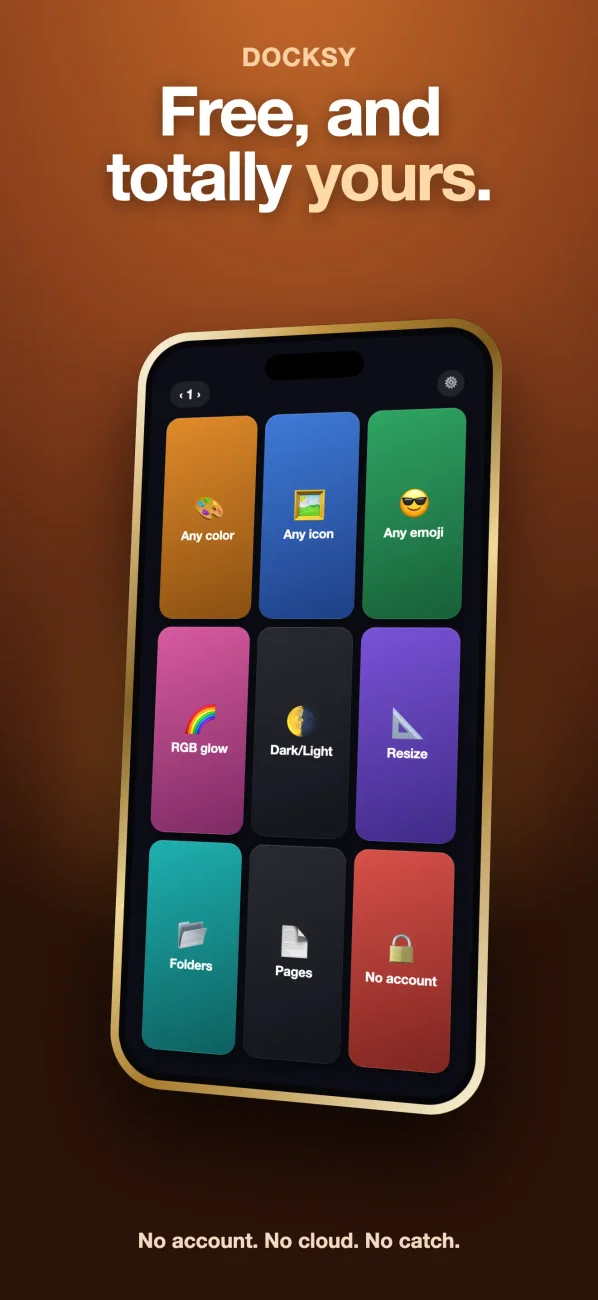
Docksy is free and open source. There are no accounts, no sign-ins, no ads, and no tracking. Nothing you do leaves your own devices.
HOW IT WORKS
Docksy needs the free companion Mac app. Your iPhone or iPad and your Mac find each other over your local Wi-Fi, with no setup beyond approving the Local Network prompt. The phone sends your taps to the Mac, and the Mac runs them. Both devices must be on the same Wi-Fi network.
WHAT YOU CAN PUT ON A KEY
- Keyboard shortcuts, like Copy, Paste, or any combo you choose
- Open an app, a website, a file, or a folder
- Close, minimize, or quit a window
- Play, pause, skip, or mute media
- A volume slider with haptics
- Countdown timers
- Type a saved snippet of text
- Folders and pages, so you can hold far more than one screen of keys
MAKE IT YOURS
Resize keys, set your own images, and group actions into folders and pages. Build one layout for editing video, another for calls, another for music. Switch between them in a tap.
WHAT YOU NEED
- The free Docksy app for Mac, running on the Mac you want to control
- Both devices on the same local Wi-Fi network
- Permission to use the Local Network, so the two apps can find each other
PRIVACY
Docksy collects no data. It has no servers and no cloud. Your keys, your actions, and your taps stay on your own devices and travel only across your own local network. The project is open source, so anyone can read exactly what it does.
Docksy is built for anyone who wants quick, physical control of their Mac, whether you stream, edit, present, take a lot of calls, or just like a tidy set of buttons within reach.
Privasi aplikasi
Yang dinyatakan DYAL SINGH di App Store tentang cara aplikasi ini menangani data.
-
Data tidak dikumpulkan
Pengembang tidak mengumpulkan data apa pun dari aplikasi ini.
Praktik privasi dapat bervariasi, misalnya berdasarkan fitur yang Anda gunakan atau usia Anda.
Informasi
- Penjual
- DYAL SINGH
- Kategori
- Kegunaan
- Versi
- 1.0
- Diperbarui
- 8/7/2026
- Dirilis
- 8/7/2026
- Ukuran
- 2,2 MB
- Memerlukan
- iOS 17.0 atau yang lebih baru
- Batasan usia
- 4+
- Harga
- Gratis
- Bahasa
- Inggris
- Hak cipta
- © 2026 Dyal Singh
Mungkin Anda juga suka
-
 Macro Deck CompanionProduktivitas
-
 Virtual Stream DeckKegunaan
-
 Coast: Macros & TrackpadKegunaan
-
 KeyBindControlMacro dan shortcut cepat
-
 eTrackPad: Wireless TrackpadKegunaan
-
 Padme - Custom keypad for MacKegunaan
-
 Local DeskKegunaan
-
 DeskTap Stream DeckKegunaan
-
 FlexBoard: Smart WorkFlowKegunaan
-
 Drops TrackerKegunaan