EasyPDF Sign
Sign PDFs with Text & Date
Dirancang untuk iPhone, iPad, iPod touch
Gratis · Pembelian dalam aplikasi
- Batasan usia4+
- KategoriKegunaan
- PengembangSOFTICA
- BahasaInggris
- Ukuran50,4 MB
Tertaut ke halaman resmi App Store
Download.org tidak menyimpan file EasyPDF Sign apa pun. Tombol ini membuka halaman aplikasi di App Store, tempat SOFTICA menerbitkannya. Halaman terakhir diperiksa pada 18/11/2026.
Tangkapan layar



Tentang
Pengembang belum menyediakan teks ini dalam bahasa Anda.
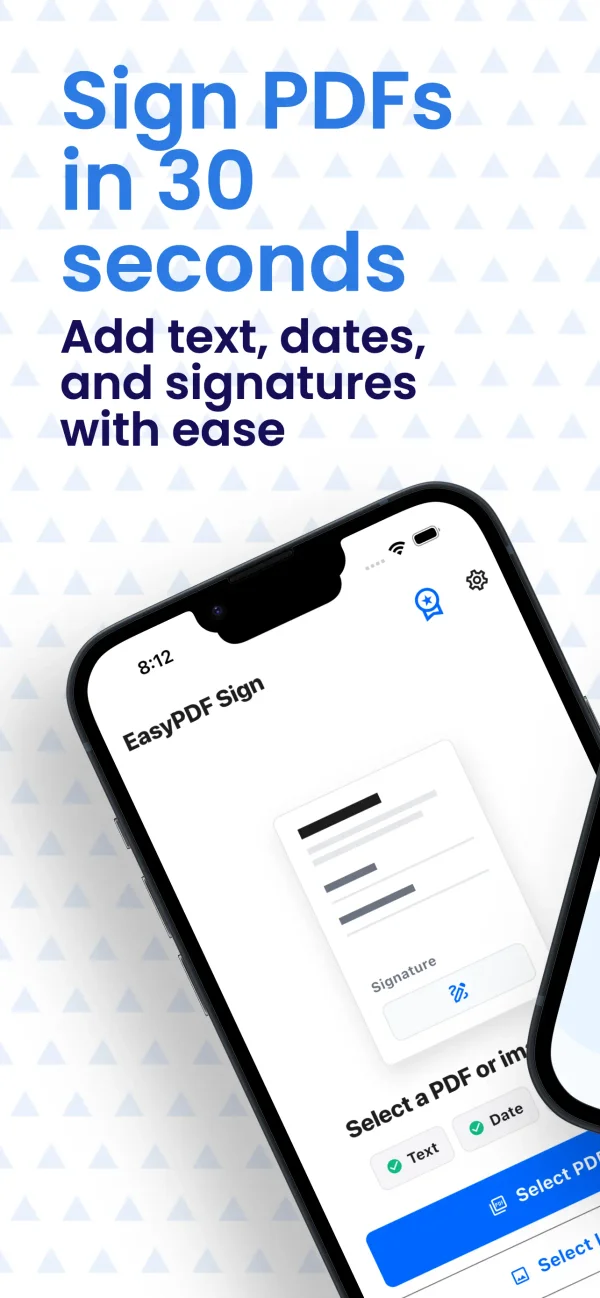
EasyPDF Sign is a simple document signing app for adding text, dates, and signatures to PDF and image files.
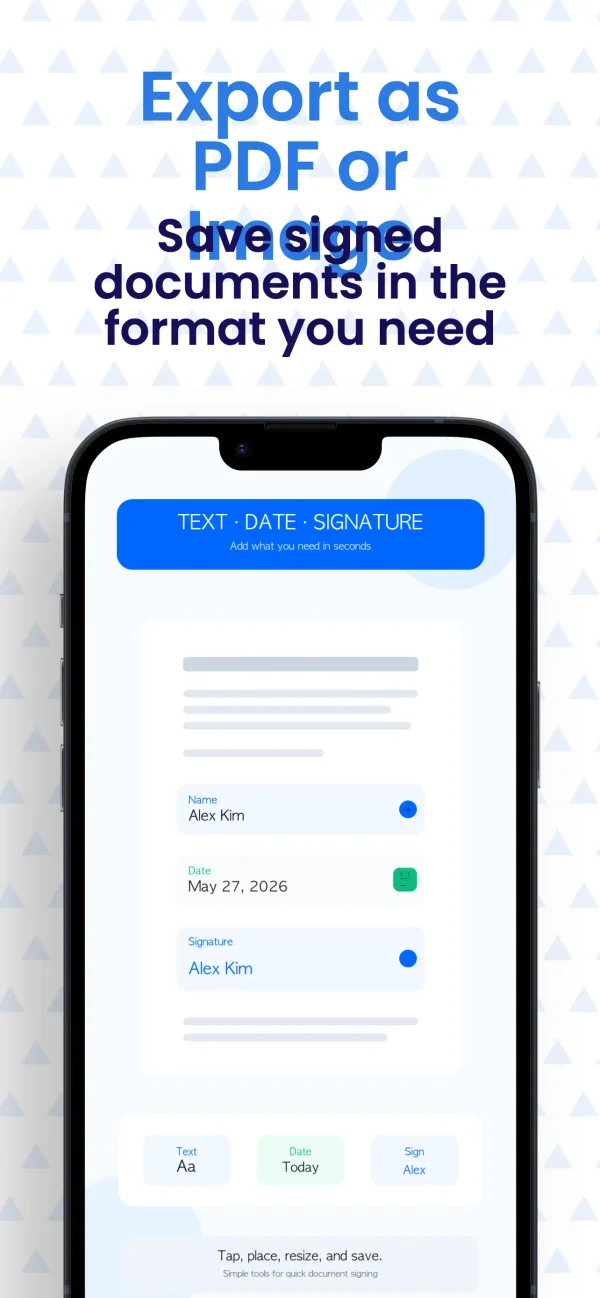
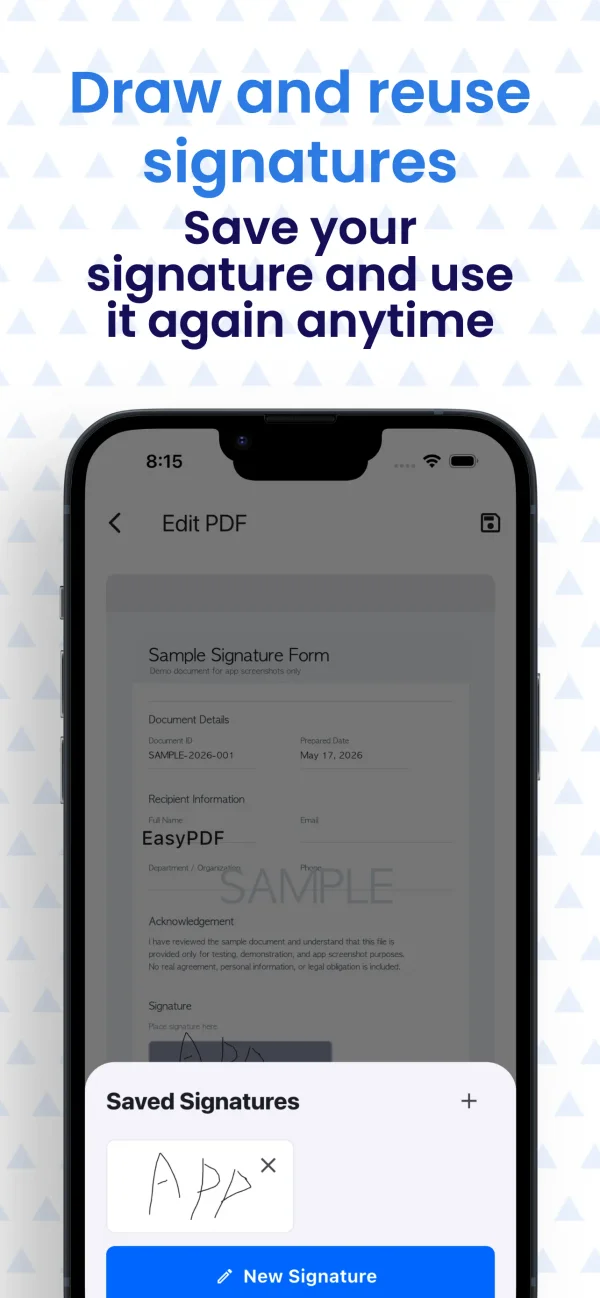
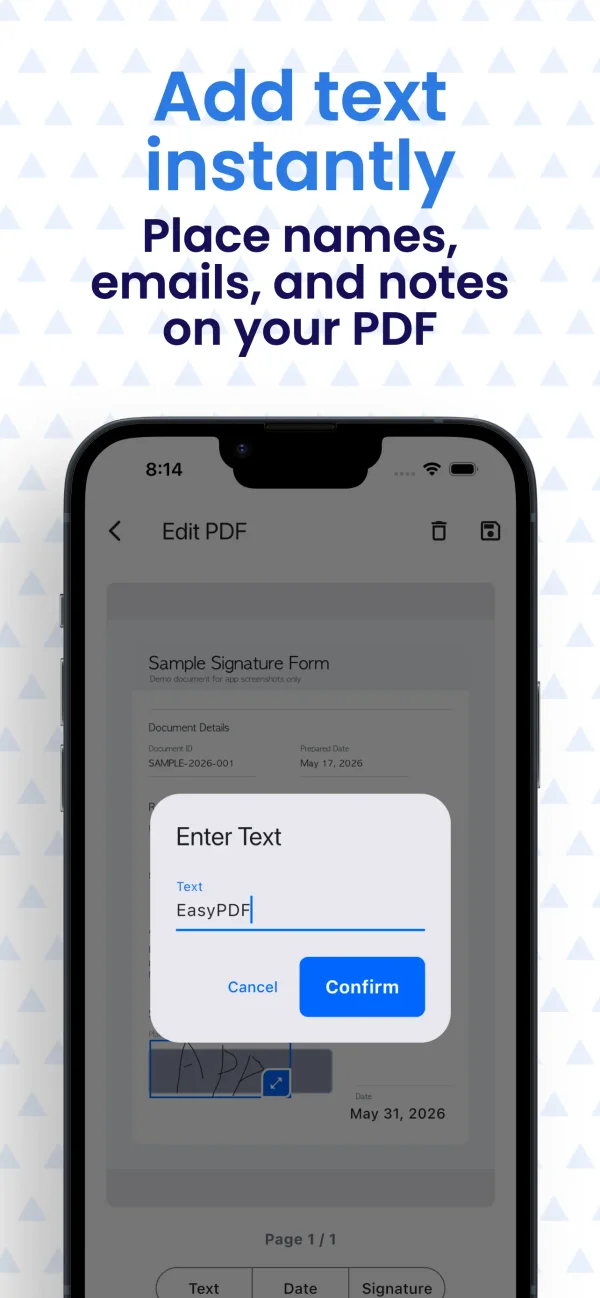
It focuses on the essentials. Open a PDF or image, enter your name or other text, add today’s date, draw or reuse your signature, then save the signed document as a PDF or image.
Key Features
- Open and edit PDF files
- Open and edit image files
- Add text
- Add dates
- Draw signatures
- Reuse saved signatures
- Save as PDF
- Save as image
- Share to other apps
EasyPDF Sign works without account registration. It is designed for quick signing tasks such as agreements, consent forms, confirmations, applications, and other simple documents.
Yang baru
Versi 1.0.1 · 6/8/2026
Multi-page PDF image export is now available.
• Save the current page or all pages as images
• Automatically convert multi-page PDFs into separate images
• Improved photo library saving
• Minor bug fixes and usability improvements
Privasi aplikasi
Yang dinyatakan SOFTICA di App Store tentang cara aplikasi ini menangani data.
-
Data tidak dikumpulkan
Pengembang tidak mengumpulkan data apa pun dari aplikasi ini.
Praktik privasi dapat bervariasi, misalnya berdasarkan fitur yang Anda gunakan atau usia Anda.
Informasi
- Penjual
- SOFTICA (KR)
- Kategori
- Kegunaan
- Versi
- 1.0.1
- Diperbarui
- 6/8/2026
- Dirilis
- 3/6/2026
- Ukuran
- 50,4 MB
- Memerlukan
- iOS 15.0 atau yang lebih baru
- Batasan usia
- 4+
- Harga
- Gratis
- Pembelian dalam aplikasi
- Ya
- Bahasa
- Inggris
- Hak cipta
- © 2026 Softica. All rights reserved.