EasyPDF Sign
Sign PDFs with Text & Date
Designed for iPhone, iPad, iPod touch
In-app purchases
- Age rating4+
- CategoryUtilities
- DeveloperSOFTICA
- LanguagesEnglish
- Size50.4 MB
Links to the official App Store page
Download.org hosts no file of EasyPDF Sign. The button opens its official App Store page, published by SOFTICA. Listing last checked on Nov 18, 2026.
Screenshots



About
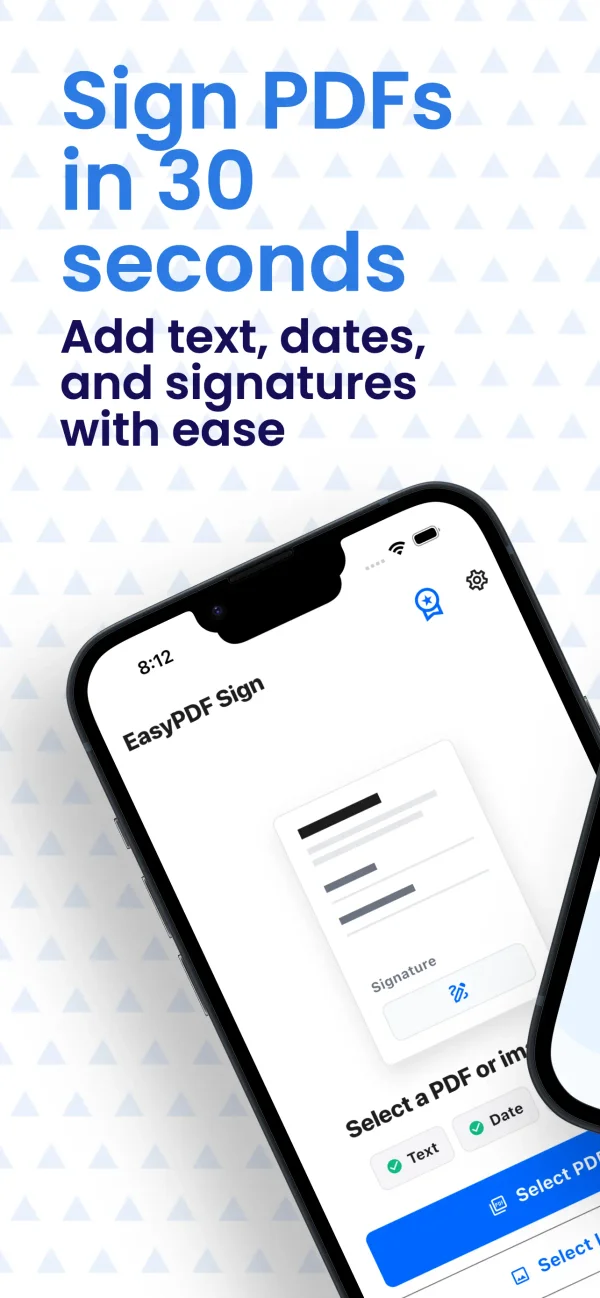
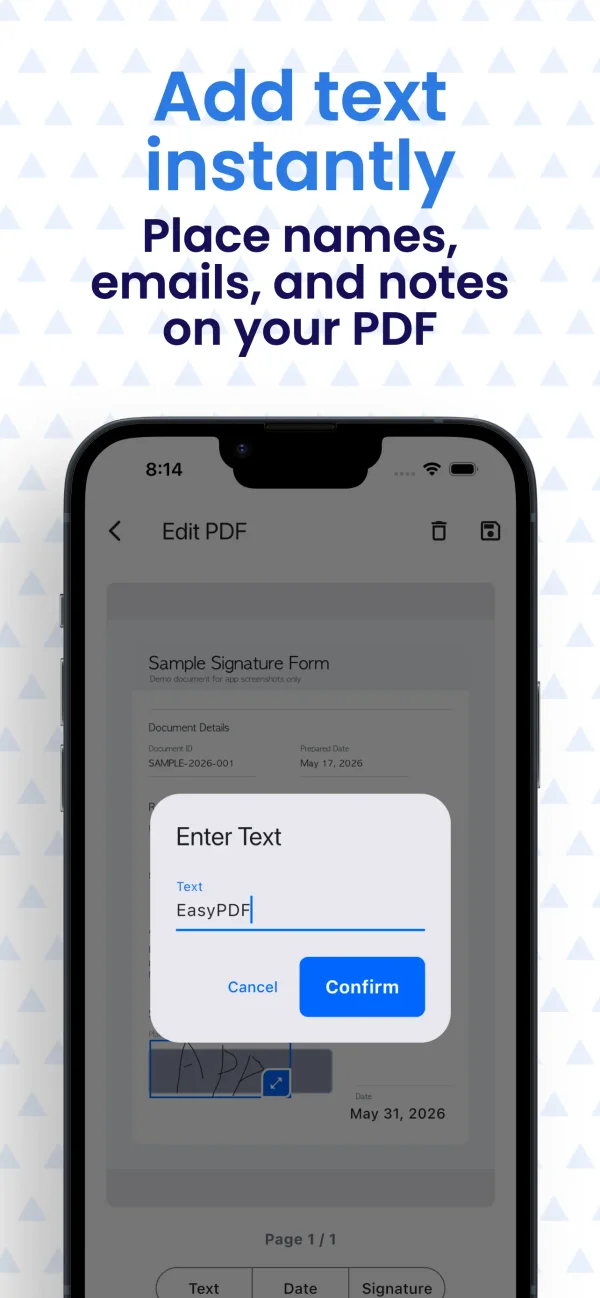
EasyPDF Sign is a simple document signing app for adding text, dates, and signatures to PDF and image files.
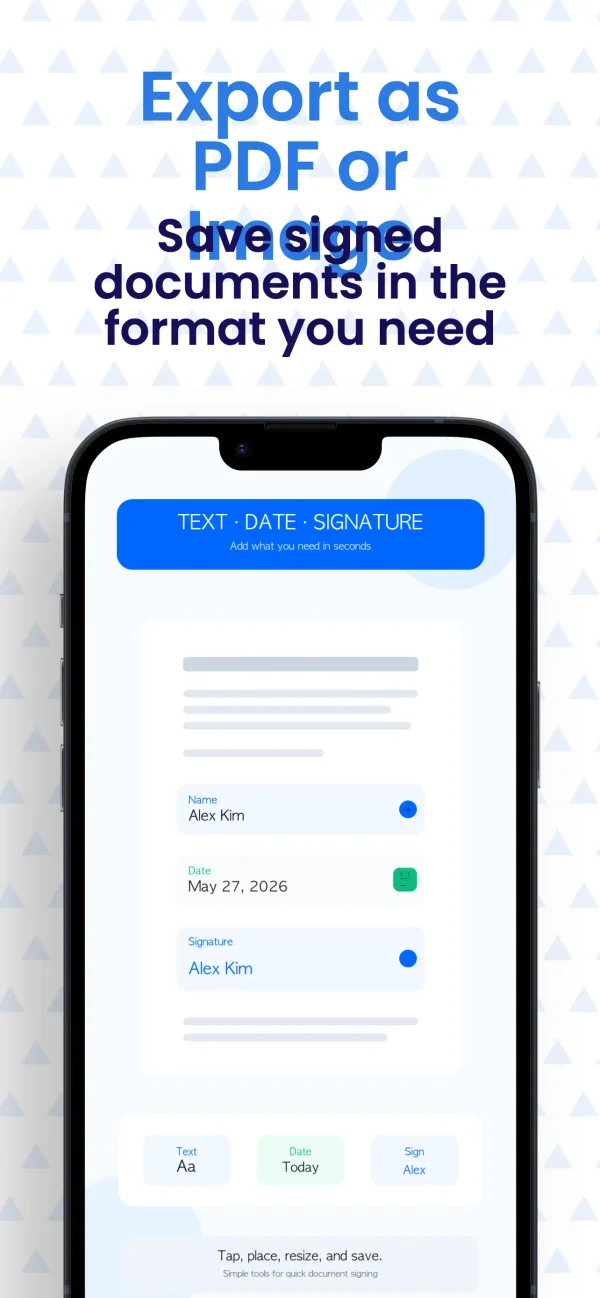
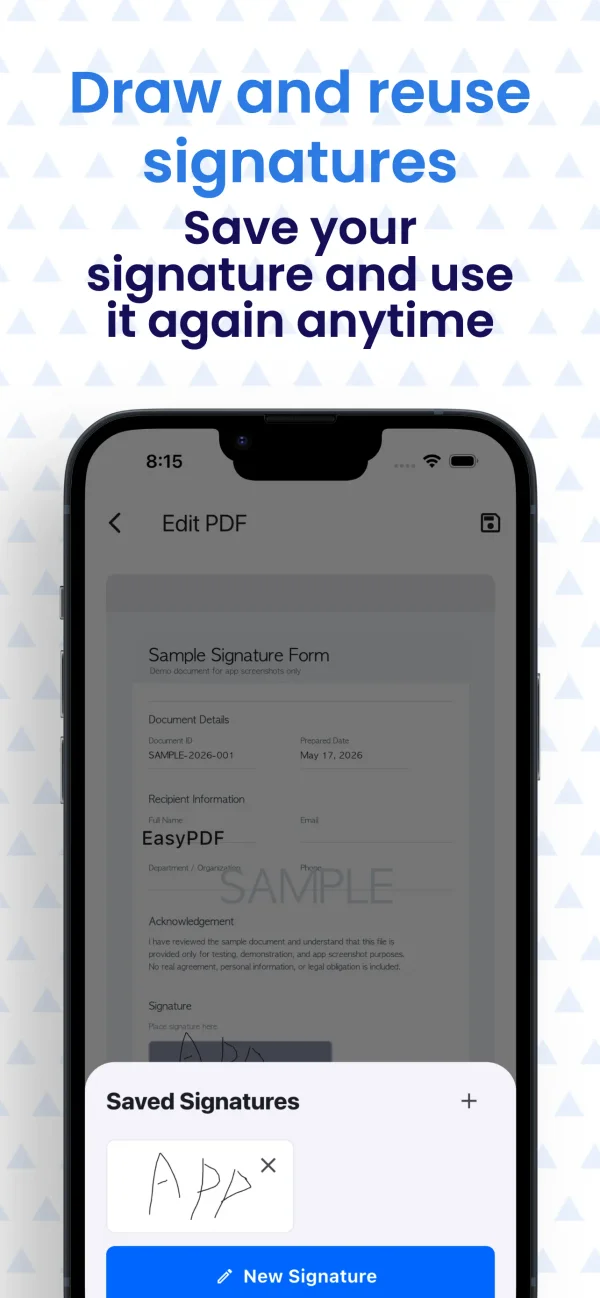
It focuses on the essentials. Open a PDF or image, enter your name or other text, add today’s date, draw or reuse your signature, then save the signed document as a PDF or image.
Key Features
- Open and edit PDF files
- Open and edit image files
- Add text
- Add dates
- Draw signatures
- Reuse saved signatures
- Save as PDF
- Save as image
- Share to other apps
EasyPDF Sign works without account registration. It is designed for quick signing tasks such as agreements, consent forms, confirmations, applications, and other simple documents.
What’s new
Version 1.0.1 · Aug 6, 2026
Multi-page PDF image export is now available.
• Save the current page or all pages as images
• Automatically convert multi-page PDFs into separate images
• Improved photo library saving
• Minor bug fixes and usability improvements
App privacy
What SOFTICA declares on the App Store about how this app handles data.
-
Data not collected
The developer does not collect any data from this app.
Privacy practices may vary, for example with the features you use or your age.
Information
- Seller
- SOFTICA (KR)
- Category
- Utilities
- Version
- 1.0.1
- Updated
- Aug 6, 2026
- Released
- Jun 3, 2026
- Size
- 50.4 MB
- Requires
- iOS 15.0 or later
- Age rating
- 4+
- In-app purchases
- Yes
- Languages
- English
- Copyright
- © 2026 Softica. All rights reserved.
You might also like
-
 Universal IoT-Connect &MonitorConnect & Analyze IoT Devices
-
 eSign: PDF Signer & Fill SignSignature Creator & Maker App
-
 maptoilet Barrier-FreeFind Accessible Toilets Nearby
-
 Robot Spam Text BlockerBlock Scam Text Messages
-
 Bookr AdminUtilities
-
 DoubleSafeUtilities
-
 Ente LockerEnd-to-end encrypted vault
-
 Indian Gold Price CalculatorUtilities
-
 HiOazoUtilities
-
 Scanner. Scan to PDF - FSScanDocument scanning with one tap