- 対象年齢4+
- カテゴリユーティリティ
- 開発元SOFTICA
- 言語英語
- サイズ50.4 MB
App Storeの公式ページにリンクしています
Download.orgはEasyPDF Signのファイルを一切ホストしていません。ボタンを押すと、SOFTICAが公開しているApp Storeのアプリページが開きます。ページの最終確認:2026/11/18。
スクリーンショット



概要
開発元はこのテキストをお使いの言語で提供していません。
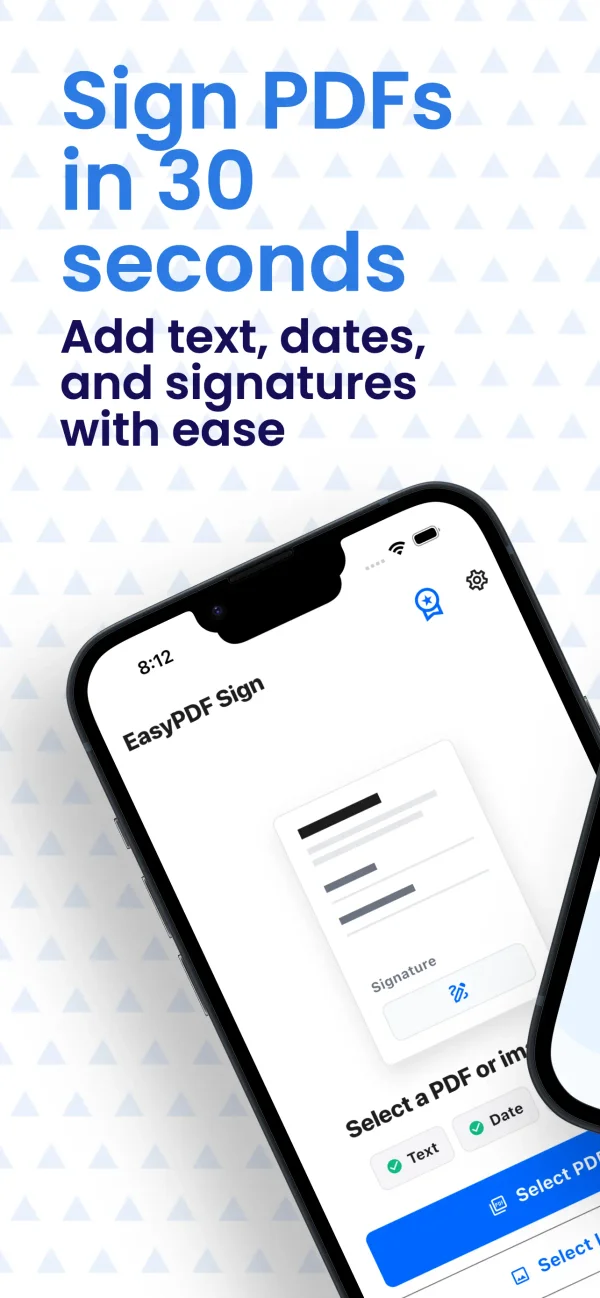
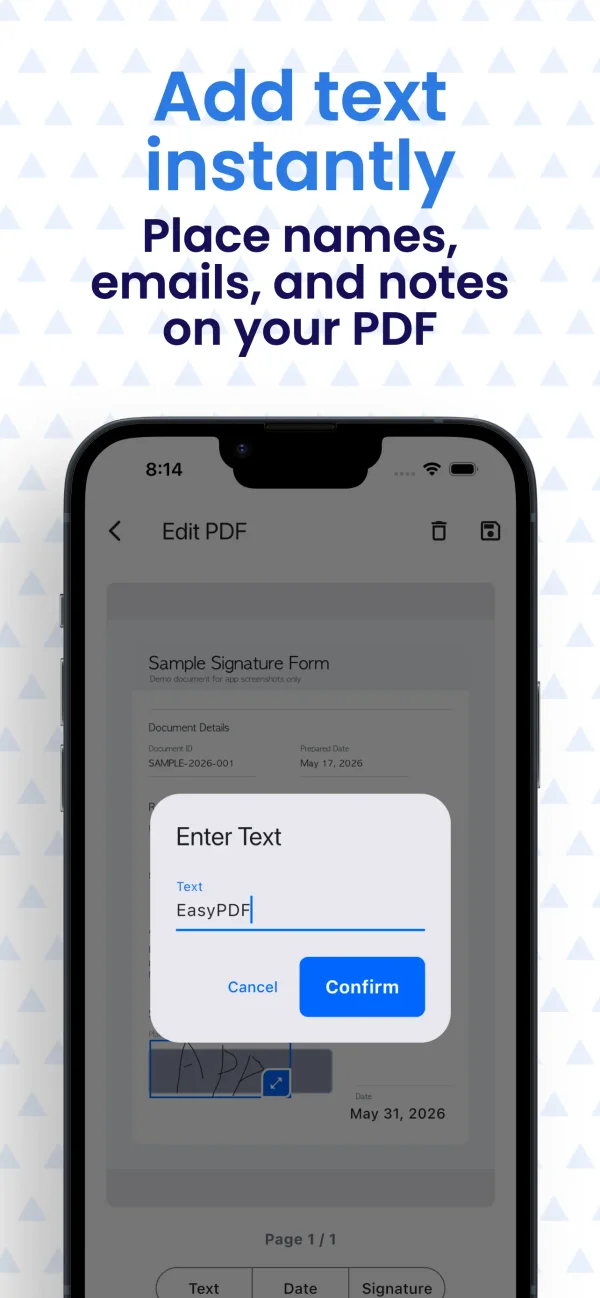
EasyPDF Sign is a simple document signing app for adding text, dates, and signatures to PDF and image files.
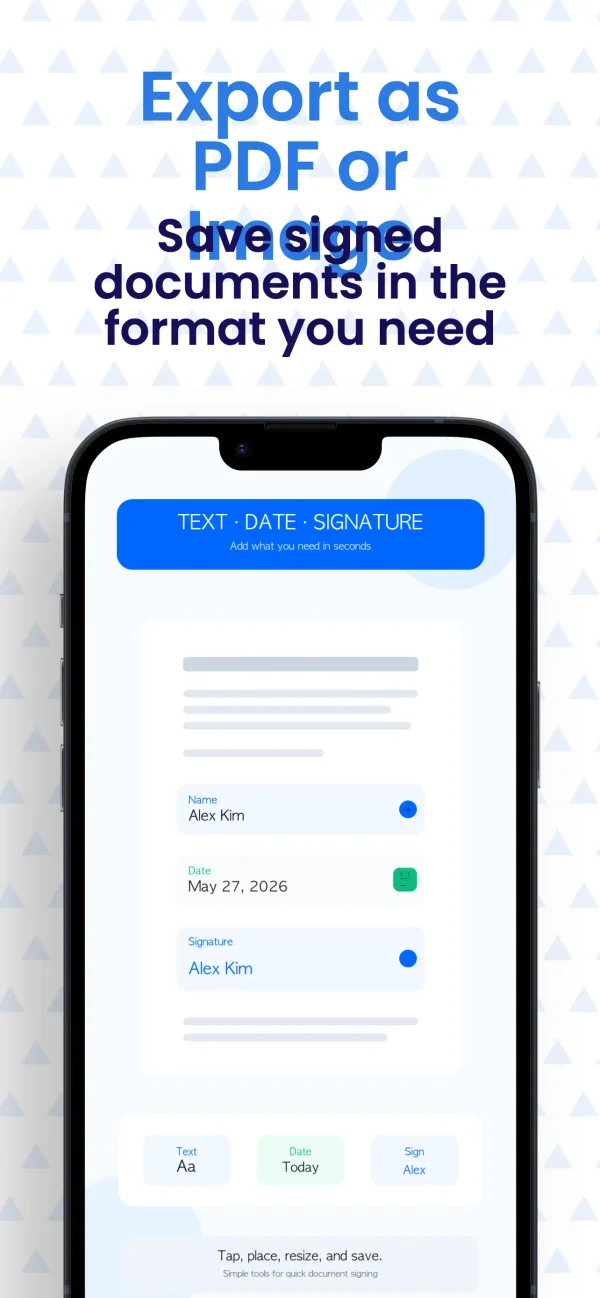
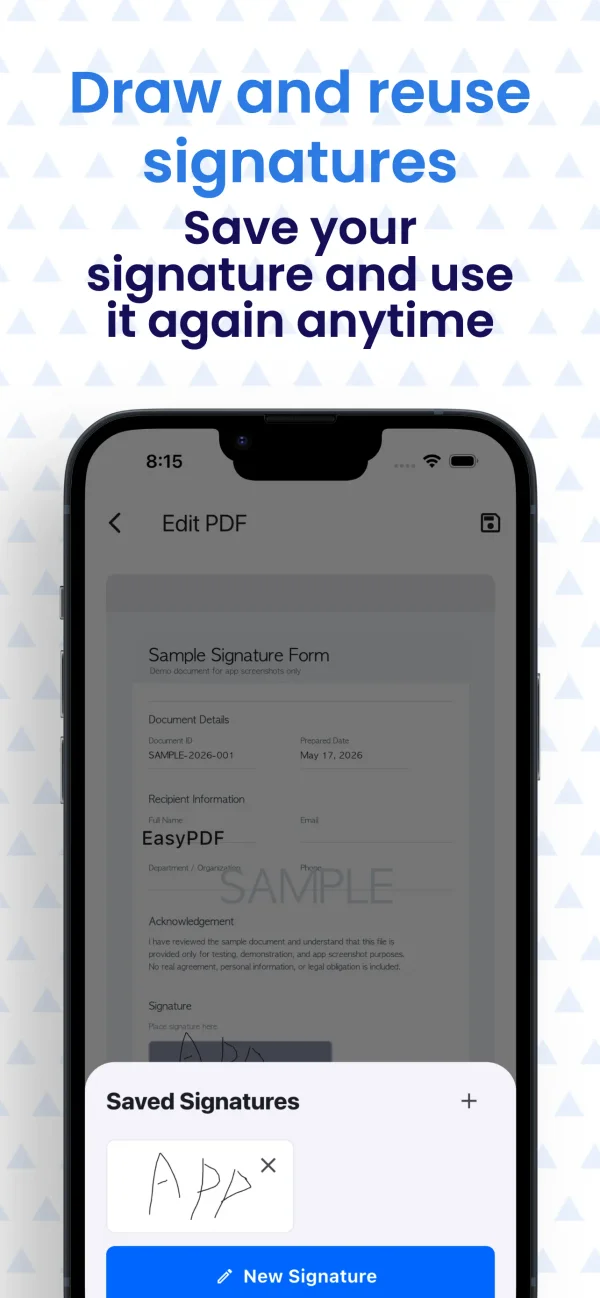
It focuses on the essentials. Open a PDF or image, enter your name or other text, add today’s date, draw or reuse your signature, then save the signed document as a PDF or image.
Key Features
- Open and edit PDF files
- Open and edit image files
- Add text
- Add dates
- Draw signatures
- Reuse saved signatures
- Save as PDF
- Save as image
- Share to other apps
EasyPDF Sign works without account registration. It is designed for quick signing tasks such as agreements, consent forms, confirmations, applications, and other simple documents.
新機能
バージョン 1.0.1 · 2026/8/6
Multi-page PDF image export is now available.
• Save the current page or all pages as images
• Automatically convert multi-page PDFs into separate images
• Improved photo library saving
• Minor bug fixes and usability improvements
アプリのプライバシー
このアプリのデータの取り扱いについて、SOFTICAがApp Storeで申告している内容です。
-
データの収集なし
開発元はこのアプリからデータを収集しません。
プライバシーの取り扱いは、ご利用の機能やお客様の年齢などに応じて異なる場合があります。
情報
- 販売元
- SOFTICA (KR)
- カテゴリ
- ユーティリティ
- バージョン
- 1.0.1
- 更新日
- 2026/8/6
- リリース
- 2026/6/3
- サイズ
- 50.4 MB
- 必要条件
- iOS 15.0以降
- 対象年齢
- 4+
- 価格
- 無料
- アプリ内課金
- あり
- 言語
- 英語
- 著作権
- © 2026 Softica. All rights reserved.