
Electrical Diagram Maker
Electrical schematic maker
Dirancang untuk iPhone, iPad, Mac
Gratis · Pembelian dalam aplikasi
- Batasan usia4+
- KategoriKegunaan
- PengembangMirza Pasic
- BahasaInggris
- Ukuran4,9 MB
Tertaut ke halaman resmi App Store
Download.org tidak menyimpan file Electrical Diagram Maker apa pun. Tombol ini membuka halaman aplikasi di App Store, tempat Mirza Pasic menerbitkannya. Halaman terakhir diperiksa pada 26/11/2026.
Tangkapan layar


Tentang
Pengembang belum menyediakan teks ini dalam bahasa Anda.
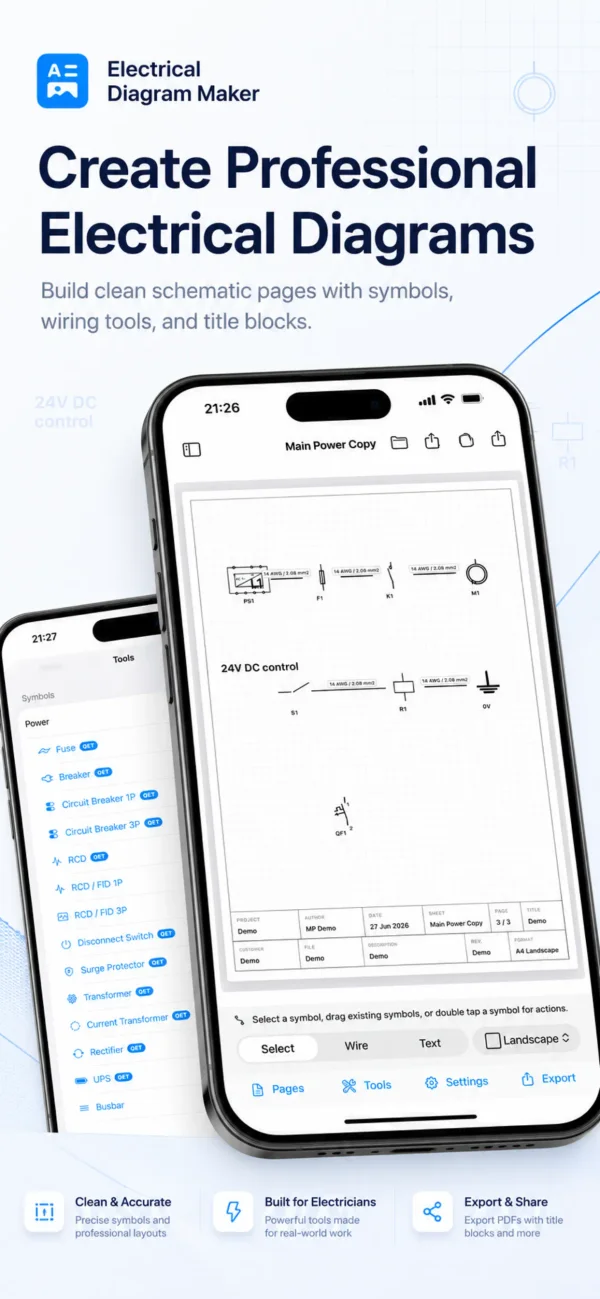
Electrical Diagram Maker is a practical tool for creating electrical schematics, automotive wiring diagrams, control circuits, installation drawings, and technical documentation on iPhone, iPad, and Mac.
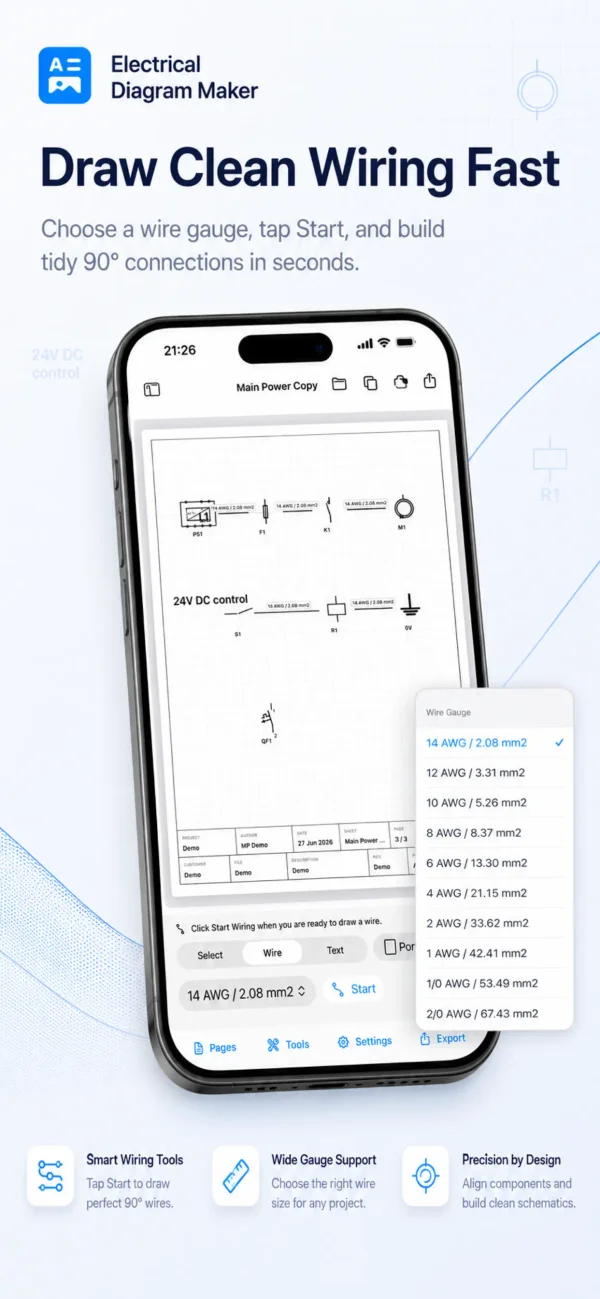
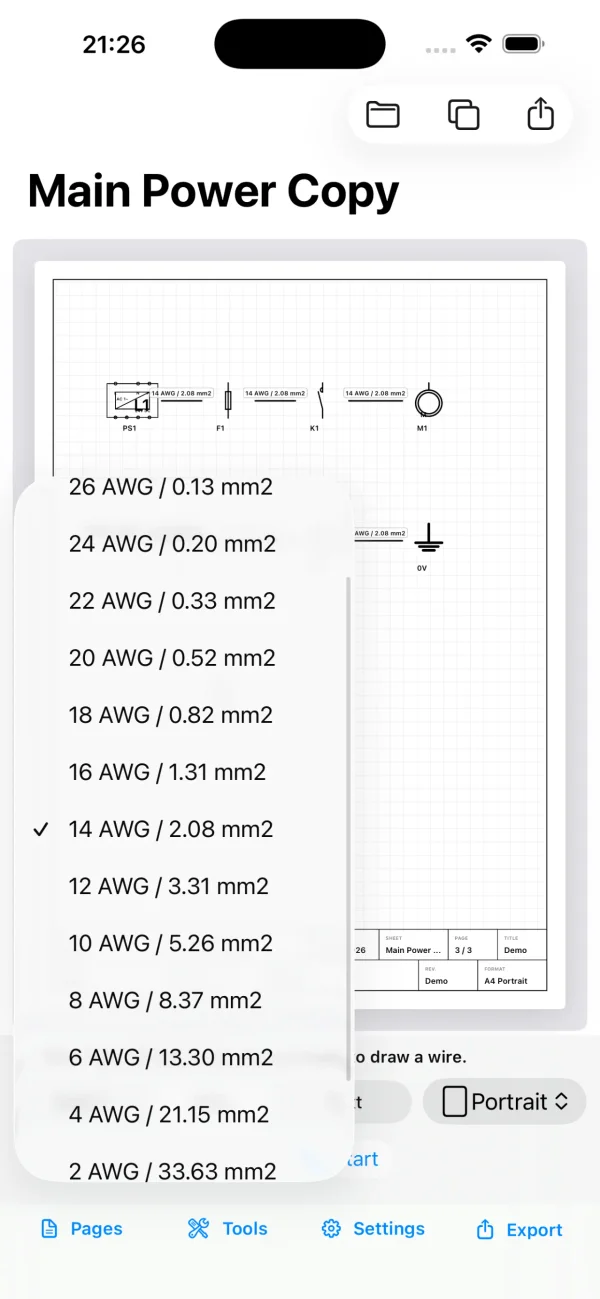
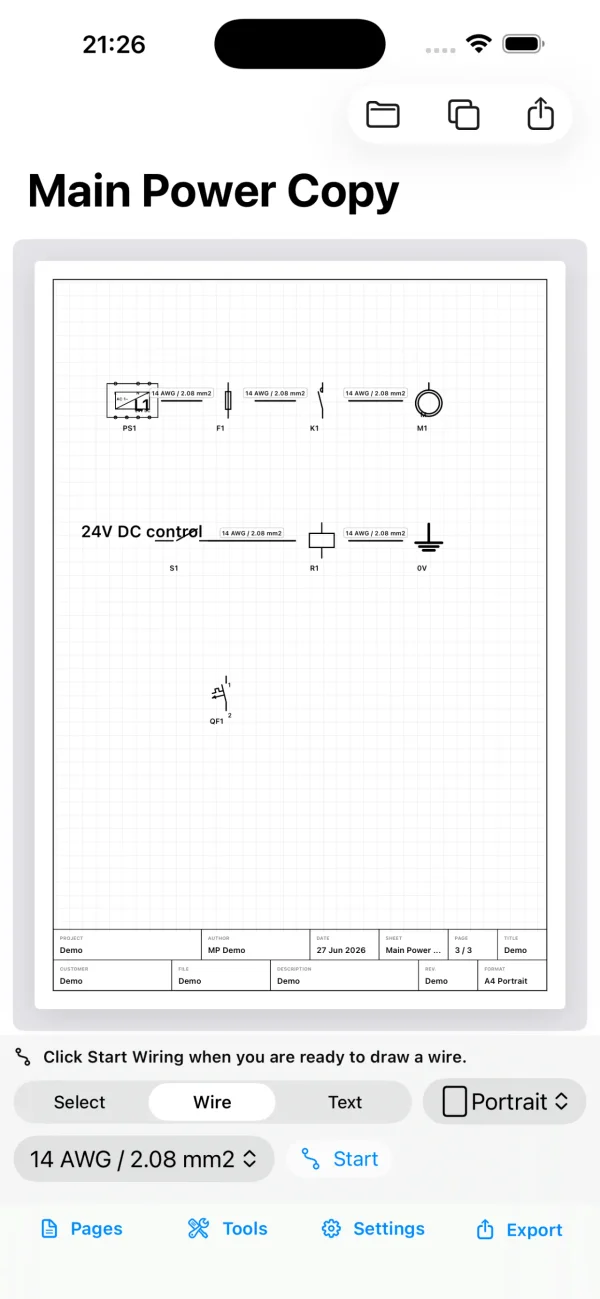
Create professional diagrams using ready-to-use symbols, clean 90-degree wiring, customizable wire colors, editable labels, wire size markings, project title blocks, and PDF export.
Designed for electricians, automotive technicians, panel builders, engineers, students, installers, and anyone who needs to create or document electrical systems quickly.
KEY FEATURES
- Create electrical schematics and automotive wiring diagrams
- Start electrical or automotive projects with dedicated symbols and templates
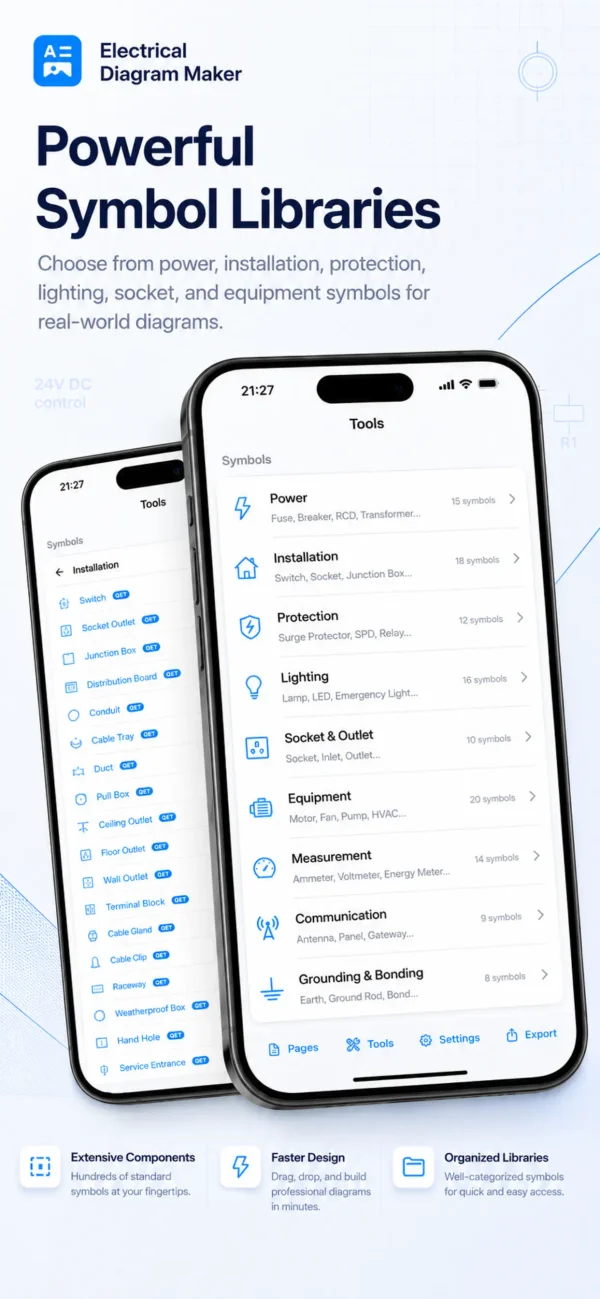
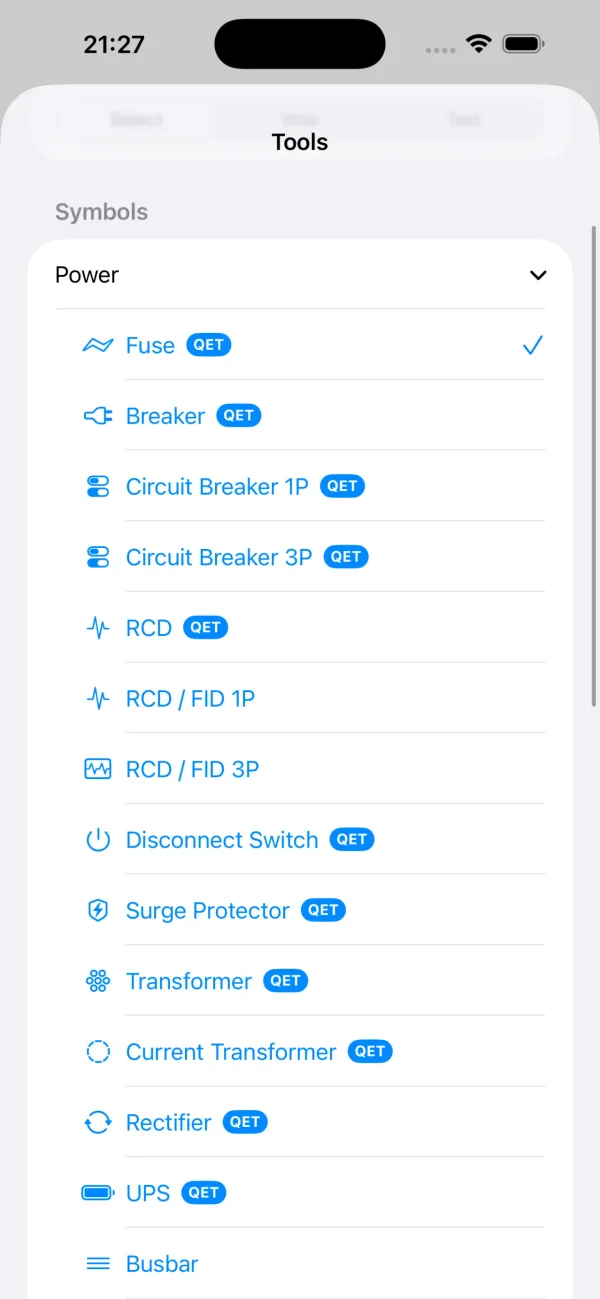
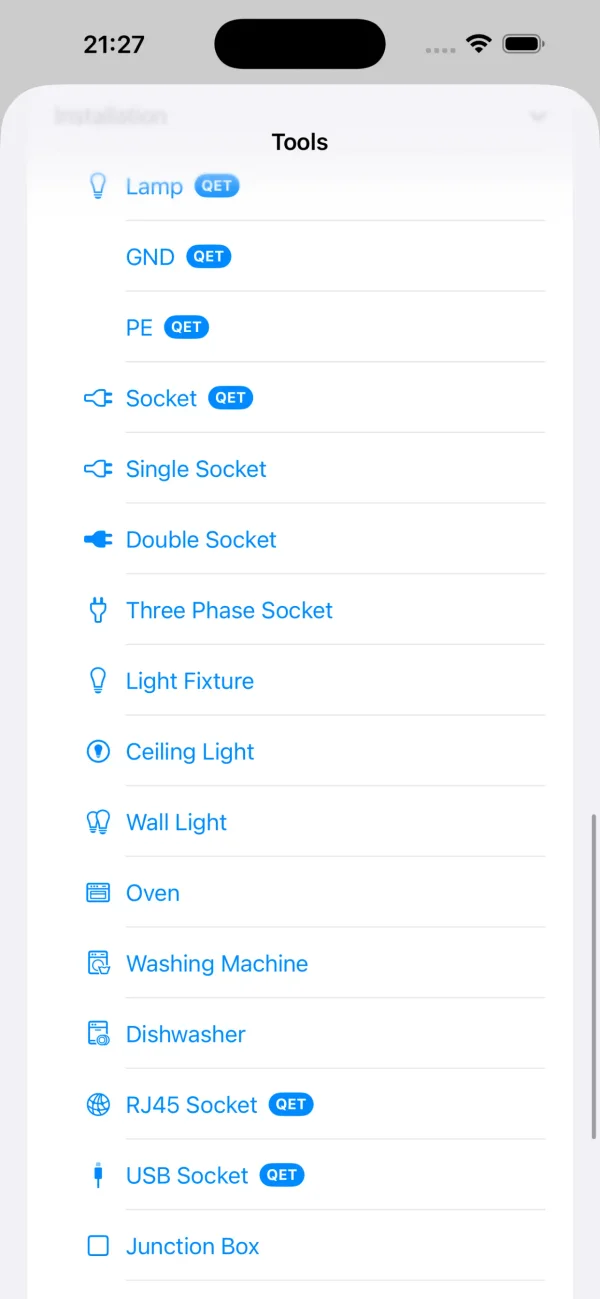
- Add symbols for power, control, PLC, terminals, motors, lighting, sockets, appliances, circuit breakers, RCD/FID devices, cabinets, junction boxes, solar systems, and more
- Use automotive batteries, fuses, relays, switches, sensors, actuators, ECUs, grounds, and multi-pin connectors
- Add male and female automotive connectors with 2, 4, 6, 8, 12, 16, or 20 pins
- Draw clean 90-degree wire connections with editable routing points
- Move individual wiring points to adjust the wire path
- Display wire crossings that are not electrically connected
- Customize wire colors for easier circuit identification
- Show wire sizes directly on the diagram using AWG and mm² labels
- Add and edit custom text labels
- Resize, rotate, duplicate, and delete symbols
- Create multiple portrait or landscape pages
- Rename and organize project sheets
- Use light and professional dark-blue themes
- Add title block details including project name, author, date, file, sheet, page, customer, and drawing title
- Share editable project files between Mac, iPad, and iPhone
- Import received project files and continue editing them
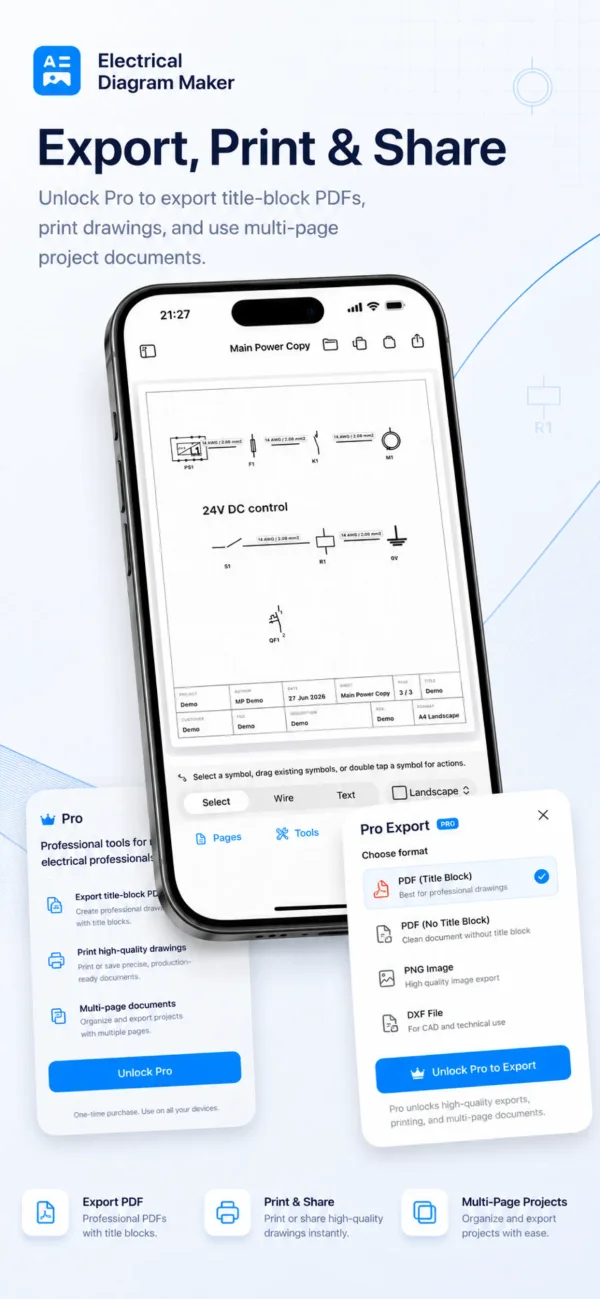
- Export professional PDF drawings with a Pro subscription
- Access a built-in user manual from Settings
Electrical Diagram Maker helps you create organized technical documentation without complicated CAD software. Start with a blank page or template, place symbols, connect components, add labels, and prepare a clean drawing for installation, diagnostics, planning, study, or customer documentation.
PRO SUBSCRIPTION
Electrical Diagram Maker Pro unlocks professional PDF export and project information editing.
Terms of Use (EULA):
https://www.apple.com/legal/internet-services/itunes/dev/stdeula/
Yang baru
Versi 2.6 · 25/11/2026
Small improvements and bug fix
Privasi aplikasi
Yang dinyatakan Mirza Pasic di App Store tentang cara aplikasi ini menangani data.
-
Data tidak dikumpulkan
Pengembang tidak mengumpulkan data apa pun dari aplikasi ini.
Praktik privasi dapat bervariasi, misalnya berdasarkan fitur yang Anda gunakan atau usia Anda.
Informasi
- Penjual
- Mirza Pasic
- Kategori
- Kegunaan
- Versi
- 2.6
- Diperbarui
- 25/11/2026
- Dirilis
- 2/7/2026
- Ukuran
- 4,9 MB
- Memerlukan
- iOS 17.6 atau yang lebih baru
- Batasan usia
- 4+
- Harga
- Gratis
- Pembelian dalam aplikasi
- Ya
- Bahasa
- Inggris
- Hak cipta
- © 2026 Mirza Pasic
Mungkin Anda juga suka
-
 TrueLine: One-Line DiagramKegunaan
-
 Circuit Wiring SimulatorKegunaan
-
 Autowire - Car Wiring DiagramsKegunaan
-
 WireSketch - Electric PlannerKegunaan
-
 E-Light: Circuit SimulatorBuild. Simulate. Calculate.
-
 Electrical calculationKegunaan
-
 FieldVolt ElectricalKegunaan
-
 Cabinet ARKegunaan
-
 SimubusSimulator Instalasi Listrik
-
 WireGoSimulator Rangkaian