
Electrical Diagram Maker
Electrical schematic maker
Designed for iPhone, iPad, Mac
Free · In-app purchases
- Age rating4+
- CategoryUtilities
- DeveloperMirza Pasic
- LanguagesEnglish
- Size4.9 MB
Links to the official App Store page
Download.org hosts no file of Electrical Diagram Maker. The button opens its official App Store page, published by Mirza Pasic. Listing last checked on Nov 15, 2026.
Screenshots


About
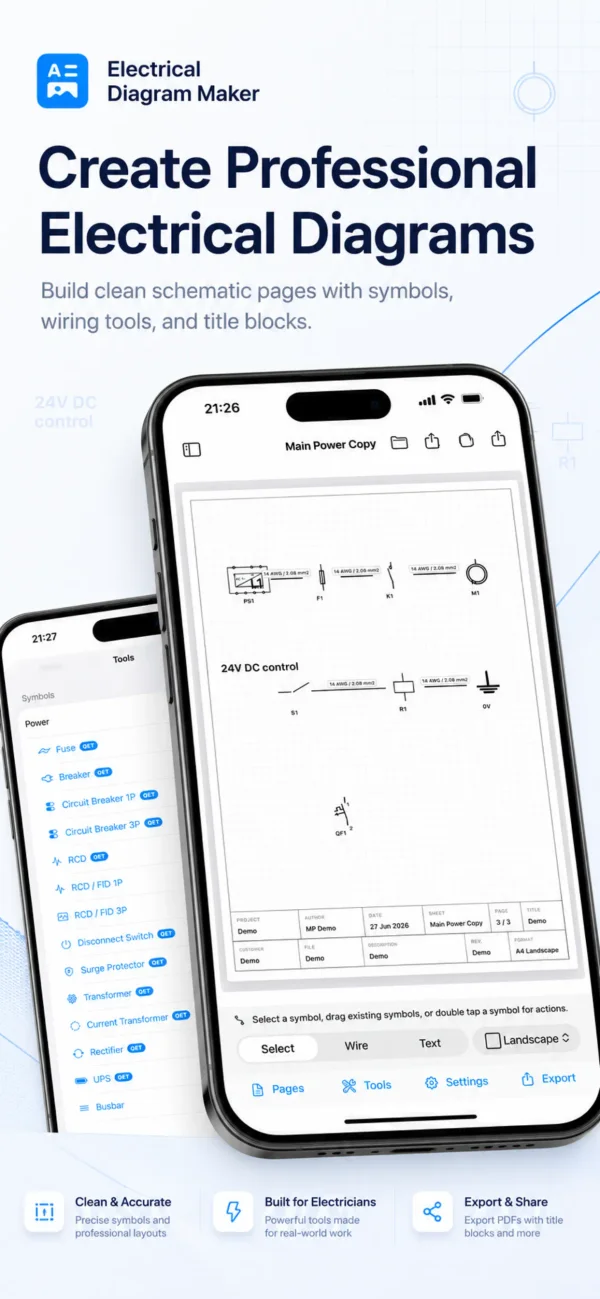
Electrical Diagram Maker is a practical tool for creating electrical schematics, automotive wiring diagrams, control circuits, installation drawings, and technical documentation on iPhone, iPad, and Mac.
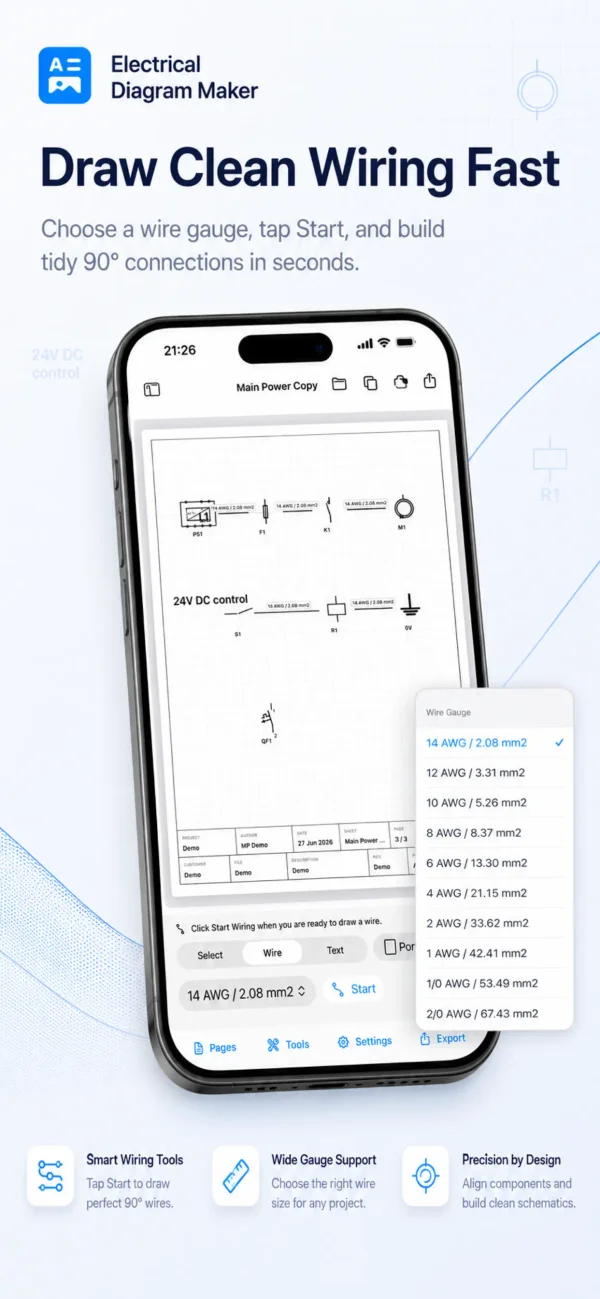
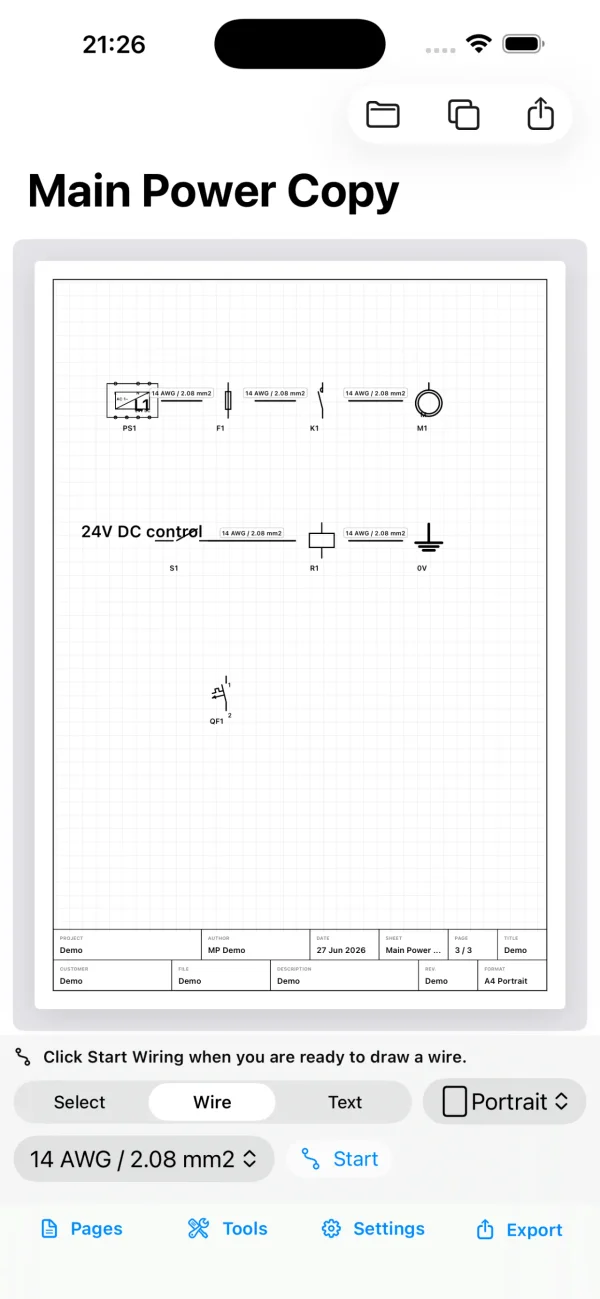
Create professional diagrams using ready-to-use symbols, clean 90-degree wiring, customizable wire colors, editable labels, wire size markings, project title blocks, and PDF export.
Designed for electricians, automotive technicians, panel builders, engineers, students, installers, and anyone who needs to create or document electrical systems quickly.
KEY FEATURES
- Create electrical schematics and automotive wiring diagrams
- Start electrical or automotive projects with dedicated symbols and templates
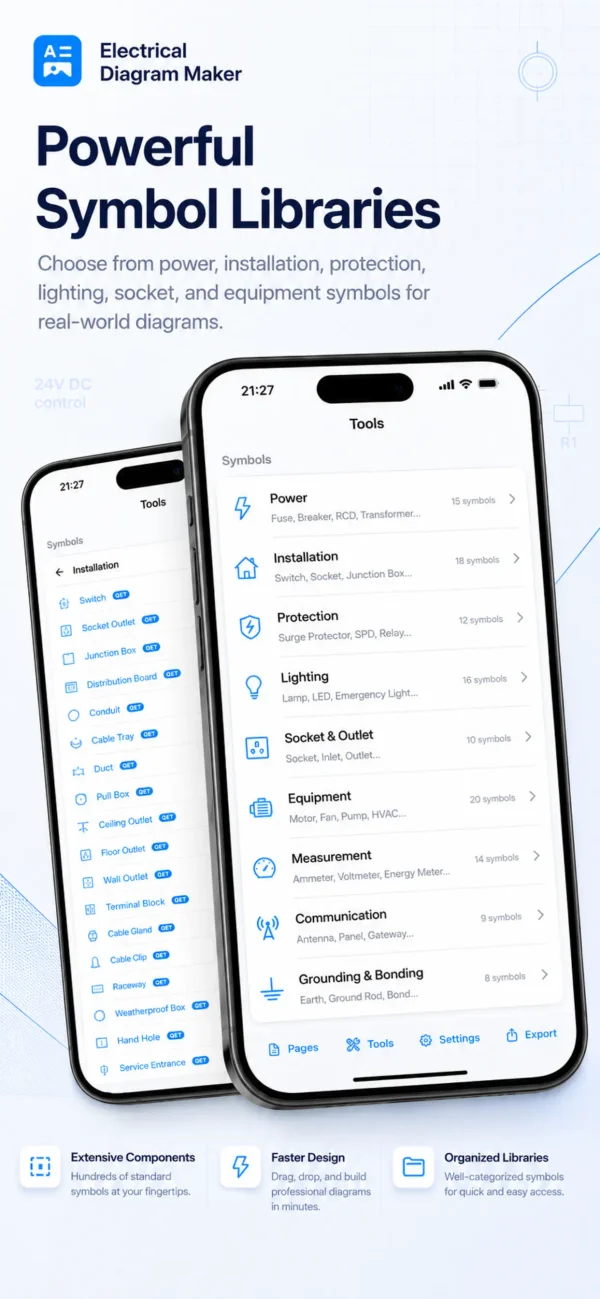
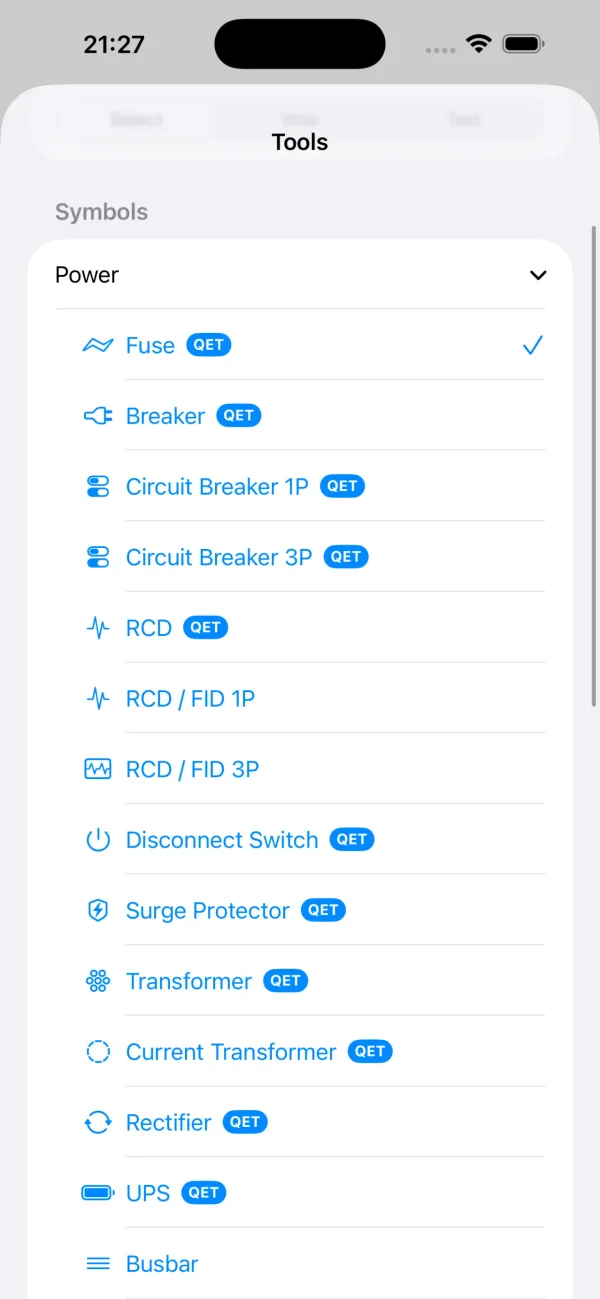
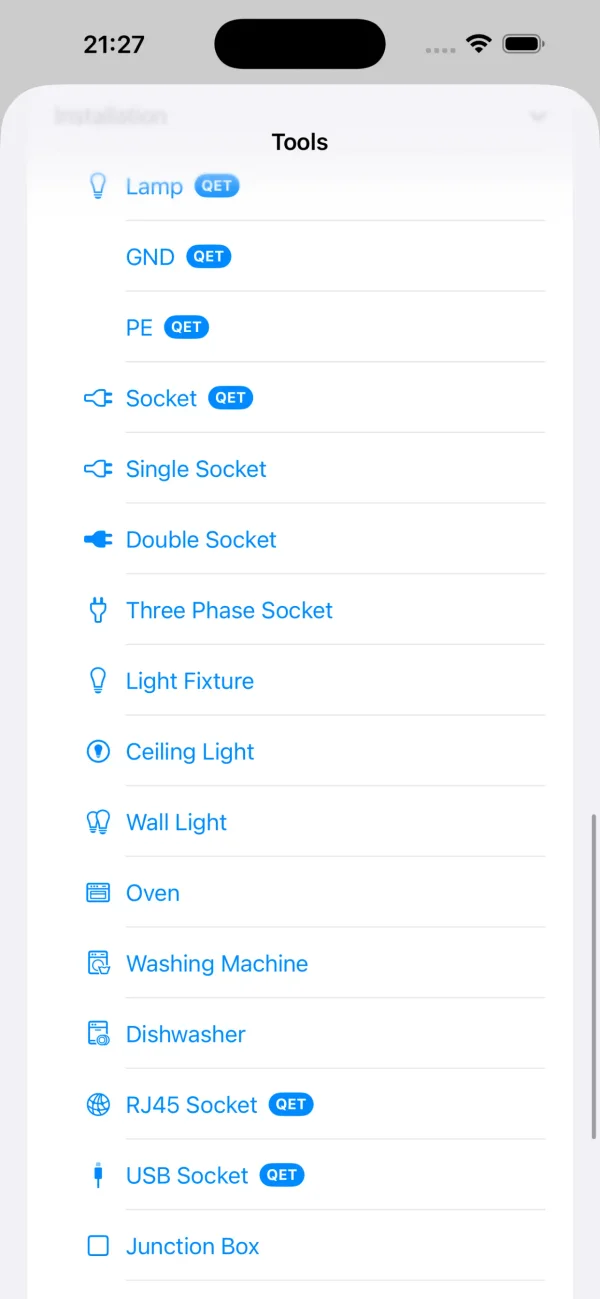
- Add symbols for power, control, PLC, terminals, motors, lighting, sockets, appliances, circuit breakers, RCD/FID devices, cabinets, junction boxes, solar systems, and more
- Use automotive batteries, fuses, relays, switches, sensors, actuators, ECUs, grounds, and multi-pin connectors
- Add male and female automotive connectors with 2, 4, 6, 8, 12, 16, or 20 pins
- Draw clean 90-degree wire connections with editable routing points
- Move individual wiring points to adjust the wire path
- Display wire crossings that are not electrically connected
- Customize wire colors for easier circuit identification
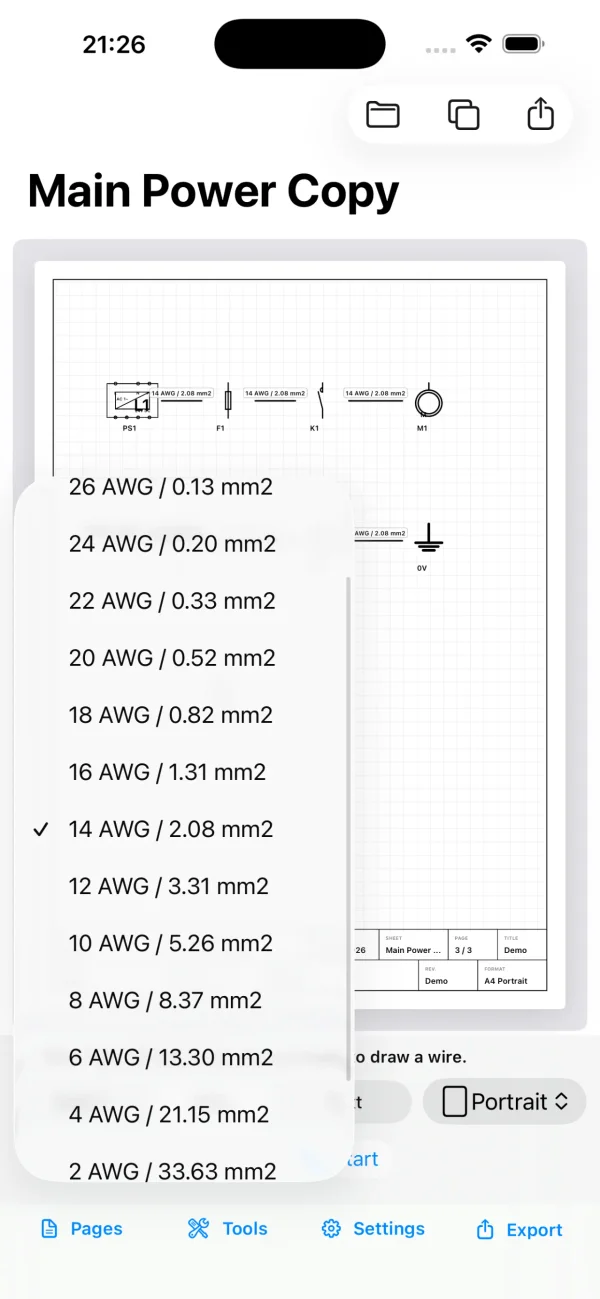
- Show wire sizes directly on the diagram using AWG and mm² labels
- Add and edit custom text labels
- Resize, rotate, duplicate, and delete symbols
- Create multiple portrait or landscape pages
- Rename and organize project sheets
- Use light and professional dark-blue themes
- Add title block details including project name, author, date, file, sheet, page, customer, and drawing title
- Share editable project files between Mac, iPad, and iPhone
- Import received project files and continue editing them
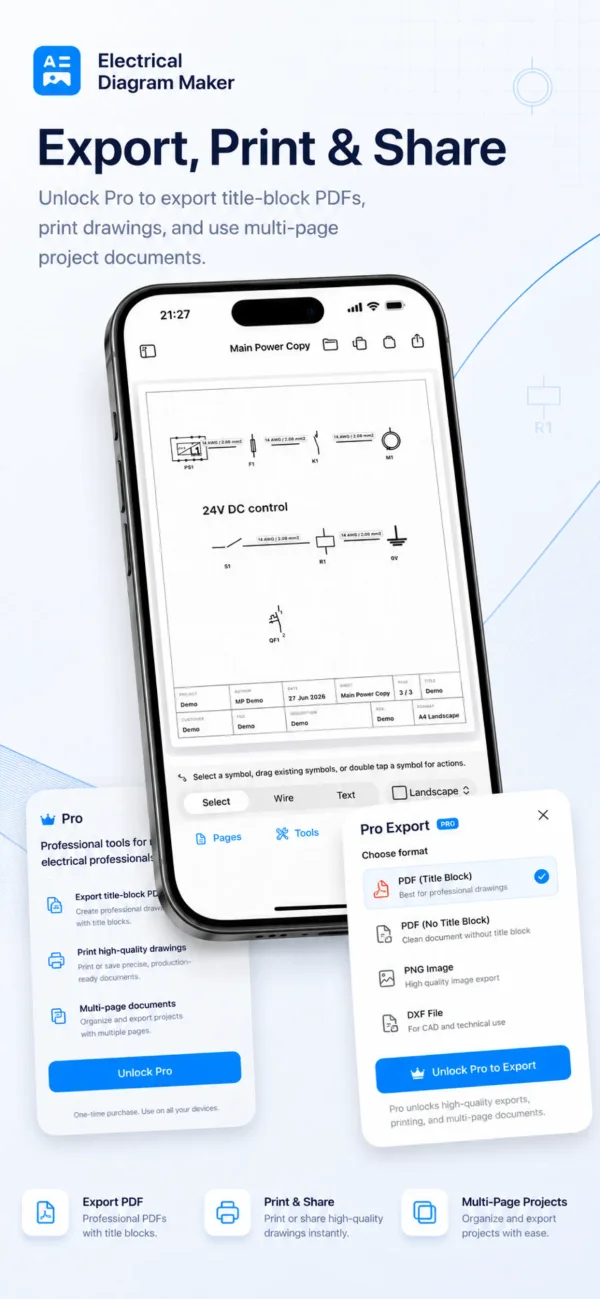
- Export professional PDF drawings with a Pro subscription
- Access a built-in user manual from Settings
Electrical Diagram Maker helps you create organized technical documentation without complicated CAD software. Start with a blank page or template, place symbols, connect components, add labels, and prepare a clean drawing for installation, diagnostics, planning, study, or customer documentation.
PRO SUBSCRIPTION
Electrical Diagram Maker Pro unlocks professional PDF export and project information editing.
Terms of Use (EULA):
https://www.apple.com/legal/internet-services/itunes/dev/stdeula/
What’s new
Version 2.5 · Nov 15, 2026
Small improvements and bug fix
App privacy
What Mirza Pasic declares on the App Store about how this app handles data.
-
Data not collected
The developer does not collect any data from this app.
Privacy practices may vary, for example with the features you use or your age.
Information
- Seller
- Mirza Pasic
- Category
- Utilities
- Version
- 2.5
- Updated
- Nov 15, 2026
- Released
- Jul 2, 2026
- Size
- 4.9 MB
- Requires
- iOS 17.6 or later
- Age rating
- 4+
- Price
- Free
- In-app purchases
- Yes
- Languages
- English
- Copyright
- © 2026 Mirza Pasic
You might also like
-
 TrueLine: One-Line DiagramElectrical Diagram & PDF
-
 Circuit Wiring SimulatorCircuit simulation software
-
 Autowire - Car Wiring DiagramsWiring Diagrams & Car Repair
-
 WireSketch - Electric PlannerWiring layout, outlets & solar
-
 E-Light: Circuit SimulatorBuild. Simulate. Calculate.
-
 Electrical calculationElectrical Engineering
-
 FieldVolt ElectricalElectrical Field Calculator
-
 Cabinet ARUtilities
-
 SimubusElectrical Wiring Simulator
-
 WireGoCircuit Simulator