- 対象年齢4+
- カテゴリユーティリティ
- 開発元Mirza Pasic
- 言語英語
- サイズ4.9 MB
App Storeの公式ページにリンクしています
Download.orgはElectrical Diagram Makerのファイルを一切ホストしていません。ボタンを押すと、Mirza Pasicが公開しているApp Storeのアプリページが開きます。ページの最終確認:2026/11/26。
スクリーンショット


概要
開発元はこのテキストをお使いの言語で提供していません。
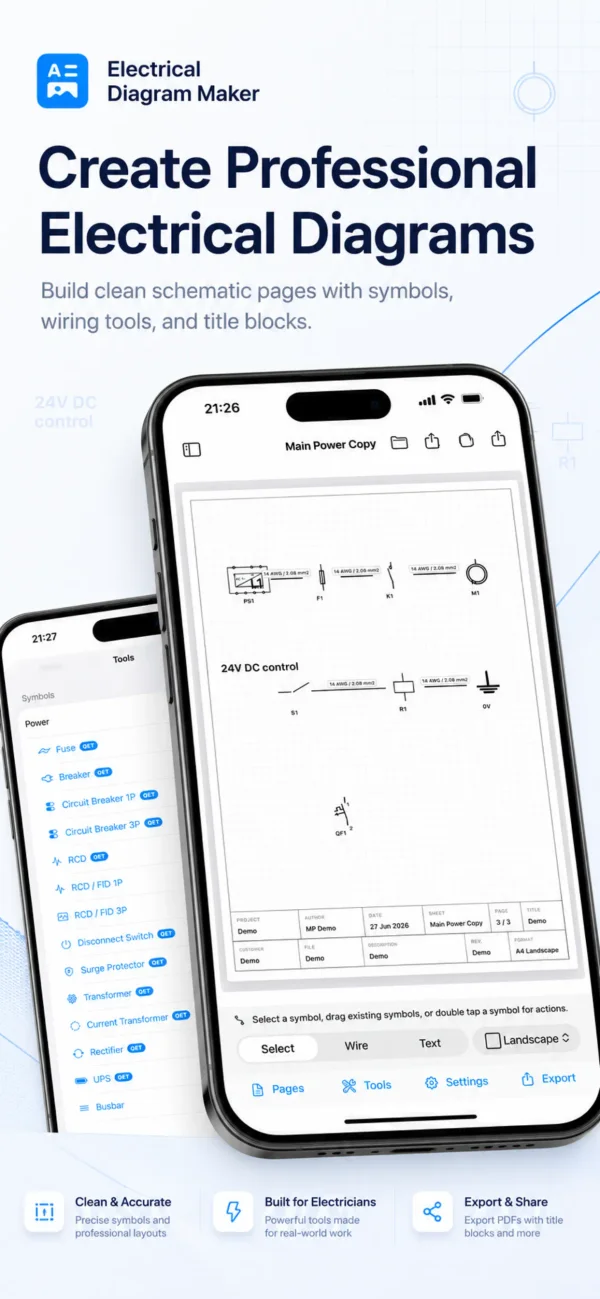
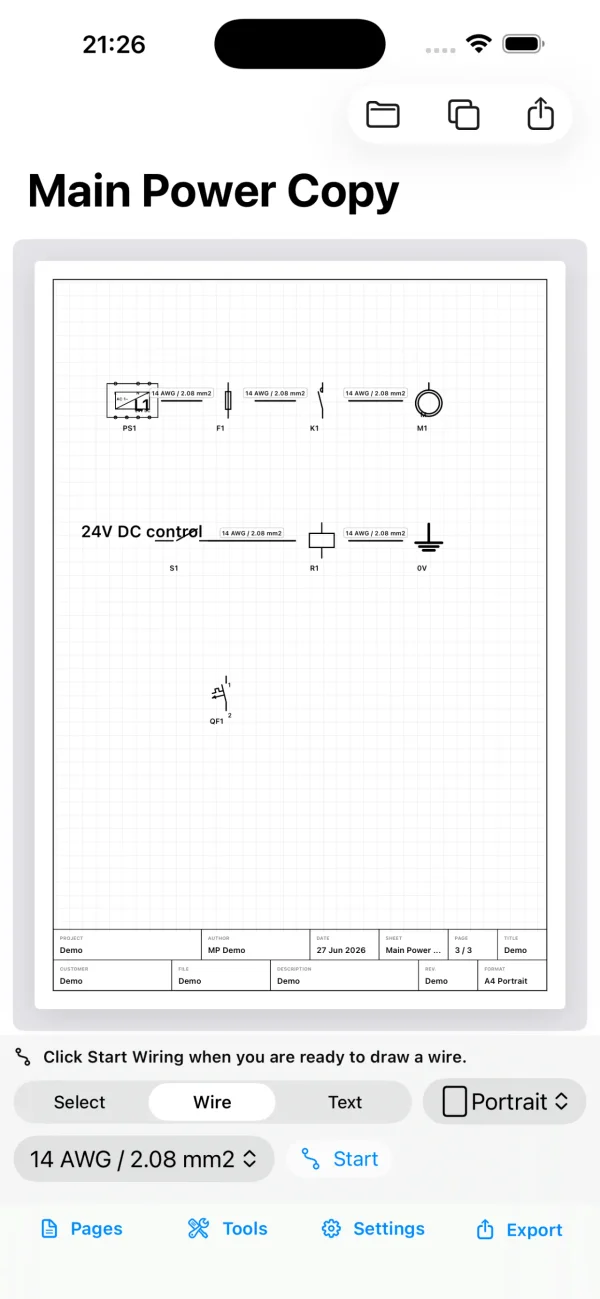
Electrical Diagram Maker is a practical tool for creating electrical schematics, automotive wiring diagrams, control circuits, installation drawings, and technical documentation on iPhone, iPad, and Mac.
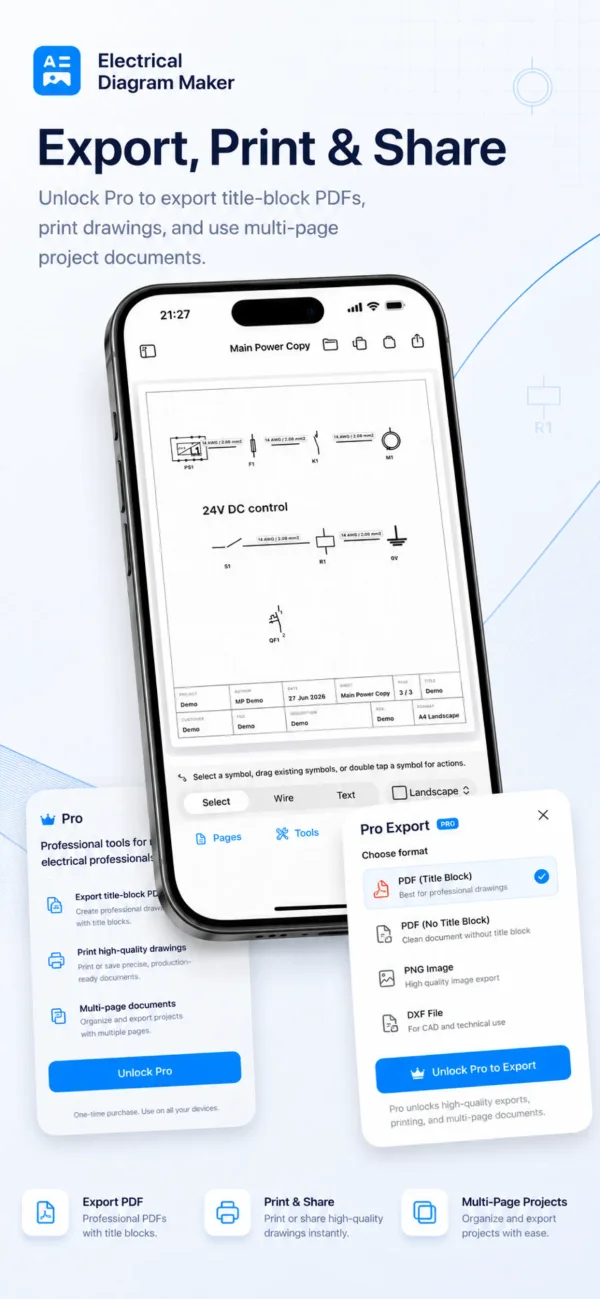
Create professional diagrams using ready-to-use symbols, clean 90-degree wiring, customizable wire colors, editable labels, wire size markings, project title blocks, and PDF export.
Designed for electricians, automotive technicians, panel builders, engineers, students, installers, and anyone who needs to create or document electrical systems quickly.
KEY FEATURES
- Create electrical schematics and automotive wiring diagrams
- Start electrical or automotive projects with dedicated symbols and templates
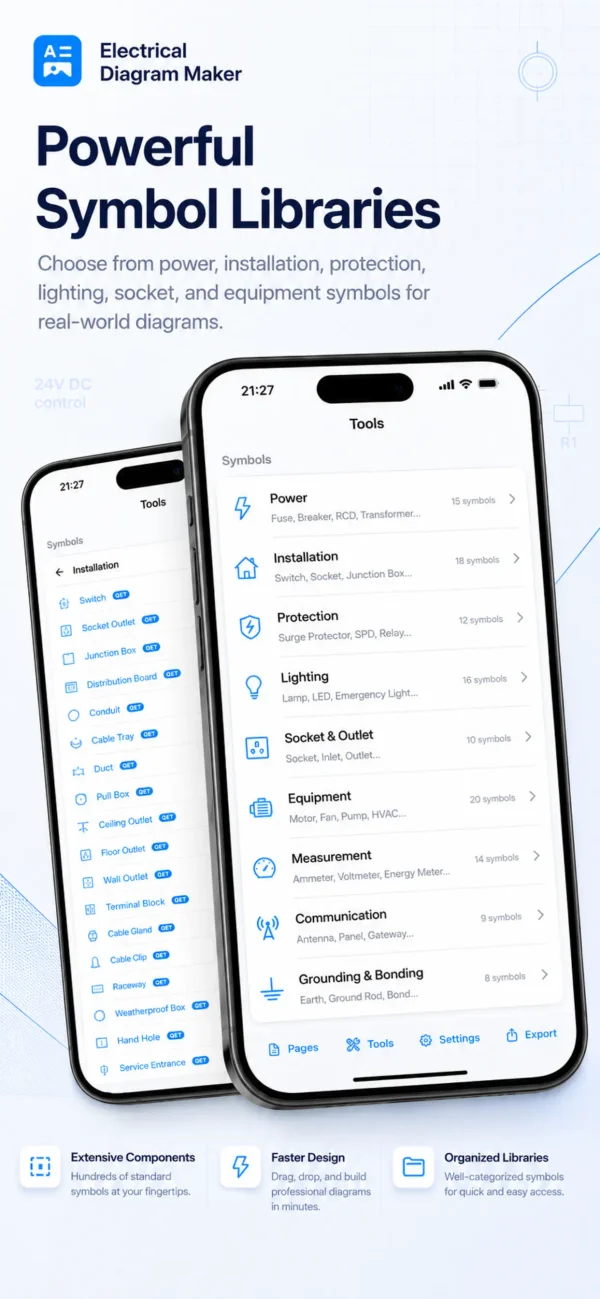
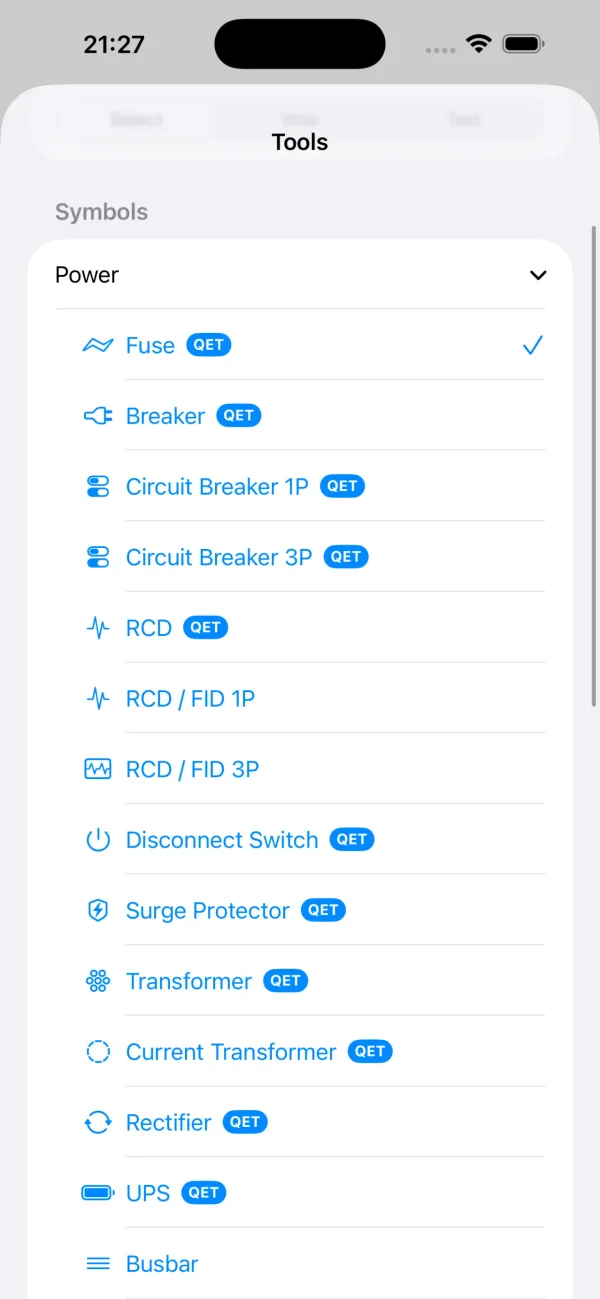
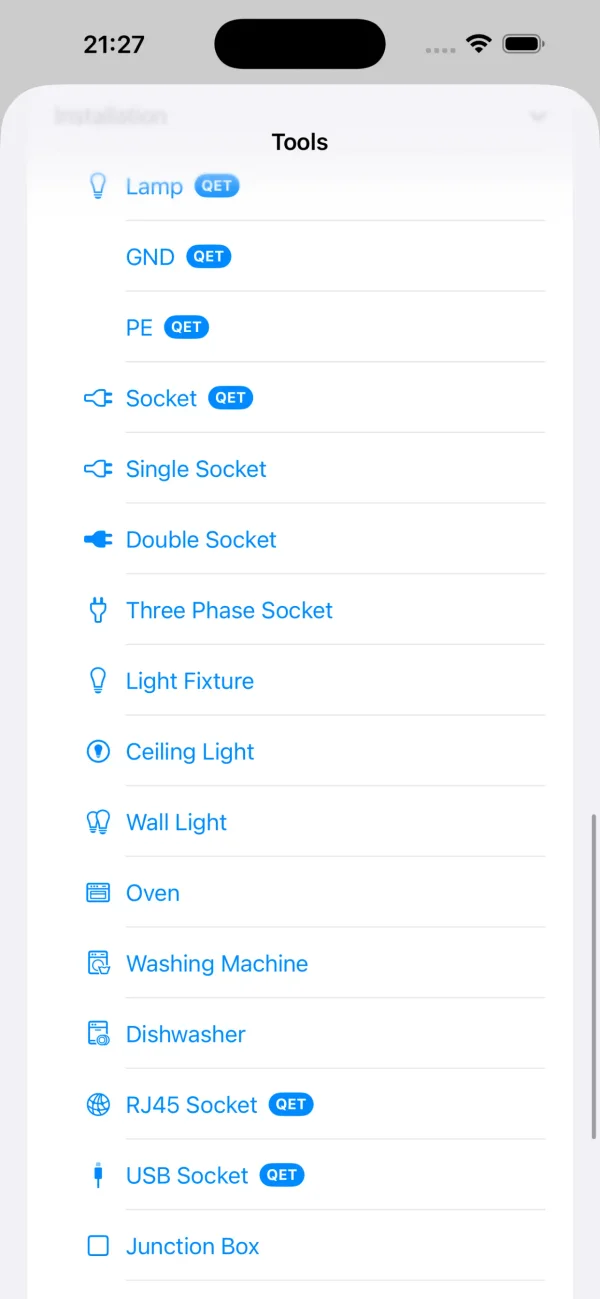
- Add symbols for power, control, PLC, terminals, motors, lighting, sockets, appliances, circuit breakers, RCD/FID devices, cabinets, junction boxes, solar systems, and more
- Use automotive batteries, fuses, relays, switches, sensors, actuators, ECUs, grounds, and multi-pin connectors
- Add male and female automotive connectors with 2, 4, 6, 8, 12, 16, or 20 pins
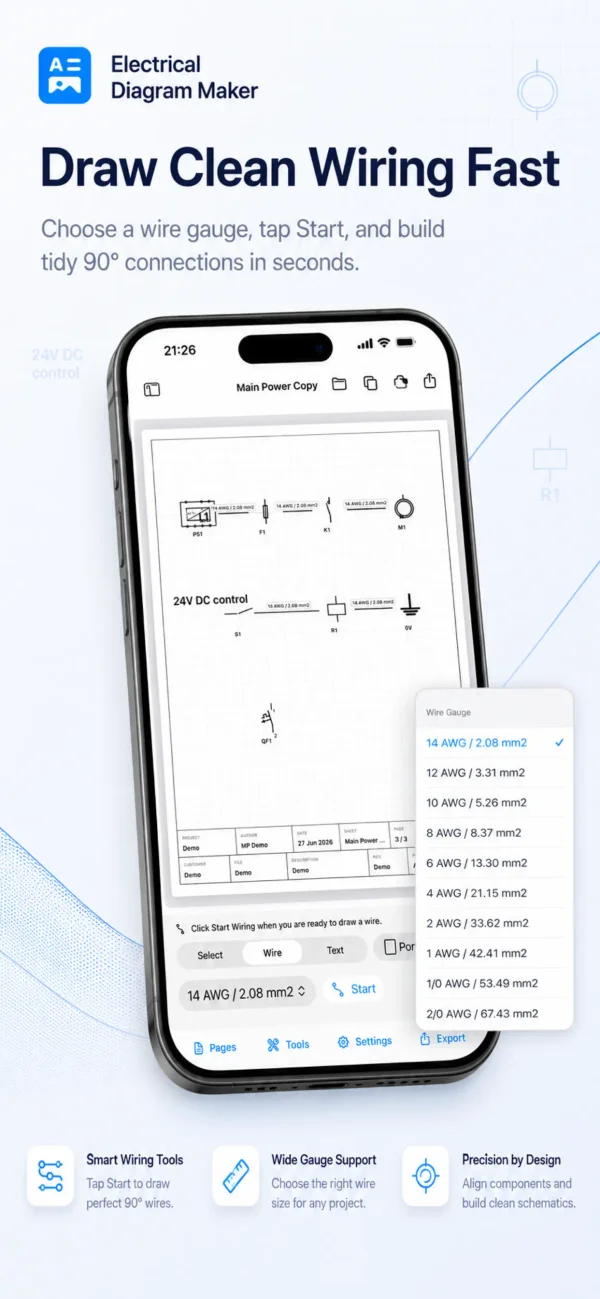
- Draw clean 90-degree wire connections with editable routing points
- Move individual wiring points to adjust the wire path
- Display wire crossings that are not electrically connected
- Customize wire colors for easier circuit identification
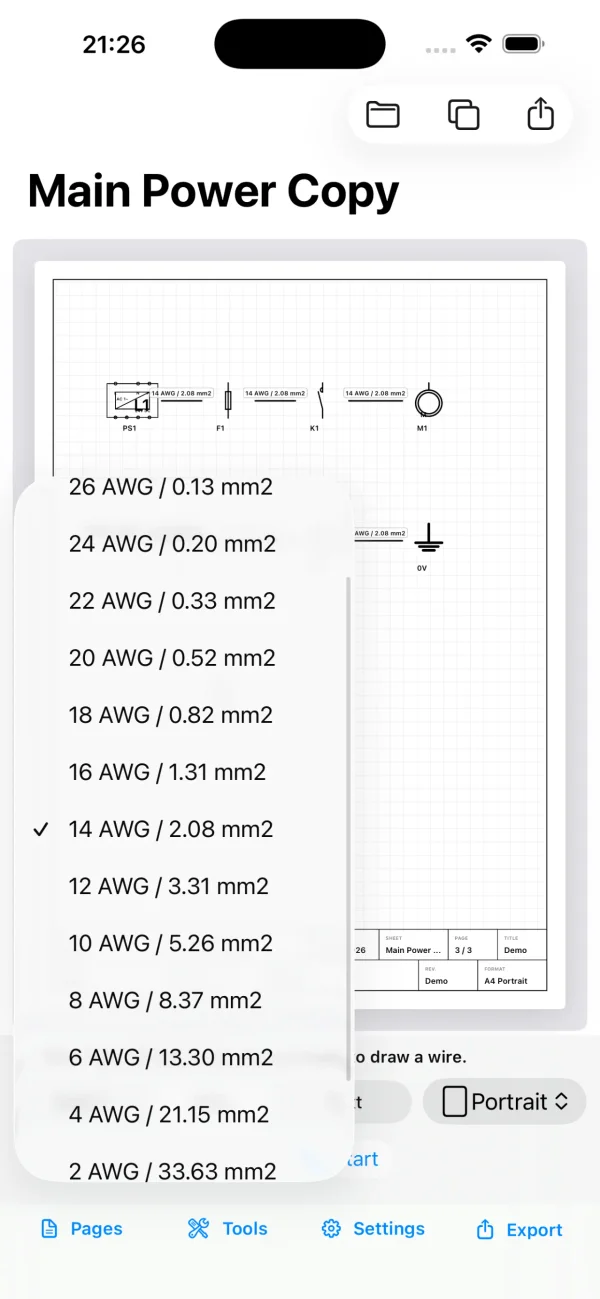
- Show wire sizes directly on the diagram using AWG and mm² labels
- Add and edit custom text labels
- Resize, rotate, duplicate, and delete symbols
- Create multiple portrait or landscape pages
- Rename and organize project sheets
- Use light and professional dark-blue themes
- Add title block details including project name, author, date, file, sheet, page, customer, and drawing title
- Share editable project files between Mac, iPad, and iPhone
- Import received project files and continue editing them
- Export professional PDF drawings with a Pro subscription
- Access a built-in user manual from Settings
Electrical Diagram Maker helps you create organized technical documentation without complicated CAD software. Start with a blank page or template, place symbols, connect components, add labels, and prepare a clean drawing for installation, diagnostics, planning, study, or customer documentation.
PRO SUBSCRIPTION
Electrical Diagram Maker Pro unlocks professional PDF export and project information editing.
Terms of Use (EULA):
https://www.apple.com/legal/internet-services/itunes/dev/stdeula/
新機能
バージョン 2.6 · 2026/11/25
Small improvements and bug fix
アプリのプライバシー
このアプリのデータの取り扱いについて、Mirza PasicがApp Storeで申告している内容です。
-
データの収集なし
開発元はこのアプリからデータを収集しません。
プライバシーの取り扱いは、ご利用の機能やお客様の年齢などに応じて異なる場合があります。
情報
- 販売元
- Mirza Pasic
- カテゴリ
- ユーティリティ
- バージョン
- 2.6
- 更新日
- 2026/11/25
- リリース
- 2026/7/2
- サイズ
- 4.9 MB
- 必要条件
- iOS 17.6以降
- 対象年齢
- 4+
- 価格
- 無料
- アプリ内課金
- あり
- 言語
- 英語
- 著作権
- © 2026 Mirza Pasic