Focus In Motion
Focus on what matters
Dirancang untuk iPhone, iPad, iPod touch
Rp 39ribu
- Batasan usia4+
- KategoriFoto & Video
- PengembangSebastien BUET
- BahasaInggris+ 1 lainnya
- Ukuran6,6 MB
Tertaut ke halaman resmi App Store
Download.org tidak menyimpan file Focus In Motion apa pun. Tombol ini membuka halaman aplikasi di App Store, tempat Sebastien BUET menerbitkannya. Halaman terakhir diperiksa pada 15/11/2026.
Tangkapan layar


Tentang
Pengembang belum menyediakan teks ini dalam bahasa Anda.
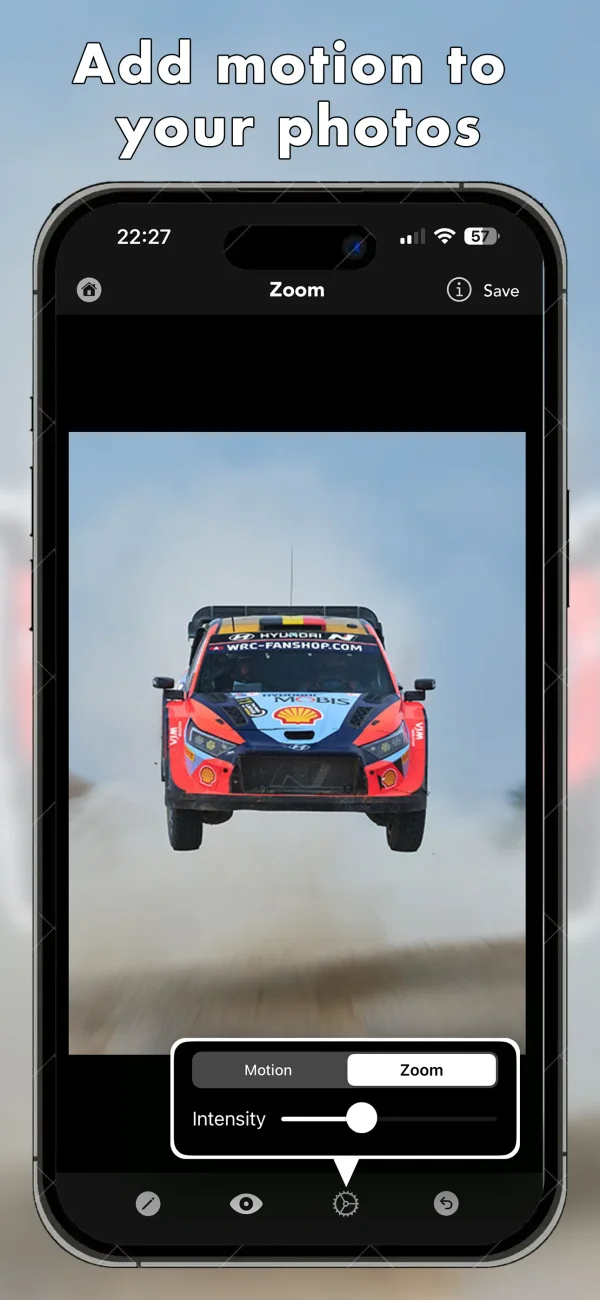
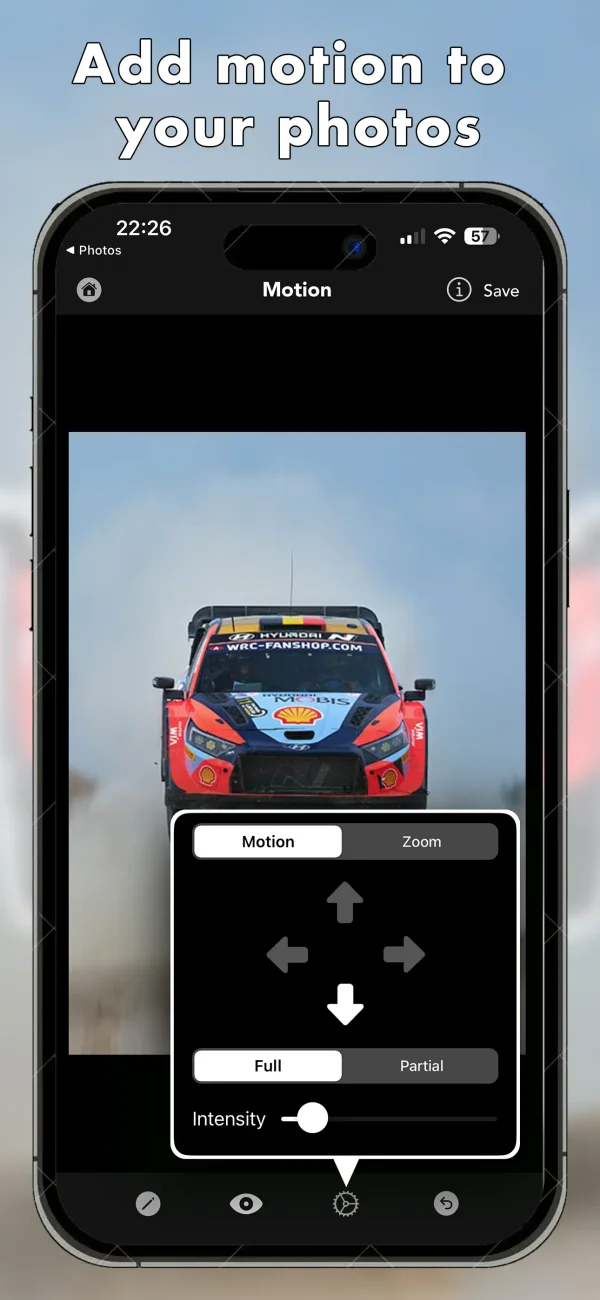
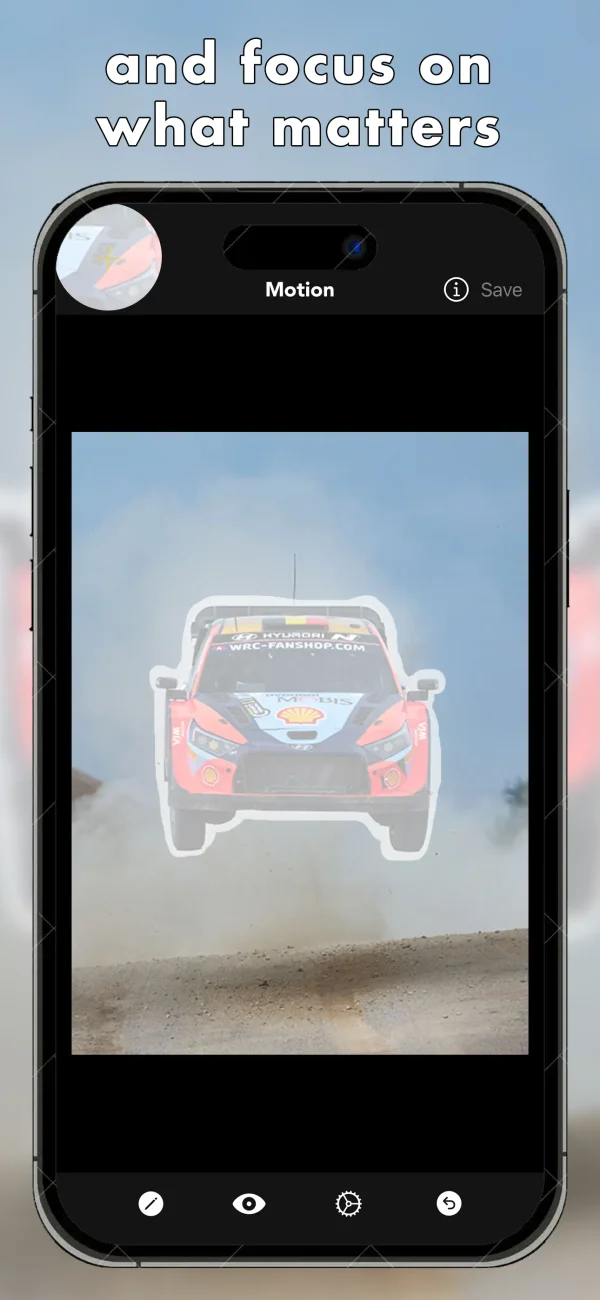
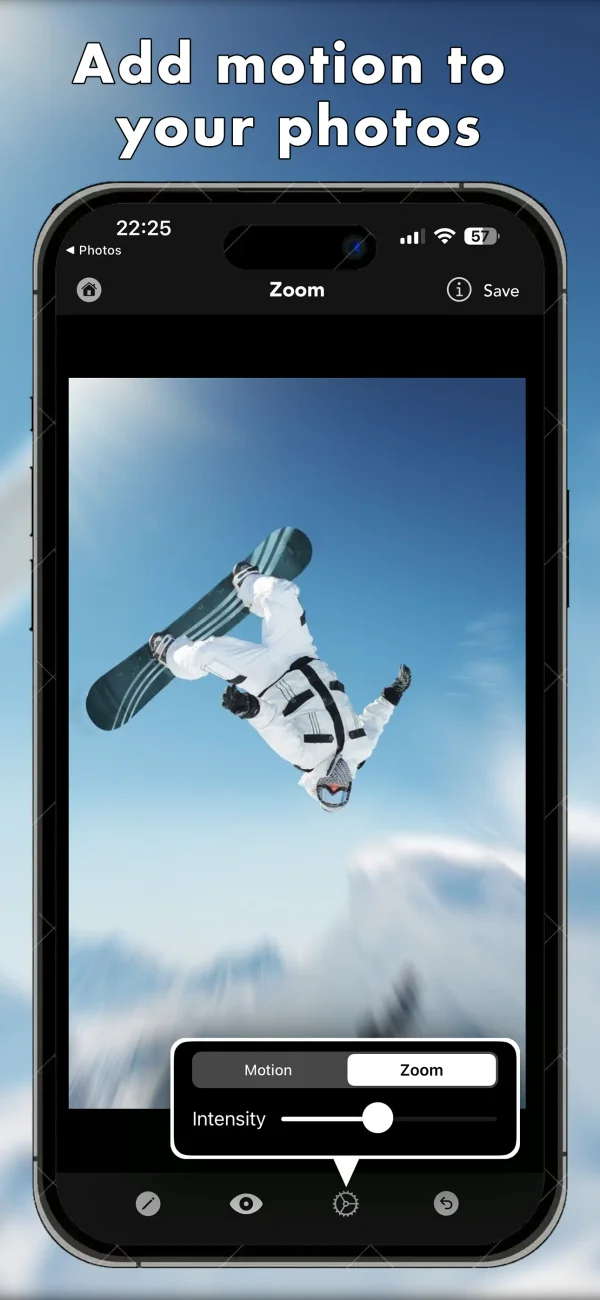
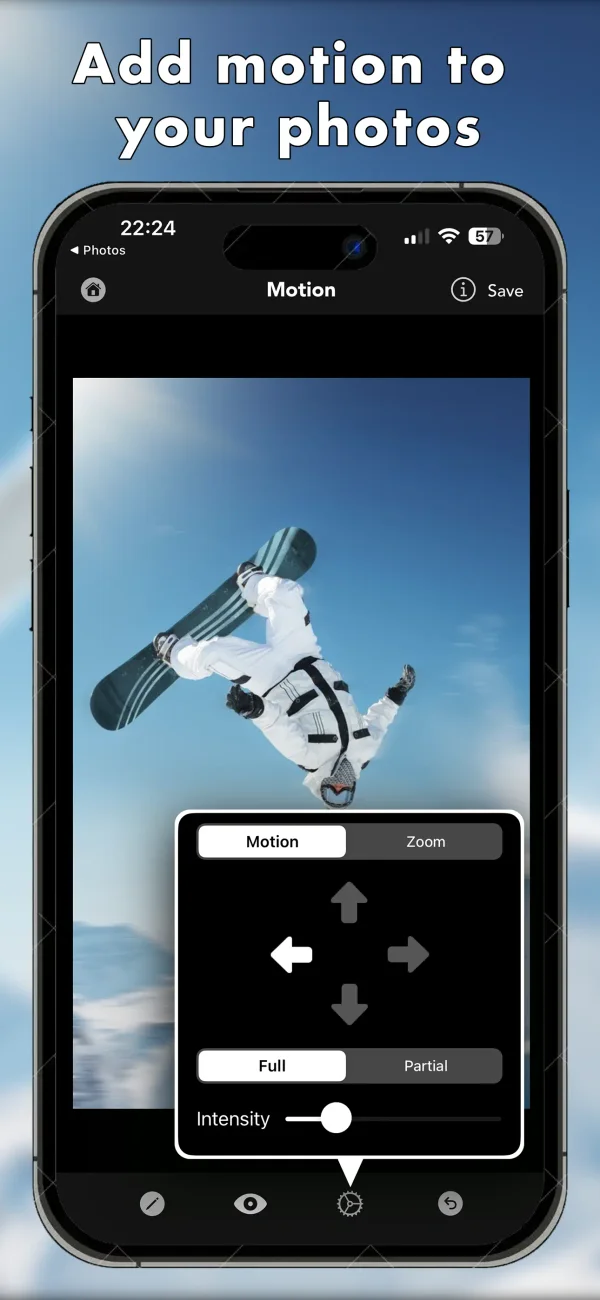
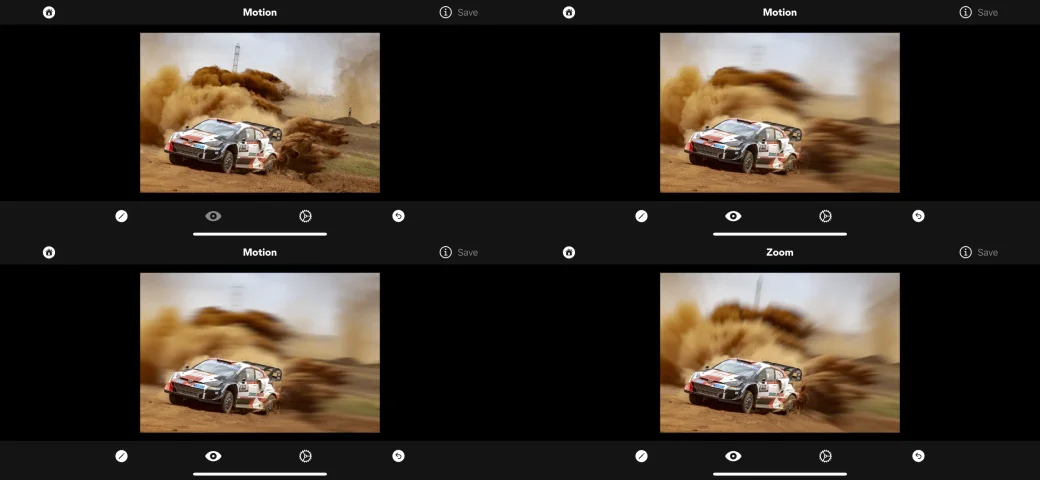
Add motion to your photos and focus on what matters.
Use one of the adjustable motion effect, and define the focus zone by either using an ellipse or rectangle shape, or by drawing over want you want to focus on; let the app do its magic, and your motion photo is ready to be saved and shared on Facebook, Twitter, Dropbox, and by email!
Focus In Motion offers two modes to create motion photos: the Select mode and the Draw mode.
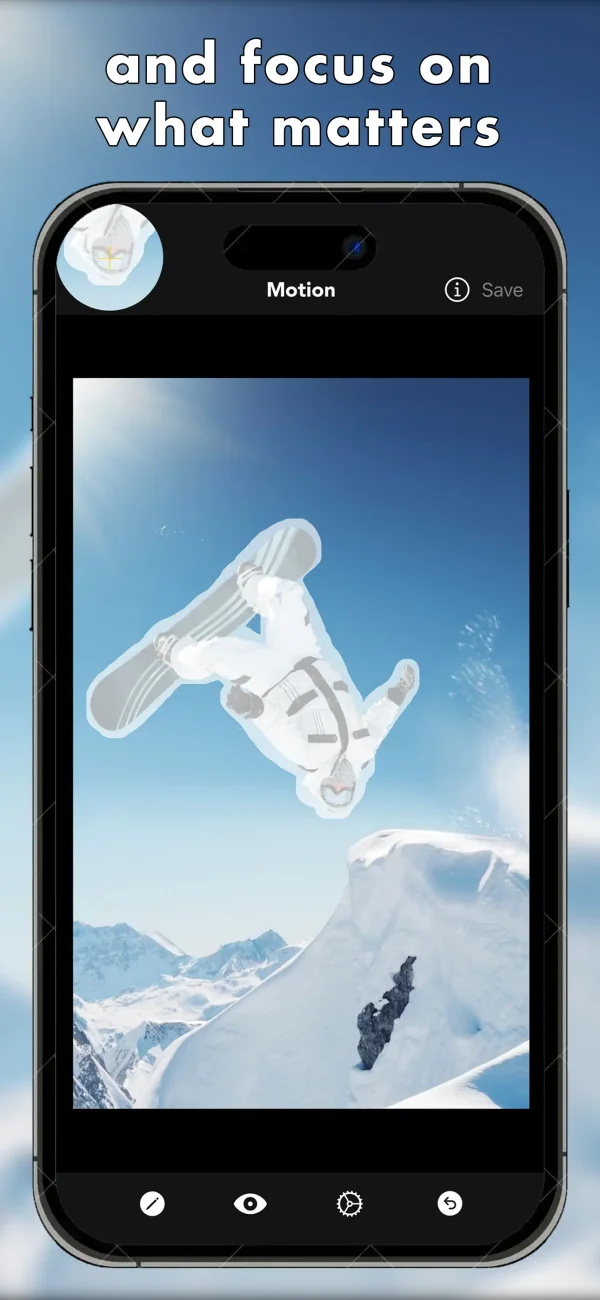
With the Select mode, you use a focus shape (ellipse or rectangle shape) to quickly select what you want to focus on.
With the Draw mode, you directly draw over what you want to focus on in your photos: you can adjust the size of the pen and also zoom in your photos to accurately draw your focus zone.
Both modes propose the the adjustable motion effects !
Special Features:
- Different adjustable motion effects: control the direction and intensity of the motion effects (left, right, up, down…)
- New zoom motion effect centered on the focus area
- Use a focus shape (ellipse or rectangle shapes) or draw over what you want to focus on
- Zoom in while drawing to accurately select the focus zone, erase any unwanted focus zone
- Control the size of the pen to select tiny focus zones
- Progressive borders while creating the focus zones for more realistic effects
- Share your motion photos by email, on Facebook, on twitter, save them in your camera roll, save them on Dropbox, or print them out
- App settings to disable/enable the progressive border preview, in the Settings app
Tips: while creating very intense motion effect, it can become difficult to accurately select the focus zone; we recommend you to select the focus zone first and then apply the intense motion effect.
Please don't add your bug reports in your review: send us your bug reports at support@seb-appstore.com and we'll be able to help you and fix the app.
Check out many other great apps for the iPhone and iPad at www.SEB-APPSTORE.com
Yang baru
Versi 1.60 · 1/10/2024
Brand new app interface.
New zoom motion effect.
Faster effects processing now always in full resolution.
Privasi aplikasi
Yang dinyatakan Sebastien BUET di App Store tentang cara aplikasi ini menangani data.
-
Data yang tidak ditautkan dengan Anda
Dapat dikumpulkan, tetapi tidak ditautkan dengan identitas Anda.
- Konten pengguna
- Pengenal
- Data penggunaan
- Diagnostik
Praktik privasi dapat bervariasi, misalnya berdasarkan fitur yang Anda gunakan atau usia Anda.
Informasi
- Penjual
- Sebastien BUET
- Kategori
- Foto & Video
- Versi
- 1.60
- Diperbarui
- 1/10/2024
- Dirilis
- 30/3/2013
- Ukuran
- 6,6 MB
- Memerlukan
- iOS 15 atau yang lebih baru
- Batasan usia
- 4+
- Harga
- Rp 39ribu
- Bahasa
- Inggris, Prancis
- Hak cipta
- © SEB-APPSTORE LTD
Mungkin Anda juga suka
-
 Motion Blur EffectFoto & Video
-
 zerotakeKamera video, langsung jadi
-
 Slit Scan CameraFoto & Video
-
 Magic FillFoto & Video
-
 srRAW Cinema CameraFoto & Video
-
 Koloristika • The CameraFoto & Video
-
 Photo Focus: Blur EffectsFoto & Video
-
 Photo HD Recovery: RestoreFoto & Video
-
 Motion Blur Effect: एआई संपादकफोटो ब्लर और मोशन बैकग्राउंड
-
 Picadelic AI Effects in MotionFoto & Video