
Focus In Motion
Focus on what matters
Được thiết kế cho iPhone, iPad, iPod touch
59.000đ
- Độ tuổi4+
- Danh mụcẢnh & Video
- Nhà phát triểnSebastien BUET
- Ngôn ngữTiếng Anh+ 1 ngôn ngữ khác
- Kích thước6,6 MB
Liên kết đến trang App Store chính thức
Download.org không lưu trữ tệp nào của Focus In Motion. Nút này mở trang ứng dụng trên App Store, nơi Sebastien BUET phát hành ứng dụng. Trang được kiểm tra lần cuối: 15/11/2026.
Ảnh chụp màn hình


Giới thiệu
Nhà phát triển chưa cung cấp nội dung này bằng ngôn ngữ của bạn.
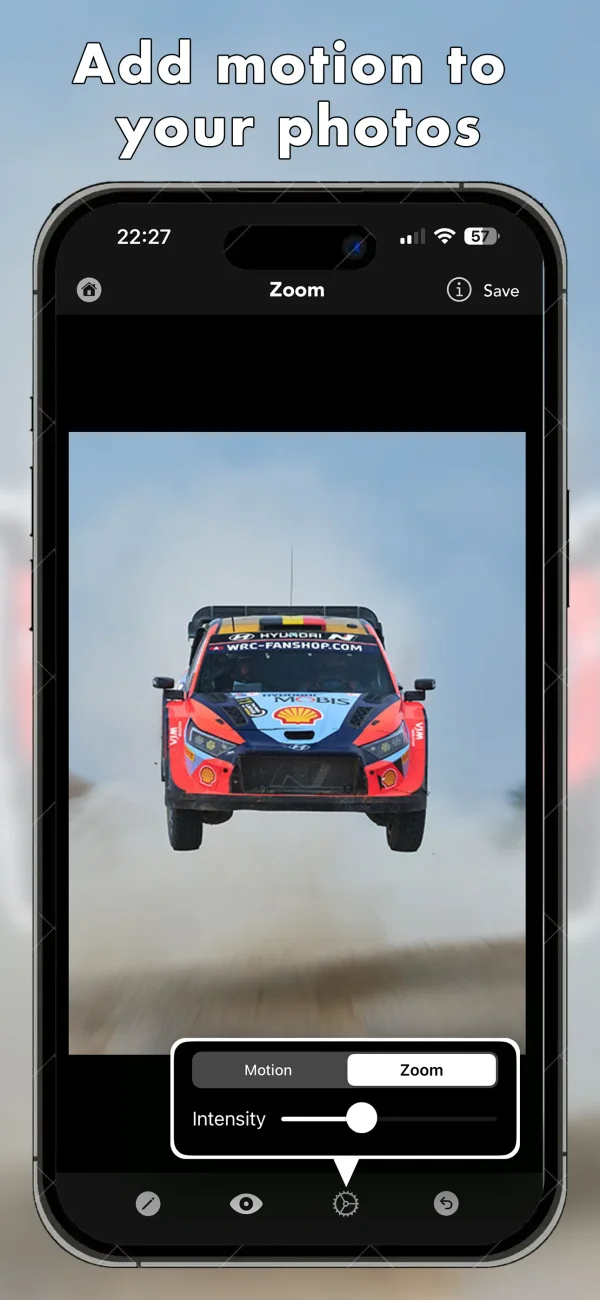
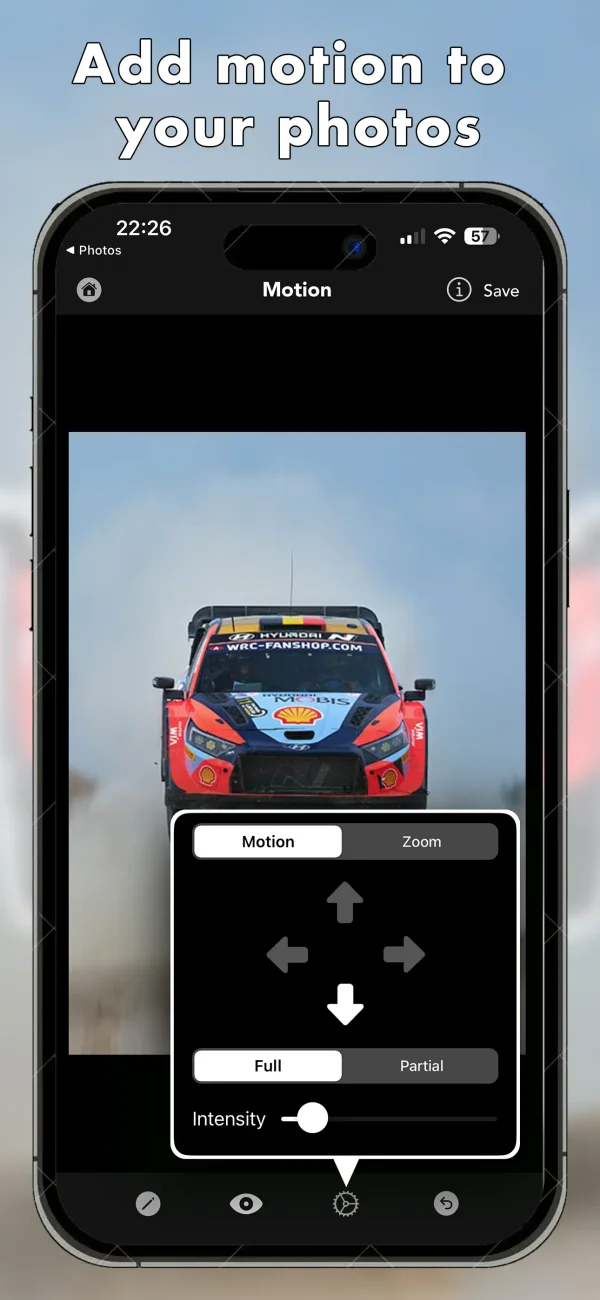
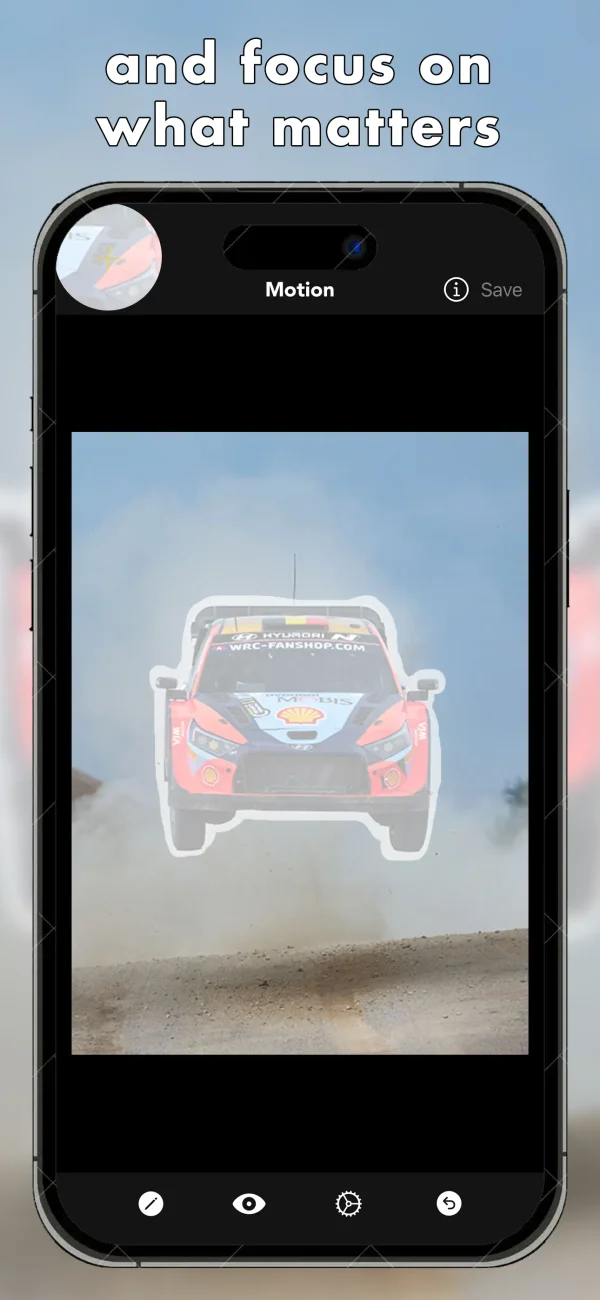
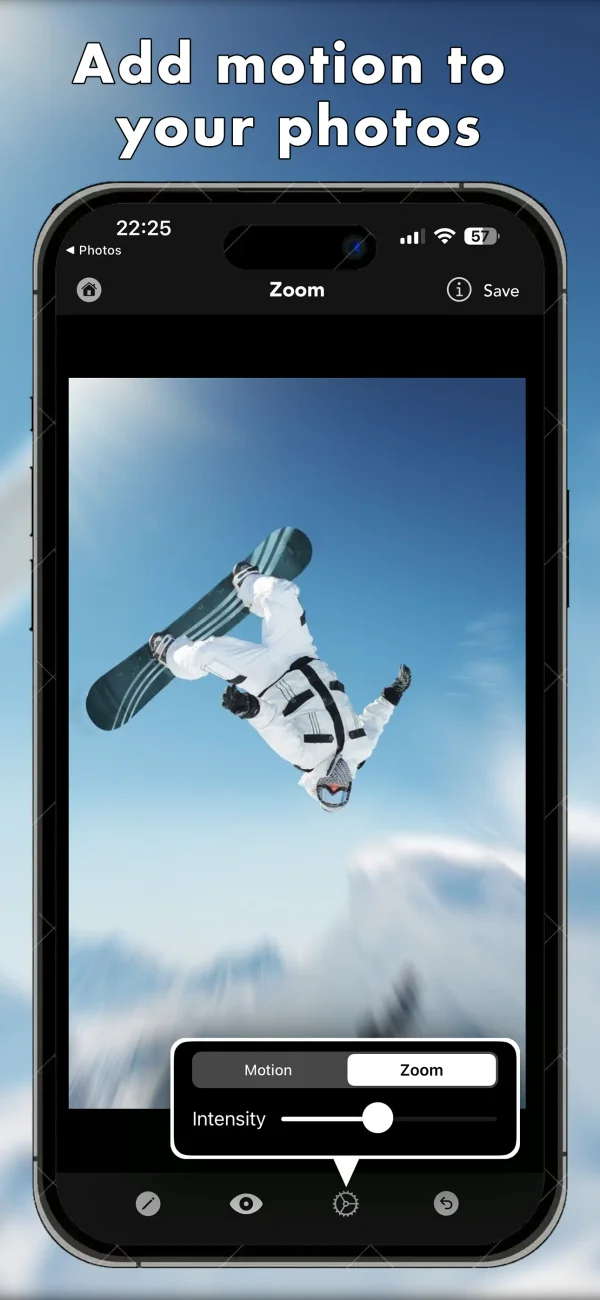
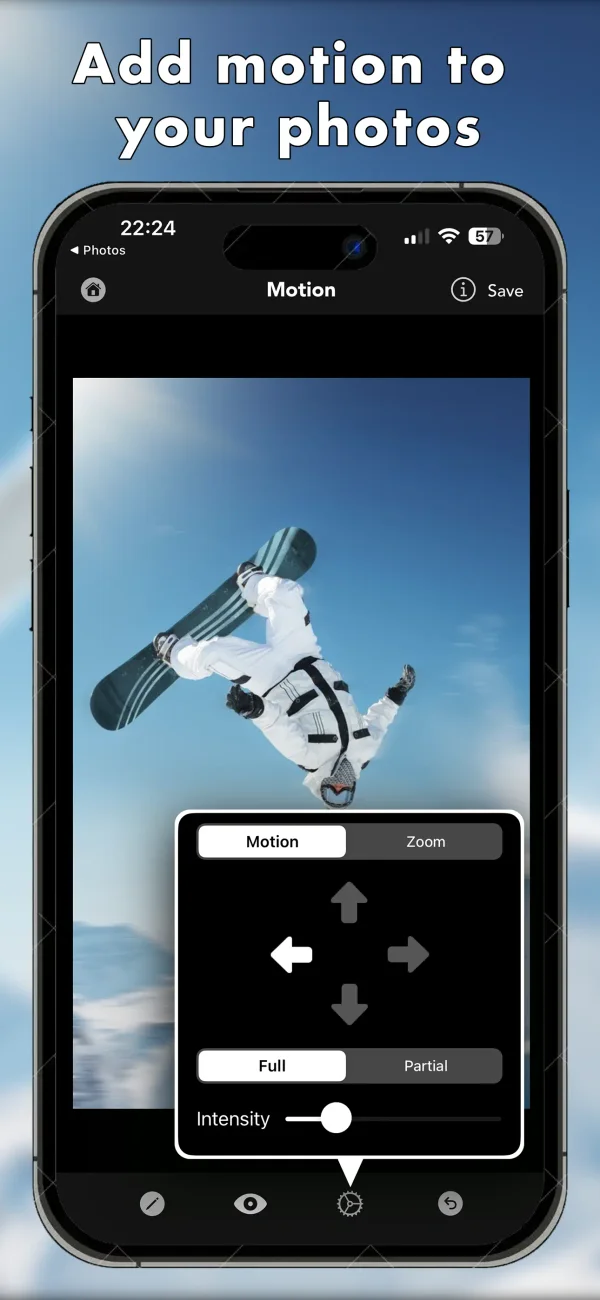
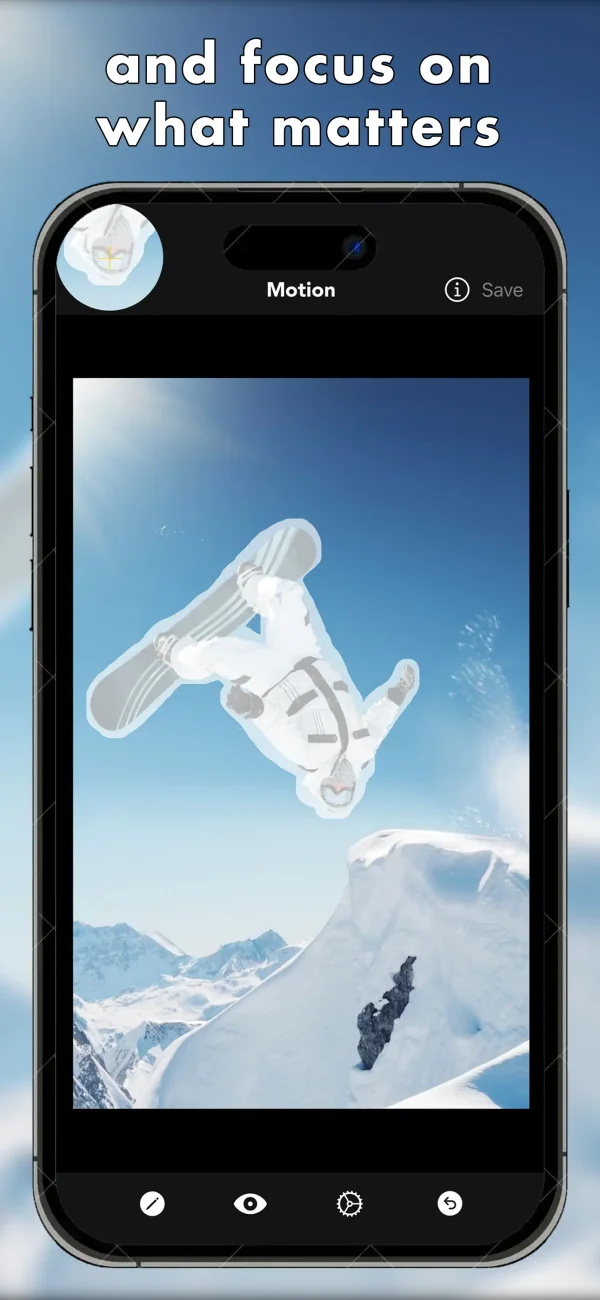
Add motion to your photos and focus on what matters.
Use one of the adjustable motion effect, and define the focus zone by either using an ellipse or rectangle shape, or by drawing over want you want to focus on; let the app do its magic, and your motion photo is ready to be saved and shared on Facebook, Twitter, Dropbox, and by email!
Focus In Motion offers two modes to create motion photos: the Select mode and the Draw mode.
With the Select mode, you use a focus shape (ellipse or rectangle shape) to quickly select what you want to focus on.
With the Draw mode, you directly draw over what you want to focus on in your photos: you can adjust the size of the pen and also zoom in your photos to accurately draw your focus zone.
Both modes propose the the adjustable motion effects !
Special Features:
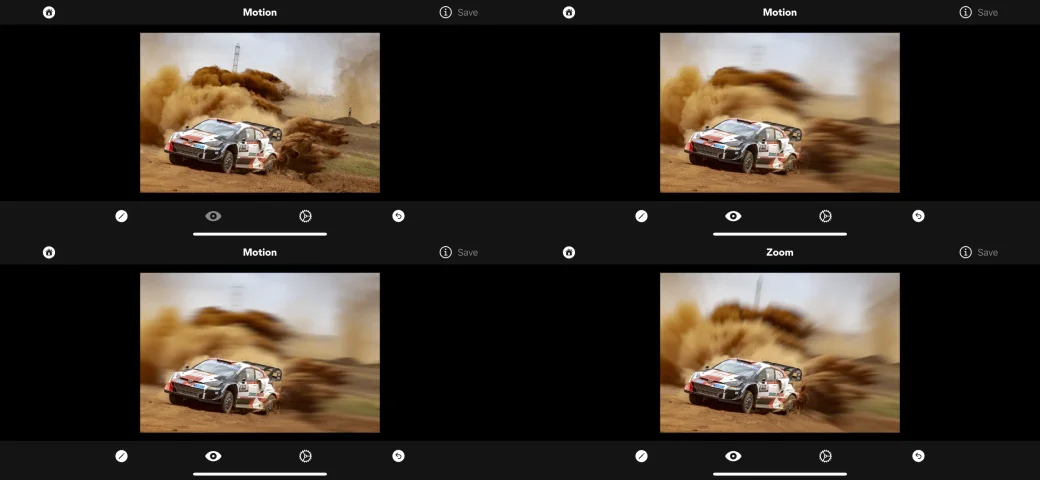
- Different adjustable motion effects: control the direction and intensity of the motion effects (left, right, up, down…)
- New zoom motion effect centered on the focus area
- Use a focus shape (ellipse or rectangle shapes) or draw over what you want to focus on
- Zoom in while drawing to accurately select the focus zone, erase any unwanted focus zone
- Control the size of the pen to select tiny focus zones
- Progressive borders while creating the focus zones for more realistic effects
- Share your motion photos by email, on Facebook, on twitter, save them in your camera roll, save them on Dropbox, or print them out
- App settings to disable/enable the progressive border preview, in the Settings app
Tips: while creating very intense motion effect, it can become difficult to accurately select the focus zone; we recommend you to select the focus zone first and then apply the intense motion effect.
Please don't add your bug reports in your review: send us your bug reports at support@seb-appstore.com and we'll be able to help you and fix the app.
Check out many other great apps for the iPhone and iPad at www.SEB-APPSTORE.com
Có gì mới
Phiên bản 1.60 · 01/10/2024
Brand new app interface.
New zoom motion effect.
Faster effects processing now always in full resolution.
Quyền riêng tư của ứng dụng
Những gì Sebastien BUET khai báo trên App Store về cách ứng dụng này xử lý dữ liệu.
-
Dữ liệu không liên kết với bạn
Có thể được thu thập nhưng không liên kết với danh tính của bạn.
- Nội dung của người dùng
- Mã định danh
- Dữ liệu sử dụng
- Chẩn đoán
Phương thức đảm bảo quyền riêng tư có thể khác nhau, chẳng hạn như tuỳ theo các tính năng bạn sử dụng hoặc độ tuổi của bạn.
Thông tin
- Người bán
- Sebastien BUET
- Danh mục
- Ảnh & Video
- Phiên bản
- 1.60
- Cập nhật
- 01/10/2024
- Phát hành
- 30/03/2013
- Kích thước
- 6,6 MB
- Yêu cầu
- iOS 15 trở lên
- Độ tuổi
- 4+
- Giá
- 59.000đ
- Ngôn ngữ
- Tiếng Anh, Tiếng Pháp
- Bản quyền
- © SEB-APPSTORE LTD
Có thể bạn cũng thích
-
 Motion Blur EffectẢnh & Video
-
 zerotakeMáy quay phim, màu điện ảnh
-
 Slit Scan CameraẢnh & Video
-
 Magic FillẢnh & Video
-
 srRAW Cinema CameraẢnh & Video
-
 Koloristika • The CameraẢnh & Video
-
 Photo Focus: Blur EffectsẢnh & Video
-
 Photo HD Recovery: RestoreẢnh & Video
-
 Motion Blur Effect Biên Tập AILàm mờ ảnh & nền chuyển động
-
 Picadelic AI Effects in MotionẢnh & Video