- 対象年齢4+
- カテゴリ写真/ビデオ
- 開発元Sebastien BUET
- 言語英語ほか1言語
- サイズ6.6 MB
App Storeの公式ページにリンクしています
Download.orgはFocus In Motionのファイルを一切ホストしていません。ボタンを押すと、Sebastien BUETが公開しているApp Storeのアプリページが開きます。ページの最終確認:2026/11/15。
スクリーンショット


概要
開発元はこのテキストをお使いの言語で提供していません。
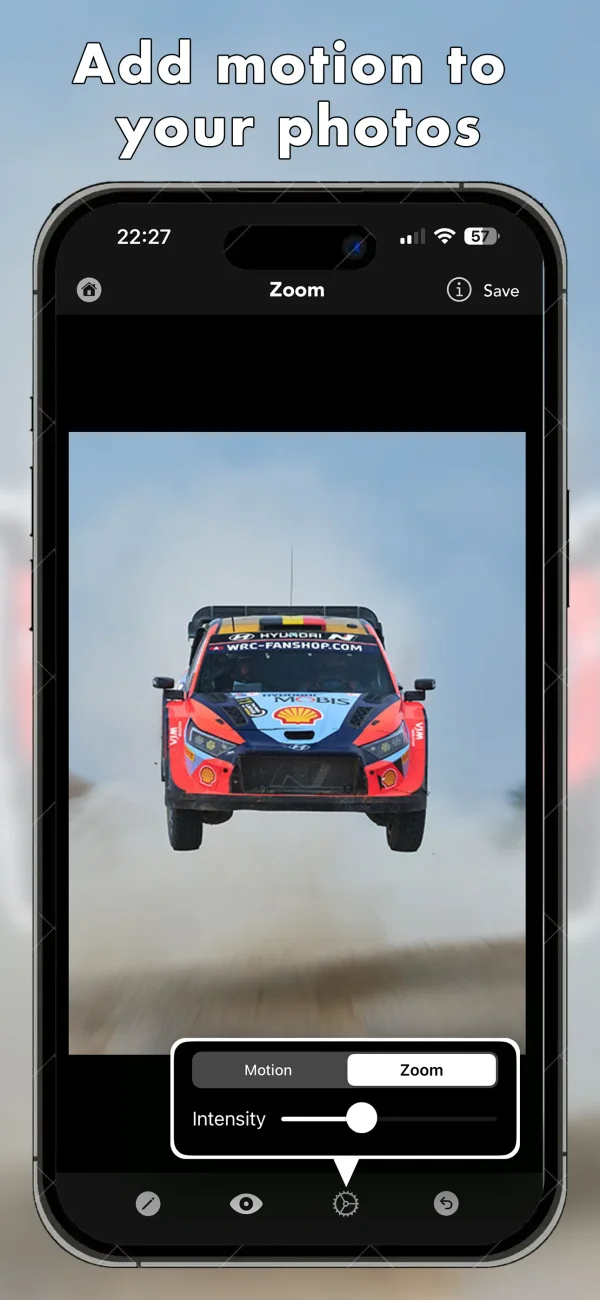
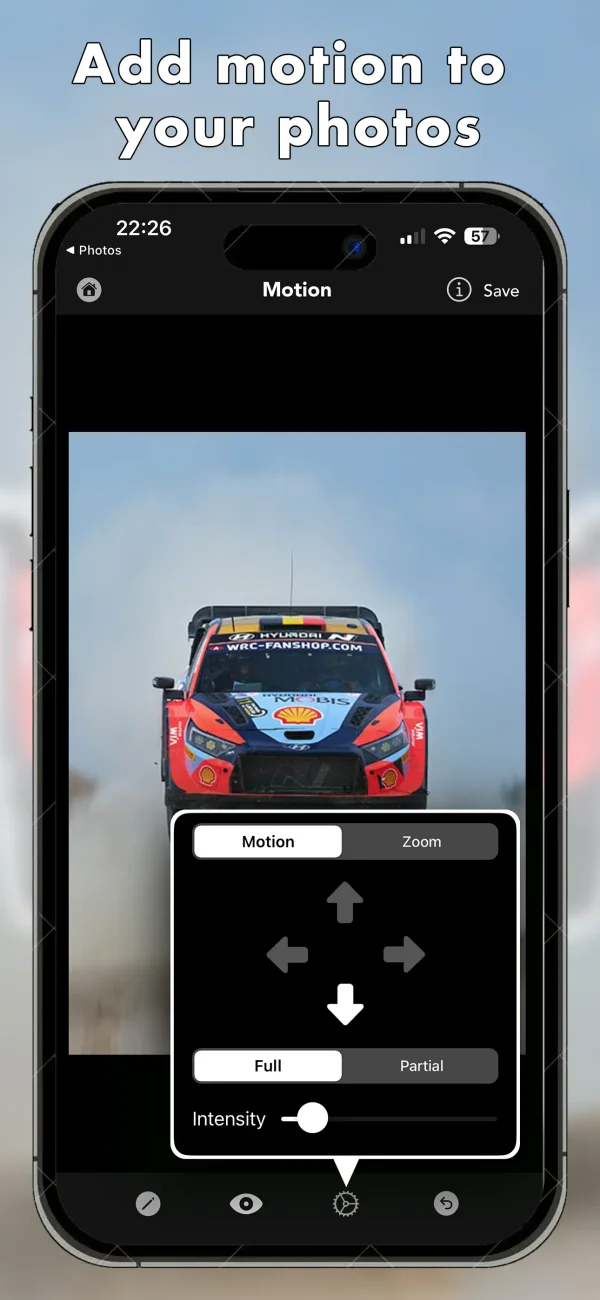
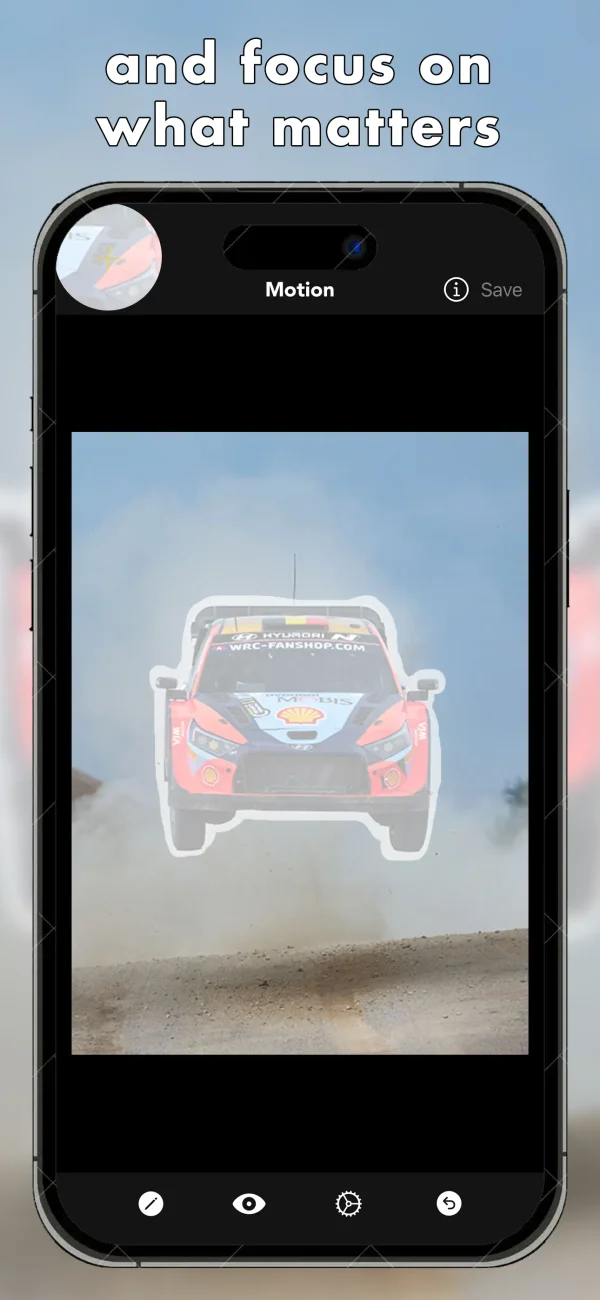
Add motion to your photos and focus on what matters.
Use one of the adjustable motion effect, and define the focus zone by either using an ellipse or rectangle shape, or by drawing over want you want to focus on; let the app do its magic, and your motion photo is ready to be saved and shared on Facebook, Twitter, Dropbox, and by email!
Focus In Motion offers two modes to create motion photos: the Select mode and the Draw mode.
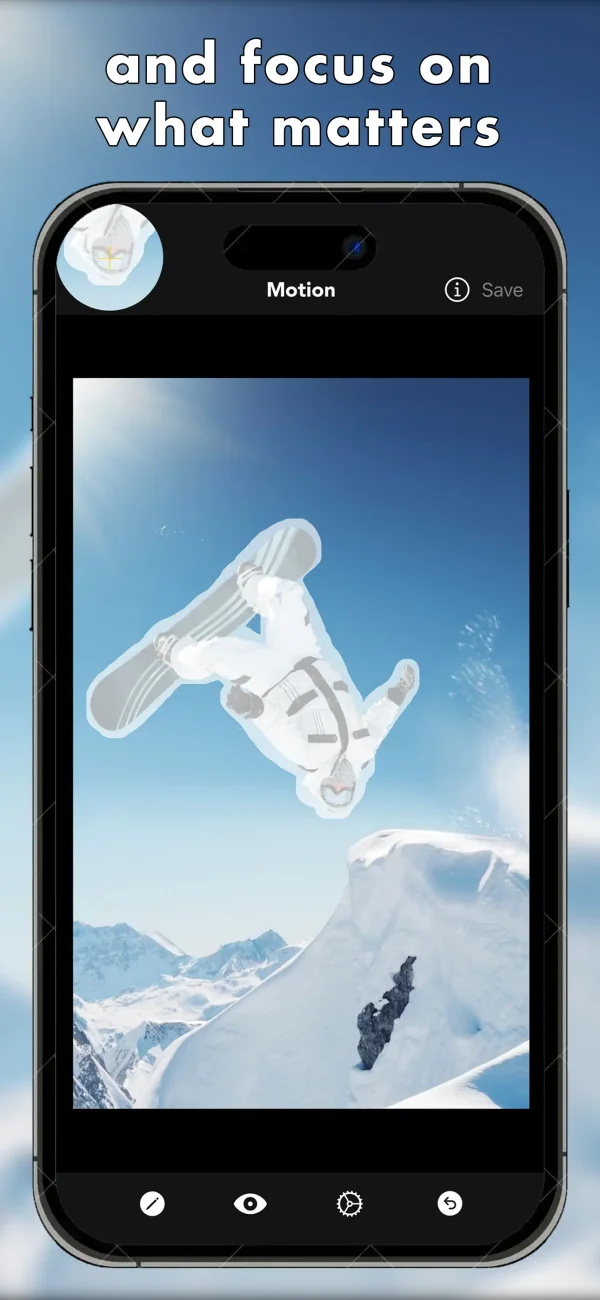
With the Select mode, you use a focus shape (ellipse or rectangle shape) to quickly select what you want to focus on.
With the Draw mode, you directly draw over what you want to focus on in your photos: you can adjust the size of the pen and also zoom in your photos to accurately draw your focus zone.
Both modes propose the the adjustable motion effects !
Special Features:
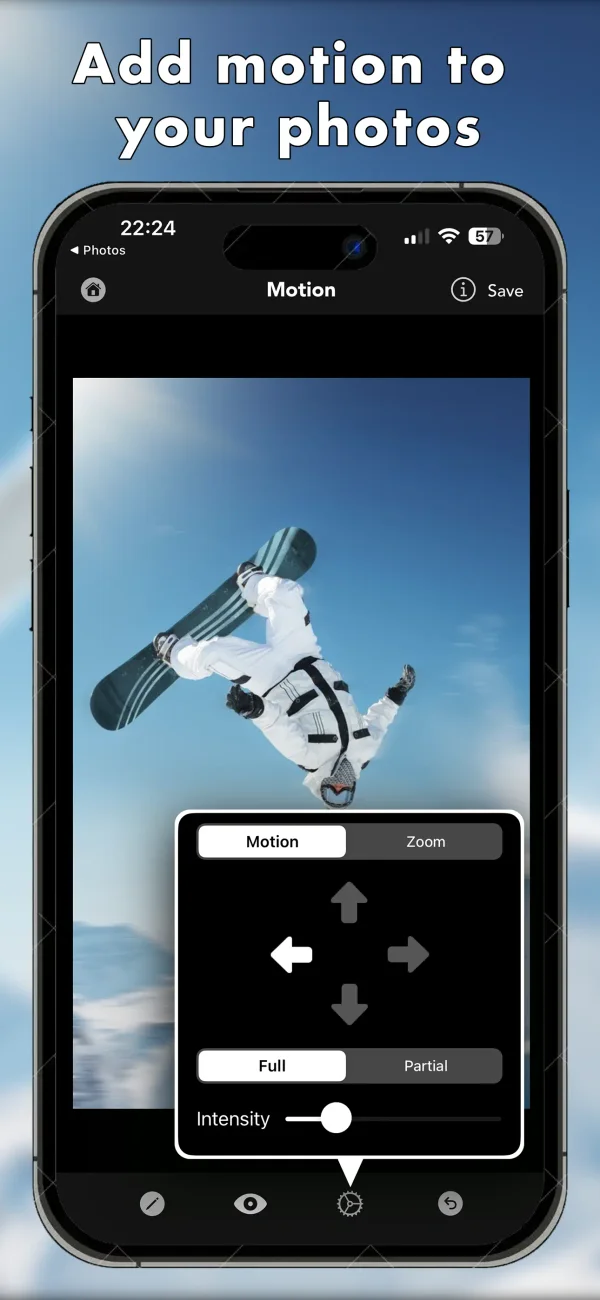
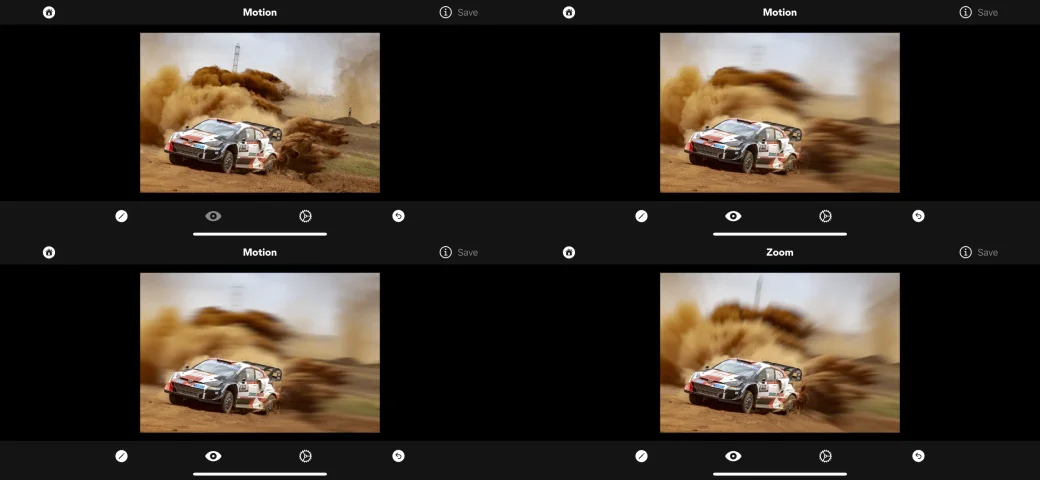
- Different adjustable motion effects: control the direction and intensity of the motion effects (left, right, up, down…)
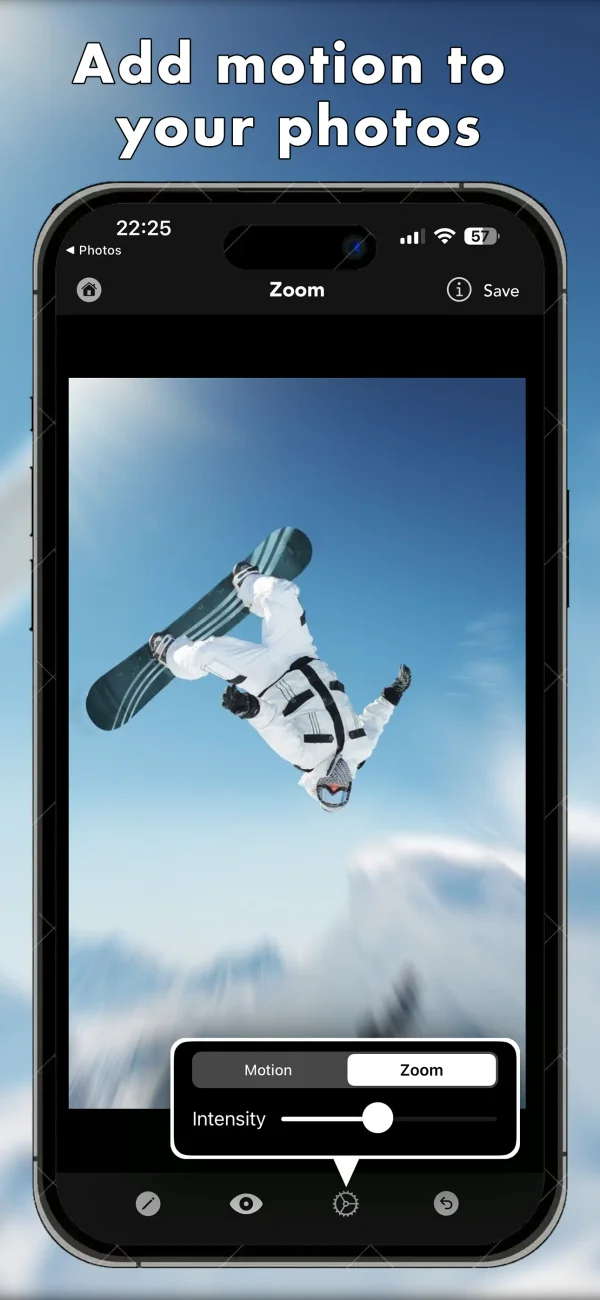
- New zoom motion effect centered on the focus area
- Use a focus shape (ellipse or rectangle shapes) or draw over what you want to focus on
- Zoom in while drawing to accurately select the focus zone, erase any unwanted focus zone
- Control the size of the pen to select tiny focus zones
- Progressive borders while creating the focus zones for more realistic effects
- Share your motion photos by email, on Facebook, on twitter, save them in your camera roll, save them on Dropbox, or print them out
- App settings to disable/enable the progressive border preview, in the Settings app
Tips: while creating very intense motion effect, it can become difficult to accurately select the focus zone; we recommend you to select the focus zone first and then apply the intense motion effect.
Please don't add your bug reports in your review: send us your bug reports at support@seb-appstore.com and we'll be able to help you and fix the app.
Check out many other great apps for the iPhone and iPad at www.SEB-APPSTORE.com
新機能
バージョン 1.60 · 2024/10/1
Brand new app interface.
New zoom motion effect.
Faster effects processing now always in full resolution.
アプリのプライバシー
このアプリのデータの取り扱いについて、Sebastien BUETがApp Storeで申告している内容です。
-
ユーザーに関連付けられないデータ
収集される場合がありますが、ユーザーの識別情報には関連付けられません。
- ユーザーコンテンツ
- ID
- 使用状況データ
- 診断
プライバシーの取り扱いは、ご利用の機能やお客様の年齢などに応じて異なる場合があります。
情報
- 販売元
- Sebastien BUET
- カテゴリ
- 写真/ビデオ
- バージョン
- 1.60
- 更新日
- 2024/10/1
- リリース
- 2013/3/30
- サイズ
- 6.6 MB
- 必要条件
- iOS 15以降
- 対象年齢
- 4+
- 価格
- ¥300
- 言語
- 英語, フランス語
- 著作権
- © SEB-APPSTORE LTD
こちらもおすすめ
-
 Motion Blur Effect写真/ビデオ
- zerotake撮るだけで完成するフィルム風のビデオカメラ
-
 Slit Scan Camera写真/ビデオ
-
 Magic Fill高画質なビデオをに作成&クリップ加工できる
-
 srRAW Cinema Camera写真/ビデオ
-
 KoloristikaCinema Color Science.
-
 Photo Focus: Blur Effects写真/ビデオ
-
 写真修復HD古い写真を高画質で復元・顔修正
-
 Motion Blur Effect: AI編集者写真のぼかし、モザイク背景
-
 Picadelic: AI動くエフェクト写真やアートにAIで軽やかな動きをプラス