- Batasan usia17+
- KategoriNavigasi
- PengembangKyle Modesitt
- BahasaInggris
- Ukuran10,8 MB
Tertaut ke halaman resmi App Store
Download.org tidak menyimpan file GPX-Viewer apa pun. Tombol ini membuka halaman aplikasi di App Store, tempat Kyle Modesitt menerbitkannya. Halaman terakhir diperiksa pada 28/11/2026.
Tangkapan layar


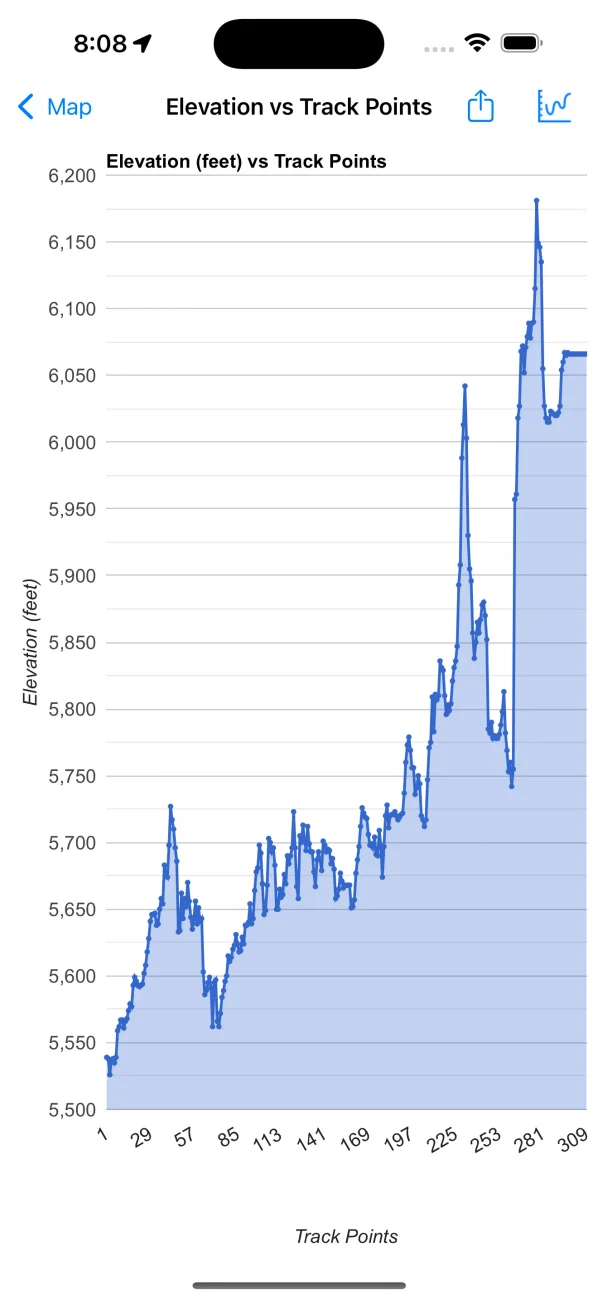
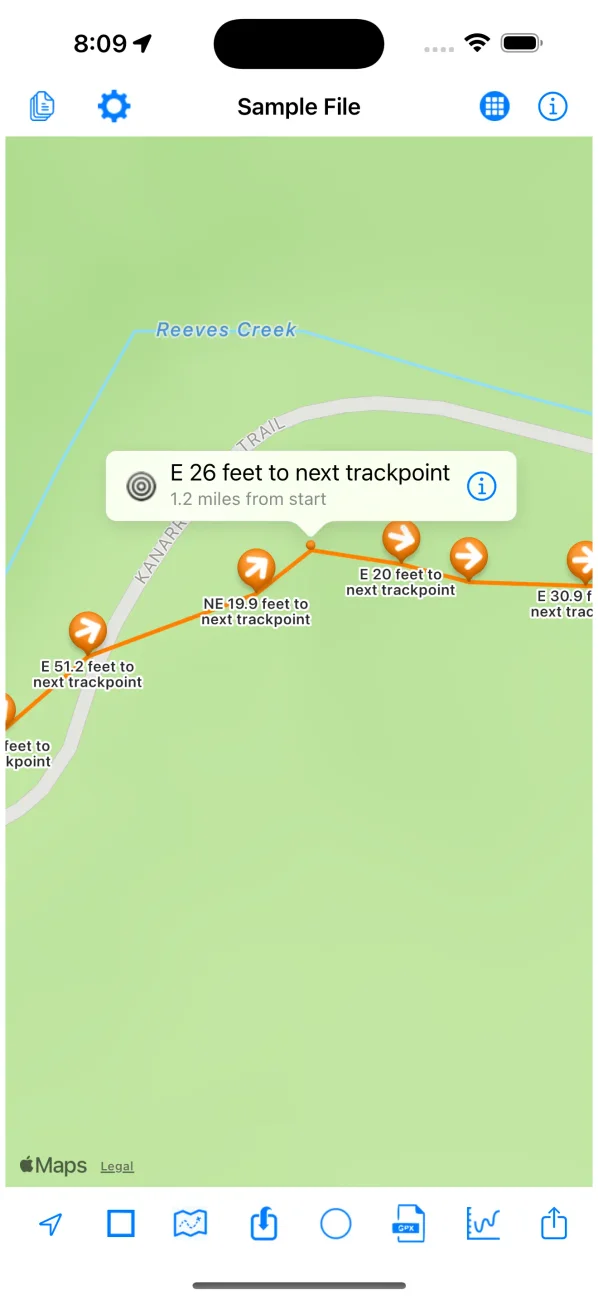
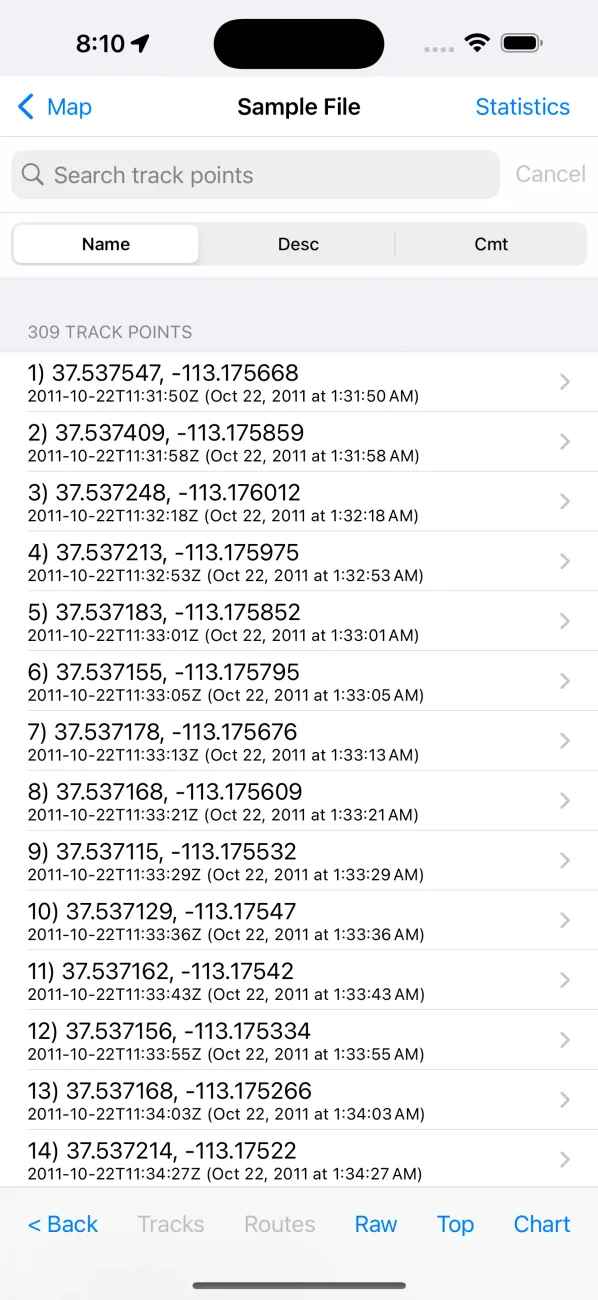
Tentang
Pengembang belum menyediakan teks ini dalam bahasa Anda.
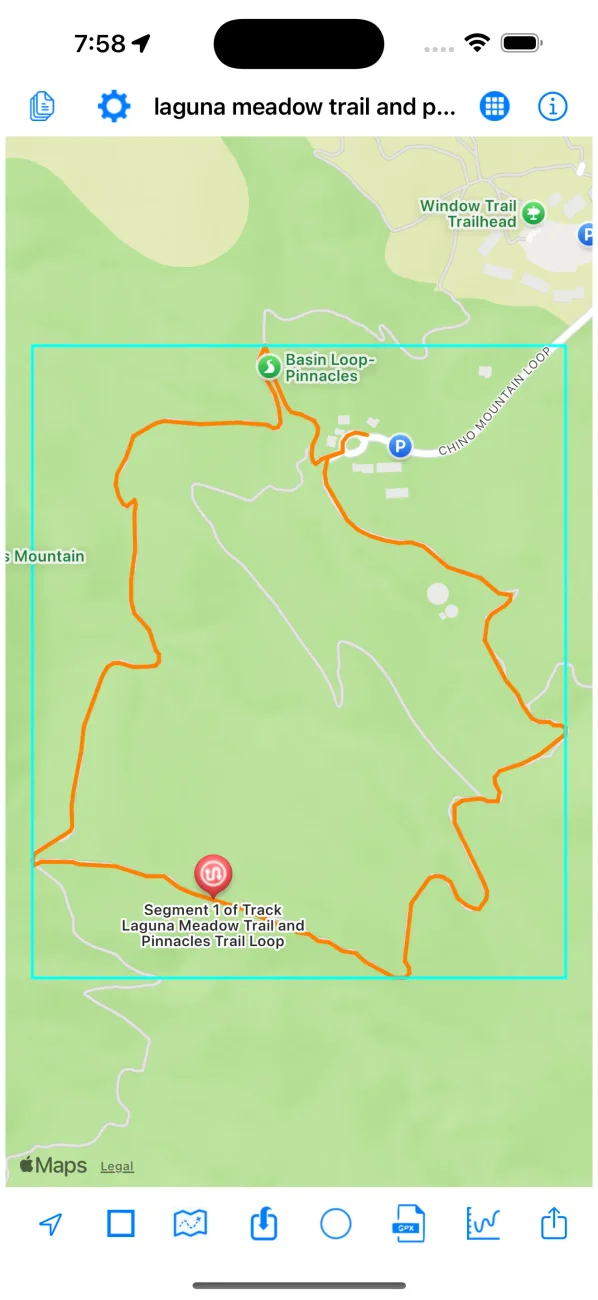
Import and view GPS eXchange format (GPX) files. GPX-Viewer offers a customizable display of GPX files exported from many GPS devices and other apps that create GPX files.
Import GPX files from the Cloud (includes iCloud, Dropbox, Google Drive, etc), your local device, or by using iTunes file sharing, email, a URL, or your pasteboard.
- Customize your map: Apple Maps, Google Maps, OpenStreetMaps, or use a custom map tile source URL
- Color customization for waypoints, track points, routes and tracks
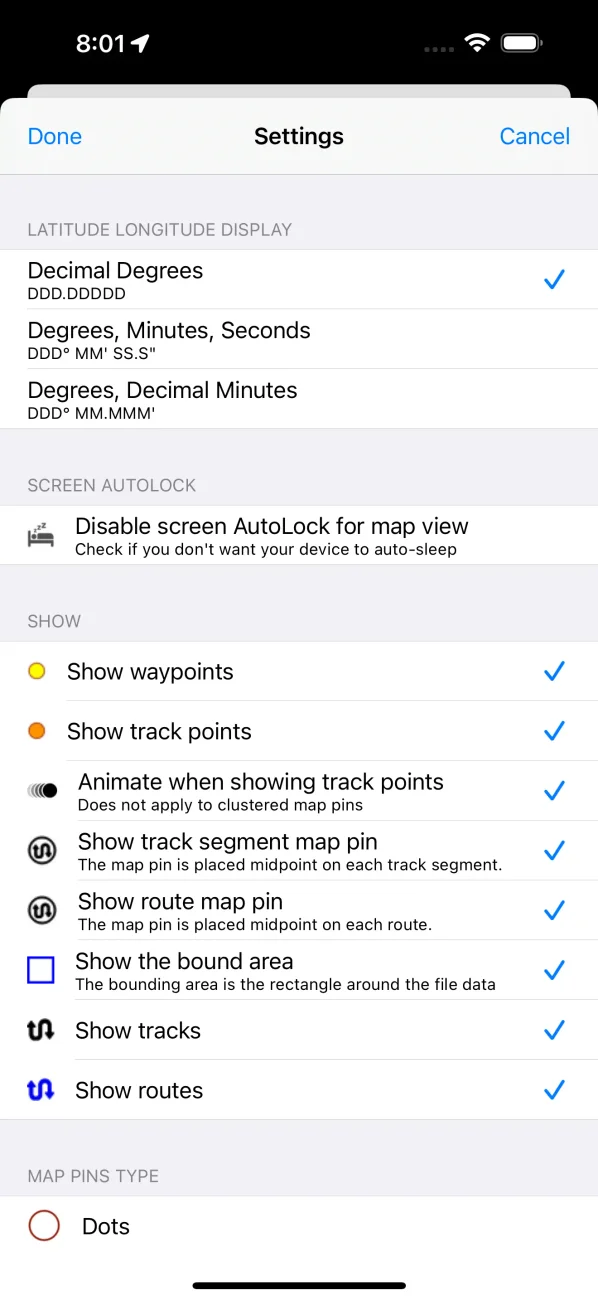
- Hide or show the waypoints, track points, routes or tracks on the map
- Choose units: Metric, imperial, or nautical
- Organize and quick-view files: Create folders to better organize your GPX files, and preview the tracks of all files within a folder
- Import GPX files to the current GPX file
- Send the waypoints to Apple Maps
- Keep device from sleeping: Option to disable screen auto-lock
Create and share charts:
- Y axis: Elevation or speed
- X axis: Track points, distance, or time
A sample GPX file is included.
Download free GPX files from many web sites, such as http://www.poi-factory.com and https://www.hikingproject.com.
We also have GPX Viewer and GPX Editor apps for Mac computers. Visit the Mac App Store or our website for more info.
Yang baru
Versi 3.8.90 · 23/10/2025
Version 3.8.90:
- Fixed issue with not being able to select the left- and right-most buttons on bottom toolbar due to iOS 26 button spacing
- The button to view data from an additional GPX file as an overlay on the current opened file is now located under the right-most bottom toolbar button
- Updated the app icon
- Refined the app store description
- Bug fixes and UI improvements
Version 3.8.87:
- Added back the “Device” button for importing GPX files
- Bug fixes and UI enhancements
Privasi aplikasi
Yang dinyatakan Kyle Modesitt di App Store tentang cara aplikasi ini menangani data.
-
Data tidak dikumpulkan
Pengembang tidak mengumpulkan data apa pun dari aplikasi ini.
Praktik privasi dapat bervariasi, misalnya berdasarkan fitur yang Anda gunakan atau usia Anda.
Informasi
- Penjual
- Kyle Modesitt
- Kategori
- Navigasi
- Versi
- 3.8.90
- Diperbarui
- 23/10/2025
- Dirilis
- 24/5/2014
- Ukuran
- 10,8 MB
- Memerlukan
- iOS 12.4 atau yang lebih baru
- Batasan usia
- 17+
- Harga
- Rp 19ribu
- Bahasa
- Inggris
- Hak cipta
- © 2025 Modesitt Software