- Độ tuổi17+
- Danh mụcDẫn Đường
- Nhà phát triểnKyle Modesitt
- Ngôn ngữTiếng Anh
- Kích thước10,8 MB
Liên kết đến trang App Store chính thức
Download.org không lưu trữ tệp nào của GPX-Viewer. Nút này mở trang ứng dụng trên App Store, nơi Kyle Modesitt phát hành ứng dụng. Trang được kiểm tra lần cuối: 28/11/2026.
Ảnh chụp màn hình


Giới thiệu
Nhà phát triển chưa cung cấp nội dung này bằng ngôn ngữ của bạn.
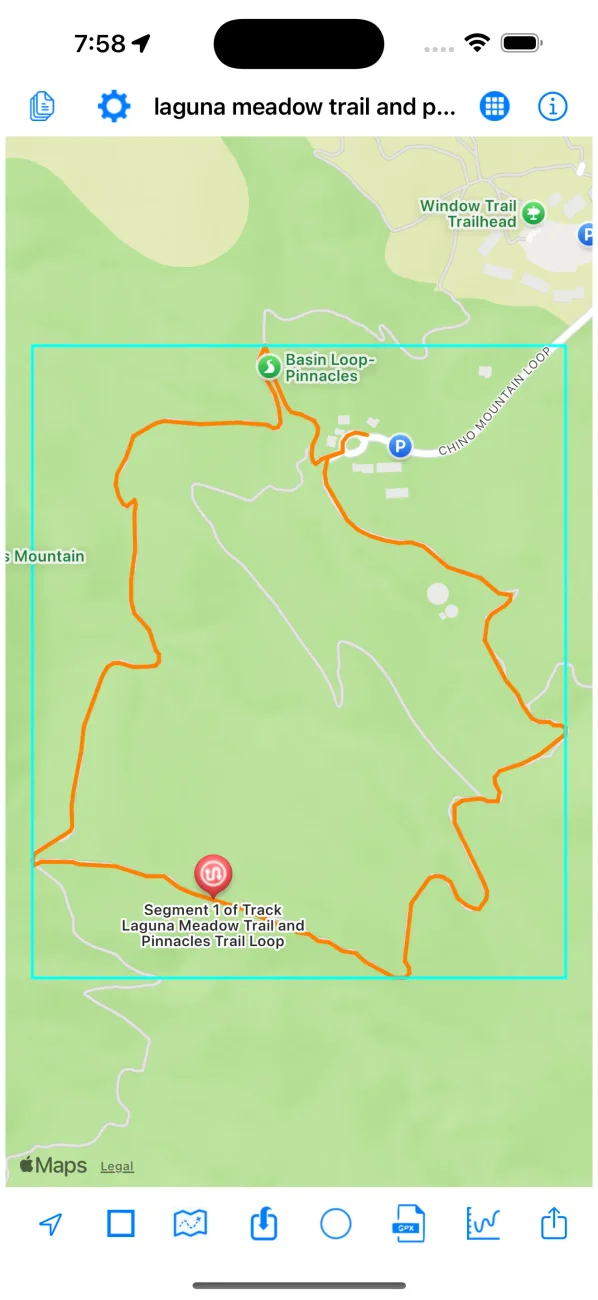
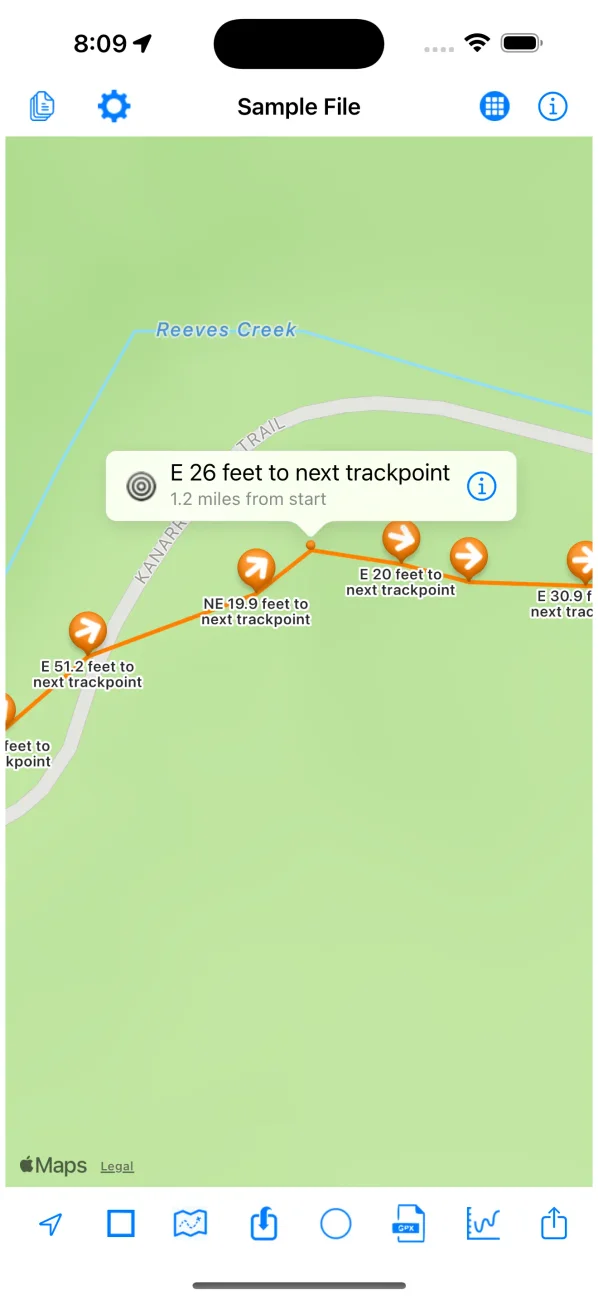
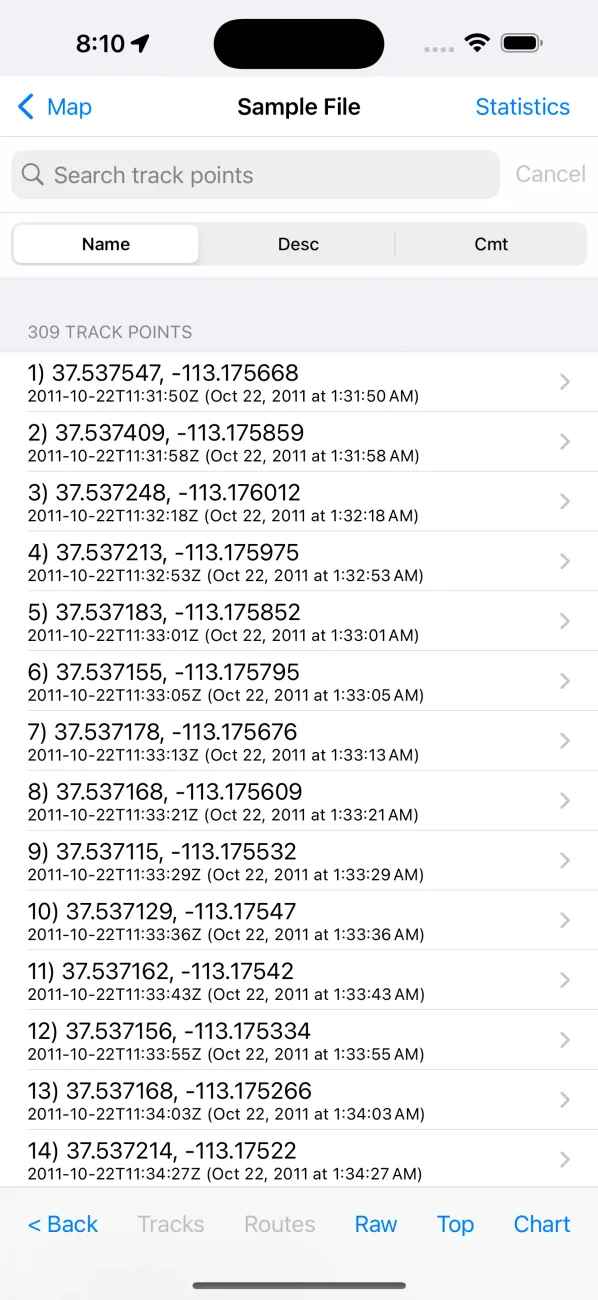
Import and view GPS eXchange format (GPX) files. GPX-Viewer offers a customizable display of GPX files exported from many GPS devices and other apps that create GPX files.
Import GPX files from the Cloud (includes iCloud, Dropbox, Google Drive, etc), your local device, or by using iTunes file sharing, email, a URL, or your pasteboard.
- Customize your map: Apple Maps, Google Maps, OpenStreetMaps, or use a custom map tile source URL
- Color customization for waypoints, track points, routes and tracks
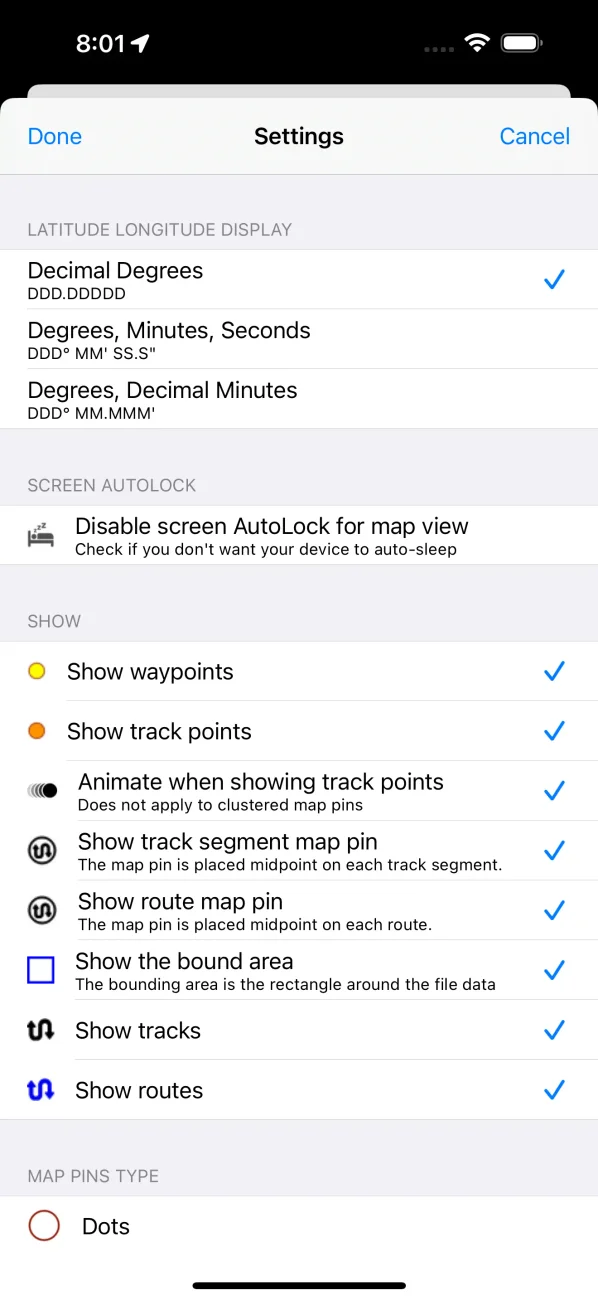
- Hide or show the waypoints, track points, routes or tracks on the map
- Choose units: Metric, imperial, or nautical
- Organize and quick-view files: Create folders to better organize your GPX files, and preview the tracks of all files within a folder
- Import GPX files to the current GPX file
- Send the waypoints to Apple Maps
- Keep device from sleeping: Option to disable screen auto-lock
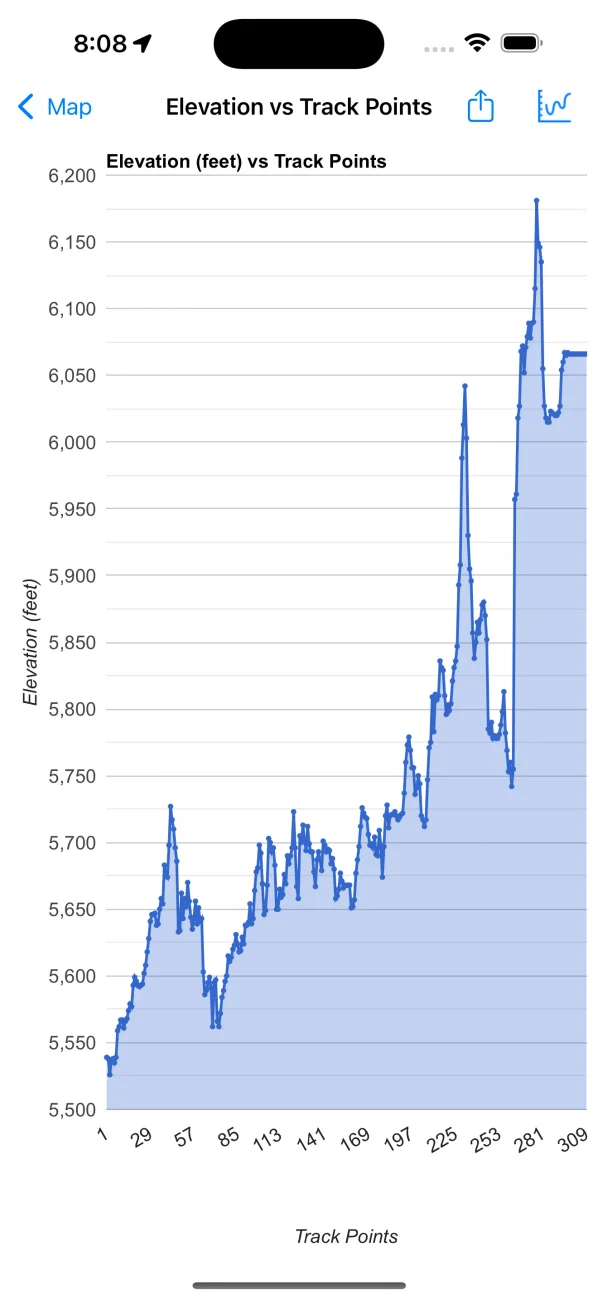
Create and share charts:
- Y axis: Elevation or speed
- X axis: Track points, distance, or time
A sample GPX file is included.
Download free GPX files from many web sites, such as http://www.poi-factory.com and https://www.hikingproject.com.
We also have GPX Viewer and GPX Editor apps for Mac computers. Visit the Mac App Store or our website for more info.
Có gì mới
Phiên bản 3.8.90 · 23/10/2025
Version 3.8.90:
- Fixed issue with not being able to select the left- and right-most buttons on bottom toolbar due to iOS 26 button spacing
- The button to view data from an additional GPX file as an overlay on the current opened file is now located under the right-most bottom toolbar button
- Updated the app icon
- Refined the app store description
- Bug fixes and UI improvements
Version 3.8.87:
- Added back the “Device” button for importing GPX files
- Bug fixes and UI enhancements
Quyền riêng tư của ứng dụng
Những gì Kyle Modesitt khai báo trên App Store về cách ứng dụng này xử lý dữ liệu.
-
Dữ liệu không được thu thập
Nhà phát triển không thu thập bất kỳ dữ liệu nào từ ứng dụng này.
Phương thức đảm bảo quyền riêng tư có thể khác nhau, chẳng hạn như tuỳ theo các tính năng bạn sử dụng hoặc độ tuổi của bạn.
Thông tin
- Người bán
- Kyle Modesitt
- Danh mục
- Dẫn Đường
- Phiên bản
- 3.8.90
- Cập nhật
- 23/10/2025
- Phát hành
- 24/05/2014
- Kích thước
- 10,8 MB
- Yêu cầu
- iOS 12.4 trở lên
- Độ tuổi
- 17+
- Giá
- 29.000đ
- Ngôn ngữ
- Tiếng Anh
- Bản quyền
- © 2025 Modesitt Software