
- Age rating17+
- CategoryNavigation
- DeveloperKyle Modesitt
- LanguagesEnglish
- Size10.8 MB
Links to the official App Store page
Download.org hosts no file of GPX-Viewer. The button opens its official App Store page, published by Kyle Modesitt. Listing last checked on Nov 22, 2026.
Screenshots


About
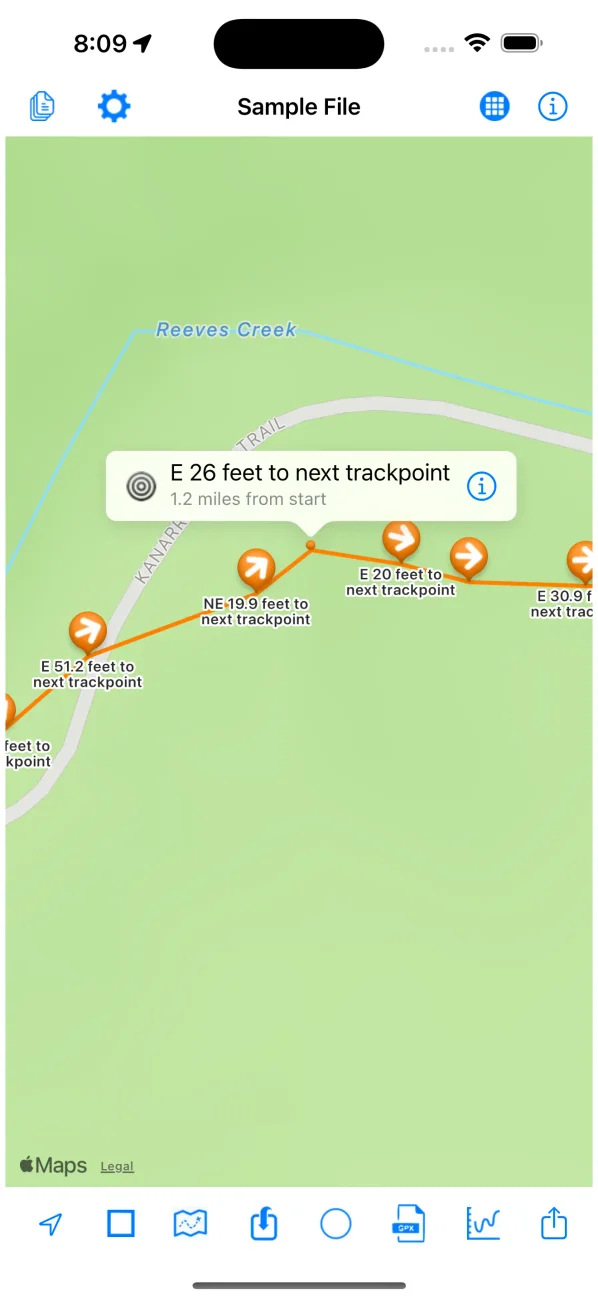
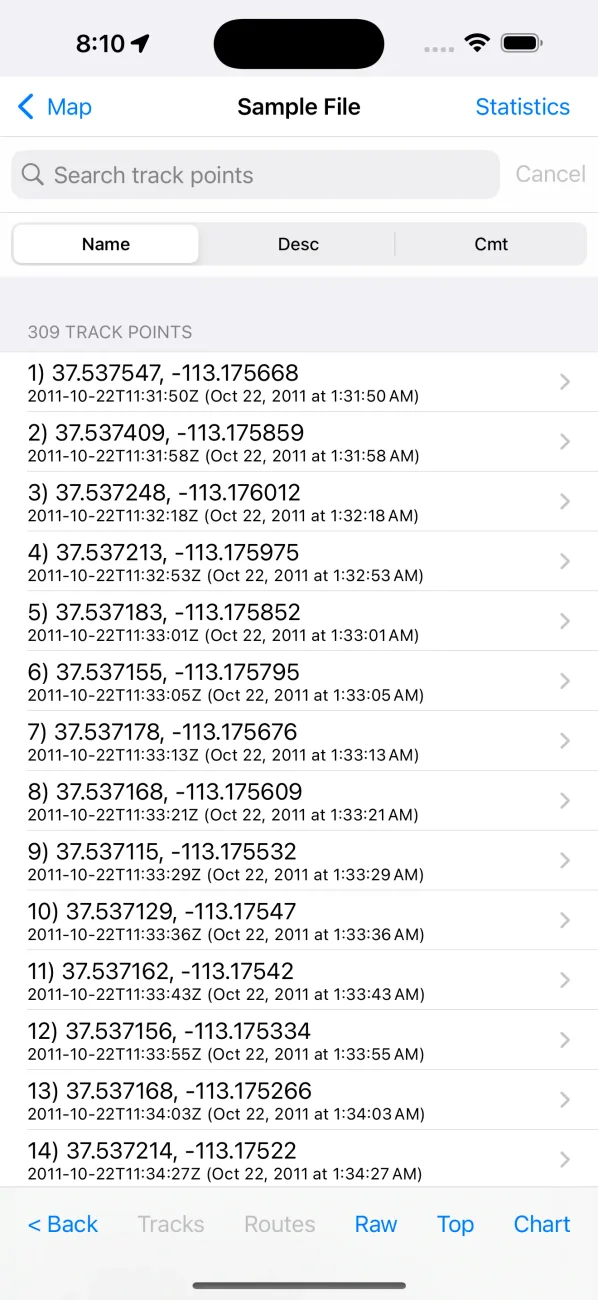
Import and view GPS eXchange format (GPX) files. GPX-Viewer offers a customizable display of GPX files exported from many GPS devices and other apps that create GPX files.
Import GPX files from the Cloud (includes iCloud, Dropbox, Google Drive, etc), your local device, or by using iTunes file sharing, email, a URL, or your pasteboard.
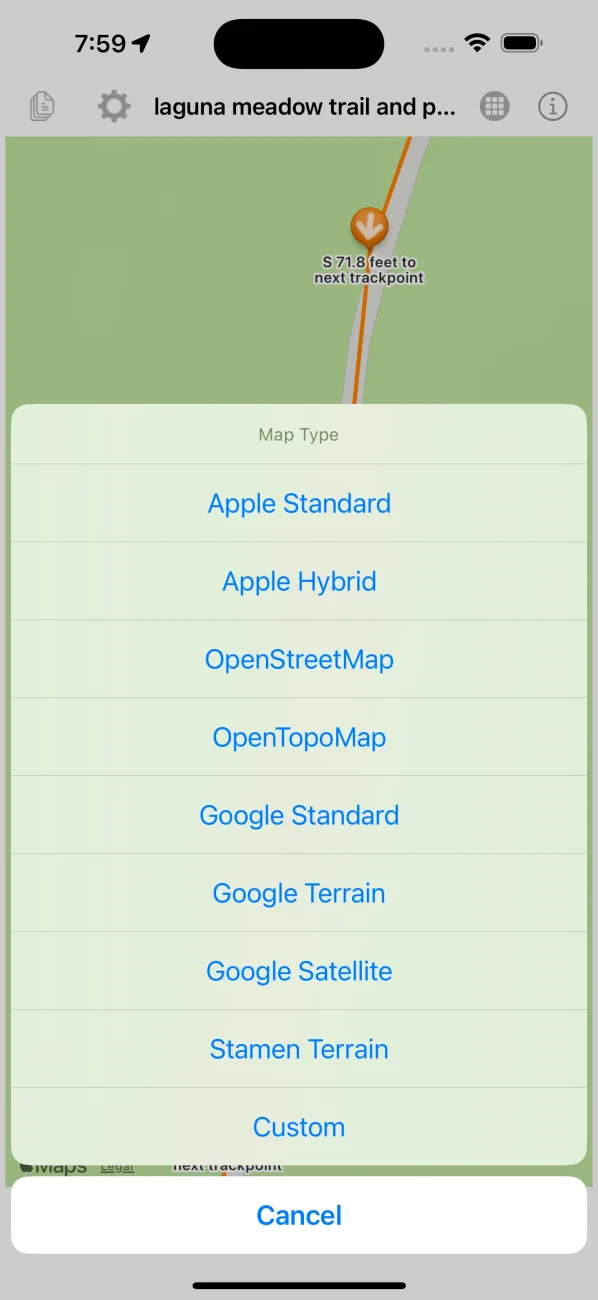
- Customize your map: Apple Maps, Google Maps, OpenStreetMaps, or use a custom map tile source URL
- Color customization for waypoints, track points, routes and tracks
- Hide or show the waypoints, track points, routes or tracks on the map
- Choose units: Metric, imperial, or nautical
- Organize and quick-view files: Create folders to better organize your GPX files, and preview the tracks of all files within a folder
- Import GPX files to the current GPX file
- Send the waypoints to Apple Maps
- Keep device from sleeping: Option to disable screen auto-lock
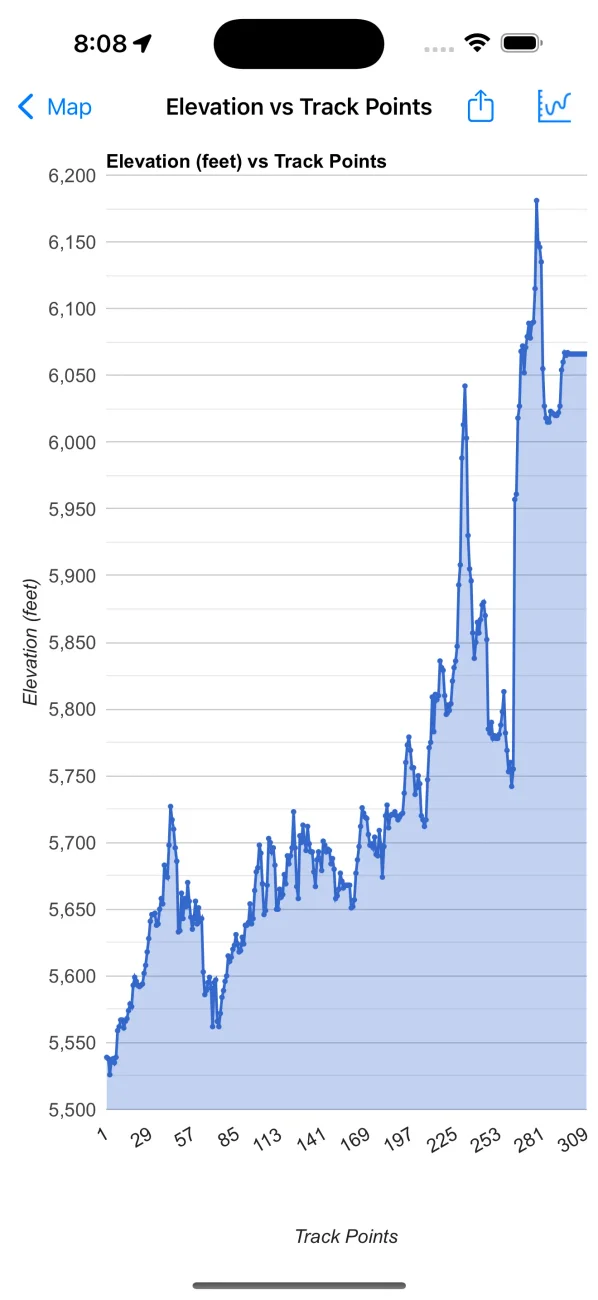
Create and share charts:
- Y axis: Elevation or speed
- X axis: Track points, distance, or time
A sample GPX file is included.
Download free GPX files from many web sites, such as http://www.poi-factory.com and https://www.hikingproject.com.
We also have GPX Viewer and GPX Editor apps for Mac computers. Visit the Mac App Store or our website for more info.
What’s new
Version 3.8.90 · Oct 23, 2025
Version 3.8.90:
- Fixed issue with not being able to select the left- and right-most buttons on bottom toolbar due to iOS 26 button spacing
- The button to view data from an additional GPX file as an overlay on the current opened file is now located under the right-most bottom toolbar button
- Updated the app icon
- Refined the app store description
- Bug fixes and UI improvements
Version 3.8.87:
- Added back the “Device” button for importing GPX files
- Bug fixes and UI enhancements
App privacy
What Kyle Modesitt declares on the App Store about how this app handles data.
-
Data not collected
The developer does not collect any data from this app.
Privacy practices may vary, for example with the features you use or your age.
Information
- Seller
- Kyle Modesitt
- Category
- Navigation
- Version
- 3.8.90
- Updated
- Oct 23, 2025
- Released
- May 24, 2014
- Size
- 10.8 MB
- Requires
- iOS 12.4 or later
- Age rating
- 17+
- Price
- $0.99
- Languages
- English
- Copyright
- © 2025 Modesitt Software
You might also like
-
 GPX Viewer PRO: Hike & BikeGPS offline maps for GPX/KML
-
 GPX viewer 2The paper map reinvented again
-
 Open GPX TrackerNo ads, no in-app purchases
-
 GPX viewerThe paper map reinvented
-
 GPX ViewDiscover paths on a map
-
 GPX viewer - mapFollow tracks hiking & cycling
-
 LeadNav GPSOffroad GPS & Team Tracking
-
 GPXExplore GPX Viewer & EditorView, edit, ride. Now in 3D
-
 KML Collection: Import MapsImport and edit your own maps
-
 MapOutBeautiful hiking & cycling map