
- Batasan usia4+
- KategoriKegunaan
- PengembangSAND STUDIO CORPORATION LIMITED
- BahasaInggris+ 9 lainnya
- Ukuran62,9 MB
Tertaut ke halaman resmi App Store
Download.org tidak menyimpan file AirDroid Remote Support apa pun. Tombol ini membuka halaman aplikasi di App Store, tempat SAND STUDIO CORPORATION LIMITED menerbitkannya. Halaman terakhir diperiksa pada 17/11/2026.
Tangkapan layar


Tentang
Pengembang belum menyediakan teks ini dalam bahasa Anda.
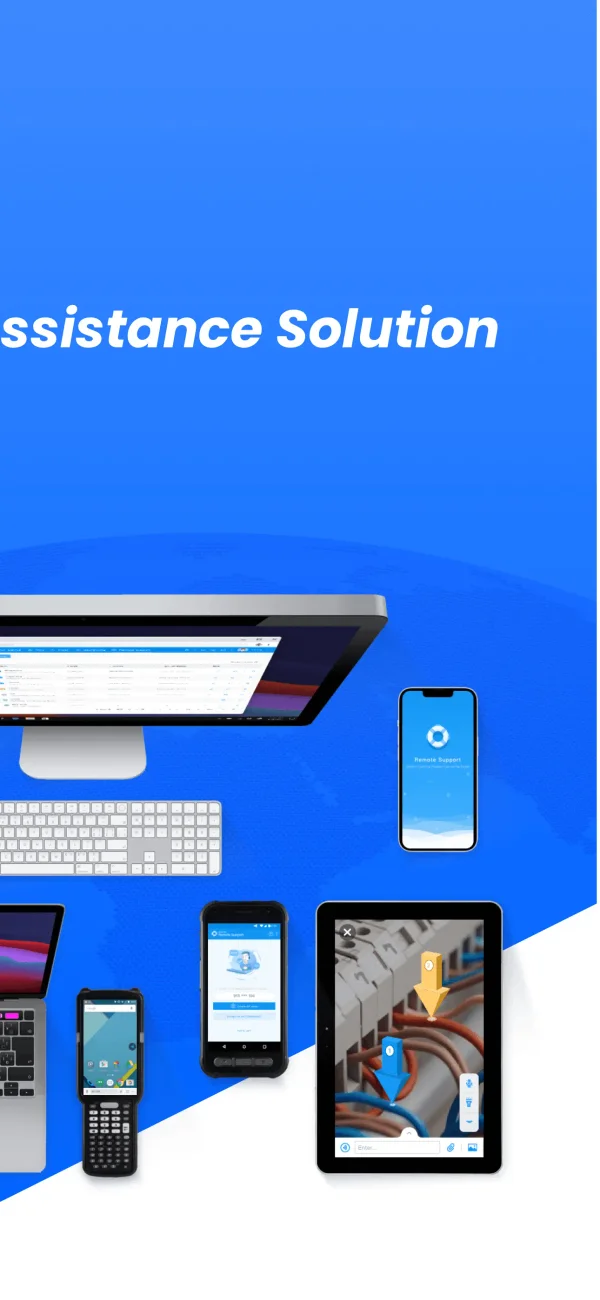
AirDroid Remote Support is an efficient solution for remote support and lightweight management.
You can provide remote assistance in an intuitive way with real-time screen sharing, voice call, text message, tutorial gesture, AR camera, etc. In addition, an intelligent remote monitoring and management solution is provided.
Key Features:
Remote Control: Directly control the remote device during the help session.
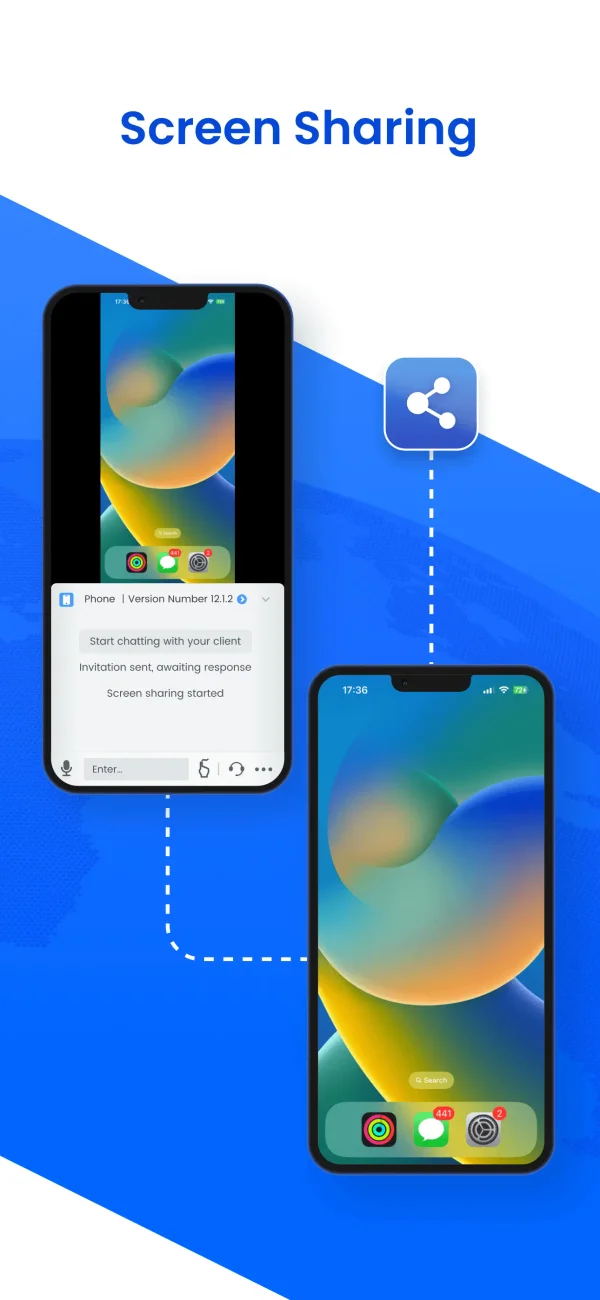
Real-time Screen Sharing: Share screen with your partner to see the issue together. Pause anytime to protect privacy and data security.
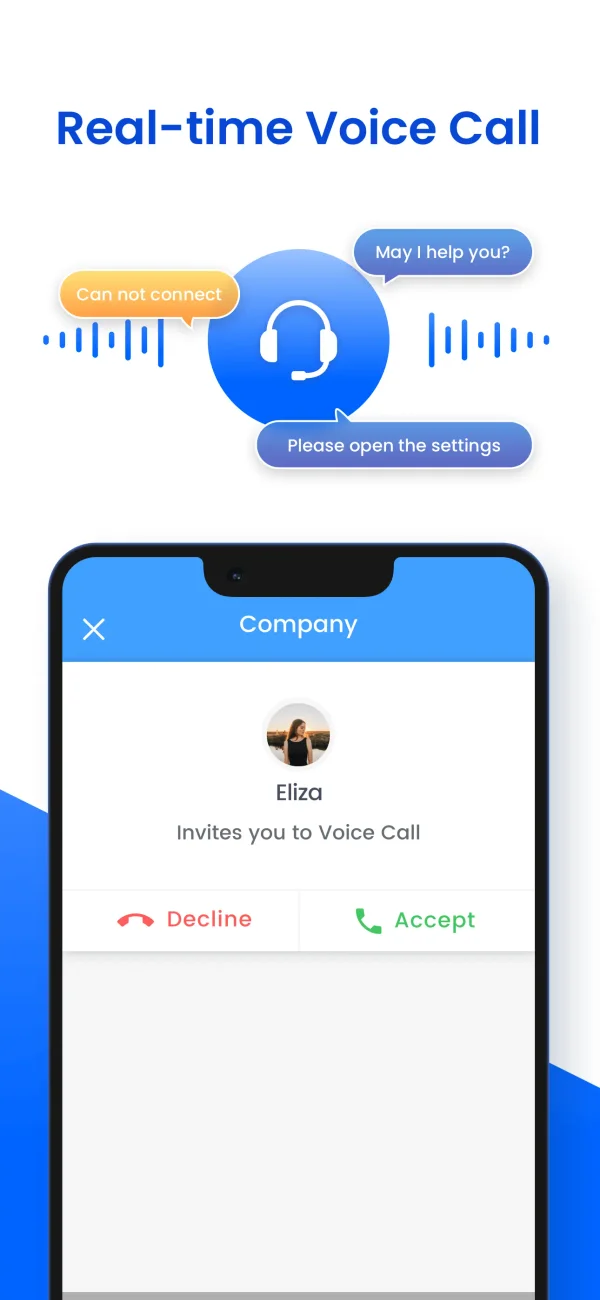
Live Chat: Discuss complex problem with voice call, can also sent voice and text messages.
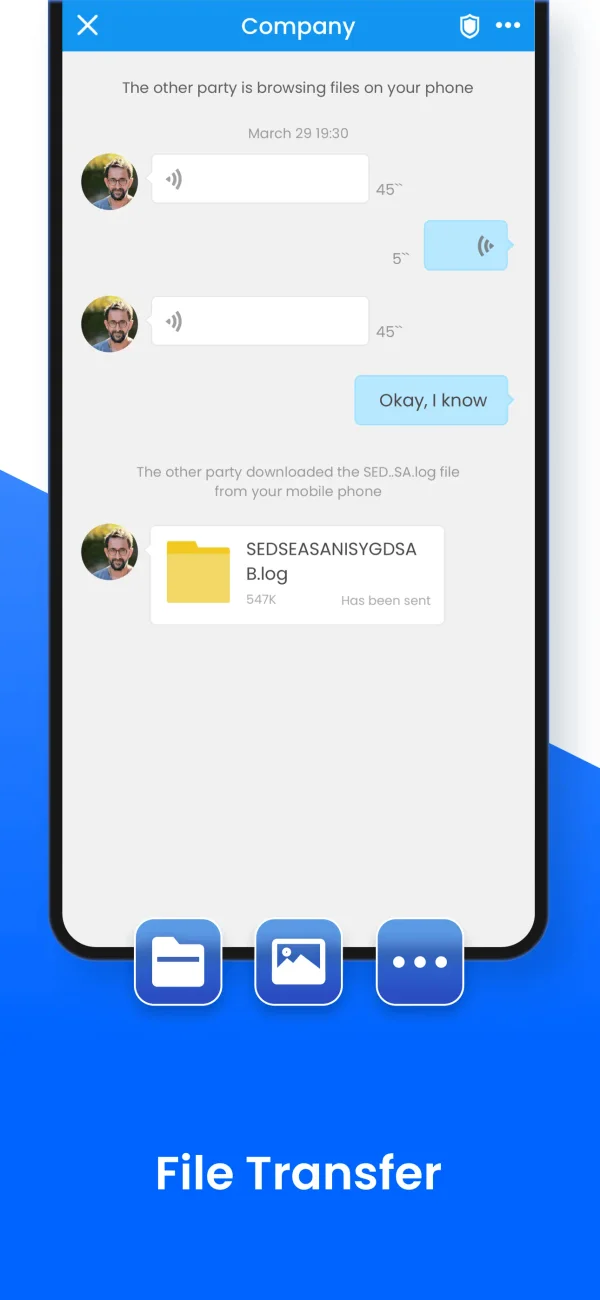
File Transfer: Able to send any required files through the chat window to give fast support.
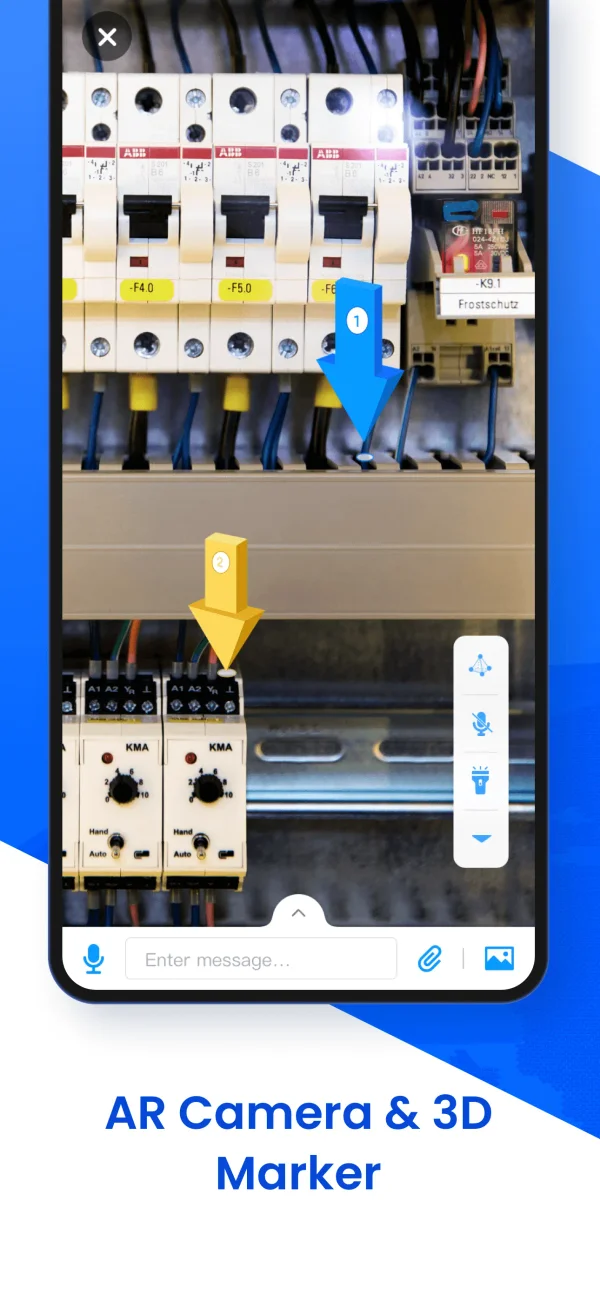
AR Camera & 3D Markers: Allows you to see through the remote device camera and place 3D markers onto real-world objects.
Permission & Device Management: Assign roles and permissions for support team members, monitor the status of devices on a list, and manage device groups.
Security & Privacy: Secure remote access with 256-bit AES and dynamic 9-digit codes. Disable or enforce functions to enhance security.
Quick Guide:
Business User:
1. Visit the official website (https://www.airdroid.com/remote-support-software/) and apply for a free trial.
2. Install AirDroid Business on the the supporter's Windows, macOS or mobile device where you wish to provide remote support.
3. Install AirDroid Remote Support on the supportee's iOS or Windows devices.
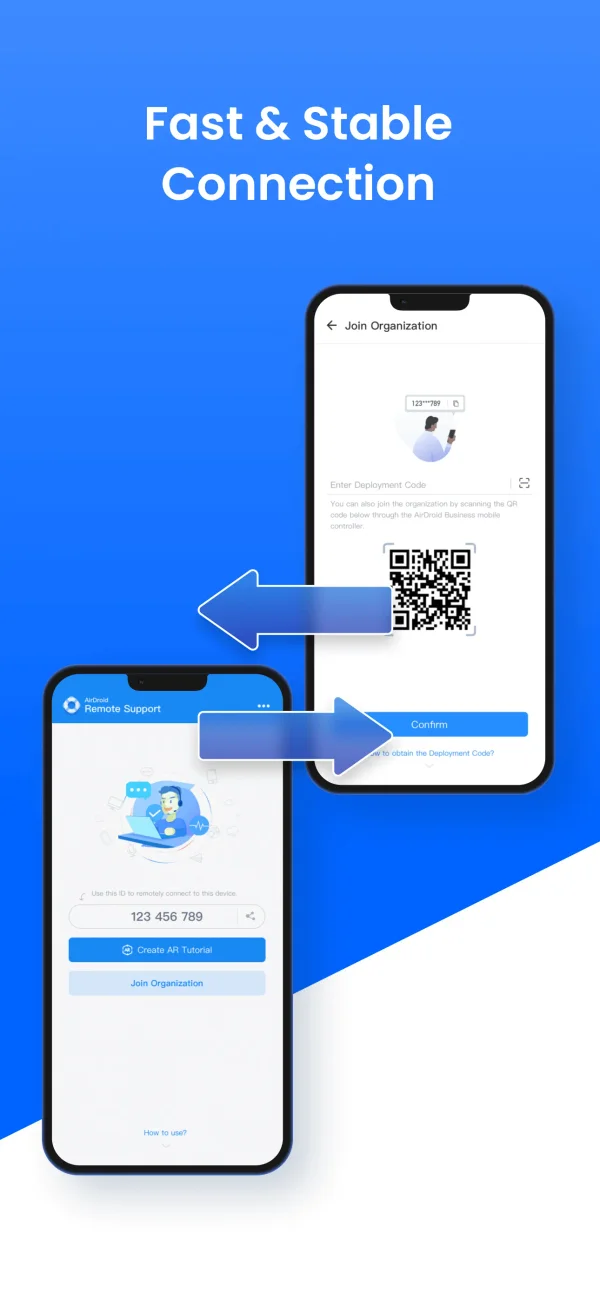
4. Initiate a support session with a 9-digit code or from the Device List.
Personal user:
1. Install AirMirror on the supporter's mobile device.
2. Install AirDroid Remote Support on the supportee's mobile device.
3. Get the 9-digit code showing in AirDroid Remote Support app.
4. Enter the 9-digital code in AirMirror and start your help session.
Yang baru
Versi 1.2.1 · 15/5/2024
1. Expands remote access for Windows devices;
2. Other bug fixes and improvements.
Privasi aplikasi
Yang dinyatakan SAND STUDIO CORPORATION LIMITED di App Store tentang cara aplikasi ini menangani data.
-
Data yang tidak ditautkan dengan Anda
Dapat dikumpulkan, tetapi tidak ditautkan dengan identitas Anda.
- Pengenal
- Data penggunaan
- Diagnostik
Praktik privasi dapat bervariasi, misalnya berdasarkan fitur yang Anda gunakan atau usia Anda.
Informasi
- Penjual
- SAND STUDIO CORPORATION LIMITED
- Kategori
- Kegunaan
- Versi
- 1.2.1
- Diperbarui
- 15/5/2024
- Dirilis
- 17/3/2020
- Ukuran
- 62,9 MB
- Memerlukan
- iOS 12.0 atau yang lebih baru
- Batasan usia
- 4+
- Harga
- Gratis
- Bahasa
- Inggris, Prancis, Jerman, Italia, Jepang, Portugis, Rusia, Tionghoa Sederhana, Spanyol, Tionghoa Tradisional
- Hak cipta
- © 2024 Sand Studio.