Image Converter & Compressor
Batch HEIC to JPG, PNG & PDF
Dirancang untuk iPhone
Gratis · Pembelian dalam aplikasi
- Batasan usia4+
- KategoriGrafik & Desain
- PengembangOsawa Shunsuke
- BahasaInggris+ 8 lainnya
- Ukuran15,0 MB
Tertaut ke halaman resmi App Store
Download.org tidak menyimpan file Image Converter & Compressor apa pun. Tombol ini membuka halaman aplikasi di App Store, tempat Osawa Shunsuke menerbitkannya. Halaman terakhir diperiksa pada 17/11/2026.
Tangkapan layar
Tentang
Pengembang belum menyediakan teks ini dalam bahasa Anda.
Convert HEIC to JPG, save photos as PNG or PDF, and create WebP or AVIF images for the web. Image Converter & Compressor lets you batch convert photos and images on your iPhone.
Select images from your photo library or Files, then choose an output format. Keep your images in a consistent format or adjust the balance between image quality and file size.
8 OUTPUT FORMATS
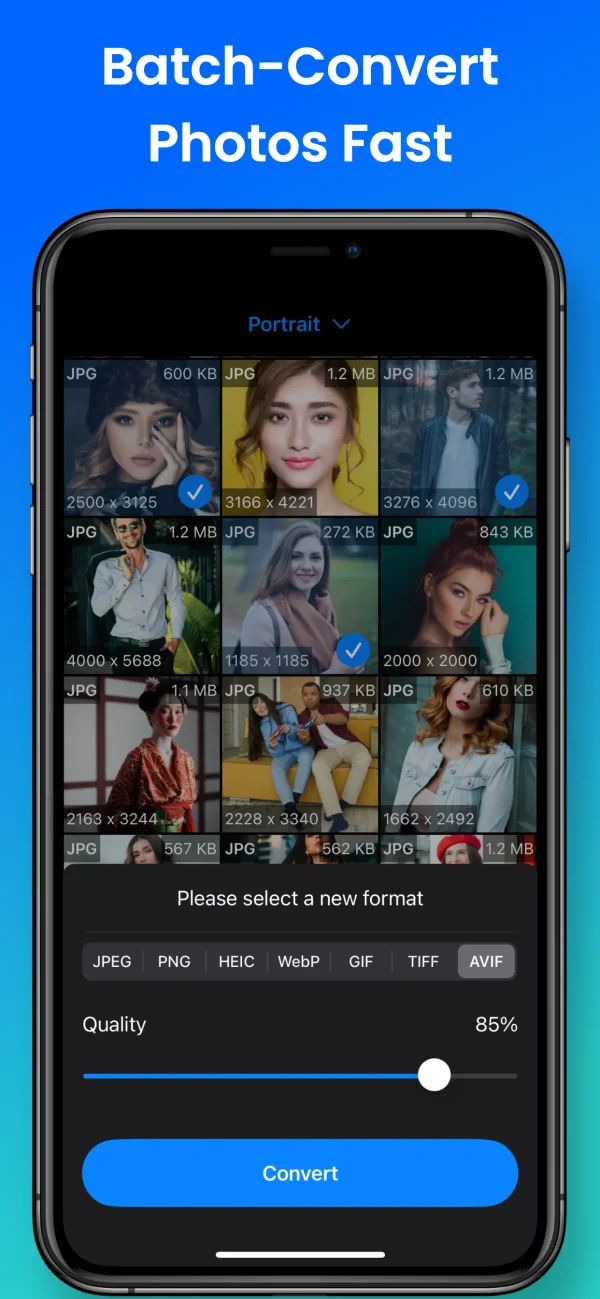
Convert images to JPEG (JPG), PNG, HEIC, WebP, AVIF, GIF, TIFF, or PDF.
• Convert HEIC photos to JPEG (JPG) for sharing or uploading to services that require JPG.
• Export photos and screenshots as PNG.
• Create WebP and AVIF images for websites and blogs.
• Save as HEIC, TIFF, or a still GIF to suit your needs.
• Turn photos and images into PDF files to share.
GIF output is a still image. Creating or preserving GIF animation is not supported. PDF conversion creates a separate file for each image.
ADJUST QUALITY AND COMPRESS IMAGES
JPEG, HEIC, WebP, and AVIF support quality settings. The free version converts at an 85% quality setting. Pro lets you adjust quality from 10% to 100%.
Choose a higher setting to prioritize image quality, or a lower setting to reduce file size for email attachments and web use.
The percentage is an encoding quality setting. Even 100% does not guarantee identical quality to the original. Output file size varies by image and format. Quality adjustment is not available for PNG, GIF, TIFF, or PDF.
BATCH CONVERSION
Select multiple images from your photo library or Files and convert them to the same format in one batch. Track the number of images being processed as conversion progresses.
PREVIEW, SAVE, AND SHARE
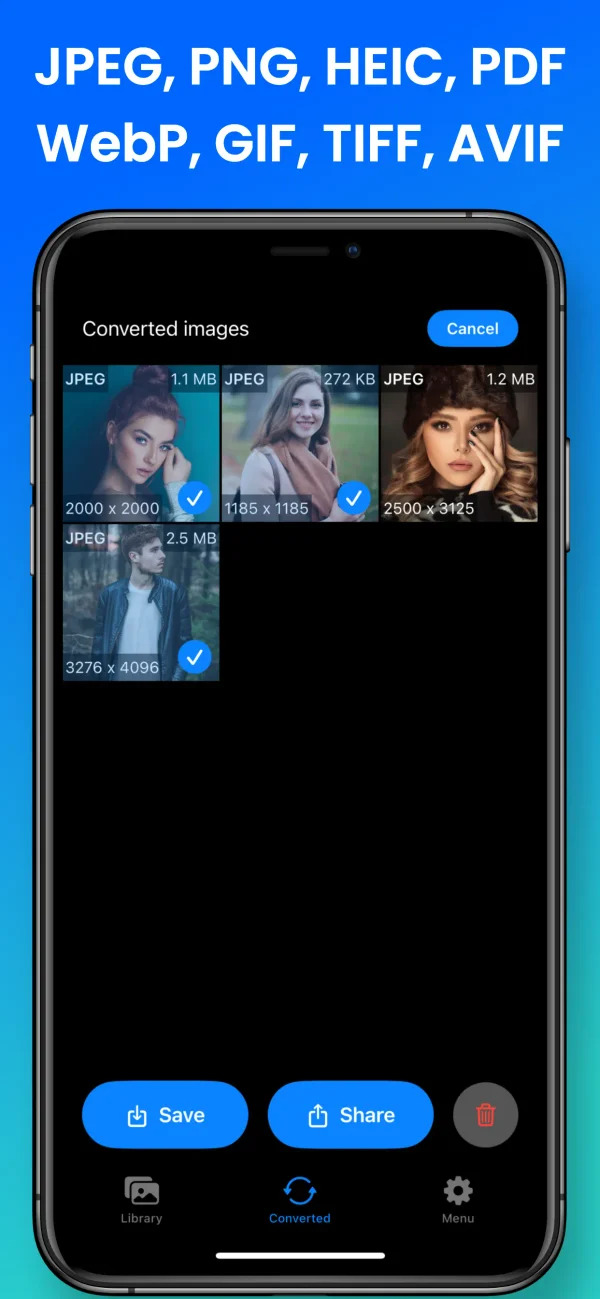
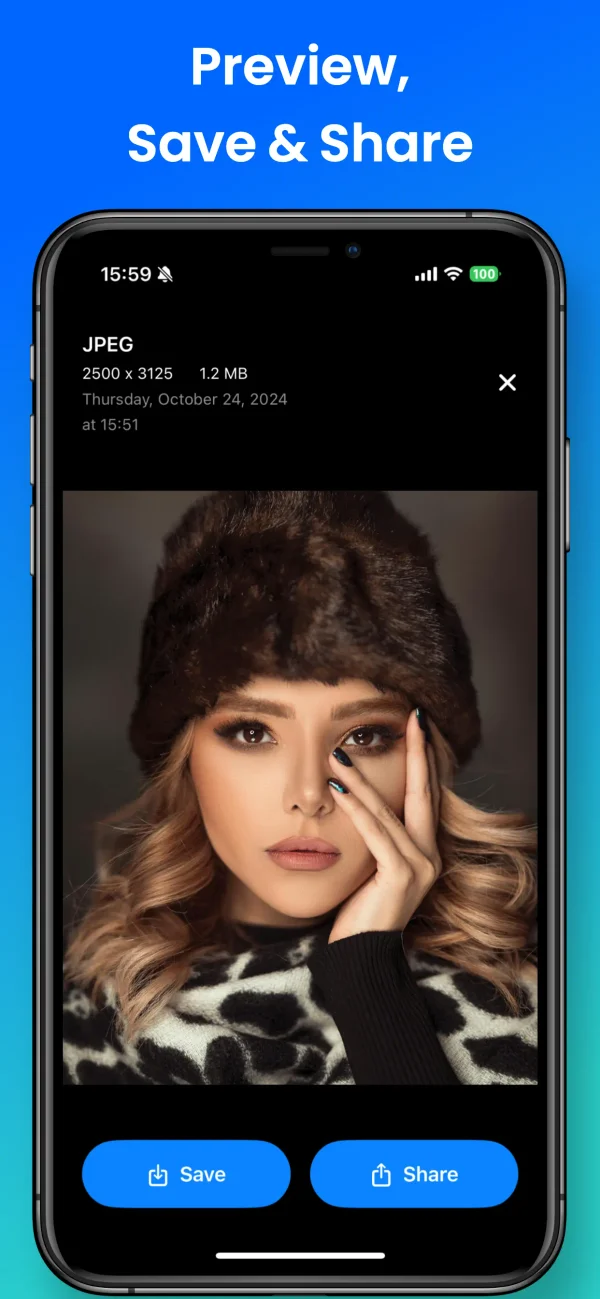
Preview converted images before saving or sharing. Share or delete multiple converted files at once. When saving to your photo library, you can also choose an album or create a new one.
Save PDFs to Files or another destination using the share menu.
KEEP CAPTURE DATE AND LOCATION
Pro can carry over the capture date and location information included in your original image. Turn each option on or off separately.
Supported output formats for this feature: JPEG, PNG, HEIC, and TIFF.
FREE AND PRO
The free version lets you convert, save, share, or delete up to 4 images per operation. Formats that support quality settings use an 85% setting.
Pro is a one-time purchase and includes:
• Quality adjustment from 10% to 100% for JPEG, HEIC, WebP, and AVIF.
• Batch conversion of 5 or more images.
• Saving, sharing, or deleting 5 or more converted files at once.
• Capture date and location preservation in supported formats.
• Ad removal.
Yang baru
Versi 2.4 · 16/11/2026
• You can now delete any number of images at once in the Converted tab. A confirmation appears before deleting
Privasi aplikasi
Yang dinyatakan Osawa Shunsuke di App Store tentang cara aplikasi ini menangani data.
-
Data yang digunakan untuk melacak Anda
Dapat digunakan untuk melacak Anda di aplikasi dan situs web milik perusahaan lain.
- Lokasi
- Pengenal
- Data penggunaan
- Diagnostik
-
Data yang ditautkan dengan Anda
Dapat dikumpulkan dan ditautkan dengan identitas Anda.
- Lokasi
- Pengenal
- Data penggunaan
- Diagnostik
Praktik privasi dapat bervariasi, misalnya berdasarkan fitur yang Anda gunakan atau usia Anda.
Informasi
- Penjual
- Osawa Shunsuke
- Kategori
- Grafik & Desain
- Versi
- 2.4
- Diperbarui
- 16/11/2026
- Dirilis
- 24/10/2024
- Ukuran
- 15,0 MB
- Memerlukan
- iOS 17 atau yang lebih baru
- Batasan usia
- 4+
- Harga
- Gratis
- Pembelian dalam aplikasi
- Ya
- Bahasa
- Inggris, Prancis, Jerman, Jepang, Korea, Portugis, Tionghoa Sederhana, Spanyol, Tionghoa Tradisional
- Hak cipta
- © Shunsuke Osawa
Mungkin Anda juga suka
-
 HEIC2JPG ConverterGrafik & Desain
-
 Waifu2x: Perjelas Foto HD AIGambar Blur & Anime Jadi Tajam
-
 背景透過 - 自動で背景を透明化Grafik & Desain
-
 PQ+ AI Photo EnhancerGrafik & Desain
-
 文字生成AI For 画像生成AI - TryPromptGrafik & Desain
-
 画像生成AIGrafik & Desain
-
 Nekomimi.AI – AI Art GeneratorGrafik & Desain
-
 Colorize / Color to Old PhotosGrafik & Desain
-
 美少女生成AI -Mints-Grafik & Desain
-
 Image Converter: JPG PDF PNGGrafik & Desain