Image Converter & Compressor
Batch HEIC to JPG, PNG & PDF
iPhone için tasarlandı
Ücretsiz · Uygulama içi satın alma
- Yaş sınırı4+
- KategoriGrafik ve Tasarım
- GeliştiriciOsawa Shunsuke
- Dillerİngilizce+ 8 dil daha
- Boyut15,0 MB
Resmi App Store sayfasına bağlanır
Download.org, Image Converter & Compressor için hiçbir dosya barındırmaz. Düğme, uygulamanın App Store üzerindeki sayfasını açar; uygulamayı orada Osawa Shunsuke yayınlar. Sayfanın son kontrolü: 17.11.2026.
Ekran görüntüleri
Hakkında
Geliştirici bu metni dilinizde sunmamış.
Convert HEIC to JPG, save photos as PNG or PDF, and create WebP or AVIF images for the web. Image Converter & Compressor lets you batch convert photos and images on your iPhone.
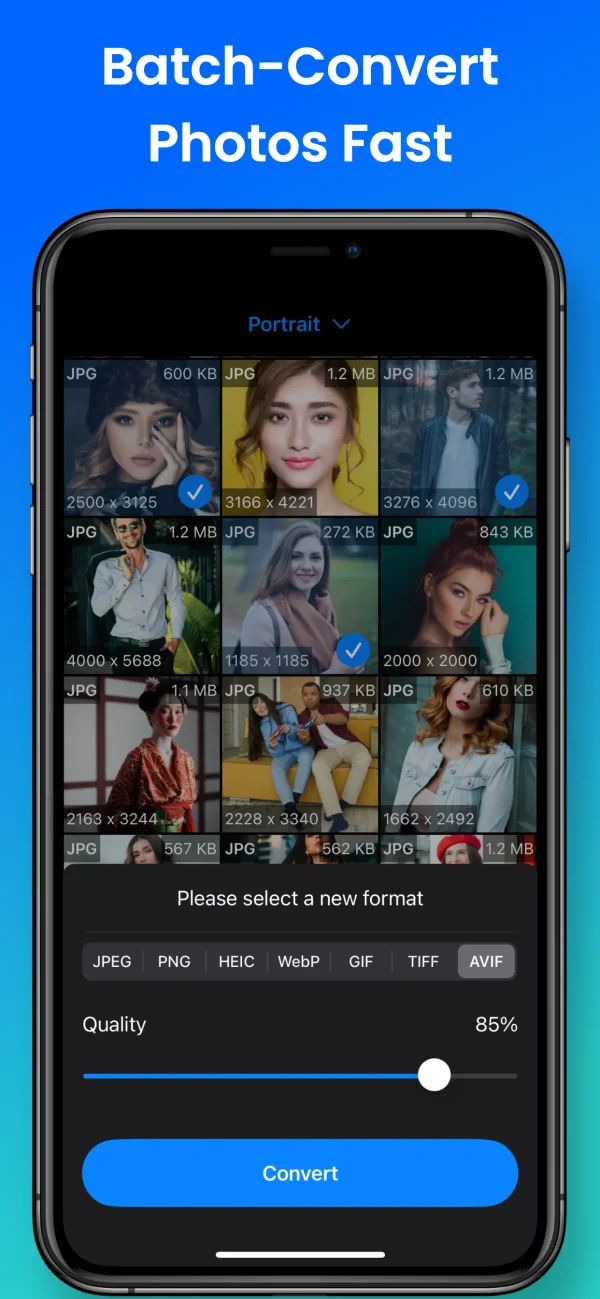
Select images from your photo library or Files, then choose an output format. Keep your images in a consistent format or adjust the balance between image quality and file size.
8 OUTPUT FORMATS
Convert images to JPEG (JPG), PNG, HEIC, WebP, AVIF, GIF, TIFF, or PDF.
• Convert HEIC photos to JPEG (JPG) for sharing or uploading to services that require JPG.
• Export photos and screenshots as PNG.
• Create WebP and AVIF images for websites and blogs.
• Save as HEIC, TIFF, or a still GIF to suit your needs.
• Turn photos and images into PDF files to share.
GIF output is a still image. Creating or preserving GIF animation is not supported. PDF conversion creates a separate file for each image.
ADJUST QUALITY AND COMPRESS IMAGES
JPEG, HEIC, WebP, and AVIF support quality settings. The free version converts at an 85% quality setting. Pro lets you adjust quality from 10% to 100%.
Choose a higher setting to prioritize image quality, or a lower setting to reduce file size for email attachments and web use.
The percentage is an encoding quality setting. Even 100% does not guarantee identical quality to the original. Output file size varies by image and format. Quality adjustment is not available for PNG, GIF, TIFF, or PDF.
BATCH CONVERSION
Select multiple images from your photo library or Files and convert them to the same format in one batch. Track the number of images being processed as conversion progresses.
PREVIEW, SAVE, AND SHARE
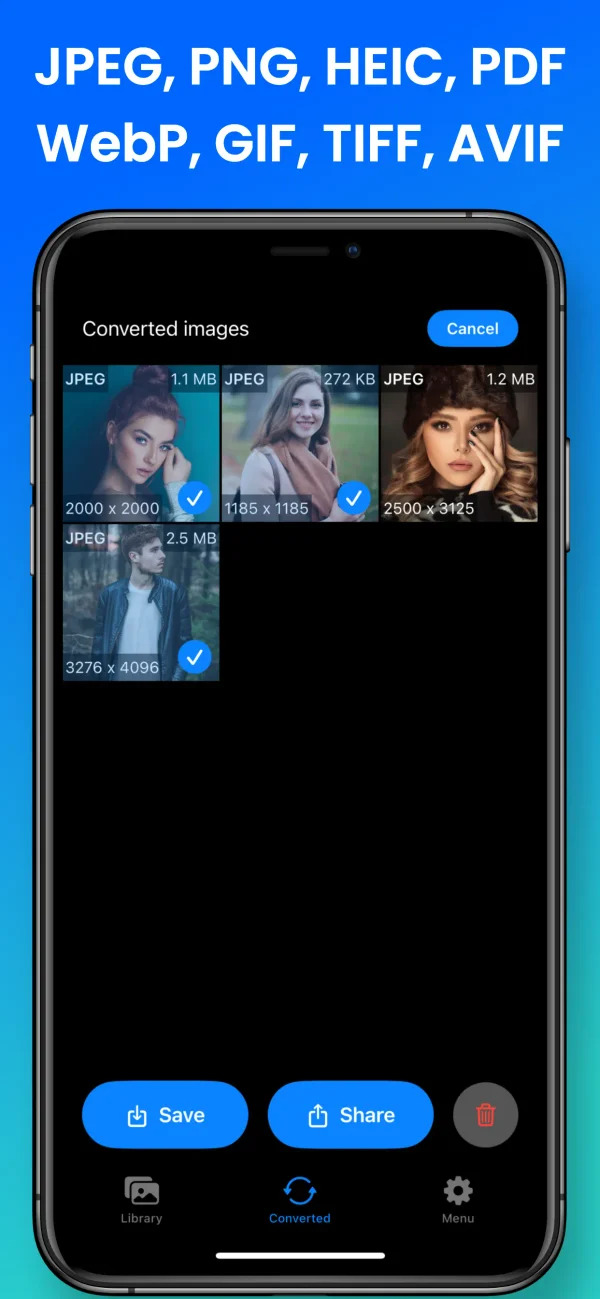
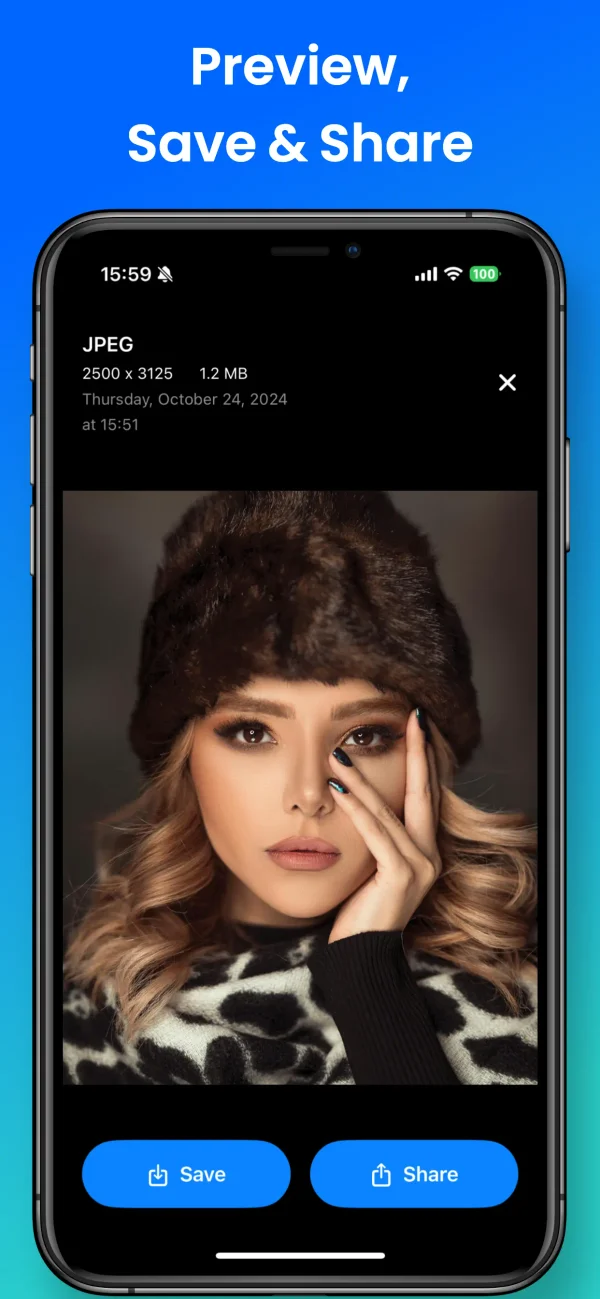
Preview converted images before saving or sharing. Share or delete multiple converted files at once. When saving to your photo library, you can also choose an album or create a new one.
Save PDFs to Files or another destination using the share menu.
KEEP CAPTURE DATE AND LOCATION
Pro can carry over the capture date and location information included in your original image. Turn each option on or off separately.
Supported output formats for this feature: JPEG, PNG, HEIC, and TIFF.
FREE AND PRO
The free version lets you convert, save, share, or delete up to 4 images per operation. Formats that support quality settings use an 85% setting.
Pro is a one-time purchase and includes:
• Quality adjustment from 10% to 100% for JPEG, HEIC, WebP, and AVIF.
• Batch conversion of 5 or more images.
• Saving, sharing, or deleting 5 or more converted files at once.
• Capture date and location preservation in supported formats.
• Ad removal.
Yenilikler
Sürüm 2.4 · 16.11.2026
• You can now delete any number of images at once in the Converted tab. A confirmation appears before deleting
Uygulama gizliliği
Bu uygulamanın verileri nasıl işlediği hakkında Osawa Shunsuke tarafından App Store üzerinde yapılan beyan.
-
Sizi izlemek için kullanılan veriler
Başka şirketlere ait uygulamalarda ve web sitelerinde sizi izlemek için kullanılabilir.
- Konum
- Tanımlayıcılar
- Kullanım verileri
- Tanılama
-
Sizinle ilişkilendirilen veriler
Toplanabilir ve kimliğinizle ilişkilendirilebilir.
- Konum
- Tanımlayıcılar
- Kullanım verileri
- Tanılama
Gizlilik uygulamaları, örneğin kullandığınız özelliklere veya yaşınıza göre değişiklik gösterebilir.
Bilgiler
- Satıcı
- Osawa Shunsuke
- Kategori
- Grafik ve Tasarım
- Sürüm
- 2.4
- Güncellendi
- 16.11.2026
- Yayın tarihi
- 24.10.2024
- Boyut
- 15,0 MB
- Gereksinim
- iOS 17 veya sonrası
- Yaş sınırı
- 4+
- Fiyat
- Ücretsiz
- Uygulama içi satın alma
- Evet
- Diller
- İngilizce, Fransızca, Almanca, Japonca, Korece, Portekizce, Basitleştirilmiş Çince, İspanyolca, Geleneksel Çince
- Telif hakkı
- © Shunsuke Osawa
Bunları da beğenebilirsiniz
-
 HEIC2JPG ConverterGrafik ve Tasarım
-
 Waifu2x: Fotoğraf NetleştirmeBulanık Resim, Anime HD Yapma
-
 背景透過 - 自動で背景を透明化Grafik ve Tasarım
-
 PQ+ AI Photo EnhancerGrafik ve Tasarım
-
 文字生成AI For 画像生成AI - TryPromptGrafik ve Tasarım
-
 画像生成AIGrafik ve Tasarım
-
 Nekomimi.AI – AI Art GeneratorGrafik ve Tasarım
-
 Colorize / Color to Old PhotosGrafik ve Tasarım
-
 美少女生成AI -Mints-Grafik ve Tasarım
-
 Image Converter: JPG PDF PNGGrafik ve Tasarım