- Batasan usia4+
- KategoriProduktivitas
- PengembangLyle Andrews
- BahasaInggris
- Ukuran13,0 MB
Tertaut ke halaman resmi App Store
Download.org tidak menyimpan file Inchworm Reader apa pun. Tombol ini membuka halaman aplikasi di App Store, tempat Lyle Andrews menerbitkannya. Halaman terakhir diperiksa pada 20/11/2026.
Tangkapan layar
Tentang
Pengembang belum menyediakan teks ini dalam bahasa Anda.
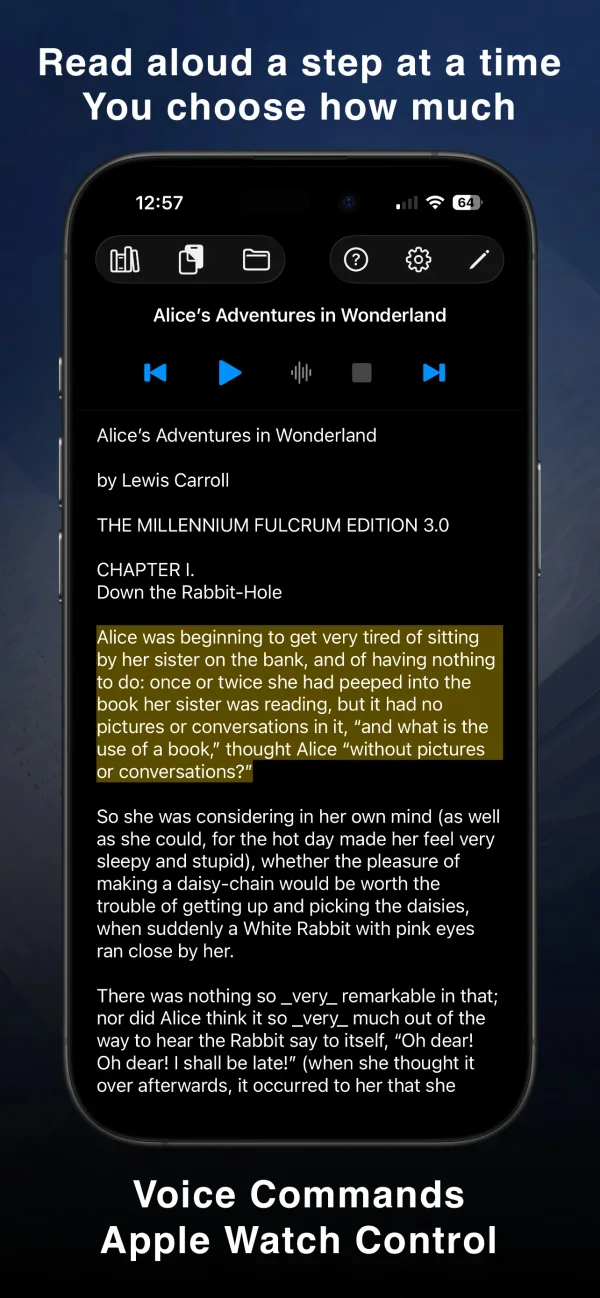
I wrote Inchworm Reader because I was looking for a text-to-speech app that would read a section of text at a time and then stop and let me tell it when to continue with a voice command, a button press or a tap on my Apple Watch. This is handy if you want to think about what you've just heard or are doing some other activity at the same time. While taking walks, when I stop and talk to someone, Inchworm Reader will finish speaking the current selection, letting me chat without distraction. When I continue on I say, "Go" to start it speaking the next section and continue my walk. I couldn't find an app like that so, being a developer, I wrote one.
Hearing a section at a time and being able to say "Repeat" or "Skip" or "Back" to move the text selection around easily makes Inchworm Reader good for listening to educational, study, and briefing materials. When listening to an audiobook, sometimes my mind starts to wander and I have to go back and find where I left off. Problem solved. With Inchworm Reader I only advance when I'm ready.
Features:
READING MODES
• A sentence at a time
• A paragraph at a time
• N paragraphs - you set how many
• Continuous reading
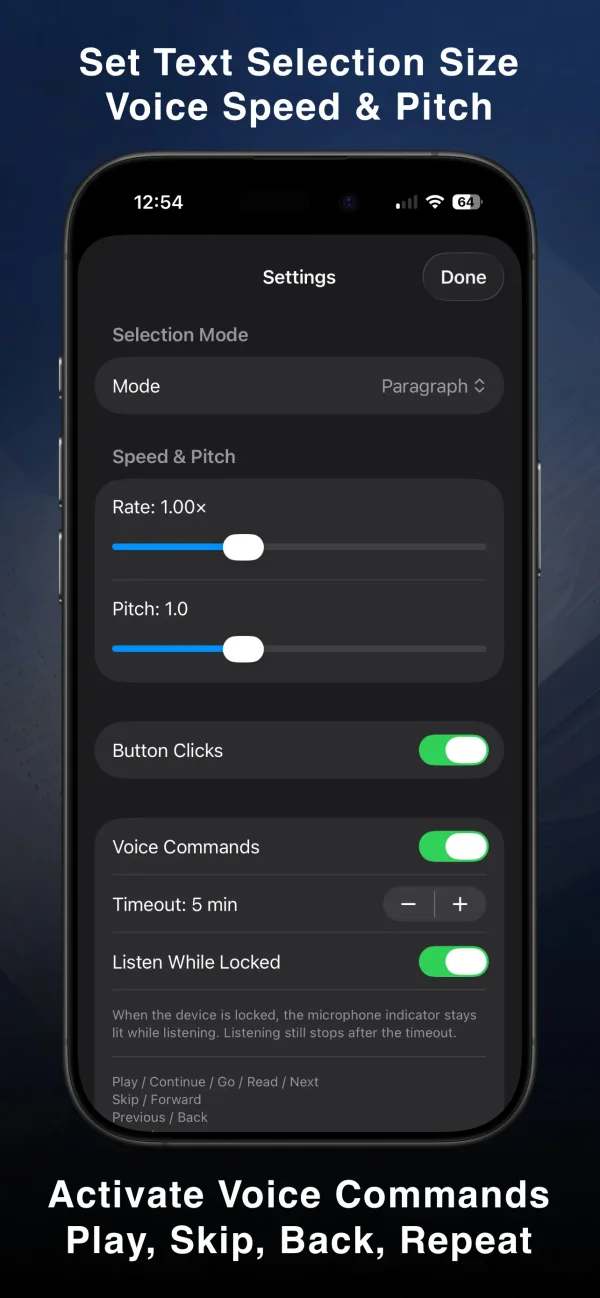
HANDS-FREE VOICE COMMANDS
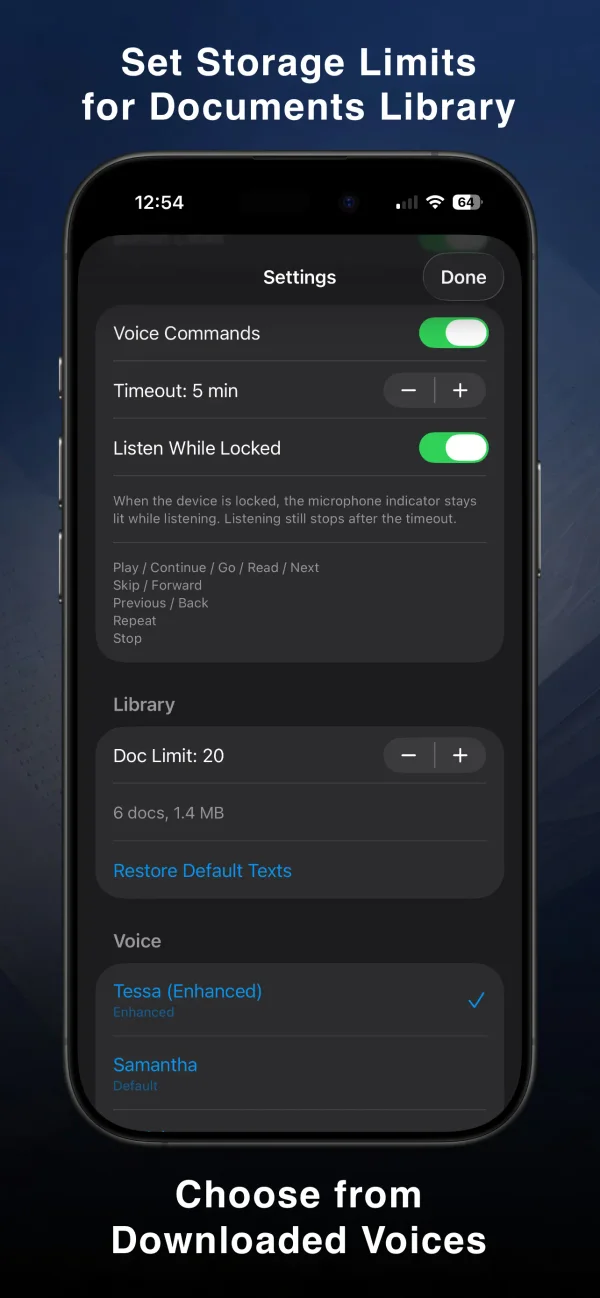
Turn on voice commands and Inchworm listens for commands after reading aloud.
Say:
• "Play," "Go," "Read," "Continue," or "Next" to hear the next text selection
• "Skip" or "Forward" to move the selection ahead
• "Back" or "Previous" to move the selection back
• "Repeat" to hear the last selection again
• "Stop" to end listening for voice commands
APPLE WATCH + COMPLICATION
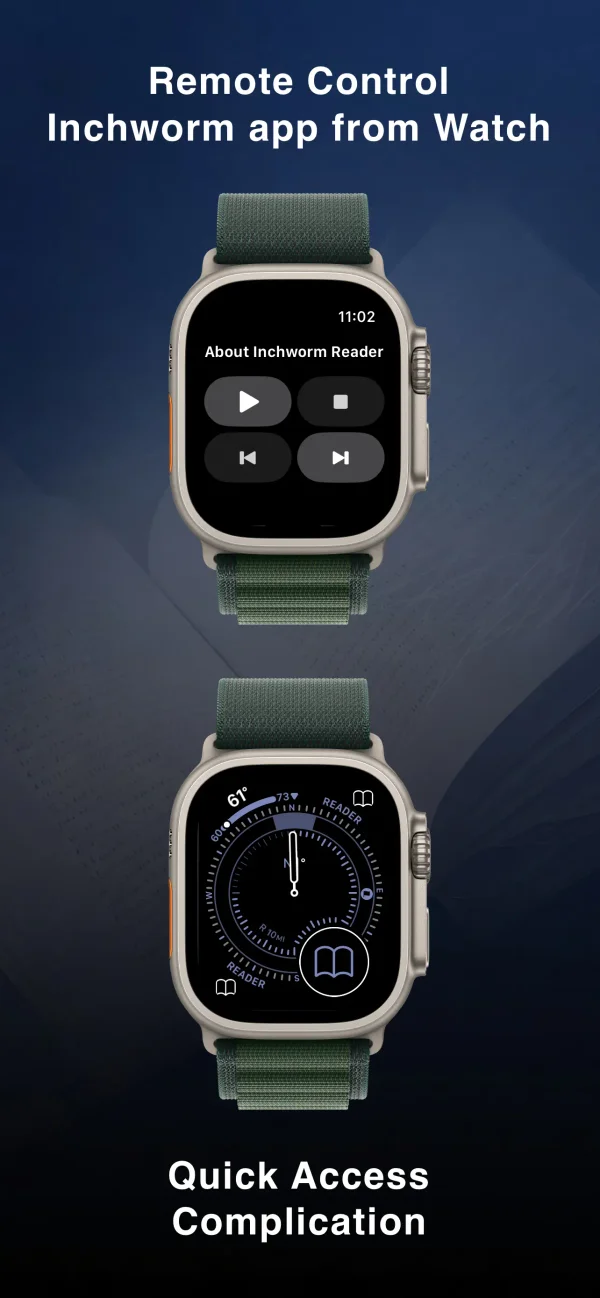
Control phone playback from your wrist. Add the included Complication to a watch face to access Inchworm watch controls with a tap.
IMPORT TEXT
• Paste text from the clipboard with one tap
• Use the Share Extension to send text from Safari, Mail, Notes, and more
• Import from the File Browser (PDF, RTF, Markdown, plain text)
• Edit text within the app
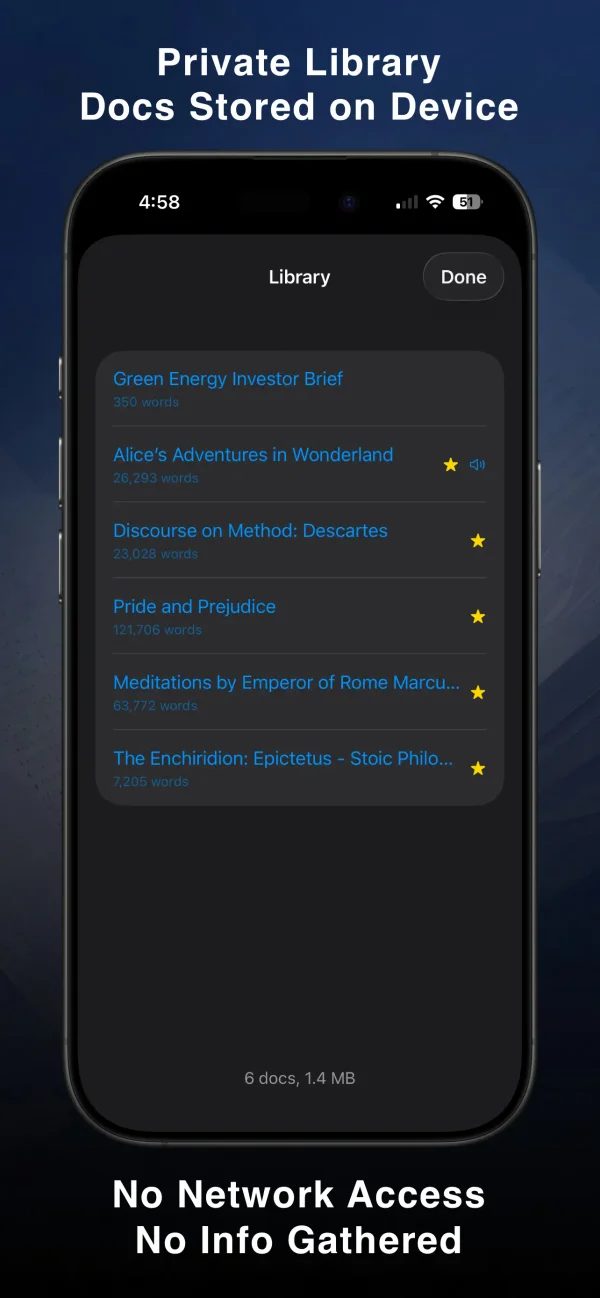
PRIVATE BY DESIGN
Your documents stay on your device. No metrics are gathered. Inchworm Reader has no iOS network entitlement; it cannot reach the internet, and it doesn't try to.
Inchworm Reader includes a few classic public domain texts to get you started. I'll frequently have an AI survey a topic or generate a report or a brief and hit Copy, then Paste it into Inchworm Reader, and listen to it a section at a time, with more control than the speech feature in AI apps, repeating sections as needed to really absorb it. It's a great way to help move away from low quality Internet distractions and feed your mind high quality information.
Inch your way through key texts with Inchworm!
Privasi aplikasi
Yang dinyatakan Lyle Andrews di App Store tentang cara aplikasi ini menangani data.
-
Data tidak dikumpulkan
Pengembang tidak mengumpulkan data apa pun dari aplikasi ini.
Praktik privasi dapat bervariasi, misalnya berdasarkan fitur yang Anda gunakan atau usia Anda.
Informasi
- Penjual
- Lyle Andrews
- Kategori
- Produktivitas
- Versi
- 1.0
- Diperbarui
- 7/8/2026
- Dirilis
- 7/8/2026
- Ukuran
- 13,0 MB
- Memerlukan
- iOS 18.0 atau yang lebih baru
- Batasan usia
- 4+
- Harga
- Gratis
- Bahasa
- Inggris
- Hak cipta
- © 2026 Lyle Andrews
Mungkin Anda juga suka
-
 Text+Produktivitas
-
 MeetDone -Every meeting countsProduktivitas
-
 Animation Maker SchoolProduktivitas
-
 Clarity Reader for SafariProduktivitas
-
 Keepr: Brankas PribadiFile Aman & Banyak Brankas
-
 CleanStreak HomeProduktivitas
-
 Local AI Assistant: PocketMindProduktivitas
-
 DomA - Agent for SafariProduktivitas
-
 To Do List: Productivity GameProduktivitas
-
 Nottely: Voice TranscriptionProduktivitas