
- 対象年齢4+
- カテゴリ仕事効率化
- 開発元Lyle Andrews
- 言語英語
- サイズ13.0 MB
App Storeの公式ページにリンクしています
Download.orgはInchworm Readerのファイルを一切ホストしていません。ボタンを押すと、Lyle Andrewsが公開しているApp Storeのアプリページが開きます。ページの最終確認:2026/11/20。
スクリーンショット
概要
開発元はこのテキストをお使いの言語で提供していません。
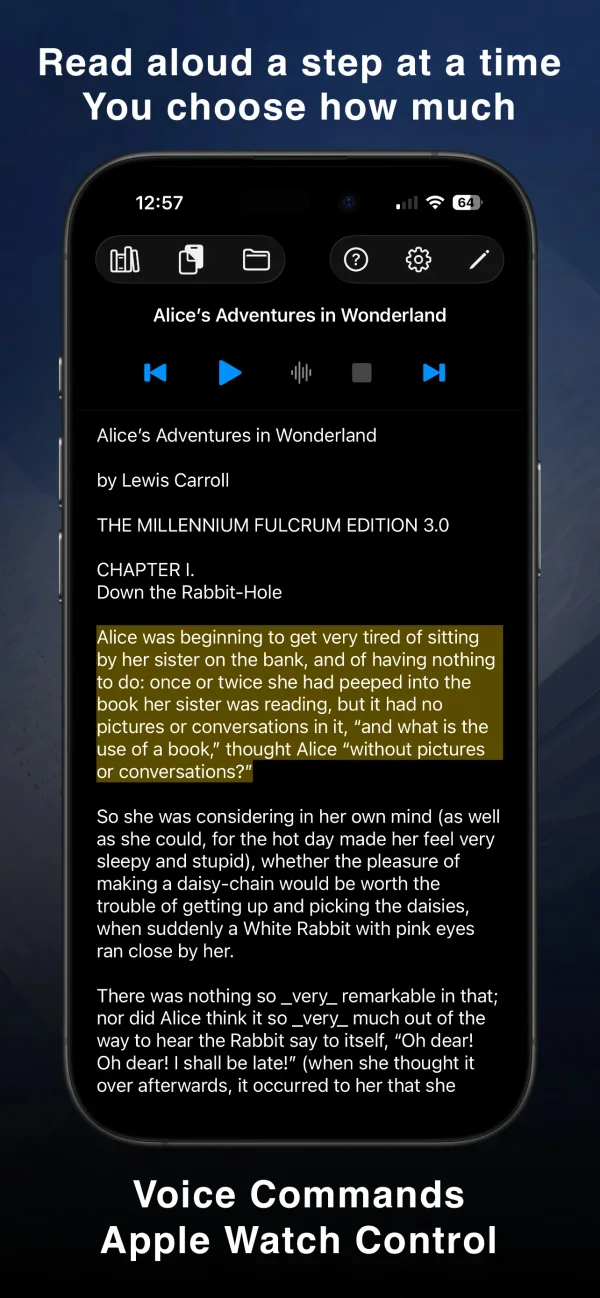
I wrote Inchworm Reader because I was looking for a text-to-speech app that would read a section of text at a time and then stop and let me tell it when to continue with a voice command, a button press or a tap on my Apple Watch. This is handy if you want to think about what you've just heard or are doing some other activity at the same time. While taking walks, when I stop and talk to someone, Inchworm Reader will finish speaking the current selection, letting me chat without distraction. When I continue on I say, "Go" to start it speaking the next section and continue my walk. I couldn't find an app like that so, being a developer, I wrote one.
Hearing a section at a time and being able to say "Repeat" or "Skip" or "Back" to move the text selection around easily makes Inchworm Reader good for listening to educational, study, and briefing materials. When listening to an audiobook, sometimes my mind starts to wander and I have to go back and find where I left off. Problem solved. With Inchworm Reader I only advance when I'm ready.
Features:
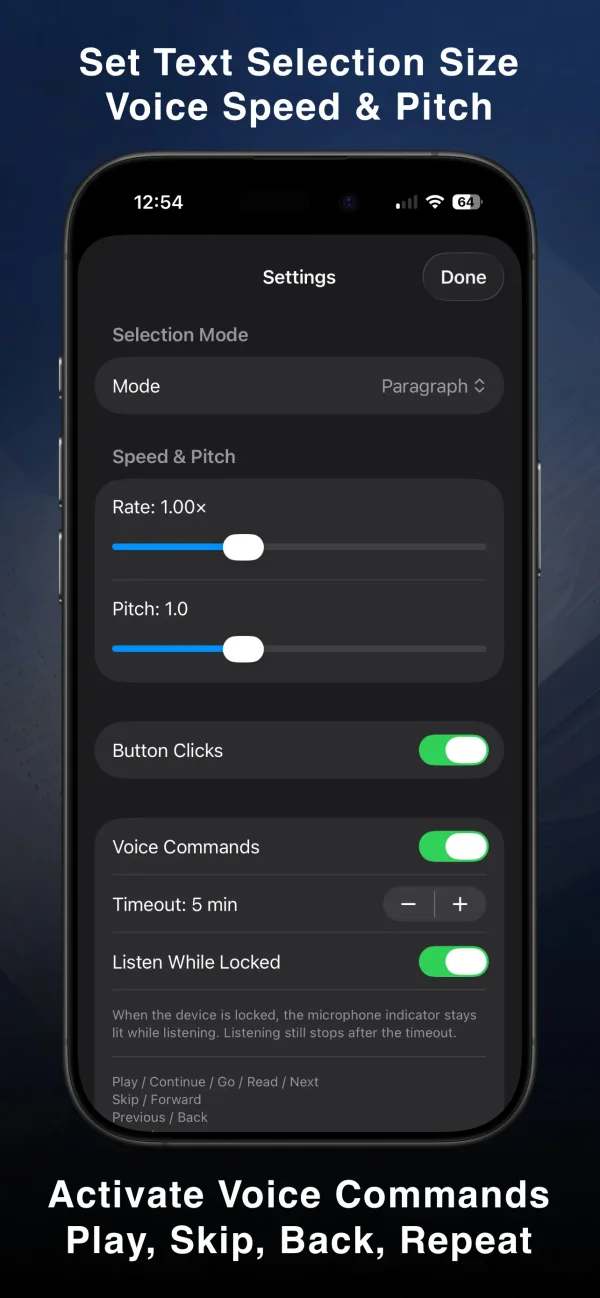
READING MODES
• A sentence at a time
• A paragraph at a time
• N paragraphs - you set how many
• Continuous reading
HANDS-FREE VOICE COMMANDS
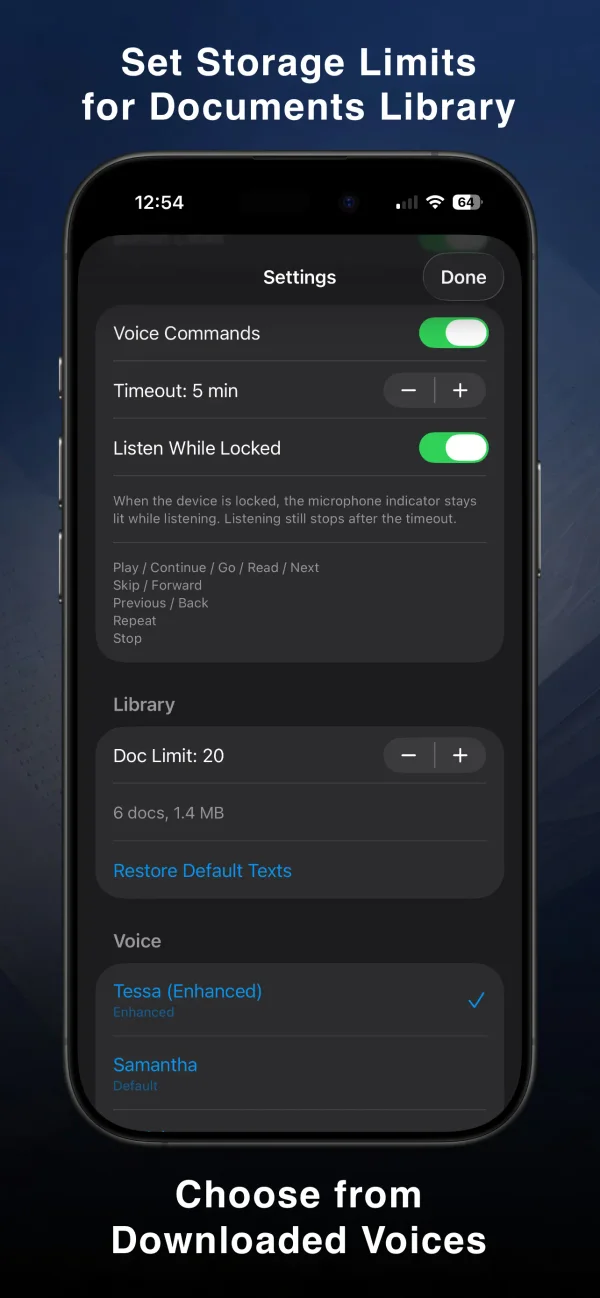
Turn on voice commands and Inchworm listens for commands after reading aloud.
Say:
• "Play," "Go," "Read," "Continue," or "Next" to hear the next text selection
• "Skip" or "Forward" to move the selection ahead
• "Back" or "Previous" to move the selection back
• "Repeat" to hear the last selection again
• "Stop" to end listening for voice commands
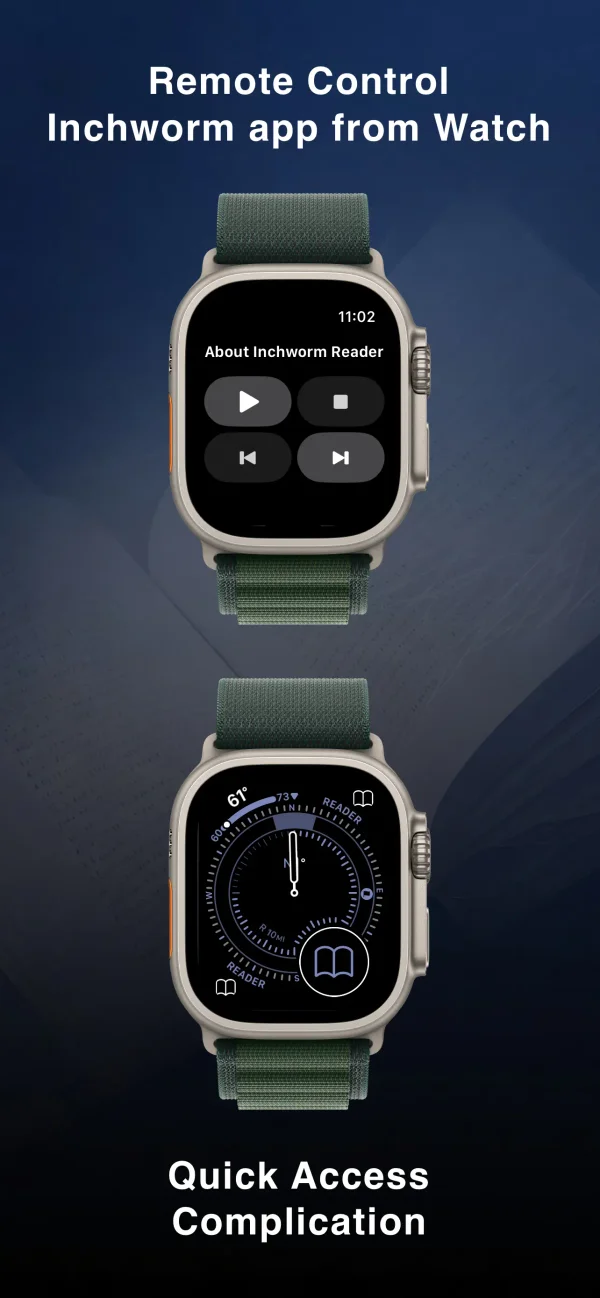
APPLE WATCH + COMPLICATION
Control phone playback from your wrist. Add the included Complication to a watch face to access Inchworm watch controls with a tap.
IMPORT TEXT
• Paste text from the clipboard with one tap
• Use the Share Extension to send text from Safari, Mail, Notes, and more
• Import from the File Browser (PDF, RTF, Markdown, plain text)
• Edit text within the app
PRIVATE BY DESIGN
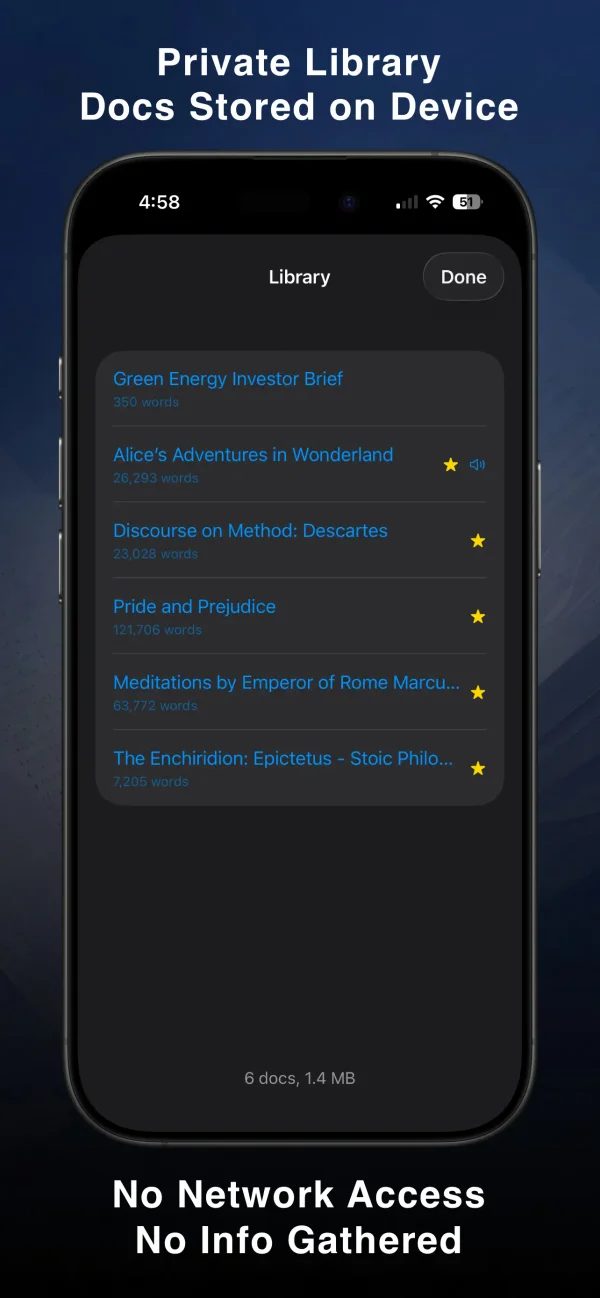
Your documents stay on your device. No metrics are gathered. Inchworm Reader has no iOS network entitlement; it cannot reach the internet, and it doesn't try to.
Inchworm Reader includes a few classic public domain texts to get you started. I'll frequently have an AI survey a topic or generate a report or a brief and hit Copy, then Paste it into Inchworm Reader, and listen to it a section at a time, with more control than the speech feature in AI apps, repeating sections as needed to really absorb it. It's a great way to help move away from low quality Internet distractions and feed your mind high quality information.
Inch your way through key texts with Inchworm!
アプリのプライバシー
このアプリのデータの取り扱いについて、Lyle AndrewsがApp Storeで申告している内容です。
-
データの収集なし
開発元はこのアプリからデータを収集しません。
プライバシーの取り扱いは、ご利用の機能やお客様の年齢などに応じて異なる場合があります。
情報
- 販売元
- Lyle Andrews
- カテゴリ
- 仕事効率化
- バージョン
- 1.0
- 更新日
- 2026/8/7
- リリース
- 2026/8/7
- サイズ
- 13.0 MB
- 必要条件
- iOS 18.0以降
- 対象年齢
- 4+
- 価格
- 無料
- 言語
- 英語
- 著作権
- © 2026 Lyle Andrews
こちらもおすすめ
-
 Text+あなたの文章のホームベース。
-
 MeetDone -Every meeting counts仕事効率化
-
 Animation Maker School仕事効率化
-
 Clarity Reader for Safari仕事効率化
-
 Keepr: 秘密のファイル保管庫安全なファイルと複数の保管庫
-
 CleanStreak Home仕事効率化
-
 Local AI Assistant: PocketMind仕事効率化
-
 DomA - Agent for Safari仕事効率化
-
 To Do List: Productivity Game仕事効率化
-
 Nottely: Voice Transcription仕事効率化