iPerf3 Client & Server
Professional Network Testing
Dirancang untuk iPhone, iPad, Mac
Rp 49ribu
- Batasan usia4+
- KategoriKegunaan
- PengembangVladimir Chemeris
- BahasaInggris+ 15 lainnya
- Ukuran10,2 MB
Tertaut ke halaman resmi App Store
Download.org tidak menyimpan file iPerf3 Client & Server apa pun. Tombol ini membuka halaman aplikasi di App Store, tempat Vladimir Chemeris menerbitkannya. Halaman terakhir diperiksa pada 20/11/2026.
Tangkapan layar
Tentang
Pengembang belum menyediakan teks ini dalam bahasa Anda.
Requires access to an iPerf3 server (local, VPN, or remote). This is not a general Internet speed test.
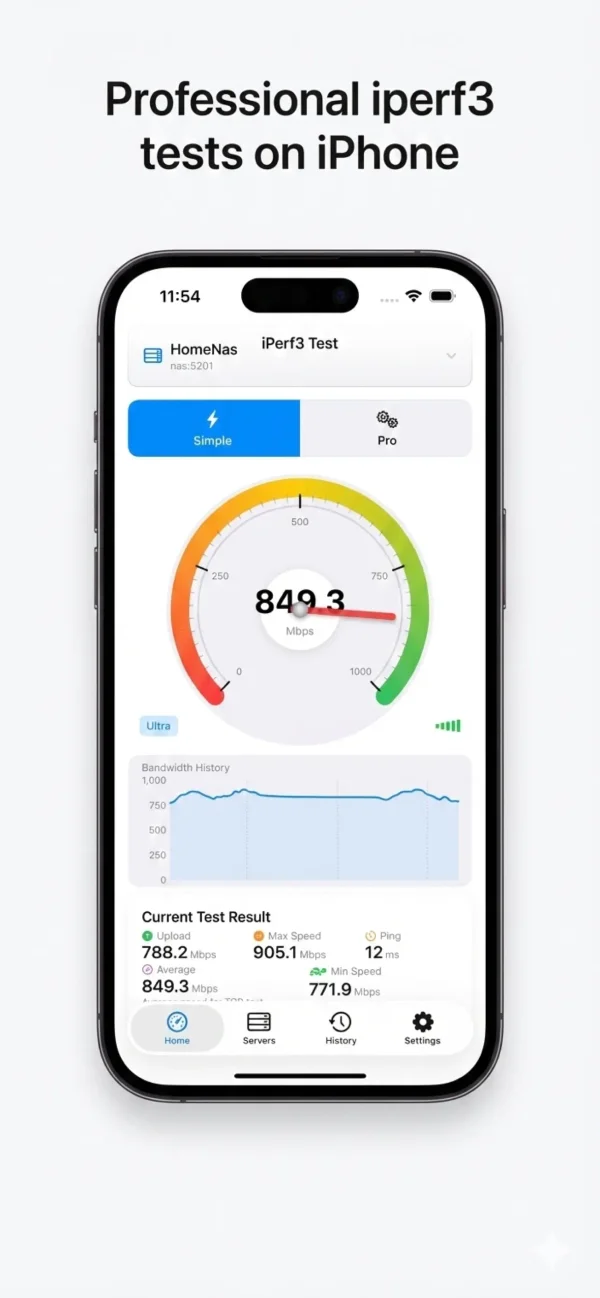
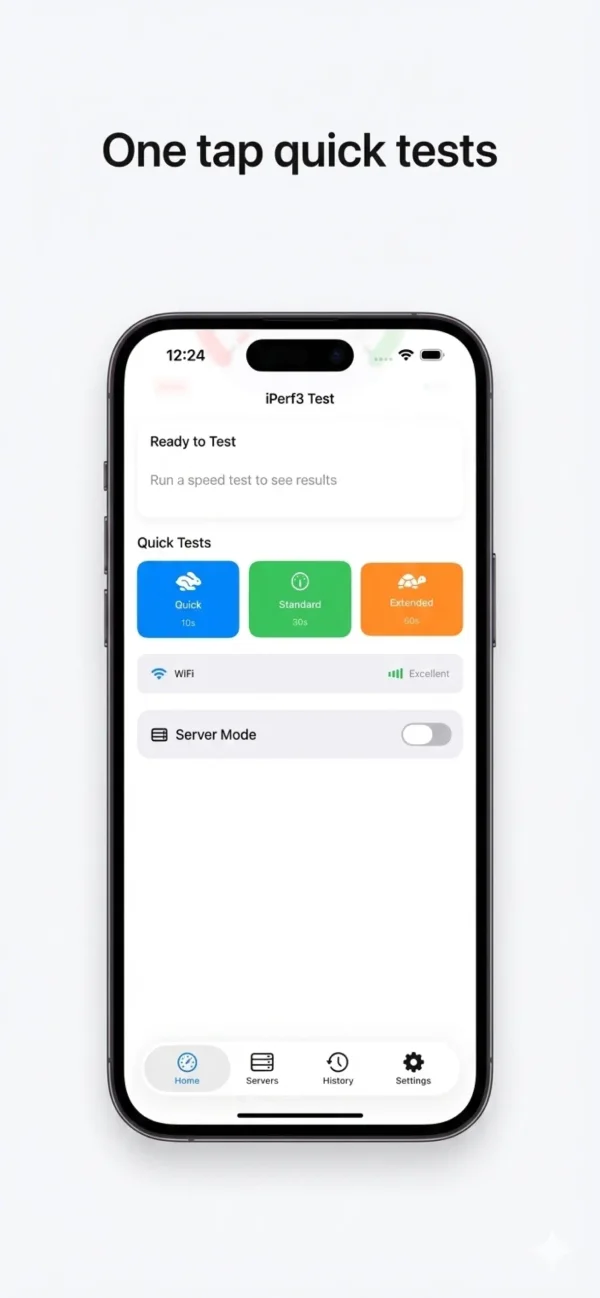
iPerf3 Client & Server brings the standard iPerf3 tool to iPhone and iPad with a clean, native UI. One purchase also unlocks the Mac version.
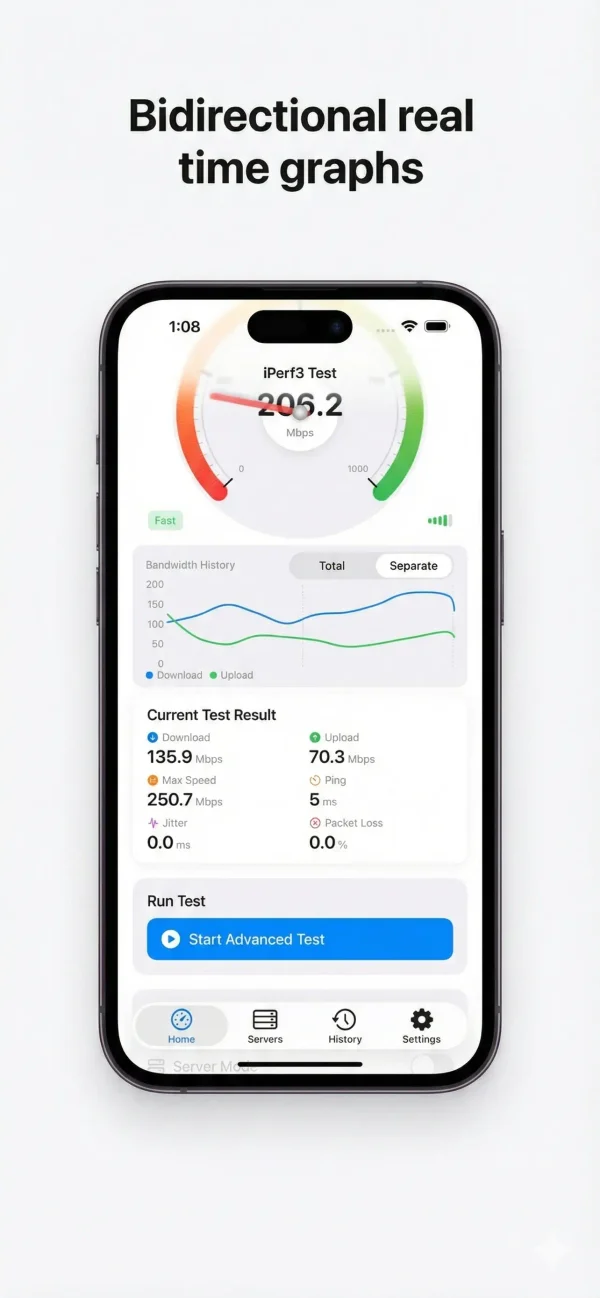
Measure real throughput across Wi-Fi, cellular, VPN, or LAN. Compare routers and access points, validate ISP or VPN changes, and find bottlenecks.
Key features:
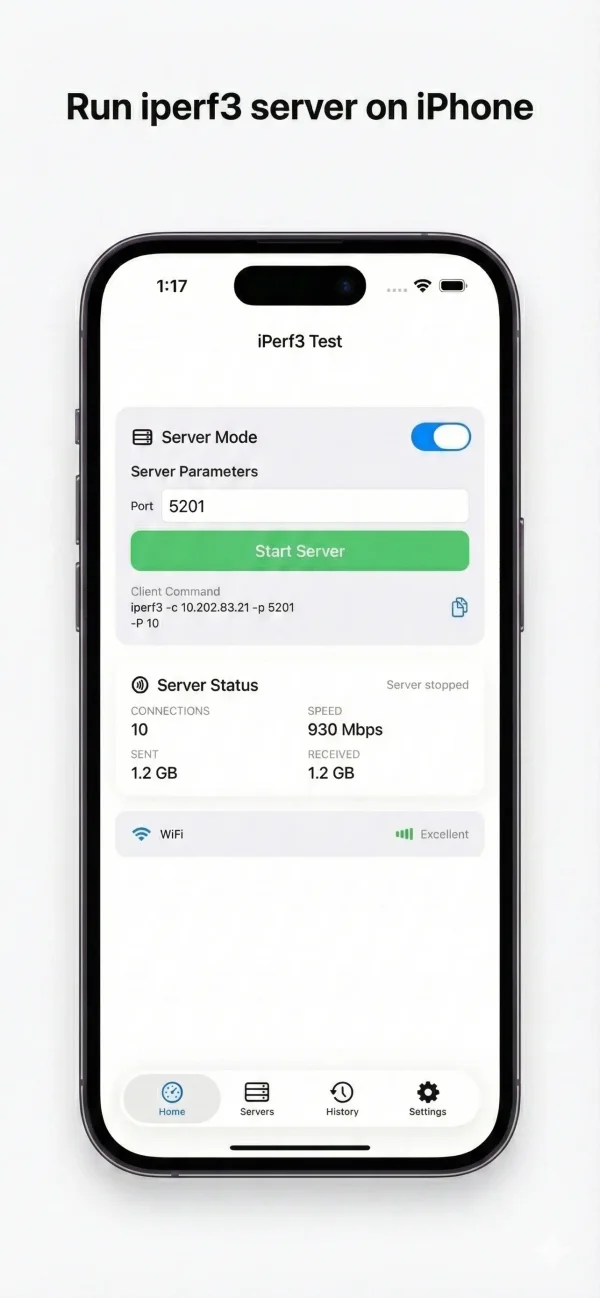
- Client and server modes
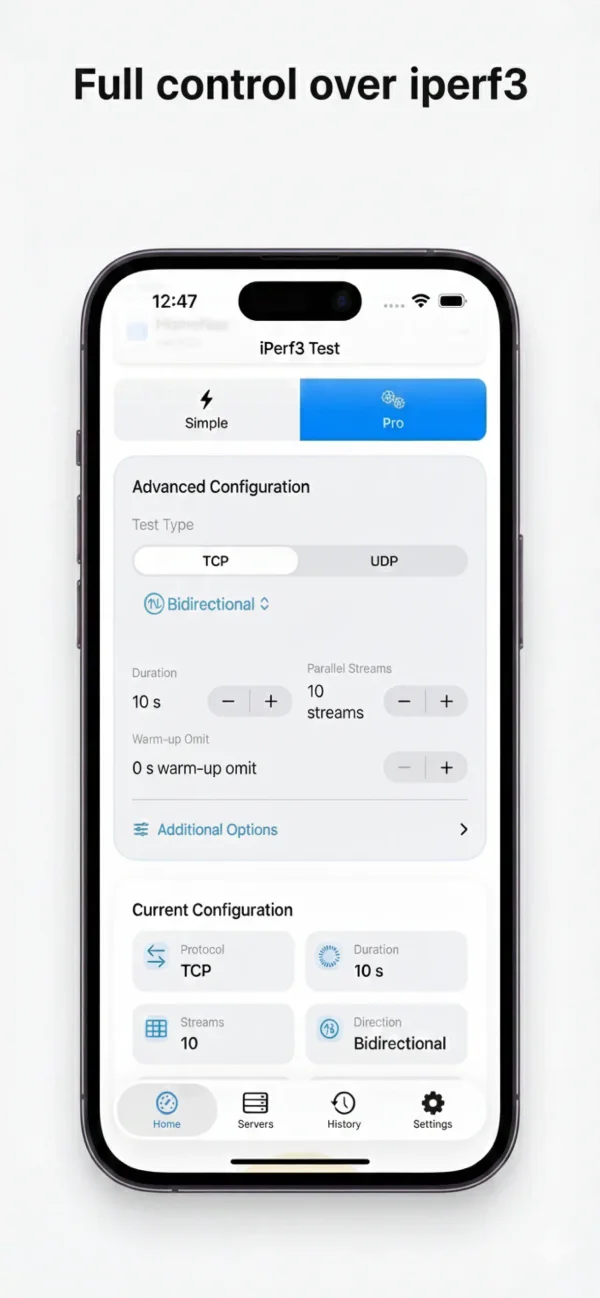
- TCP/UDP tests, including bidirectional and reverse
- Advanced controls: duration, parallel streams, bandwidth caps, window size, MTU
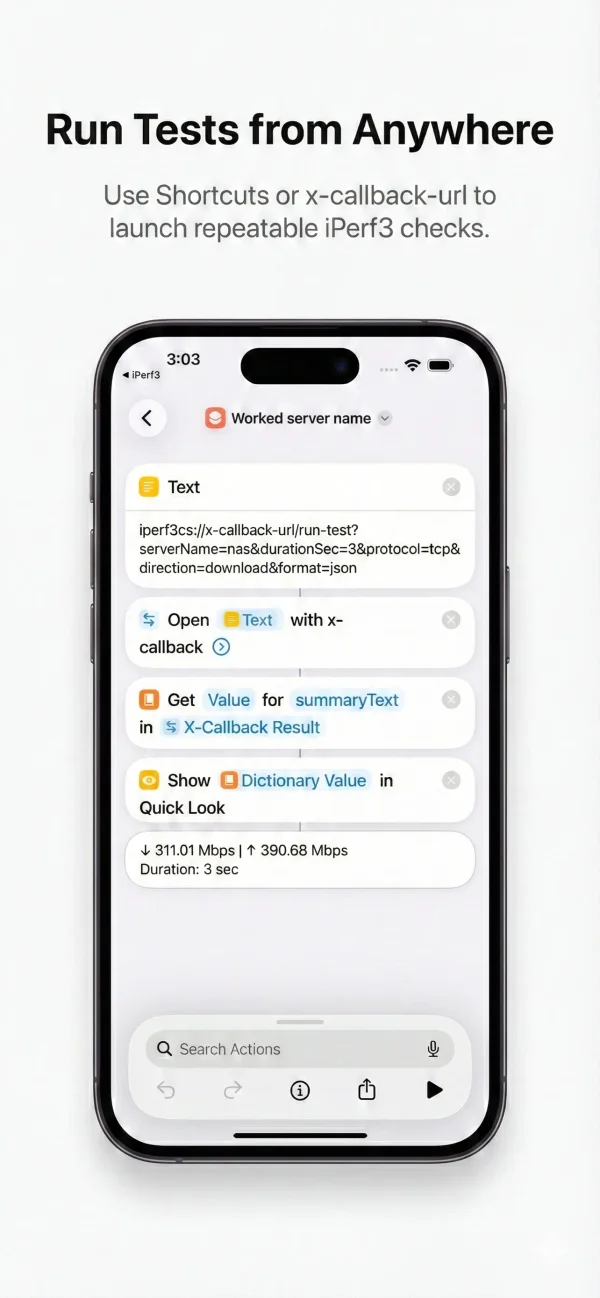
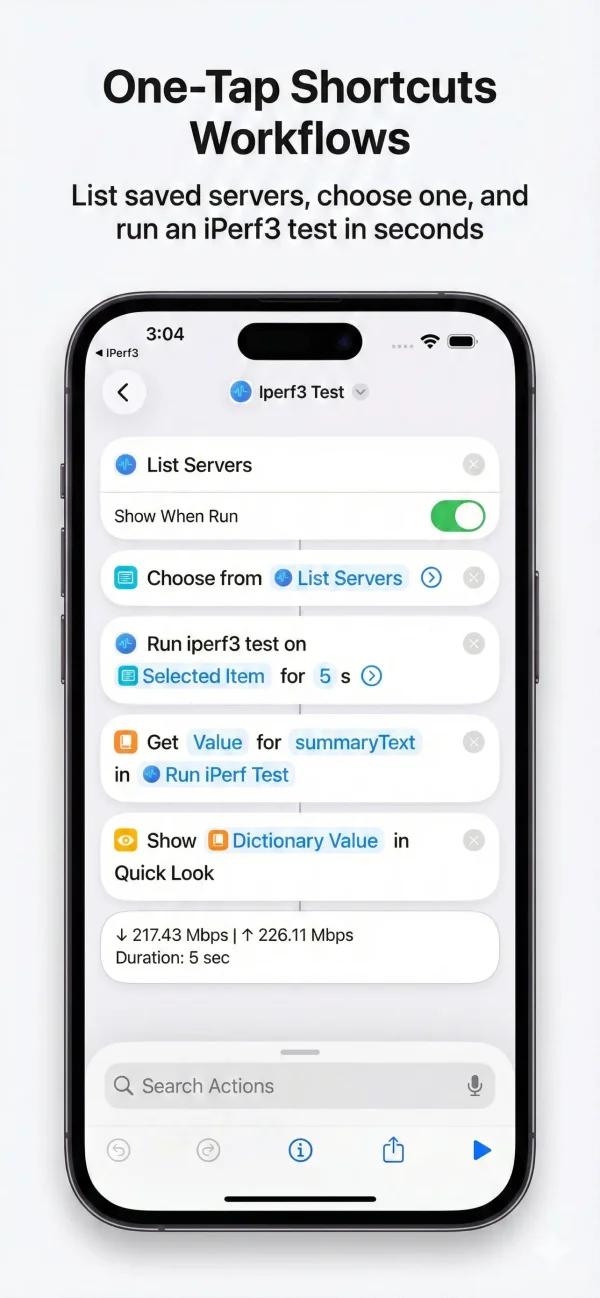
- Shortcuts automation + x-callback-url for power users
- Saved server profiles and favorites
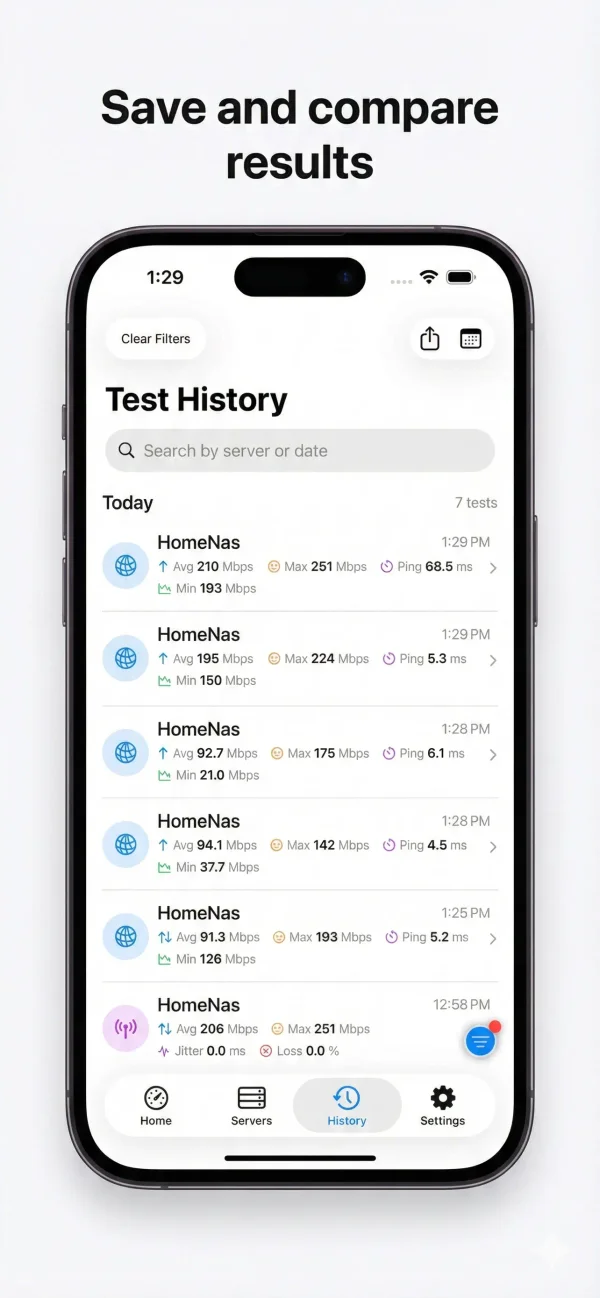
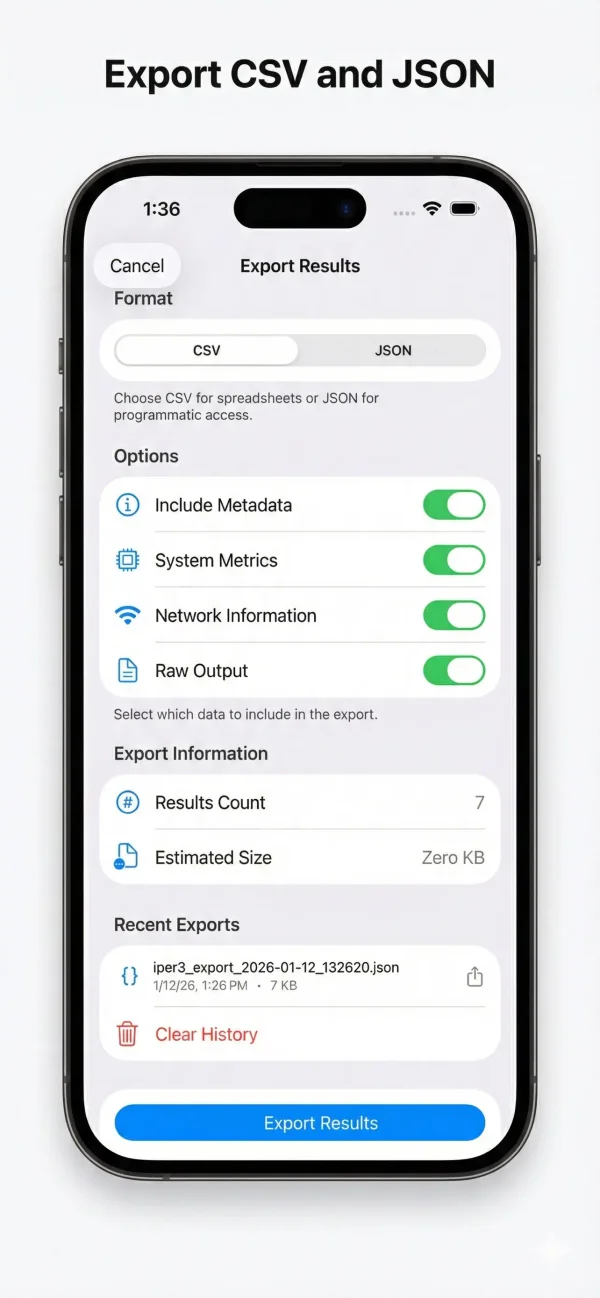
- History with charts and CSV/JSON export
- Detailed metrics: throughput, latency, jitter, packet loss
Automate repeatable workflows with Apple Shortcuts or x-callback-url (run tests, fetch results, and chain actions).
Built for network engineers, sysadmins, and power users who need accurate, repeatable results.
Yang baru
Versi 2.3.2 · 17/11/2026
• Fixed: with an Ethernet cable straight to the server, the app treats 169.254.x.x addresses as your local network and asks for Local Network access when it needs it
• If your device has no route to the server, you see "No Network Route" and a hint to check the IP address and subnet mask
• Server Mode shows your 169.254.x.x address when you have no other
• On iPhone, "Send feedback to developer" in Settings opens a form in the app again
• Fixed on Mac: if the app can't reach a server, open that server from the error card and fix its address. The error clears once you save
• Fixed on Mac: Home shows your latest results right after a test
Privasi aplikasi
Yang dinyatakan Vladimir Chemeris di App Store tentang cara aplikasi ini menangani data.
-
Data tidak dikumpulkan
Pengembang tidak mengumpulkan data apa pun dari aplikasi ini.
Praktik privasi dapat bervariasi, misalnya berdasarkan fitur yang Anda gunakan atau usia Anda.
Informasi
- Penjual
- Vladimir Chemeris
- Kategori
- Kegunaan
- Versi
- 2.3.2
- Diperbarui
- 17/11/2026
- Dirilis
- 3/12/2025
- Ukuran
- 10,2 MB
- Memerlukan
- iOS 16.6 atau yang lebih baru
- Batasan usia
- 4+
- Harga
- Rp 49ribu
- Bahasa
- Inggris, Arab, Belanda, Prancis, Jerman, Magyar (Hungaria), Italia, Jepang, Korea, Polski (Polandia), Portugis, Rusia + 4 lainnya
- Hak cipta
- © 2026 Vladimir Chemeris