
iPerf3 Client & Server
Professional Network Testing
iPhone, iPad, Mac için tasarlandı
₺199,99
- Yaş sınırı4+
- KategoriYardımcılar
- GeliştiriciVladimir Chemeris
- Dillerİngilizce+ 15 dil daha
- Boyut10,2 MB
Resmi App Store sayfasına bağlanır
Download.org, iPerf3 Client & Server için hiçbir dosya barındırmaz. Düğme, uygulamanın App Store üzerindeki sayfasını açar; uygulamayı orada Vladimir Chemeris yayınlar. Sayfanın son kontrolü: 20.11.2026.
Ekran görüntüleri
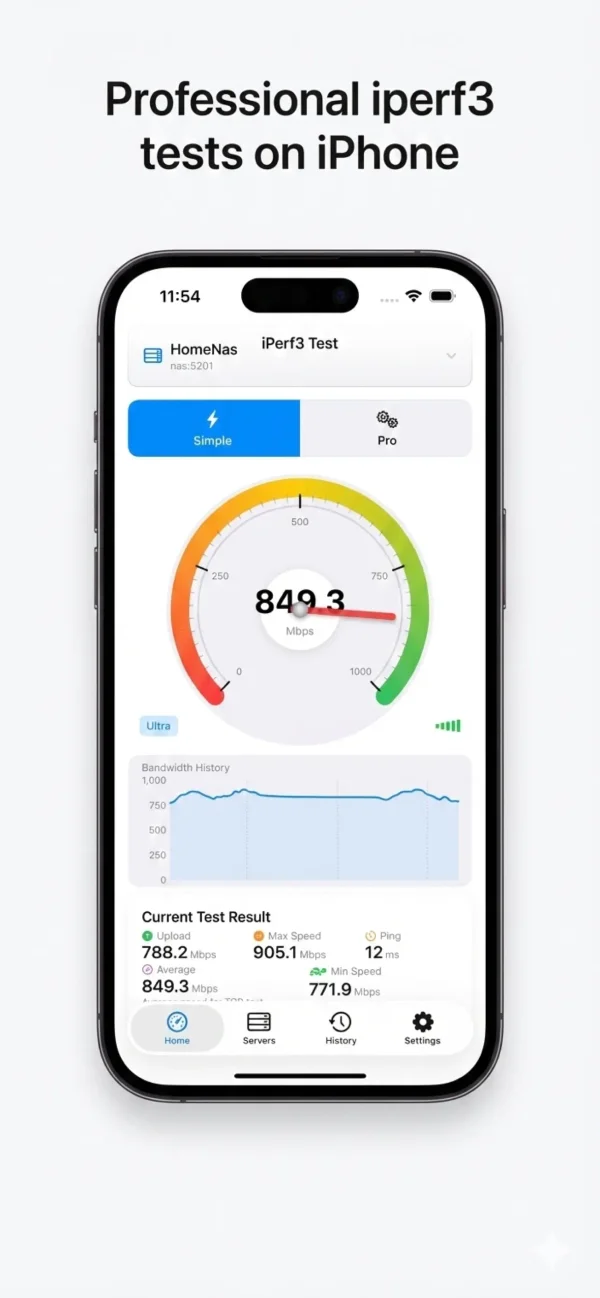
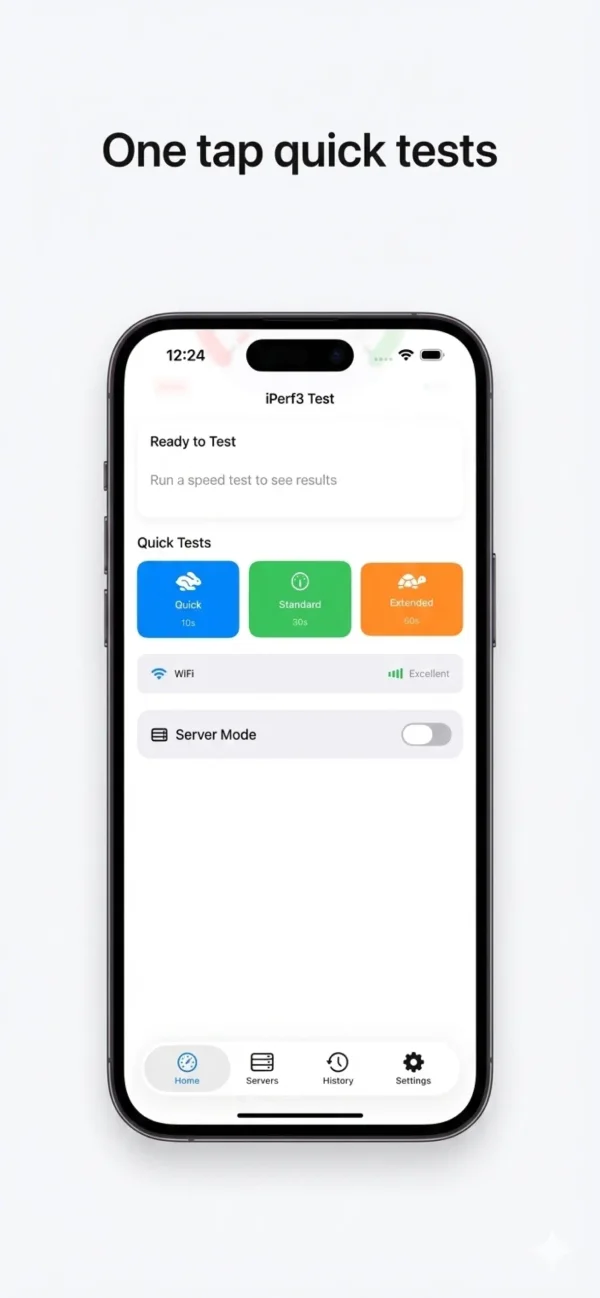
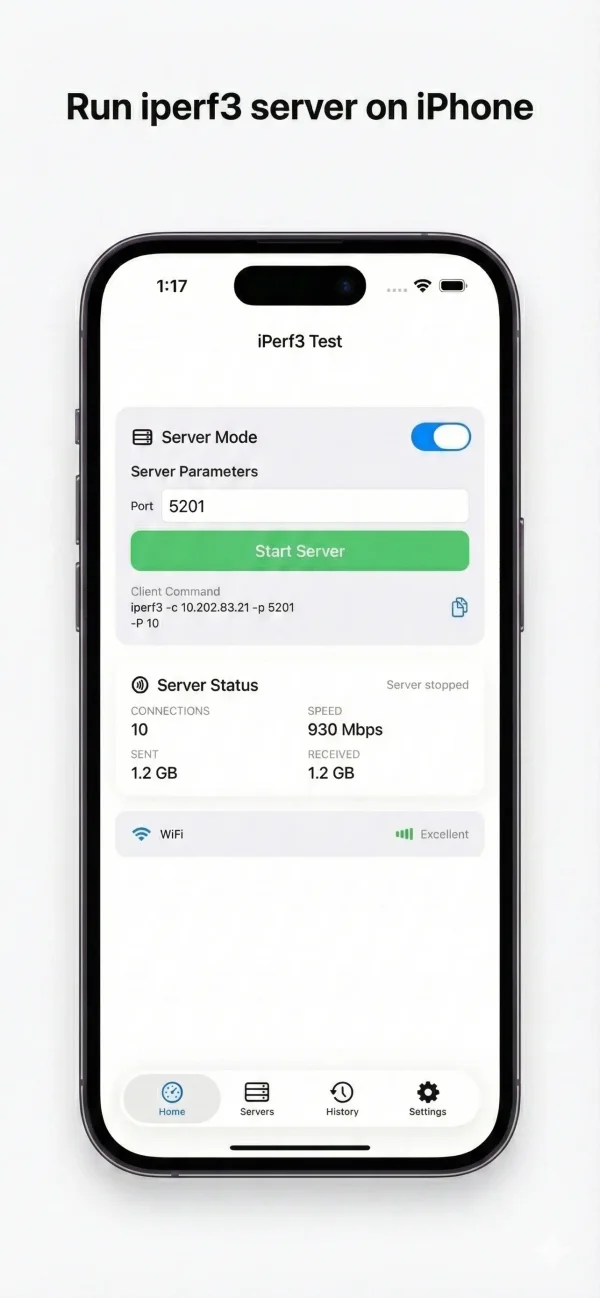
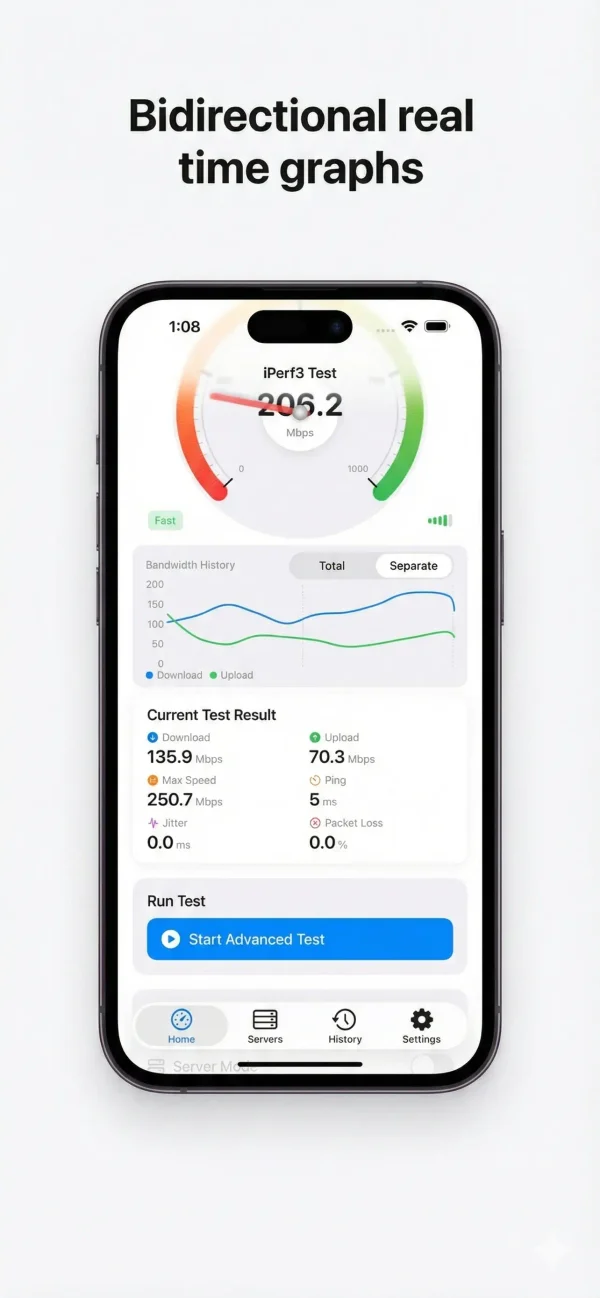
Hakkında
Geliştirici bu metni dilinizde sunmamış.
Requires access to an iPerf3 server (local, VPN, or remote). This is not a general Internet speed test.
iPerf3 Client & Server brings the standard iPerf3 tool to iPhone and iPad with a clean, native UI. One purchase also unlocks the Mac version.
Measure real throughput across Wi-Fi, cellular, VPN, or LAN. Compare routers and access points, validate ISP or VPN changes, and find bottlenecks.
Key features:
- Client and server modes
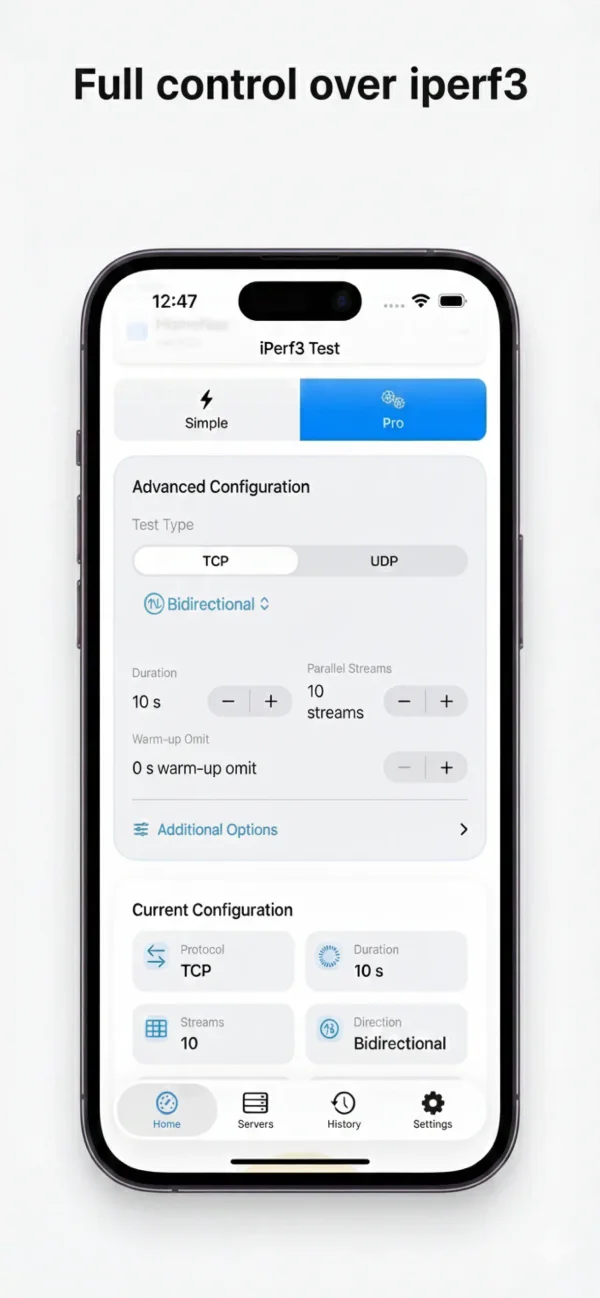
- TCP/UDP tests, including bidirectional and reverse
- Advanced controls: duration, parallel streams, bandwidth caps, window size, MTU
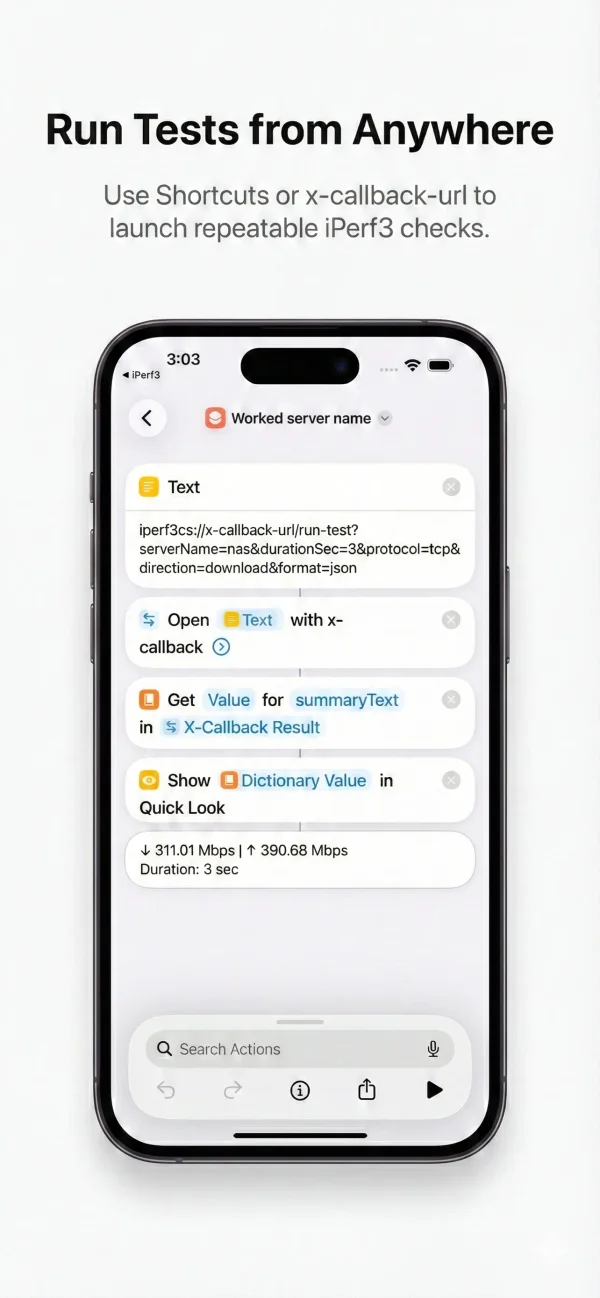
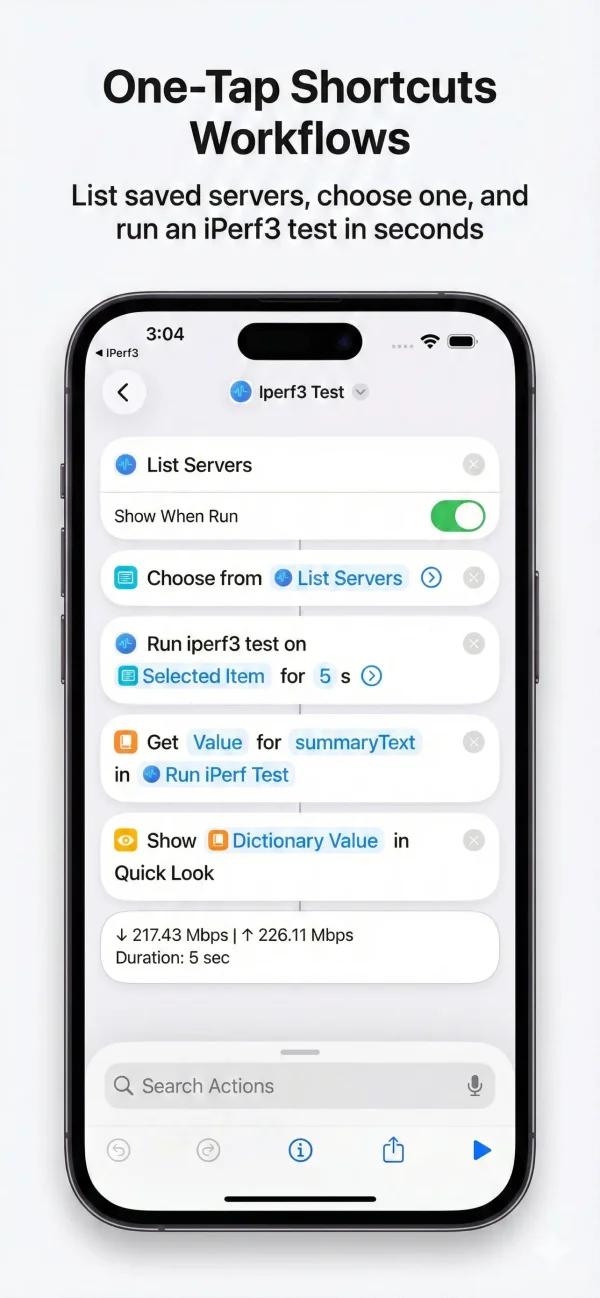
- Shortcuts automation + x-callback-url for power users
- Saved server profiles and favorites
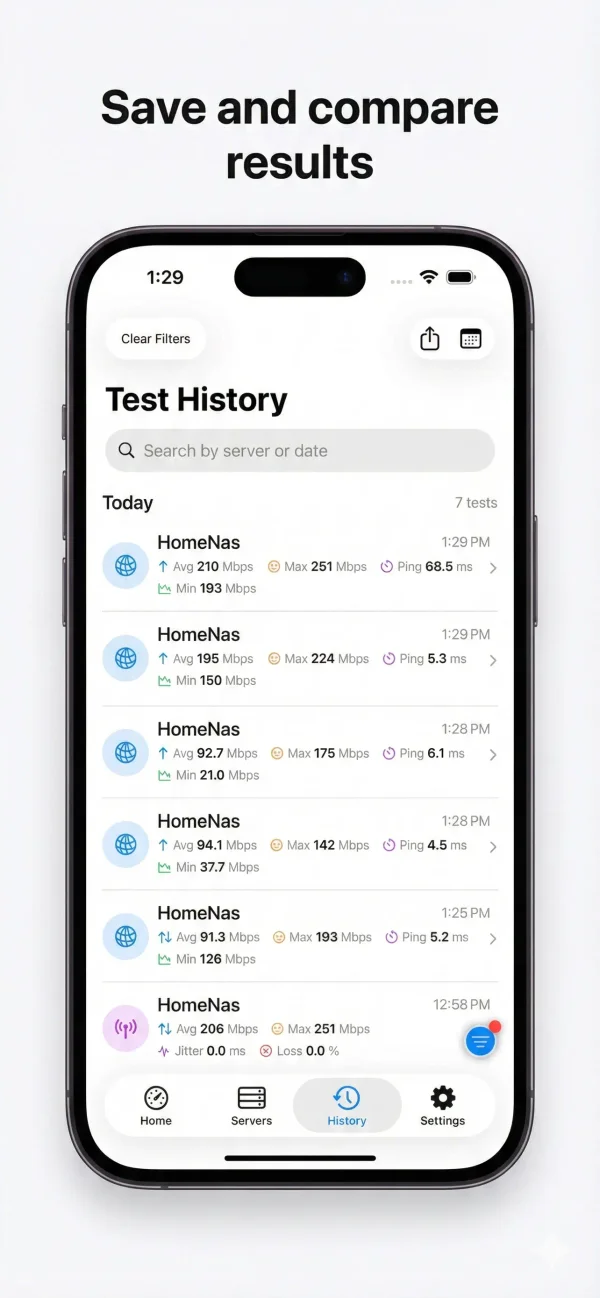
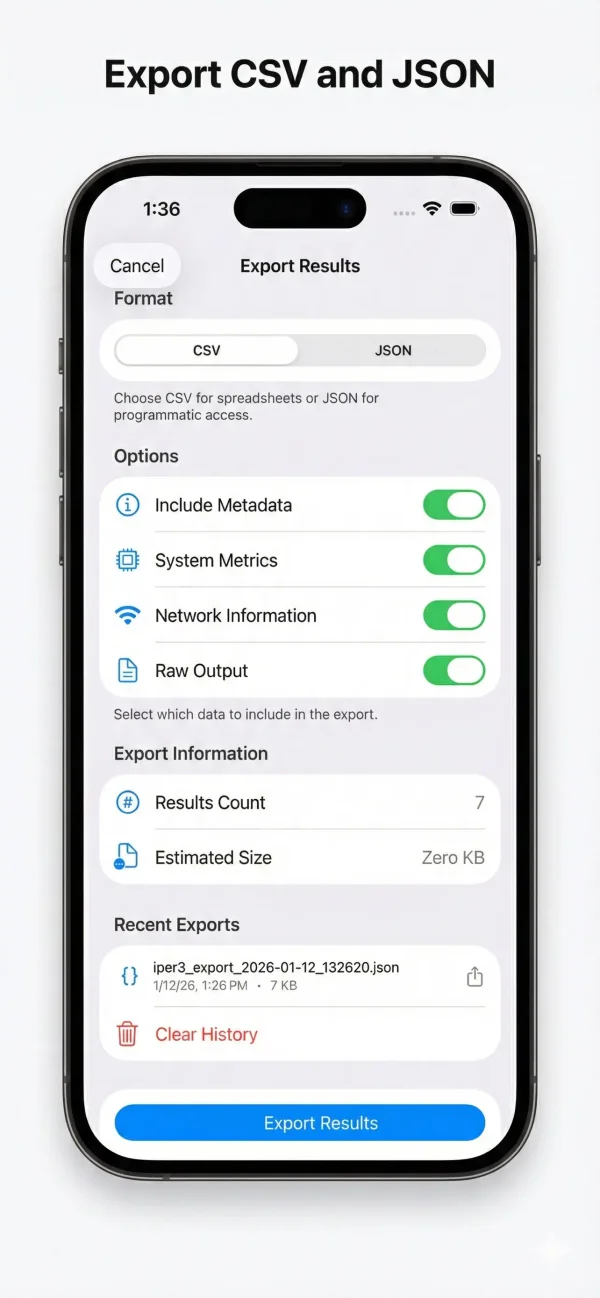
- History with charts and CSV/JSON export
- Detailed metrics: throughput, latency, jitter, packet loss
Automate repeatable workflows with Apple Shortcuts or x-callback-url (run tests, fetch results, and chain actions).
Built for network engineers, sysadmins, and power users who need accurate, repeatable results.
Yenilikler
Sürüm 2.3.2 · 17.11.2026
• Fixed: with an Ethernet cable straight to the server, the app treats 169.254.x.x addresses as your local network and asks for Local Network access when it needs it
• If your device has no route to the server, you see "No Network Route" and a hint to check the IP address and subnet mask
• Server Mode shows your 169.254.x.x address when you have no other
• On iPhone, "Send feedback to developer" in Settings opens a form in the app again
• Fixed on Mac: if the app can't reach a server, open that server from the error card and fix its address. The error clears once you save
• Fixed on Mac: Home shows your latest results right after a test
Uygulama gizliliği
Bu uygulamanın verileri nasıl işlediği hakkında Vladimir Chemeris tarafından App Store üzerinde yapılan beyan.
-
Veri toplanmıyor
Geliştirici bu uygulamadan hiçbir veri toplamıyor.
Gizlilik uygulamaları, örneğin kullandığınız özelliklere veya yaşınıza göre değişiklik gösterebilir.
Bilgiler
- Satıcı
- Vladimir Chemeris
- Kategori
- Yardımcılar
- Sürüm
- 2.3.2
- Güncellendi
- 17.11.2026
- Yayın tarihi
- 03.12.2025
- Boyut
- 10,2 MB
- Gereksinim
- iOS 16.6 veya sonrası
- Yaş sınırı
- 4+
- Fiyat
- ₺199,99
- Diller
- İngilizce, Arapça, Hollandaca, Fransızca, Almanca, Macarca, İtalyanca, Japonca, Korece, Lehçe, Portekizce, Rusça + 4 dil daha
- Telif hakkı
- © 2026 Vladimir Chemeris
Bunları da beğenebilirsiniz
-
 TestIperf3Yardımcılar
-
 iPerfmaniPerf3 ile ağ testi
-
 WLAN Pros ToolboxYardımcılar
-
 WiFi Explorer PiYardımcılar
-
 UfunR-海外华人追剧听歌加速器VPNYardımcılar
-
 HE.NET Network ToolsYardımcılar
-
 FE File Explorer - SMB & FTPYardımcılar
-
 Network Analyzer Pro: IP ToolsYardımcılar
-
 NetBird P2P VPNYardımcılar
-
 Liquid ApolloYardımcılar