
iPerf3 Client & Server
Professional Network Testing
Designed for iPhone, iPad, Mac
$6.99
- Age rating4+
- CategoryUtilities
- DeveloperVladimir Chemeris
- LanguagesEnglish+ 15 more
- Size10.2 MB
Links to the official App Store page
Download.org hosts no file of iPerf3 Client & Server. The button opens its official App Store page, published by Vladimir Chemeris. Listing last checked on Nov 20, 2026.
Screenshots
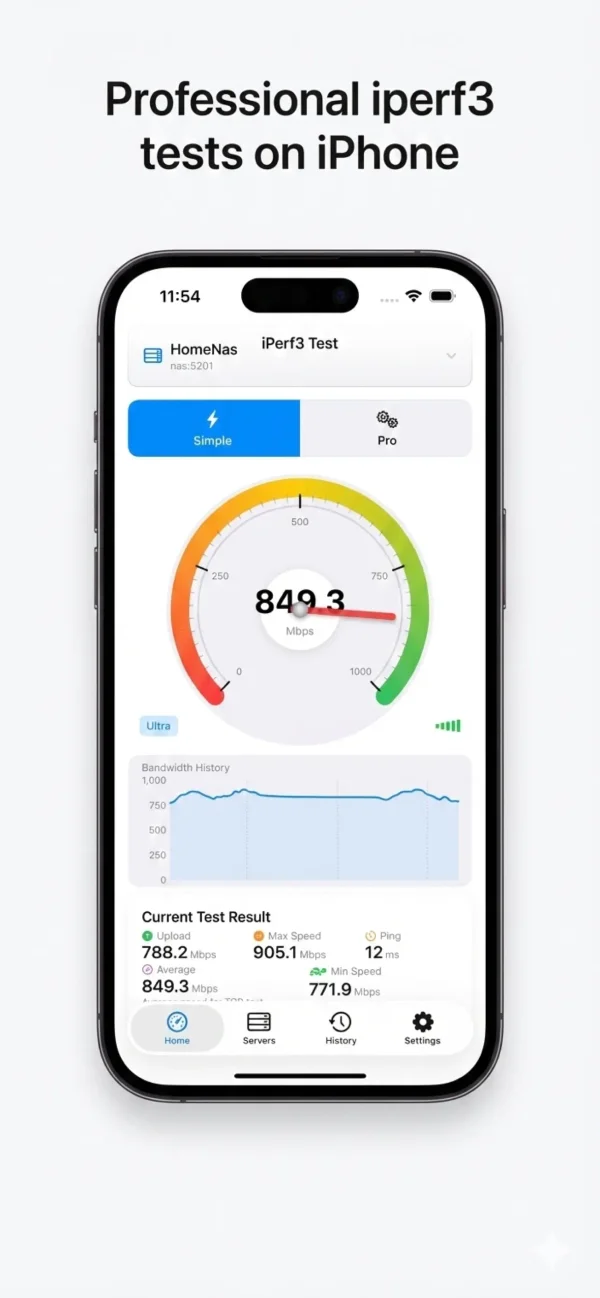
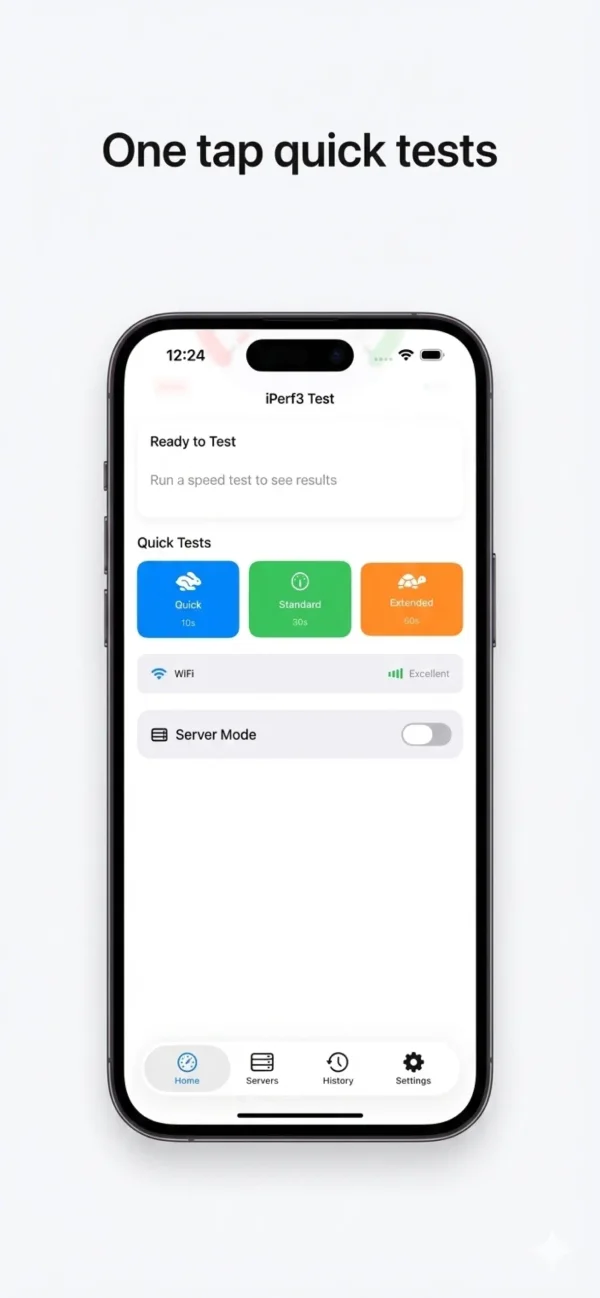
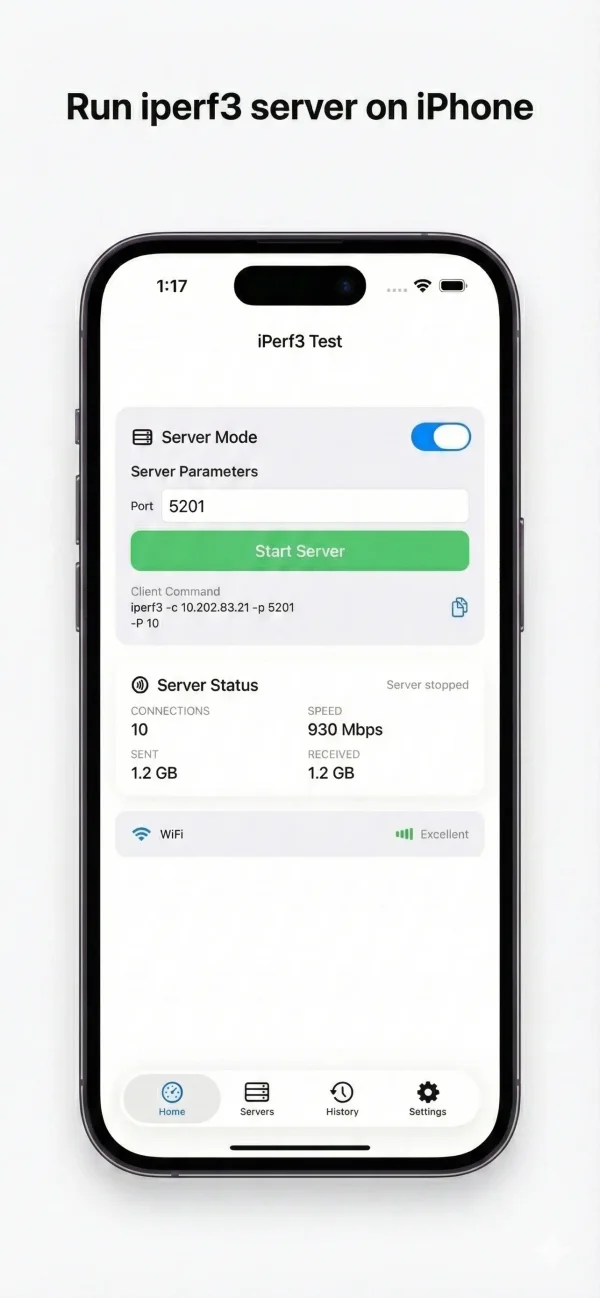
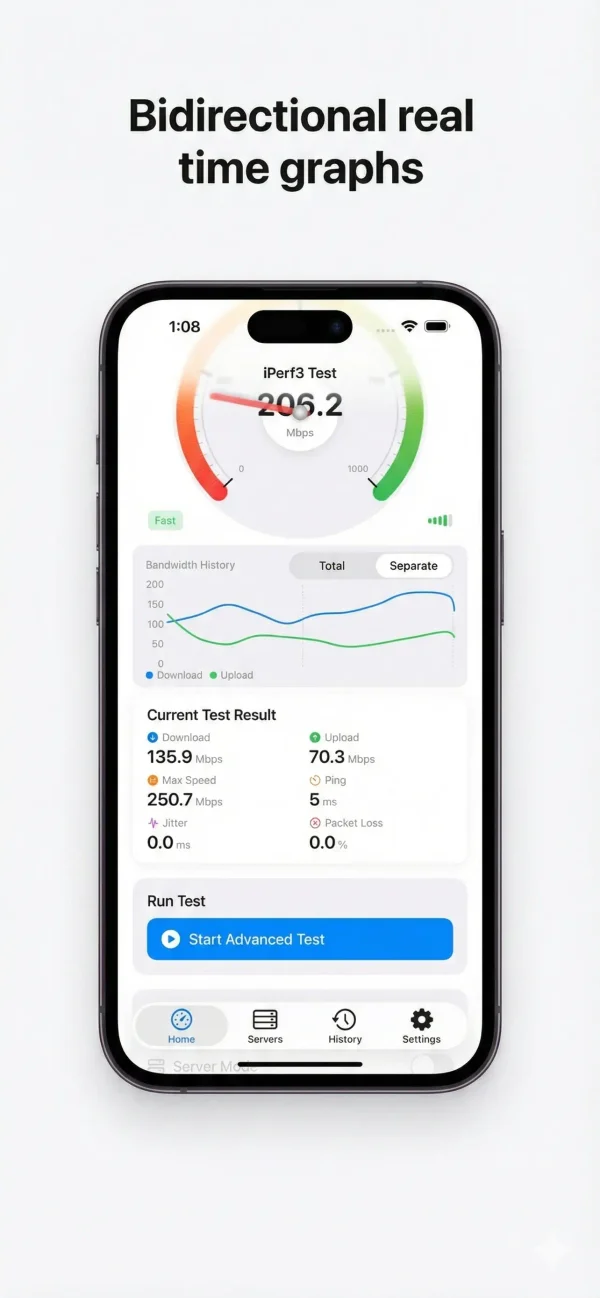
About
Requires access to an iPerf3 server (local, VPN, or remote). This is not a general Internet speed test.
iPerf3 Client & Server brings the standard iPerf3 tool to iPhone and iPad with a clean, native UI. One purchase also unlocks the Mac version.
Measure real throughput across Wi-Fi, cellular, VPN, or LAN. Compare routers and access points, validate ISP or VPN changes, and find bottlenecks.
Key features:
- Client and server modes
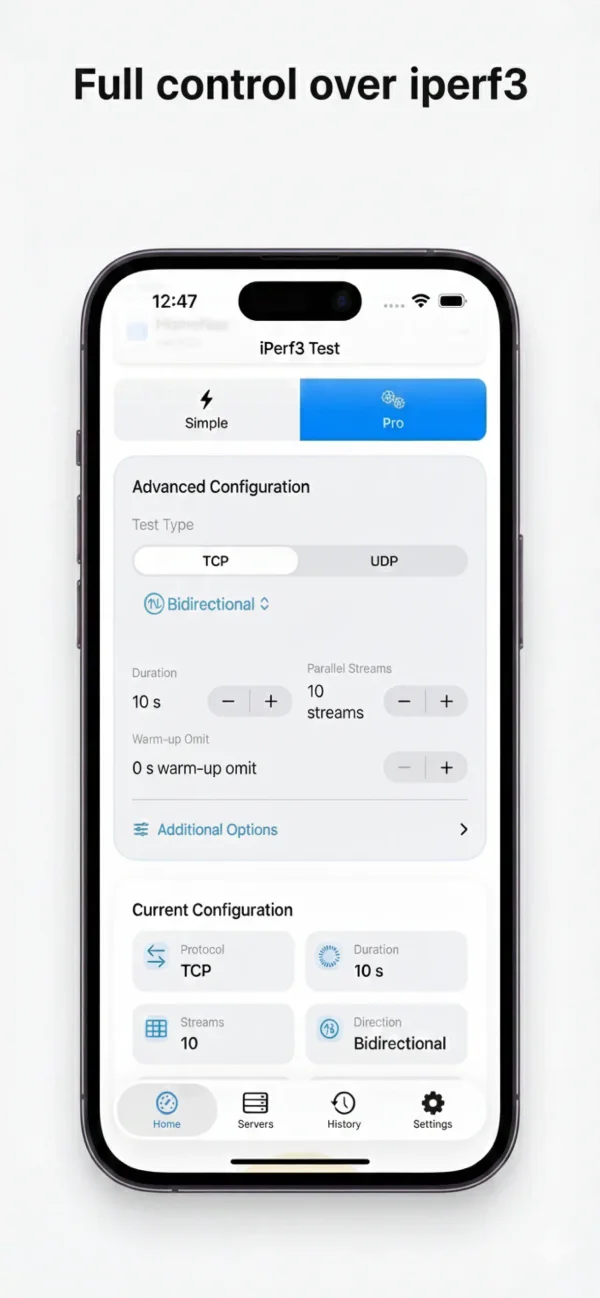
- TCP/UDP tests, including bidirectional and reverse
- Advanced controls: duration, parallel streams, bandwidth caps, window size, MTU
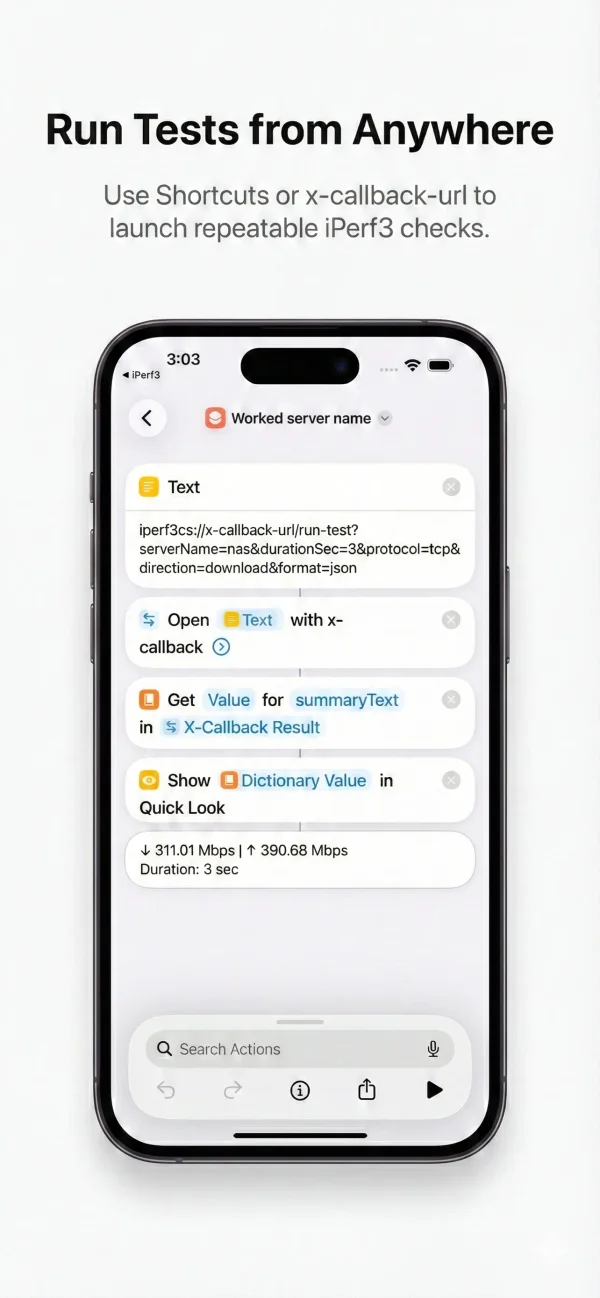
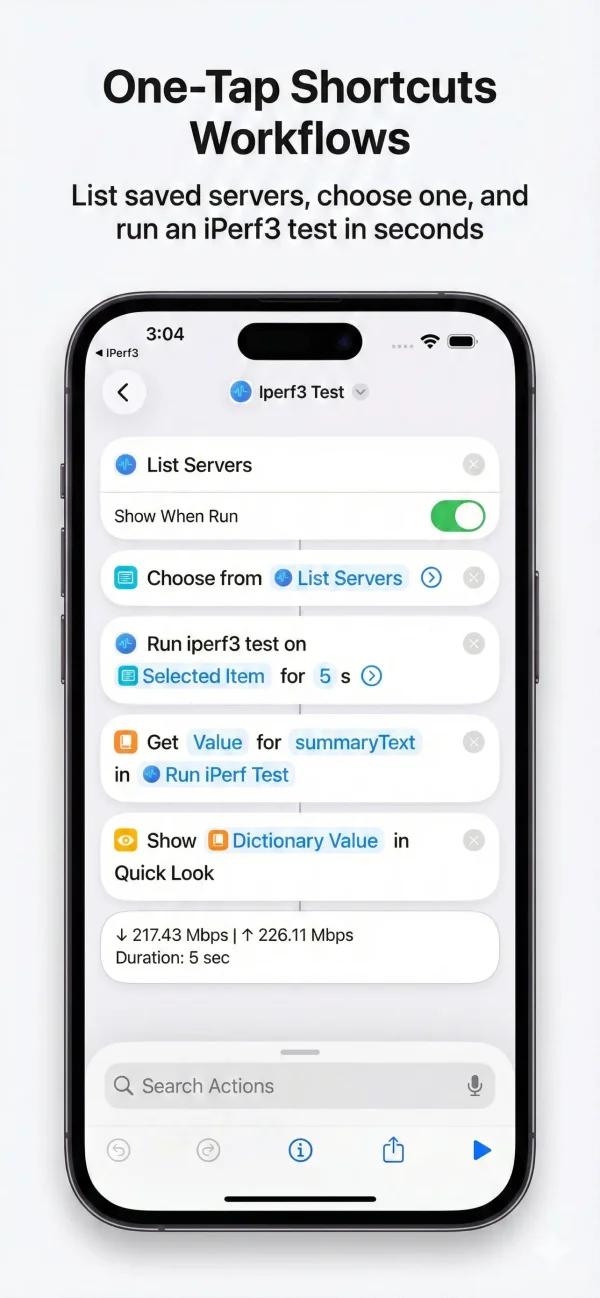
- Shortcuts automation + x-callback-url for power users
- Saved server profiles and favorites
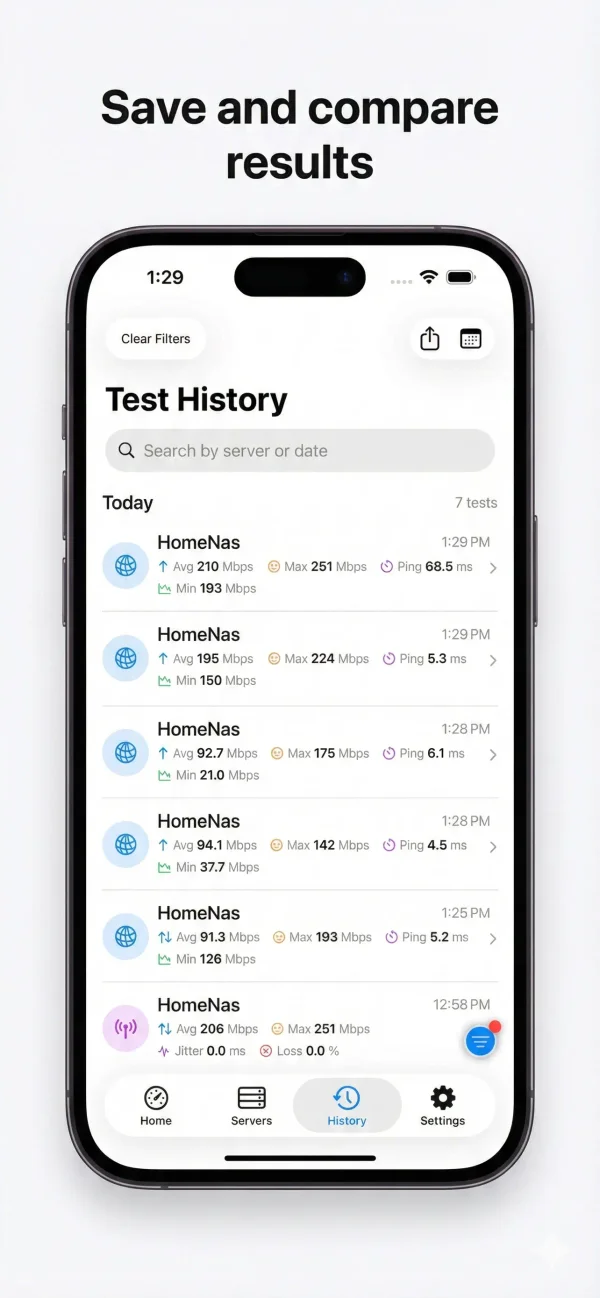
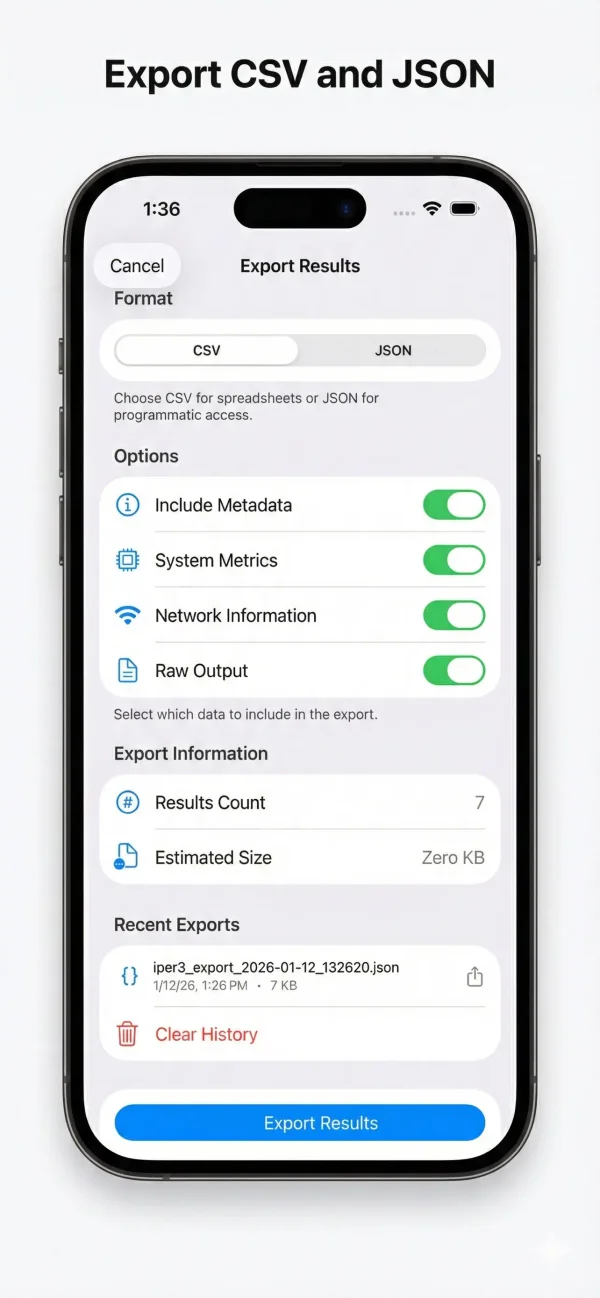
- History with charts and CSV/JSON export
- Detailed metrics: throughput, latency, jitter, packet loss
Automate repeatable workflows with Apple Shortcuts or x-callback-url (run tests, fetch results, and chain actions).
Built for network engineers, sysadmins, and power users who need accurate, repeatable results.
What’s new
Version 2.3.2 · Nov 17, 2026
• Fixed: with an Ethernet cable straight to the server, the app treats 169.254.x.x addresses as your local network and asks for Local Network access when it needs it
• If your device has no route to the server, you see "No Network Route" and a hint to check the IP address and subnet mask
• Server Mode shows your 169.254.x.x address when you have no other
• On iPhone, "Send feedback to developer" in Settings opens a form in the app again
• Fixed on Mac: if the app can't reach a server, open that server from the error card and fix its address. The error clears once you save
• Fixed on Mac: Home shows your latest results right after a test
App privacy
What Vladimir Chemeris declares on the App Store about how this app handles data.
-
Data not collected
The developer does not collect any data from this app.
Privacy practices may vary, for example with the features you use or your age.
Information
- Seller
- Vladimir Chemeris
- Category
- Utilities
- Version
- 2.3.2
- Updated
- Nov 17, 2026
- Released
- Dec 3, 2025
- Size
- 10.2 MB
- Requires
- iOS 16.6 or later
- Age rating
- 4+
- Price
- $6.99
- Languages
- English, Arabic, Dutch, French, German, Hungarian, Italian, Japanese, Korean, Polish, Portuguese, Russian + 4 more
- Copyright
- © 2026 Vladimir Chemeris
You might also like
-
 TestIperf3Utilities
-
 iPerfmanAn iPerf3 tool
-
 WLAN Pros Toolbox260+ Wi-Fi & network tools
-
 WiFi Explorer PiRemote Wi-Fi Scanner
-
 UfunR-海外华人追剧听歌加速器VPNUtilities
-
 HE.NET Network ToolsUtilities
-
 FE File Explorer - SMB & FTPAccess files on computer & NAS
-
 Network Analyzer Pro: IP ToolsWiFi scanner & internet speed
-
 NetBird P2P VPNZero configuration VPN
-
 Liquid ApolloFast, private, and reliable AI