- Batasan usia4+
- KategoriBisnis
- PengembangCCTech Limited
- Ukuran29,4 MB
Kantan App mungkin sedang tidak tersedia di App Store
Halaman di toko tidak dapat dijangkau saat terakhir kami periksa. Tautan tetap mengarah ke halaman resmi App Store.
Tangkapan layar

Tentang
Pengembang belum menyediakan teks ini dalam bahasa Anda.
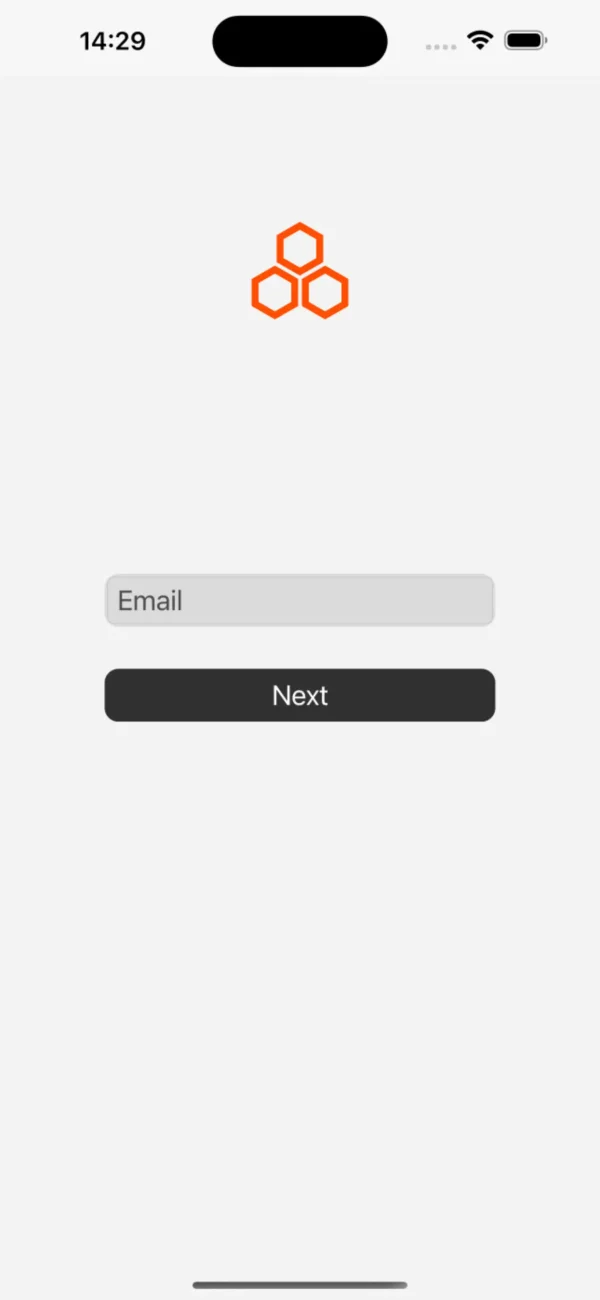
Kantan allows you to access, record attendance and track assets via scanning the Kantan QR code and clicking buttons on your phone.
How to use the app:
- Once the app is installed, enter your email address used to register into the Kantan business and click Next.
- Select your Kantan business from the list and click Next.
- If you wish to login using the device biometrics (Face ID/Touch ID) every time you use the app, check the allow biometrics checkbox.
- Enter your Kantan account password and click login.
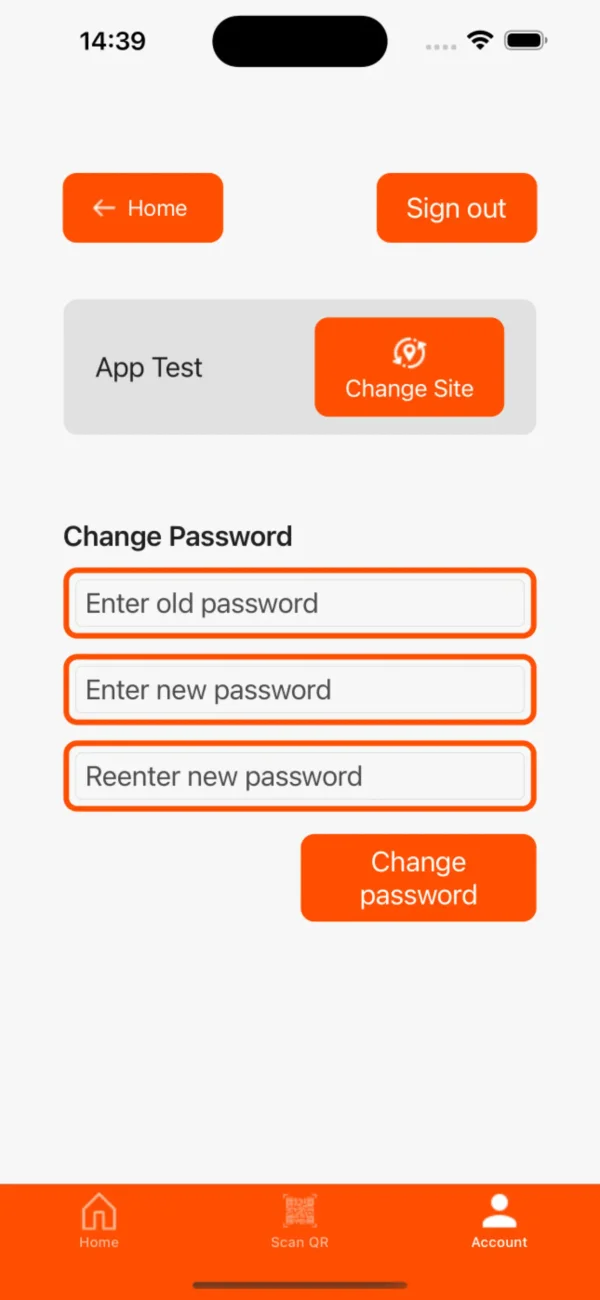
- Once logged in successfully, select your location (you can always change the location in the Account tab later on).
- If the location has any buttons set up, they will appear in the home page.
- To scan a QR code, just go to the Scan QR tab and scan the QR code.
- Remember to give the app permission to use the camera when using QR and to use geolocation.
Yang baru
Versi 2.0.22 · 21/1/2026
Minor bugs fixes
Privasi aplikasi
Yang dinyatakan CCTech Limited di App Store tentang cara aplikasi ini menangani data.
-
Data yang tidak ditautkan dengan Anda
Dapat dikumpulkan, tetapi tidak ditautkan dengan identitas Anda.
- Lokasi
- Pengenal
- Diagnostik
Praktik privasi dapat bervariasi, misalnya berdasarkan fitur yang Anda gunakan atau usia Anda.
Informasi
- Penjual
- CCTech Limited
- Kategori
- Bisnis
- Versi
- 2.0.22
- Diperbarui
- 21/1/2026
- Dirilis
- 25/6/2024
- Ukuran
- 29,4 MB
- Memerlukan
- iOS 11.0 atau yang lebih baru
- Batasan usia
- 4+
- Hak cipta
- © PATech Limited 2024