- Age rating4+
- CategoryBusiness
- DeveloperCCTech Limited
- Size29.4 MB
Links to the official App Store page
Download.org hosts no file of Kantan App. The button opens its official App Store page, published by CCTech Limited. Listing last checked on Nov 12, 2026.
Screenshots
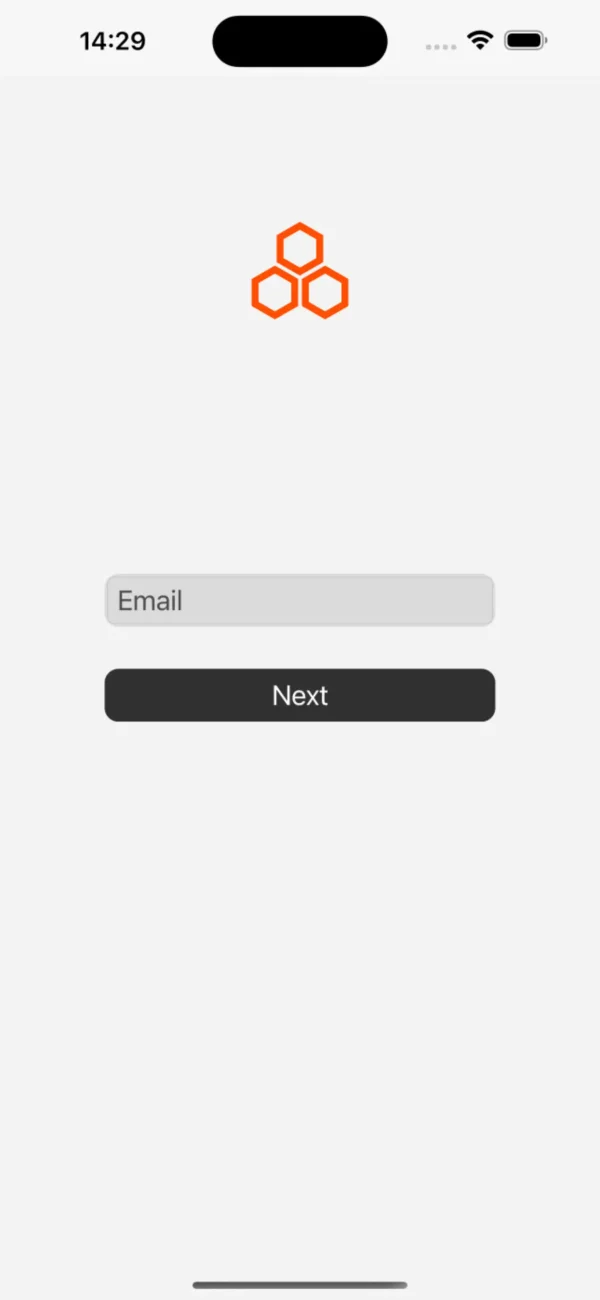

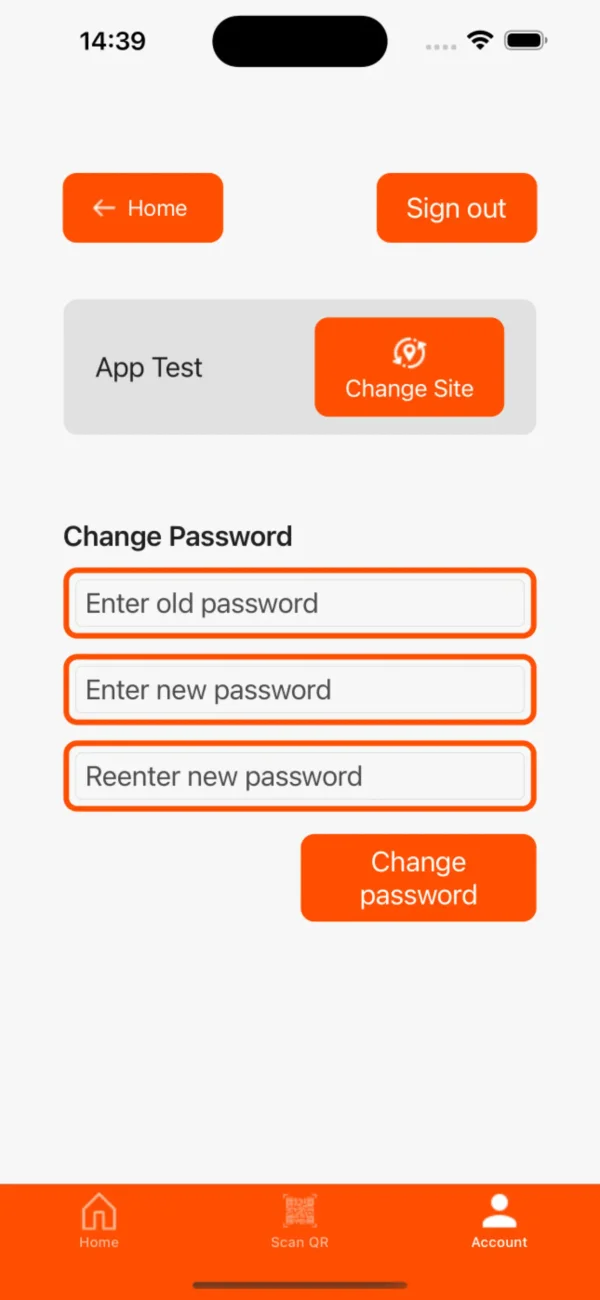
About
Kantan allows you to access, record attendance and track assets via scanning the Kantan QR code and clicking buttons on your phone.
How to use the app:
- Once the app is installed, enter your email address used to register into the Kantan business and click Next.
- Select your Kantan business from the list and click Next.
- If you wish to login using the device biometrics (Face ID/Touch ID) every time you use the app, check the allow biometrics checkbox.
- Enter your Kantan account password and click login.
- Once logged in successfully, select your location (you can always change the location in the Account tab later on).
- If the location has any buttons set up, they will appear in the home page.
- To scan a QR code, just go to the Scan QR tab and scan the QR code.
- Remember to give the app permission to use the camera when using QR and to use geolocation.
What’s new
Version 2.0.22 · Jan 21, 2026
Minor bugs fixes
App privacy
What CCTech Limited declares on the App Store about how this app handles data.
-
Data not linked to you
May be collected but is not linked to your identity.
- Location
- Identifiers
- Diagnostics
Privacy practices may vary, for example with the features you use or your age.
Information
- Seller
- CCTech Limited
- Category
- Business
- Version
- 2.0.22
- Updated
- Jan 21, 2026
- Released
- Jun 25, 2024
- Size
- 29.4 MB
- Requires
- iOS 11.0 or later
- Age rating
- 4+
- Copyright
- © PATech Limited 2024