- 対象年齢4+
- カテゴリビジネス
- 開発元CCTech Limited
- サイズ29.4 MB
Kantan Appは現在App Storeで入手できない可能性があります
前回の確認時、ストアのページにアクセスできませんでした。リンク先は引き続きApp Storeの公式ページです。
スクリーンショット

概要
開発元はこのテキストをお使いの言語で提供していません。
Kantan allows you to access, record attendance and track assets via scanning the Kantan QR code and clicking buttons on your phone.
How to use the app:
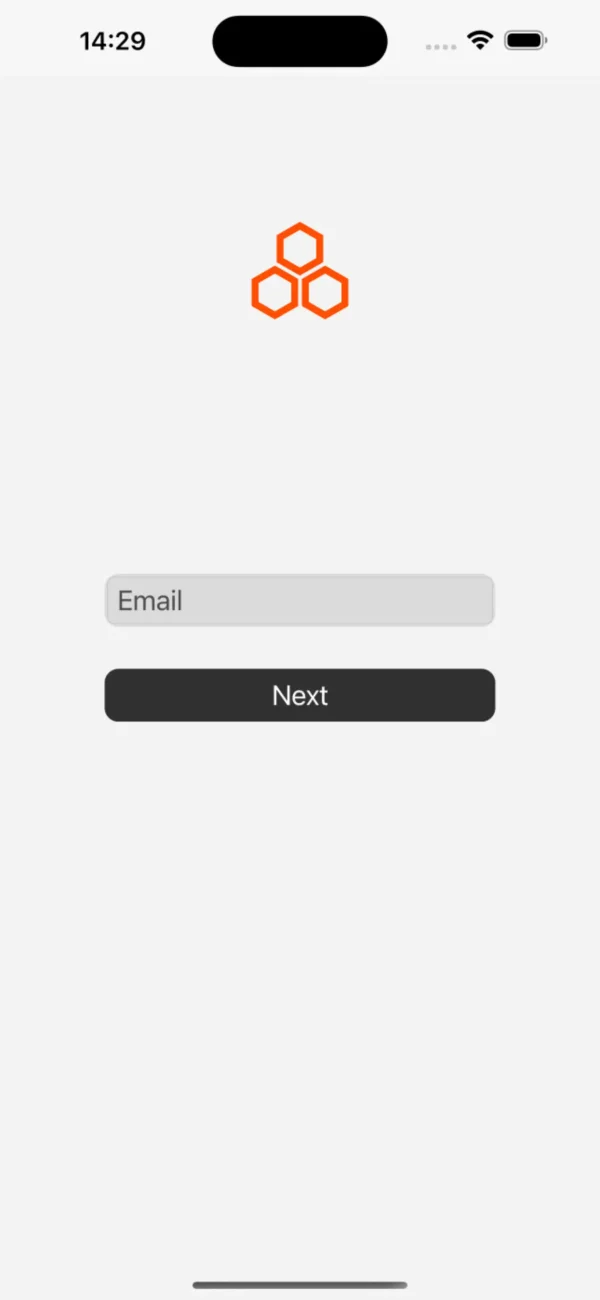
- Once the app is installed, enter your email address used to register into the Kantan business and click Next.
- Select your Kantan business from the list and click Next.
- If you wish to login using the device biometrics (Face ID/Touch ID) every time you use the app, check the allow biometrics checkbox.
- Enter your Kantan account password and click login.
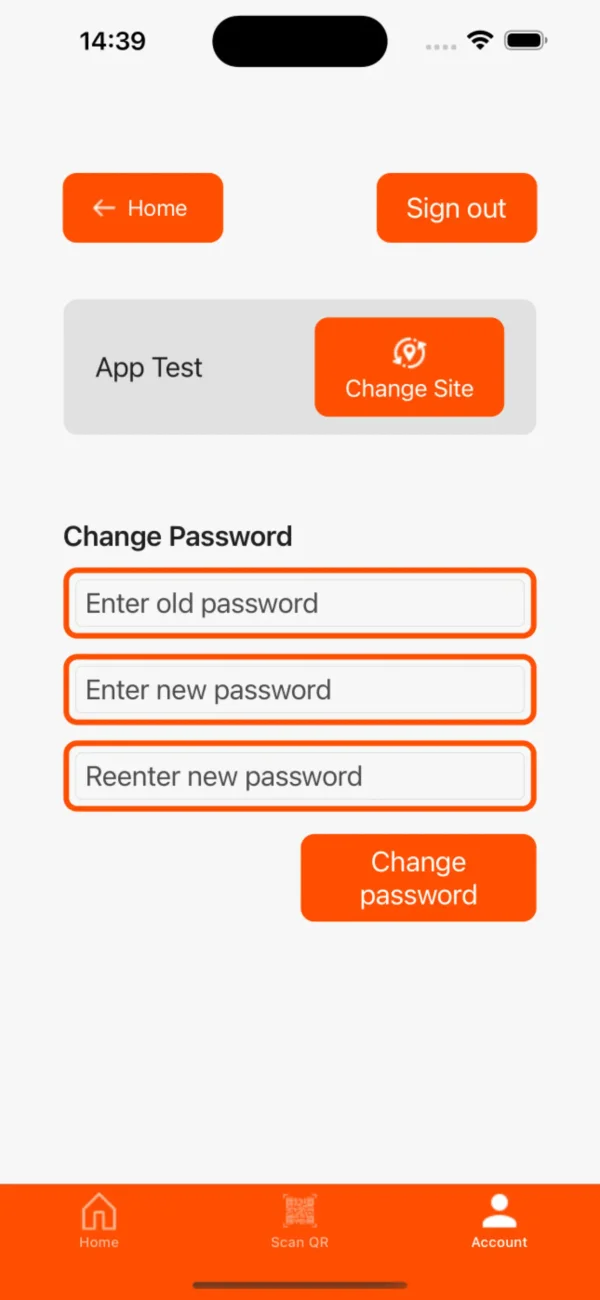
- Once logged in successfully, select your location (you can always change the location in the Account tab later on).
- If the location has any buttons set up, they will appear in the home page.
- To scan a QR code, just go to the Scan QR tab and scan the QR code.
- Remember to give the app permission to use the camera when using QR and to use geolocation.
新機能
バージョン 2.0.22 · 2026/1/21
Minor bugs fixes
アプリのプライバシー
このアプリのデータの取り扱いについて、CCTech LimitedがApp Storeで申告している内容です。
-
ユーザーに関連付けられないデータ
収集される場合がありますが、ユーザーの識別情報には関連付けられません。
- 位置情報
- ID
- 診断
プライバシーの取り扱いは、ご利用の機能やお客様の年齢などに応じて異なる場合があります。
情報
- 販売元
- CCTech Limited
- カテゴリ
- ビジネス
- バージョン
- 2.0.22
- 更新日
- 2026/1/21
- リリース
- 2024/6/25
- サイズ
- 29.4 MB
- 必要条件
- iOS 11.0以降
- 対象年齢
- 4+
- 著作権
- © PATech Limited 2024