
- Batasan usia4+
- KategoriKegunaan
- PengembangDavid Finni
- Ukuran23,3 MB
Tertaut ke halaman resmi App Store
Download.org tidak menyimpan file MAKCU apa pun. Tombol ini membuka halaman aplikasi di App Store, tempat David Finni menerbitkannya. Halaman terakhir diperiksa pada 23/11/2026.
Tangkapan layar



Tentang
Pengembang belum menyediakan teks ini dalam bahasa Anda.
MAKCU is the companion app for the MAKCU USB input adapter. Plug your wired controller or mouse into MAKCU, connect the app over Bluetooth, and set everything up from your phone. Your settings are saved on the adapter, so they keep working with the app closed.
CONTROLLER
• Buttons: tap a button on the controller picture, or press it on your controller, and choose what it does: remap it to another button, turbo, toggle, turn it off, or play a macro.
• Macros: record a combo straight from your controller, or draw it on a timeline. Drag blocks to adjust timing, then play it back on MAKCU.
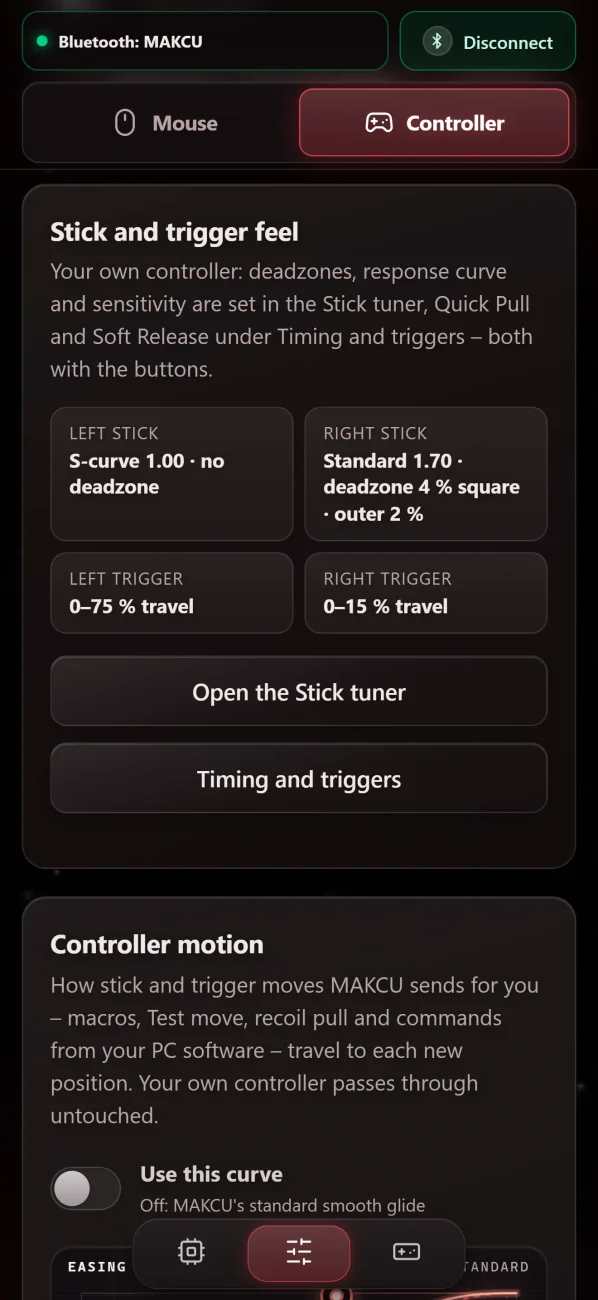
• Stick and trigger tuning: deadzones, anti-deadzone, response curves (Standard, S-curve, Smooth or your own drag-edited curve), sensitivity, invert and trigger travel, with one-tap presets.
• Deadzone calibration: measures your controller's drift and travel, then suggests deadzones.
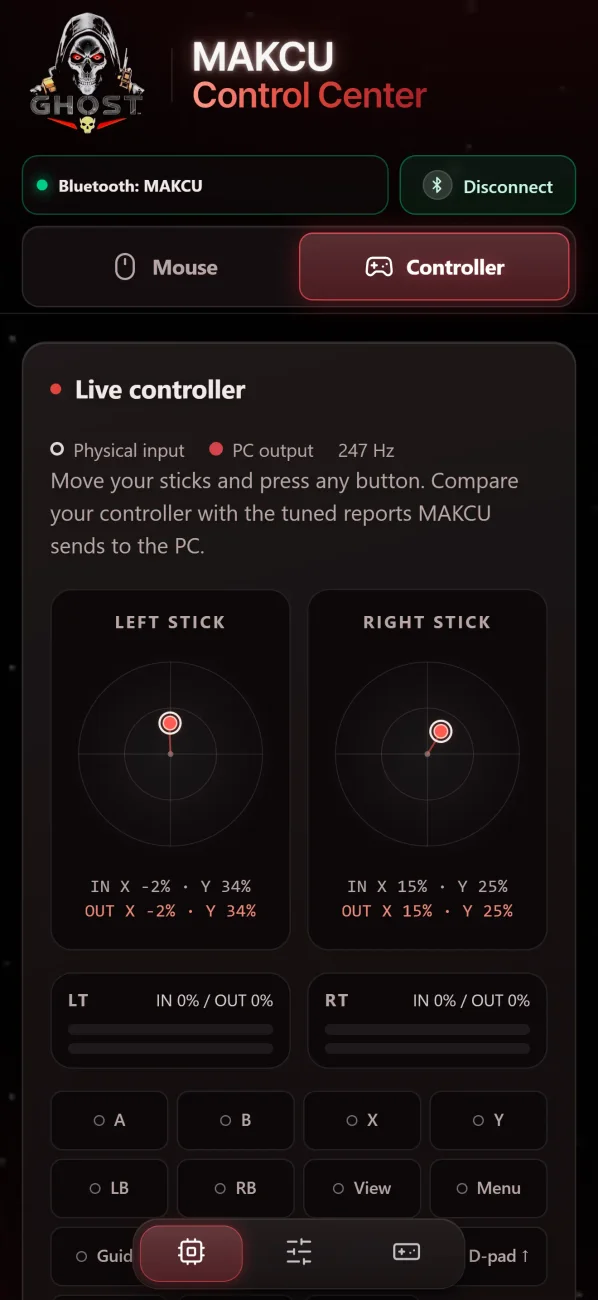
• Live controller view: see your physical input next to the tuned output side by side.
• Recoil workshop and rapid-fire settings for your controller setups, plus import of configs copied from other adapters.
MOUSE
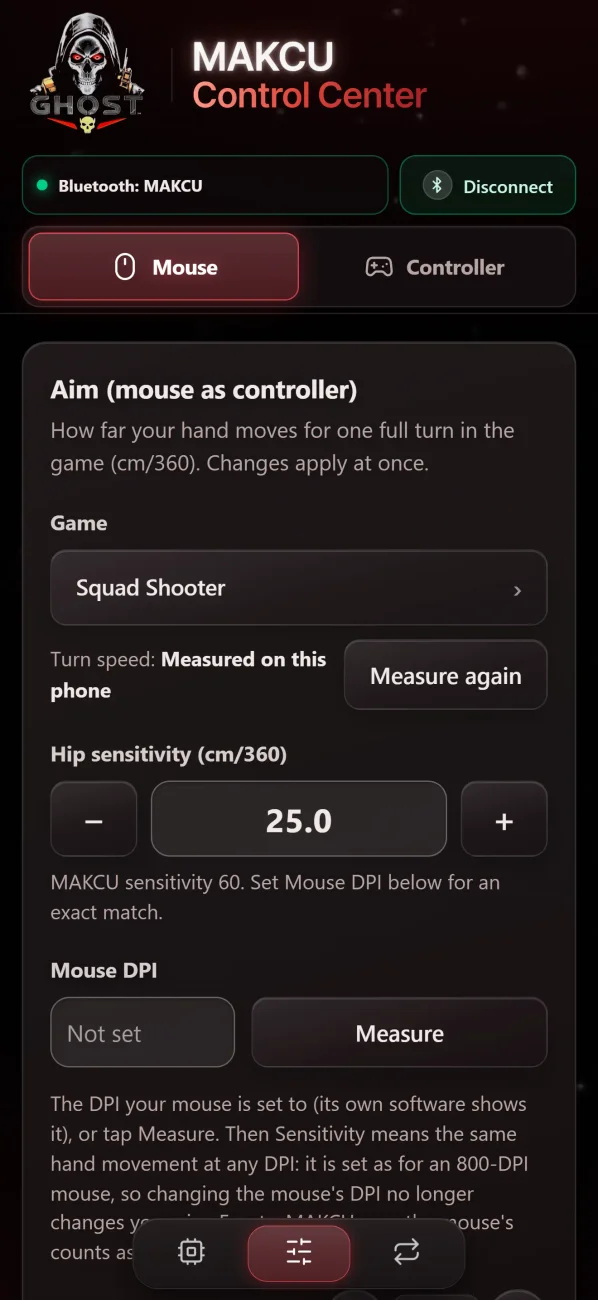
• Live signal view of the attached mouse: movement, buttons and scrolling.
• Smoothness and curved-path settings for movement MAKCU sends, with test moves.
• Mouse macros: build sequences of moves, clicks, scrolls and waits.
DEVICE
• Firmware updates of the MAKCU over Bluetooth (the Left unit; the Right unit updates over USB), with automatic fallback to the previous firmware.
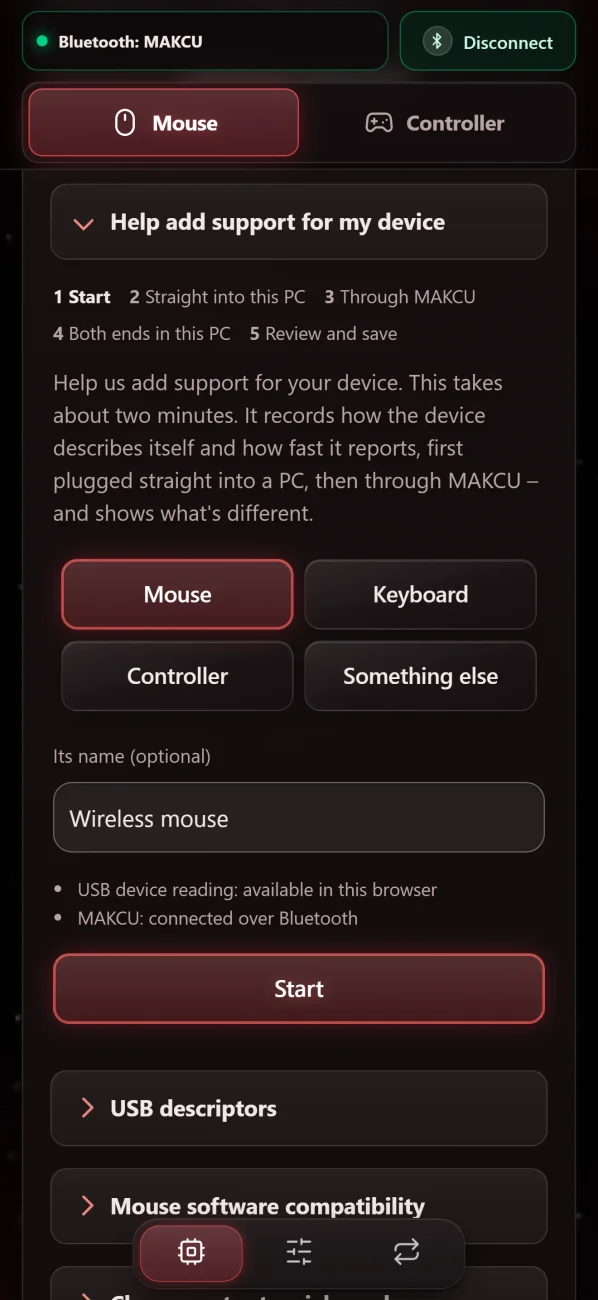
• Connected-device details, a privacy-safe diagnostics export, and an optional guided test to send a device report to MAKCU support.
• Profiles saved per controller model, export and import, and share a setup as a code.
NO MAKCU YET?
Tap "Try without a MAKCU (demo)" on the Device tab to explore every screen with a simulated MAKCU.
PRIVACY
No account, no ads, no tracking. Your settings stay on your phone and your MAKCU.
Requires a MAKCU adapter for use with real devices.
Yang baru
Versi 1.3 · 17/11/2026
Small fixes and improvements.
Privasi aplikasi
Yang dinyatakan David Finni di App Store tentang cara aplikasi ini menangani data.
-
Data yang ditautkan dengan Anda
Dapat dikumpulkan dan ditautkan dengan identitas Anda.
- Info kontak
- Konten pengguna
- Pengenal
- Diagnostik
Praktik privasi dapat bervariasi, misalnya berdasarkan fitur yang Anda gunakan atau usia Anda.
Informasi
- Penjual
- David Finni
- Kategori
- Kegunaan
- Versi
- 1.3
- Diperbarui
- 17/11/2026
- Dirilis
- 27/10/2026
- Ukuran
- 23,3 MB
- Memerlukan
- iOS 16.0 atau yang lebih baru
- Batasan usia
- 4+
- Harga
- Gratis
- Hak cipta
- © 2026 GhostDMA
Mungkin Anda juga suka
-
 MilliLogKegunaan
-
 BrookSniper2Kegunaan
-
 Brook Controller CenterKegunaan
-
 EasyFun: Gaming CompanionInfo game, kode & alat bantu
-
 How Much Is It Worth ValueSnapKegunaan
-
 Mega ModzKegunaan
-
 Gringo XP Freestyle Panel FFKegunaan
-
 Cosmox EngineKegunaan
-
 GuliKitKegunaan
-
 Headshot: Bunny EsportsPelatih Aim, HUD & Sensi