
- Age rating4+
- CategoryUtilities
- DeveloperDavid Finni
- Size23.3 MB
Links to the official App Store page
Download.org hosts no file of MAKCU. The button opens its official App Store page, published by David Finni. Listing last checked on Nov 23, 2026.
Screenshots


About
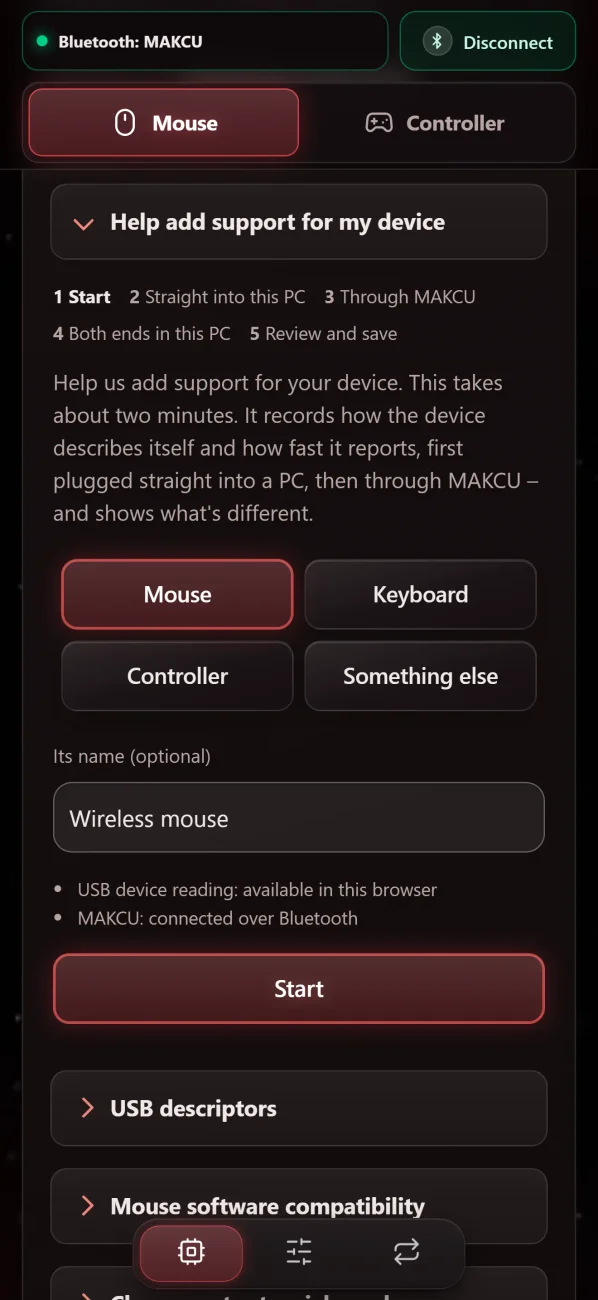
MAKCU is the companion app for the MAKCU USB input adapter. Plug your wired controller or mouse into MAKCU, connect the app over Bluetooth, and set everything up from your phone. Your settings are saved on the adapter, so they keep working with the app closed.
CONTROLLER
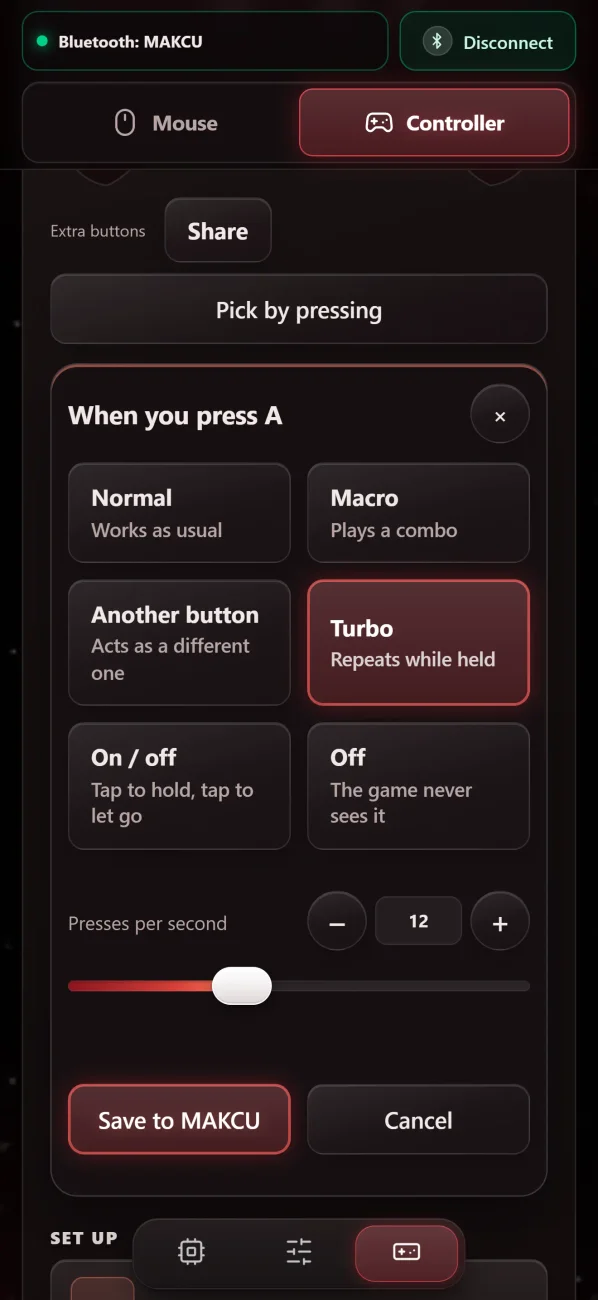
• Buttons: tap a button on the controller picture, or press it on your controller, and choose what it does: remap it to another button, turbo, toggle, turn it off, or play a macro.
• Macros: record a combo straight from your controller, or draw it on a timeline. Drag blocks to adjust timing, then play it back on MAKCU.
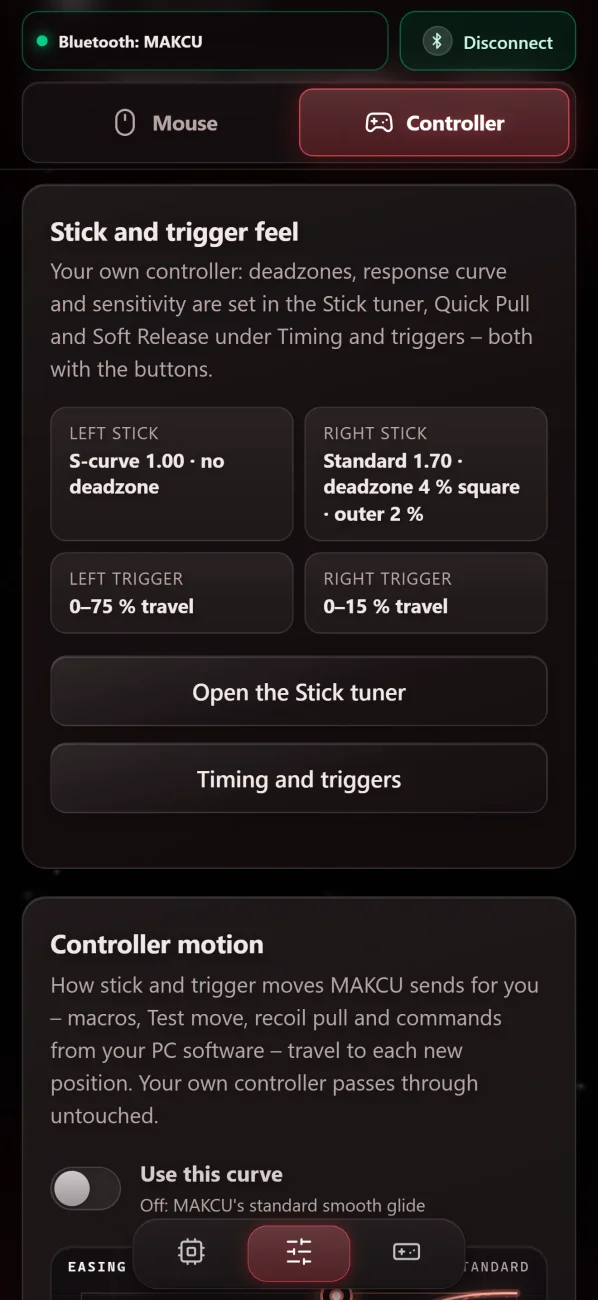
• Stick and trigger tuning: deadzones, anti-deadzone, response curves (Standard, S-curve, Smooth or your own drag-edited curve), sensitivity, invert and trigger travel, with one-tap presets.
• Deadzone calibration: measures your controller's drift and travel, then suggests deadzones.
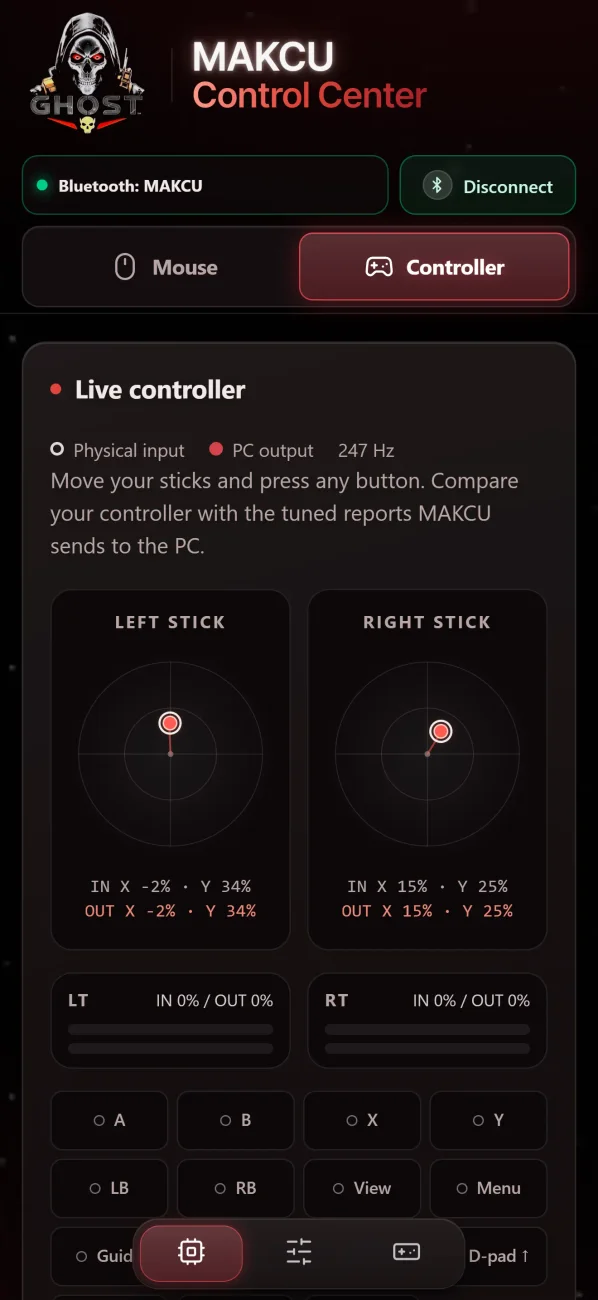
• Live controller view: see your physical input next to the tuned output side by side.
• Recoil workshop and rapid-fire settings for your controller setups, plus import of configs copied from other adapters.
MOUSE
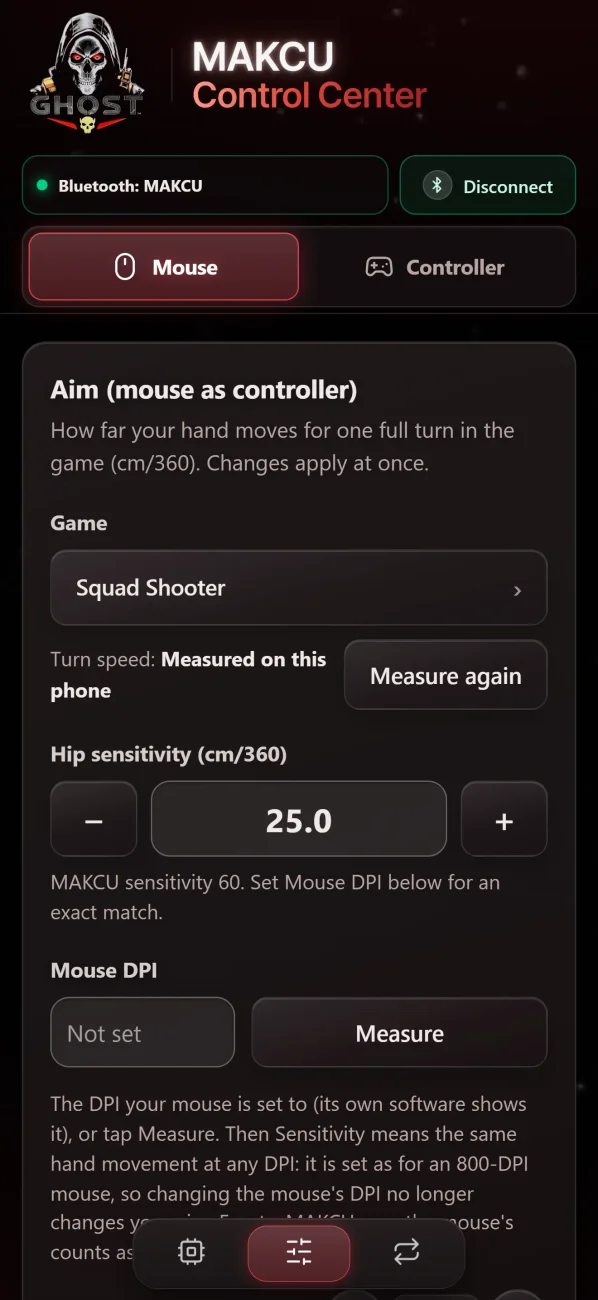
• Live signal view of the attached mouse: movement, buttons and scrolling.
• Smoothness and curved-path settings for movement MAKCU sends, with test moves.
• Mouse macros: build sequences of moves, clicks, scrolls and waits.
DEVICE
• Firmware updates of the MAKCU over Bluetooth (the Left unit; the Right unit updates over USB), with automatic fallback to the previous firmware.
• Connected-device details, a privacy-safe diagnostics export, and an optional guided test to send a device report to MAKCU support.
• Profiles saved per controller model, export and import, and share a setup as a code.
NO MAKCU YET?
Tap "Try without a MAKCU (demo)" on the Device tab to explore every screen with a simulated MAKCU.
PRIVACY
No account, no ads, no tracking. Your settings stay on your phone and your MAKCU.
Requires a MAKCU adapter for use with real devices.
What’s new
Version 1.3 · Nov 17, 2026
Small fixes and improvements.
App privacy
What David Finni declares on the App Store about how this app handles data.
-
Data linked to you
May be collected and linked to your identity.
- Contact info
- User content
- Identifiers
- Diagnostics
Privacy practices may vary, for example with the features you use or your age.
Information
- Seller
- David Finni
- Category
- Utilities
- Version
- 1.3
- Updated
- Nov 17, 2026
- Released
- Oct 27, 2026
- Size
- 23.3 MB
- Requires
- iOS 16.0 or later
- Age rating
- 4+
- Price
- Free
- Copyright
- © 2026 GhostDMA
You might also like
-
 MilliLogController & Vibration Tests
-
 BrookSniper2Utilities
-
 Brook Controller CenterUtilities
-
 EasyFun: Gaming CompanionGame intel, codes & tools
-
 How Much Is It Worth ValueSnapResale Value & Price Scanner
-
 Mega ModzControl Mega Modz Controllers.
-
 Gringo XP Freestyle Panel FFCrosshair & FPS Trainer
-
 Cosmox EngineX-engine
-
 GuliKitGuliKit is a controller tool.
-
 FF Headshot: Bunny EsportsAim, Drag & Sensitivity