
- Độ tuổi4+
- Danh mụcTiện Ích
- Nhà phát triểnDavid Finni
- Kích thước23,3 MB
Liên kết đến trang App Store chính thức
Download.org không lưu trữ tệp nào của MAKCU. Nút này mở trang ứng dụng trên App Store, nơi David Finni phát hành ứng dụng. Trang được kiểm tra lần cuối: 23/11/2026.
Ảnh chụp màn hình



Giới thiệu
Nhà phát triển chưa cung cấp nội dung này bằng ngôn ngữ của bạn.
MAKCU is the companion app for the MAKCU USB input adapter. Plug your wired controller or mouse into MAKCU, connect the app over Bluetooth, and set everything up from your phone. Your settings are saved on the adapter, so they keep working with the app closed.
CONTROLLER
• Buttons: tap a button on the controller picture, or press it on your controller, and choose what it does: remap it to another button, turbo, toggle, turn it off, or play a macro.
• Macros: record a combo straight from your controller, or draw it on a timeline. Drag blocks to adjust timing, then play it back on MAKCU.
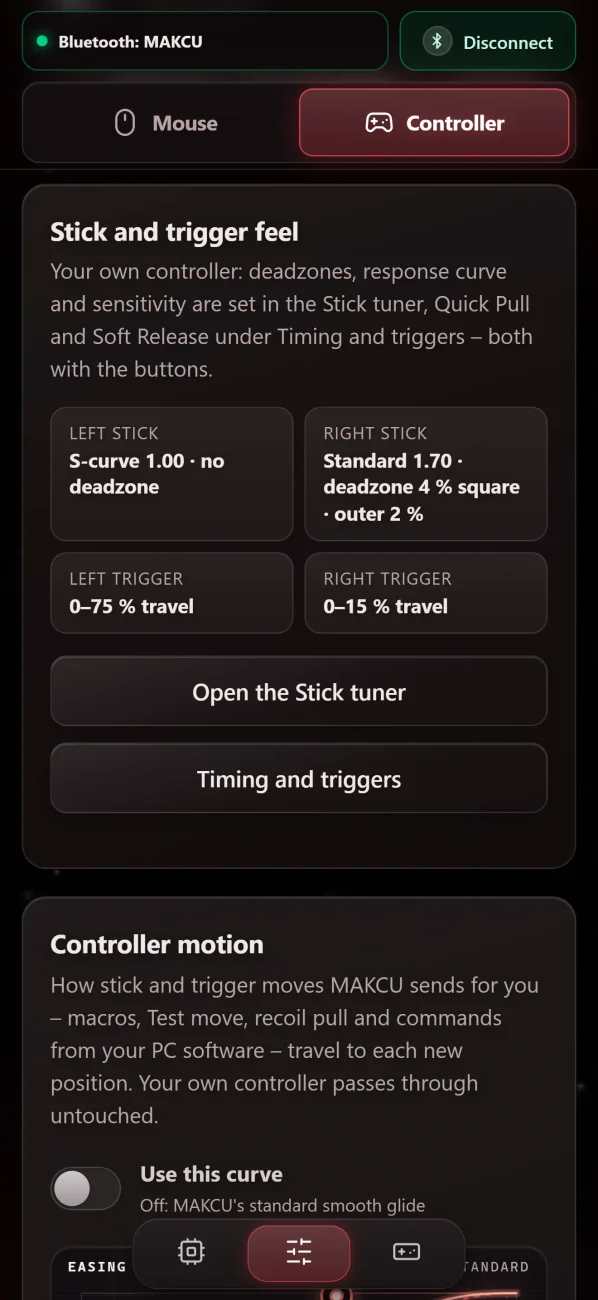
• Stick and trigger tuning: deadzones, anti-deadzone, response curves (Standard, S-curve, Smooth or your own drag-edited curve), sensitivity, invert and trigger travel, with one-tap presets.
• Deadzone calibration: measures your controller's drift and travel, then suggests deadzones.
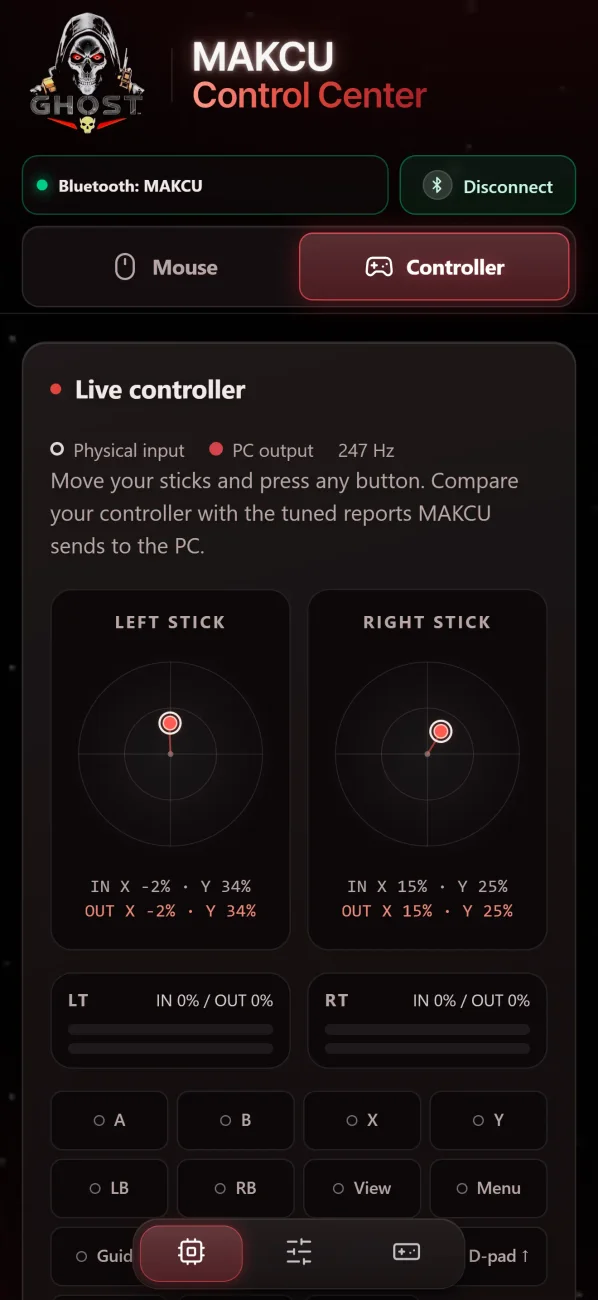
• Live controller view: see your physical input next to the tuned output side by side.
• Recoil workshop and rapid-fire settings for your controller setups, plus import of configs copied from other adapters.
MOUSE
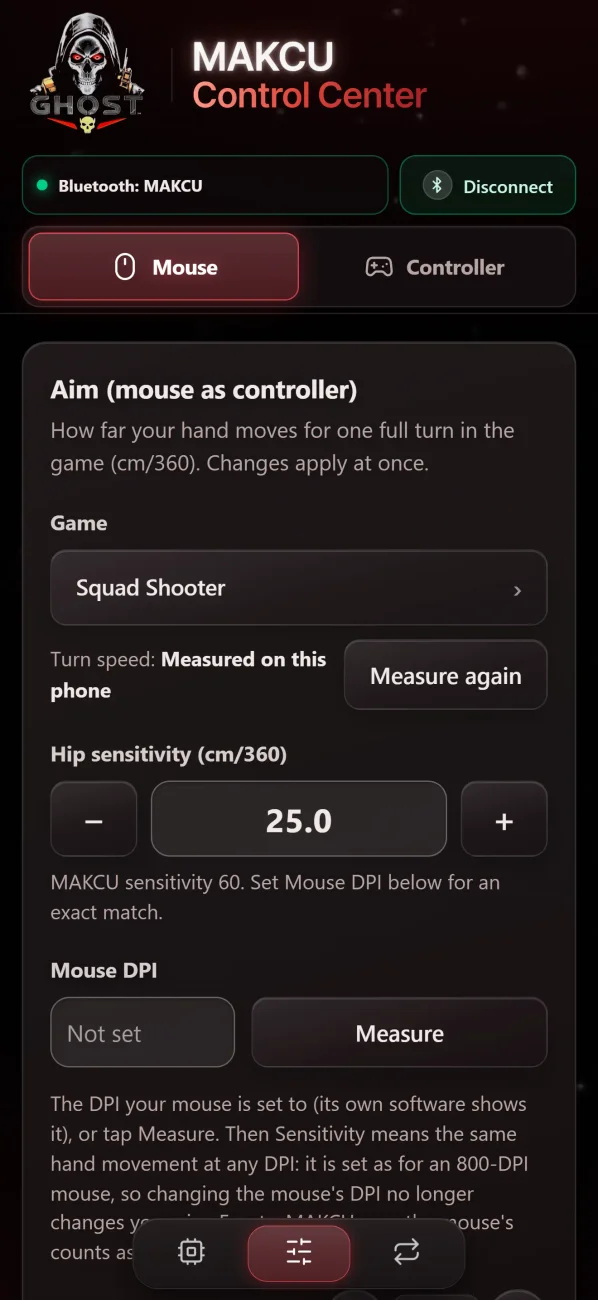
• Live signal view of the attached mouse: movement, buttons and scrolling.
• Smoothness and curved-path settings for movement MAKCU sends, with test moves.
• Mouse macros: build sequences of moves, clicks, scrolls and waits.
DEVICE
• Firmware updates of the MAKCU over Bluetooth (the Left unit; the Right unit updates over USB), with automatic fallback to the previous firmware.
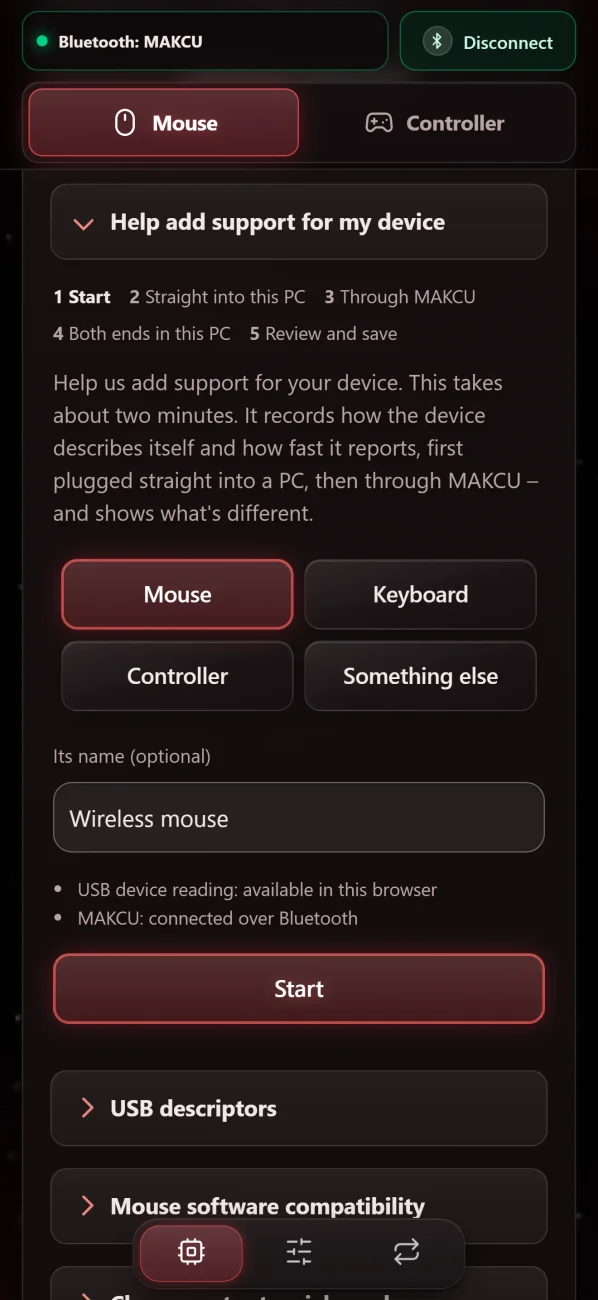
• Connected-device details, a privacy-safe diagnostics export, and an optional guided test to send a device report to MAKCU support.
• Profiles saved per controller model, export and import, and share a setup as a code.
NO MAKCU YET?
Tap "Try without a MAKCU (demo)" on the Device tab to explore every screen with a simulated MAKCU.
PRIVACY
No account, no ads, no tracking. Your settings stay on your phone and your MAKCU.
Requires a MAKCU adapter for use with real devices.
Có gì mới
Phiên bản 1.3 · 17/11/2026
Small fixes and improvements.
Quyền riêng tư của ứng dụng
Những gì David Finni khai báo trên App Store về cách ứng dụng này xử lý dữ liệu.
-
Dữ liệu liên kết với bạn
Có thể được thu thập và liên kết với danh tính của bạn.
- Thông tin liên hệ
- Nội dung của người dùng
- Mã định danh
- Chẩn đoán
Phương thức đảm bảo quyền riêng tư có thể khác nhau, chẳng hạn như tuỳ theo các tính năng bạn sử dụng hoặc độ tuổi của bạn.
Thông tin
- Người bán
- David Finni
- Danh mục
- Tiện Ích
- Phiên bản
- 1.3
- Cập nhật
- 17/11/2026
- Phát hành
- 27/10/2026
- Kích thước
- 23,3 MB
- Yêu cầu
- iOS 16.0 trở lên
- Độ tuổi
- 4+
- Giá
- Miễn phí
- Bản quyền
- © 2026 GhostDMA
Có thể bạn cũng thích
-
 MilliLogTiện Ích
-
 BrookSniper2Tiện Ích
-
 Brook Controller CenterTiện Ích
-
 EasyFun: Gaming CompanionTin game, mã đổi & công cụ
-
 How Much Is It Worth ValueSnapTiện Ích
-
 Mega ModzTiện Ích
-
 Gringo XP Freestyle Panel FFTiện Ích
-
 Cosmox EngineTiện Ích
-
 GuliKitTiện Ích
-
 Headshot: Bunny EsportsNgắm bắn, HUD & độ nhạy