MarkPad – Markdown Editor
Write, paste & preview fast
Dirancang untuk iPhone
Rp 59ribu
- Batasan usia4+
- KategoriProduktivitas
- PengembangTOUZANBOU
- BahasaInggris+ 18 lainnya
- Ukuran19,1 MB
Tertaut ke halaman resmi App Store
Download.org tidak menyimpan file MarkPad – Markdown Editor apa pun. Tombol ini membuka halaman aplikasi di App Store, tempat TOUZANBOU menerbitkannya. Halaman terakhir diperiksa pada 20/11/2026.
Tangkapan layar
Tentang
Pengembang belum menyediakan teks ini dalam bahasa Anda.
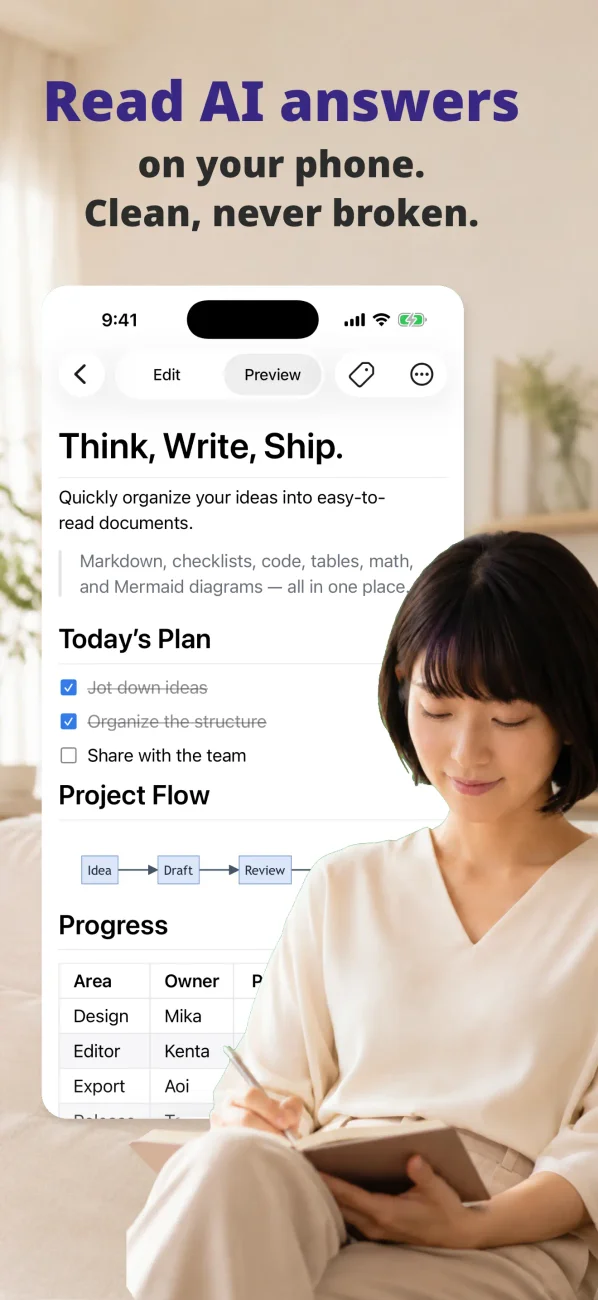
MarkPad is a Markdown editor for writing fast and previewing beautifully, right away.
From quick notes to meeting minutes, technical docs, and brainstorming, it pairs distraction-free simplicity with a clean, polished preview so you can focus on writing.
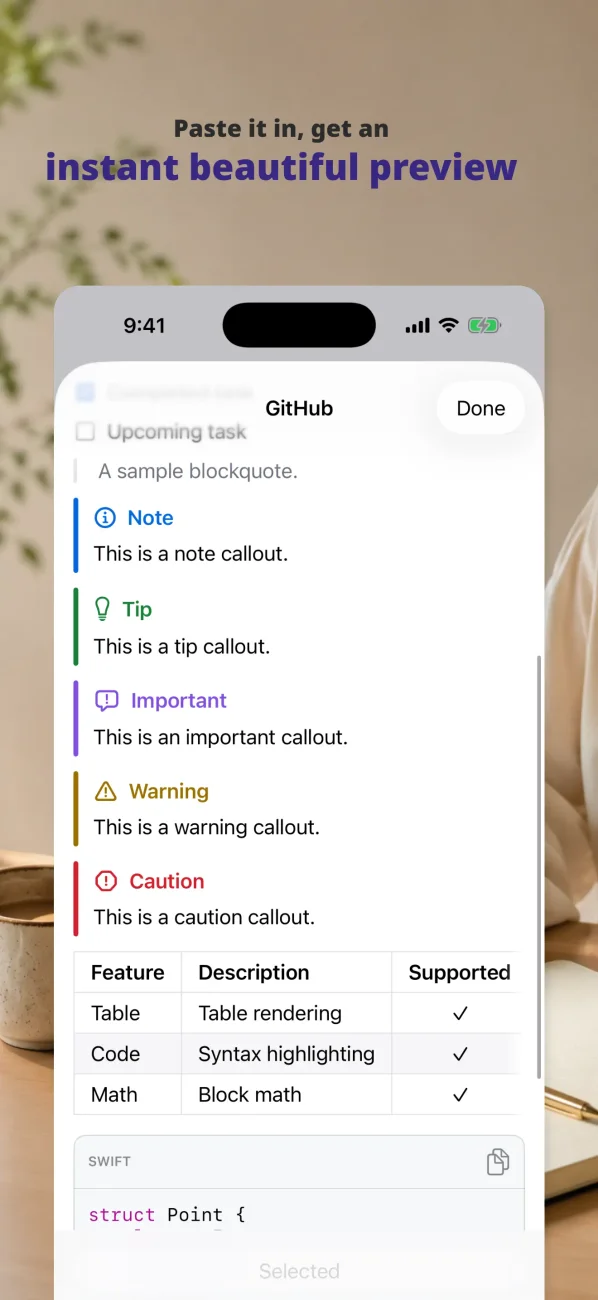
Paste a Markdown answer from an AI assistant and the code blocks and tables stay intact, looking great even on your phone.
■ Built for writing
・Switch between edit and preview with one tap
・Editing toolbar above the keyboard (headings, bold, italic, strikethrough, lists, checklists, quotes, code, links, indent)
・Pick a heading level from the menu; lists and checkboxes continue automatically on the next line
・Live character and word count
■ A preview that shines
・Syntax-highlighted code blocks with a copy button (many languages)
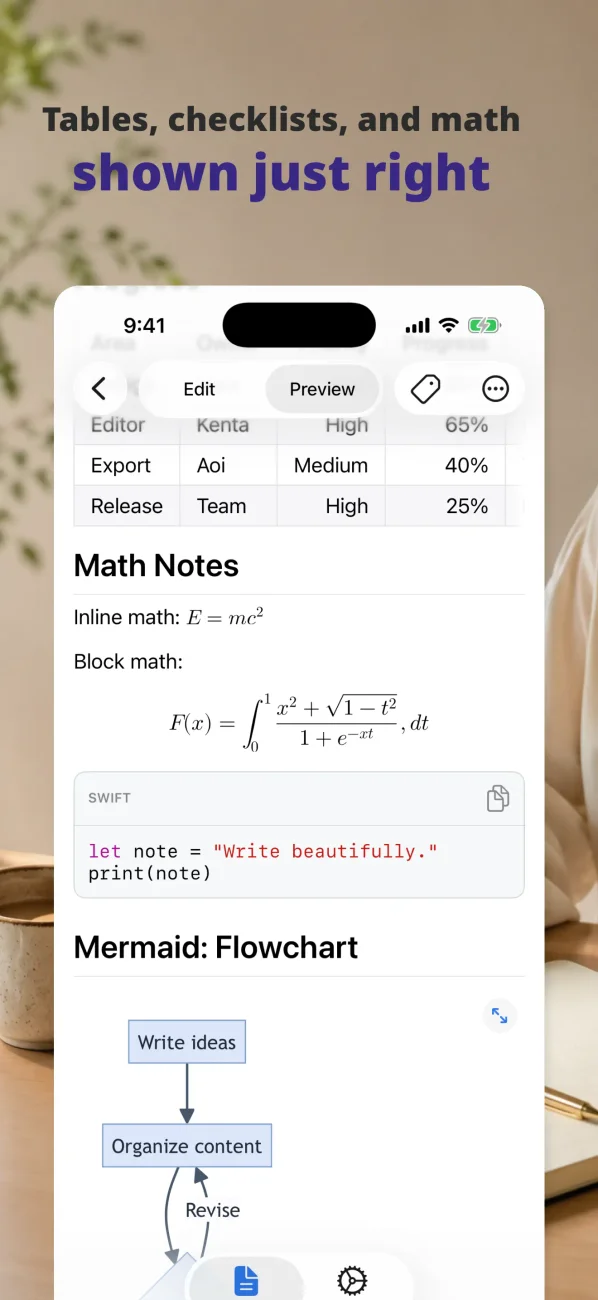
・Tables, checklists (tap to toggle), and blockquotes
・Callouts (note, tip, important, warning, caution)
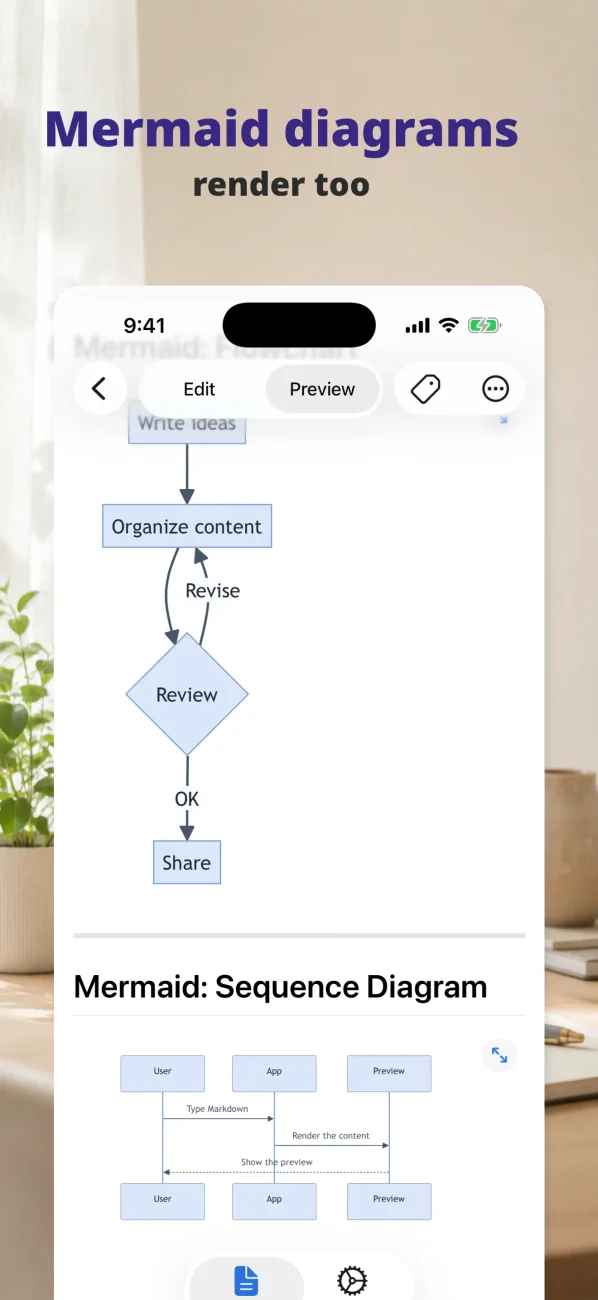
・Collapsible sections, block math, and Mermaid diagrams (tap to zoom and scroll)
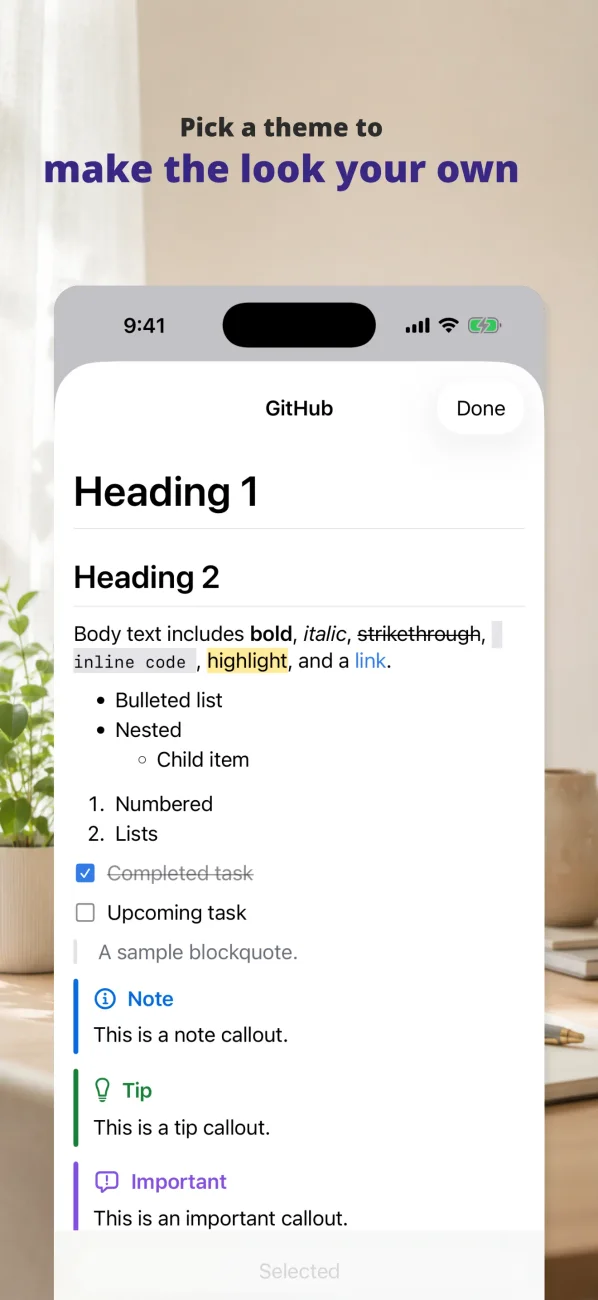
・== highlighting and inline code
■ Make it yours
・Choose a preview theme (Default, GitHub, or Docs)
・Built-in Markdown syntax guide, so supported formatting is always at a glance
■ Reliable and smooth
・Manage multiple notes; search by text or tag
・Share as text or .md files (Mail, and other apps)
・Available in 19 languages
・Works great offline
・No intrusive ads
Make writing feel better. Start with Markdown in MarkPad.
Yang baru
Versi 2.0 · 4/11/2026
A refreshed preview: long tables now wrap by column, diagrams share a consistent palette, and block math is centered. Lists no longer continue inside code blocks, so closing fences stay intact. With no notes yet, you can create one straight from the clipboard.
Privasi aplikasi
Yang dinyatakan TOUZANBOU di App Store tentang cara aplikasi ini menangani data.
-
Data yang ditautkan dengan Anda
Dapat dikumpulkan dan ditautkan dengan identitas Anda.
- Info kontak
- Konten pengguna
-
Data yang tidak ditautkan dengan Anda
Dapat dikumpulkan, tetapi tidak ditautkan dengan identitas Anda.
- Pengenal
- Data penggunaan
- Diagnostik
Praktik privasi dapat bervariasi, misalnya berdasarkan fitur yang Anda gunakan atau usia Anda.
Informasi
- Penjual
- TOUZANBOU
- Kategori
- Produktivitas
- Versi
- 2.0
- Diperbarui
- 4/11/2026
- Dirilis
- 25/6/2026
- Ukuran
- 19,1 MB
- Memerlukan
- iOS 17.0 atau yang lebih baru
- Batasan usia
- 4+
- Harga
- Rp 59ribu
- Bahasa
- Inggris, Belanda, Prancis, Jerman, Hindi, Bahasa Indonesia, Italia, Jepang, Korea, Polski (Polandia), Portugis, Rusia + 7 lainnya
- Hak cipta
- © 2026 kenta yamamoto.
Mungkin Anda juga suka
-
 D-Tools Mobile InstallProduktivitas
-
 TaskworldProduktivitas
-
 RXO WorkplaceProduktivitas
-
 Charty for ShortcutsProduktivitas
-
 Aplikasi Tanda Tangan Digital.TTD Digital & Esign Maker App
-
 Kanban Board AppProject Management Tools & GTD
-
 LM Mini for Ollama & LM StudioProduktivitas
-
 LeaderTask: Perencana TugasDaftar tugas, pengingat
-
 JOBCAN Attendance (CoreNFC)Produktivitas
-
 Carbonio MailProduktivitas