- Batasan usia17+
- KategoriHiburan
- PengembangFelipe Mansilla
- BahasaInggris+ 4 lainnya
- Ukuran126,6 MB
Tertaut ke halaman resmi App Store
Download.org tidak menyimpan file MiruXR apa pun. Tombol ini membuka halaman aplikasi di App Store, tempat Felipe Mansilla menerbitkannya. Halaman terakhir diperiksa pada 16/11/2026.
Tangkapan layar


Tentang
Pengembang belum menyediakan teks ini dalam bahasa Anda.
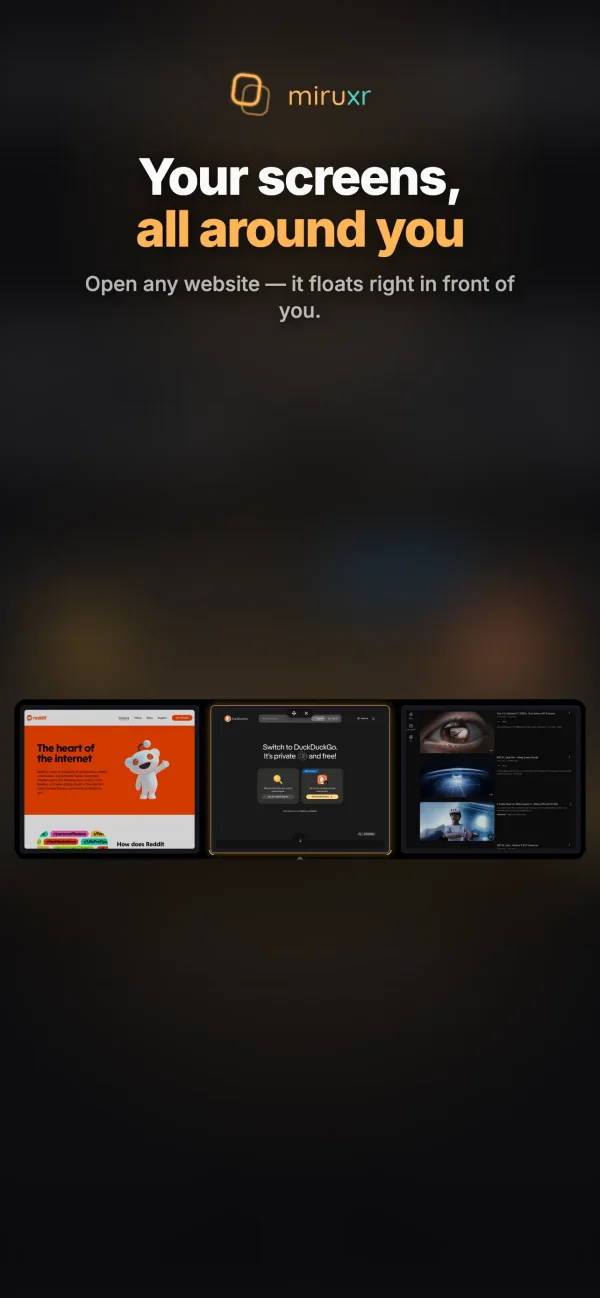
Your screens, floating in front of you.
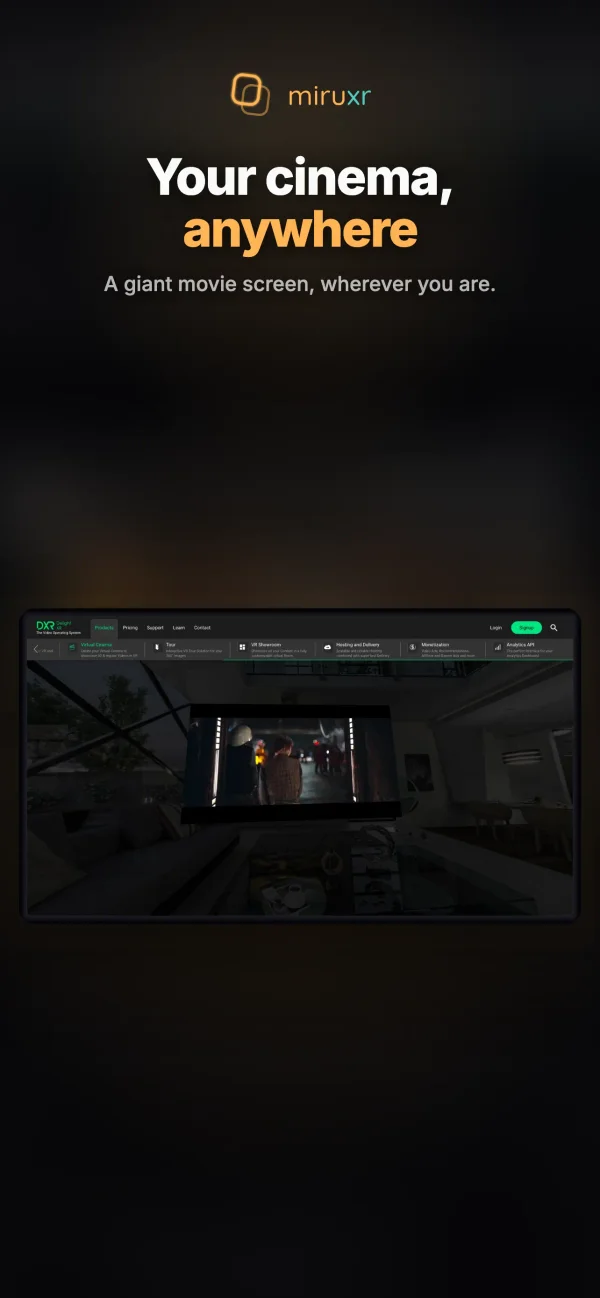
MiruXR turns your XREAL glasses into floating screens: a giant movie theater, windows all around you, and a HUD with what you need as you walk. Free, with no ads or subscriptions.
THEATER
• A giant movie screen for your videos
• Your files and the videos on your network (SMB, Jellyfin, Plex)
• Immersive 360° videos
• Your video and streaming sites in a desktop browser
SPATIAL
• Windows pinned around you: turn your head and they stay in place
• Move and resize them; when you reopen the app, they're right where you left them
• With XREAL One, choose Screen (one fixed screen, ultrawide too, with your windows side by side) or Space (windows free all around you)
• Eight environments to enjoy your screens in: beach, mountains, night sky, cinema, and more
• With the XREAL Eye camera, see your room with your windows on top
HUD
• At-a-glance widgets: time, weather, calendar, notes, activity, and more
• Walking directions, with your next turn and a minimap at the edge of your view
3D (EXPERIMENTAL)
• Switch a window to 3D, with depth calculated by AI on your iPhone.
VR GAMES
• Your XREAL One glasses become the headset for your PC's VR games, over Wi-Fi
• Your controllers become your hands: DualSense, DualShock 4, Switch Pro, Xbox, or Joy-Con 2
• No controller? Your iPhone becomes one
• Move in games with the XREAL Eye camera or your iPhone on your chest
CONTROLS
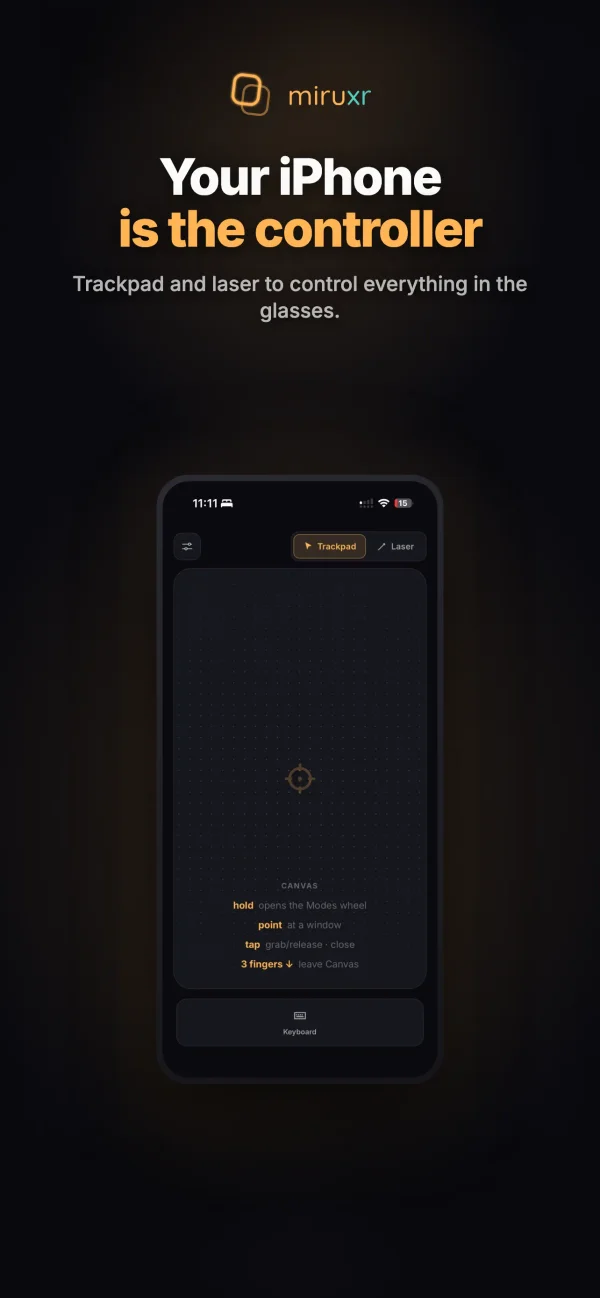
• Your iPhone is the controller: trackpad, laser pointer, and keyboard
• The glasses keyboard: point to type, in English, Spanish, or Korean
• Apple Watch as a controller: swipe, tap, and turn the Digital Crown
• Bluetooth mouse or trackpad (with AssistiveTouch) and XREAL gesture control
• A short guide to get you started, plus tips the first time you use something
• A game controller also moves the MiruXR cursor
YOUR GLASSES
• Works with all XREAL glasses: One, One Pro, 1S, Air, Air 2, Air 2 Pro, Air 2 Ultra, and X by XREAL
• With XREAL One, head tracking and Spatial all around you
• Also works with other video glasses that connect over USB-C
• Fit the picture size to your glasses in Settings
• The app is available in English, Spanish, Japanese, Chinese, and Korean
WHAT YOU NEED
• Video glasses with USB-C: MiruXR is built and tested with XREAL glasses
• An iPhone with USB-C (iPhone 15 or newer)
• For VR games: XREAL One series glasses and a PC with SteamVR on the same Wi-Fi
MiruXR is free, and I build it together with the XREAL community. Your feedback on Discord helps me a lot.
Yang baru
Versi 2.3.1 · 14/11/2026
- View as: watch any video as a 3D movie, 180 or 360 from its controls.
- 3D movies and 3D 180 and 360 videos now show in both eyes. With Air glasses, MiruXR tells you which button turns on 3D.
- 180 videos fill the front half and no longer look stretched.
- 360 and 180 videos open on glasses without head tracking, fixed in front of you.
- YouTube full screen fills the window again.
Privasi aplikasi
Yang dinyatakan Felipe Mansilla di App Store tentang cara aplikasi ini menangani data.
-
Data yang tidak ditautkan dengan Anda
Dapat dikumpulkan, tetapi tidak ditautkan dengan identitas Anda.
- Pengenal
- Diagnostik
Praktik privasi dapat bervariasi, misalnya berdasarkan fitur yang Anda gunakan atau usia Anda.
Informasi
- Penjual
- Felipe Mansilla
- Kategori
- Hiburan
- Versi
- 2.3.1
- Diperbarui
- 14/11/2026
- Dirilis
- 30/6/2026
- Ukuran
- 126,6 MB
- Memerlukan
- iOS 16.4 atau yang lebih baru
- Batasan usia
- 17+
- Harga
- Gratis
- Bahasa
- Inggris, Jepang, Korea, Tionghoa Sederhana, Spanyol
- Hak cipta
- © 2026 Felipe Mansilla