- Độ tuổi17+
- Danh mụcGiải Trí
- Nhà phát triểnFelipe Mansilla
- Ngôn ngữTiếng Anh+ 4 ngôn ngữ khác
- Kích thước126,6 MB
Liên kết đến trang App Store chính thức
Download.org không lưu trữ tệp nào của MiruXR. Nút này mở trang ứng dụng trên App Store, nơi Felipe Mansilla phát hành ứng dụng. Trang được kiểm tra lần cuối: 16/11/2026.
Ảnh chụp màn hình


Giới thiệu
Nhà phát triển chưa cung cấp nội dung này bằng ngôn ngữ của bạn.
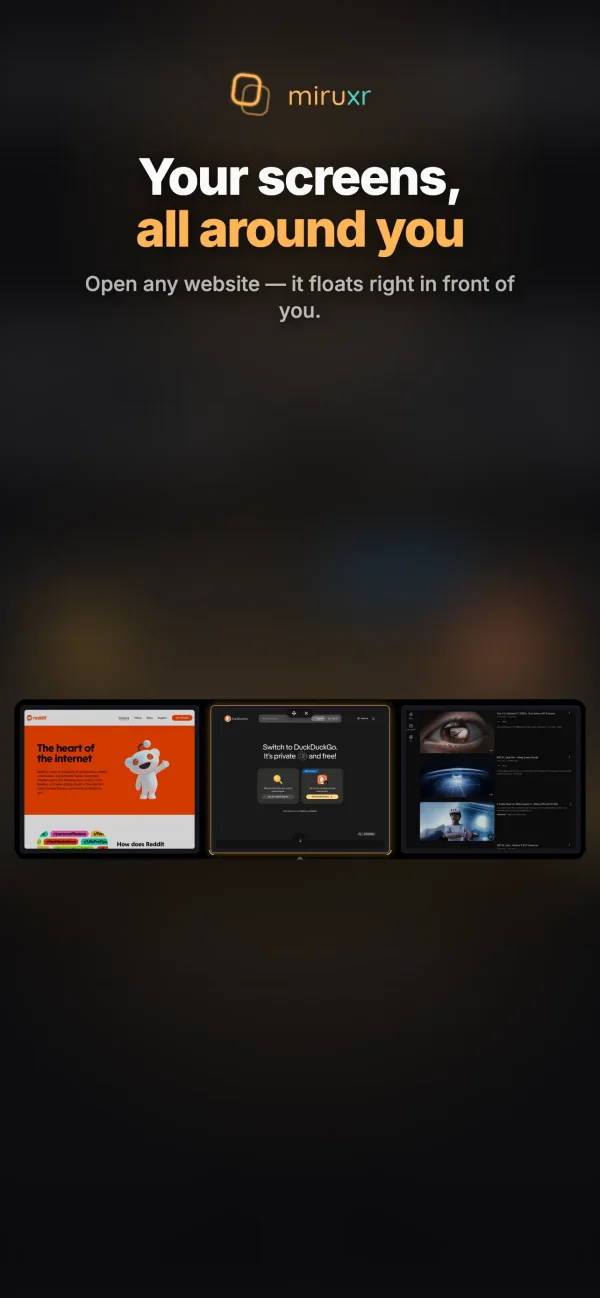
Your screens, floating in front of you.
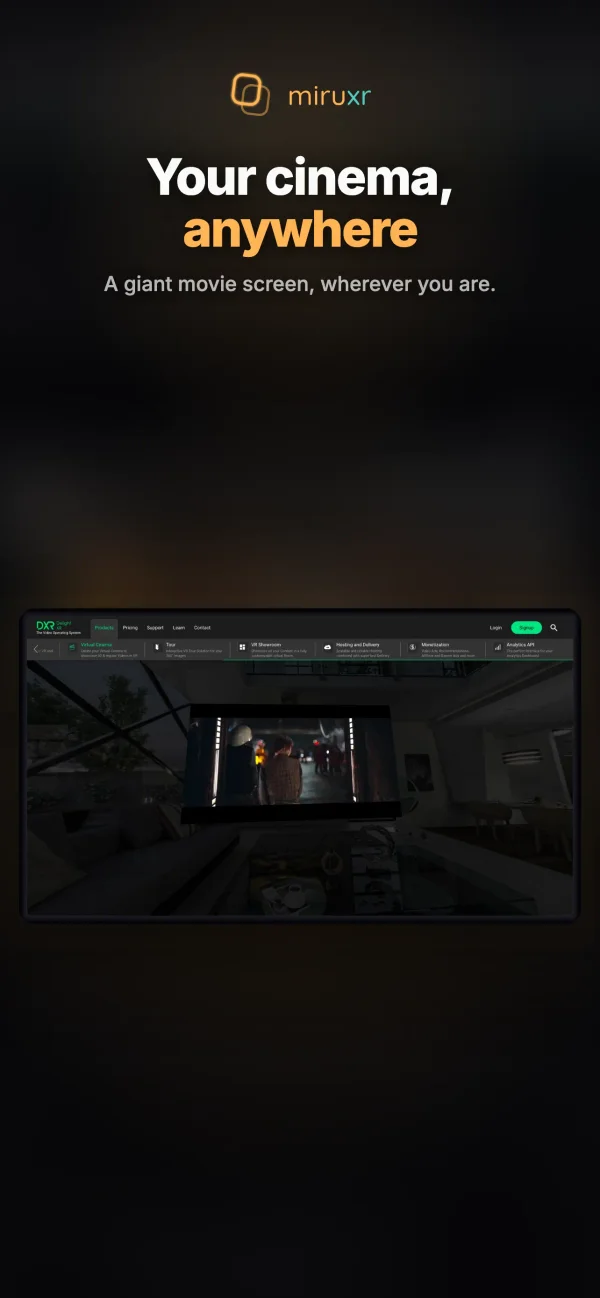
MiruXR turns your XREAL glasses into floating screens: a giant movie theater, windows all around you, and a HUD with what you need as you walk. Free, with no ads or subscriptions.
THEATER
• A giant movie screen for your videos
• Your files and the videos on your network (SMB, Jellyfin, Plex)
• Immersive 360° videos
• Your video and streaming sites in a desktop browser
SPATIAL
• Windows pinned around you: turn your head and they stay in place
• Move and resize them; when you reopen the app, they're right where you left them
• With XREAL One, choose Screen (one fixed screen, ultrawide too, with your windows side by side) or Space (windows free all around you)
• Eight environments to enjoy your screens in: beach, mountains, night sky, cinema, and more
• With the XREAL Eye camera, see your room with your windows on top
HUD
• At-a-glance widgets: time, weather, calendar, notes, activity, and more
• Walking directions, with your next turn and a minimap at the edge of your view
3D (EXPERIMENTAL)
• Switch a window to 3D, with depth calculated by AI on your iPhone.
VR GAMES
• Your XREAL One glasses become the headset for your PC's VR games, over Wi-Fi
• Your controllers become your hands: DualSense, DualShock 4, Switch Pro, Xbox, or Joy-Con 2
• No controller? Your iPhone becomes one
• Move in games with the XREAL Eye camera or your iPhone on your chest
CONTROLS
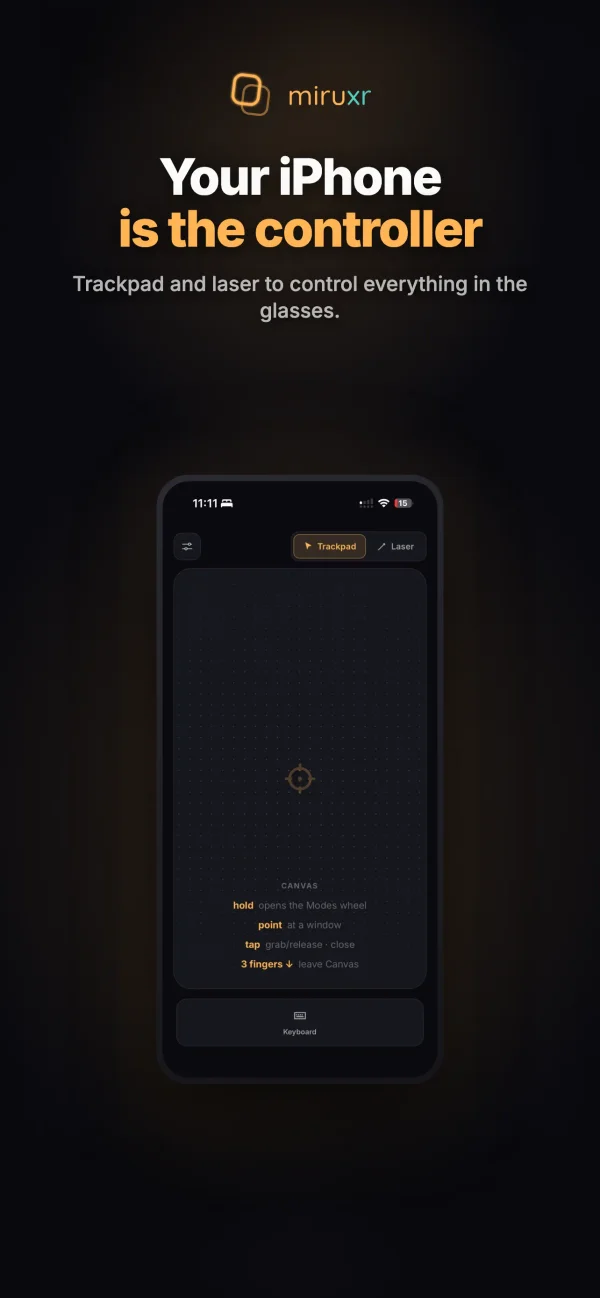
• Your iPhone is the controller: trackpad, laser pointer, and keyboard
• The glasses keyboard: point to type, in English, Spanish, or Korean
• Apple Watch as a controller: swipe, tap, and turn the Digital Crown
• Bluetooth mouse or trackpad (with AssistiveTouch) and XREAL gesture control
• A short guide to get you started, plus tips the first time you use something
• A game controller also moves the MiruXR cursor
YOUR GLASSES
• Works with all XREAL glasses: One, One Pro, 1S, Air, Air 2, Air 2 Pro, Air 2 Ultra, and X by XREAL
• With XREAL One, head tracking and Spatial all around you
• Also works with other video glasses that connect over USB-C
• Fit the picture size to your glasses in Settings
• The app is available in English, Spanish, Japanese, Chinese, and Korean
WHAT YOU NEED
• Video glasses with USB-C: MiruXR is built and tested with XREAL glasses
• An iPhone with USB-C (iPhone 15 or newer)
• For VR games: XREAL One series glasses and a PC with SteamVR on the same Wi-Fi
MiruXR is free, and I build it together with the XREAL community. Your feedback on Discord helps me a lot.
Có gì mới
Phiên bản 2.3.1 · 14/11/2026
- View as: watch any video as a 3D movie, 180 or 360 from its controls.
- 3D movies and 3D 180 and 360 videos now show in both eyes. With Air glasses, MiruXR tells you which button turns on 3D.
- 180 videos fill the front half and no longer look stretched.
- 360 and 180 videos open on glasses without head tracking, fixed in front of you.
- YouTube full screen fills the window again.
Quyền riêng tư của ứng dụng
Những gì Felipe Mansilla khai báo trên App Store về cách ứng dụng này xử lý dữ liệu.
-
Dữ liệu không liên kết với bạn
Có thể được thu thập nhưng không liên kết với danh tính của bạn.
- Mã định danh
- Chẩn đoán
Phương thức đảm bảo quyền riêng tư có thể khác nhau, chẳng hạn như tuỳ theo các tính năng bạn sử dụng hoặc độ tuổi của bạn.
Thông tin
- Người bán
- Felipe Mansilla
- Danh mục
- Giải Trí
- Phiên bản
- 2.3.1
- Cập nhật
- 14/11/2026
- Phát hành
- 30/06/2026
- Kích thước
- 126,6 MB
- Yêu cầu
- iOS 16.4 trở lên
- Độ tuổi
- 17+
- Giá
- Miễn phí
- Ngôn ngữ
- Tiếng Anh, Tiếng Nhật, Tiếng Hàn, Tiếng Trung Giản thể, Tiếng Tây Ban Nha
- Bản quyền
- © 2026 Felipe Mansilla