
- Age rating17+
- CategoryEntertainment
- DeveloperFelipe Mansilla
- LanguagesEnglish+ 4 more
- Size126.6 MB
Links to the official App Store page
Download.org hosts no file of MiruXR. The button opens its official App Store page, published by Felipe Mansilla. Listing last checked on Nov 16, 2026.
Screenshots



About
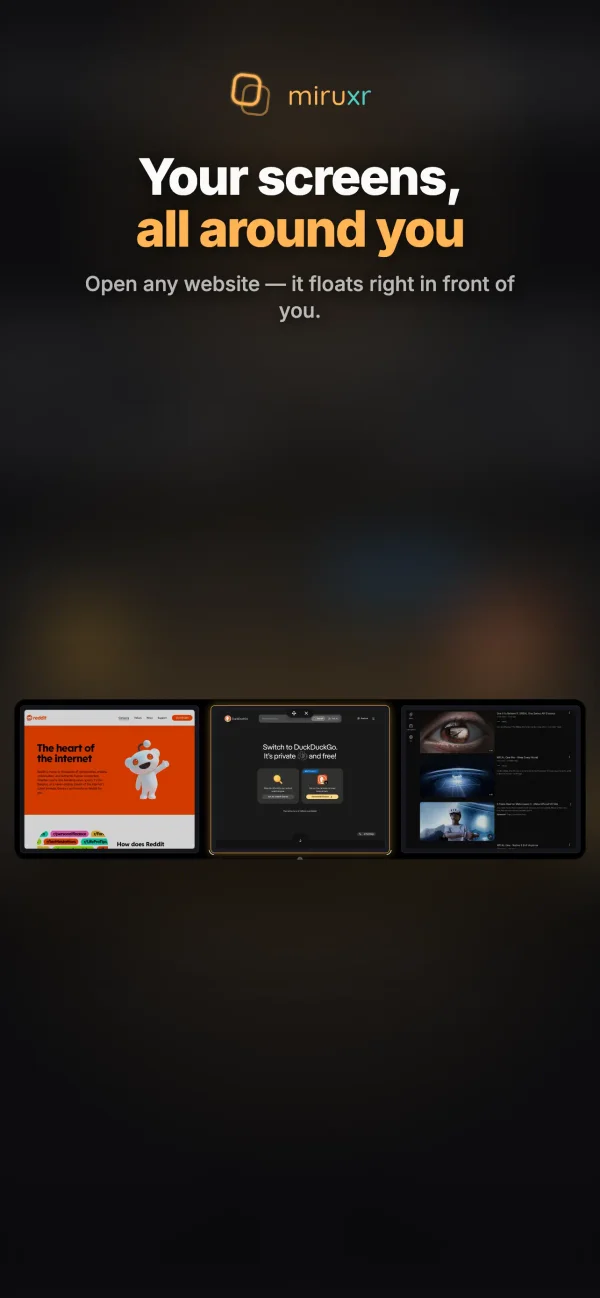
Your screens, floating in front of you.
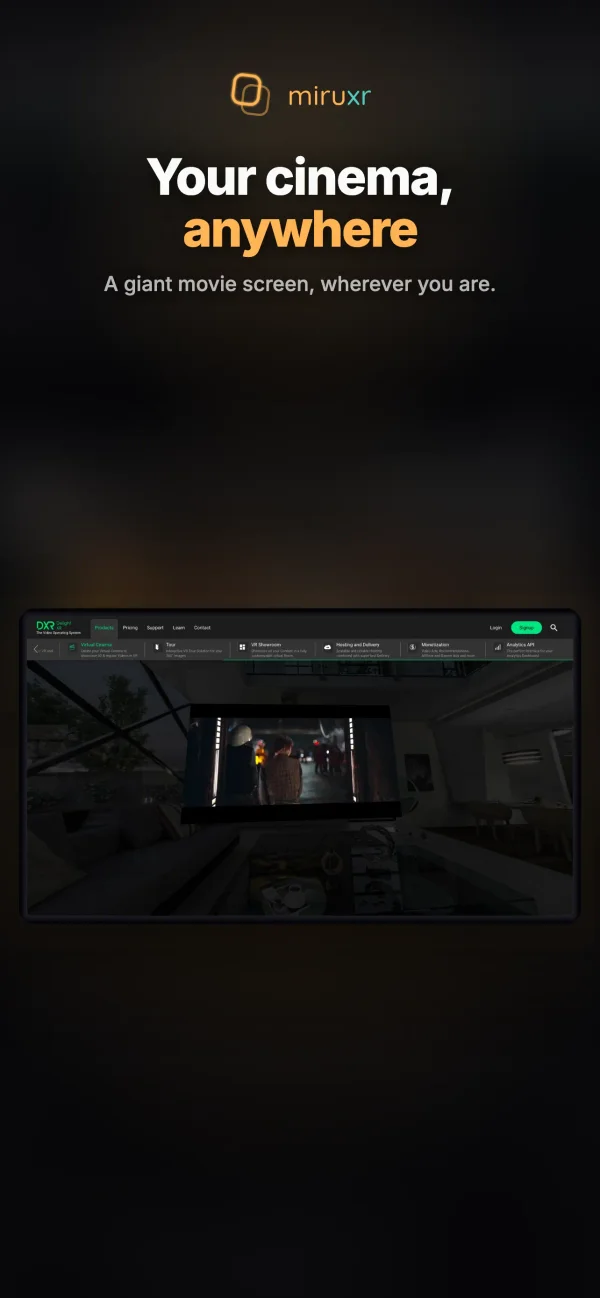
MiruXR turns your XREAL glasses into floating screens: a giant movie theater, windows all around you, and a HUD with what you need as you walk. Free, with no ads or subscriptions.
THEATER
• A giant movie screen for your videos
• Your files and the videos on your network (SMB, Jellyfin, Plex)
• Immersive 360° videos
• Your video and streaming sites in a desktop browser
SPATIAL
• Windows pinned around you: turn your head and they stay in place
• Move and resize them; when you reopen the app, they're right where you left them
• With XREAL One, choose Screen (one fixed screen, ultrawide too, with your windows side by side) or Space (windows free all around you)
• Eight environments to enjoy your screens in: beach, mountains, night sky, cinema, and more
• With the XREAL Eye camera, see your room with your windows on top
HUD
• At-a-glance widgets: time, weather, calendar, notes, activity, and more
• Walking directions, with your next turn and a minimap at the edge of your view
3D (EXPERIMENTAL)
• Switch a window to 3D, with depth calculated by AI on your iPhone.
VR GAMES
• Your XREAL One glasses become the headset for your PC's VR games, over Wi-Fi
• Your controllers become your hands: DualSense, DualShock 4, Switch Pro, Xbox, or Joy-Con 2
• No controller? Your iPhone becomes one
• Move in games with the XREAL Eye camera or your iPhone on your chest
CONTROLS
• Your iPhone is the controller: trackpad, laser pointer, and keyboard
• The glasses keyboard: point to type, in English, Spanish, or Korean
• Apple Watch as a controller: swipe, tap, and turn the Digital Crown
• Bluetooth mouse or trackpad (with AssistiveTouch) and XREAL gesture control
• A short guide to get you started, plus tips the first time you use something
• A game controller also moves the MiruXR cursor
YOUR GLASSES
• Works with all XREAL glasses: One, One Pro, 1S, Air, Air 2, Air 2 Pro, Air 2 Ultra, and X by XREAL
• With XREAL One, head tracking and Spatial all around you
• Also works with other video glasses that connect over USB-C
• Fit the picture size to your glasses in Settings
• The app is available in English, Spanish, Japanese, Chinese, and Korean
WHAT YOU NEED
• Video glasses with USB-C: MiruXR is built and tested with XREAL glasses
• An iPhone with USB-C (iPhone 15 or newer)
• For VR games: XREAL One series glasses and a PC with SteamVR on the same Wi-Fi
MiruXR is free, and I build it together with the XREAL community. Your feedback on Discord helps me a lot.
What’s new
Version 2.3.1 · Nov 14, 2026
- View as: watch any video as a 3D movie, 180 or 360 from its controls.
- 3D movies and 3D 180 and 360 videos now show in both eyes. With Air glasses, MiruXR tells you which button turns on 3D.
- 180 videos fill the front half and no longer look stretched.
- 360 and 180 videos open on glasses without head tracking, fixed in front of you.
- YouTube full screen fills the window again.
App privacy
What Felipe Mansilla declares on the App Store about how this app handles data.
-
Data not linked to you
May be collected but is not linked to your identity.
- Identifiers
- Diagnostics
Privacy practices may vary, for example with the features you use or your age.
Information
- Seller
- Felipe Mansilla
- Category
- Entertainment
- Version
- 2.3.1
- Updated
- Nov 14, 2026
- Released
- Jun 30, 2026
- Size
- 126.6 MB
- Requires
- iOS 16.4 or later
- Age rating
- 17+
- Price
- Free
- Languages
- English, Japanese, Korean, Simplified Chinese, Spanish
- Copyright
- © 2026 Felipe Mansilla
You might also like
-
 Neckband Capture by VITUREEntertainment
-
 AR display AiRAEntertainment
-
 AerioTVLive TV | Movies | Series
-
 DeoVR Studio: VR Video CreatorShoot videos & post instantly
-
 StrimrNative Player for Your Server
-
 Tiny ComputersRetro computers you can play
-
 Fjord IPTV PlayerLive TV, M3U & Xtream Codes
-
 Coax - Surf your Plex ServerRelax with Coax
-
 nPlayer PlusThe best media player
-
 Kotatsu for JellyfinYour Jellyfin movies and shows