
ML Trainer: Make Training Data
DATA COLLECTION MADE EASY!
Dirancang untuk iPhone, iPad, iPod touch
Gratis
- Batasan usia4+
- KategoriAlat Pengembang
- PengembangCasey Pollock
- BahasaInggris
- Ukuran9,4 MB
Tertaut ke halaman resmi App Store
Download.org tidak menyimpan file ML Trainer: Make Training Data apa pun. Tombol ini membuka halaman aplikasi di App Store, tempat Casey Pollock menerbitkannya. Halaman terakhir diperiksa pada 17/11/2026.
Tangkapan layar

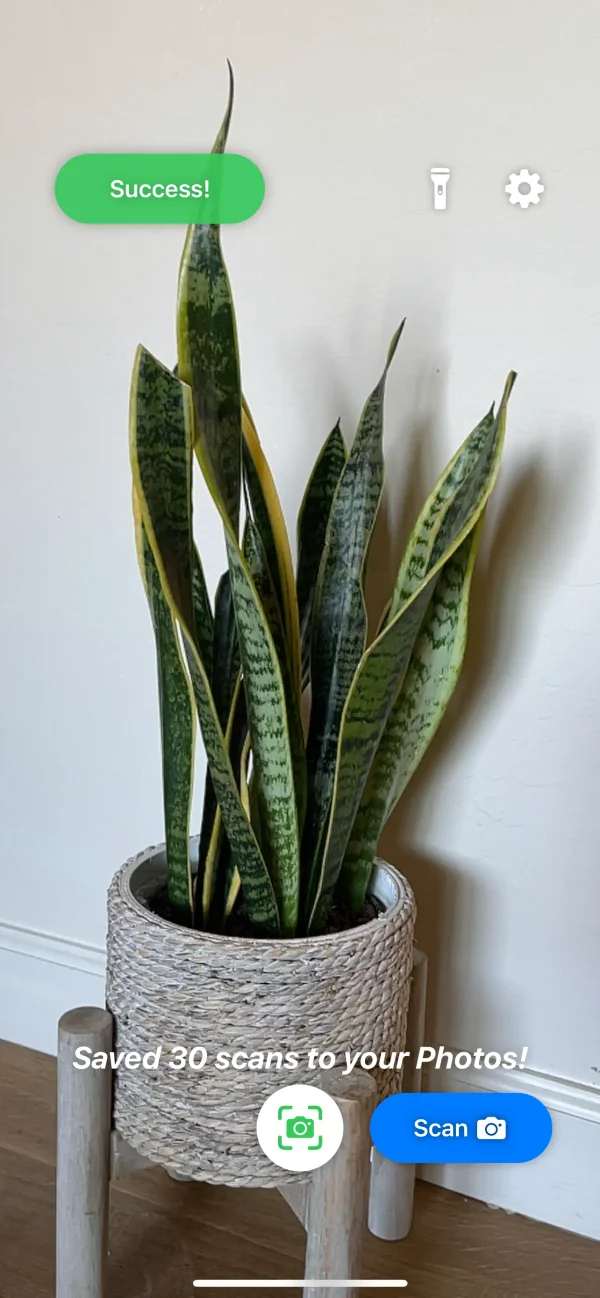
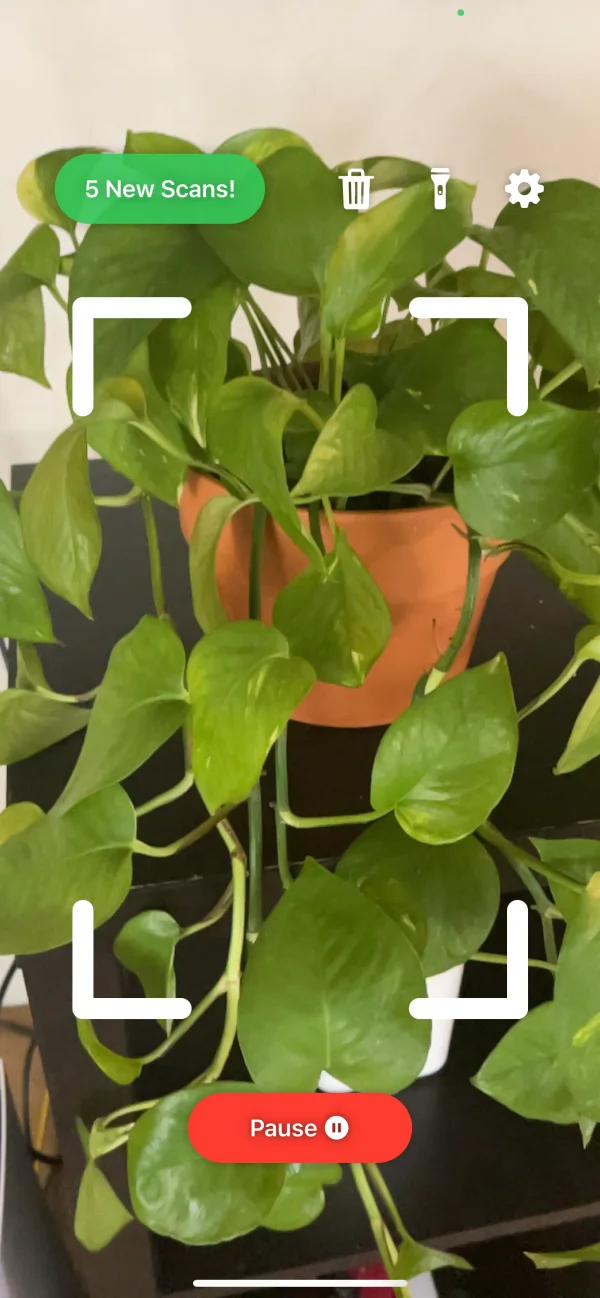
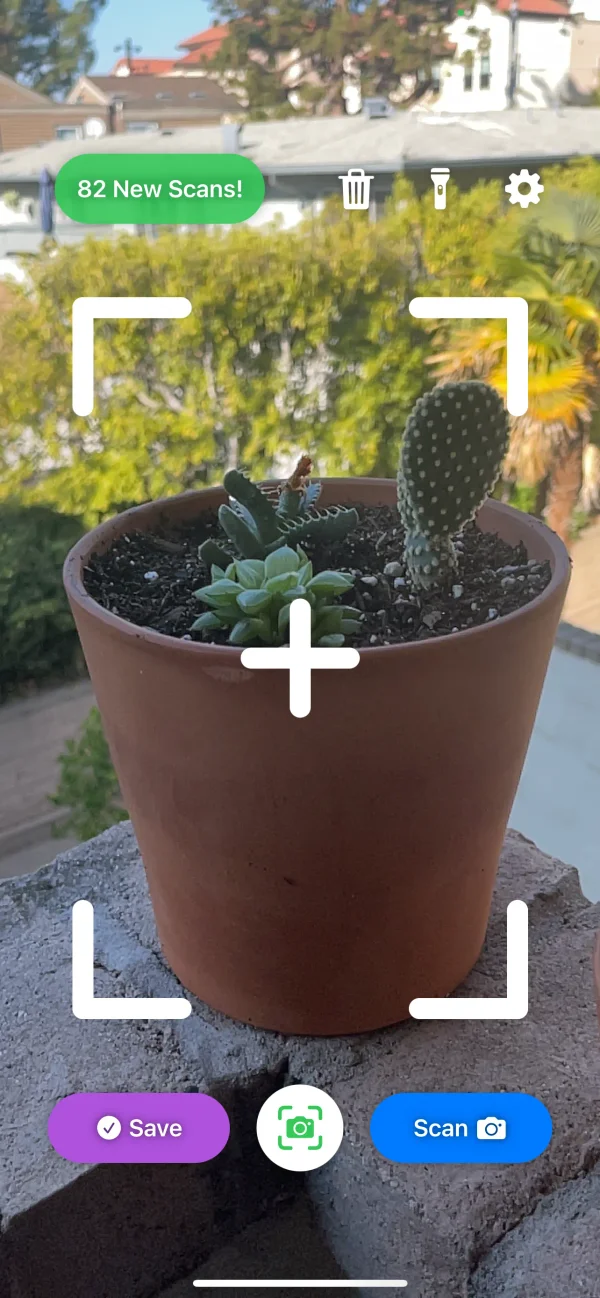
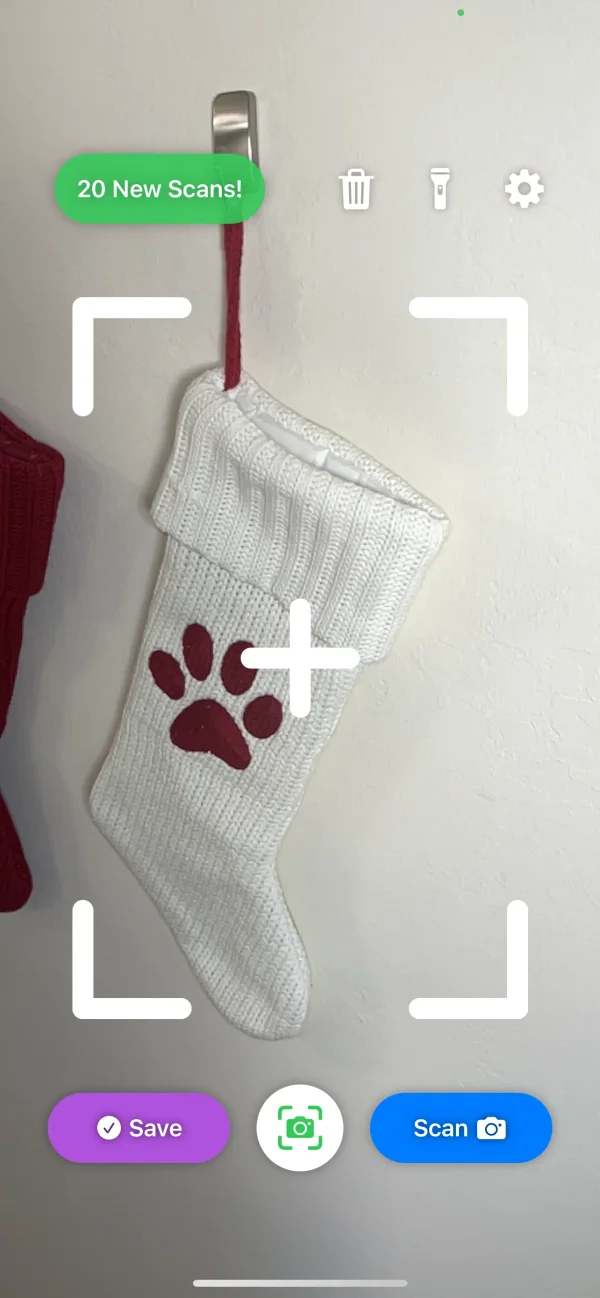
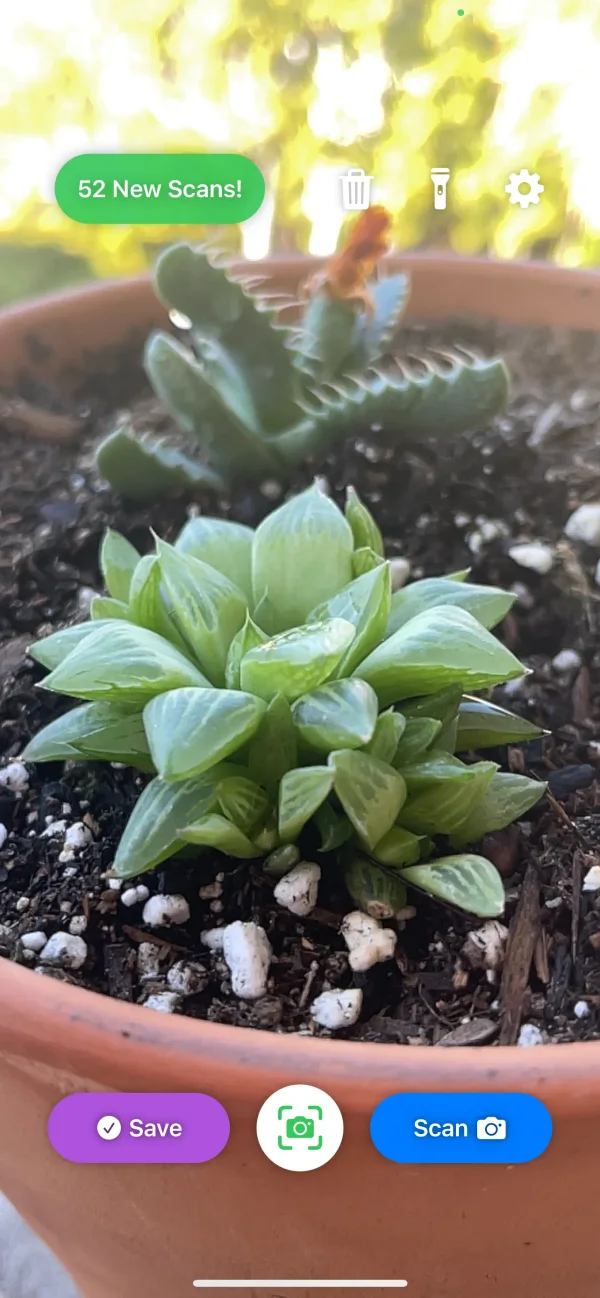
Tentang
Pengembang belum menyediakan teks ini dalam bahasa Anda.
Creating original training data for Image Classification machine learning models just got a little easier!
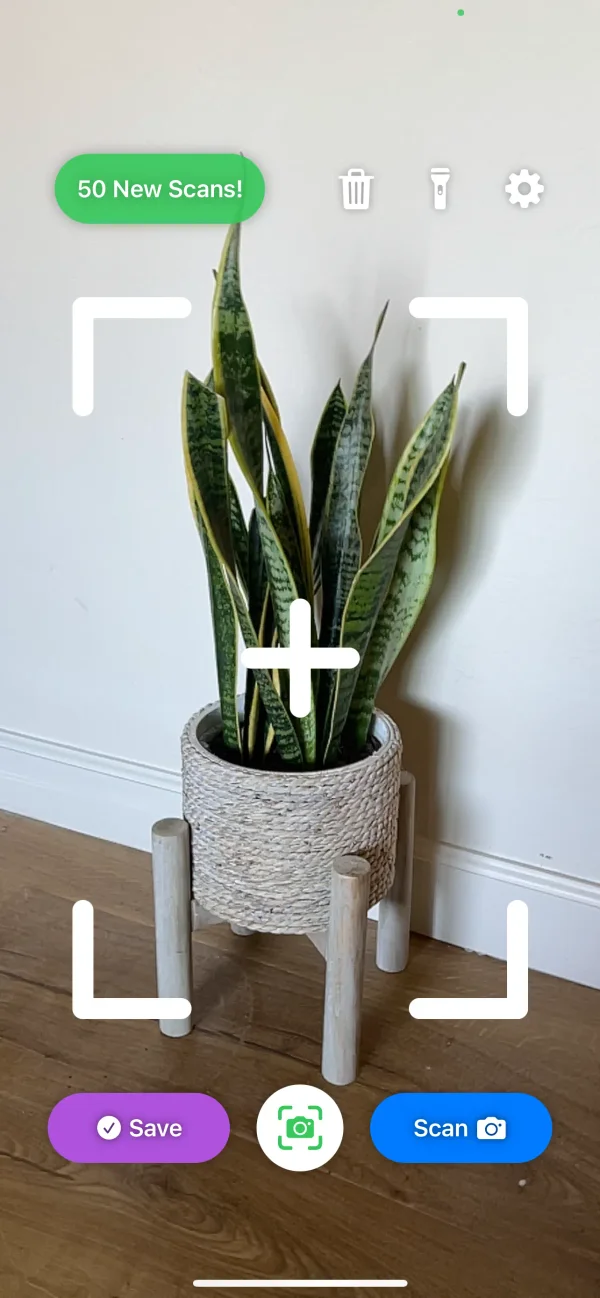
ML Trainer allows developers to quickly capture and export thousands of images to the Photos app, allowing every image to be imported with iCloud or the built in Image Capture app on Mac.
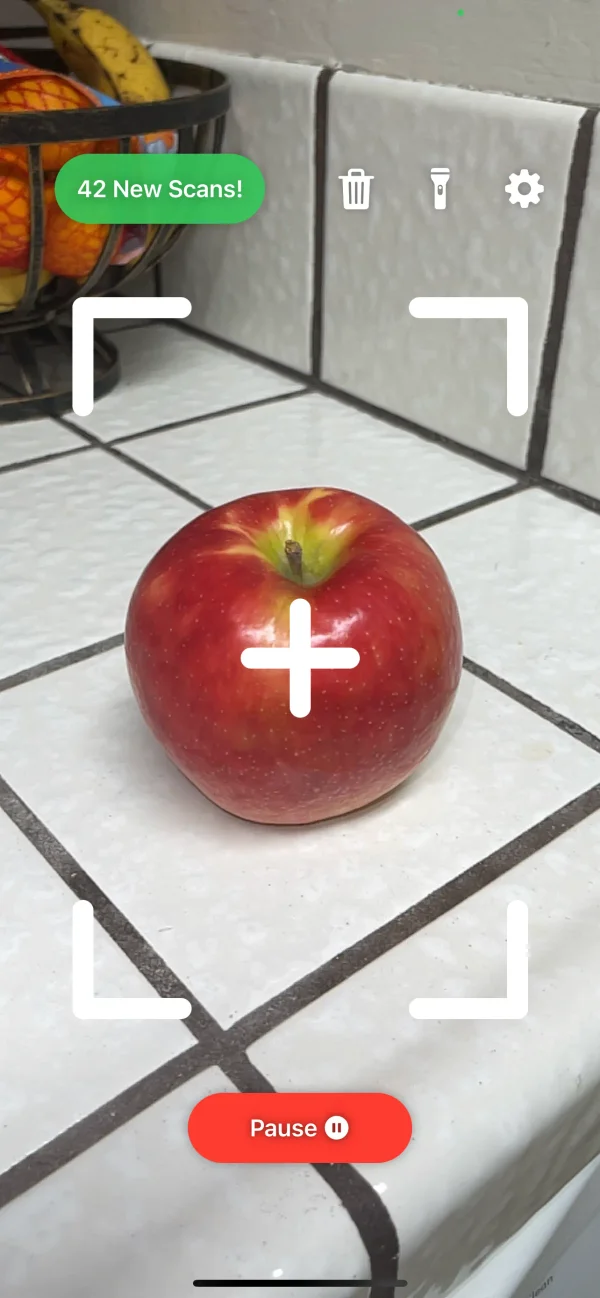
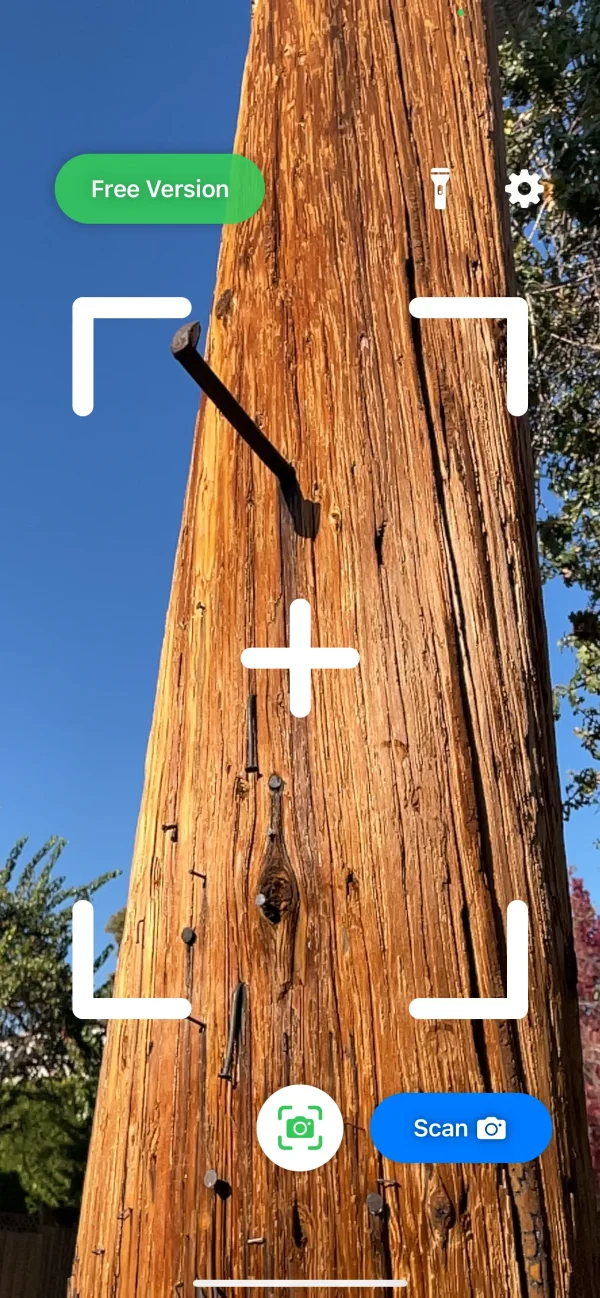
Press the Scan button to capture a preset amount of images as you move closer to or pivot around your subject, or Tap the Camera button to capture a single picture. Toggle the Flashlight to improve results in low light conditions, and tap the Save button to export any captured images to the Photos app.
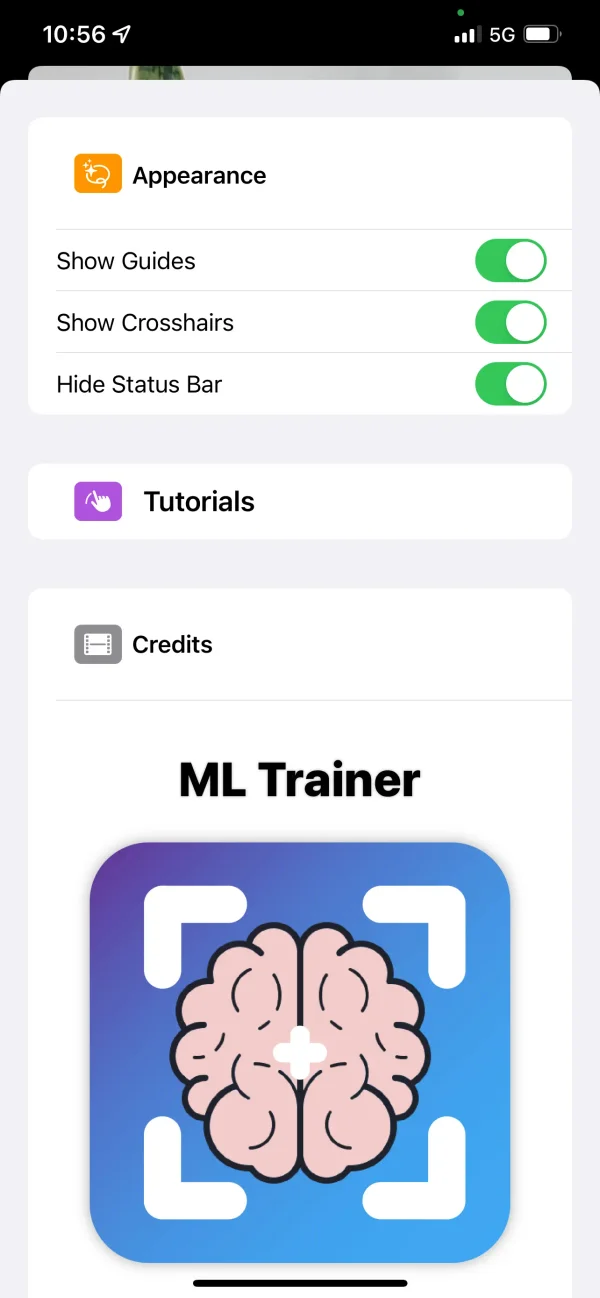
While each image is always captured at a speed of 3 Frames Per Second, you can adjust the Frame Count of each Scan in the Settings Menu. A larger Frame Count will save you time, while a lower Frame Count will help improve accuracy across different angles. Enabling Crosshairs and Guides in the Settings Menu can also help improve accuracy.
This app was specifically designed to speed up the process of importing data into the Xcode Developer Tool named CreateML. Exported images should also be compatible with other platforms like TensorFlow and Azure Machine Learning. A wired connection to a macOS device with the Image Capture app open will always be the fastest way to import your data to desktop.
Yang baru
Versi 2.0 · 12/6/2026
New App Icon!
Minor bug fixes!
Privasi aplikasi
Yang dinyatakan Casey Pollock di App Store tentang cara aplikasi ini menangani data.
-
Data tidak dikumpulkan
Pengembang tidak mengumpulkan data apa pun dari aplikasi ini.
Praktik privasi dapat bervariasi, misalnya berdasarkan fitur yang Anda gunakan atau usia Anda.
Informasi
- Penjual
- Casey Pollock
- Kategori
- Alat Pengembang
- Versi
- 2.0
- Diperbarui
- 12/6/2026
- Dirilis
- 3/12/2021
- Ukuran
- 9,4 MB
- Memerlukan
- iOS 14.0 atau yang lebih baru
- Batasan usia
- 4+
- Harga
- Gratis
- Bahasa
- Inggris
- Hak cipta
- © (2021) Near Future Marketing Inc.
Mungkin Anda juga suka
-
 Vision DetectorAlat Pengembang
-
 AI Capture: Create ML DatasetsAlat Pengembang
-
 Background Eraser - AutomaticAlat Pengembang
-
 Copy Text From ImageAlat Pengembang
-
 TFLite LiteRT TensorFlow TestAlat Pengembang
-
 Framework Markup LanguageAlat Pengembang
-
 Kin StudioAlat Pengembang
-
 MobileCode Code EditorAlat Pengembang
-
 Ads Report for AdmobAlat Pengembang
-
 thirdweb connectAlat Pengembang