
ML Trainer: Make Training Data
DATA COLLECTION MADE EASY!
Được thiết kế cho iPhone, iPad, iPod touch
Miễn phí
- Độ tuổi4+
- Danh mụcCông Cụ Nhà Phát Triển
- Nhà phát triểnCasey Pollock
- Ngôn ngữTiếng Anh
- Kích thước9,4 MB
Liên kết đến trang App Store chính thức
Download.org không lưu trữ tệp nào của ML Trainer: Make Training Data. Nút này mở trang ứng dụng trên App Store, nơi Casey Pollock phát hành ứng dụng. Trang được kiểm tra lần cuối: 17/11/2026.
Ảnh chụp màn hình

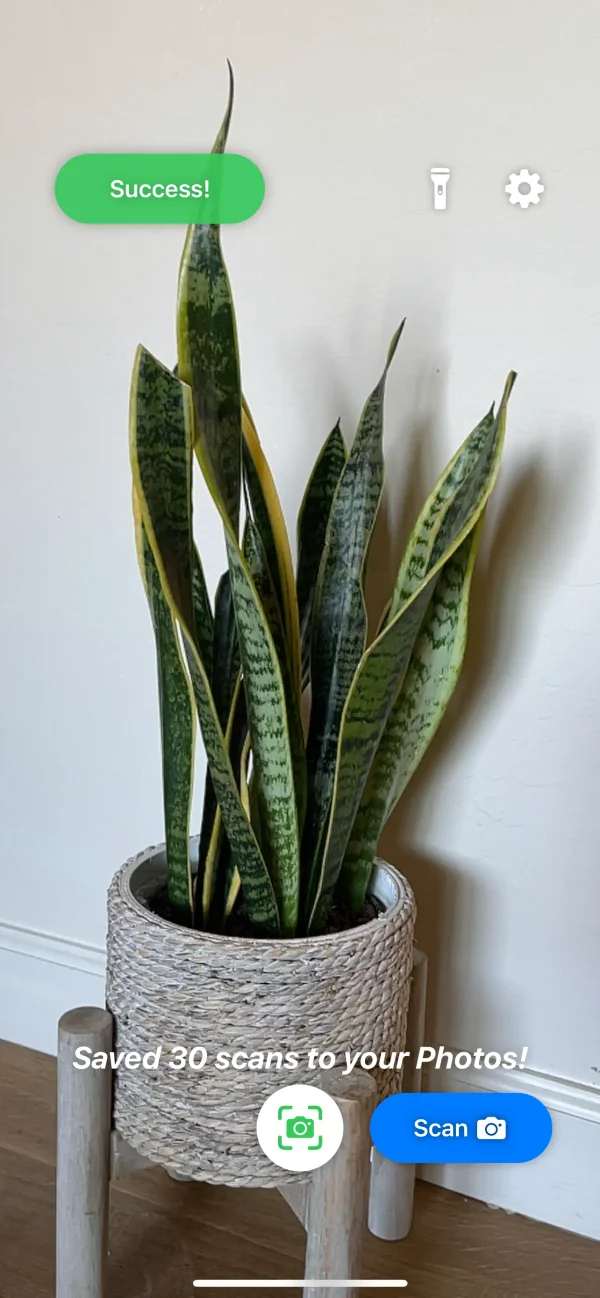
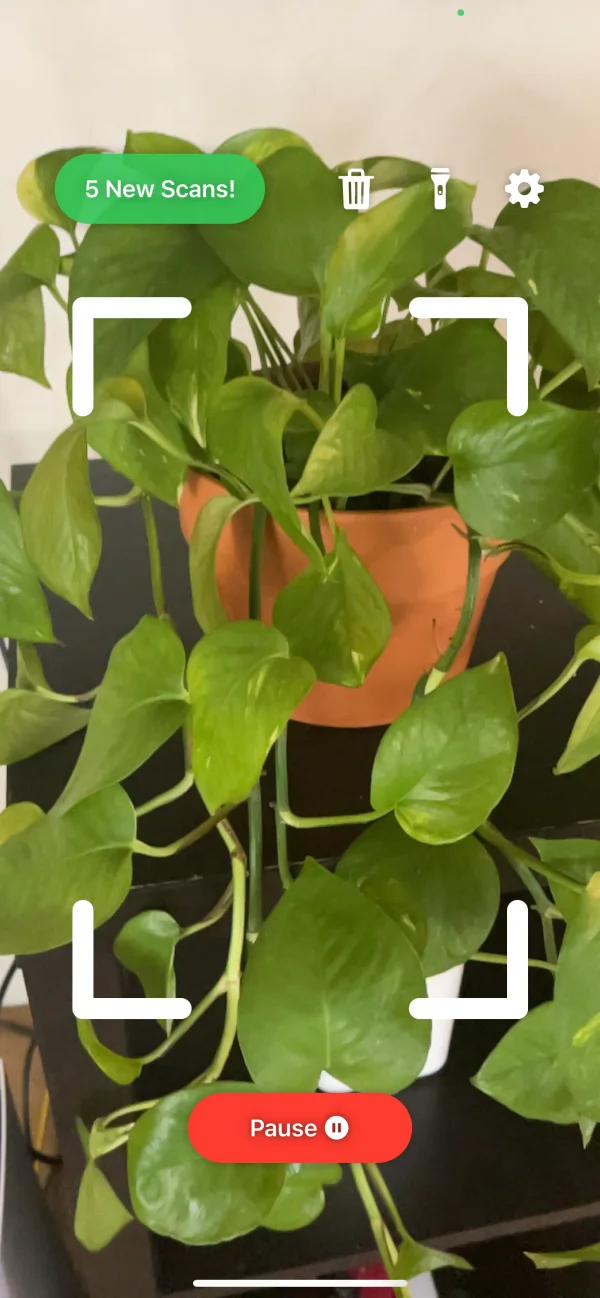
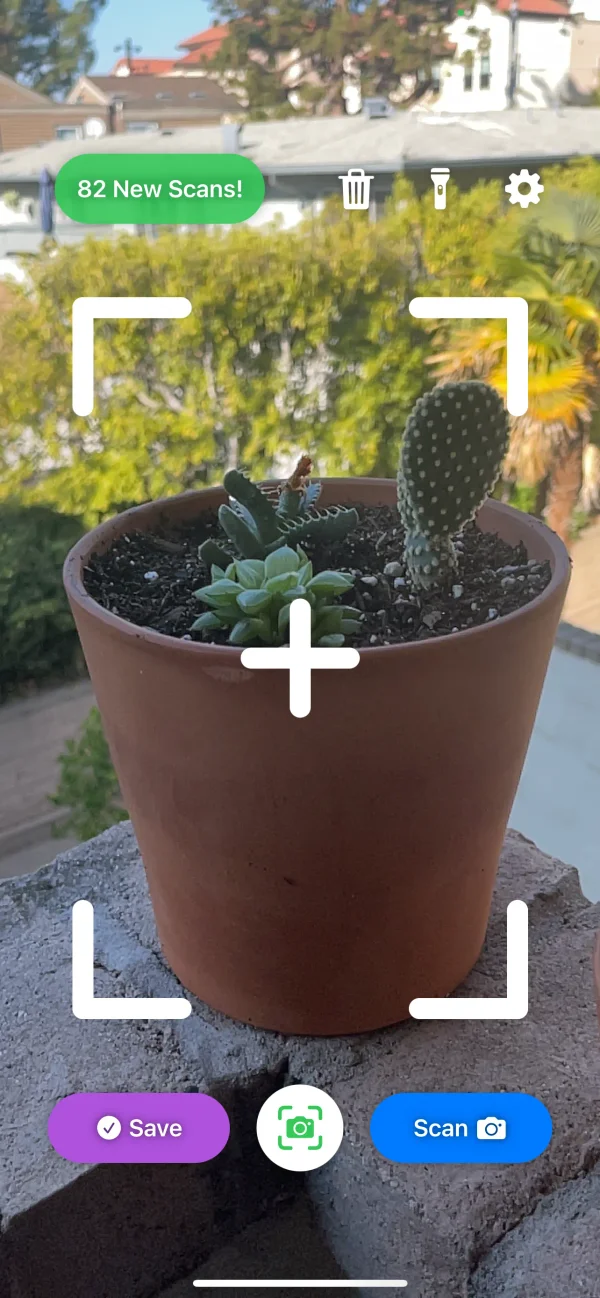
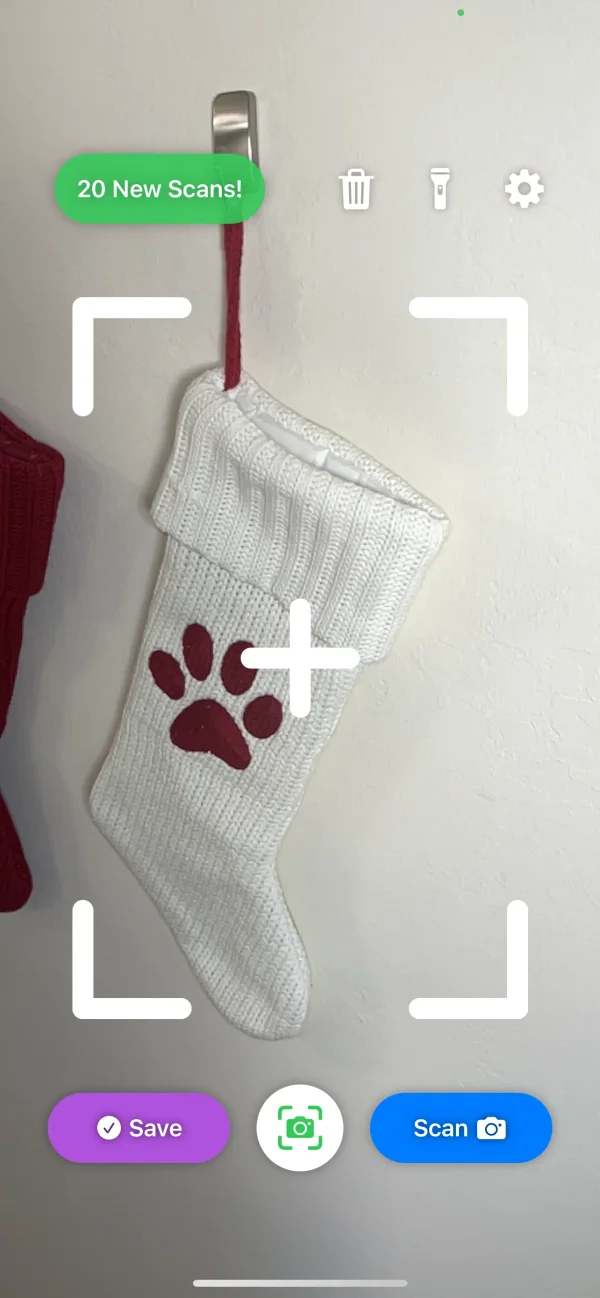
Giới thiệu
Nhà phát triển chưa cung cấp nội dung này bằng ngôn ngữ của bạn.
Creating original training data for Image Classification machine learning models just got a little easier!
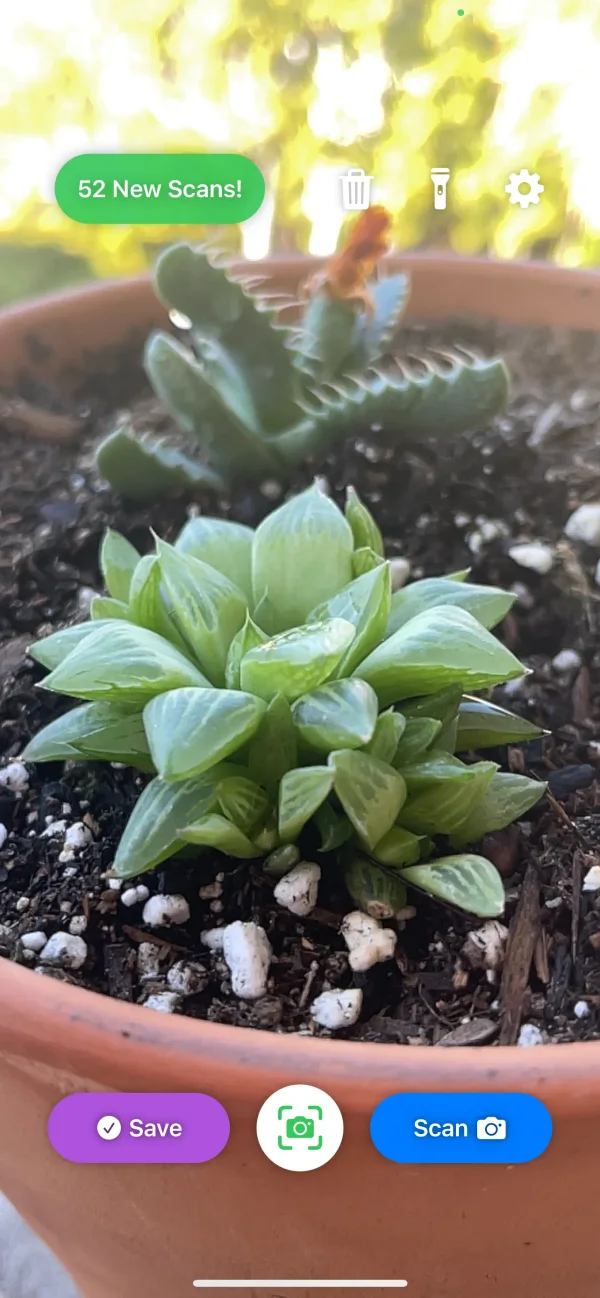
ML Trainer allows developers to quickly capture and export thousands of images to the Photos app, allowing every image to be imported with iCloud or the built in Image Capture app on Mac.
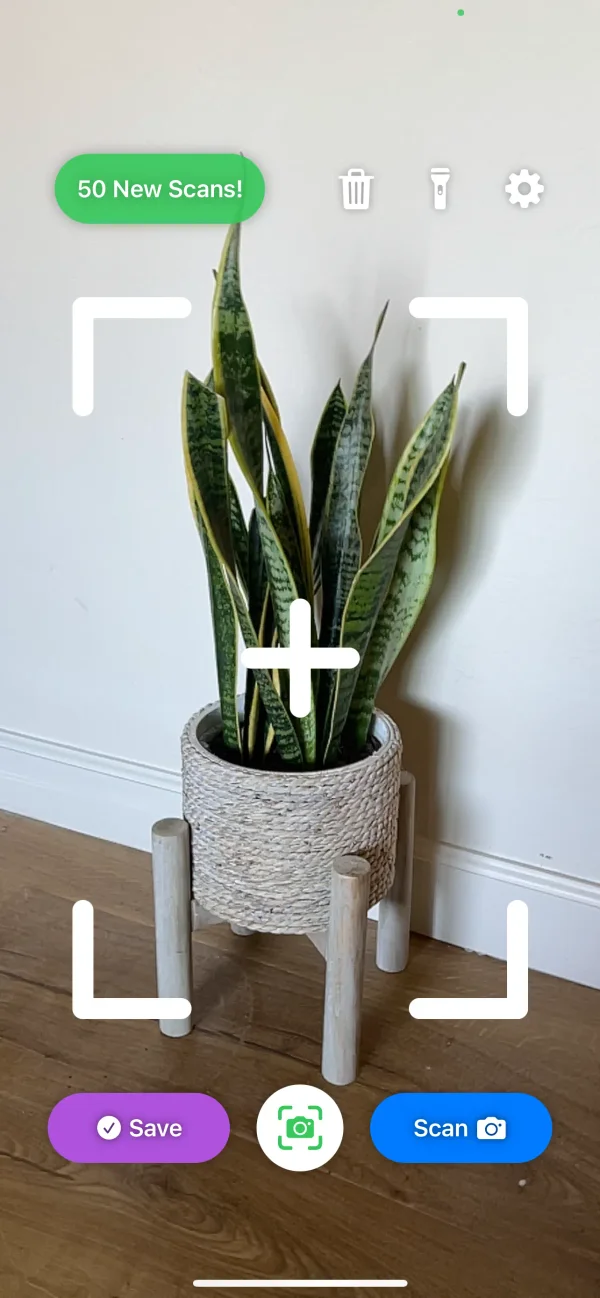
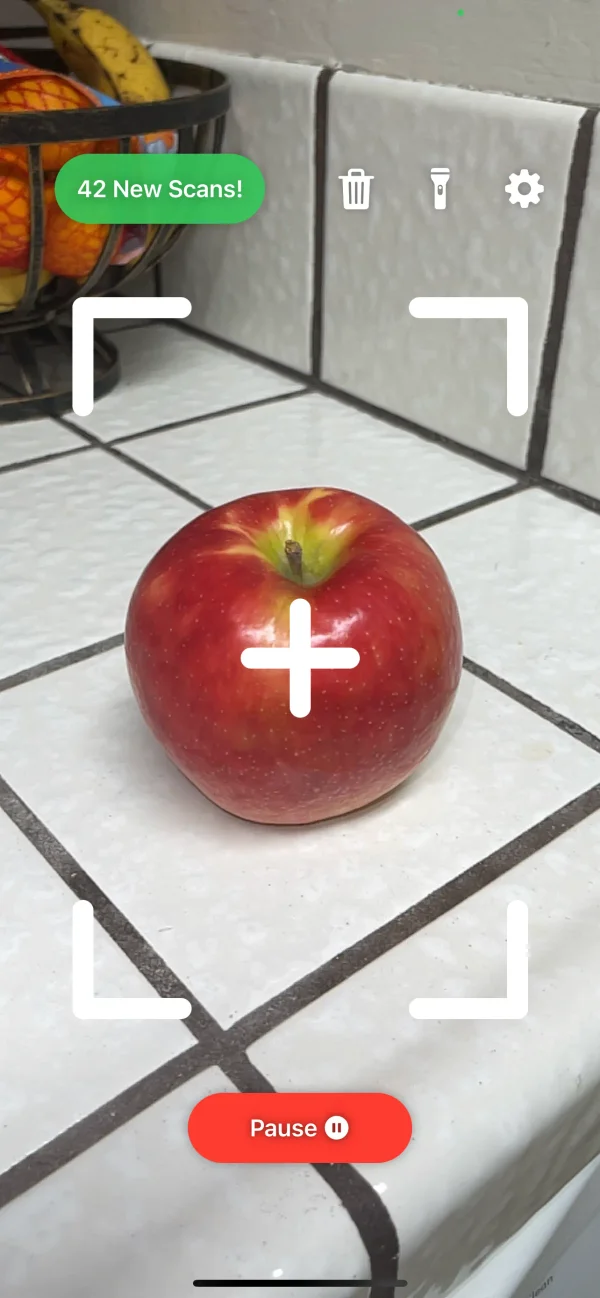
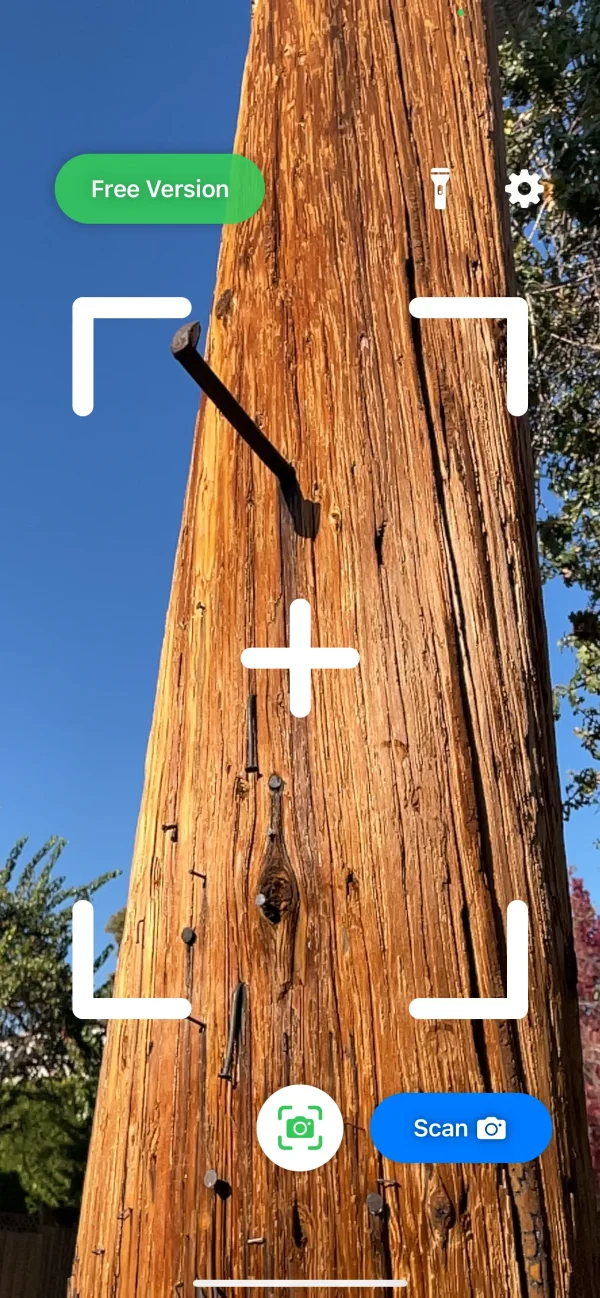
Press the Scan button to capture a preset amount of images as you move closer to or pivot around your subject, or Tap the Camera button to capture a single picture. Toggle the Flashlight to improve results in low light conditions, and tap the Save button to export any captured images to the Photos app.
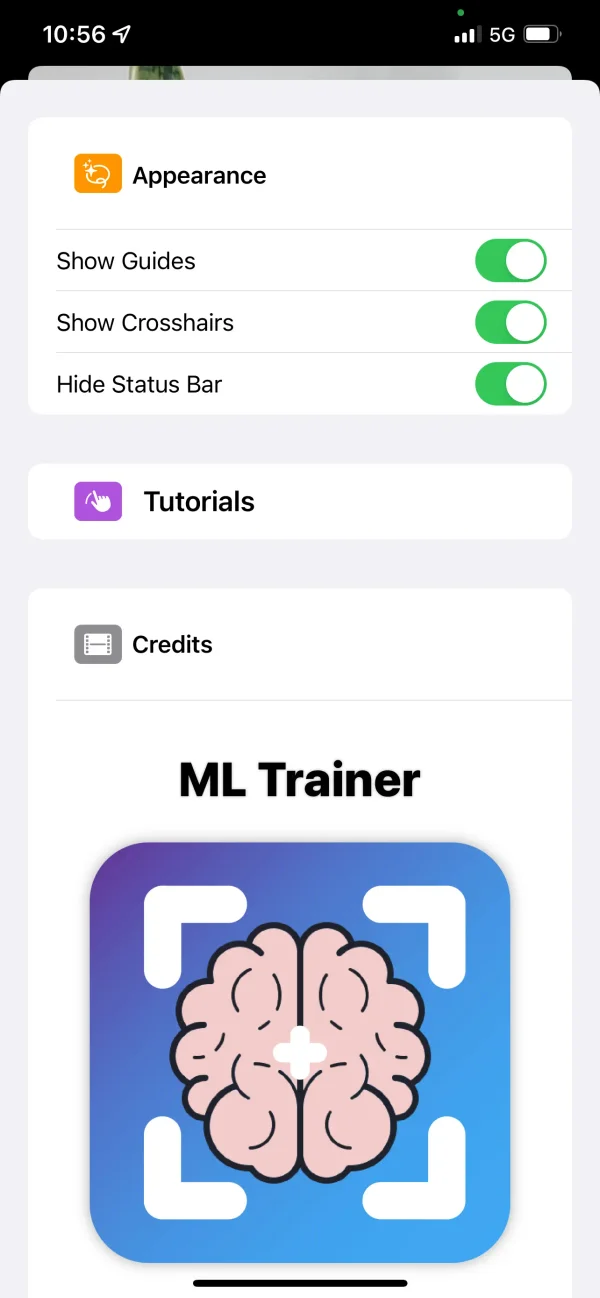
While each image is always captured at a speed of 3 Frames Per Second, you can adjust the Frame Count of each Scan in the Settings Menu. A larger Frame Count will save you time, while a lower Frame Count will help improve accuracy across different angles. Enabling Crosshairs and Guides in the Settings Menu can also help improve accuracy.
This app was specifically designed to speed up the process of importing data into the Xcode Developer Tool named CreateML. Exported images should also be compatible with other platforms like TensorFlow and Azure Machine Learning. A wired connection to a macOS device with the Image Capture app open will always be the fastest way to import your data to desktop.
Có gì mới
Phiên bản 2.0 · 12/06/2026
New App Icon!
Minor bug fixes!
Quyền riêng tư của ứng dụng
Những gì Casey Pollock khai báo trên App Store về cách ứng dụng này xử lý dữ liệu.
-
Dữ liệu không được thu thập
Nhà phát triển không thu thập bất kỳ dữ liệu nào từ ứng dụng này.
Phương thức đảm bảo quyền riêng tư có thể khác nhau, chẳng hạn như tuỳ theo các tính năng bạn sử dụng hoặc độ tuổi của bạn.
Thông tin
- Người bán
- Casey Pollock
- Danh mục
- Công Cụ Nhà Phát Triển
- Phiên bản
- 2.0
- Cập nhật
- 12/06/2026
- Phát hành
- 03/12/2021
- Kích thước
- 9,4 MB
- Yêu cầu
- iOS 14.0 trở lên
- Độ tuổi
- 4+
- Giá
- Miễn phí
- Ngôn ngữ
- Tiếng Anh
- Bản quyền
- © (2021) Near Future Marketing Inc.
Có thể bạn cũng thích
-
 Vision DetectorCông Cụ Nhà Phát Triển
-
 AI Capture: Create ML DatasetsCông Cụ Nhà Phát Triển
-
 Background Eraser - AutomaticCông Cụ Nhà Phát Triển
-
 Copy Text From ImageCông Cụ Nhà Phát Triển
-
 TFLite LiteRT TensorFlow TestCông Cụ Nhà Phát Triển
-
 Framework Markup LanguageCông Cụ Nhà Phát Triển
-
 Kin StudioCông Cụ Nhà Phát Triển
-
 MobileCode Code EditorCông Cụ Nhà Phát Triển
-
 Ads Report for AdmobCông Cụ Nhà Phát Triển
-
 thirdweb connectCông Cụ Nhà Phát Triển