MobiPDF・PDF Text Editor・Reader
Edit File・Fill, Sign Documents
Dirancang untuk iPhone, iPad
Gratis · Pembelian dalam aplikasi
- Batasan usia4+
- KategoriProduktivitas
- PengembangMobiSystems, Inc.
- BahasaInggris+ 16 lainnya
- Ukuran224,3 MB
Tertaut ke halaman resmi App Store
Download.org tidak menyimpan file MobiPDF・PDF Text Editor・Reader apa pun. Tombol ini membuka halaman aplikasi di App Store, tempat MobiSystems, Inc. menerbitkannya. Halaman terakhir diperiksa pada 25/11/2026.
Tangkapan layar
Tentang
Pengembang belum menyediakan teks ini dalam bahasa Anda.
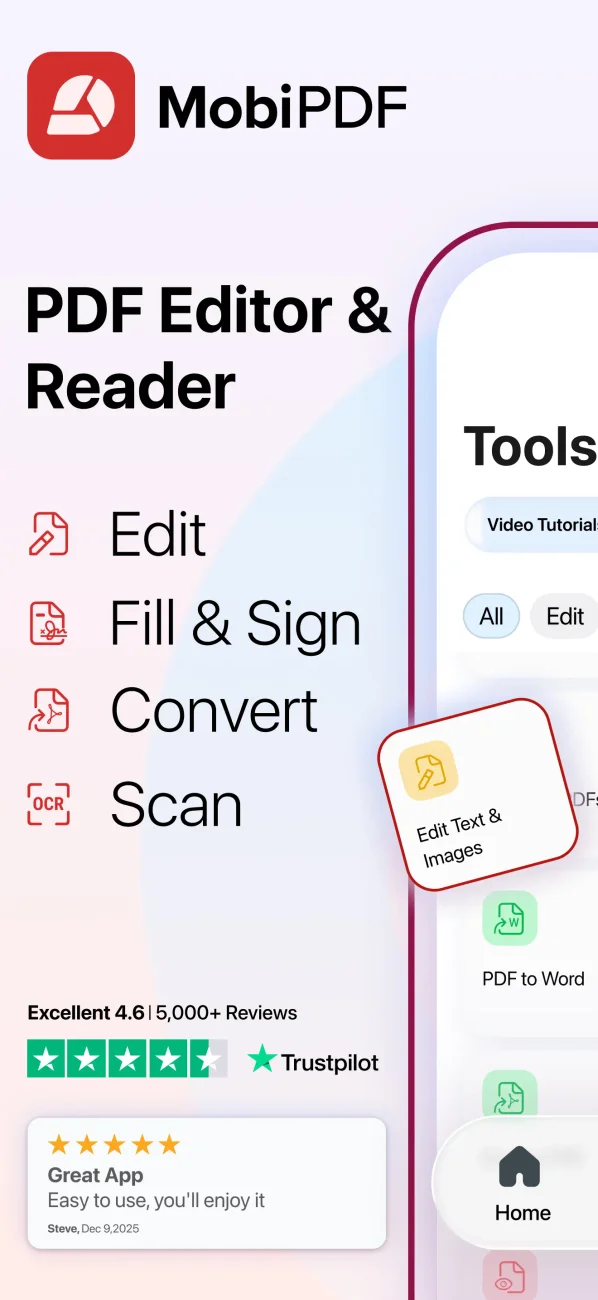
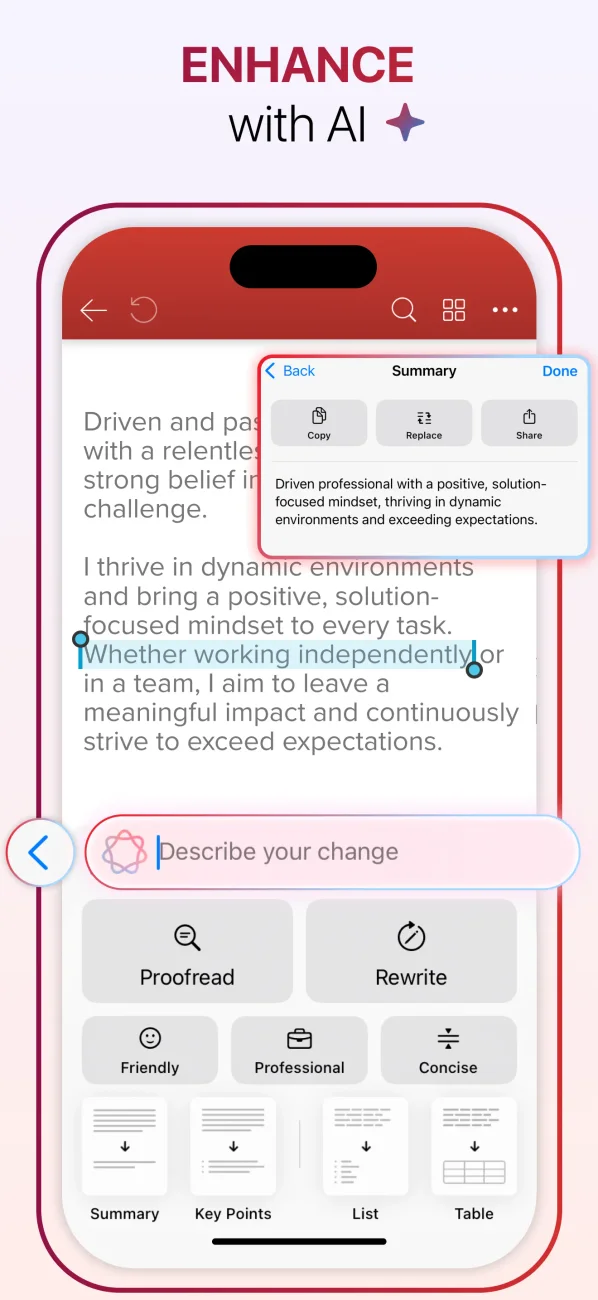
MobiPDF is a complete mobile PDF suite that helps freelancers, remote workers, and small business owners scan, edit, sign, convert, and protect PDF files — also ideal for students and anyone needing a powerful yet simple PDF tool — all from one intuitive app on iPhone and iPad.
KEY CAPABILITIES
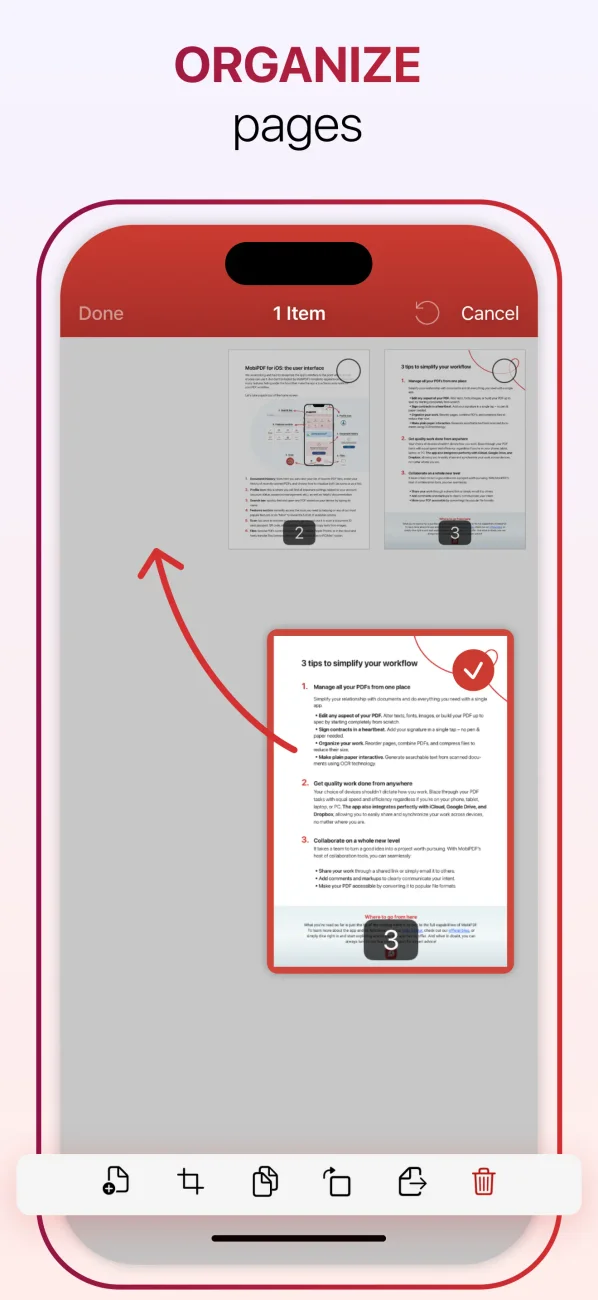
• Edit PDFs like a pro — modify text, images, and formatting directly in any PDF, and fully control your pages: rearrange, insert, delete, extract, duplicate, rotate, and merge PDFs into one
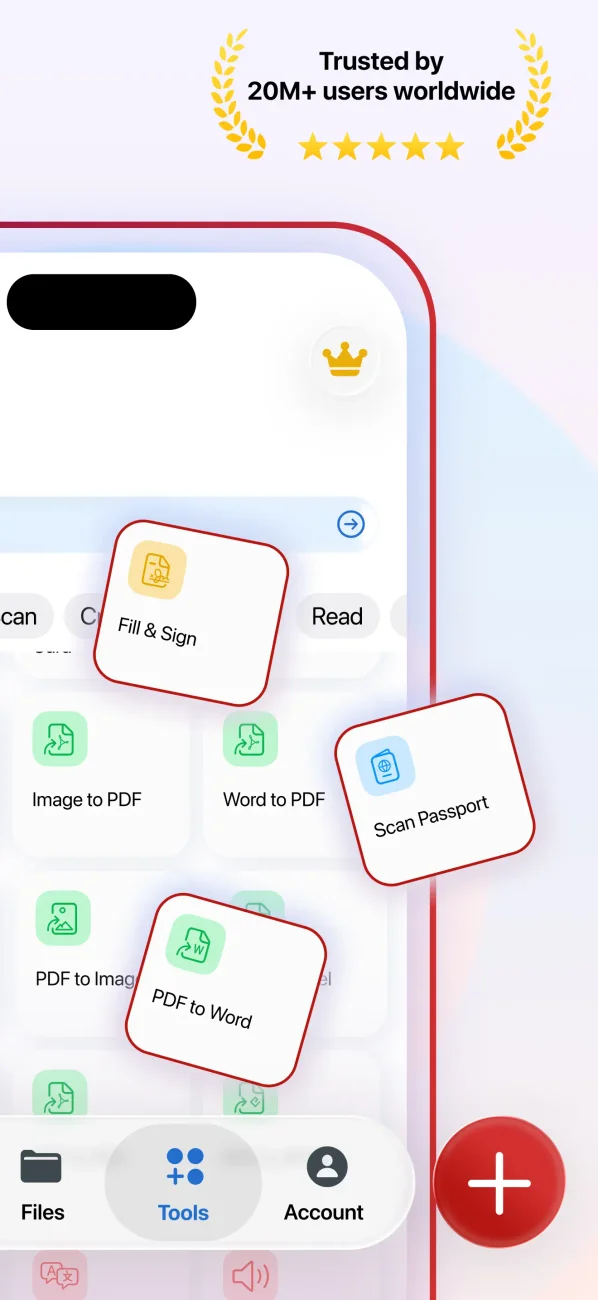
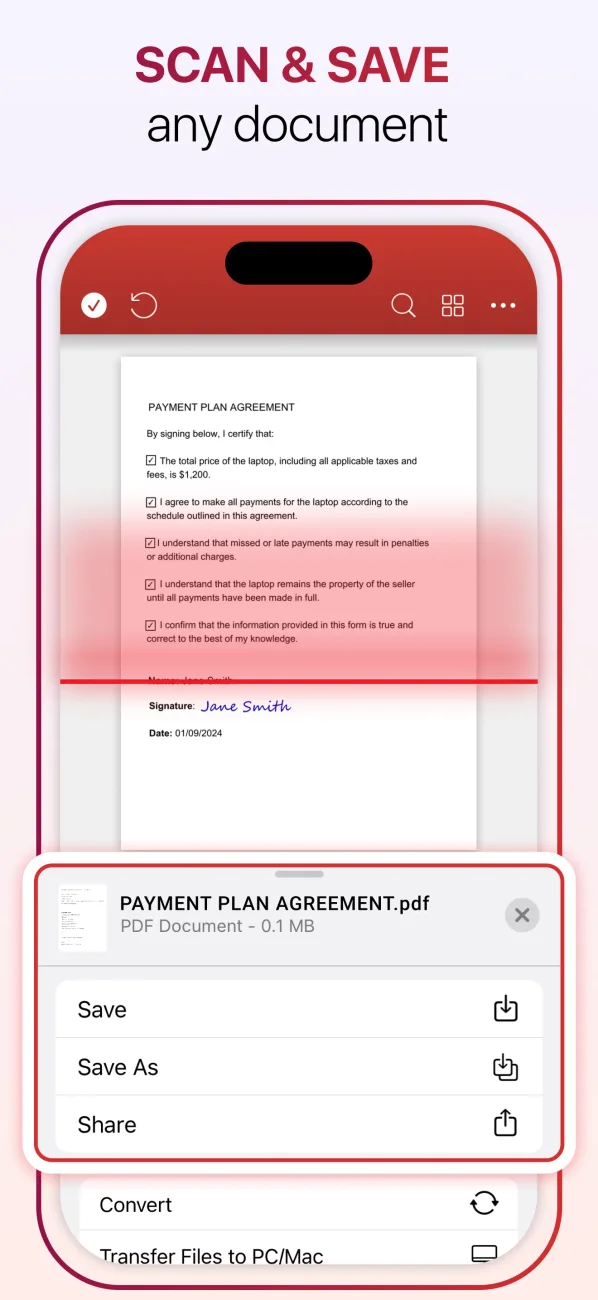
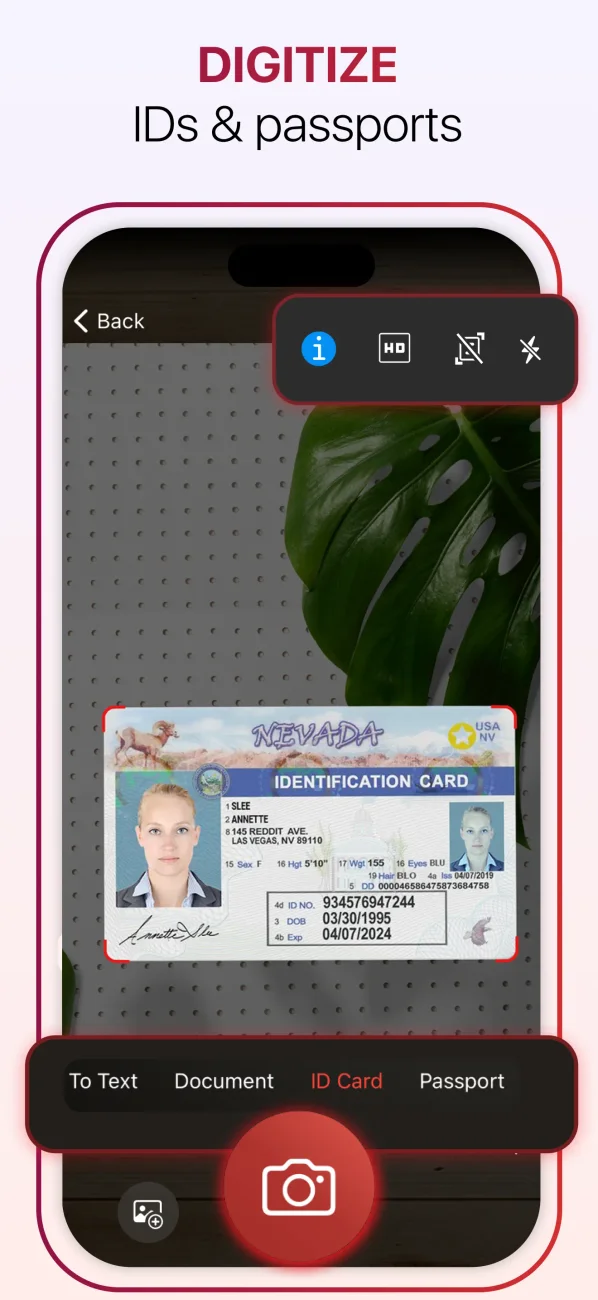
• Scan paper documents to PDF with your camera — receipts, contracts, invoices, IDs, passports, and more
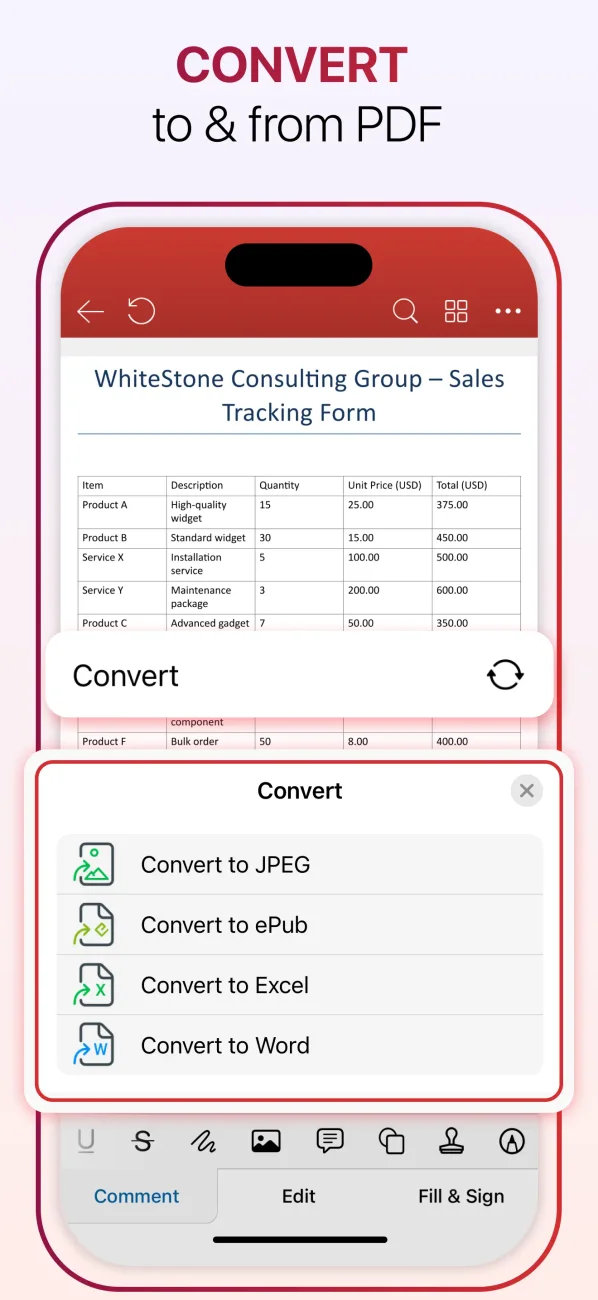
• Convert PDFs to Word, Excel, and ePub while preserving original layout and formatting — and convert Word, Excel, PowerPoint, PNG, and JPEG files to PDF for easy sharing
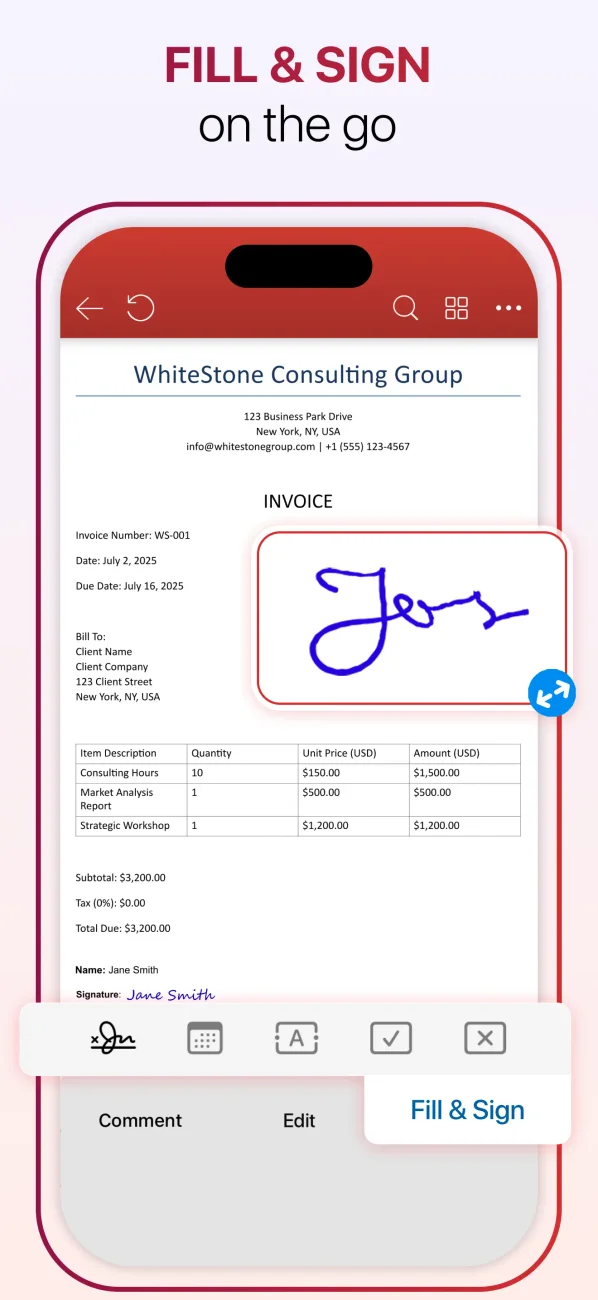
• Fill out and sign PDF forms and contracts on the go — draw or reuse saved electronic signatures
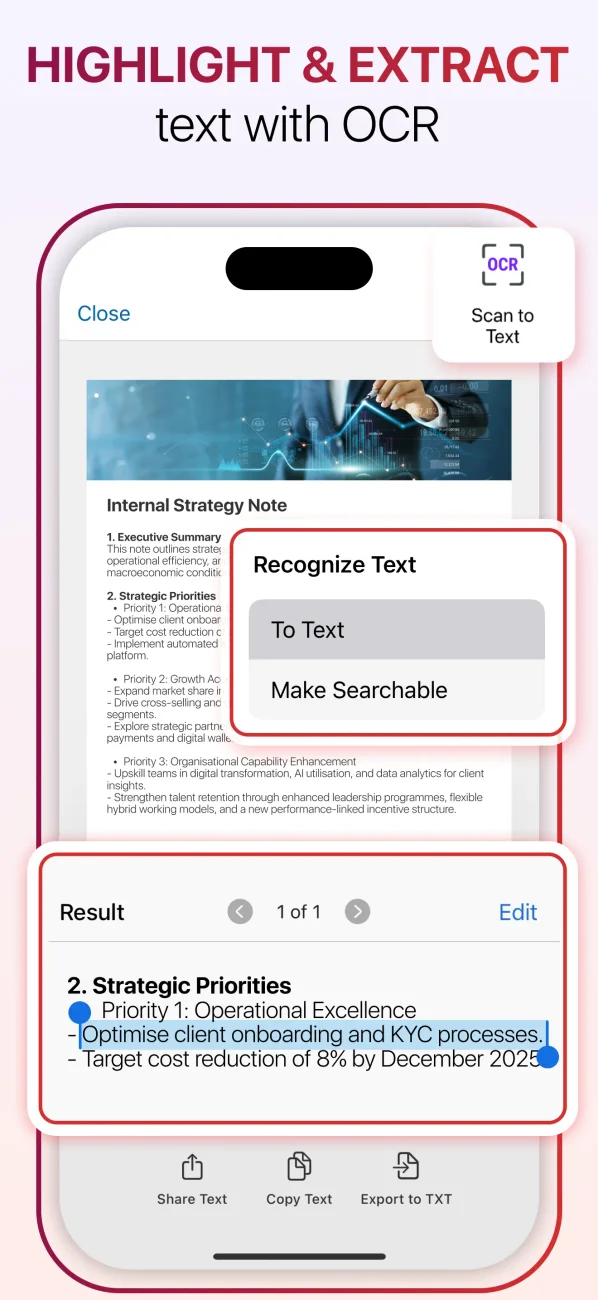
• Recognize text from scans and images using OCR technology and share instantly
• Read PDFs your way — multiple reading modes including distraction-free reading, night mode, and Read Aloud to listen to any PDF hands-free while driving, commuting, or on the go
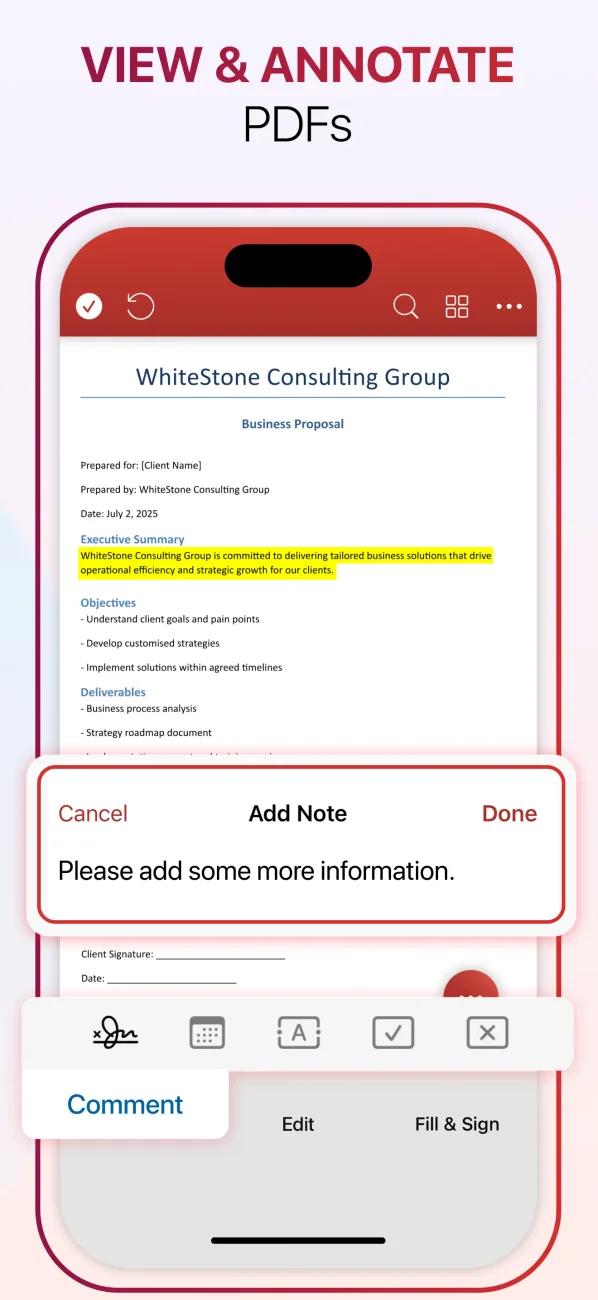
• View, highlight, annotate, and mark up PDFs — add comments, stamps, drawings, and attachments
• Protect sensitive documents with passwords, encryption, and digital certificates
• Store and sync via 5GB free cloud storage on MobiDrive, plus Google Drive and Dropbox
USE CASES
• Edit the text, images, or layout of a PDF contract or report directly on your iPhone or iPad — no desktop needed
• Convert a PDF to Word to make extensive edits, then save back to PDF for sharing
• Scan a paper document, recognize its text with OCR, and convert it into a fully editable PDF
• Scan a paper contract, sign it on your iPhone or iPad, and send it back — without printing
• Fill out a client form or invoice PDF on the go, directly from your phone
• Have a PDF report, contract, or document read aloud during your commute or drive
• Merge multiple PDFs into one organized proposal, report, or portfolio
• Protect a sensitive business document with a password before sharing with a client
• Students: scan handwritten notes or assignments and submit them as PDFs instantly
• Review, annotate, and mark up PDF documents on iPad's larger screen for a near-desktop experience
WHY MOBIPDF
• Advanced mobile PDF editor — edit text, images, formatting, and pages directly in any PDF
• Complete PDF converter — reliably convert PDFs to and from Word, Excel, PNG, and JPEG, plus PowerPoint to PDF and PDF to ePub
• All-in-one solution — edit, scan, sign, convert, protect, read, and organize without switching apps
• Purpose-built for iPhone and iPad — intuitive mobile-first experience
• Read Aloud turns any PDF into audio — stay informed while commuting or multitasking
• Advanced OCR turns any scan or image into searchable, shareable text
• Electronic signatures and fillable forms — no printing or faxing needed
• Simple and intuitive — accessible for all ages and experience levels
• Trusted by millions of MobiSystems users worldwide
PREMIUM
• Full PDF editing — modify text, images, and formatting in any PDF
• Full PDF conversion suite — PDF to and from Word, Excel, PNG, JPEG, plus PowerPoint to PDF and PDF to ePub
• 50GB cloud storage on MobiDrive
• Advanced annotation, markup tools, and night mode
• Password protection and digital certificate support
TL;DR
MobiPDF is the go-to mobile PDF suite for freelancers, remote workers, and small business owners — offering powerful PDF editing, reliable conversion to and from all major formats, scanning, signing, and Read Aloud, all in one intuitive app optimized for iPhone and iPad.
Help Centre: https://support.mobisystems.com/hc/en-us/sections/20794399449757-iOS
Privacy Policy: https://mobisystems.com/en-us/privacy-policy
Terms of Use: https://mobisystems.com/en-us/terms-of-use
Yang baru
Versi 7.0.2 · 18/11/2026
Thank you for using MobiPDF! Here's what's new:
• Support for iOS 27: Enjoy a smoother and more stable experience optimized for iOS 27 devices.
• Bug Fixes & Improvements: Every update brings a faster and more reliable MobiPDF experience.
Enjoying MobiPDF? Leave us a review – it helps us improve!
Privasi aplikasi
Yang dinyatakan MobiSystems, Inc. di App Store tentang cara aplikasi ini menangani data.
-
Data yang digunakan untuk melacak Anda
Dapat digunakan untuk melacak Anda di aplikasi dan situs web milik perusahaan lain.
- Pengenal
-
Data yang ditautkan dengan Anda
Dapat dikumpulkan dan ditautkan dengan identitas Anda.
- Pembelian
- Info kontak
- Pengenal
- Data penggunaan
- Data lainnya
-
Data yang tidak ditautkan dengan Anda
Dapat dikumpulkan, tetapi tidak ditautkan dengan identitas Anda.
- Diagnostik
Praktik privasi dapat bervariasi, misalnya berdasarkan fitur yang Anda gunakan atau usia Anda.
Informasi
- Penjual
- MobiSystems, Inc.
- Kategori
- Produktivitas
- Versi
- 7.0.2
- Diperbarui
- 18/11/2026
- Dirilis
- 19/1/2021
- Ukuran
- 224,3 MB
- Memerlukan
- iOS 26.0 atau yang lebih baru
- Batasan usia
- 4+
- Harga
- Gratis
- Pembelian dalam aplikasi
- Ya
- Bahasa
- Inggris, Arab, Bulgarian, Prancis, Jerman, Ibrani, Hindi, Italia, Jepang, Kazakh, Portugis, Rusia + 5 lainnya
- Hak cipta
- © 2026 MobiSystems, Inc.
Mungkin Anda juga suka
-
 PDFelement: PDF Editor & ScanProduktivitas
-
 Forma: Editor PDF bertenaga AIEdit, Tanda Tangani, dan Isi
-
 PDF Expert: Editor & ReaderProduktivitas
-
 Foxit PDF EditorProduktivitas
-
 Free PDF Editor, Converter AppProduktivitas
-
 Word Editor: Edit Office WordProduktivitas
-
 PDF Pro - Reader Editor FormsProduktivitas
-
 PDF Converter- Photos & WordProduktivitas
-
 Smallpdf—Pemindai & Editor PDFKompres, Konversi, OCR, ttd
-
 PDF Converter - Word to PDFProduktivitas