MobiPDF・PDF Text Editor・Reader
Edit File・Fill, Sign Documents
iPhone, iPad için tasarlandı
Ücretsiz · Uygulama içi satın alma
- Yaş sınırı4+
- KategoriÜretkenlik
- GeliştiriciMobiSystems, Inc.
- Dillerİngilizce+ 16 dil daha
- Boyut224,3 MB
Resmi App Store sayfasına bağlanır
Download.org, MobiPDF・PDF Text Editor・Reader için hiçbir dosya barındırmaz. Düğme, uygulamanın App Store üzerindeki sayfasını açar; uygulamayı orada MobiSystems, Inc. yayınlar. Sayfanın son kontrolü: 25.11.2026.
Ekran görüntüleri



Hakkında
Geliştirici bu metni dilinizde sunmamış.
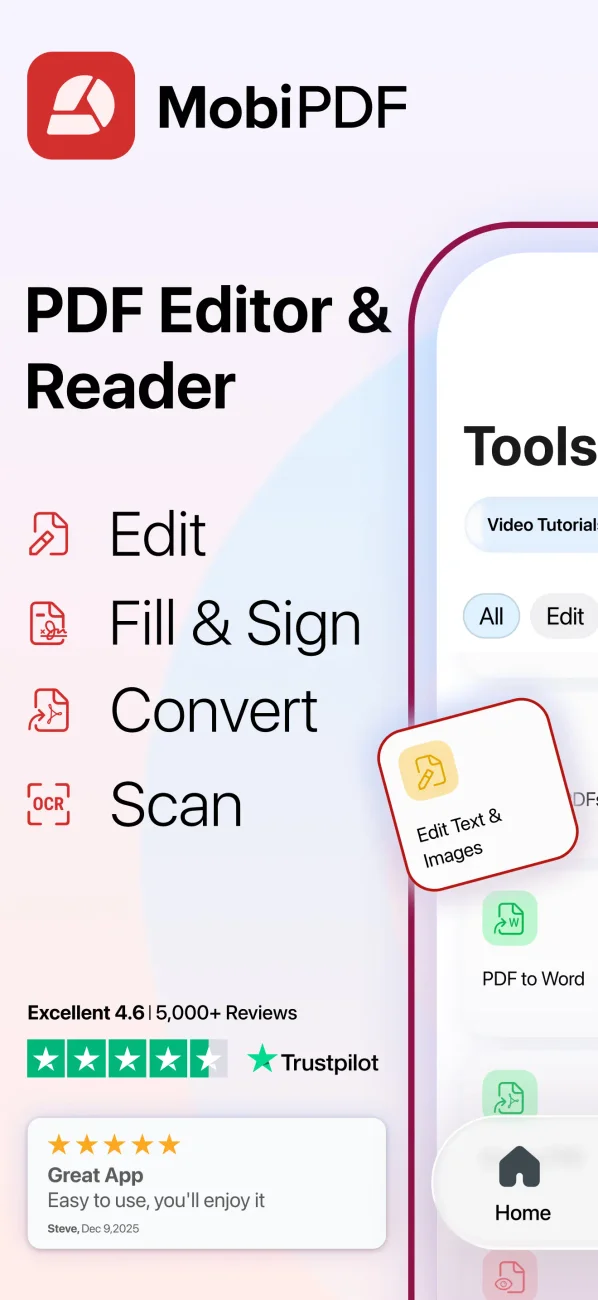
MobiPDF is a complete mobile PDF suite that helps freelancers, remote workers, and small business owners scan, edit, sign, convert, and protect PDF files — also ideal for students and anyone needing a powerful yet simple PDF tool — all from one intuitive app on iPhone and iPad.
KEY CAPABILITIES
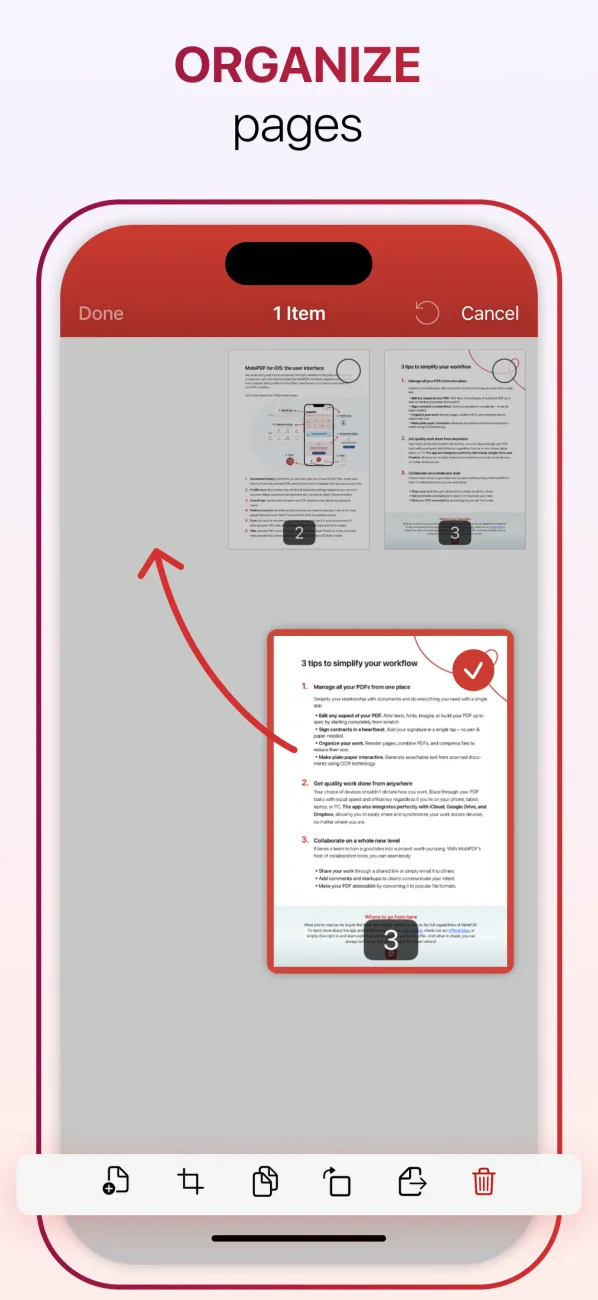
• Edit PDFs like a pro — modify text, images, and formatting directly in any PDF, and fully control your pages: rearrange, insert, delete, extract, duplicate, rotate, and merge PDFs into one
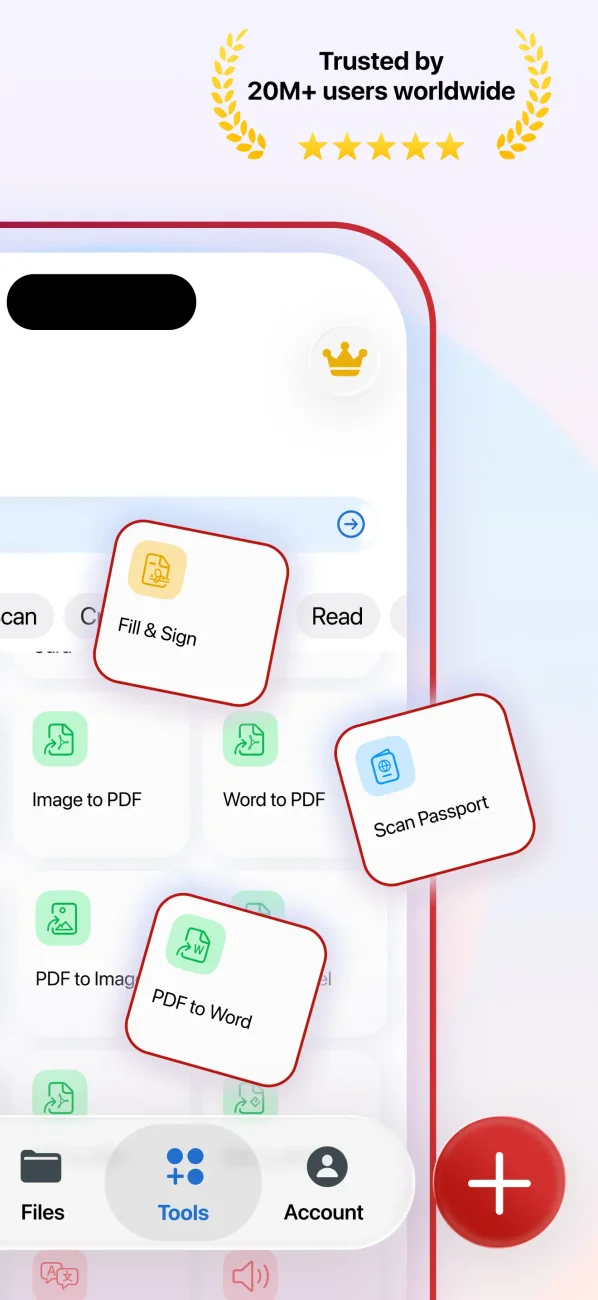
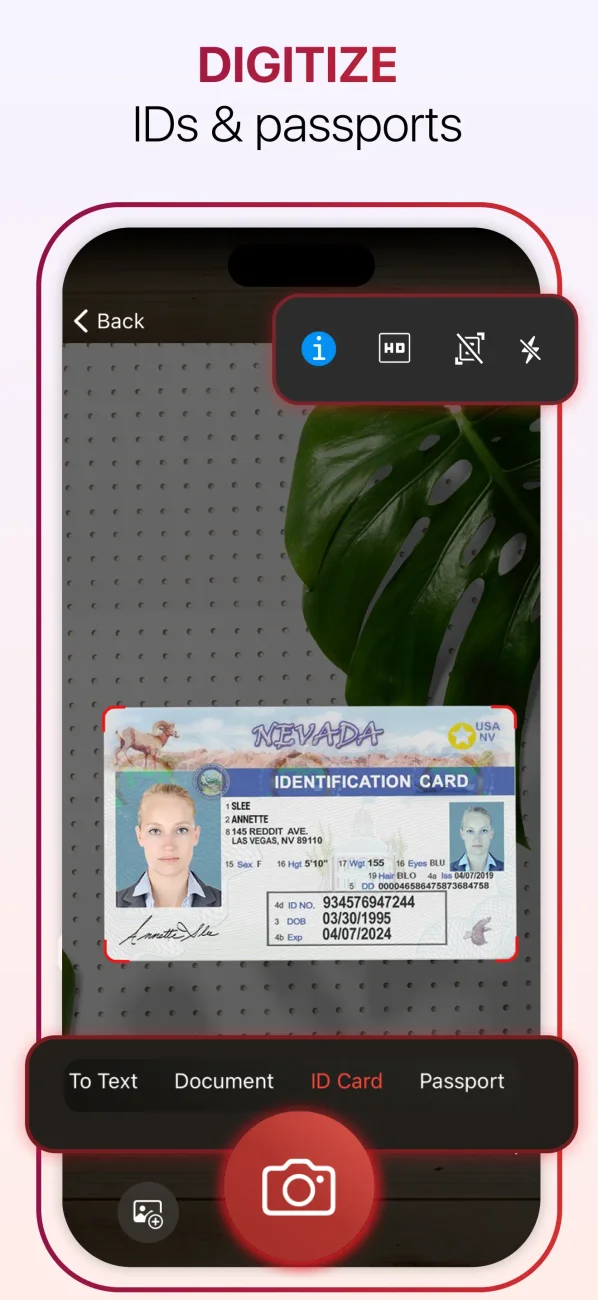
• Scan paper documents to PDF with your camera — receipts, contracts, invoices, IDs, passports, and more
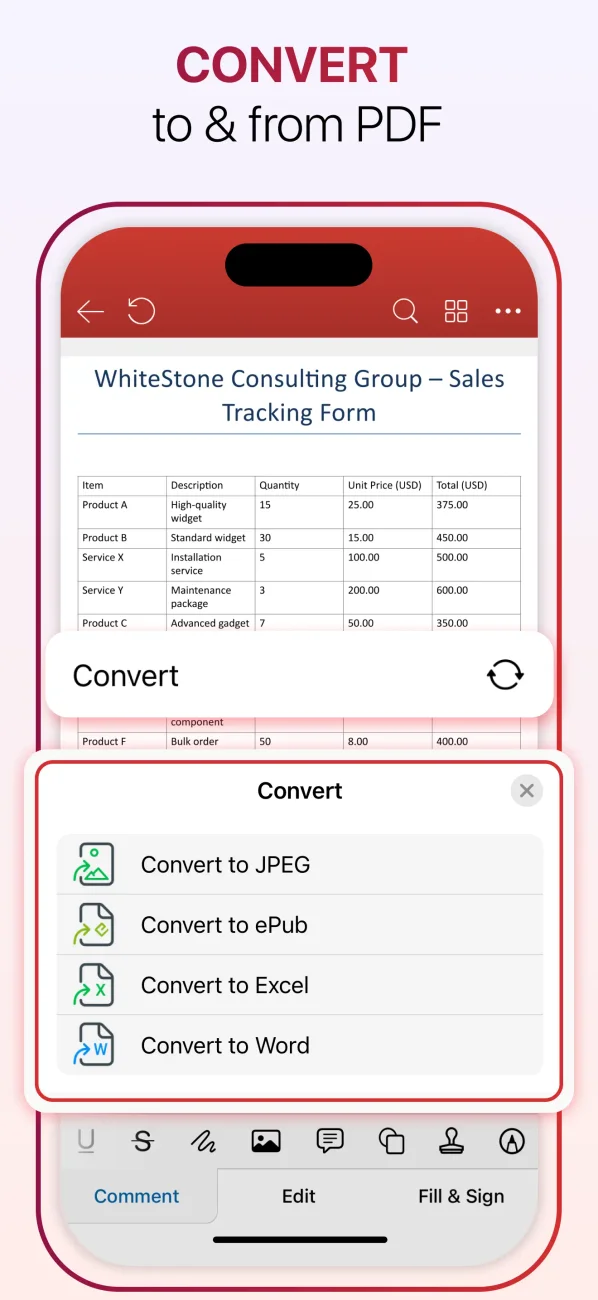
• Convert PDFs to Word, Excel, and ePub while preserving original layout and formatting — and convert Word, Excel, PowerPoint, PNG, and JPEG files to PDF for easy sharing
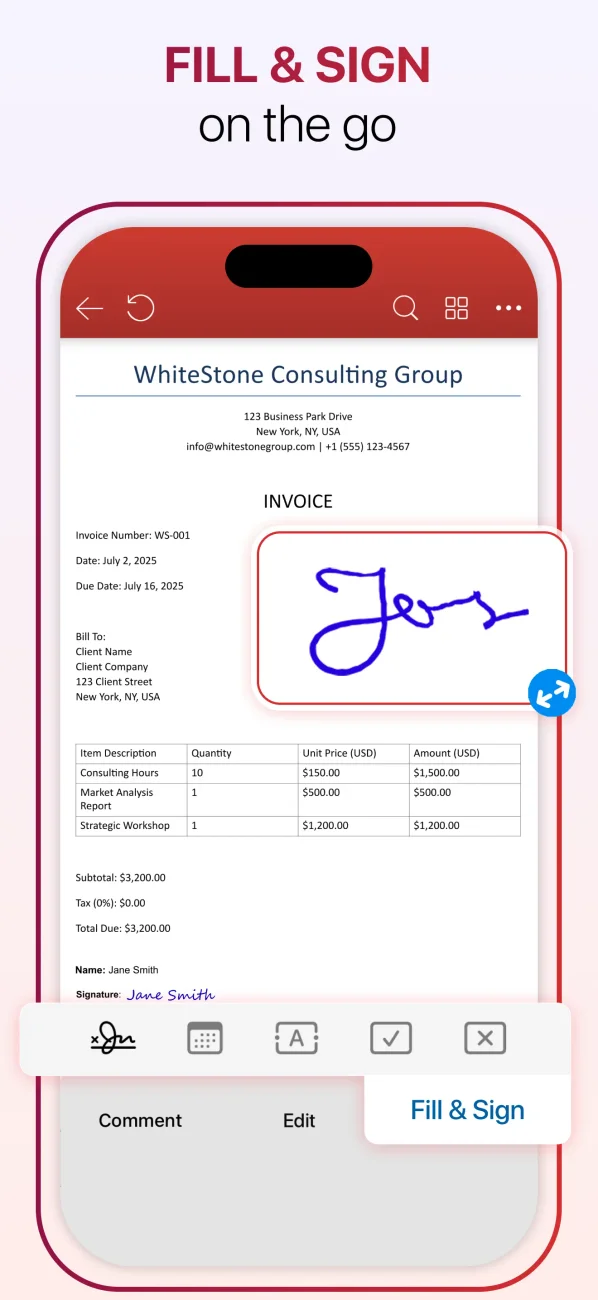
• Fill out and sign PDF forms and contracts on the go — draw or reuse saved electronic signatures
• Recognize text from scans and images using OCR technology and share instantly
• Read PDFs your way — multiple reading modes including distraction-free reading, night mode, and Read Aloud to listen to any PDF hands-free while driving, commuting, or on the go
• View, highlight, annotate, and mark up PDFs — add comments, stamps, drawings, and attachments
• Protect sensitive documents with passwords, encryption, and digital certificates
• Store and sync via 5GB free cloud storage on MobiDrive, plus Google Drive and Dropbox
USE CASES
• Edit the text, images, or layout of a PDF contract or report directly on your iPhone or iPad — no desktop needed
• Convert a PDF to Word to make extensive edits, then save back to PDF for sharing
• Scan a paper document, recognize its text with OCR, and convert it into a fully editable PDF
• Scan a paper contract, sign it on your iPhone or iPad, and send it back — without printing
• Fill out a client form or invoice PDF on the go, directly from your phone
• Have a PDF report, contract, or document read aloud during your commute or drive
• Merge multiple PDFs into one organized proposal, report, or portfolio
• Protect a sensitive business document with a password before sharing with a client
• Students: scan handwritten notes or assignments and submit them as PDFs instantly
• Review, annotate, and mark up PDF documents on iPad's larger screen for a near-desktop experience
WHY MOBIPDF
• Advanced mobile PDF editor — edit text, images, formatting, and pages directly in any PDF
• Complete PDF converter — reliably convert PDFs to and from Word, Excel, PNG, and JPEG, plus PowerPoint to PDF and PDF to ePub
• All-in-one solution — edit, scan, sign, convert, protect, read, and organize without switching apps
• Purpose-built for iPhone and iPad — intuitive mobile-first experience
• Read Aloud turns any PDF into audio — stay informed while commuting or multitasking
• Advanced OCR turns any scan or image into searchable, shareable text
• Electronic signatures and fillable forms — no printing or faxing needed
• Simple and intuitive — accessible for all ages and experience levels
• Trusted by millions of MobiSystems users worldwide
PREMIUM
• Full PDF editing — modify text, images, and formatting in any PDF
• Full PDF conversion suite — PDF to and from Word, Excel, PNG, JPEG, plus PowerPoint to PDF and PDF to ePub
• 50GB cloud storage on MobiDrive
• Advanced annotation, markup tools, and night mode
• Password protection and digital certificate support
TL;DR
MobiPDF is the go-to mobile PDF suite for freelancers, remote workers, and small business owners — offering powerful PDF editing, reliable conversion to and from all major formats, scanning, signing, and Read Aloud, all in one intuitive app optimized for iPhone and iPad.
Help Centre: https://support.mobisystems.com/hc/en-us/sections/20794399449757-iOS
Privacy Policy: https://mobisystems.com/en-us/privacy-policy
Terms of Use: https://mobisystems.com/en-us/terms-of-use
Yenilikler
Sürüm 7.0.2 · 18.11.2026
Thank you for using MobiPDF! Here's what's new:
• Support for iOS 27: Enjoy a smoother and more stable experience optimized for iOS 27 devices.
• Bug Fixes & Improvements: Every update brings a faster and more reliable MobiPDF experience.
Enjoying MobiPDF? Leave us a review – it helps us improve!
Uygulama gizliliği
Bu uygulamanın verileri nasıl işlediği hakkında MobiSystems, Inc. tarafından App Store üzerinde yapılan beyan.
-
Sizi izlemek için kullanılan veriler
Başka şirketlere ait uygulamalarda ve web sitelerinde sizi izlemek için kullanılabilir.
- Tanımlayıcılar
-
Sizinle ilişkilendirilen veriler
Toplanabilir ve kimliğinizle ilişkilendirilebilir.
- Satın alımlar
- İletişim bilgileri
- Tanımlayıcılar
- Kullanım verileri
- Diğer veriler
-
Sizinle ilişkilendirilmeyen veriler
Toplanabilir ancak kimliğinizle ilişkilendirilmez.
- Tanılama
Gizlilik uygulamaları, örneğin kullandığınız özelliklere veya yaşınıza göre değişiklik gösterebilir.
Bilgiler
- Satıcı
- MobiSystems, Inc.
- Kategori
- Üretkenlik
- Sürüm
- 7.0.2
- Güncellendi
- 18.11.2026
- Yayın tarihi
- 19.01.2021
- Boyut
- 224,3 MB
- Gereksinim
- iOS 26.0 veya sonrası
- Yaş sınırı
- 4+
- Fiyat
- Ücretsiz
- Uygulama içi satın alma
- Evet
- Diller
- İngilizce, Arapça, Bulgarian, Fransızca, Almanca, İbranice, Hindi, İtalyanca, Japonca, Kazakh, Portekizce, Rusça + 5 dil daha
- Telif hakkı
- © 2026 MobiSystems, Inc.
Bunları da beğenebilirsiniz
-
 PDFelement: PDF Editor & ScanÜretkenlik
-
 Forma: Belge PDF DüzenleyiciPDF birleştirme ve düzenleme
-
 PDF Expert: Editor & ReaderÜretkenlik
-
 Foxit PDF EditorÜretkenlik
-
 Free PDF Editor, Converter AppÜretkenlik
-
 Kelime Düzenleyici: DokümanlarOffice Belgelerini Düzenleme
-
 PDF Pro - Okuyucu DüzenleyiciDüzenleyin ve görüntüleyin
-
 PDF Converter- Photos & WordÜretkenlik
-
 Smallpdf: Tarayıcı&PDF EditörüSıkıştır,dönüştür,OCR,imzala
-
 PDF Converter - Word to PDFÜretkenlik