MobiPDF・PDF Text Editor・Reader
Edit File・Fill, Sign Documents
Được thiết kế cho iPhone, iPad
Miễn phí · Mua hàng trong ứng dụng
- Độ tuổi4+
- Danh mụcHiệu Suất
- Nhà phát triểnMobiSystems, Inc.
- Ngôn ngữTiếng Anh+ 16 ngôn ngữ khác
- Kích thước224,3 MB
Liên kết đến trang App Store chính thức
Download.org không lưu trữ tệp nào của MobiPDF・PDF Text Editor・Reader. Nút này mở trang ứng dụng trên App Store, nơi MobiSystems, Inc. phát hành ứng dụng. Trang được kiểm tra lần cuối: 25/11/2026.
Ảnh chụp màn hình
Giới thiệu
Nhà phát triển chưa cung cấp nội dung này bằng ngôn ngữ của bạn.
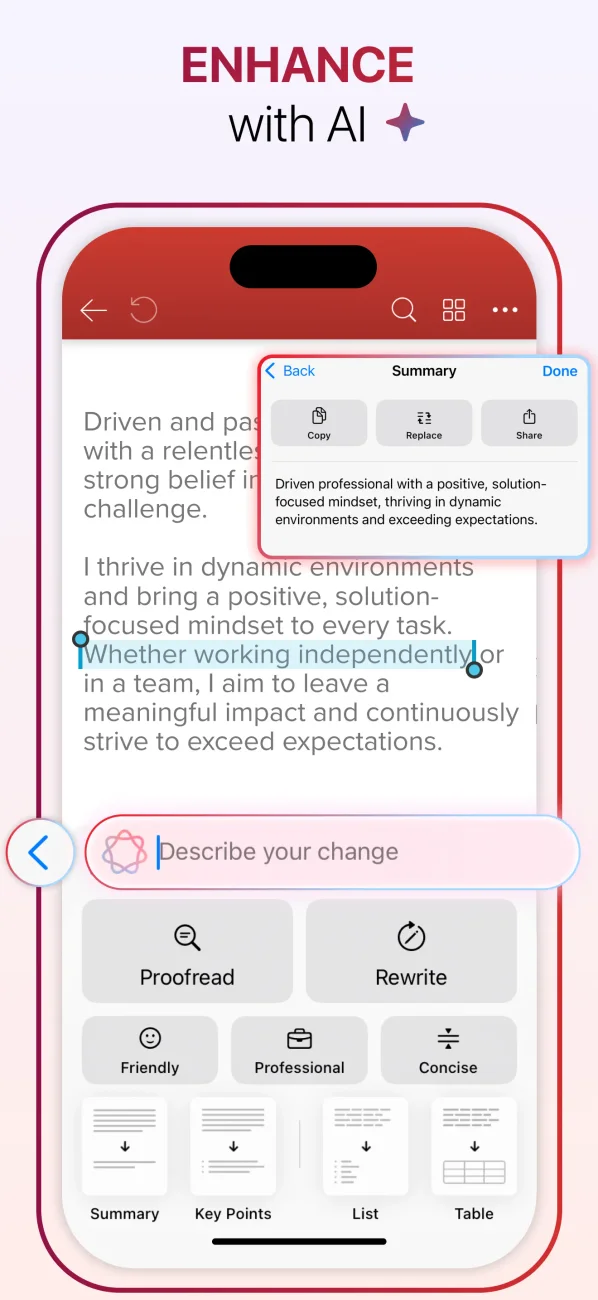
MobiPDF is a complete mobile PDF suite that helps freelancers, remote workers, and small business owners scan, edit, sign, convert, and protect PDF files — also ideal for students and anyone needing a powerful yet simple PDF tool — all from one intuitive app on iPhone and iPad.
KEY CAPABILITIES
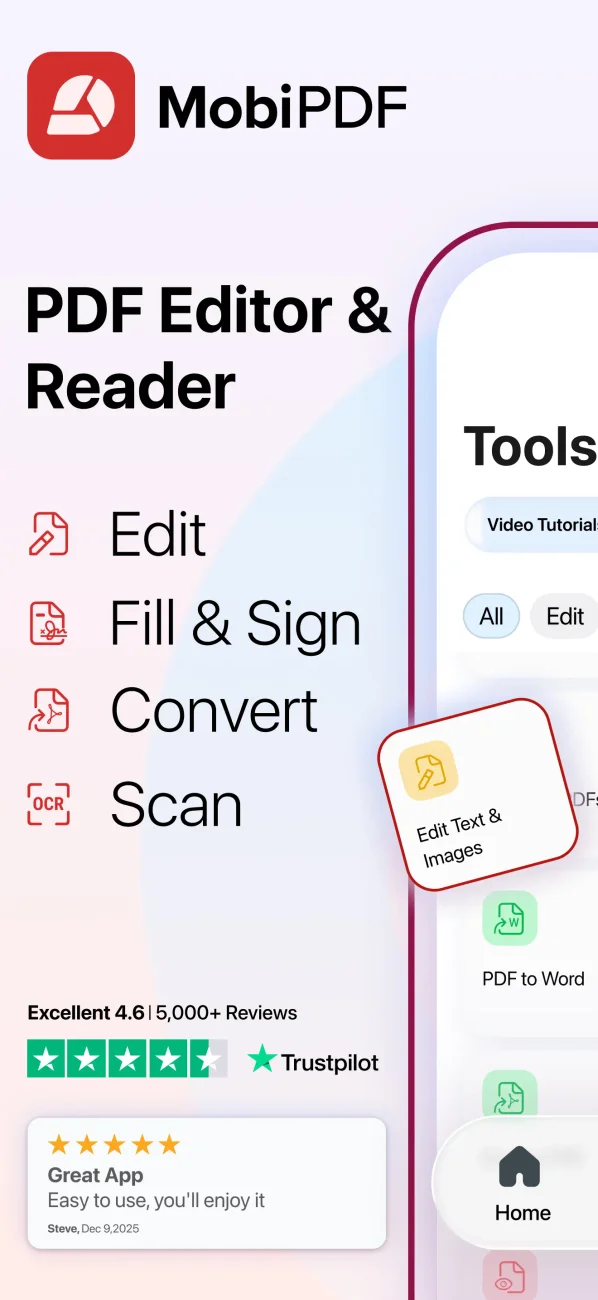
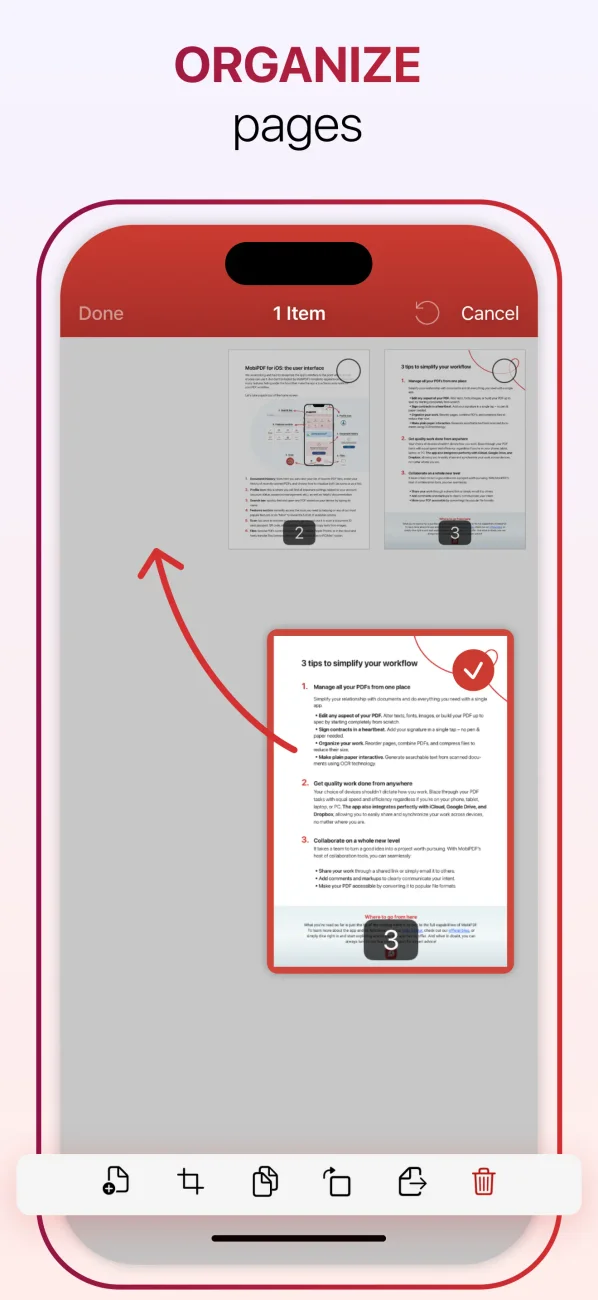
• Edit PDFs like a pro — modify text, images, and formatting directly in any PDF, and fully control your pages: rearrange, insert, delete, extract, duplicate, rotate, and merge PDFs into one
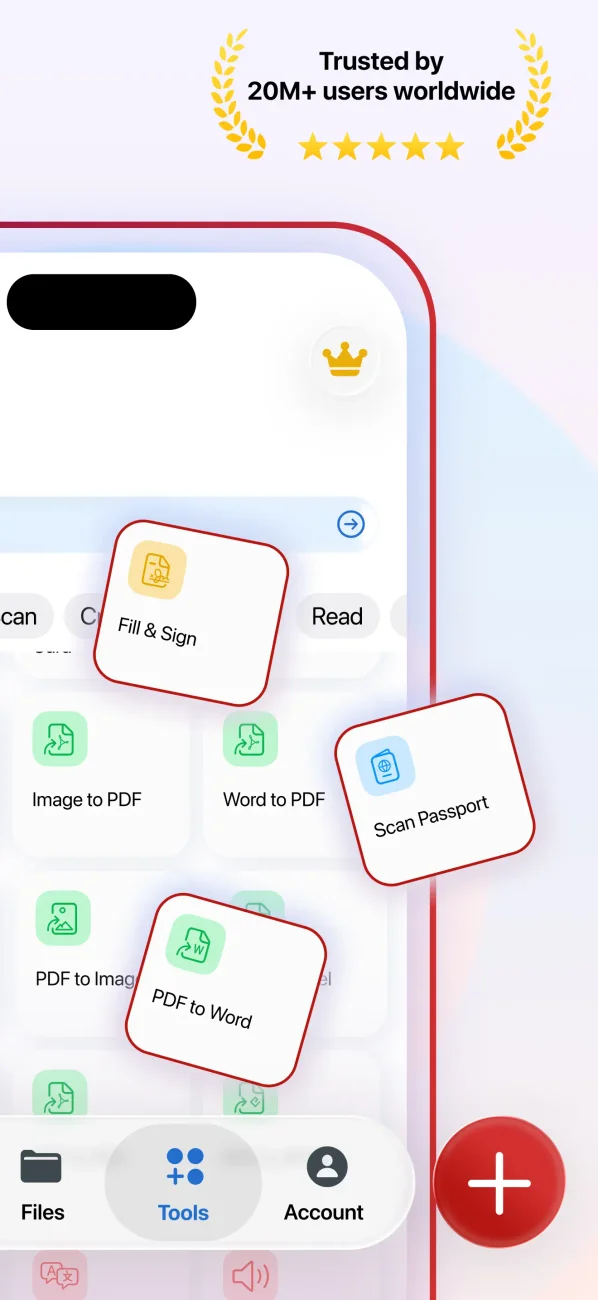
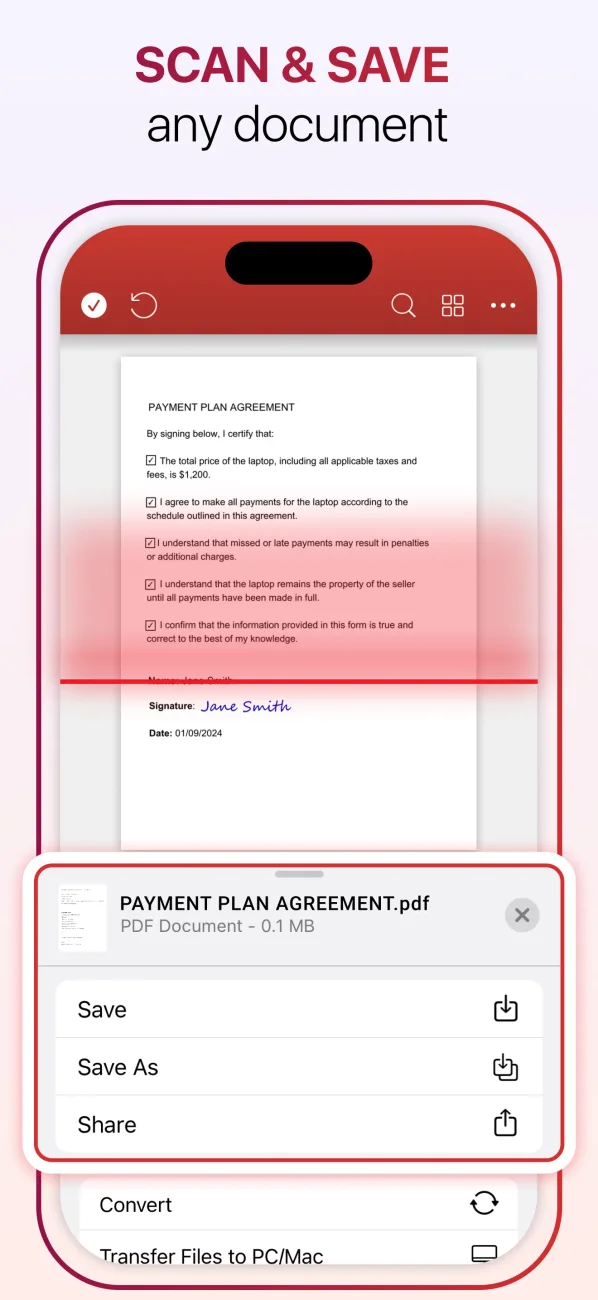
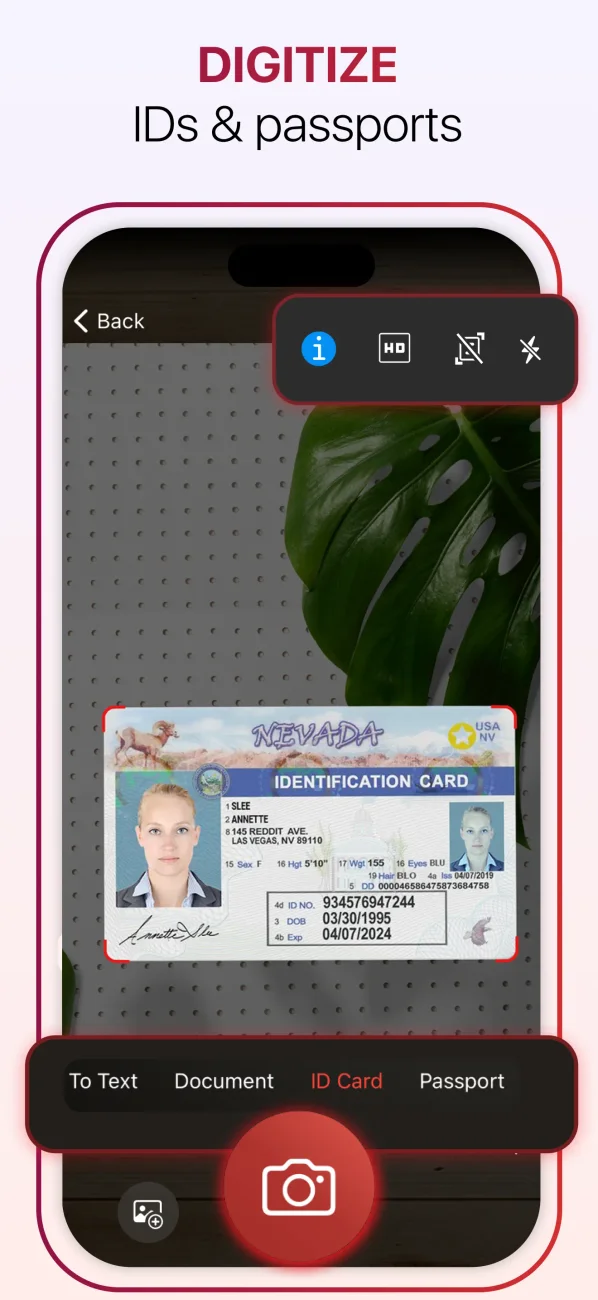
• Scan paper documents to PDF with your camera — receipts, contracts, invoices, IDs, passports, and more
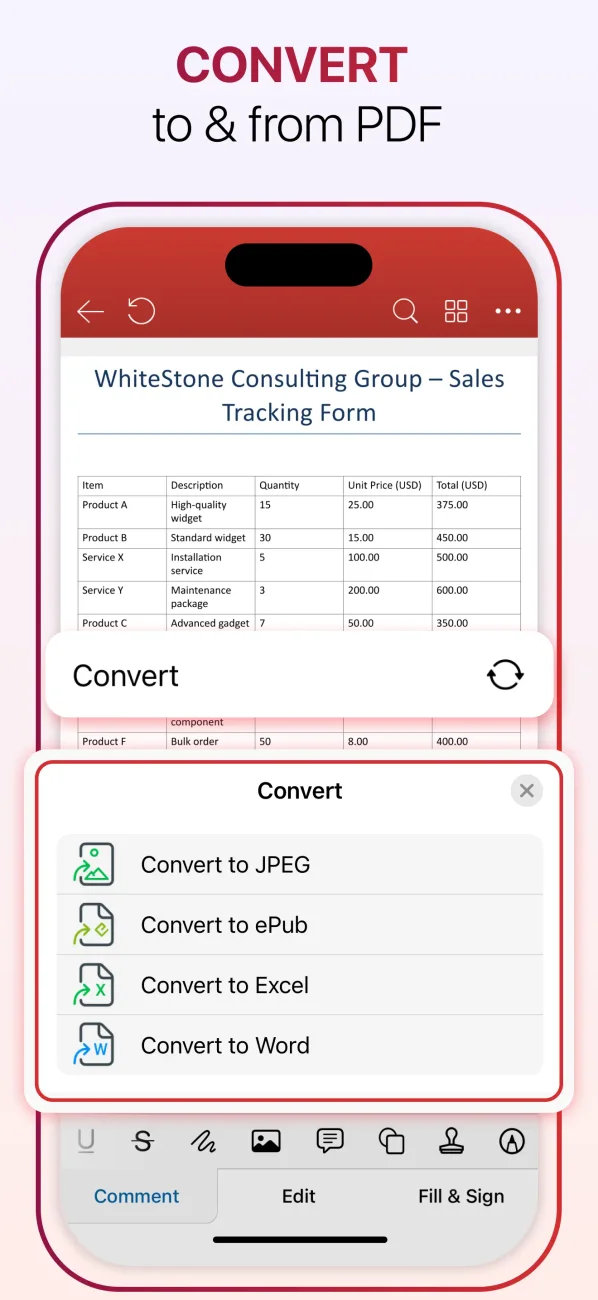
• Convert PDFs to Word, Excel, and ePub while preserving original layout and formatting — and convert Word, Excel, PowerPoint, PNG, and JPEG files to PDF for easy sharing
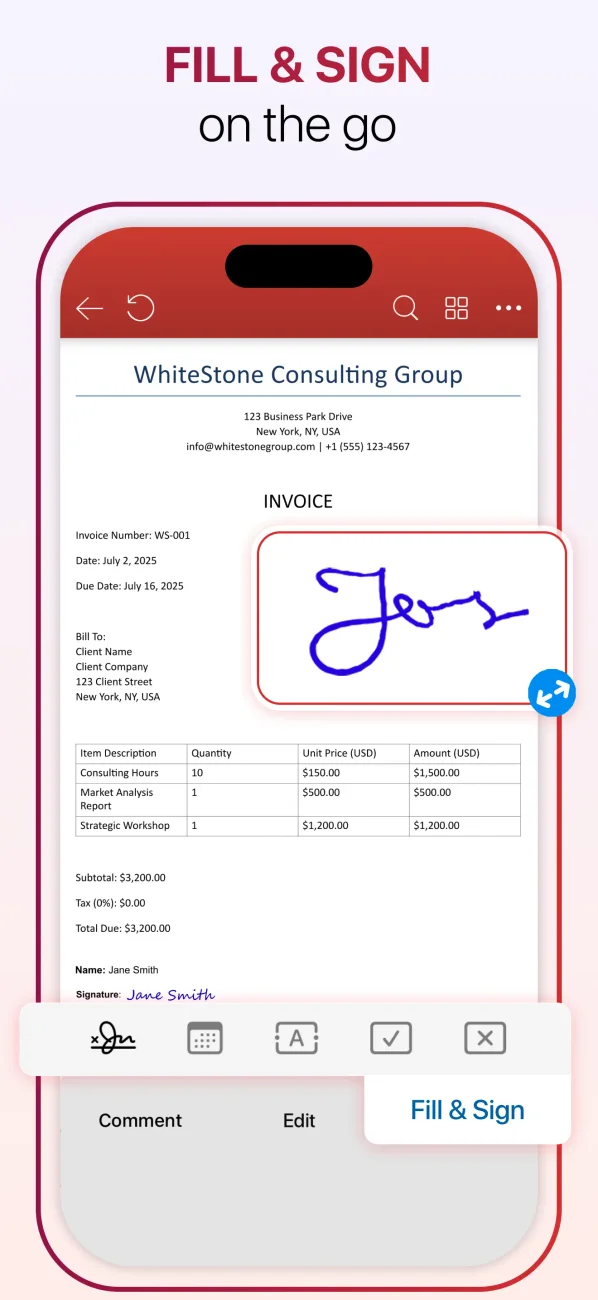
• Fill out and sign PDF forms and contracts on the go — draw or reuse saved electronic signatures
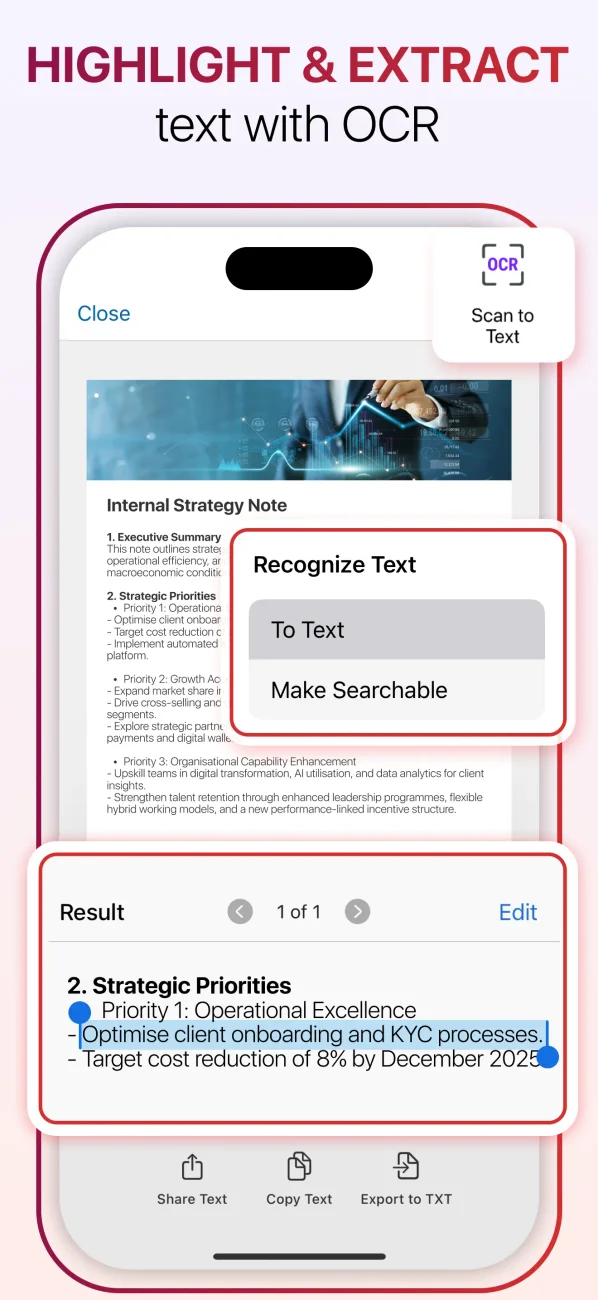
• Recognize text from scans and images using OCR technology and share instantly
• Read PDFs your way — multiple reading modes including distraction-free reading, night mode, and Read Aloud to listen to any PDF hands-free while driving, commuting, or on the go
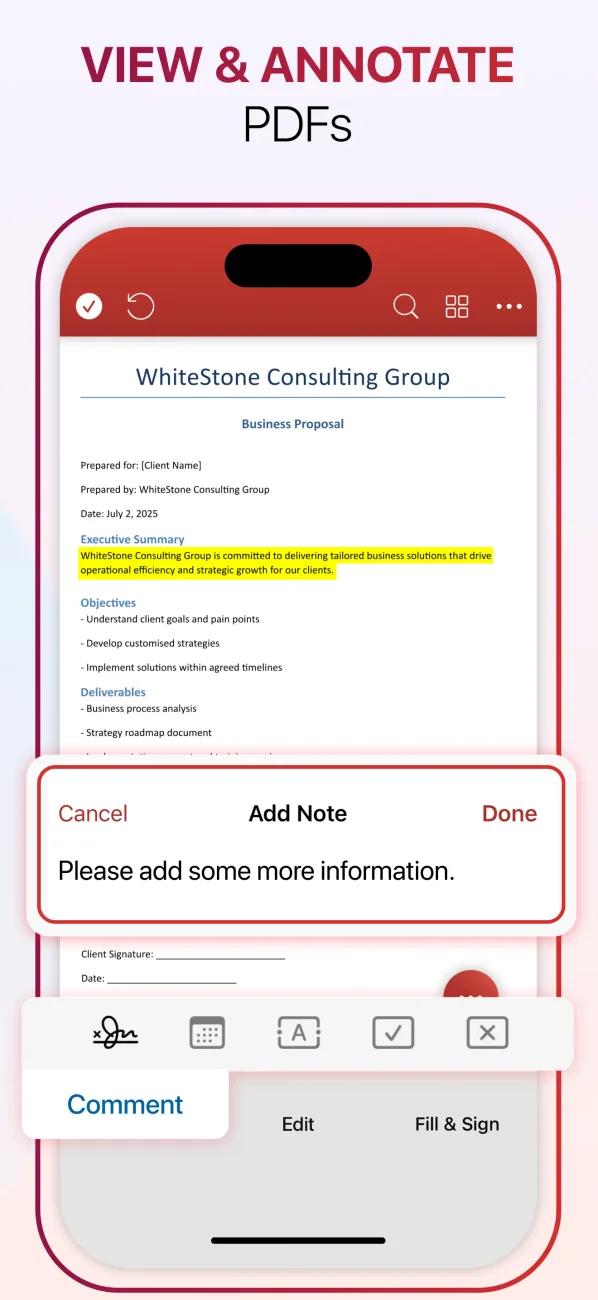
• View, highlight, annotate, and mark up PDFs — add comments, stamps, drawings, and attachments
• Protect sensitive documents with passwords, encryption, and digital certificates
• Store and sync via 5GB free cloud storage on MobiDrive, plus Google Drive and Dropbox
USE CASES
• Edit the text, images, or layout of a PDF contract or report directly on your iPhone or iPad — no desktop needed
• Convert a PDF to Word to make extensive edits, then save back to PDF for sharing
• Scan a paper document, recognize its text with OCR, and convert it into a fully editable PDF
• Scan a paper contract, sign it on your iPhone or iPad, and send it back — without printing
• Fill out a client form or invoice PDF on the go, directly from your phone
• Have a PDF report, contract, or document read aloud during your commute or drive
• Merge multiple PDFs into one organized proposal, report, or portfolio
• Protect a sensitive business document with a password before sharing with a client
• Students: scan handwritten notes or assignments and submit them as PDFs instantly
• Review, annotate, and mark up PDF documents on iPad's larger screen for a near-desktop experience
WHY MOBIPDF
• Advanced mobile PDF editor — edit text, images, formatting, and pages directly in any PDF
• Complete PDF converter — reliably convert PDFs to and from Word, Excel, PNG, and JPEG, plus PowerPoint to PDF and PDF to ePub
• All-in-one solution — edit, scan, sign, convert, protect, read, and organize without switching apps
• Purpose-built for iPhone and iPad — intuitive mobile-first experience
• Read Aloud turns any PDF into audio — stay informed while commuting or multitasking
• Advanced OCR turns any scan or image into searchable, shareable text
• Electronic signatures and fillable forms — no printing or faxing needed
• Simple and intuitive — accessible for all ages and experience levels
• Trusted by millions of MobiSystems users worldwide
PREMIUM
• Full PDF editing — modify text, images, and formatting in any PDF
• Full PDF conversion suite — PDF to and from Word, Excel, PNG, JPEG, plus PowerPoint to PDF and PDF to ePub
• 50GB cloud storage on MobiDrive
• Advanced annotation, markup tools, and night mode
• Password protection and digital certificate support
TL;DR
MobiPDF is the go-to mobile PDF suite for freelancers, remote workers, and small business owners — offering powerful PDF editing, reliable conversion to and from all major formats, scanning, signing, and Read Aloud, all in one intuitive app optimized for iPhone and iPad.
Help Centre: https://support.mobisystems.com/hc/en-us/sections/20794399449757-iOS
Privacy Policy: https://mobisystems.com/en-us/privacy-policy
Terms of Use: https://mobisystems.com/en-us/terms-of-use
Có gì mới
Phiên bản 7.0.2 · 18/11/2026
Thank you for using MobiPDF! Here's what's new:
• Support for iOS 27: Enjoy a smoother and more stable experience optimized for iOS 27 devices.
• Bug Fixes & Improvements: Every update brings a faster and more reliable MobiPDF experience.
Enjoying MobiPDF? Leave us a review – it helps us improve!
Quyền riêng tư của ứng dụng
Những gì MobiSystems, Inc. khai báo trên App Store về cách ứng dụng này xử lý dữ liệu.
-
Dữ liệu được sử dụng để theo dõi bạn
Có thể được sử dụng để theo dõi bạn trên các ứng dụng và trang web do công ty khác sở hữu.
- Mã định danh
-
Dữ liệu liên kết với bạn
Có thể được thu thập và liên kết với danh tính của bạn.
- Mục mua
- Thông tin liên hệ
- Mã định danh
- Dữ liệu sử dụng
- Dữ liệu khác
-
Dữ liệu không liên kết với bạn
Có thể được thu thập nhưng không liên kết với danh tính của bạn.
- Chẩn đoán
Phương thức đảm bảo quyền riêng tư có thể khác nhau, chẳng hạn như tuỳ theo các tính năng bạn sử dụng hoặc độ tuổi của bạn.
Thông tin
- Người bán
- MobiSystems, Inc.
- Danh mục
- Hiệu Suất
- Phiên bản
- 7.0.2
- Cập nhật
- 18/11/2026
- Phát hành
- 19/01/2021
- Kích thước
- 224,3 MB
- Yêu cầu
- iOS 26.0 trở lên
- Độ tuổi
- 4+
- Giá
- Miễn phí
- Mua hàng trong ứng dụng
- Có
- Ngôn ngữ
- Tiếng Anh, Tiếng Ả Rập, Bulgarian, Tiếng Pháp, Tiếng Đức, Tiếng Do Thái, Hindi, Tiếng Ý, Tiếng Nhật, Kazakh, Tiếng Bồ Đào Nha, Tiếng Nga + 5 ngôn ngữ khác
- Bản quyền
- © 2026 MobiSystems, Inc.
Có thể bạn cũng thích
-
 PDFelement: PDF Editor & ScanHiệu Suất
-
 Forma: Đọc Tài Liệu Và Tệp PDFSửa, Ký đổi Docs với AI
-
 PDF Expert: Editor & ReaderHiệu Suất
-
 Foxit PDF EditorHiệu Suất
-
 Free PDF Editor, Converter AppHiệu Suất
-
 Trình soạn thảo văn bản: DocxChỉnh sửa tài liệu văn phòng
-
 PDF Pro - Reader Editor FormsHiệu Suất
-
 PDF Converter- Photos & WordHiệu Suất
-
 Smallpdf: Quét & chỉnh sửa PDFNén, chuyển đổi, OCR, ký tên
-
 PDF Converter - Word to PDFHiệu Suất